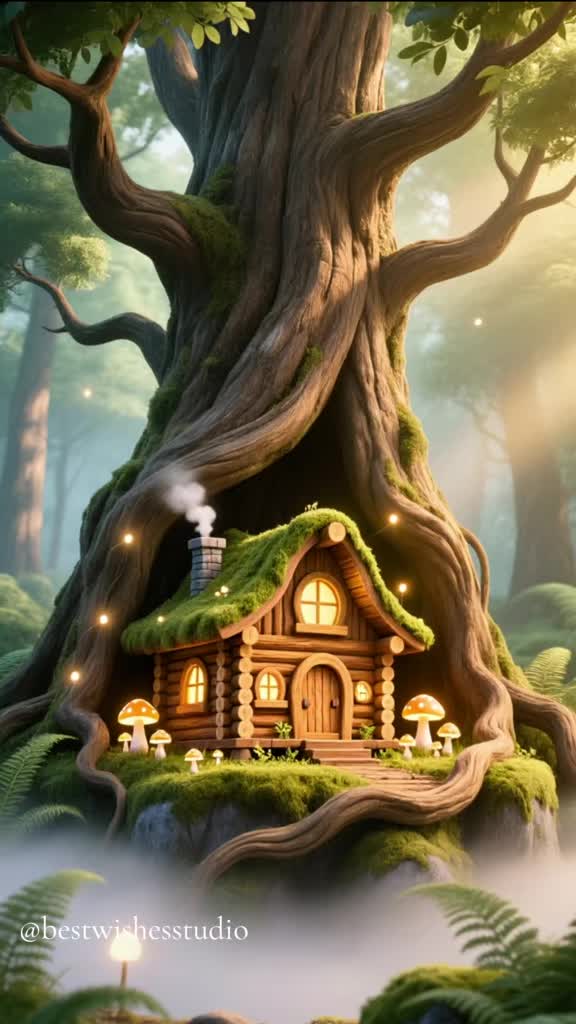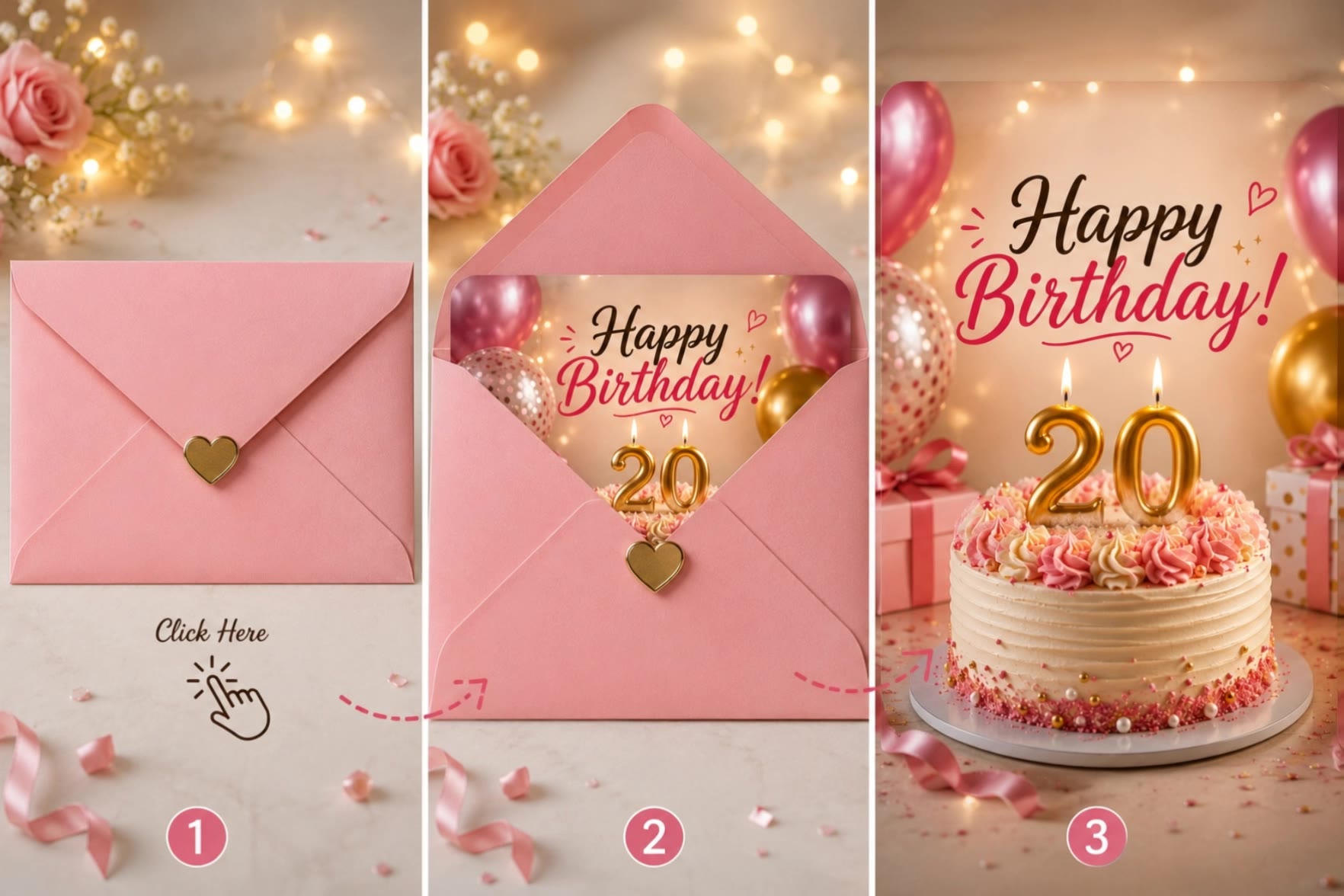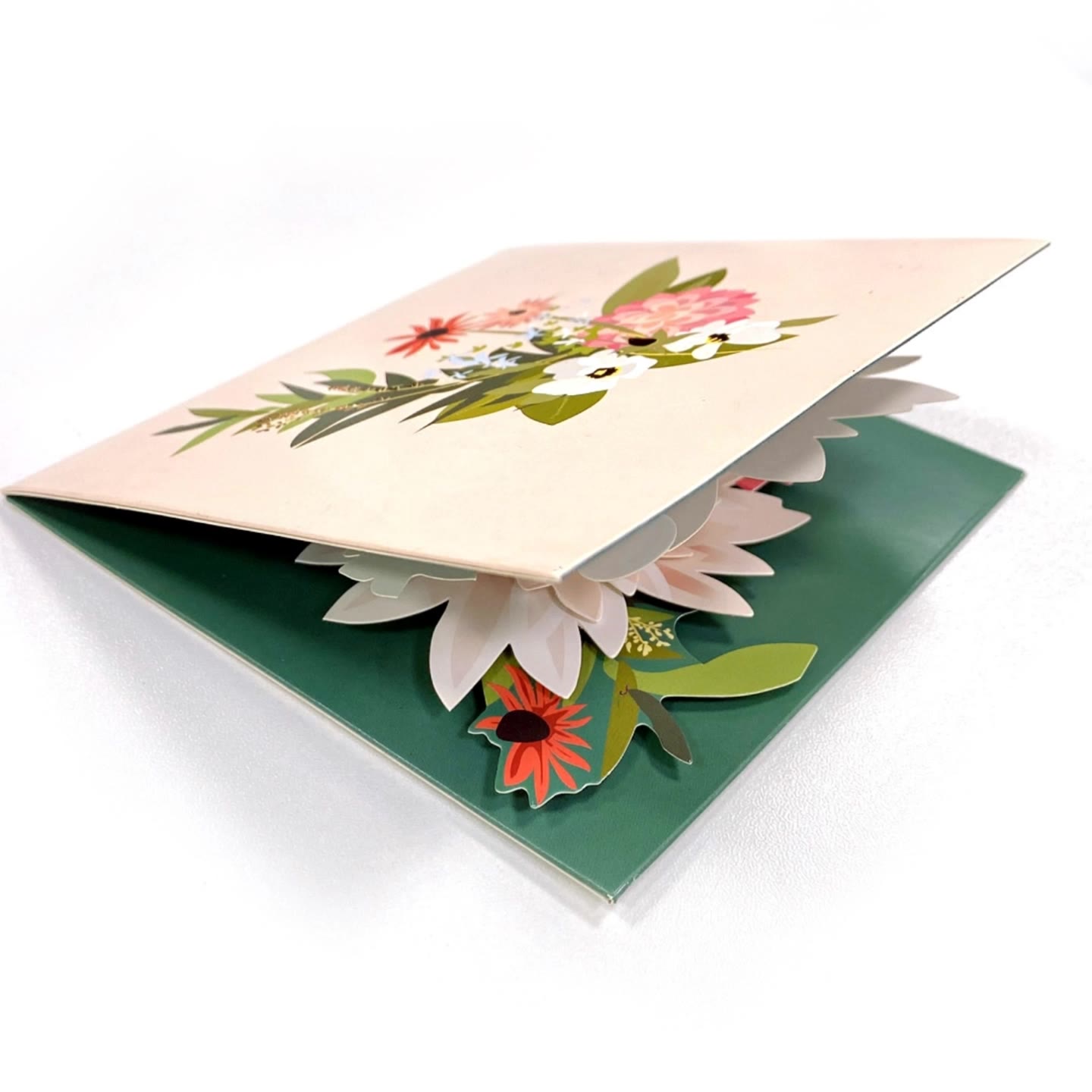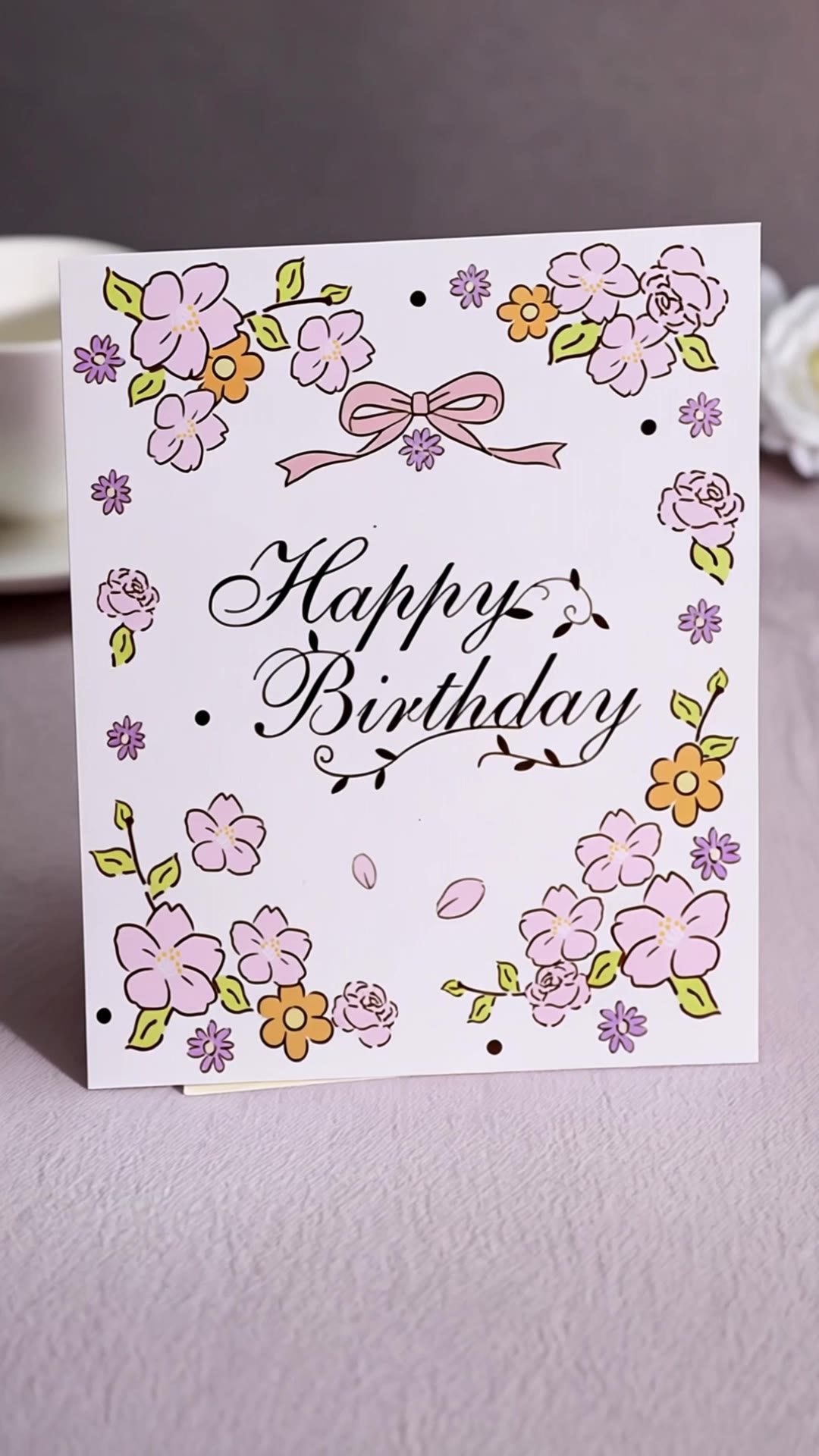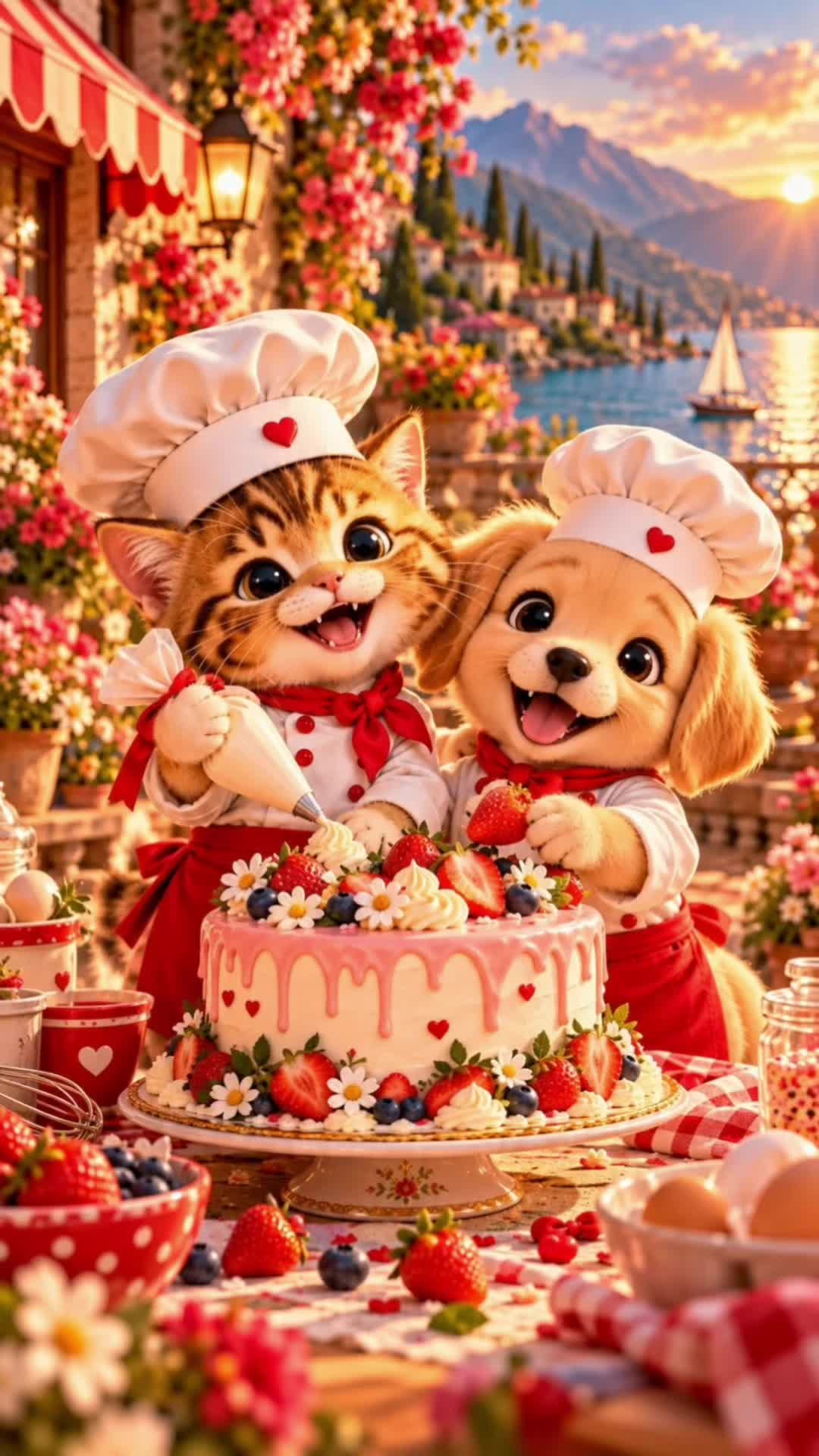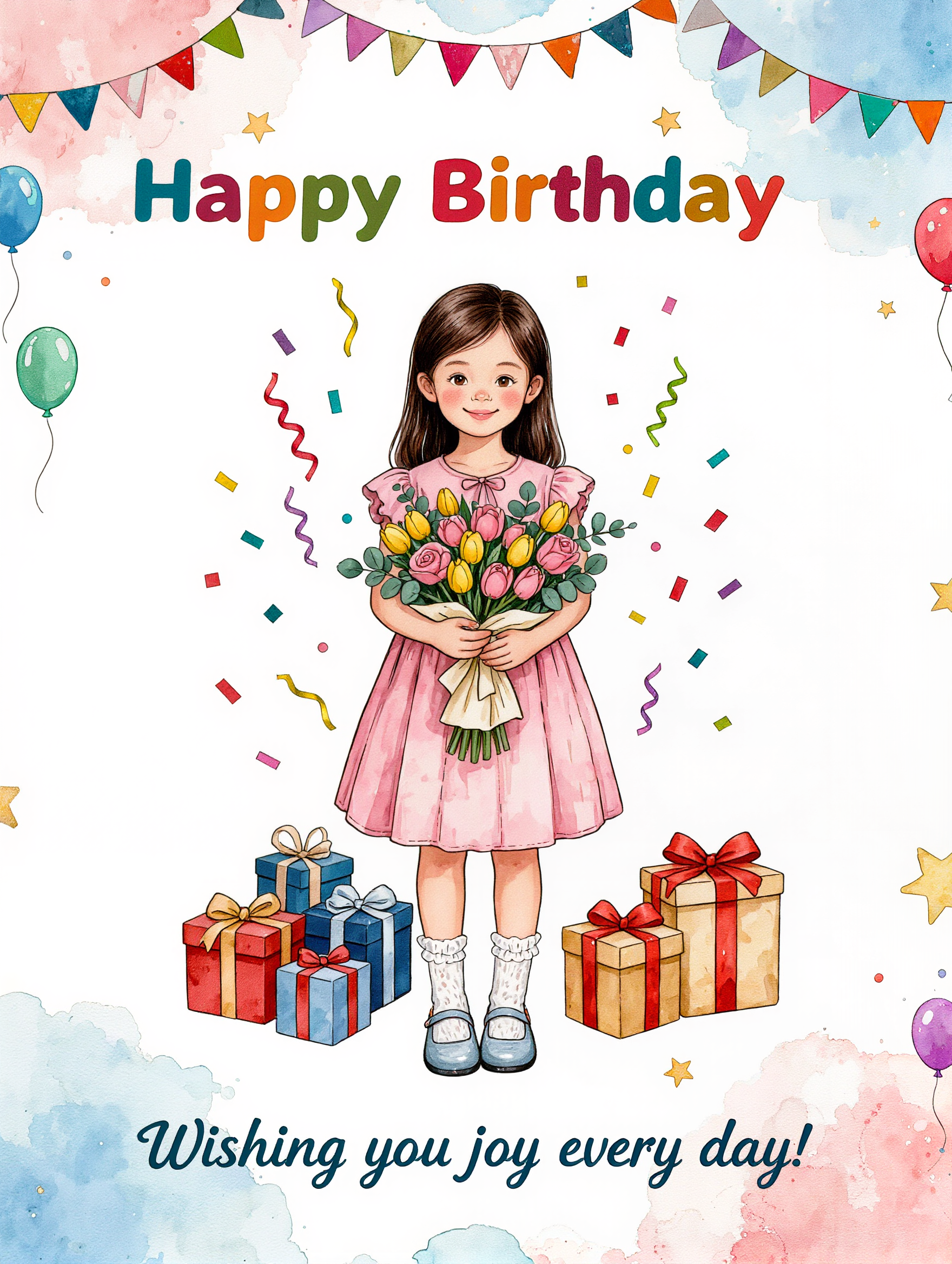

create birthday greeting card - tarot imagery & pastel unicorn

Unleash creativity with animated tarot elements and charming pet themes for unique birthday cards. Start exploring create birthday greeting card ideas and generate your own content with AI.


create birthday greeting card - tarot imagery & pastel unicorn

Recommended

Kling AI work 318057064525774 - create birthday greeting card AI video
kLNNIXko avatar
kLNNIXko
Kling AI work 319037369617804 - create birthday greeting card AI video
qWOHKrQL avatar
qWOHKrQL
Happy birthday card - create birthday greeting card AI video
00:20
KLING0370 avatar
KLING0370
Kling AI work 311970254663225 - create birthday greeting card AI video
OSsaIzPh avatar
OSsaIzPh
Kling AI work 311590300502053 - create birthday greeting card AI image
Jafferinna avatar
Jafferinna
Kling AI work 312288774616372 - create birthday greeting card AI video
yGSiMyhK avatar
yGSiMyhK
Happy birthday card - create birthday greeting card AI video
00:29
KLING0370 avatar
KLING0370
Happy birthday cool card - create birthday greeting card AI video
00:12
KLING0370 avatar
KLING0370
Kling AI work 311590300528056 - create birthday greeting card AI image
Jafferinna avatar
Jafferinna
Kling AI work 315862534611893 - create birthday greeting card AI image
rBeGSAbE avatar
rBeGSAbE
Kling AI work 312520493521810 - create birthday greeting card AI image
OWCUWPTm avatar
OWCUWPTm
Beautiful birthday card - create birthday greeting card AI video
00:24
KLING0370 avatar
KLING0370
Kling AI work 317022974524267 - create birthday greeting card AI image
kostnor avatar
kostnor
Elite Creator
Kling AI work 315363961508937 - create birthday greeting card AI video
nkPAlmtF avatar
nkPAlmtF
Birthday celebration card pop up - create birthday greeting card AI video
YgOgMoms avatar
YgOgMoms
케이크 팝업카드 - create birthday greeting card AI video
YgOgMoms avatar
YgOgMoms
Kling AI work 312368194505188 - create birthday greeting card AI video
eZawpLaF avatar
eZawpLaF
Happy birthday card - create birthday greeting card AI video
00:13
KLING0370 avatar
KLING0370
Kling AI work 318614866501102 - create birthday greeting card AI image
sVaZolzN avatar
sVaZolzN

How to Animate an Image with AI

Upload Your Image

Upload Your Image

Upload a portrait, product photo, illustration, or other image. For additional control, Kling 4.0's Omni Reference supports up to 15 combined reference assets, subject to individual input limits.

Describe the Motion

Describe the Motion

Specify how your subject moves and what the camera does. You can also add start and end frames or use up to 10 flexible keyframes to guide important changes with supported Kling 4.0 settings.

Generate and Download

Generate and Download

Choose your video settings and generate a clip up to 30 seconds long with Kling 4.0. Preview the result, make adjustments if needed, and download your video.

Edit the Parts That Matter

Change Subjects, Backgrounds, and Style

Change Subjects, Backgrounds, and Style

A different character, a new product, or a completely different location can change the purpose of a video. Keep the footage you already have and update the elements that need another take. No green screen needed. Kling 4.0 supports adding, removing, and replacing subjects and scene elements using prompts and visual references. Change a product, replace a character, or move the action into a new setting. Reference images help guide the appearance of new elements while keeping the rest of the scene closer to the original.

Recreate Videos with Your Own References

Recreate Videos with Your Own References

Found a camera move, transition, or video concept that would work with your own character or product? You can use the original clip as a creative reference rather than recreating the entire shoot. Kling 4.0 draws on reference footage for pacing, shot composition, and movement while introducing your own subjects and visual style. Omni Reference supports up to 15 combined assets, subject to individual input limits. Combine character images, product photos, and video references to explore new versions while helping recognizable details stay consistent.

Extend Your Video Up to 2 Minutes

Extend Your Video Up to 2 Minutes

Continue an existing video forward or backward, adding footage before the opening or after the ending. Extend actions, camera movements, and storylines while keeping the new footage connected to the original scene. Kling 4.0's Video Extension supports multiple extension passes, reaching a total video length of up to 2 minutes. Build longer sequences with continuity in characters, settings, and movement, without recreating the entire video.

Apps

Video Generation
Video Generation

Video Generation

Image Generation
Image Generation

Image Generation

Motion Control
Motion Control

Motion Control

Avatar
Avatar

Avatar

AI Portraits
AI Portraits

AI Portraits

Lip Sync
Lip Sync

Lip Sync

60M+
60M+
Users
600M+
600M+
AI Videos Generated
4.7 ★
4.7 ★
App Store
Industry-Leading
Industry-Leading
Cinematic 4K

Reviews

Jyo John Mulloor

Jyo John Mulloor

★★★★★

Kling AI has been instrumental in transforming my creative workflow, unlocking new dimensions of artistic expression that were once unimaginable. I use Kling AI extensively to develop high-concept visuals, animate surreal dreamscapes, and create AI-assisted films that blur the line between reality and fantasy. Kling AI’s deep learning capabilities have not only enhanced my creative efficiency but also inspired me to explore storytelling in ways I never thought possible.

Déborah

Déborah

★★★★★

I use Kling AI every day. It's amazing to see the almost daily progress it makes. I used AI for fun at first, and I now find that Kling AI's animations allow me to gain professional visibility, with three times more views on my animated posts than on my static posts.

Vincent Smadja

Vincent Smadja

★★★★★

Kling AI seamlessly integrates into my creative workflow, playing a key role in transforming my images. After generating and upscaling an image, Kling becomes a crucial element, bringing my creations to life with movement and depth.

FAQ

Q1What’s the difference between Video 2.6 and 3.0?
Q2Does Video 3.0 support multiple characters speaking?
Q3Can I use this for global AI video marketing?

Experience Video 3.0 on Kling

Create cinematic, multi-shot videos with native audio and precise control—all in one generation.

Native audio | Multi-shot control | Up to 15s continuous output