create graffiti text - #Graffiti Art & Neon Graffiti Silhouette

Unleash your creativity with urban art and anime-inspired aesthetics, featuring vibrant neon graffiti silhouettes and brick wall designs. Start exploring create graffiti text ideas and generate your own content with AI.

create graffiti text - #Graffiti Art & Neon Graffiti Silhouette

Recommended

Kling AI work 316776687665298 - create graffiti text AI image
MelissaABC’s avatar
MelissaABC’s
Kling AI work 318447688614378 - create graffiti text AI image
Twi Light avatar
Twi Light
graffiti  - create graffiti text AI image
GamerElectra2889 avatar
GamerElectra2889
Kling AI work 310660281618034 - create graffiti text AI image
sIewPvDT avatar
sIewPvDT
Kling AI work 316776759668745 - create graffiti text AI image
MelissaABC’s avatar
MelissaABC’s
Kling AI work 318448182613780 - create graffiti text AI image
Twi Light avatar
Twi Light
Kling AI work 317351672328206 - create graffiti text AI image
JOVRxNNC avatar
JOVRxNNC
Kling AI work 312295887528542 - create graffiti text AI image
eZawpLaF avatar
eZawpLaF
Kling AI work 316777051615054 - create graffiti text AI image
MelissaABC’s avatar
MelissaABC’s
Kling AI work 319421697500668 - create graffiti text AI video
EdMlRIOv avatar
EdMlRIOv
Kling AI work 310673240521017 - create graffiti text AI image
LvWWgPnp avatar
LvWWgPnp
Kling AI work 312381426665341 - create graffiti text AI image
RoknlXuw avatar
RoknlXuw
Kling AI work 316776905666334 - create graffiti text AI image
MelissaABC’s avatar
MelissaABC’s
Kling AI work 310416145618884 - create graffiti text AI video
Cannerz Jamz avatar
Cannerz Jamz
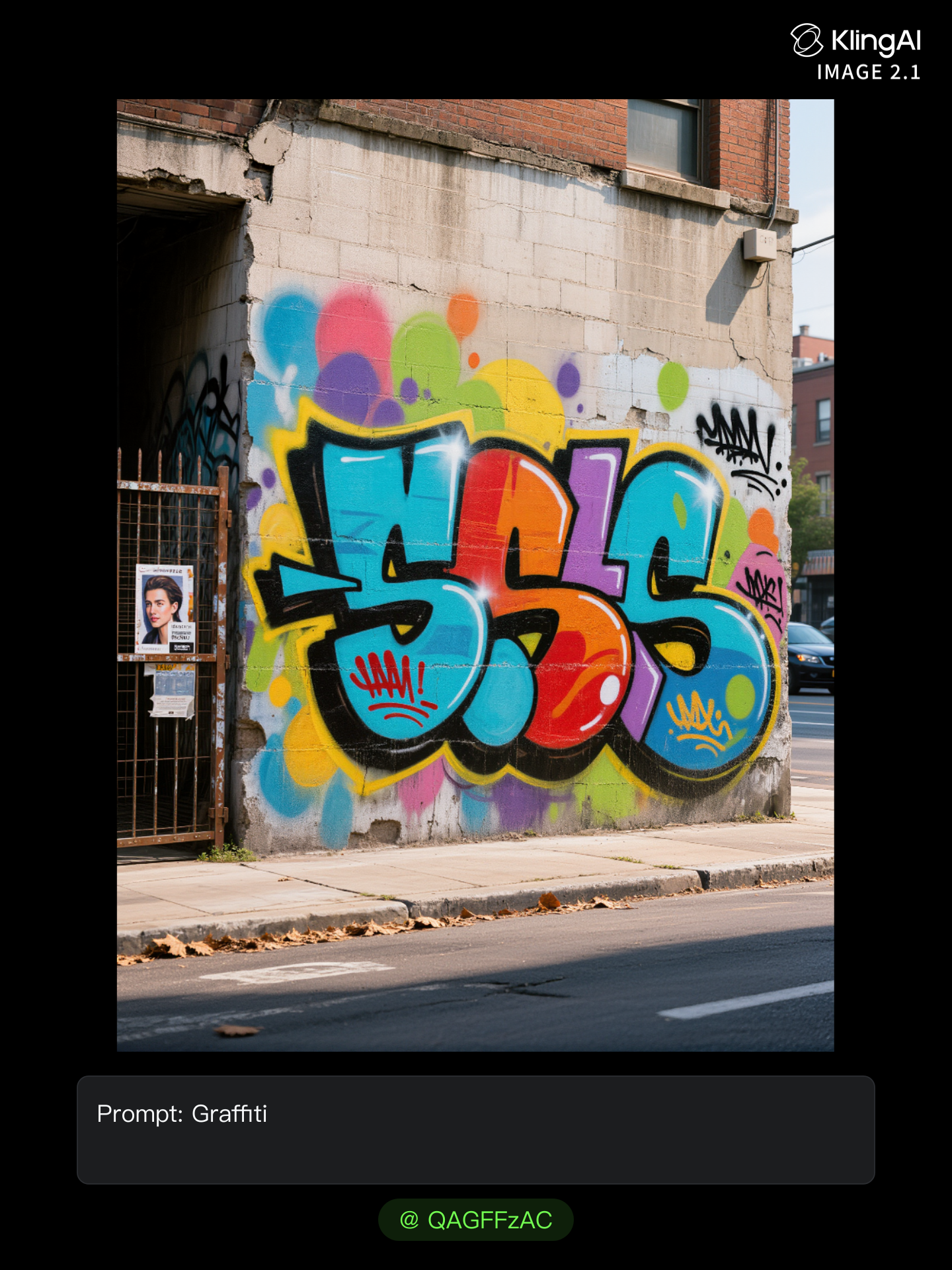
Kling AI work 312660263507663 - create graffiti text AI image
QAGFFzAC avatar
QAGFFzAC
Graffiti art - create graffiti text AI image
waytFjxs avatar
waytFjxs
Kling AI work 317419240667292 - create graffiti text AI image
InXkcpzU avatar
InXkcpzU
Kling AI work 318303011506431 - create graffiti text AI video
tbuSPLzr avatar
tbuSPLzr
Kling AI work 315163199667613 - create graffiti text AI video
XsLUtqaC avatar
XsLUtqaC

How to Create Images with Kling AI

Write Down You Ideas

Write Down You Ideas

Open the AI Image Generator and choose the model that fits your project. Describe the subject and scene, then add details such as lighting, color, and visual style to shape the result.

Add References Or Not

Add References Or Not

Upload reference images for a character, product, composition, or style. References are optional, but they give Kling AI a clearer visual foundation when specific features, colors, or design details need to carry into the final image.

Generate Your Image

Generate Your Image

Choose your preferred format and output settings, then hit Generate. Once the result is ready, download it directly or open it in the image-to-video workflow to bring it to life with motion.

Key Features of Kling AI Image Generator

Turn Ideas into Images

Turn Ideas into Images

Describe the scene, character, product, or style you have in mind, and watch your idea come to life. Whether you're generating from scratch or fine-tuning an existing result, Kling IMAGE 3.0 follows your instructions, including tweaking the composition, shifting the lighting, and adjusting visual details until it looks right.

Bring References Into New Creations

Bring References Into New Creations

Bring in references for a character, product, color palette, material, composition, or visual style. IMAGE 3.0 draws on the defining qualities of up to 10 images and brings them together in one cohesive result, keeping the details that make each reference recognizable.

Produce Professional Image Series in 4K

Produce Professional Image Series in 4K

Plan and create a complete visual series as one cohesive project, rather than generating each image separately. IMAGE 3.0 Omni supports intentional shot progression, varied framing, and a unified creative direction across the set, with native 4K output for cinematic storyboards, product campaigns, character development, comics, and branded content.

Apps

Video Generation
Video Generation

Video Generation

Image Generation
Image Generation

Image Generation

Motion Control
Motion Control

Motion Control

Avatar
Avatar

Avatar

AI Portraits
AI Portraits

AI Portraits

Lip Sync
Lip Sync

Lip Sync

60M+
60M+
Users
600M+
600M+
AI Videos Generated
4.7 ★
4.7 ★
App Store
Industry-Leading
Industry-Leading
Cinematic 4K

Reviews

PJ Ace

PJ Ace

★★★★★

Kling AI has made it easy for us to generate world class visuals for Fortune 500 companies, TV shows and music for big artists. We love the easy of use of the platform and the quality of the generations. My first time using Kling AI, I got 22 million views on just one video. It's that good.

James Phillips

James Phillips

★★★★★

Kling AI has transformed my workflow by collapsing timelines and democratizing production. It’s shifted my mindset from resource-dependent filmmaking to a boundless creative sandbox, where experimentation yields unexpected beauty.

Huang Lu (Elson)

Huang Lu (Elson)

★★★★★

I’ve been using Kling AI since its initial release, and it’s remained one of the leading AI media generators ever since. With Kling AI, I’ve created hundreds of videos, collectively amassing millions of views.

FAQ

Q1How can I keep a character consistent when turning photos into videos?
Q2Can I control how my image moves in the video?
Q3Can I use multiple pictures to create an AI video?

Your Photos Have More to Show

A portrait, product image, or illustration can be the starting point for your next video. Add movement, explore different camera shots, and work with the visual details you want to keep in Kling AI.

Dynamic Motions | Multiple Keyframes | Omni Reference | Free tier available