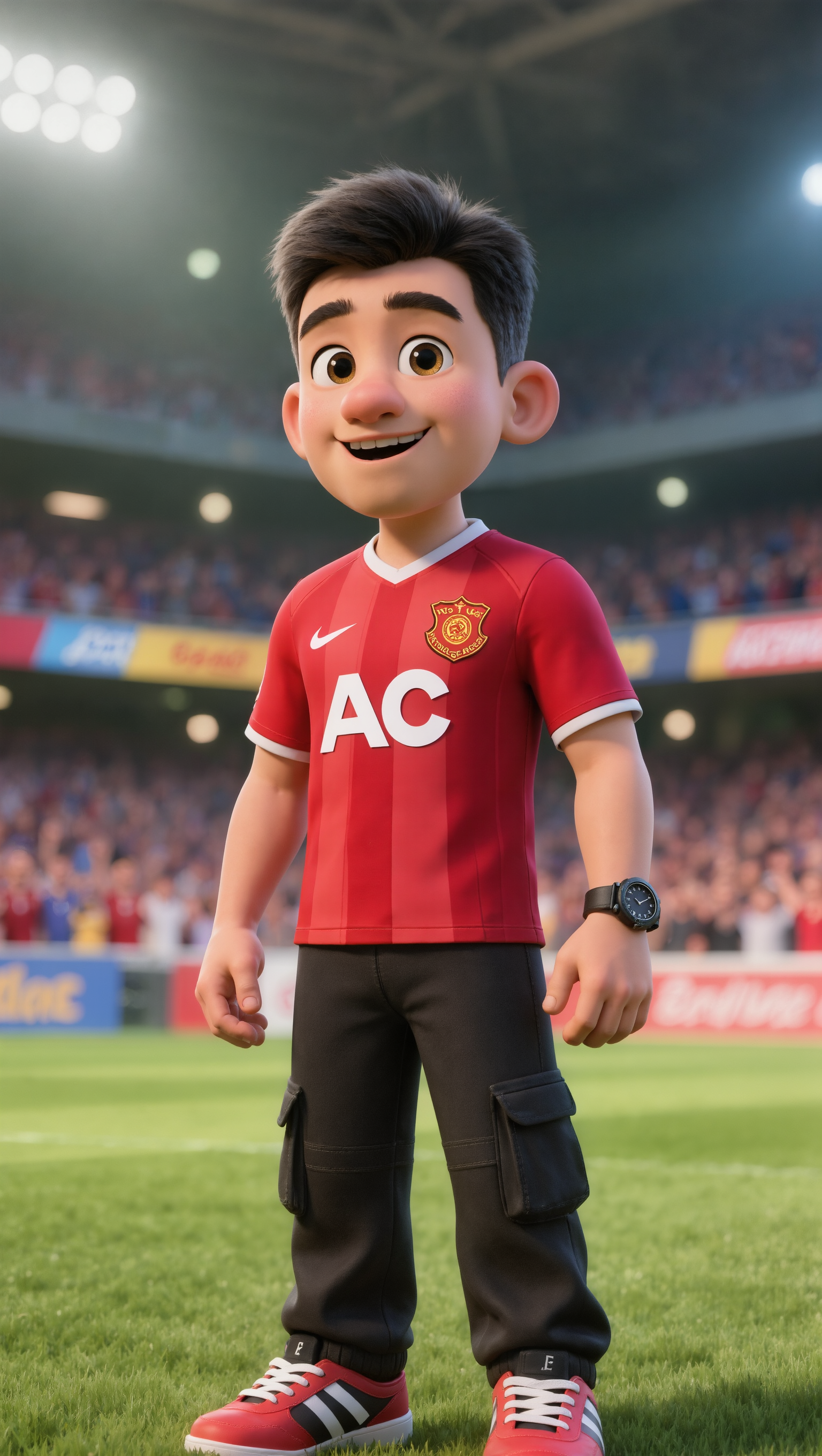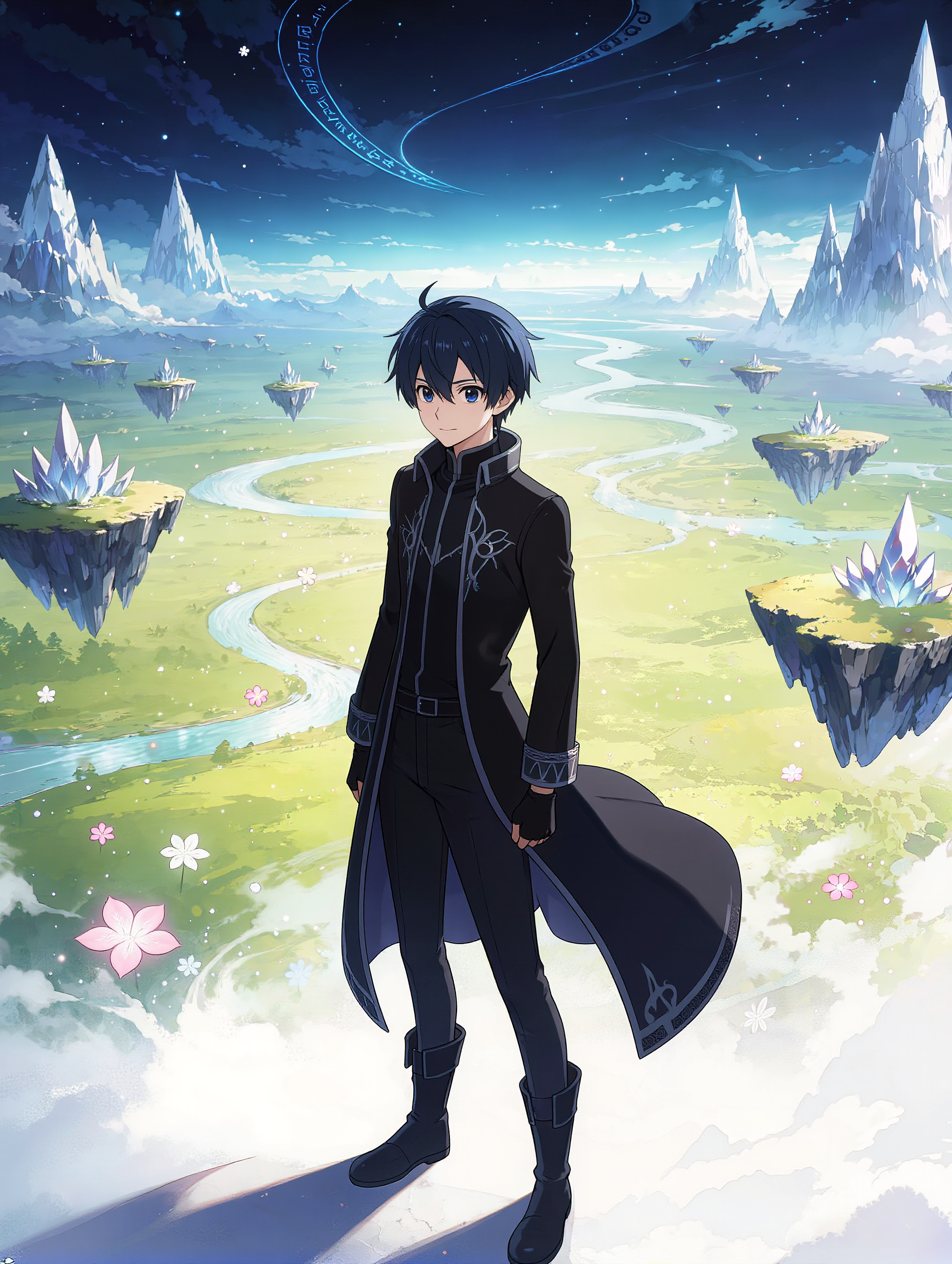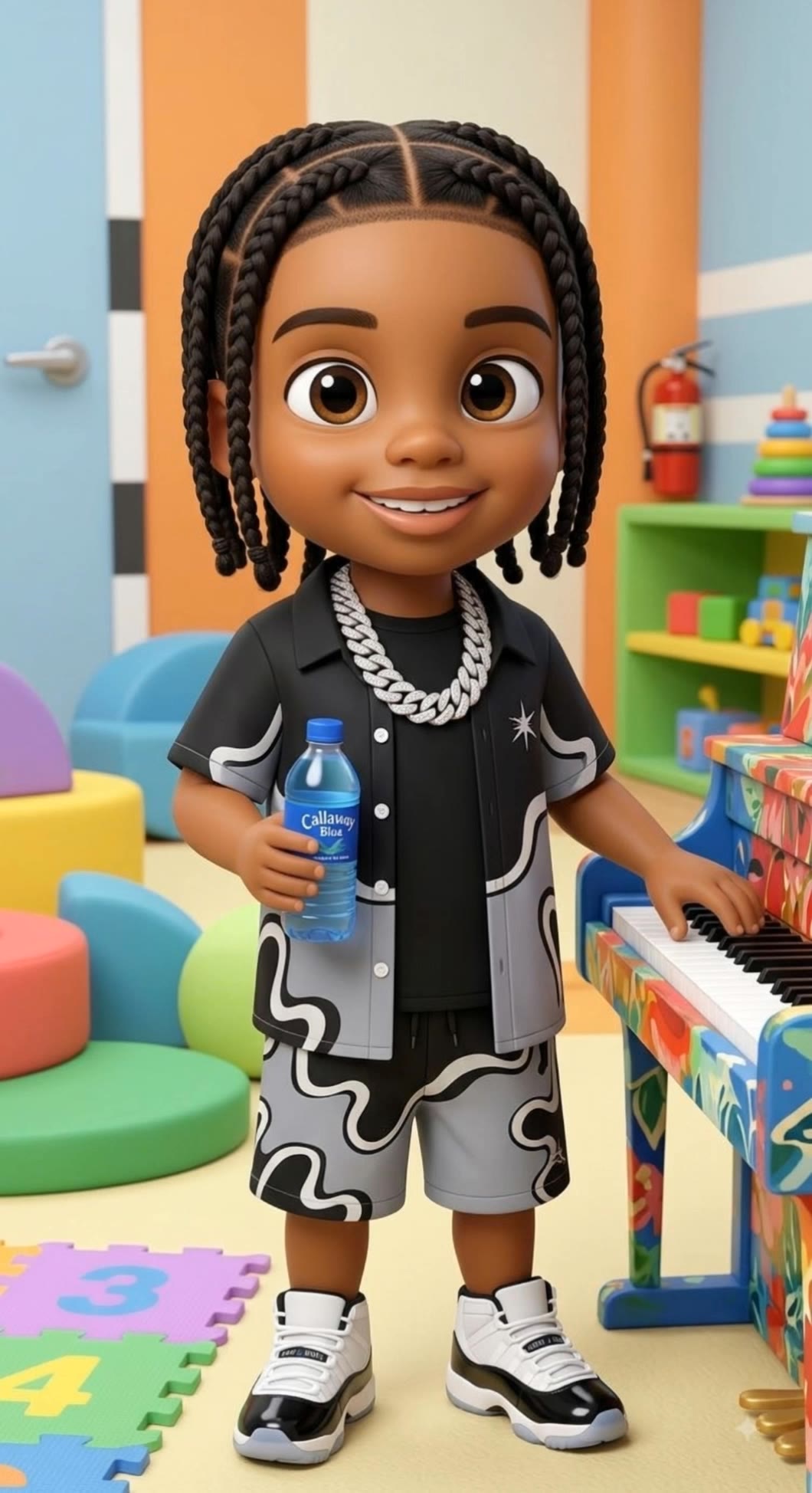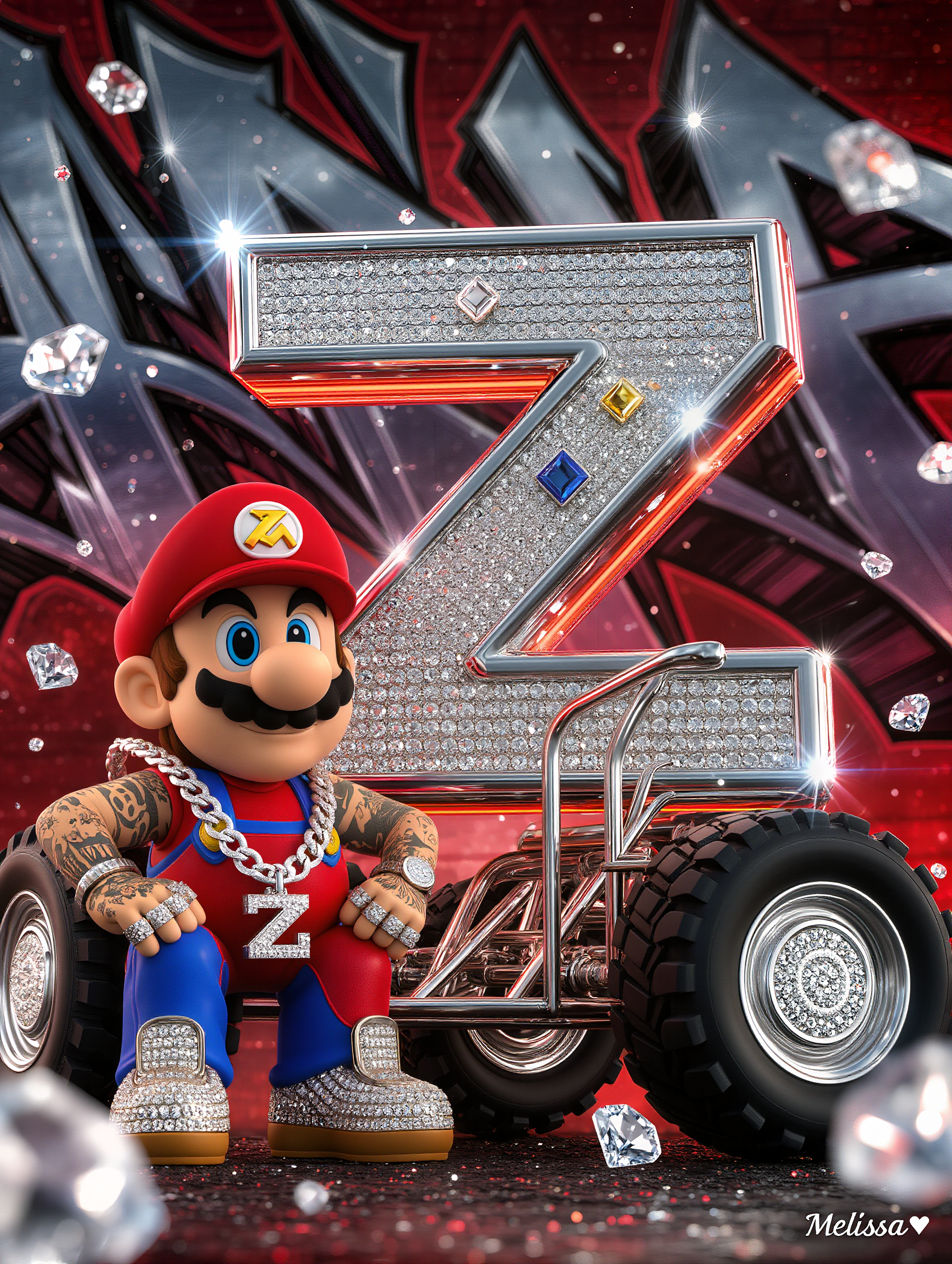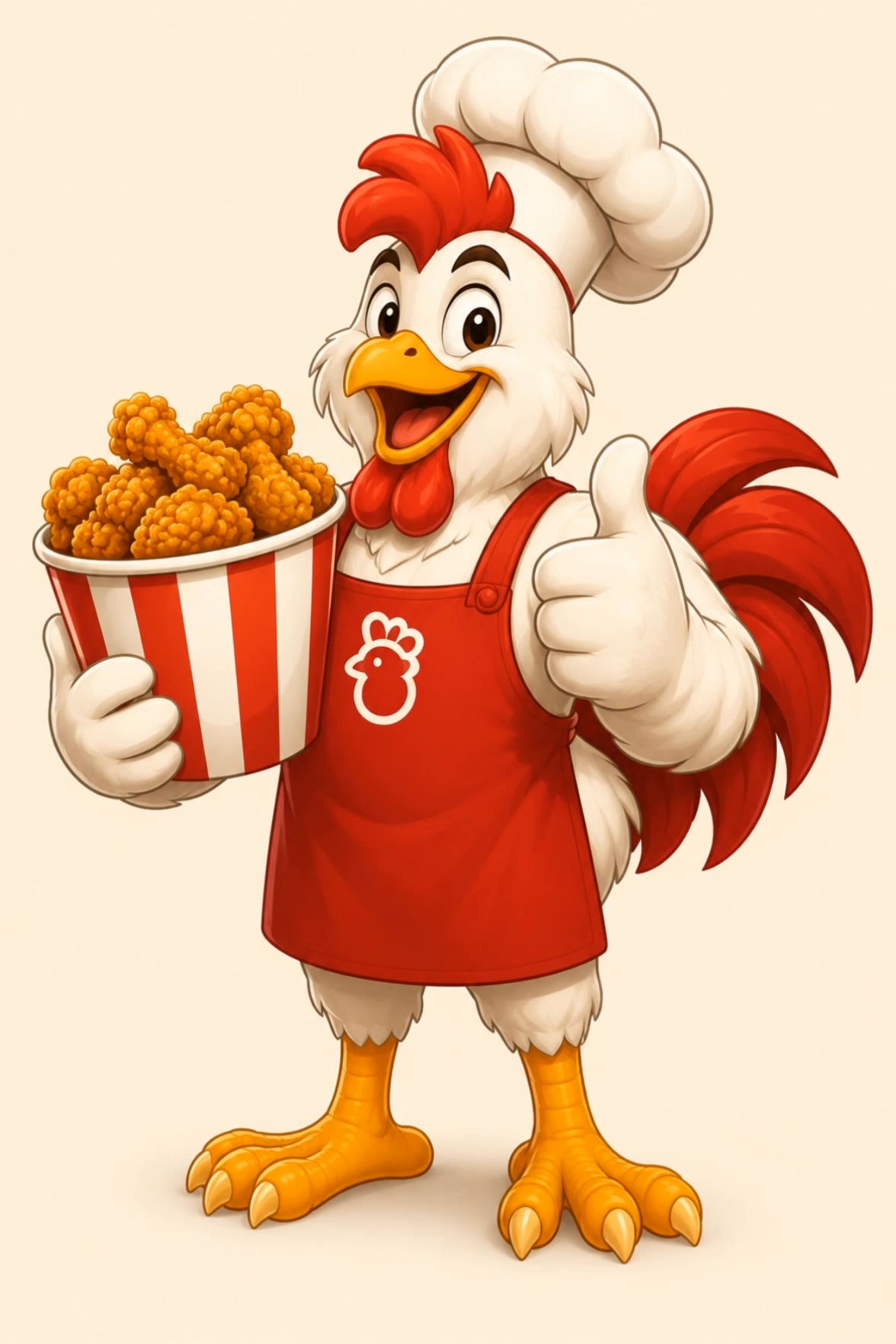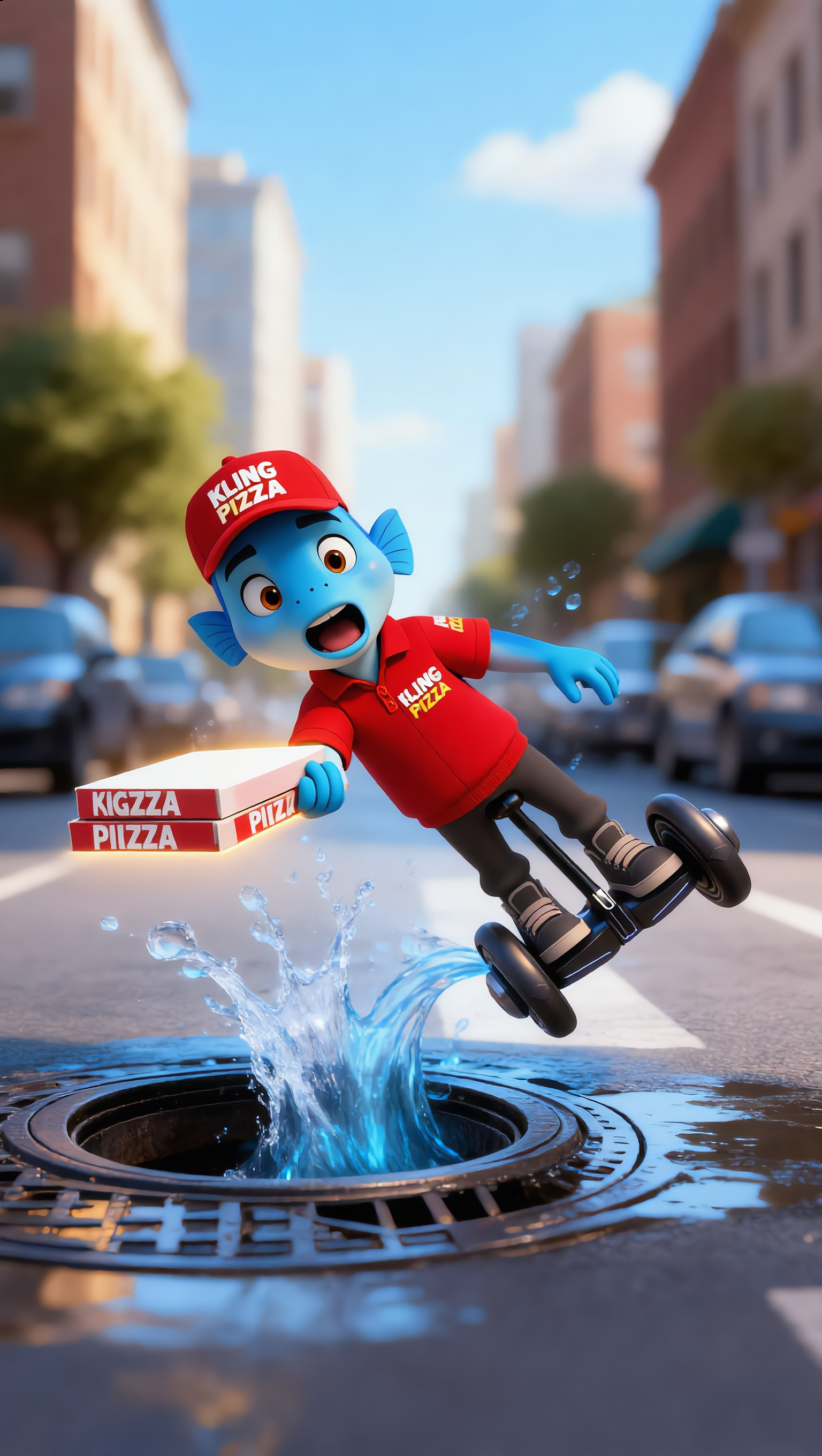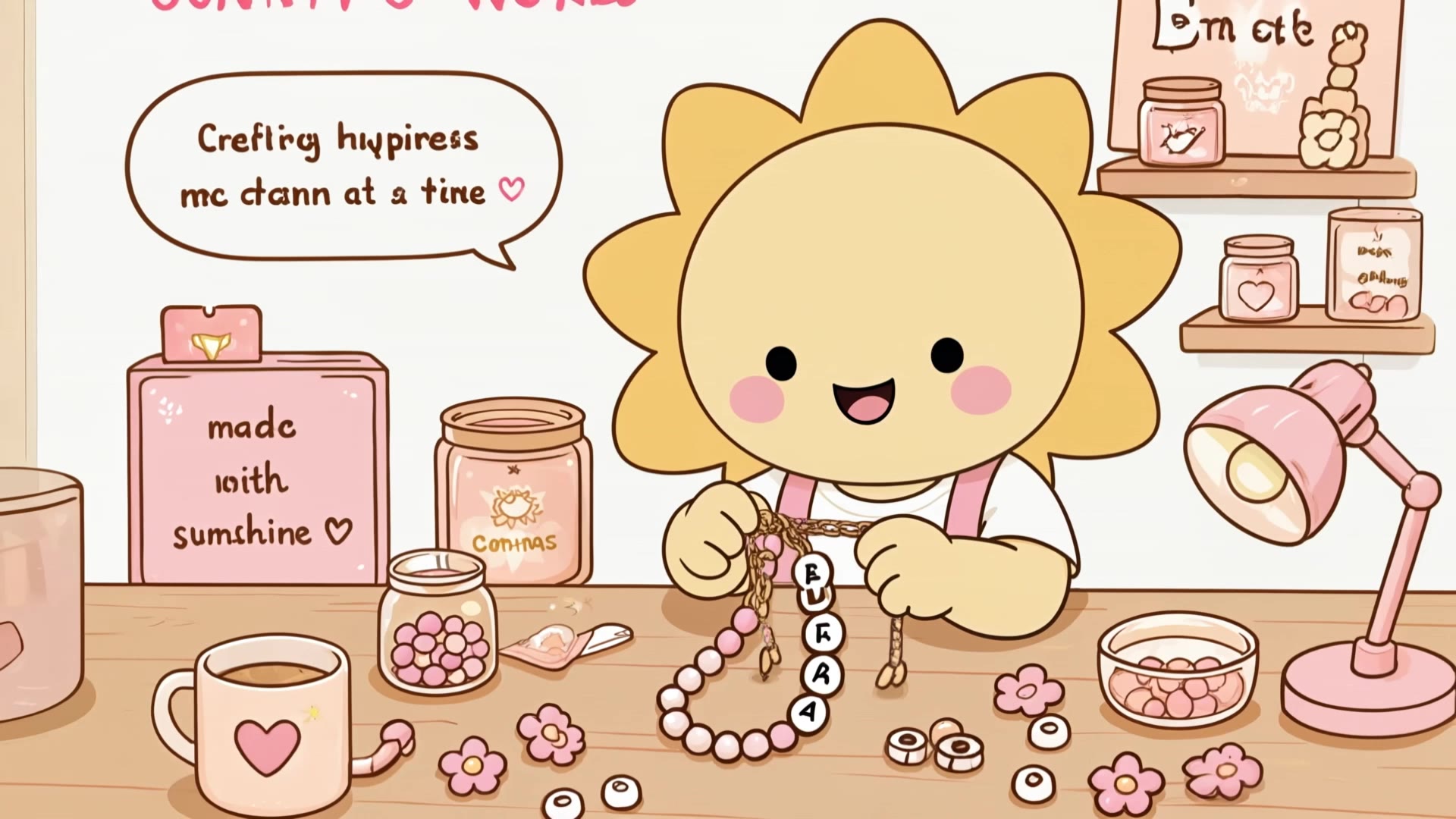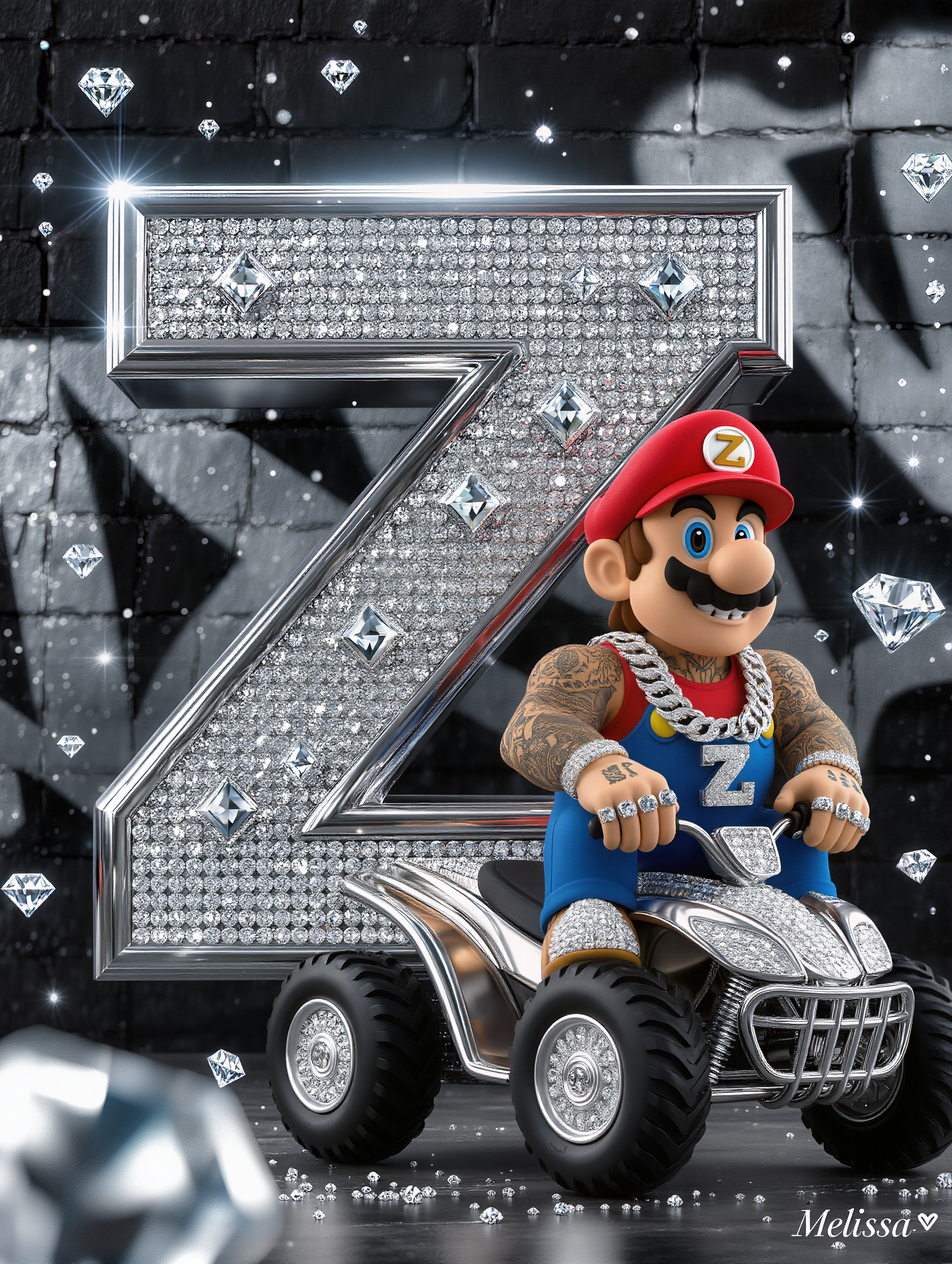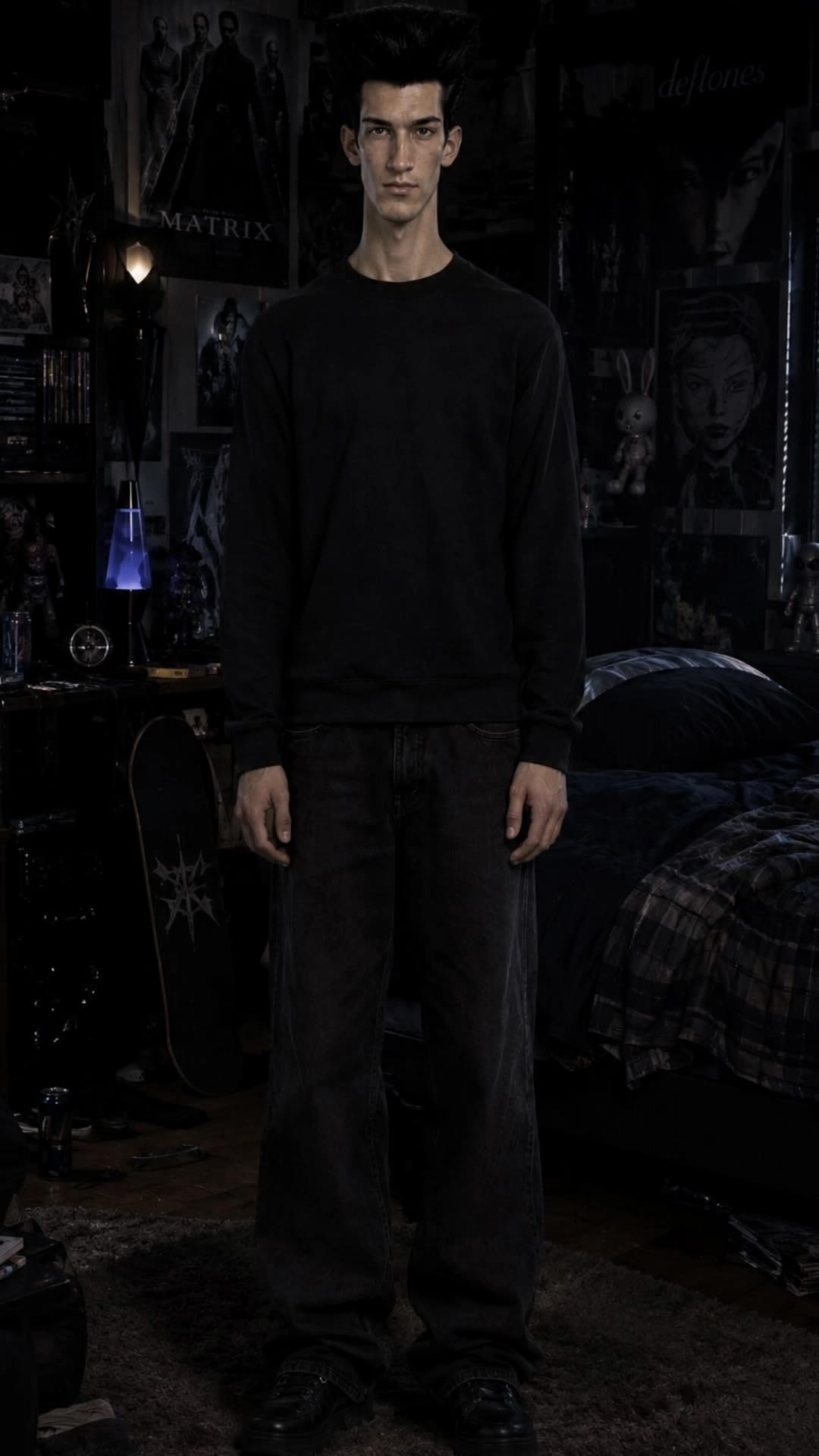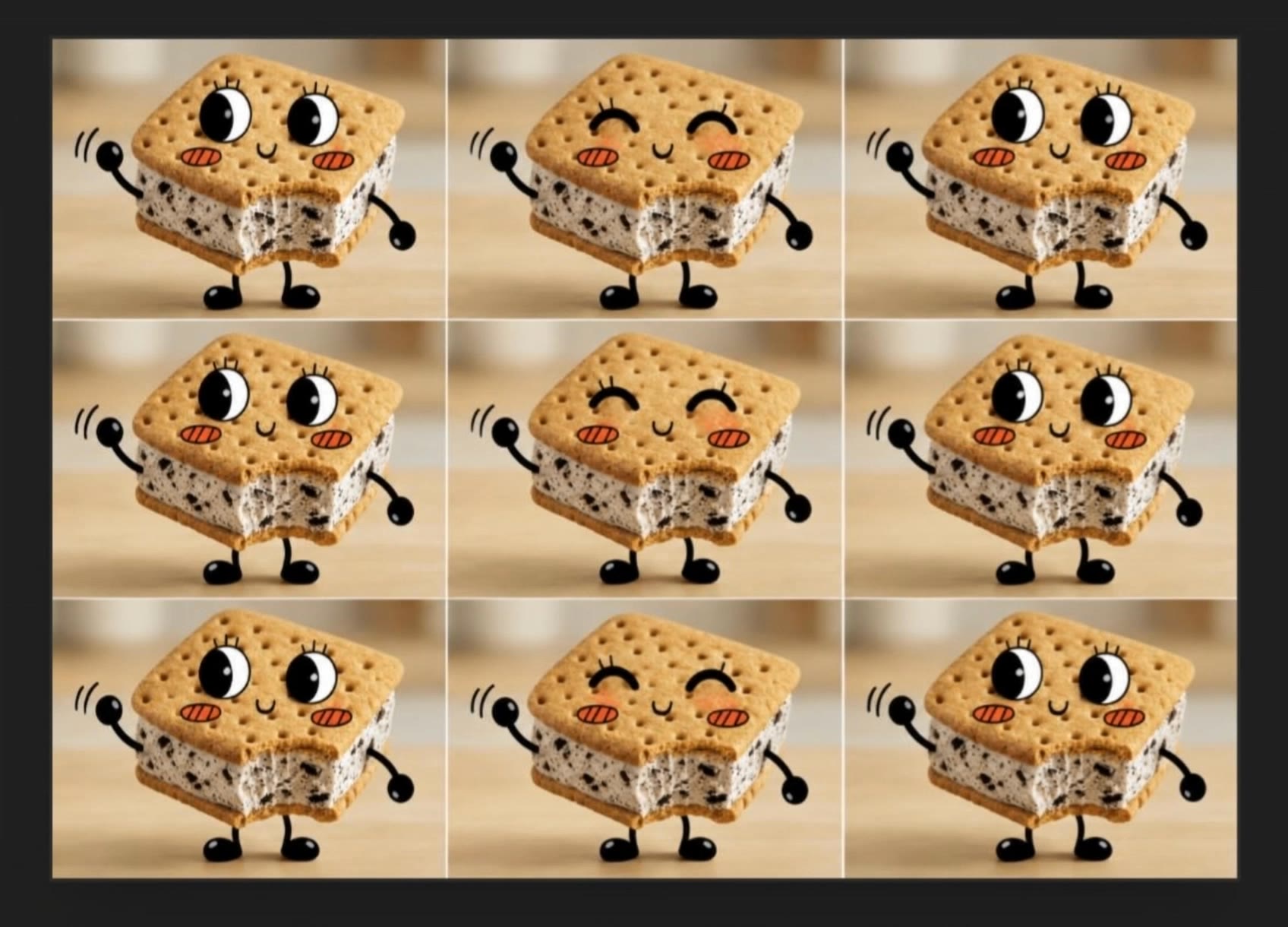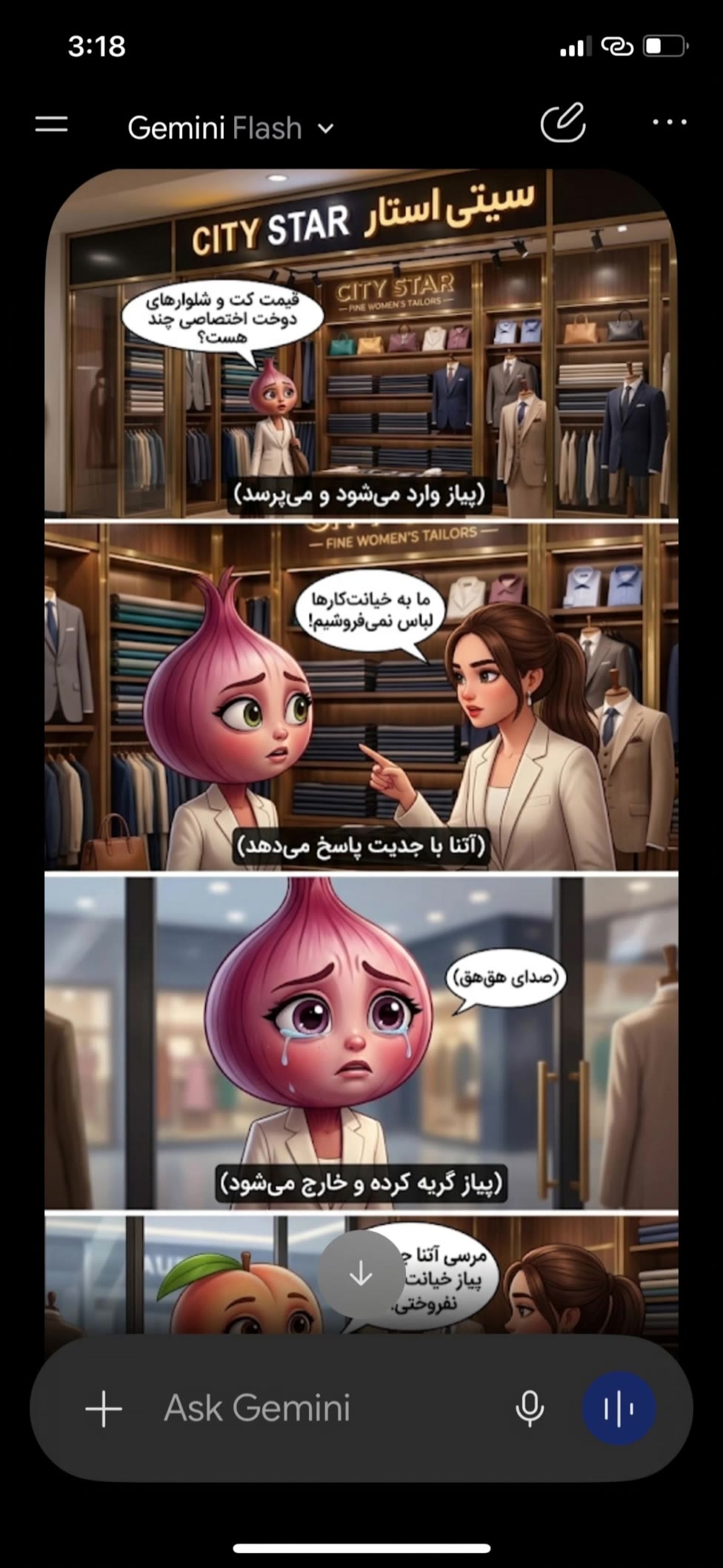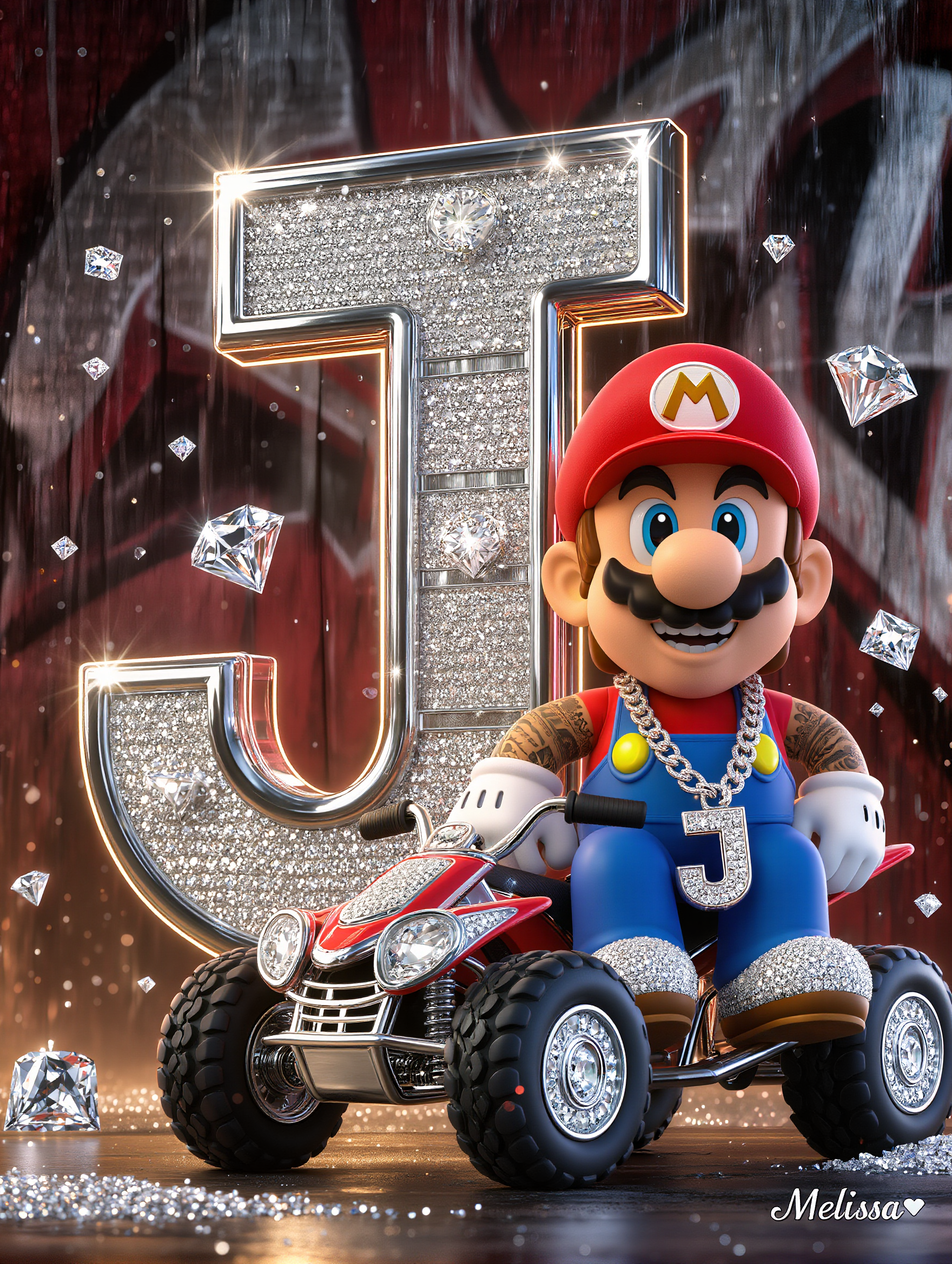

custom character - plush textures & sci fi themes

Immerse in unique designs with plush textures and manga-inspired themes, alongside modern interpretations of traditional customs. Start exploring custom character ideas and generate your own content with AI.

custom character - plush textures & sci fi themes

Recommended

Kling AI work 312751735502537 - custom character AI video
vFWXrSiN avatar
vFWXrSiN
Kling AI work 312269071612647 - custom character AI image
MelissaABC’s avatar
MelissaABC’s
this is good for manu character  - custom character AI image
Thar Ngal avatar
Thar Ngal
Main Character - custom character AI image
vYVVufPt avatar
vYVVufPt
Kling AI work 318685421521233 - custom character AI video
ckySChnH avatar
ckySChnH
Kling AI work 312270622664518 - custom character AI image
MelissaABC’s avatar
MelissaABC’s
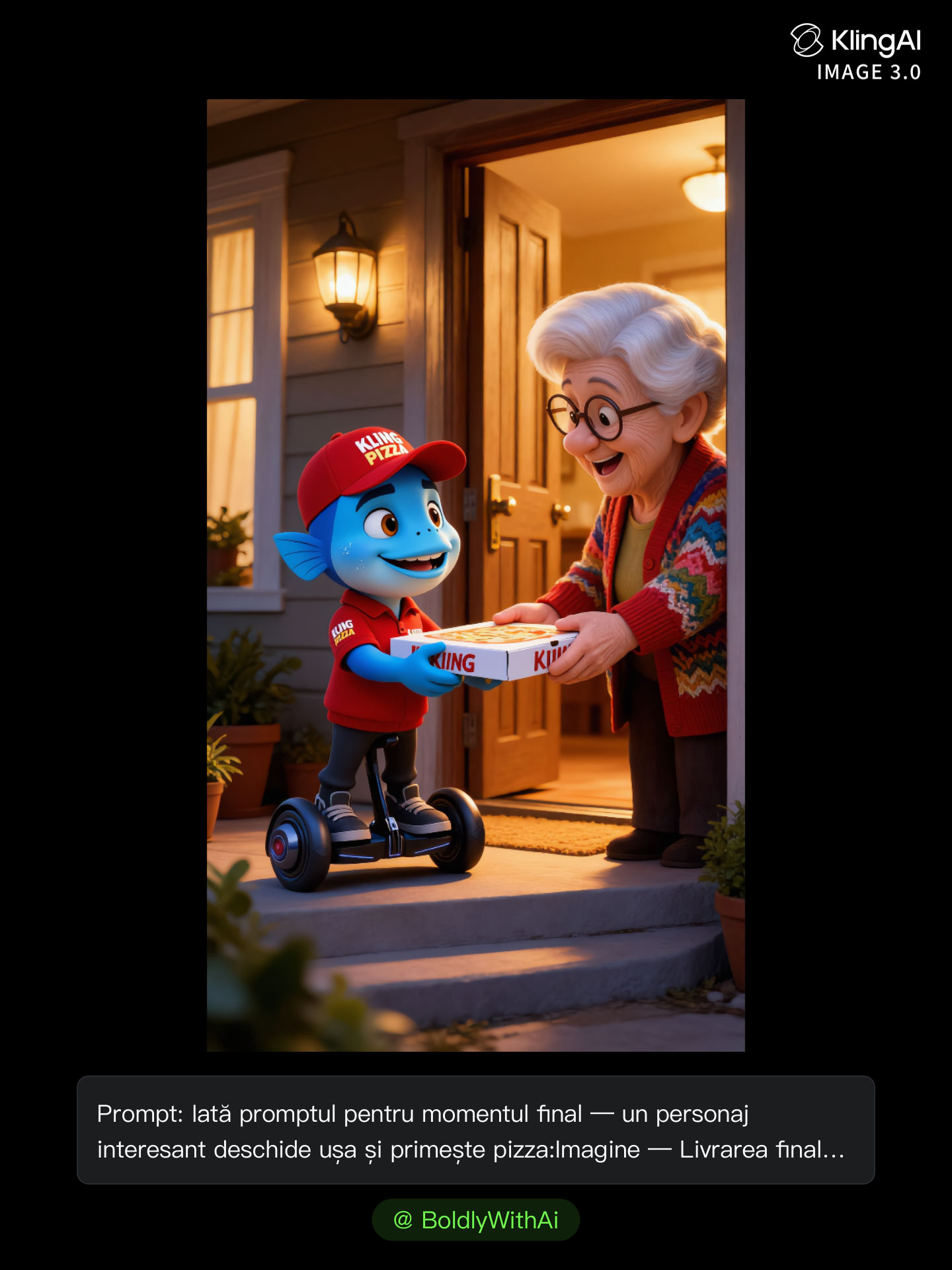
Kling Anniversary Character - custom character AI image
BoldlyWithAi avatar
BoldlyWithAi
Elite Creator
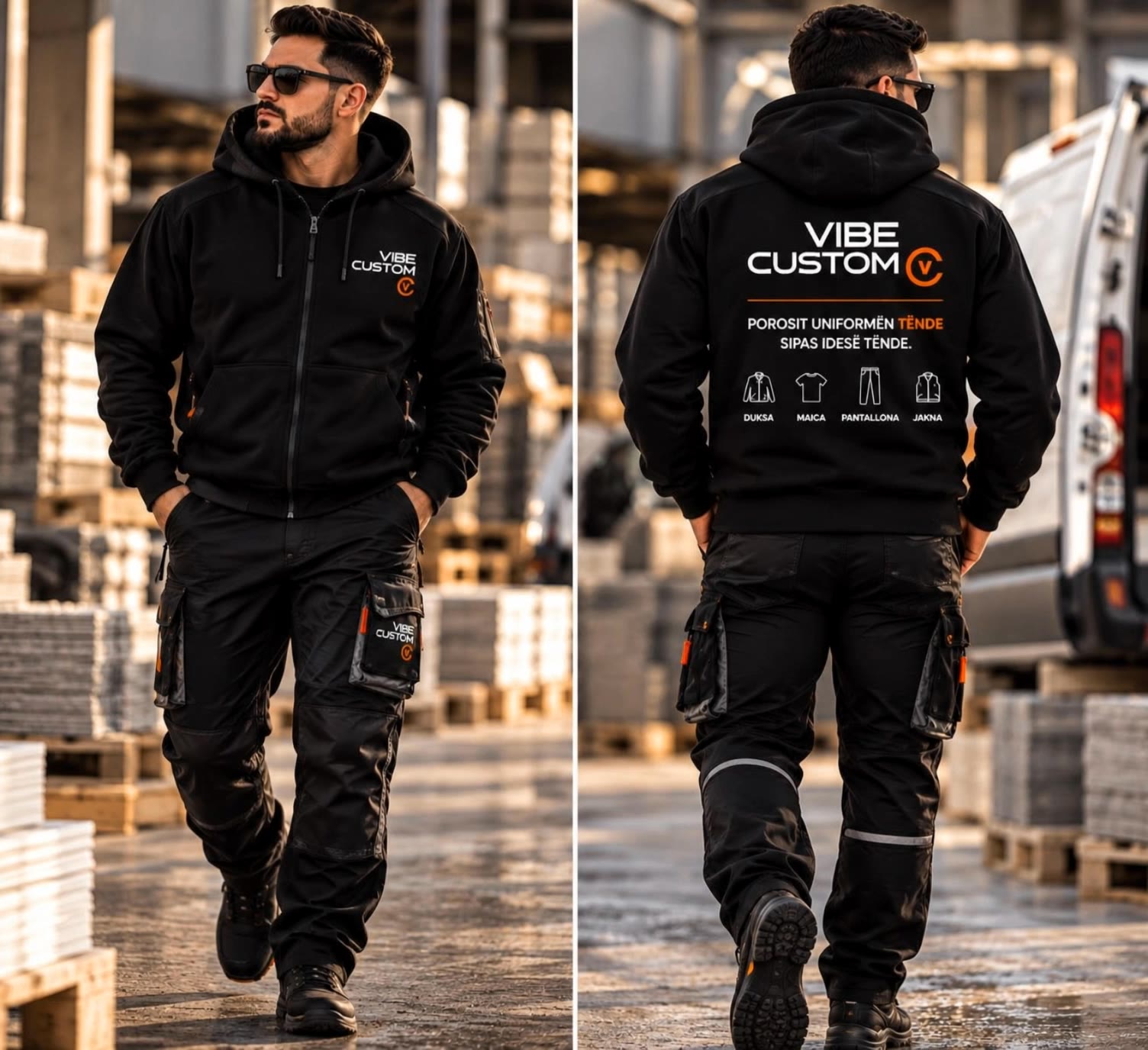
Vibe Custom - custom character AI video
GETOAR avatar
GETOAR
Kling AI work 319738550504264 - custom character AI video
mHbepnTx avatar
mHbepnTx
Kling AI work 311231501500367 - custom character AI image
hjk avatar
hjk
new character  - custom character AI video
fHNtfOQr avatar
fHNtfOQr
Kling Anniversary Character - custom character AI image
BoldlyWithAi avatar
BoldlyWithAi
Elite Creator
Kling AI work 310620777618339 - custom character AI video
Eyeventure avatar
Eyeventure
Kling AI work 312270622668511 - custom character AI image
MelissaABC’s avatar
MelissaABC’s
Character  - custom character AI video
nXvQpEDC avatar
nXvQpEDC
Brand character  - custom character AI video
wIvxFfoN avatar
wIvxFfoN
Kling AI work 317643739610574 - custom character AI video
bWBFKJUP avatar
bWBFKJUP
Kling AI work 312268964663124 - custom character AI image
MelissaABC’s avatar
MelissaABC’s
Kling AI work 315691745663878 - custom character AI video
bNyolItC avatar
bNyolItC

A Complete AI Video Editing Workflow

Upload Your Footage

Upload Your Footage

Start with a video you've filmed or generated. Add reference images, characters, or other supported assets if you want to guide how the edited scene should look.

Describe What You Want to Change

Describe What You Want to Change

Tell Kling what to replace, remove, or adjust. You can change the subject, background, action, camera angle, or visual style. Include details you want to keep from the original footage.

Preview and Download Your Video

Preview and Download Your Video

Generate your edited video and review the changes. Refine your prompt or references if needed, then download the version you're happy with.

Edit Any Part with Kling AI

Add, Remove, or Replace Image Content

Add, Remove, or Replace Image Content

Tell Kling what you want to change in text prompts. Replace a person, remove an object, or fine-tune details such as color, material, pose, and expression. Even detailed edits take fewer and easier steps because you can change the photo with AI instead of with traditional photo editing tools. IMAGE 3.0 follows your instruction while keeping the photo’s original style, lighting, and texture in place, so the edited area still belongs in the same shot.

Change the Color, Lighting, or Style

Change the Color, Lighting, or Style

Give an existing photo a different mood effortlessly. Lift a dim scene, soften harsh light, warm or cool the colors, or bring color to a black-and-white photo or line drawing. A short prompt replaces the usual round of manual adjustments. Looking for a bigger shift? Add a style reference or spell out the visual direction. IMAGE 3.0 carries the palette, texture, and atmosphere across the whole image, so the new look feels cohesive rather than pasted on. Use it for studio-style professional headshots, distinctive portrait treatments, cinematic scene design, or a visual style that feels entirely your own.

Rework the Shot or Camera Angle

Rework the Shot or Camera Angle

Tell Kling how you want the shot to look in a text prompt. Turn a front-facing photo into a side view, move the camera higher or lower, or change a wide shot into a close-up. You can explore a new composition around the same subject without setting up another shoot. IMAGE 3.0 rebuilds the scene from the angle you request, adjusting the perspective, camera height, shot size, focal length, and depth of field along with it. The result is a newly generated view based on the source photo, rather than hidden details recovered from outside the original frame.

Apps

Video Generation
Video Generation

Video Generation

Image Generation
Image Generation

Image Generation

Motion Control
Motion Control

Motion Control

Avatar
Avatar

Avatar

AI Portraits
AI Portraits

AI Portraits

Lip Sync
Lip Sync

Lip Sync

60M+
60M+
Users
600M+
600M+
AI Videos Generated
4.7 ★
4.7 ★
App Store
Industry-Leading
Industry-Leading
Cinematic 4K

Reviews

Déborah

Déborah

★★★★★

I use Kling AI every day. It's amazing to see the almost daily progress it makes. I used AI for fun at first, and I now find that Kling AI's animations allow me to gain professional visibility, with three times more views on my animated posts than on my static posts.

Huang Lu (Elson)

Huang Lu (Elson)

★★★★★

I’ve been using Kling AI since its initial release, and it’s remained one of the leading AI media generators ever since. With Kling AI, I’ve created hundreds of videos, collectively amassing millions of views.

Halim Alrasihi

Halim Alrasihi

★★★★★

I use AI daily and Kling AI is a crucial part of my workflow, whether for client work or personal projects. What I love most about using Kling AI is that it provides all the tools I need in one place, from keyframes to character references, elements and special effects.

FAQ

Q1Can I turn an image created with Kling AI into a video?
Q2How do I create an AI image with Kling AI?
Q3Can I edit an existing image with Kling AI?

Your Next Visual Starts Here

Start with a sentence, a sketch, or a reference photo. Shape the composition, dial in the details, and keep iterating in Kling AI.

Free tier available | Text-to-image | Image-to-image | Fast generation