
Creative Studio
API
Resources
Features
About Us
Download

custom santa video - SantaWaveClose & SantaCrashScene

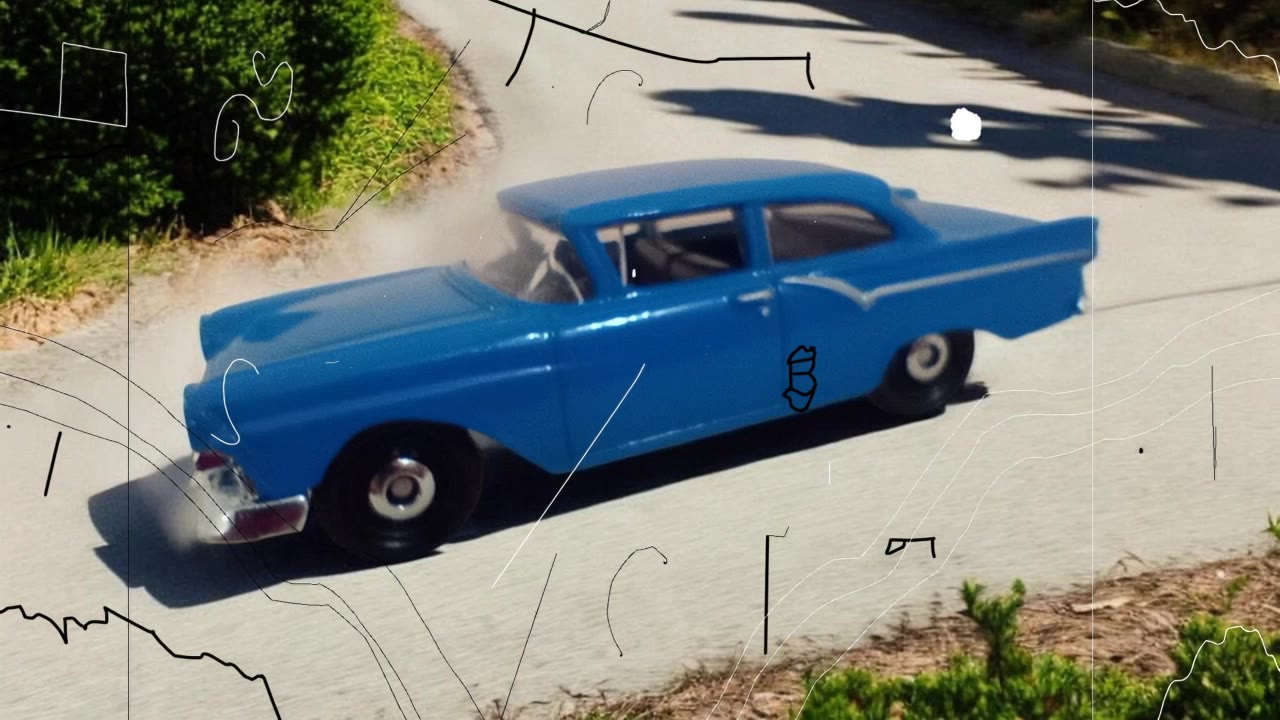
Capture the festive spirit with dynamic Santa waves and joyful holiday poses, alongside heartwarming moments of a boy's Christmas wish coming true. Start exploring custom santa video ideas and generate your own content with AI.

custom santa video - SantaWaveClose & SantaCrashScene

Recommended

Kling AI work 298406417656482 - custom santa video AI video
pilHxwjA avatar
pilHxwjA
Kling AI work 297782601667531 - custom santa video AI video
ncMwIPHv avatar
ncMwIPHv
Kling AI work 298131164308472 - custom santa video AI video
YlHCtfjK avatar
YlHCtfjK
Kling AI work 287694951305513 - custom santa video AI video
FjPlSbKQ avatar
FjPlSbKQ
Kling AI work 299331990614759 - custom santa video AI video
Seeyah_xD avatar
Seeyah_xD
Kling AI work 297702029525350 - custom santa video AI video
AFUpMYQj avatar
AFUpMYQj
Kling AI work 299242801657990 - custom santa video AI video
uQFgVYbM avatar
uQFgVYbM
Kling AI work 297872143667675 - custom santa video AI image
UPnANXIF avatar
UPnANXIF
Kling AI work 298702716614025 - custom santa video AI video
KLING4859 avatar
KLING4859
Kling AI work 298144307527725 - custom santa video AI video
nVCvLWJo avatar
nVCvLWJo
Kling AI work 298727321615436 - custom santa video AI video
lscTOMdm avatar
lscTOMdm
Happy New Year! - custom santa video AI video
friiNtde avatar
friiNtde
Kling AI work 298149703315293 - custom santa video AI video
KLING4859 avatar
KLING4859
Kling AI work 297782824612478 - custom santa video AI video
NEWcreate avatar
NEWcreate
Kling AI work 298338702312719 - custom santa video AI image
lGNeyOxj avatar
lGNeyOxj
Kling AI work 297963170668048 - custom santa video AI video
yJTHOrYC avatar
yJTHOrYC
Kling AI work 298219661507332 - custom santa video AI video
hAolZRSO avatar
hAolZRSO
Kling AI work 298187481502537 - custom santa video AI video
gypmzcoR avatar
gypmzcoR
content creator santa - custom santa video AI image
JaTyYsCs avatar
JaTyYsCs

How to Create Images with Kling AI

Write Down You Ideas

Write Down You Ideas

Open the AI Image Generator and choose the model that fits your project. Describe the subject and scene, then add details such as lighting, color, and visual style to shape the result.

Add References Or Not

Add References Or Not

Upload reference images for a character, product, composition, or style. References are optional, but they give Kling AI a clearer visual foundation when specific features, colors, or design details need to carry into the final image.

Generate Your Image

Generate Your Image

Choose your preferred format and output settings, then hit Generate. Once the result is ready, download it directly or open it in the image-to-video workflow to bring it to life with motion.

Why Kling Sets the Standard for Video Creation

Flawless Character Consistency for High-Quality Videos

Flawless Character Consistency for High-Quality Videos

Unlike standard tools that distort faces when moving, Kling Video 3.0 lets you strictly lock a character’s appearance. Upload a single photo, or use a short video/multiple angles as a reference to completely eliminate the “AI morphing” effect.

All-in-One Native Audio & Lip-Sync

All-in-One Native Audio & Lip-Sync

Your video isn’t just silent footage; it speaks. Generate perfectly matched voices and realistic lip movements in multiple languages or regional accents. Even in multi-character scenes, you can precisely assign who speaks—no third-party tools required.

Up to 15s Multi-Shot Cinematic Output

Up to 15s Multi-Shot Cinematic Output

Go beyond a basic 3-second clip. Kling 3.0 extends generation to 15 seconds of smooth, uninterrupted narrative. You can even use native storyboard controls to direct multi-shot sequences in a single click—outputting in crystal-clear 4K for professional use.

Apps

Image to Video
Image to Video

Image to Video

Text to Video
Text to Video

Text to Video

Omni
Omni

Omni

Digital Human
Digital Human

Digital Human

Restyle
Restyle

Restyle

Text to Image
Text to Image

Text to Image

60M+
60M+
Users
600M+
600M+
AI Videos Generated
4.7 ★
4.7 ★
App Store
Industry-Leading
Industry-Leading
Cinematic 4K

Reviews

Samuele Poggi (@visualsk2)

Samuele Poggi (@visualsk2)

★★★★★

I use Kling AI daily to push the limits of AI filmmaking. It allows me to create highly cinematic content, blending AI and VFX to develop innovative projects. It has significantly impacted my creative process, enabling me to achieve complex animations that would otherwise require high production budgets.

Halim Alrasihi

Halim Alrasihi

★★★★★

I use AI daily and Kling AI is a crucial part of my workflow, whether for client work or personal projects. What I love most about using Kling AI is that it provides all the tools I need in one place, from keyframes to character references, elements and special effects.

Ozan Sihay

Ozan Sihay

★★★★★

Kling AI allows me to rapidly prototype ideas, refine storytelling elements, and produce visually compelling content efficiently. It has not only accelerated my creative processes, but also deepened my understanding of how AI can enrich visual storytelling.

FAQ

Q1What Is an AI Video Editor?
Q2Can an AI video editor remove or replace objects?
Q3Which languages does Kling AI support for dialogue?

Change the Shot Without Reshooting It

Upload your footage, describe the result, and let Kling rebuild the scene around your direction.

Free tier available | Simple prompt editing | Up to 4K output | Fast generation