Creative Studio
API
Resources
Features
About Us
Download

d art ai - Pixel Art & Realistic Movie Scenes

Unleash your creativity with AI-driven fine art photography and vibrant pop art vector illustrations. Transform blank line art into stunning visuals and bring medieval fantasy scenes to life. Start exploring d art ai ideas and generate your own content with AI.

d art ai - Pixel Art & Realistic Movie Scenes

Recommended

ai art - d art ai AI video
00:05
pdGfkdaw avatar
pdGfkdaw
scifi mech robot - d art ai AI image
Iceblossom avatar
Iceblossom
art!  - d art ai AI video
Spinning Cards
vLFlUXmX avatar
vLFlUXmX
Mushroom Witch Concept Art - d art ai AI image
nave312 avatar
nave312
ai digital art  - d art ai AI video
00:08
Abdul avatar
Abdul
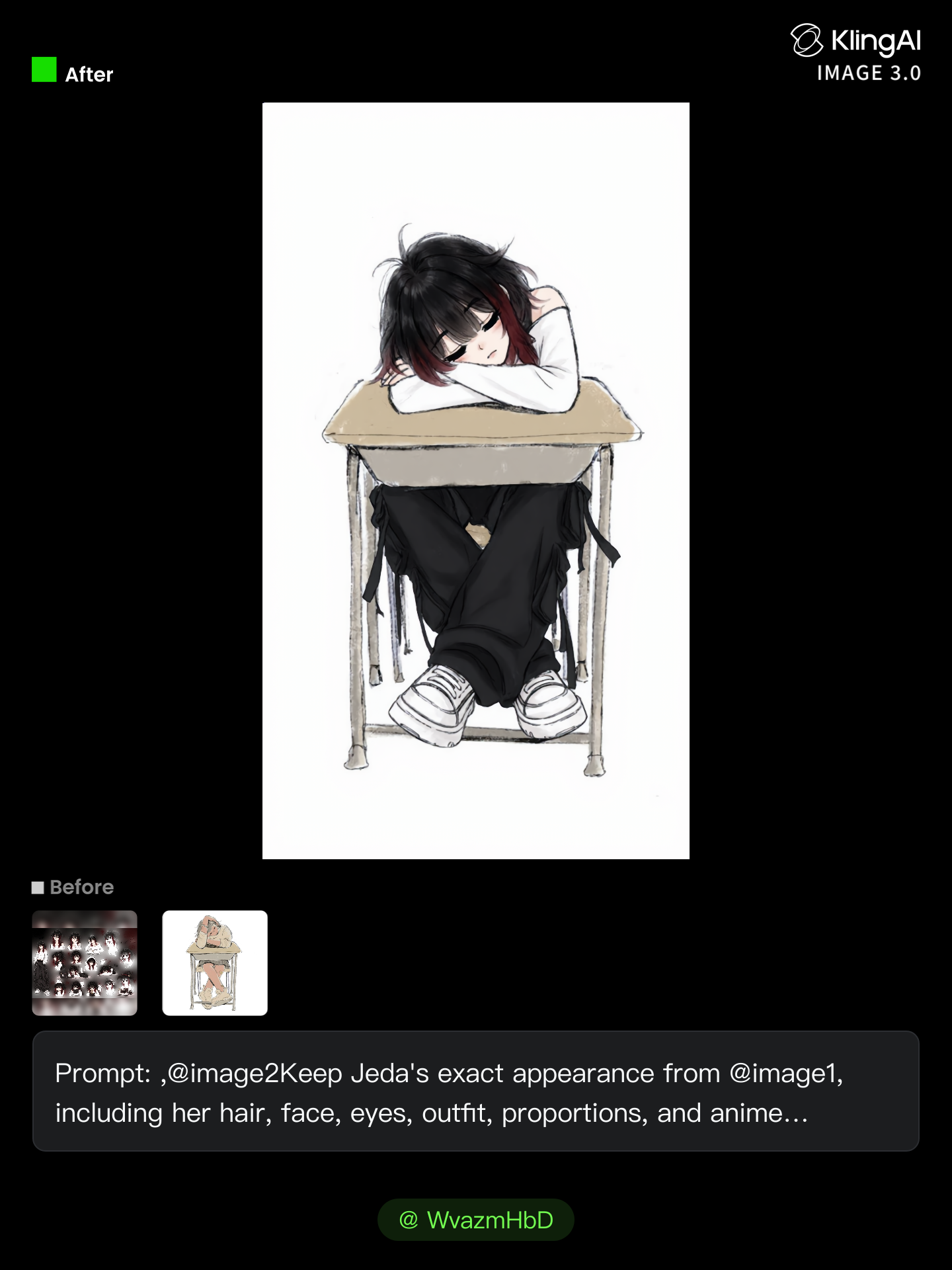
art work - d art ai AI image
WvazmHbD avatar
WvazmHbD
Leaf Art - d art ai AI video
jabu mabaya avatar
jabu mabaya
art work  - d art ai AI image
WvazmHbD avatar
WvazmHbD
Ai ghibli art - d art ai AI video
cNCbvcCB avatar
cNCbvcCB
Conceptual art  - d art ai AI video
rYeRcdhE avatar
rYeRcdhE
Minimal Art :: The guy who left - d art ai AI image
eqGktOne avatar
eqGktOne
manga art - d art ai AI image
nsmEVvQP avatar
nsmEVvQP
Art Noveau  - d art ai AI image
EvelinevanHoek avatar
EvelinevanHoek
*Fun and Art* - d art ai AI image
*Midcoast* avatar
*Midcoast*
Wall Art - d art ai AI video
Faiyath  avatar
Faiyath
my art works - d art ai AI image
WvazmHbD avatar
WvazmHbD
Art - d art ai AI video
xSdfiQsG avatar
xSdfiQsG
A work of art - d art ai AI video
Root and Rise studio avatar
Root and Rise studio
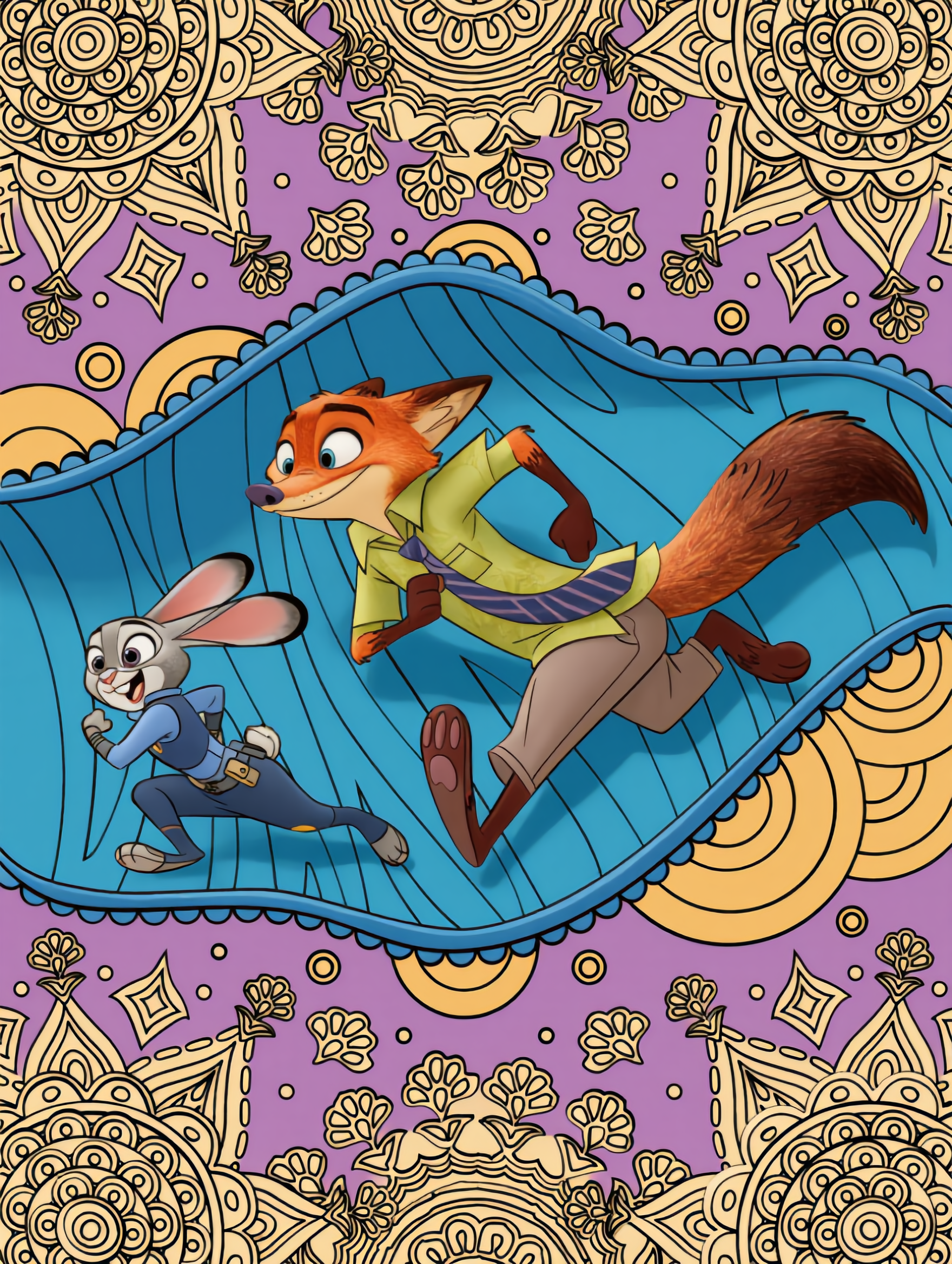
🐰🦊Welcome to Zootopia - d art ai AI image
souvenir avatar
souvenir

How to Generate AI Voices from Text with Kling AI

Step 1: Set Up Your Characters

Step 1: Set Up Your Characters

Start with a character in your prompt, or add a supported image, Character Element, or video reference when you already have a specific character in mind.

Step 2: Add Dialogue and Voice Direction

Step 2: Add Dialogue and Voice Direction

Write each character's dialogue and make the speaker clear in your prompt. Add directions for the language, accent, tone, emotion, or delivery when they matter to the scene. For scenes with multiple speakers, keep each character's name, line, and voice direction clearly connected.

Step 3: Generate Videos with Native Audio

Step 3: Generate Videos with Native Audio

Generate with Native Audio to create the dialogue as part of the video itself. Kling VIDEO 3.0 Omni produces voice, facial performance, lip movement, visuals, ambience, and supporting sound within the same generation.

Make Every Voice Feel Part of the Story

Generate Dubbing Together with Video

Generate Dubbing Together with Video

Dubbing does not have to begin after the visuals are done. Kling VIDEO 3.0 can generate character dialogue, lip movements, ambience, and sound effects alongside the video, so more of the scene comes together in one pass. Spend less time recording separate voiceovers, layering audio, and lining up tracks later, and more time shaping the story and visuals.
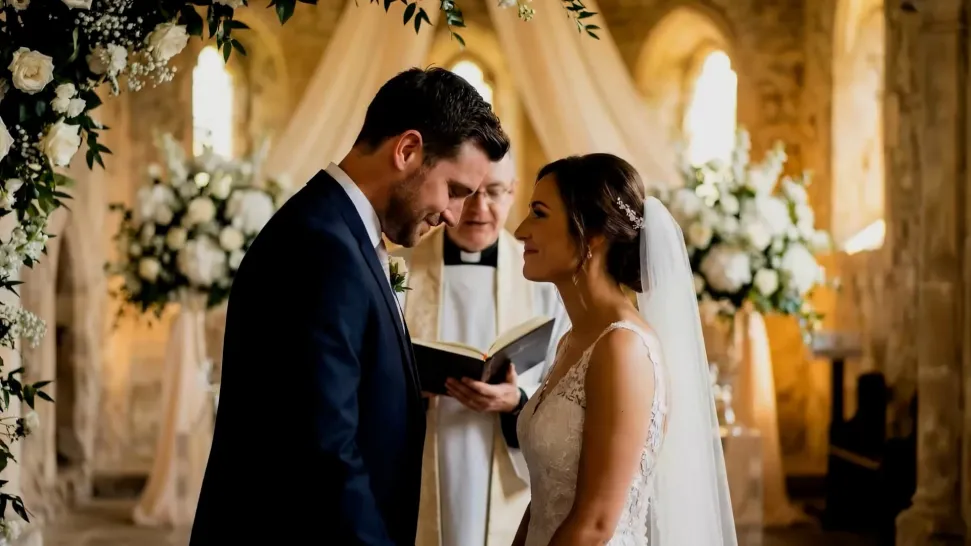
Reach More Audiences with Multilingual Dialogue

Reach More Audiences with Multilingual Dialogue

Create dialogue in Chinese, English, Japanese, Korean, and Spanish, or let characters switch between supported languages within the same scene. You can also specify supported dialects and accents in your prompt, giving you more flexibility for cross-cultural stories, travel content, global campaigns, and multilingual character interactions.
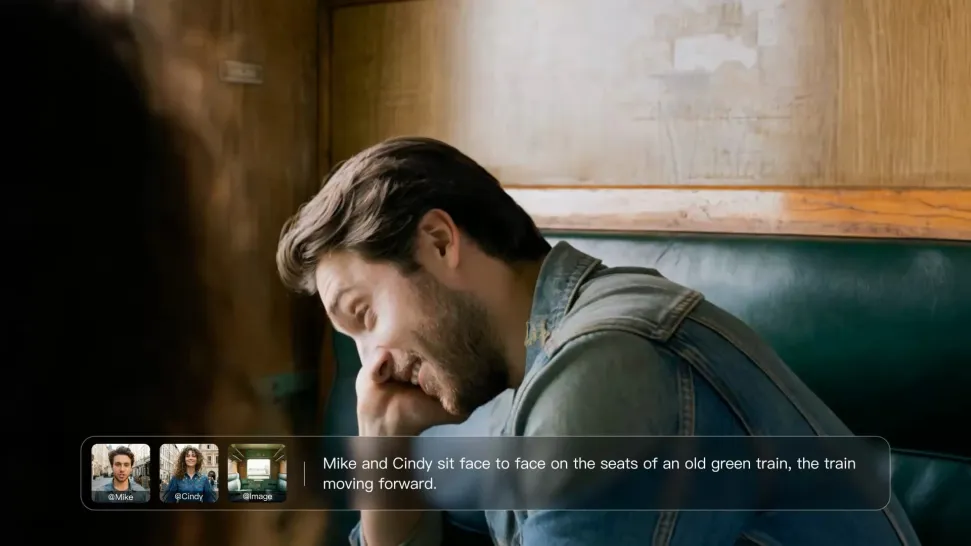
Direct Tone and Speaking Style Through Prompts

Direct Tone and Speaking Style Through Prompts

When several characters share a scene, keep each line connected to the intended speaker. Kling VIDEO 3.0 supports multi-character dialogue and speaker matching, making it easier to create interviews, group conversations, family scenes, and story-driven videos where several characters speak.

Apps

Image to Video
Image to Video

Image to Video

Text to Video
Text to Video

Text to Video

Omni
Omni

Omni

Digital Human
Digital Human

Digital Human

Restyle
Restyle

Restyle

Text to Image
Text to Image

Text to Image

60M+
60M+
Users
600M+
600M+
AI Videos Generated
4.7 ★
4.7 ★
App Store
Industry-Leading
Industry-Leading
Cinematic 4K

Reviews

Huang Lu (Elson)

Huang Lu (Elson)

★★★★★

I’ve been using Kling AI since its initial release, and it’s remained one of the leading AI media generators ever since. With Kling AI, I’ve created hundreds of videos, collectively amassing millions of views.

James Phillips

James Phillips

★★★★★

Kling AI has transformed my workflow by collapsing timelines and democratizing production. It’s shifted my mindset from resource-dependent filmmaking to a boundless creative sandbox, where experimentation yields unexpected beauty.

PJ Ace

PJ Ace

★★★★★

Kling AI has made it easy for us to generate world class visuals for Fortune 500 companies, TV shows and music for big artists. We love the easy of use of the platform and the quality of the generations. My first time using Kling AI, I got 22 million views on just one video. It's that good.

FAQ

Q1How much does Kling AI Text to Speech cost?
Q2What is Text to Speech?
Q3How does Kling AI Text to Speech work?

Bring Out the Best in Every Image

Transform ordinary images into refined visuals with Kling AI. Enhance details, improve the overall look, and create images that better match your creative direction.

AI image quality enhancement | Prompt-guided refinement | 2K/4K output