
Creative Studio
API
Resources
Features
About Us
Download

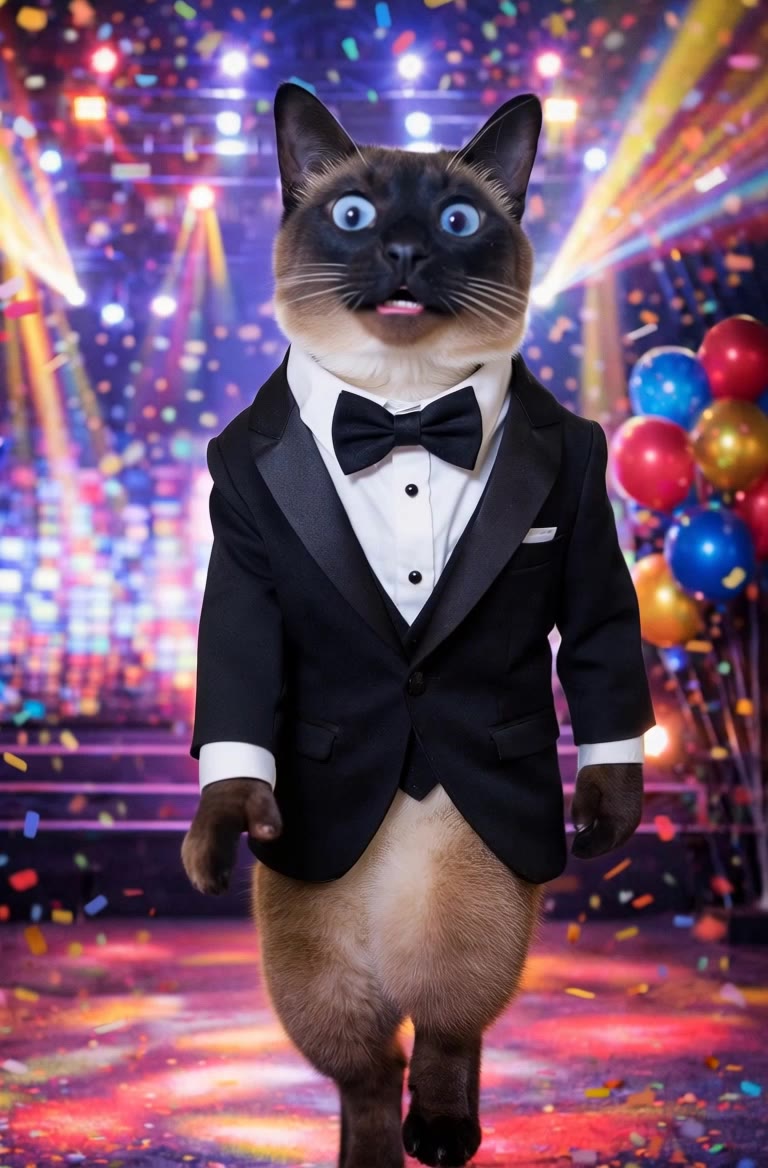
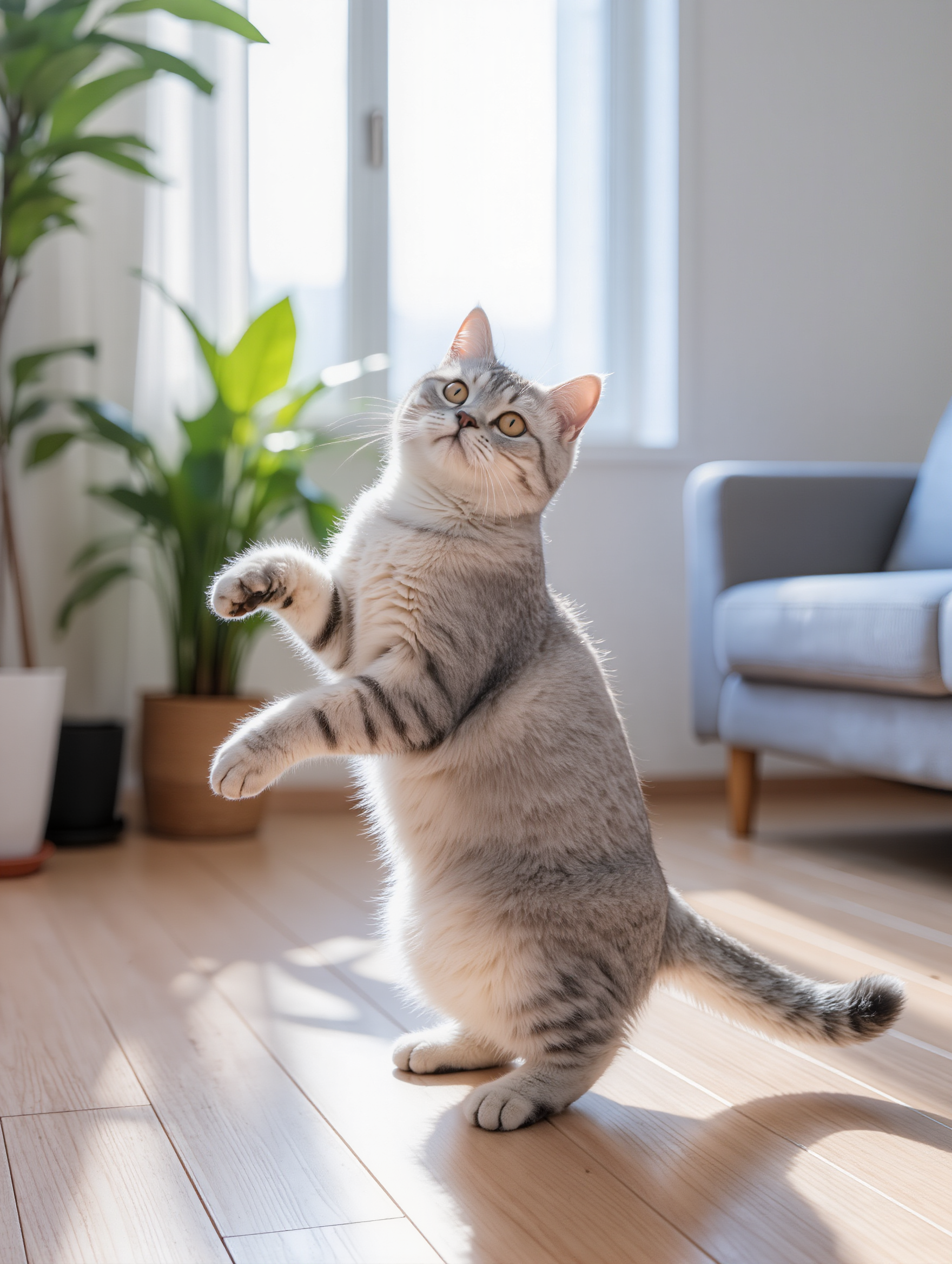
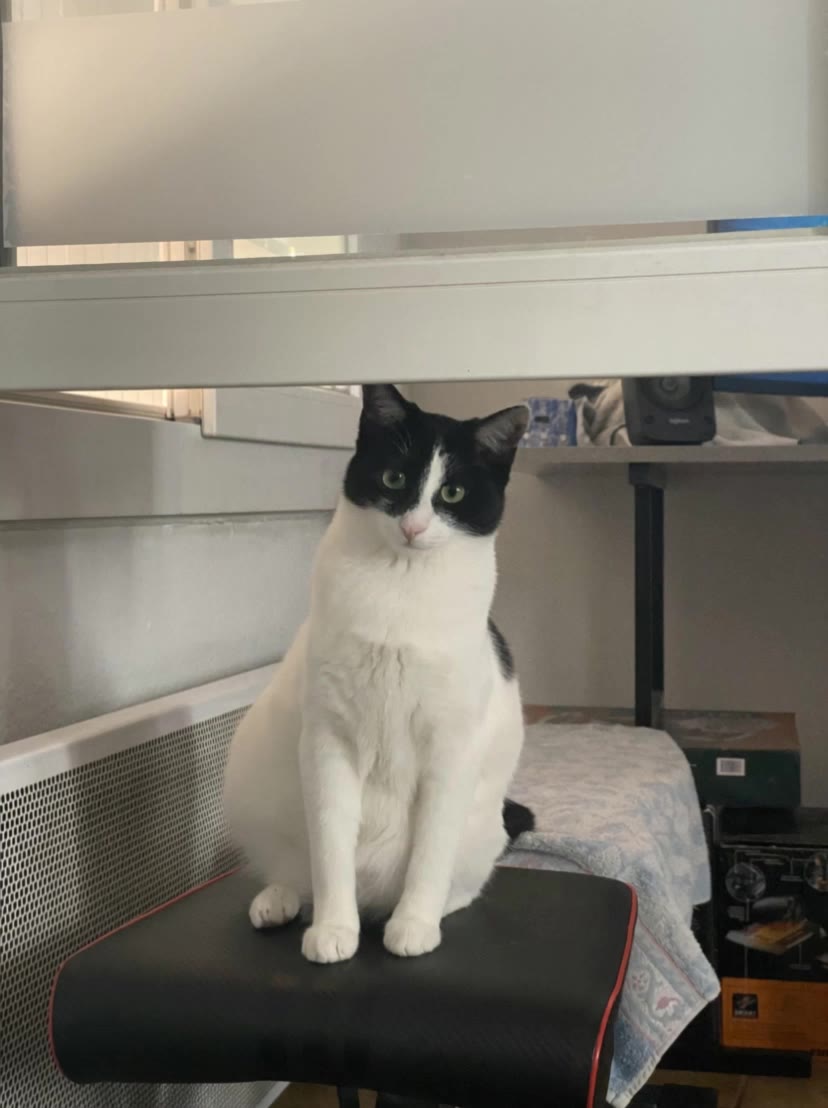
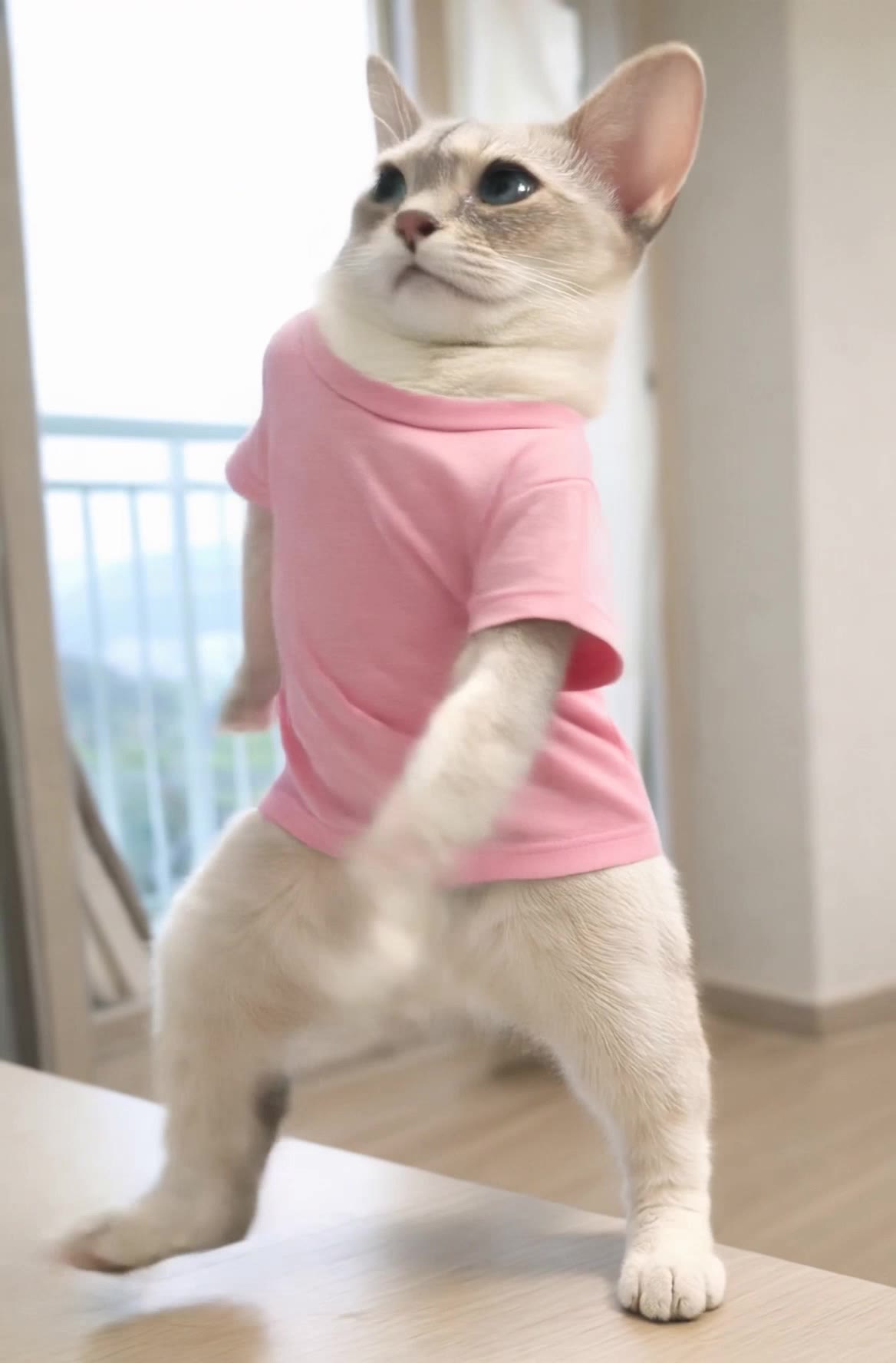
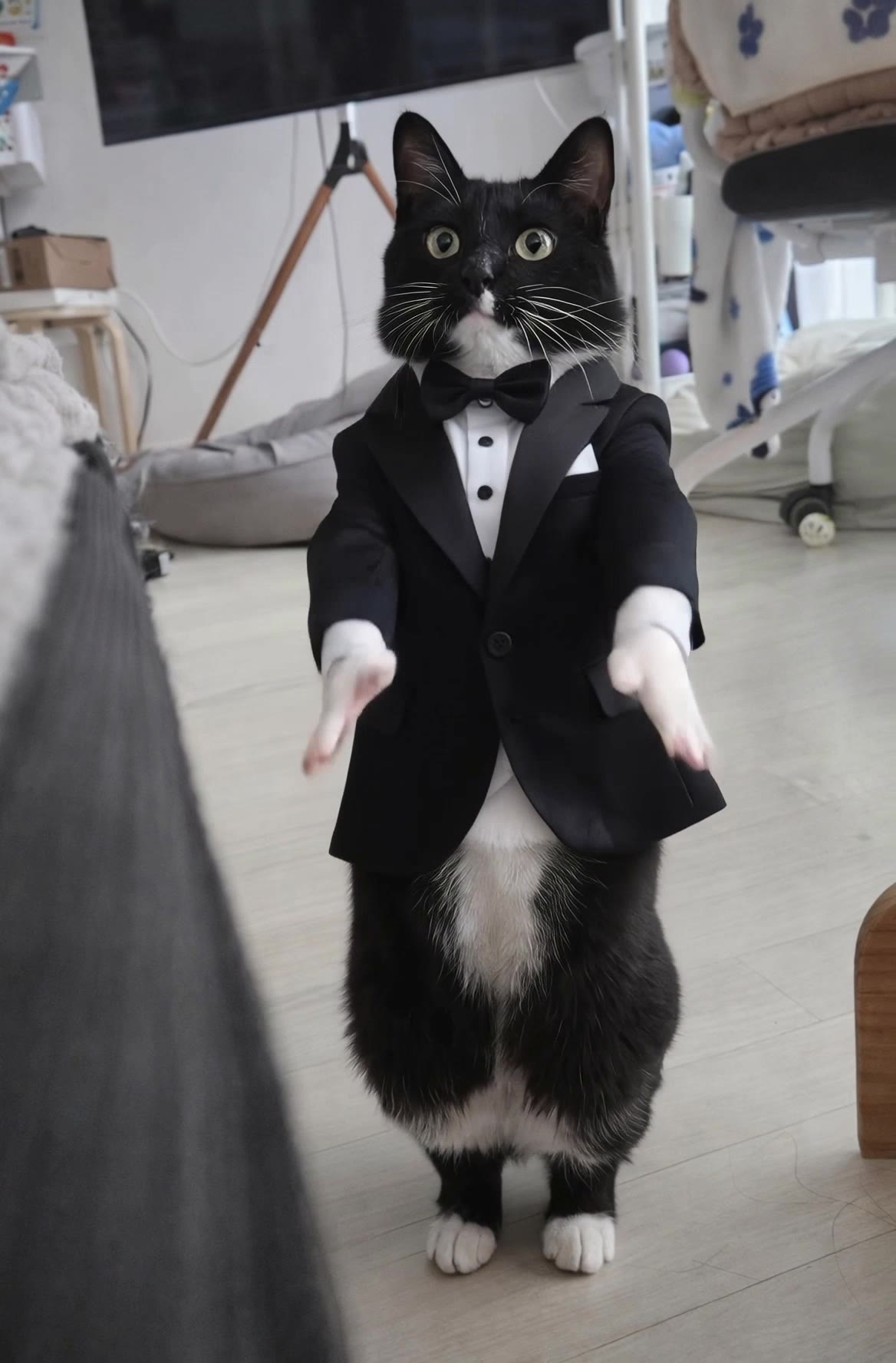
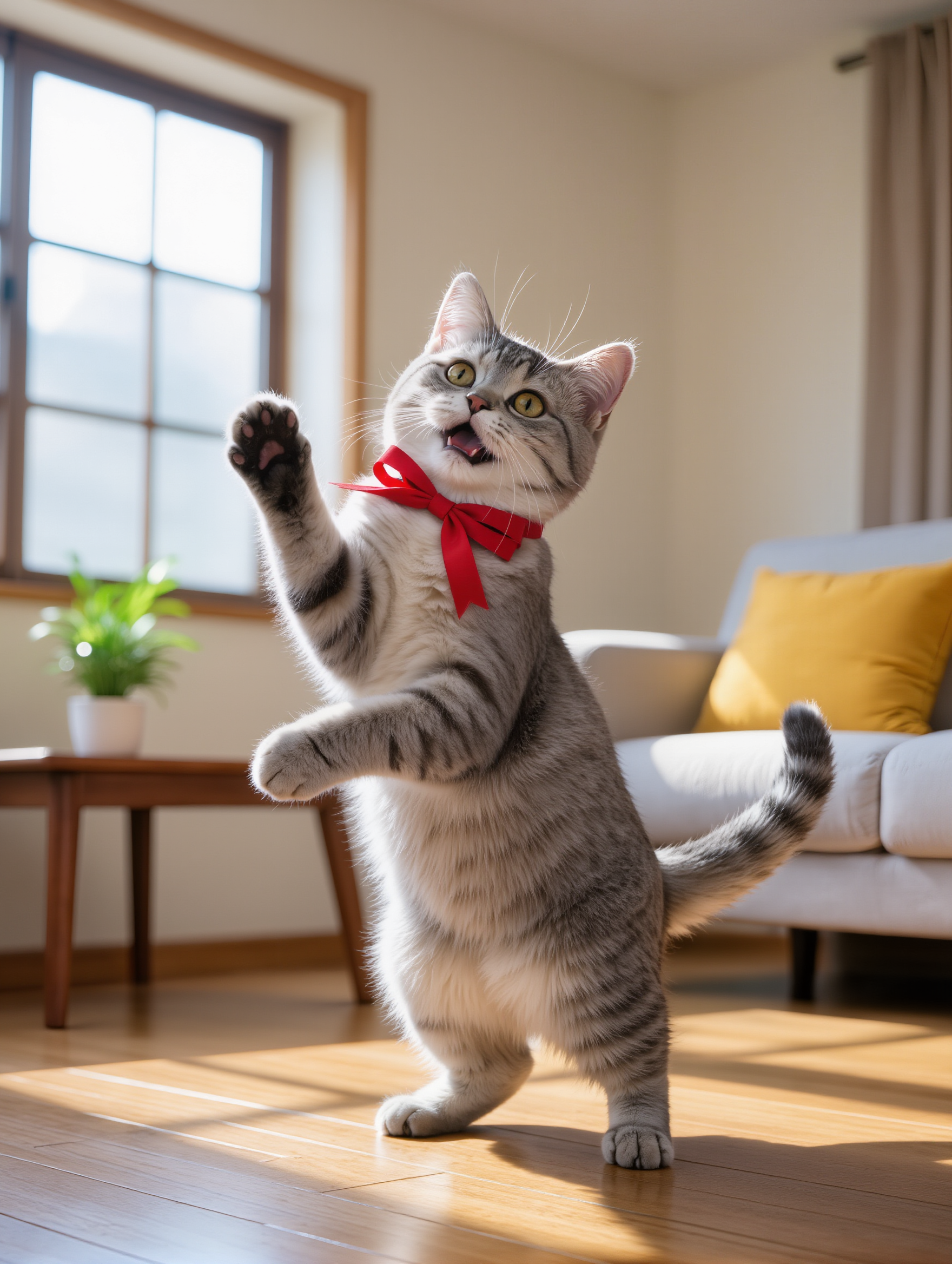
dancing cat ai video - K-POP & disco

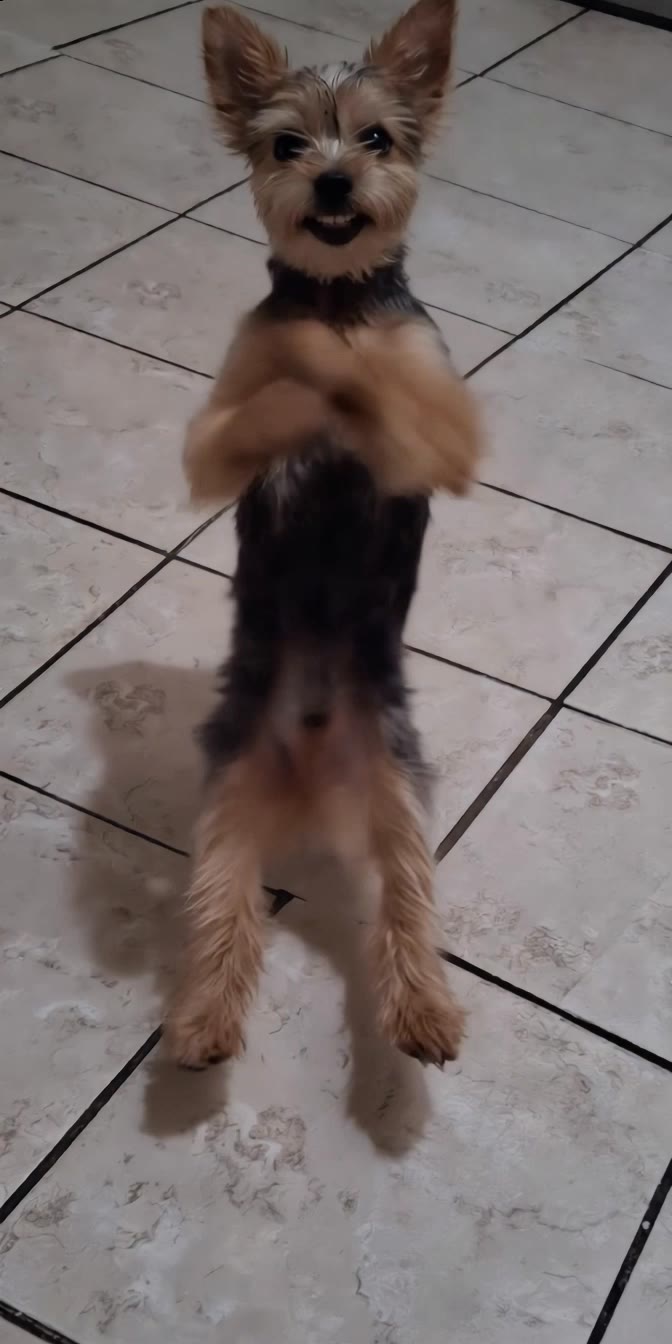
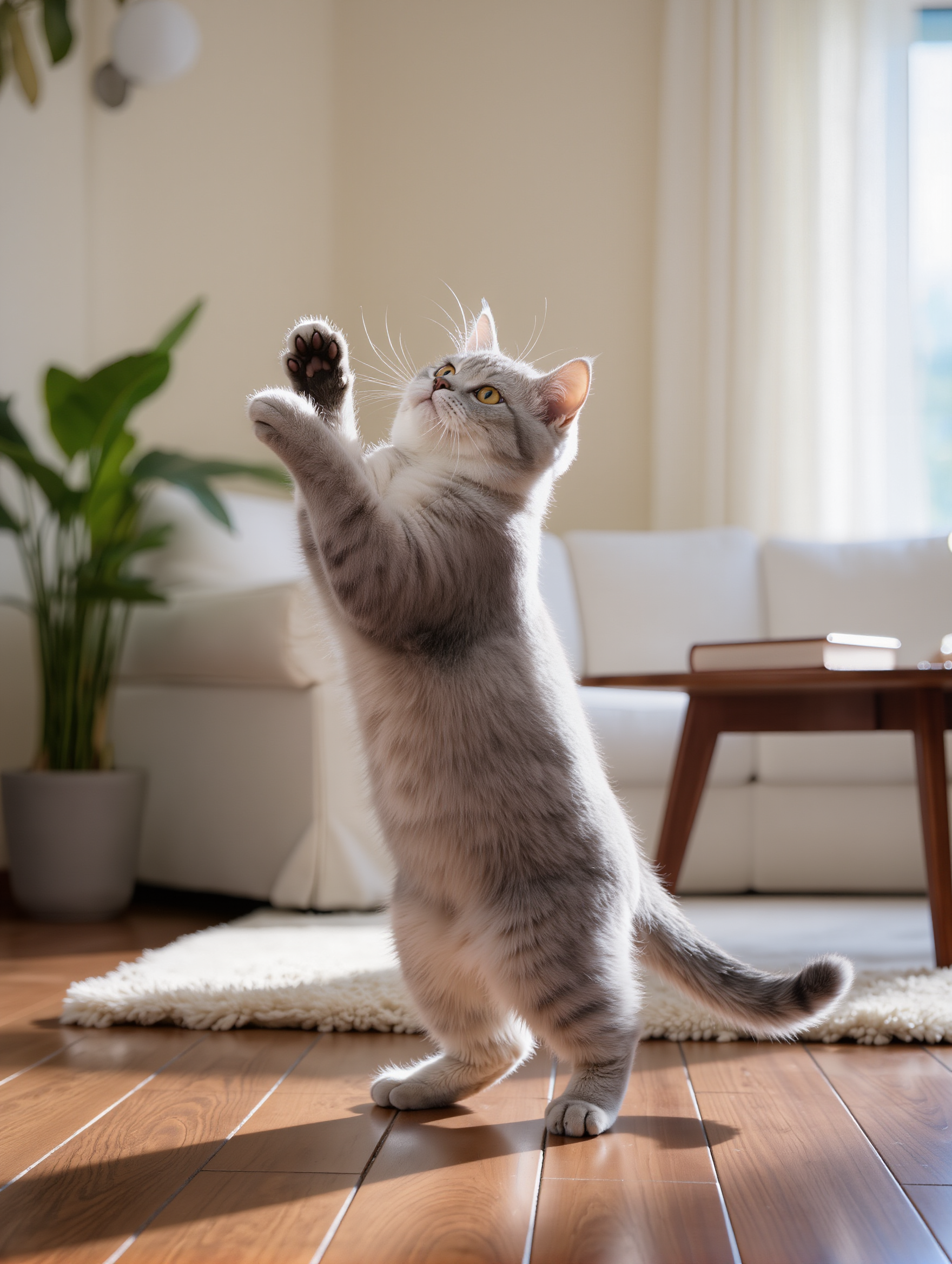
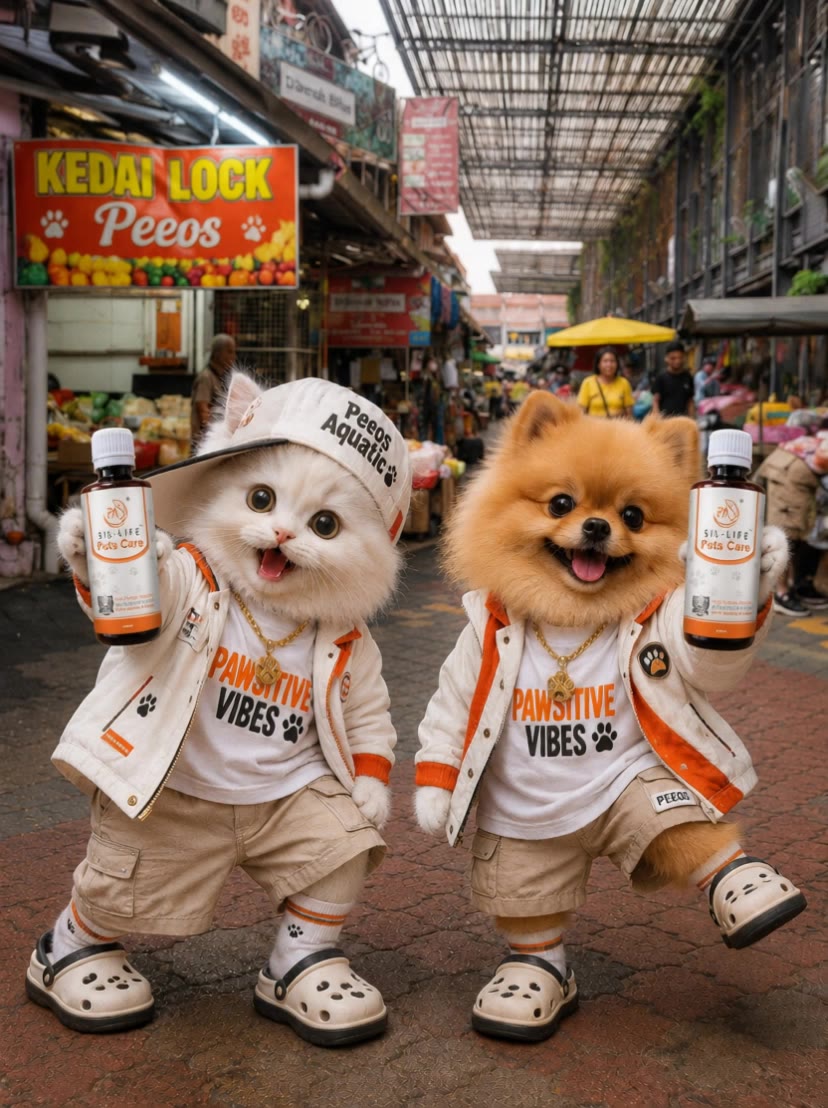
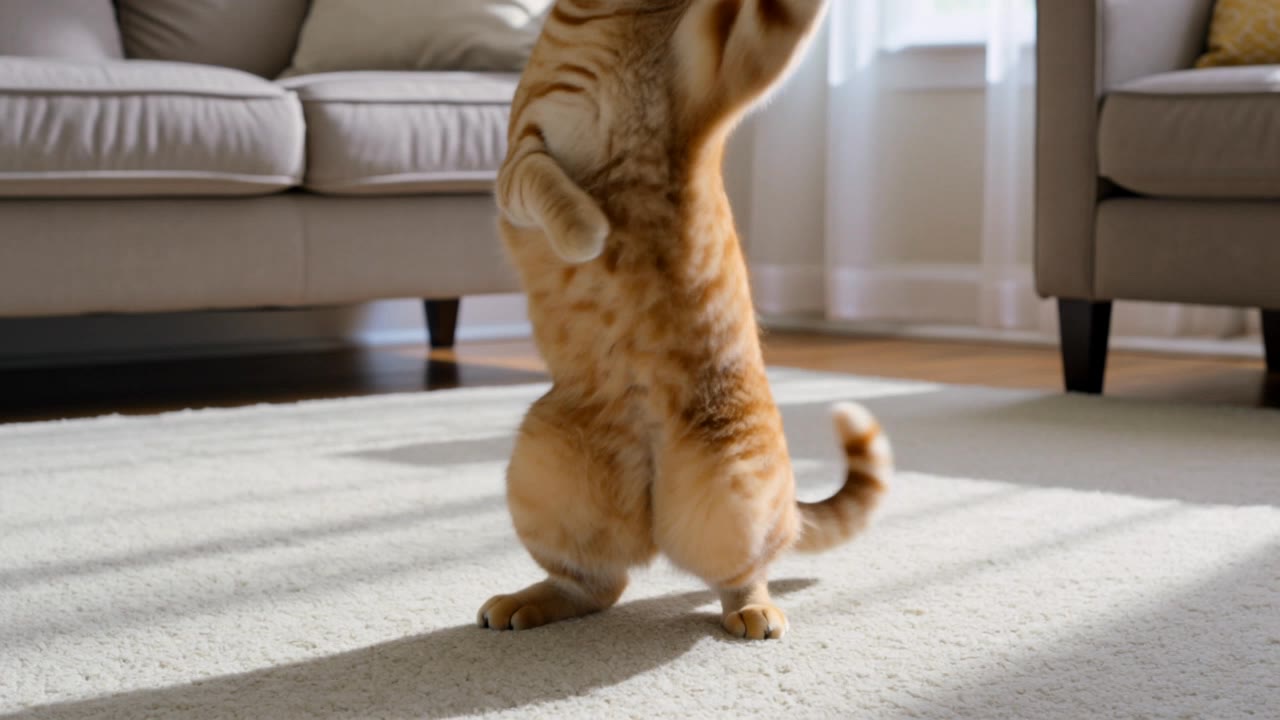
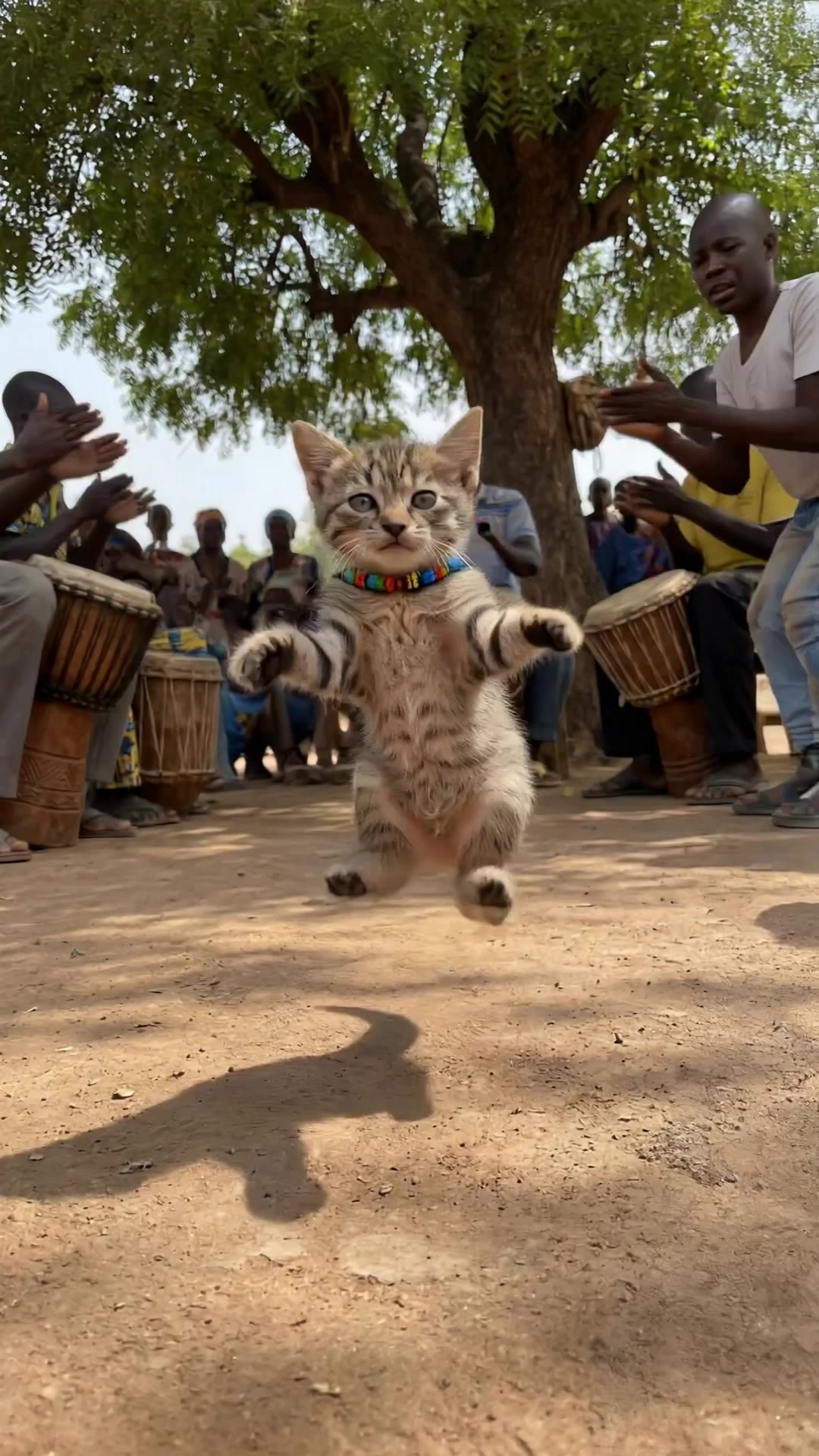
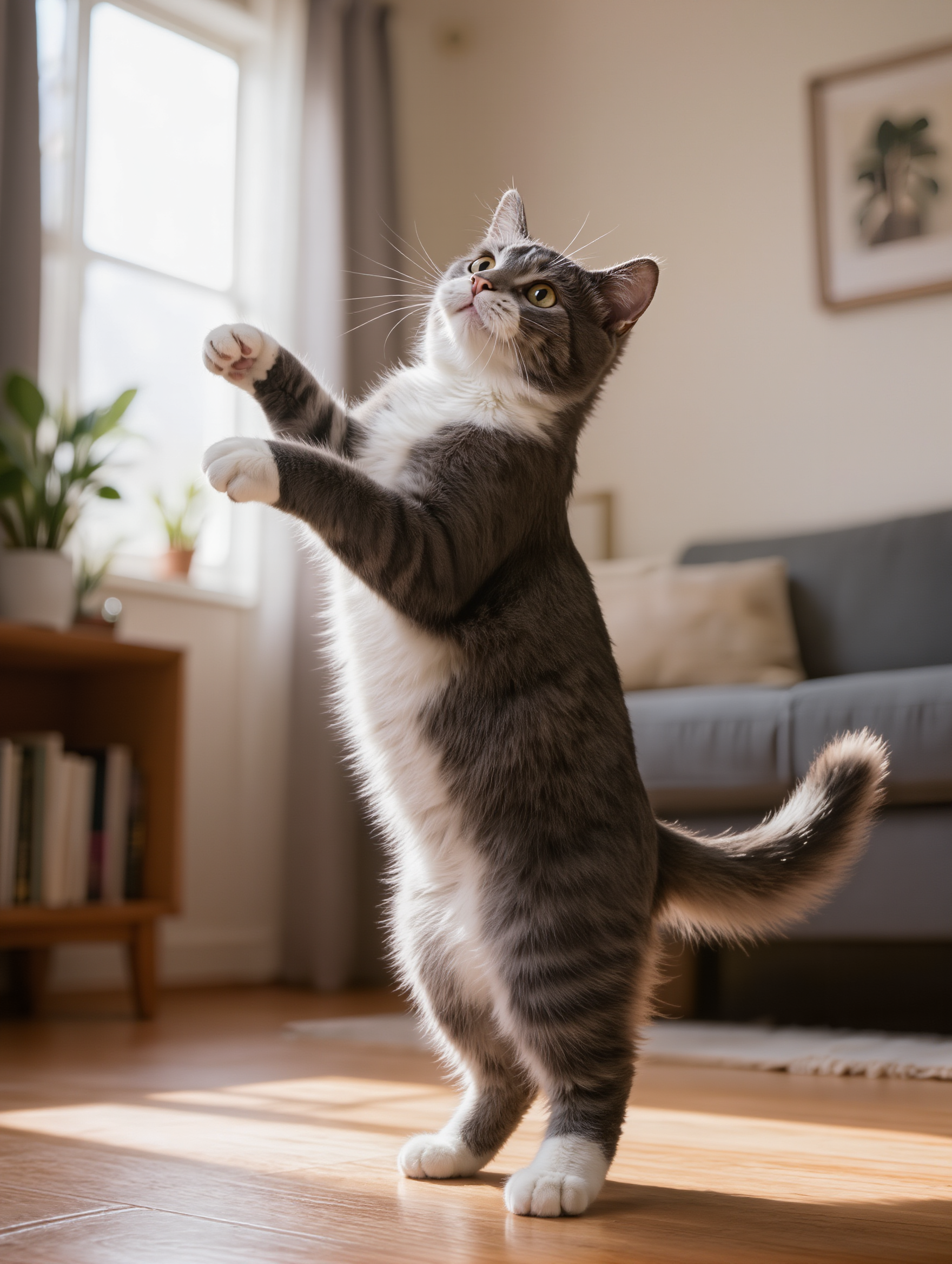
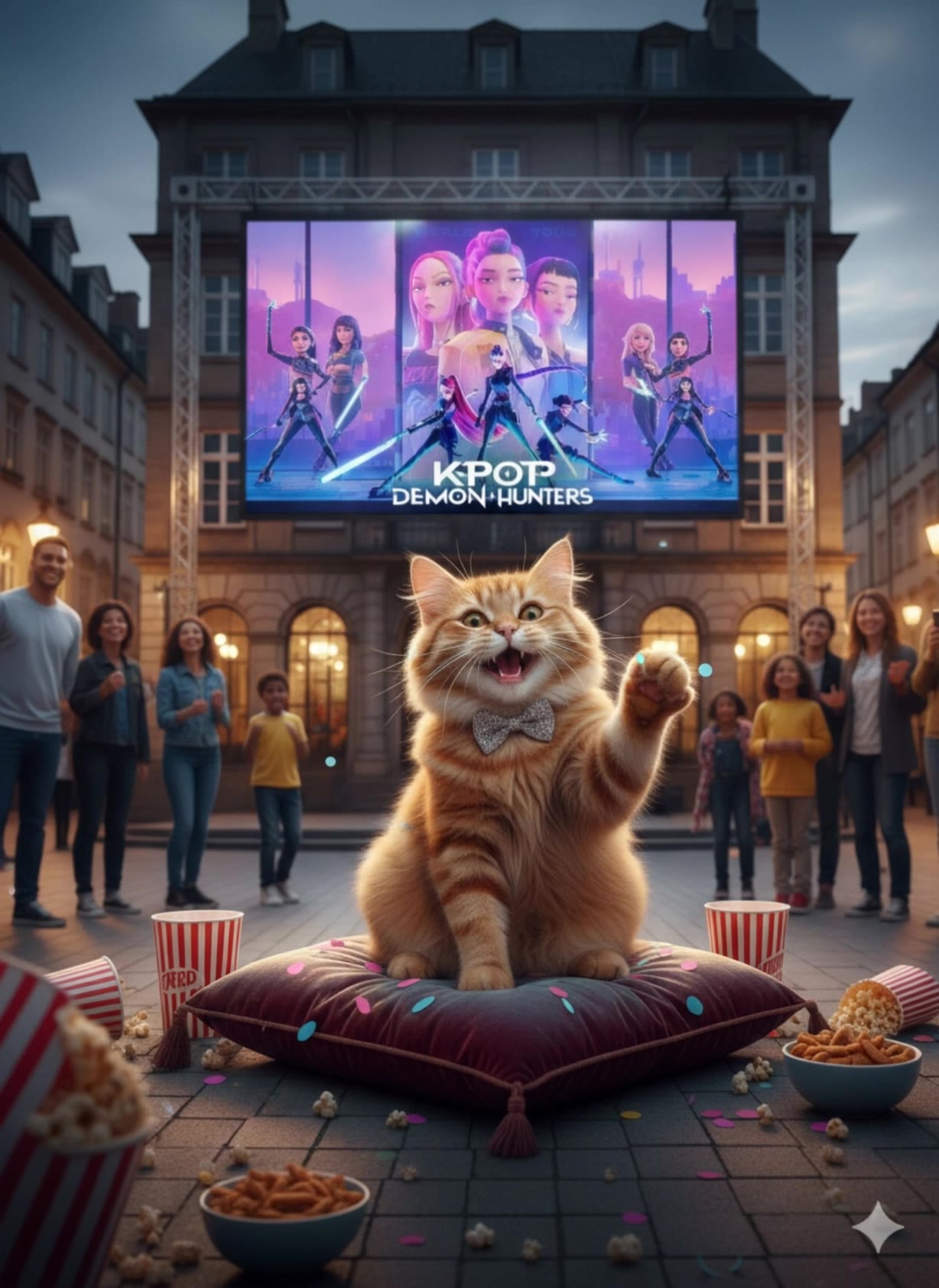
Witness the mesmerizing charm of AI-generated videos showcasing cats grooving to K-POP beats and thrilling disco rhythms, alongside adorable pet duets of dancing cats and dogs. Start exploring dancing cat ai video ideas and generate your own content with AI.

dancing cat ai video - K-POP & disco

Recommended

Kling AI work 316184636501352 - dancing cat ai video AI video
ThEiMnvk avatar
ThEiMnvk
K-POP dancing cat - dancing cat ai video AI video
JspecE avatar
JspecE
Kling AI work 319494896508728 - dancing cat ai video AI video
rShzBGVO avatar
rShzBGVO
dancing video not  photo - dancing cat ai video AI image
wGqyQicJ avatar
wGqyQicJ
dancing cat & dog - dancing cat ai video AI video
KLING8927 avatar
KLING8927
Kling AI work 318509401507446 - dancing cat ai video AI video
ghBNAPwB avatar
ghBNAPwB
cat dancing - dancing cat ai video AI video
Sun avatar
Sun
Kling AI work 316269579664952 - dancing cat ai video AI image
heRUajqX avatar
heRUajqX
Kling AI work 317069041306788 - dancing cat ai video AI video
oRvDrfLo avatar
oRvDrfLo
My cat dancing and singing - dancing cat ai video AI video
lwHjlaqc avatar
lwHjlaqc
Kling AI work 299208853651330 - dancing cat ai video AI video
MrwCDsmD avatar
MrwCDsmD
Kling AI work 311129699668898 - dancing cat ai video AI image
uGVdeqOo avatar
uGVdeqOo
Cat Dancing - dancing cat ai video AI video
Nikko avatar
Nikko
Kling AI work 299191418525915 - dancing cat ai video AI video
haili avatar
haili
Kling AI work 315223131500567 - dancing cat ai video AI image
uNxdtCZP avatar
uNxdtCZP
Kling AI work 299228321526655 - dancing cat ai video AI video
xafXNruW avatar
xafXNruW
Kling AI work 310524176520091 - dancing cat ai video AI video
wwrIAJWJ avatar
wwrIAJWJ
Kling AI work 311503082501409 - dancing cat ai video AI image
nqLyxCVg avatar
nqLyxCVg

How to Create AI Backgrounds in High-Quality

Start with Your Photo

Start with Your Photo

Upload the person, product, or image you want to work with. If you already have a location, mood, composition, or visual style in mind, add reference images to give Kling AI a clearer direction.

Describe the New Scene

Describe the New Scene

Describe what you want behind the subject and what should stay familiar. You might ask for a clean studio, a sunlit kitchen, a city rooftop, or something more imaginative. If you are using references, explain which parts of them you want to follow.

Generate a High-Quality Background

Generate a High-Quality Background

Choose your preferred aspect ratio and output resolution, then generate the image. Kling IMAGE 3.0 supports output up to 2K. For higher-resolution native 4K output, use Kling IMAGE 3.0 Omni.

From Clean Cutouts to Completely New Backgrounds

Clean Cutouts, Ready to Use

Clean Cutouts, Ready to Use

Clear away a distracting background without tracing around the subject by hand. Create transparent product shots, portraits, logos, and graphics for listings, profile images, presentations, and design work. When you need a higher-resolution de-priming effect, IMAGE 3.0 Omni also supports 2K and 4K output.

Go Straight to the Background You Want

Go Straight to the Background You Want

Already know what belongs behind the subject? Skip the extra editing and go straight to the final look. Describe a new setting or add a reference image to guide it, whether you're refreshing a product shot, portrait, social graphic, or campaign visual.

Refresh Video Footage Without Reshooting

Refresh Video Footage Without Reshooting

Keep the clip you already have and change the setting around it. With VIDEO 3.0 Omni, use a prompt or reference image to update backgrounds for ads, product videos, presenter clips, and social content—without another shoot or a green screen.

Apps

Image to Video
Image to Video

Image to Video

Text to Video
Text to Video

Text to Video

Omni
Omni

Omni

Digital Human
Digital Human

Digital Human

Restyle
Restyle

Restyle

Text to Image
Text to Image

Text to Image

60M+
60M+
Users
600M+
600M+
AI Videos Generated
4.7 ★
4.7 ★
App Store
Industry-Leading
Industry-Leading
Cinematic 4K

Reviews

James Phillips

James Phillips

★★★★★

Kling AI has transformed my workflow by collapsing timelines and democratizing production. It’s shifted my mindset from resource-dependent filmmaking to a boundless creative sandbox, where experimentation yields unexpected beauty.

Vincent Smadja

Vincent Smadja

★★★★★

Kling AI seamlessly integrates into my creative workflow, playing a key role in transforming my images. After generating and upscaling an image, Kling becomes a crucial element, bringing my creations to life with movement and depth.

Halim Alrasihi

Halim Alrasihi

★★★★★

I use AI daily and Kling AI is a crucial part of my workflow, whether for client work or personal projects. What I love most about using Kling AI is that it provides all the tools I need in one place, from keyframes to character references, elements and special effects.

FAQ

Q1Can I upscale an image to a higher resolution with Kling AI?
Q2What is an AI Image Enhancer?
Q3What types of images can I enhance with Kling AI?

Remove Watermarks, Create Clean Visuals

Remove unwanted watermarks, logos, and distractions with Kling AI. Create cleaner visuals while keeping the important elements, style, and character that make your images unique.

Watermark Removal | Logo & Text Removal | 2K/4K output