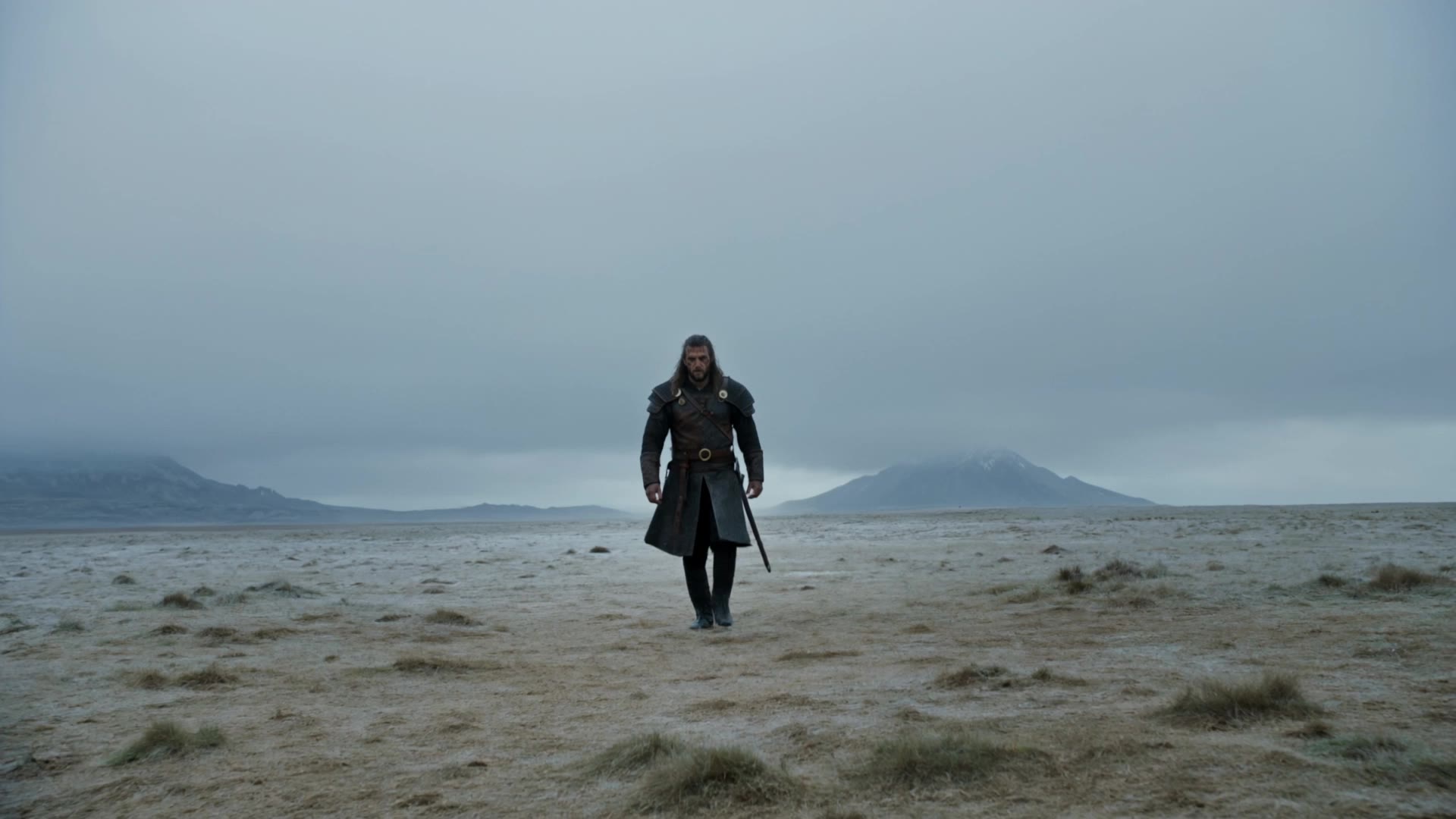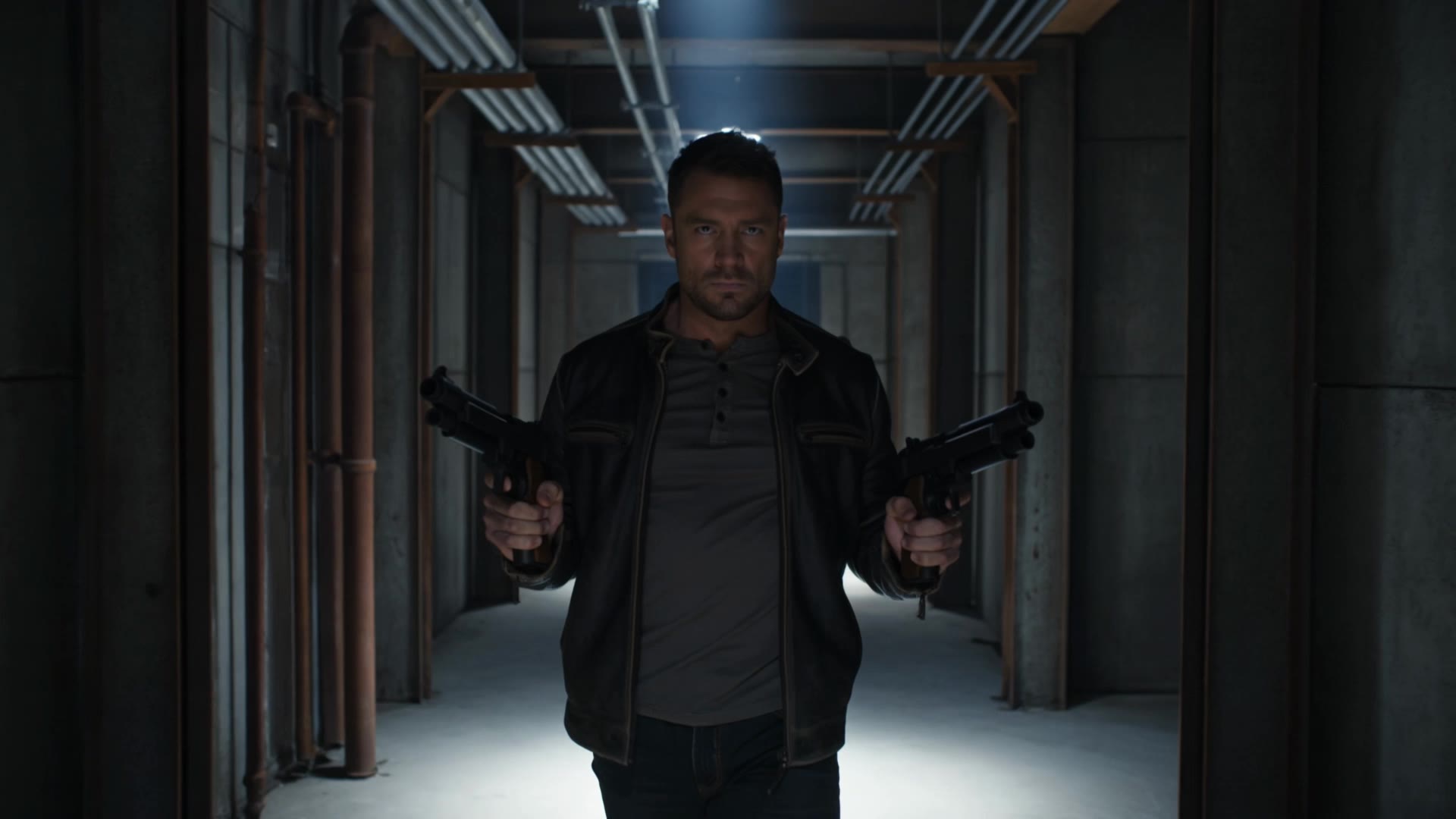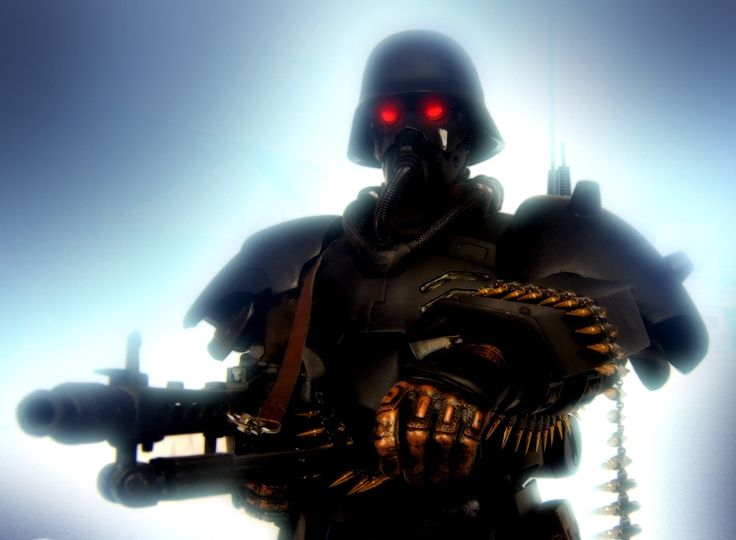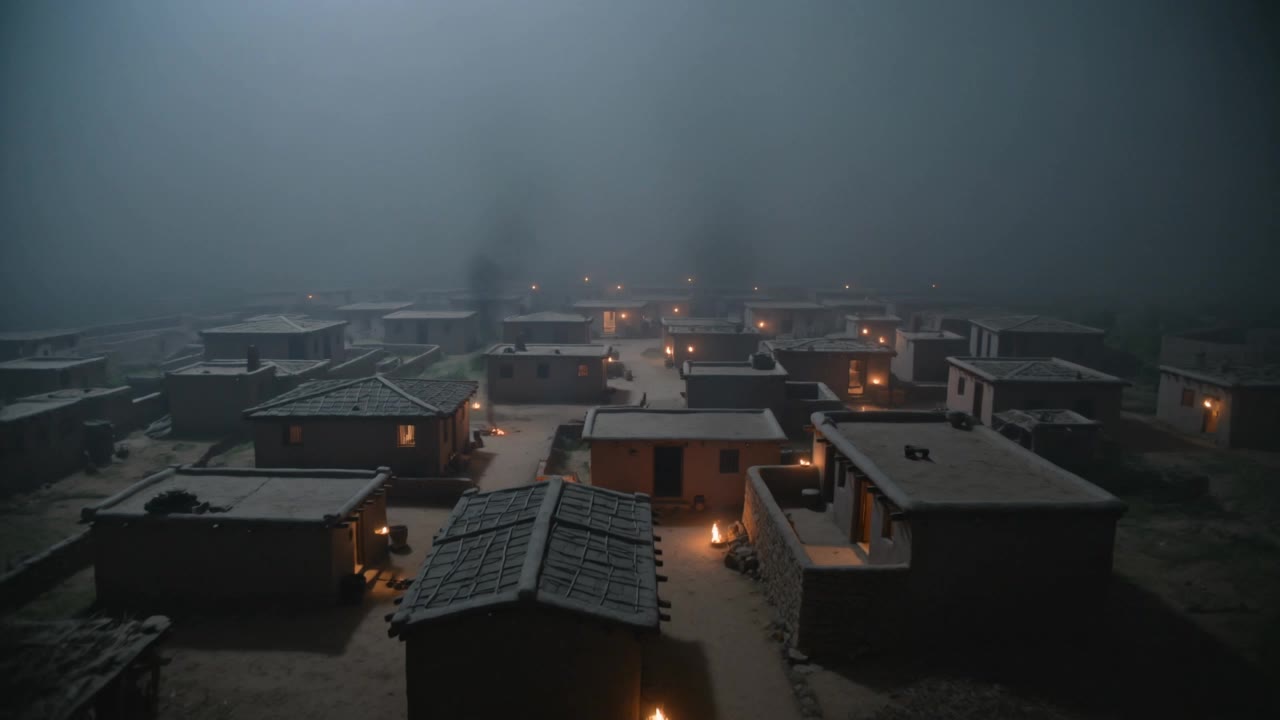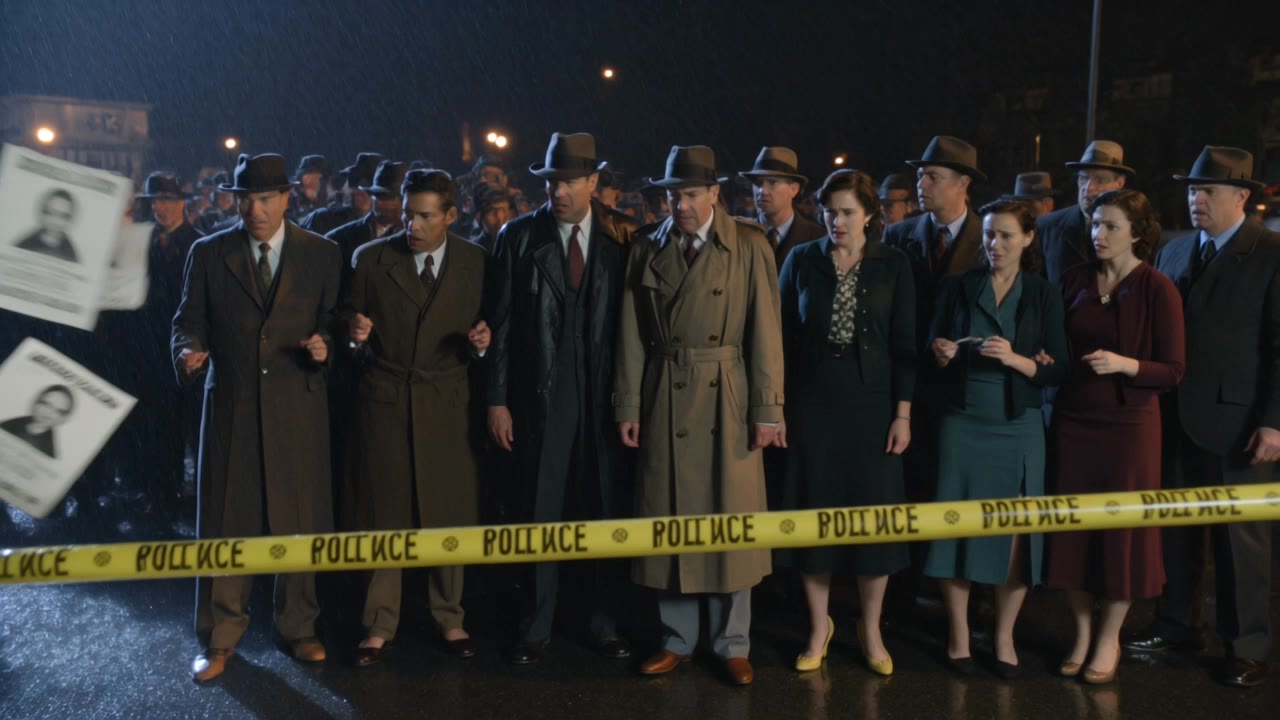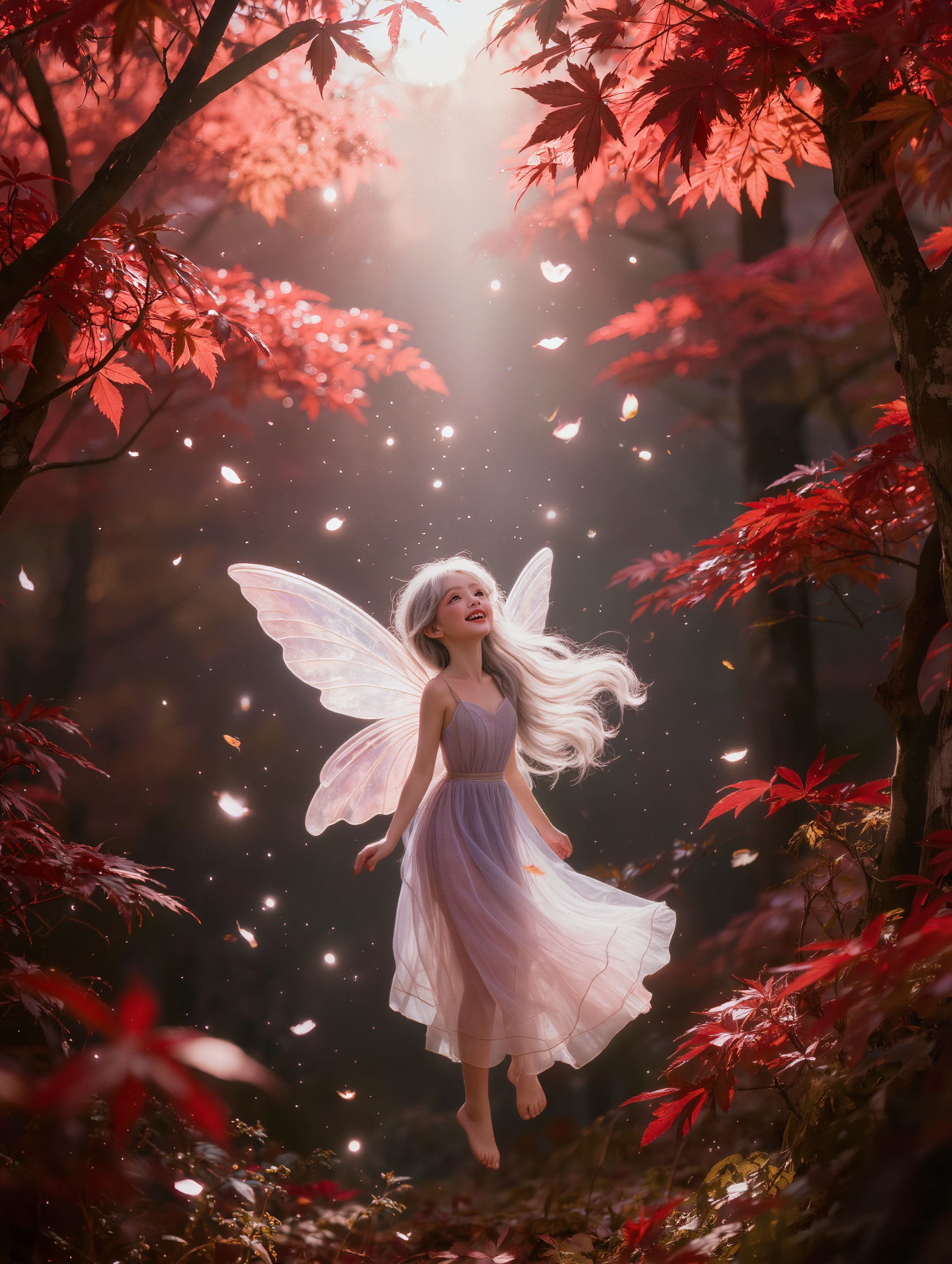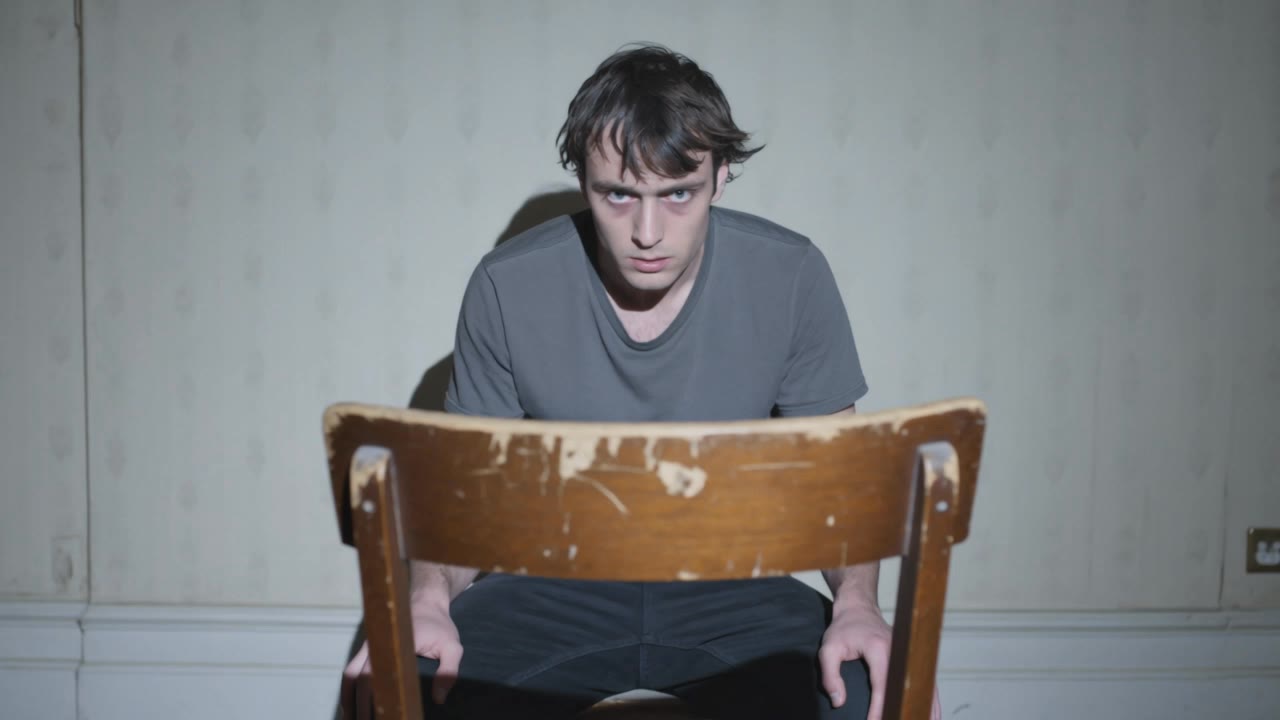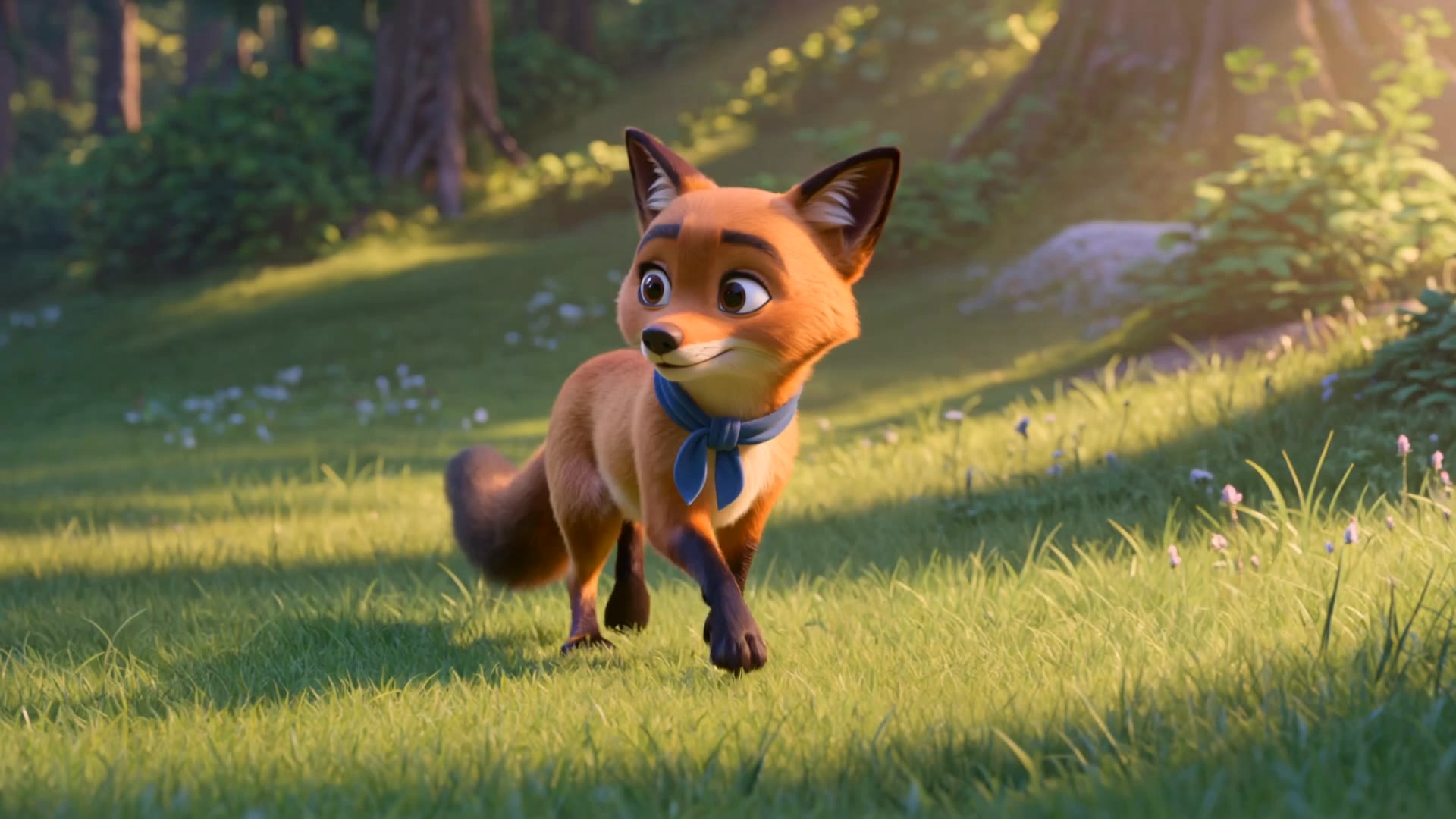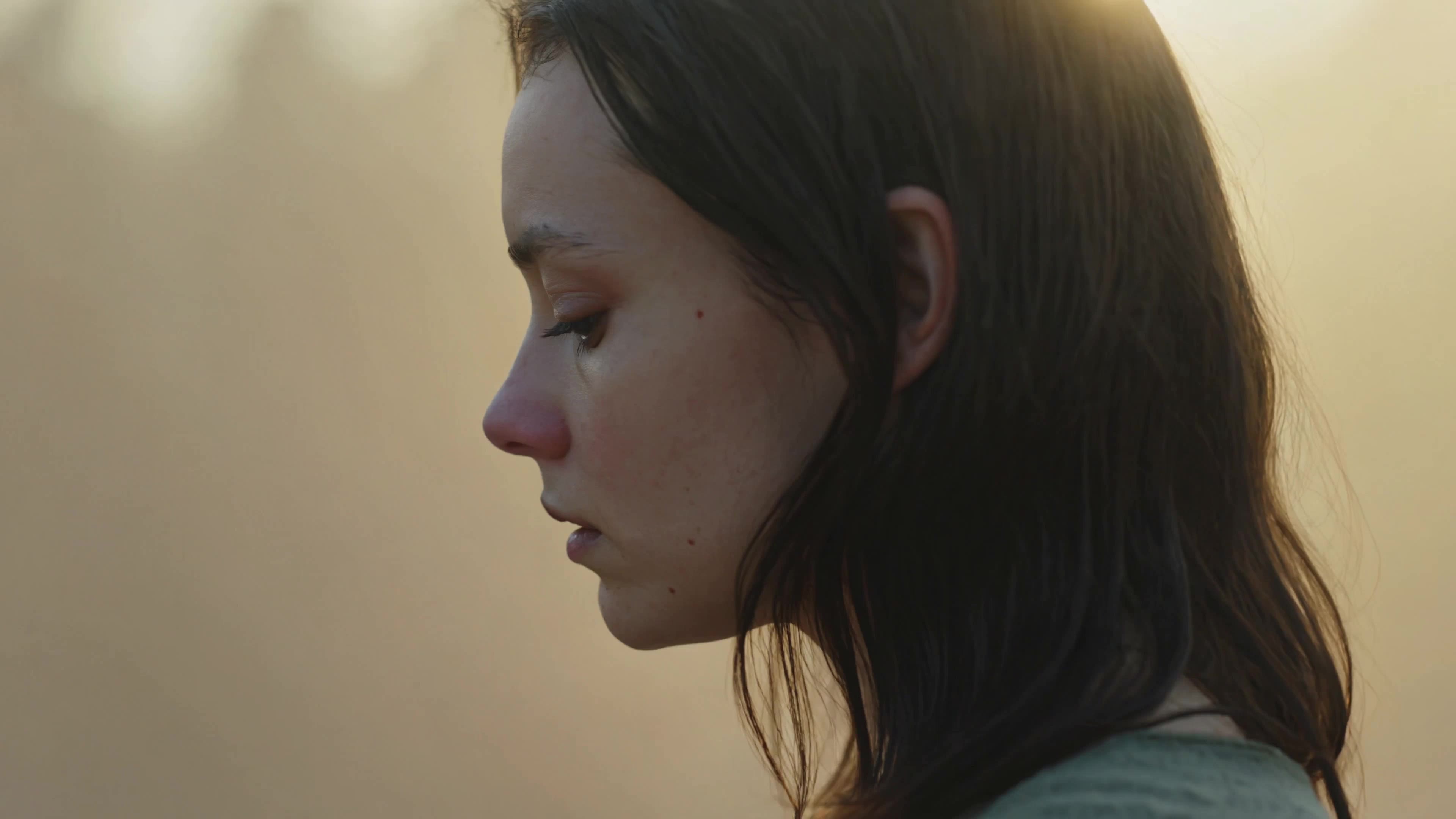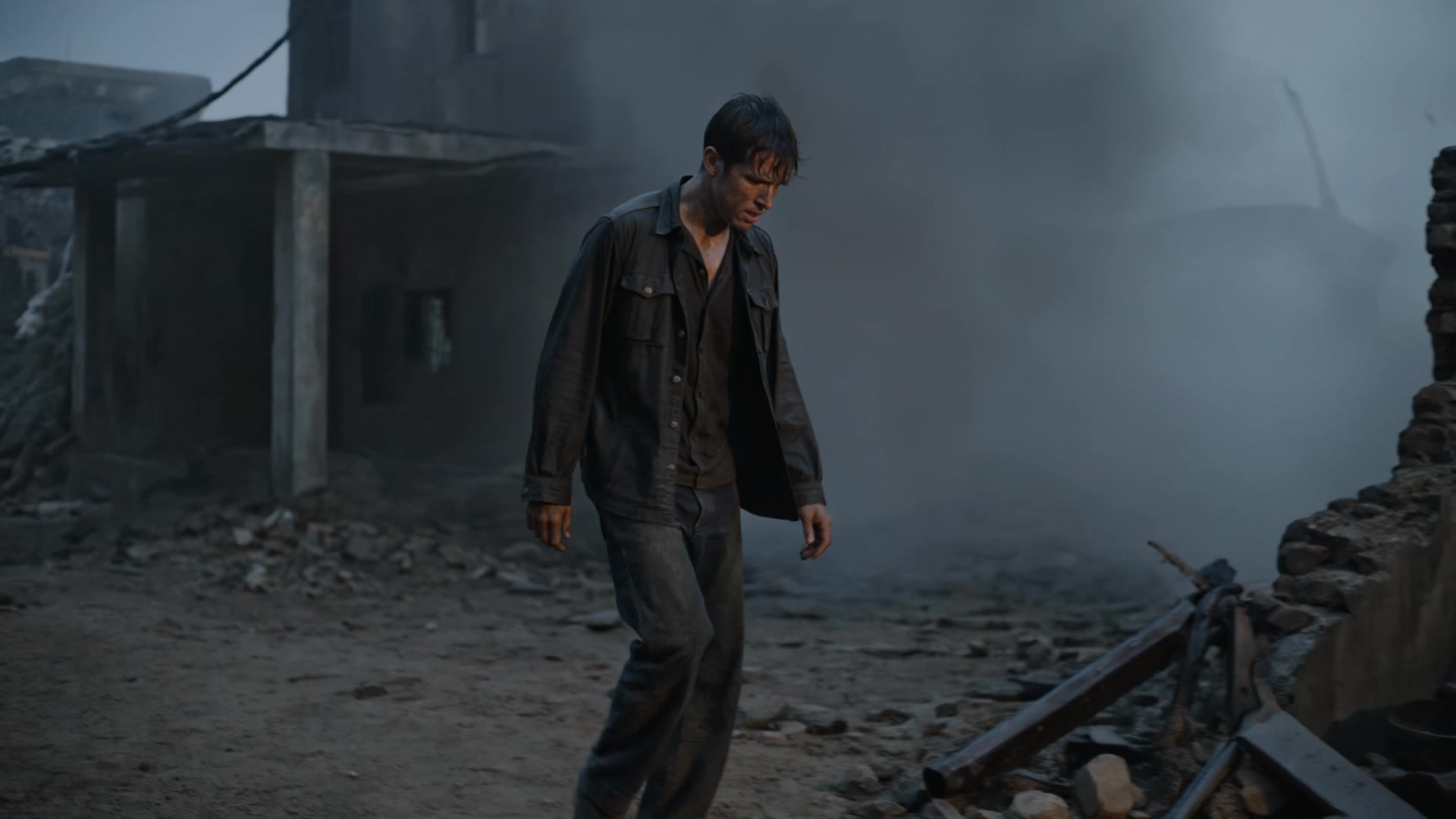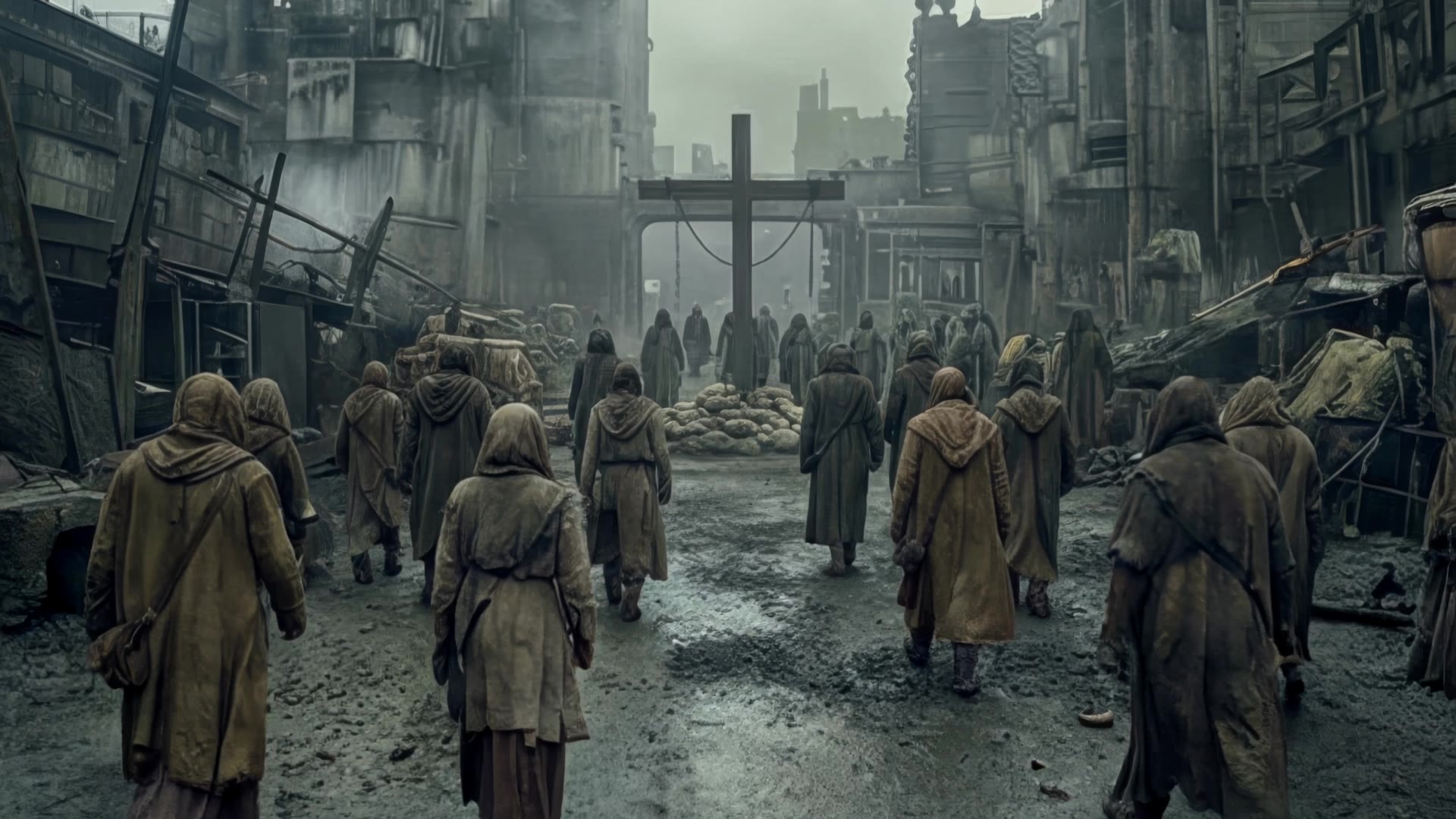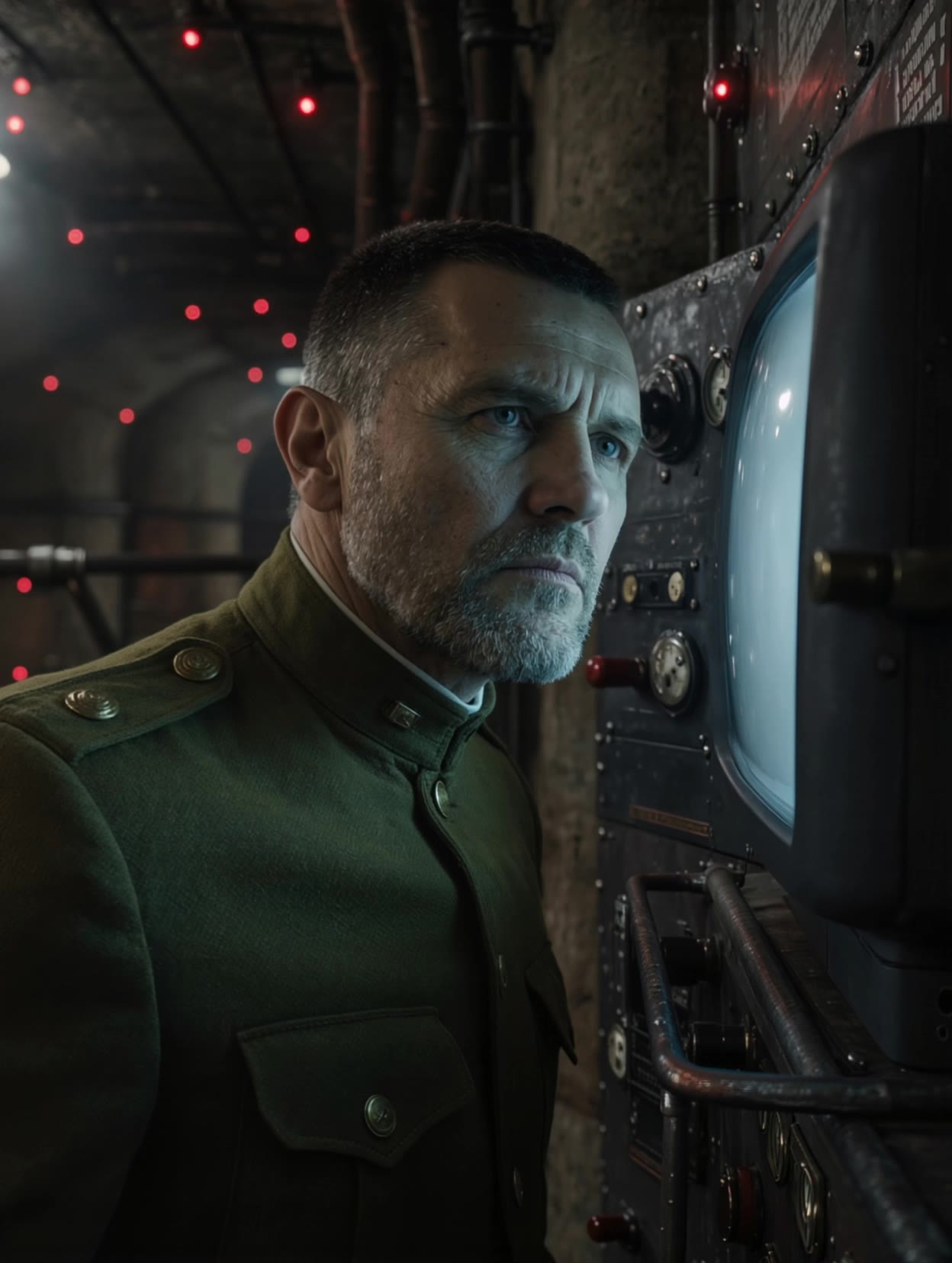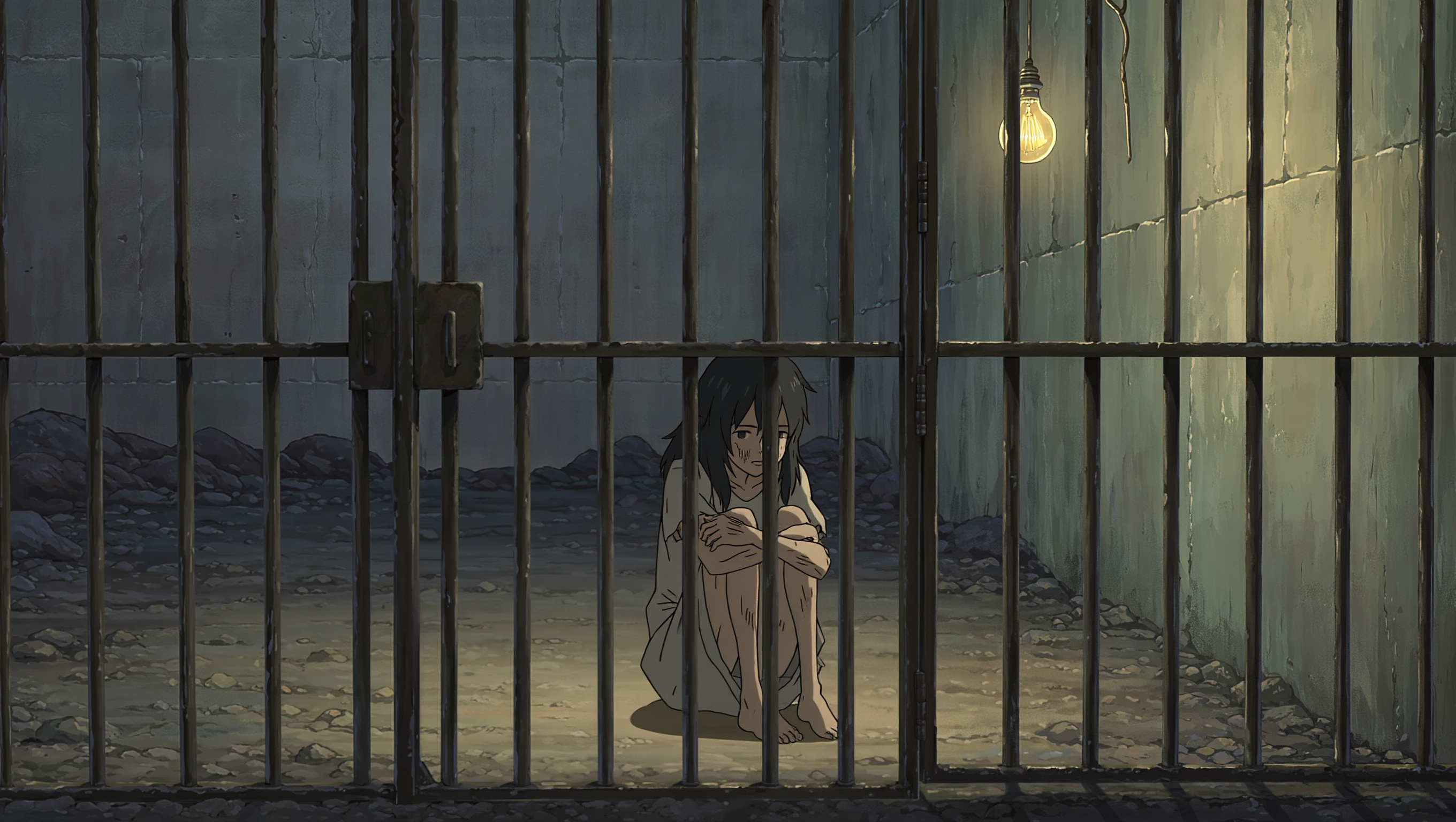

desaturated colors - nature & abandoned atmosphere

Unveil the serene beauty of desaturated colors through nature's subtle palette and the tranquil transformation of a blooming lotus. Start exploring desaturated colors ideas and generate your own content with AI.

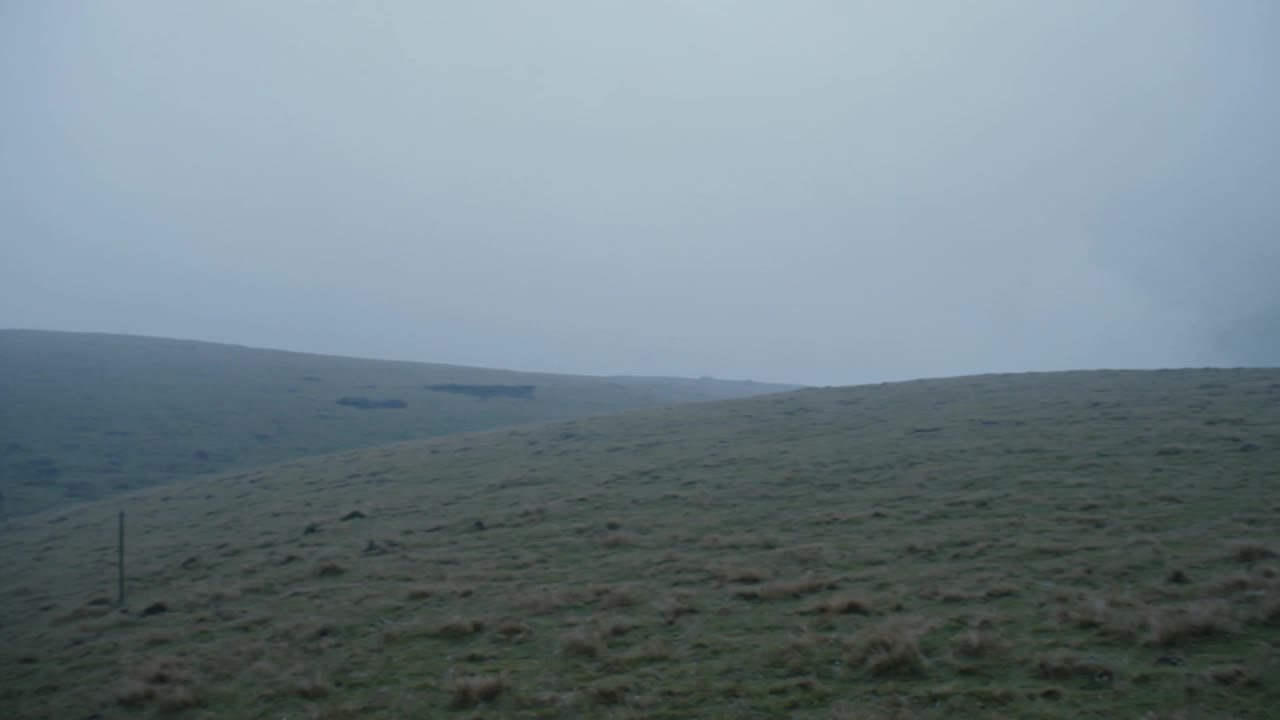
desaturated colors - nature & abandoned atmosphere

Recommended

Kling AI work 309565855522058 - desaturated colors AI image
wzWknjyh avatar
wzWknjyh
Kling AI work 310222816664774 - desaturated colors AI video
abadgp avatar
abadgp
Kling AI work 309906860664533 - desaturated colors AI video
QCRtQopN avatar
QCRtQopN
Kling AI work 318474309615225 - desaturated colors AI video
Wolf avatar
Wolf
Kling AI work 315077899524507 - desaturated colors AI video
WrOmiChc avatar
WrOmiChc
Kling AI work 314362154525945 - desaturated colors AI video
HumbertoRodriguez avatar
HumbertoRodriguez
Kling AI work 321324170501456 - desaturated colors AI video
uZifAzZM avatar
uZifAzZM
Kling AI work 310908986528459 - desaturated colors AI image
BunnyLOVE Studios avatar
BunnyLOVE Studios
Kling AI work 313307893665309 - desaturated colors AI video
DCQfKMAX avatar
DCQfKMAX
Kling AI work 320926713663691 - desaturated colors AI video
XHVQKCIW avatar
XHVQKCIW
Kling AI work 316295742618125 - desaturated colors AI video
Wolf avatar
Wolf
Kling AI work 323371707687750 - desaturated colors AI video
BrgWktUc avatar
BrgWktUc
Kling AI work 315132844661412 - desaturated colors AI video
htkhDmGd avatar
htkhDmGd
Kling AI work 310751596505312 - desaturated colors AI video
VhxKogKZ avatar
VhxKogKZ
Post-apocalyptic - desaturated colors AI video
Dresscode.ai avatar
Dresscode.ai
Elite Creator
Hombre caminando - desaturated colors AI video
Wolf avatar
Wolf
Kling AI work 314617166662174 - desaturated colors AI video
KIGGwyCe avatar
KIGGwyCe
Kling AI work 313386915526096 - desaturated colors AI video
nfEjldQn avatar
nfEjldQn
Kling AI work 318474256525253 - desaturated colors AI video
Wolf avatar
Wolf

How to Animate an Image with AI

Upload Your Image

Upload Your Image

Upload a portrait, product photo, illustration, or other image. For additional control, Kling 4.0's Omni Reference supports up to 15 combined reference assets, subject to individual input limits.

Describe the Motion

Describe the Motion

Specify how your subject moves and what the camera does. You can also add start and end frames or use up to 10 flexible keyframes to guide important changes with supported Kling 4.0 settings.

Generate and Download

Generate and Download

Choose your video settings and generate a clip up to 30 seconds long with Kling 4.0. Preview the result, make adjustments if needed, and download your video.

Edit the Parts That Matter

Change Subjects, Backgrounds, and Style

Change Subjects, Backgrounds, and Style

A different character, a new product, or a completely different location can change the purpose of a video. Keep the footage you already have and update the elements that need another take. No green screen needed. Kling 4.0 supports adding, removing, and replacing subjects and scene elements using prompts and visual references. Change a product, replace a character, or move the action into a new setting. Reference images help guide the appearance of new elements while keeping the rest of the scene closer to the original.

Recreate Videos with Your Own References

Recreate Videos with Your Own References

Found a camera move, transition, or video concept that would work with your own character or product? You can use the original clip as a creative reference rather than recreating the entire shoot. Kling 4.0 draws on reference footage for pacing, shot composition, and movement while introducing your own subjects and visual style. Omni Reference supports up to 15 combined assets, subject to individual input limits. Combine character images, product photos, and video references to explore new versions while helping recognizable details stay consistent.

Extend Your Video Up to 2 Minutes

Extend Your Video Up to 2 Minutes

Continue an existing video forward or backward, adding footage before the opening or after the ending. Extend actions, camera movements, and storylines while keeping the new footage connected to the original scene. Kling 4.0's Video Extension supports multiple extension passes, reaching a total video length of up to 2 minutes. Build longer sequences with continuity in characters, settings, and movement, without recreating the entire video.

Apps

Video Generation
Video Generation

Video Generation

Image Generation
Image Generation

Image Generation

Motion Control
Motion Control

Motion Control

Avatar
Avatar

Avatar

AI Portraits
AI Portraits

AI Portraits

Lip Sync
Lip Sync

Lip Sync

60M+
60M+
Users
600M+
600M+
AI Videos Generated
4.7 ★
4.7 ★
App Store
Industry-Leading
Industry-Leading
Cinematic 4K

Reviews

PJ Ace

PJ Ace

★★★★★

Kling AI has made it easy for us to generate world class visuals for Fortune 500 companies, TV shows and music for big artists. We love the easy of use of the platform and the quality of the generations. My first time using Kling AI, I got 22 million views on just one video. It's that good.

KakuDrop

KakuDrop

★★★★★

I have successfully collaborated with world-renowned artists and well-known companies that are recognized globally

James Phillips

James Phillips

★★★★★

Kling AI has transformed my workflow by collapsing timelines and democratizing production. It’s shifted my mindset from resource-dependent filmmaking to a boundless creative sandbox, where experimentation yields unexpected beauty.

FAQ

Q1Is Kling AI image generator free to use?
Q2How do I create an AI image with Kling AI?
Q3How do I write a good AI image prompt?

Your Next Visual Starts Here

Start with a sentence, a sketch, or a reference photo. Shape the composition, dial in the details, and keep iterating in Kling AI.

Free tier available | Text-to-image | Image-to-image | Fast generation