Creative Studio
API
Resources
Features
About Us
Download

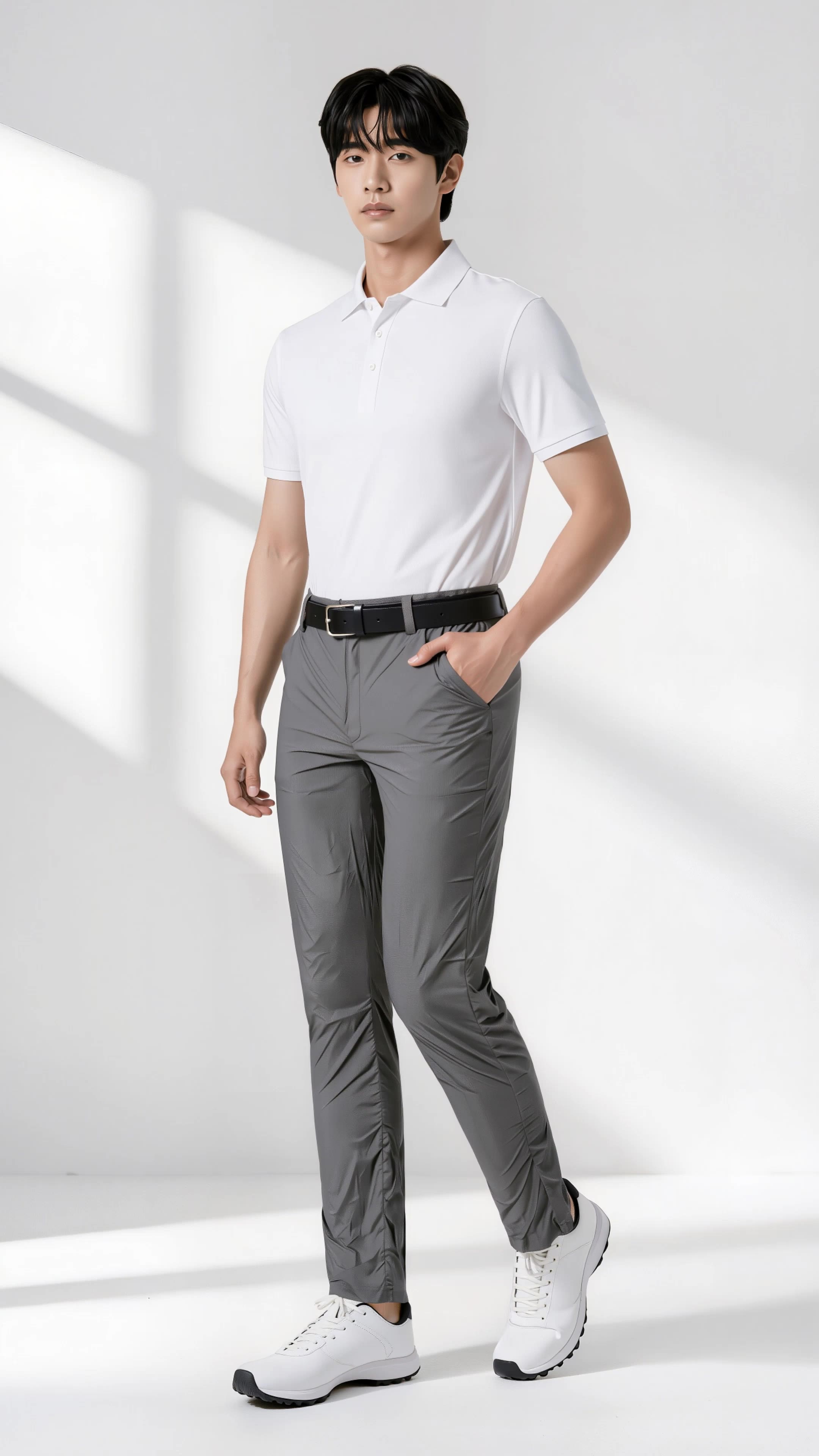
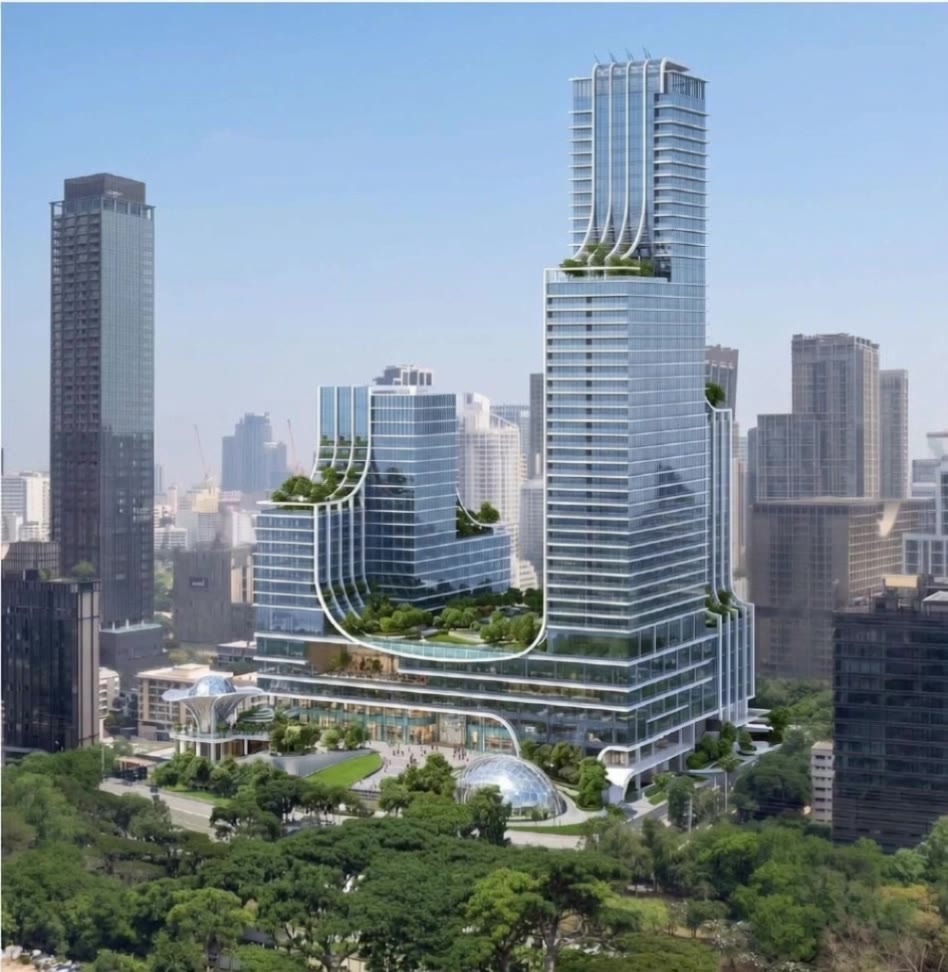
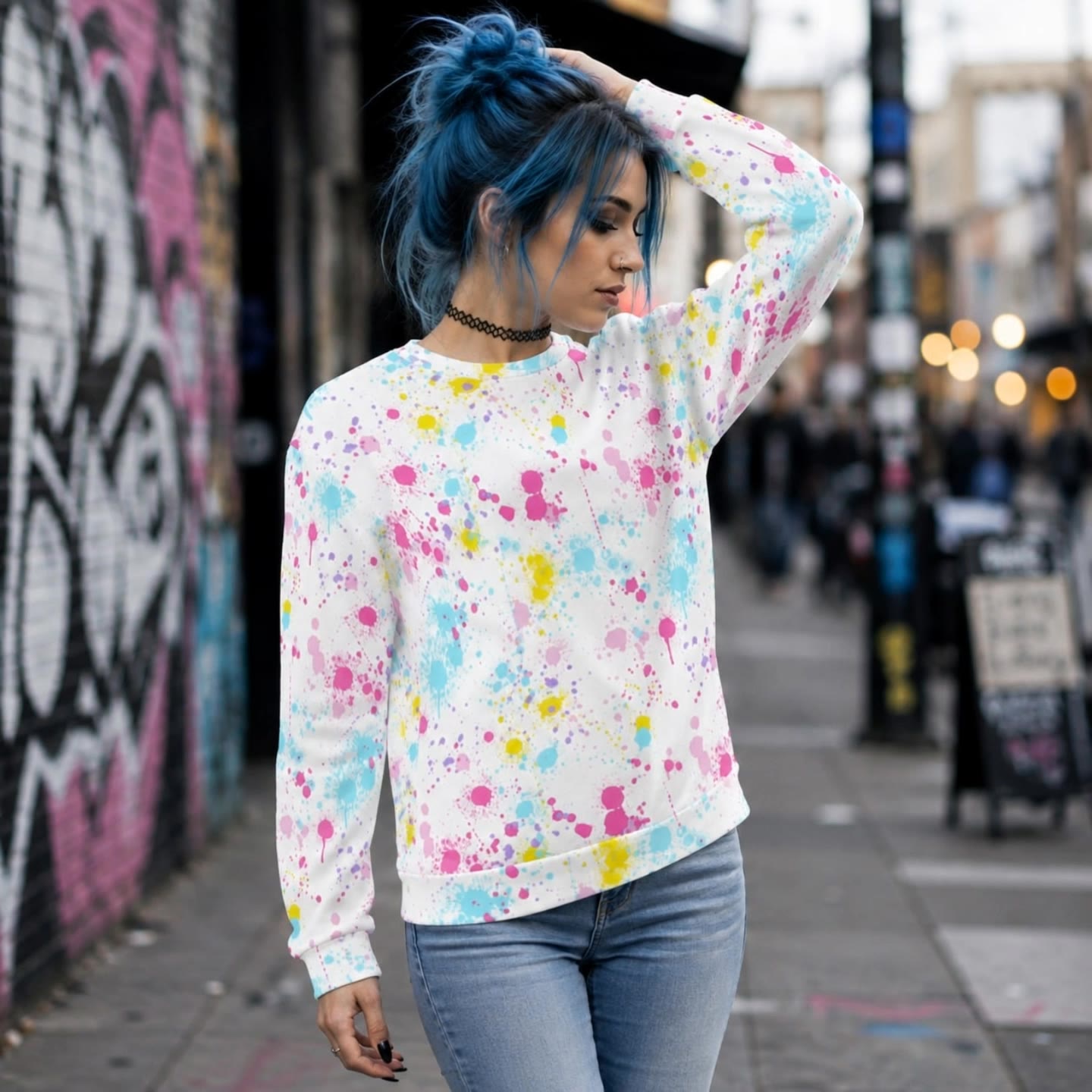
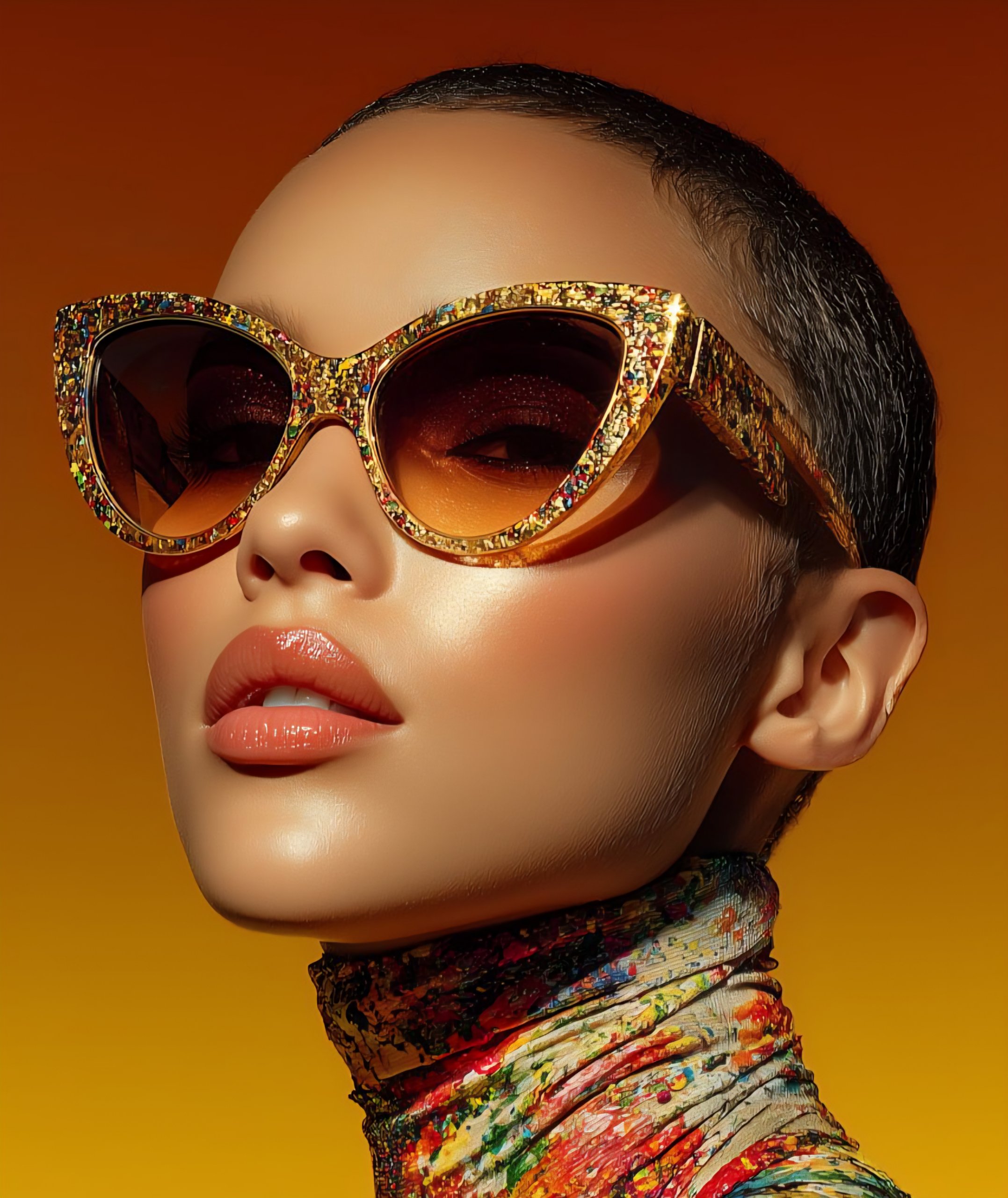
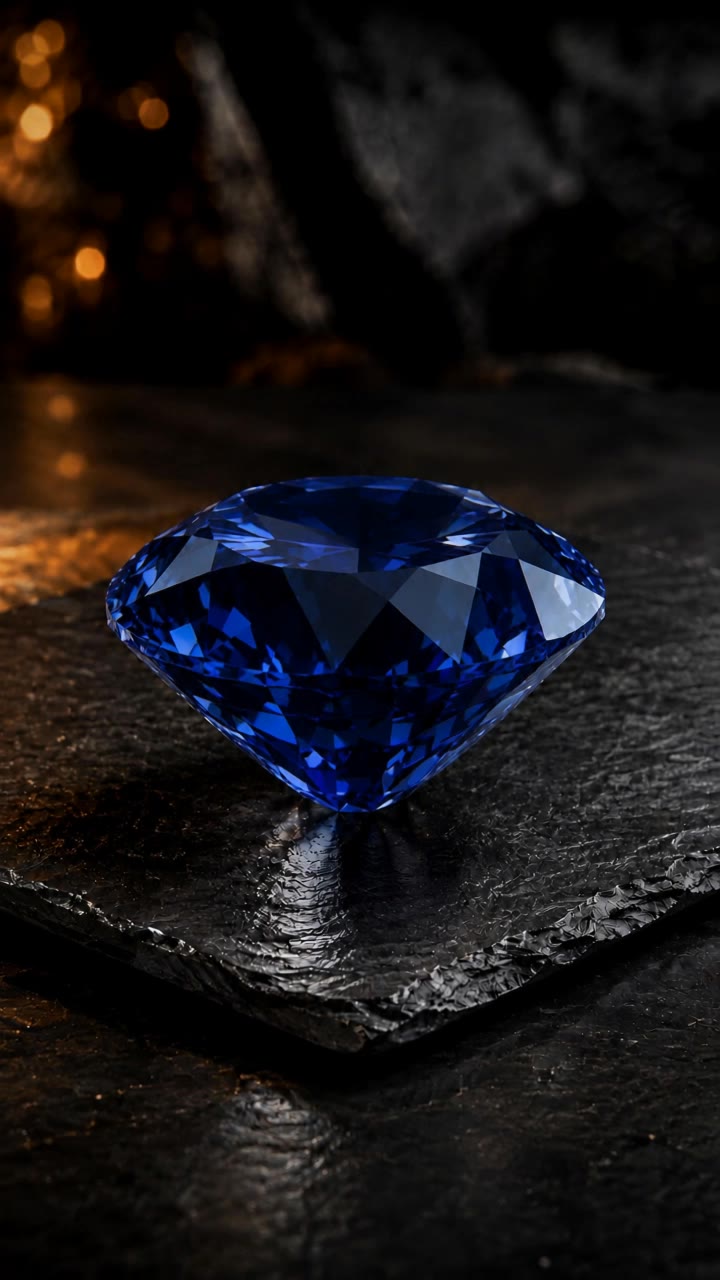
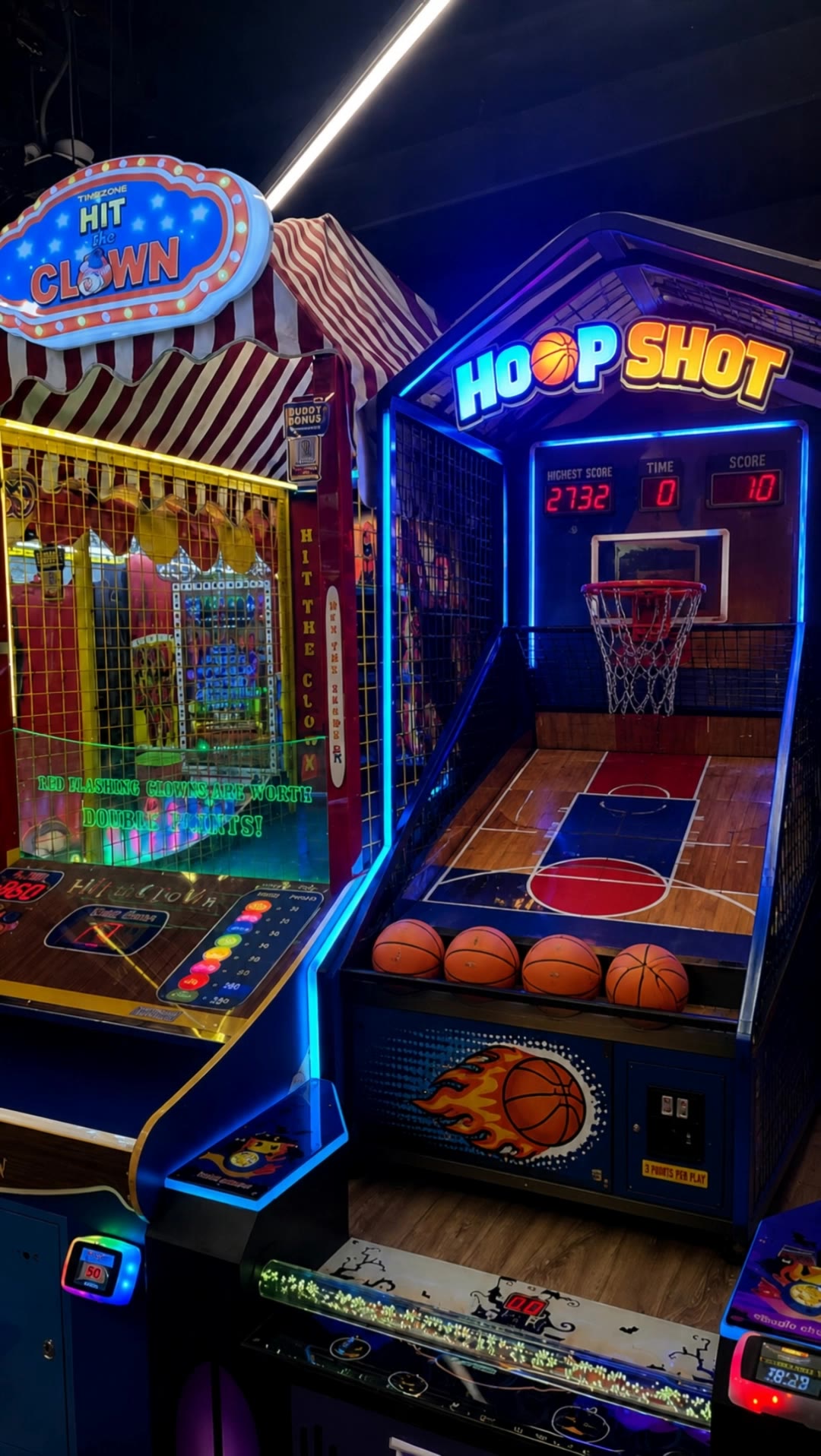
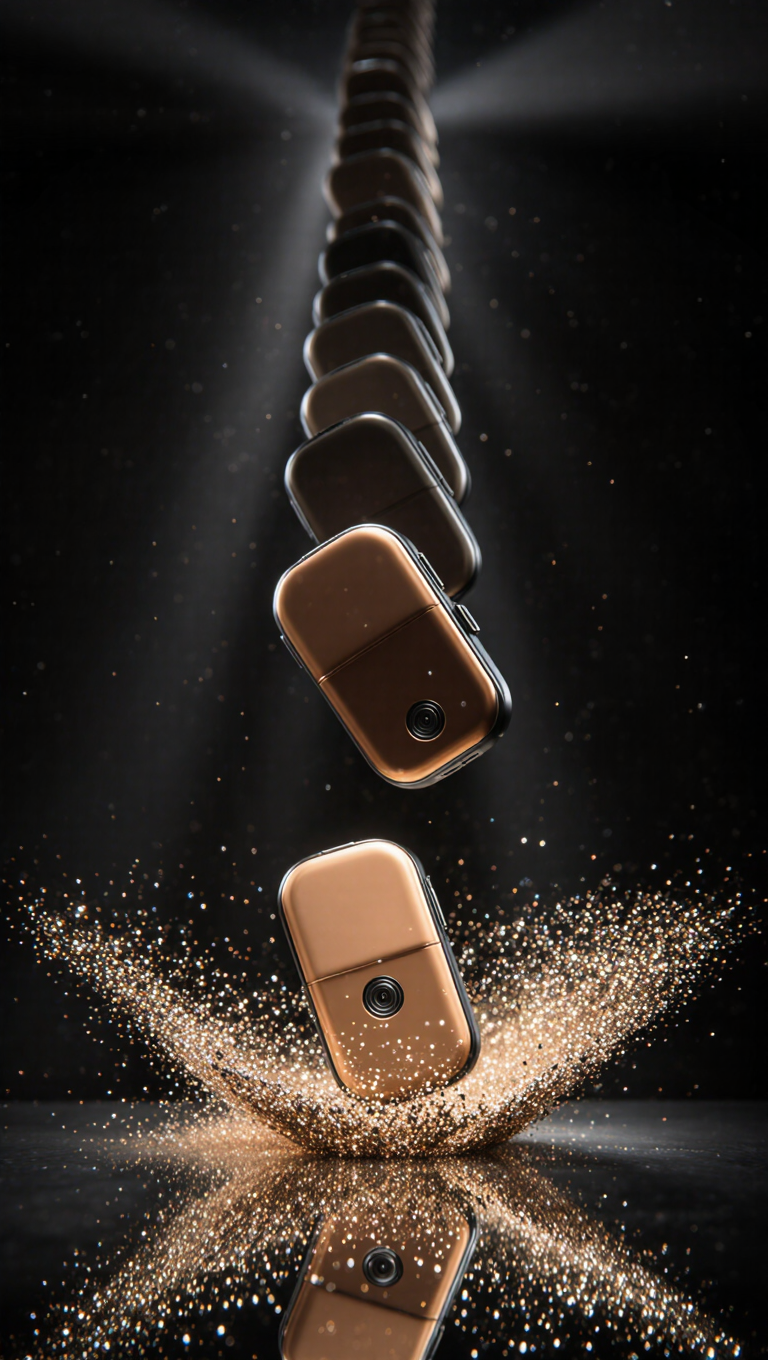
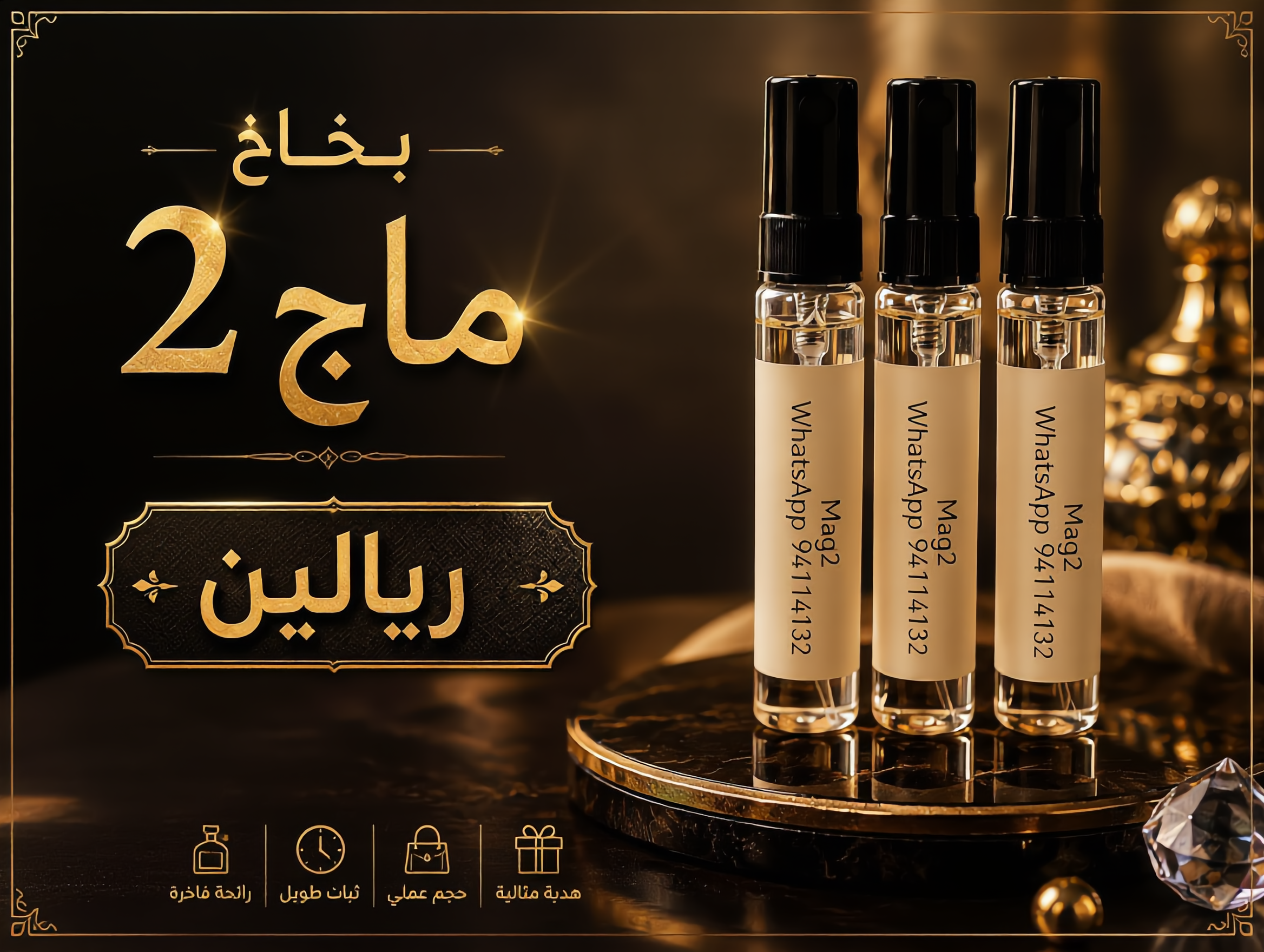
draw and object in motion add color. - 360 reveal & color transition

Immerse in the elegance of 360 reveals and the transformative power of color in motion, where every angle and hue shift redefines perception and luxury. Start exploring draw and object in motion add color. ideas and generate your own content with AI.

draw and object in motion add color. - 360 reveal & color transition

Recommended

Object orbit morph - draw and object in motion add color. AI video
Maria Koto avatar
Maria Koto
Kling AI work 313543526668763 - draw and object in motion add color. AI video
OAXNJMUk avatar
OAXNJMUk
Kling AI work 309935270507886 - draw and object in motion add color. AI video
kxWwNtjI avatar
kxWwNtjI
Draw me beautiful, draw me... - draw and object in motion add color. AI video
Mosstan avatar
Mosstan
Kling AI work 297784571611760 - draw and object in motion add color. AI image
qLpoYnYI avatar
qLpoYnYI
Timelapes motion in real picture - draw and object in motion add color. AI video
YYRqIMJD avatar
YYRqIMJD
Kling AI work 313685129505025 - draw and object in motion add color. AI image
kYvIPYTK avatar
kYvIPYTK
Guess the color - draw and object in motion add color. AI video
kuqLkYOw avatar
kuqLkYOw
Kling AI work 319656589508042 - draw and object in motion add color. AI video
YedXsCbI avatar
YedXsCbI
Kling AI work 309674556618906 - draw and object in motion add color. AI image
GLXIyHvc avatar
GLXIyHvc
The Last Watchman - draw and object in motion add color. AI video
Maks_AI_Creator avatar
Maks_AI_Creator
Elite Creator
kickflip fingerboard - draw and object in motion add color. AI video
diptwo avatar
diptwo
color to change clothing - draw and object in motion add color. AI video
RamZ avatar
RamZ
Elite Creator
Into the World of Color - draw and object in motion add color. AI video
Daphnia_marina avatar
Daphnia_marina
Elite Creator
add motion - draw and object in motion add color. AI video
XDKiOpur avatar
XDKiOpur
Kling AI work 315233957617640 - draw and object in motion add color. AI video
kPDzcooi avatar
kPDzcooi
Color in Motion - draw and object in motion add color. AI video
yWyAroUZ avatar
yWyAroUZ
Kling AI work 309670310660301 - draw and object in motion add color. AI image
zQYVnxWi avatar
zQYVnxWi
Kling AI work 309804791508309 - draw and object in motion add color. AI video
jSBpSSQQ avatar
jSBpSSQQ

How to Create Images with Kling AI

Write Down You Ideas

Write Down You Ideas

Open the AI Image Generator and choose the model that fits your project. Describe the subject and scene, then add details such as lighting, color, and visual style to shape the result.

Add References Or Not

Add References Or Not

Upload reference images for a character, product, composition, or style. References are optional, but they give Kling AI a clearer visual foundation when specific features, colors, or design details need to carry into the final image.

Generate Your Image

Generate Your Image

Choose your preferred format and output settings, then hit Generate. Once the result is ready, download it directly or open it in the image-to-video workflow to bring it to life with motion.

Why Kling Sets the Standard for Video Creation

Flawless Character Consistency for High-Quality Videos

Flawless Character Consistency for High-Quality Videos

Unlike standard tools that distort faces when moving, Kling Video 3.0 lets you strictly lock a character’s appearance. Upload a single photo, or use a short video/multiple angles as a reference to completely eliminate the “AI morphing” effect.

All-in-One Native Audio & Lip-Sync

All-in-One Native Audio & Lip-Sync

Your video isn’t just silent footage; it speaks. Generate perfectly matched voices and realistic lip movements in multiple languages or regional accents. Even in multi-character scenes, you can precisely assign who speaks—no third-party tools required.

Up to 15s Multi-Shot Cinematic Output

Up to 15s Multi-Shot Cinematic Output

Go beyond a basic 3-second clip. Kling 3.0 extends generation to 15 seconds of smooth, uninterrupted narrative. You can even use native storyboard controls to direct multi-shot sequences in a single click—outputting in crystal-clear 4K for professional use.

Apps

Image to Video
Image to Video

Image to Video

Text to Video
Text to Video

Text to Video

Omni
Omni

Omni

Digital Human
Digital Human

Digital Human

Restyle
Restyle

Restyle

Text to Image
Text to Image

Text to Image

60M+
60M+
Users
600M+
600M+
AI Videos Generated
4.7 ★
4.7 ★
App Store
Industry-Leading
Industry-Leading
Cinematic 4K

Reviews

Maria Rubtsova

Maria Rubtsova

★★★★★

I’m Maria Rubtsova, an AIGC digital artist passionate about creating stunning visuals in the worlds of fashion, aesthetics, and fantasy. I use KlingAi to bring imagination to life through video. My work is all about exploring beauty, emotion, and the limitless possibilities of digital art.

Samuele Poggi (@visualsk2)

Samuele Poggi (@visualsk2)

★★★★★

I use Kling AI daily to push the limits of AI filmmaking. It allows me to create highly cinematic content, blending AI and VFX to develop innovative projects. It has significantly impacted my creative process, enabling me to achieve complex animations that would otherwise require high production budgets.

Ozan Sihay

Ozan Sihay

★★★★★

Kling AI allows me to rapidly prototype ideas, refine storytelling elements, and produce visually compelling content efficiently. It has not only accelerated my creative processes, but also deepened my understanding of how AI can enrich visual storytelling.

FAQ

Q1Is Kling AI only for editing existing videos?
Q2Can an AI video editor remove or replace objects?
Q3Can I edit a video with AI using text?

Change the Shot Without Reshooting It

Upload your footage, describe the result, and let Kling rebuild the scene around your direction.

Free tier available | Simple prompt editing | Up to 4K output | Fast generation