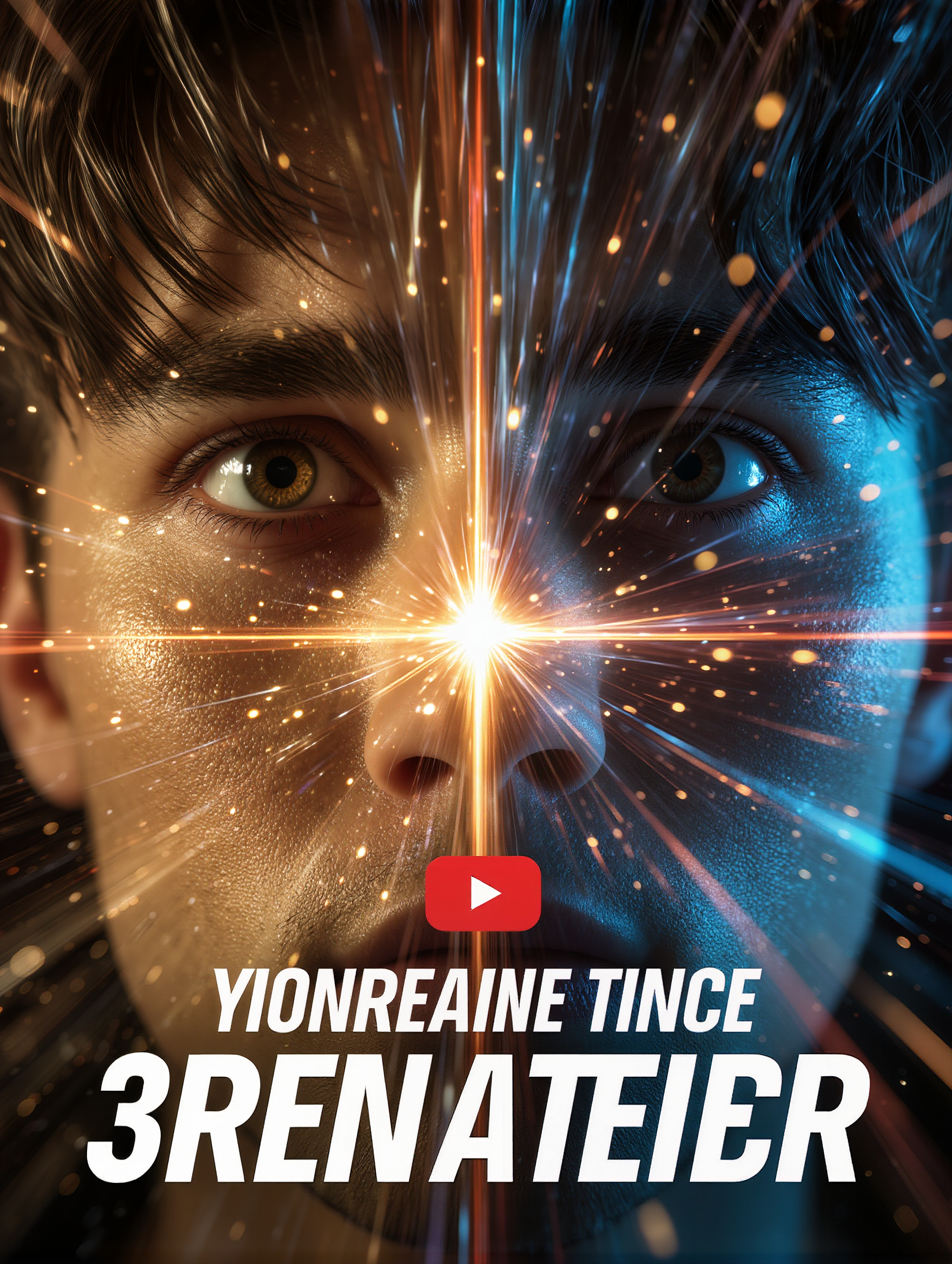
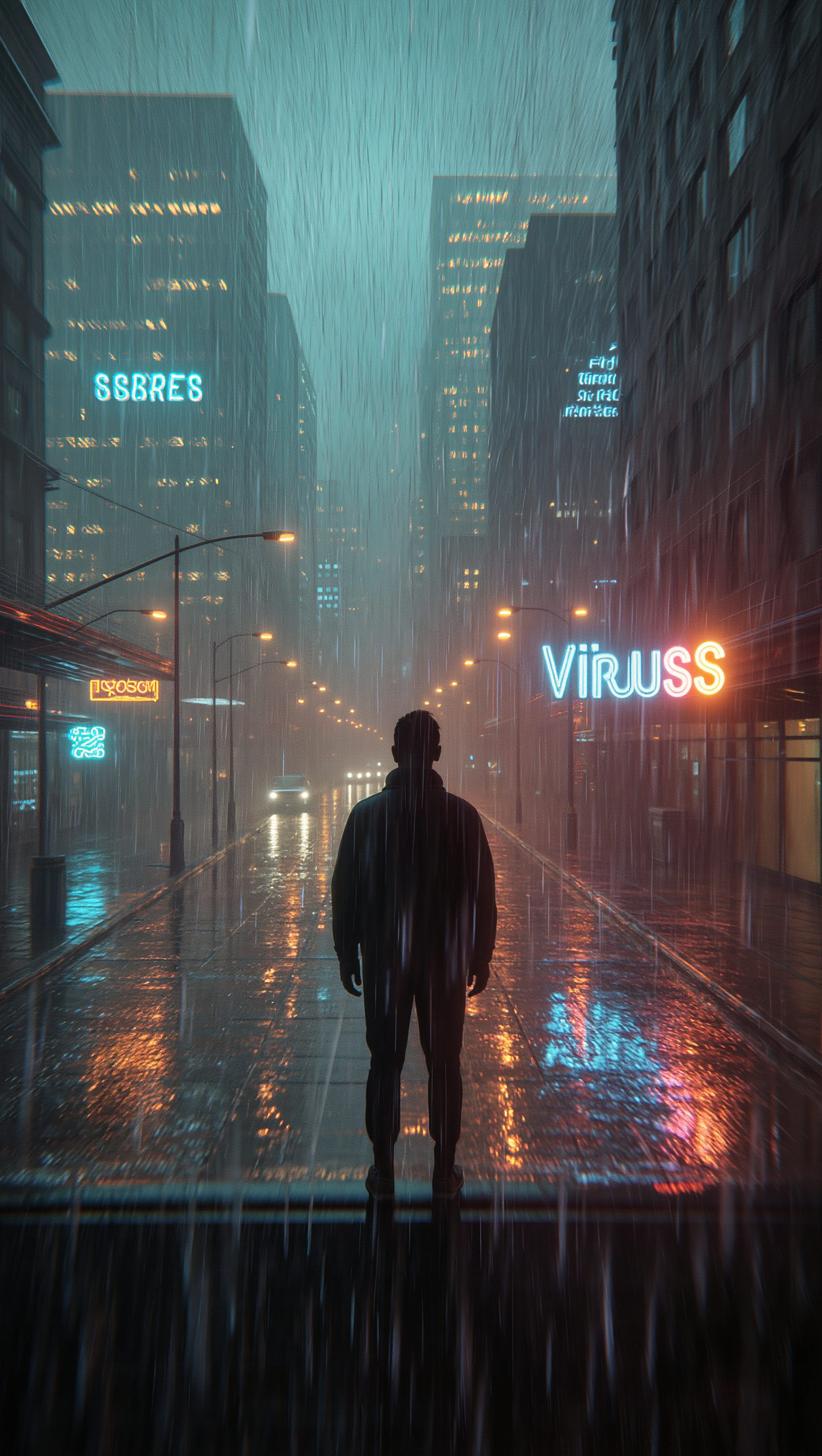
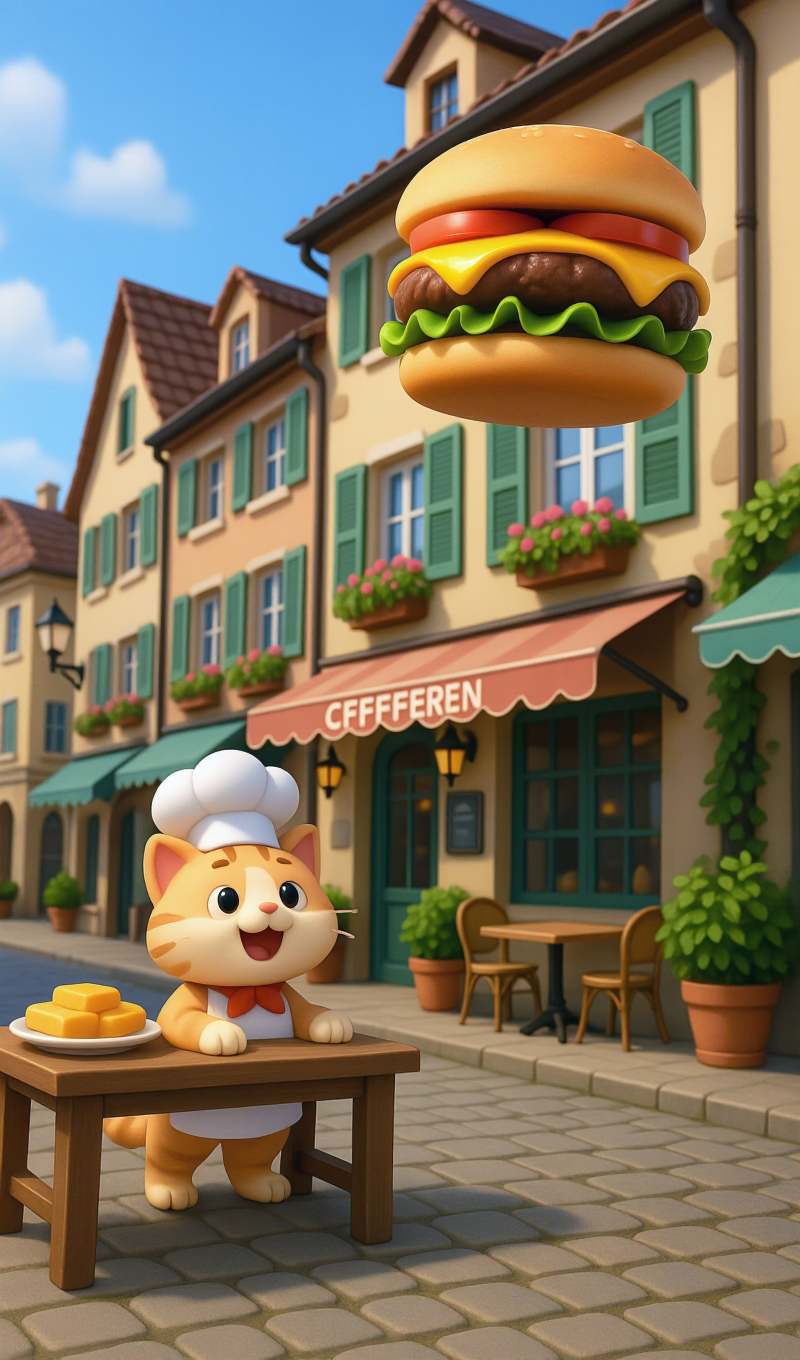
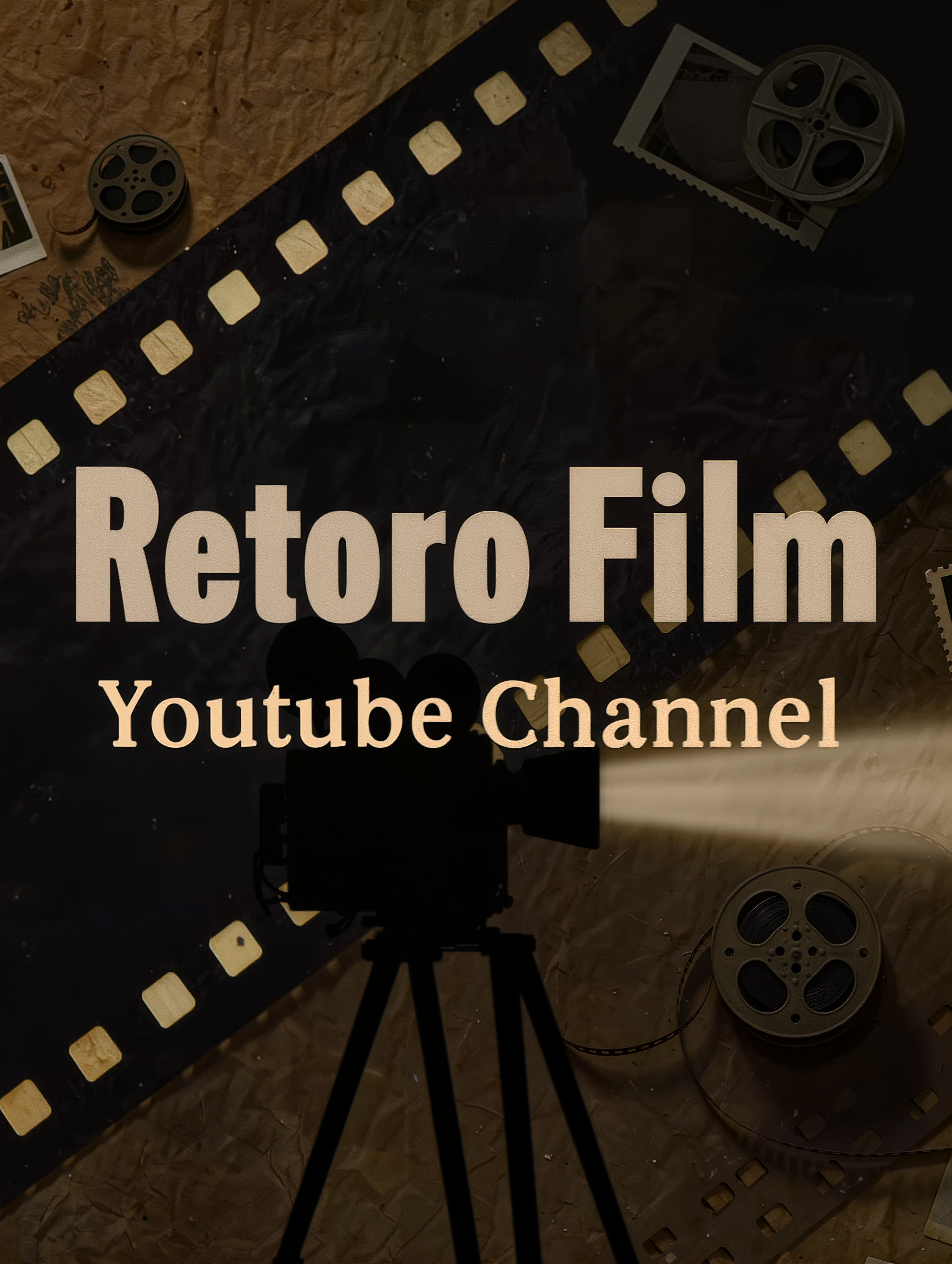
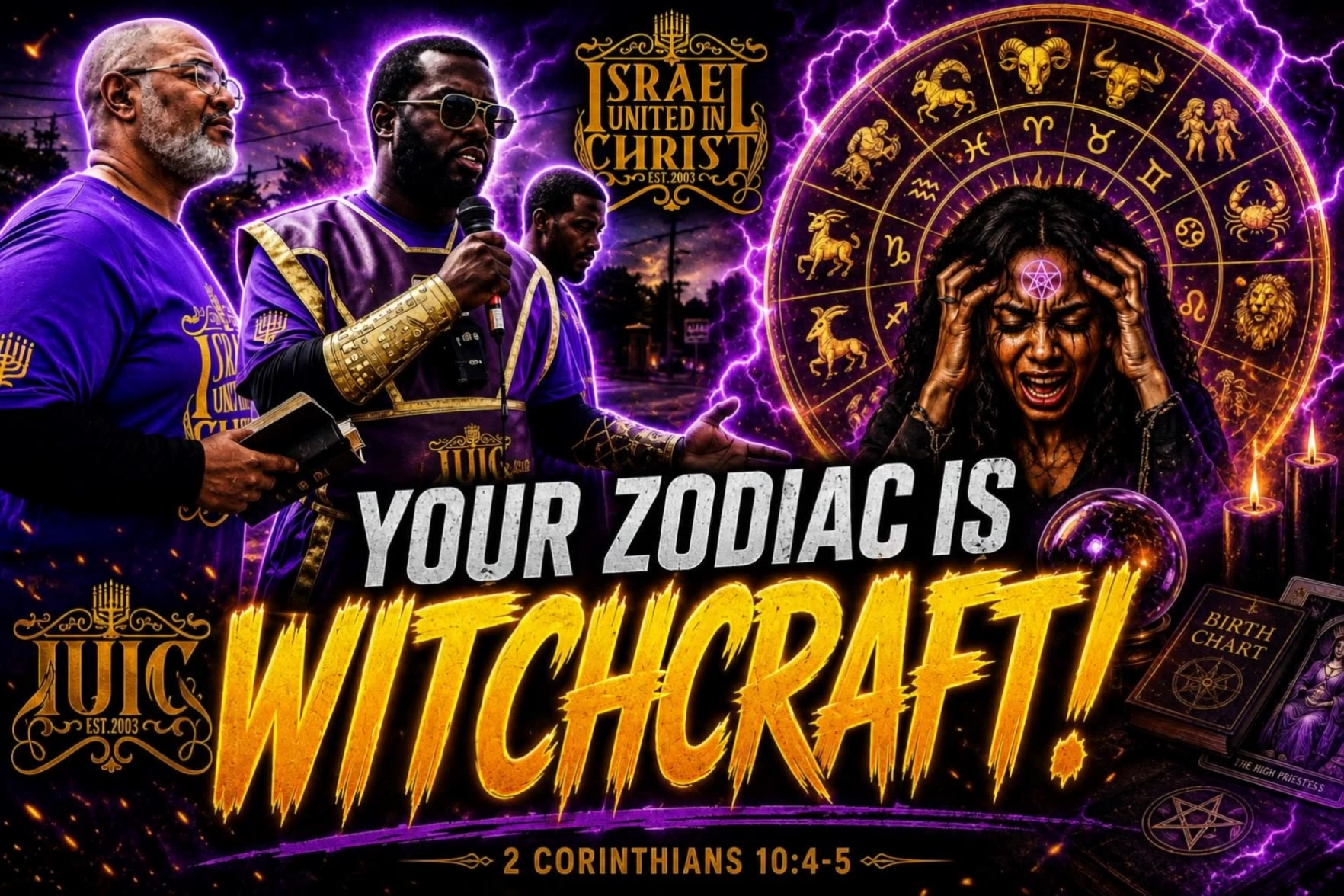
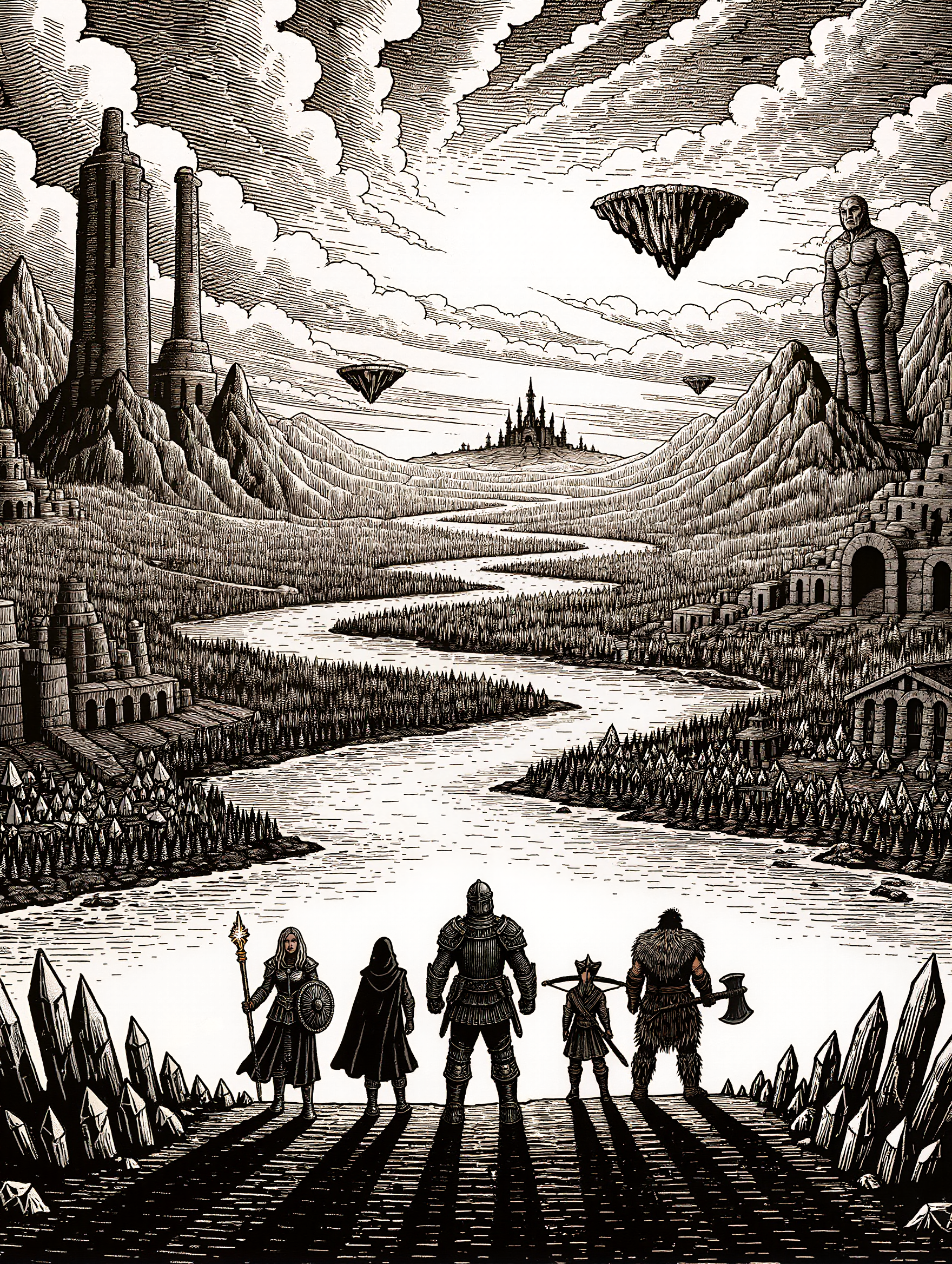
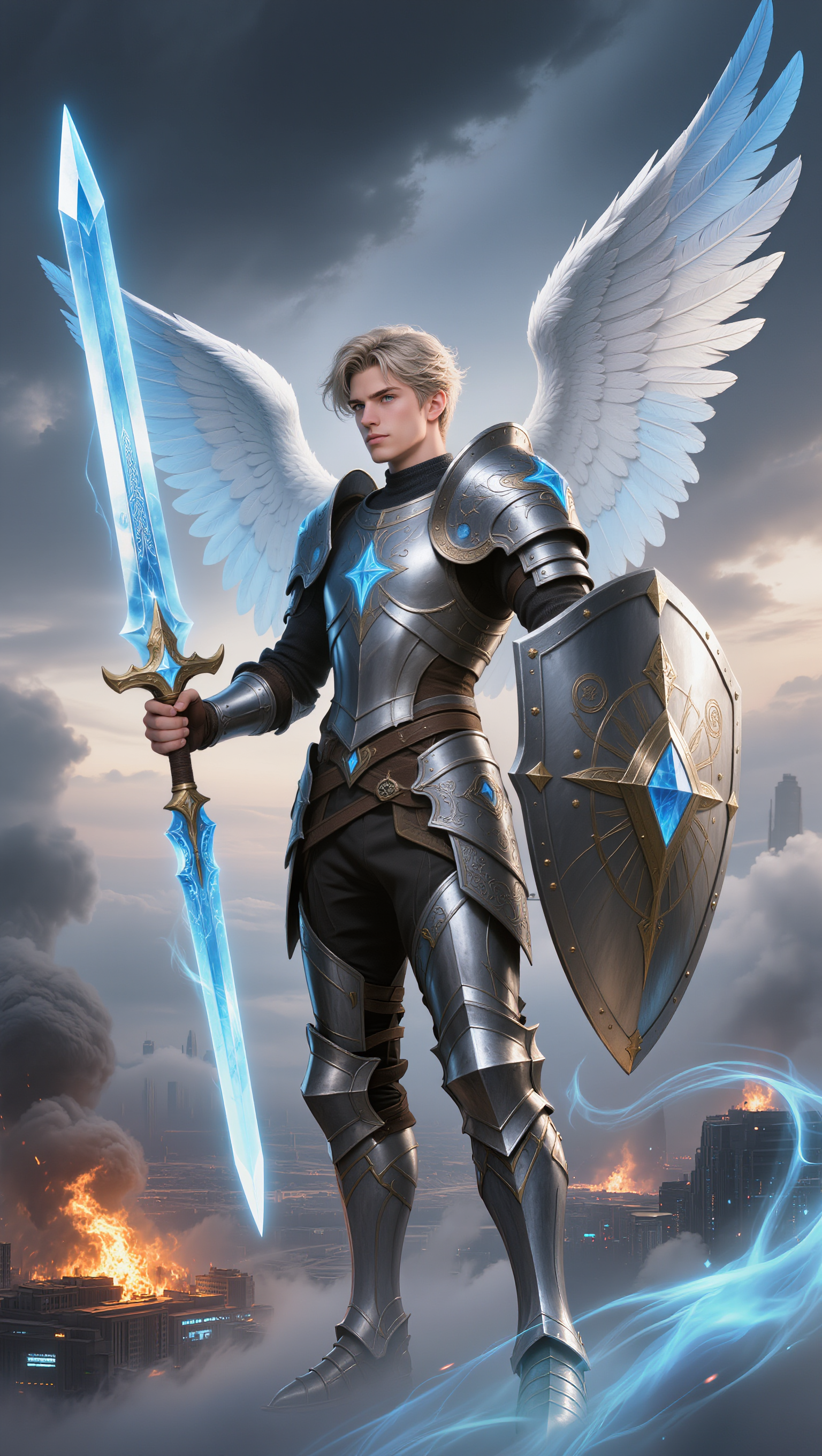
draw thumbnail - emotional scenes & cute animals

Unleash creativity with captivating YouTube thumbnails featuring emotive scenes and vibrant cartoon 3D styles. Merge artistic pencil draw techniques with bold, playful text for viral appeal. Start exploring draw thumbnail ideas and generate your own content with AI.


draw thumbnail - emotional scenes & cute animals

Recommended

Kling AI work 316081604667204 - draw thumbnail AI image
SOME ANIMAL DUDE avatar
SOME ANIMAL DUDE
Kling AI work 314817417528962 - draw thumbnail AI image
KpoNktQp avatar
KpoNktQp
Kling AI work 318538962615109 - draw thumbnail AI image
LrwwcDxW avatar
LrwwcDxW
Kling AI work 315077122508897 - draw thumbnail AI image
gxBkGcnz avatar
gxBkGcnz
Kling AI work 310724492661081 - draw thumbnail AI image
AQRdkcaa avatar
AQRdkcaa
Kling AI work 315417566610891 - draw thumbnail AI image
wYbOhmtE avatar
wYbOhmtE
Kling AI work 314281572505174 - draw thumbnail AI video
muLzmgML avatar
muLzmgML
Kling AI work 319486460503660 - draw thumbnail AI image
oGKeudRN avatar
oGKeudRN
Kling AI work 317623451617027 - draw thumbnail AI video
dIqfGyqX avatar
dIqfGyqX
Kling AI work 314817417507965 - draw thumbnail AI image
KpoNktQp avatar
KpoNktQp
Kling AI work 310161492610980 - draw thumbnail AI image
hWVVpPWi avatar
hWVVpPWi
Kling AI work 313676977667314 - draw thumbnail AI video
INedMeUQ avatar
INedMeUQ
fantasycover1 - draw thumbnail AI image
wFQVLEIY avatar
wFQVLEIY
Kling AI work 311015867610170 - draw thumbnail AI video
VzPOsIbq avatar
VzPOsIbq
Kling AI work 310527348665787 - draw thumbnail AI video
BIaqbxKr avatar
BIaqbxKr
Kling AI work 315077122504892 - draw thumbnail AI image
gxBkGcnz avatar
gxBkGcnz
Kling AI work 310485552611878 - draw thumbnail AI image
Archa_Anon1mous avatar
Archa_Anon1mous
Kling AI work 312100981616453 - draw thumbnail AI image
pwdsGdco avatar
pwdsGdco
Kling AI work 309377884521563 - draw thumbnail AI image
NptlzBIV avatar
NptlzBIV

How to Animate an Image with AI

Upload Your Image

Upload Your Image

Upload a portrait, product photo, illustration, or other image. For additional control, Kling 4.0's Omni Reference supports up to 15 combined reference assets, subject to individual input limits.

Describe the Motion

Describe the Motion

Specify how your subject moves and what the camera does. You can also add start and end frames or use up to 10 flexible keyframes to guide important changes with supported Kling 4.0 settings.

Generate and Download

Generate and Download

Choose your video settings and generate a clip up to 30 seconds long with Kling 4.0. Preview the result, make adjustments if needed, and download your video.

Why Kling Stands Out for Image-to-Video Creation

Realistic Motion, Up to 30s Cinematic Camera Work

Realistic Motion, Up to 30s Cinematic Camera Work

Kling 4.0 delivers more stable, physically convincing action in demanding scenes, from fast-paced fights to sports and large-scale movement. Stronger camera direction supports dynamic tracking, complex camera moves, and more coherent shot composition. With up to 30 seconds of native video generation, create longer takes and connected sequences with greater control over action, pacing, and camera movement.

More References, More Creative Control

More References, More Creative Control

Kling 4.0's Omni Reference supports up to 15 combined reference assets, including images, videos, and subjects. Combine character, scene, motion, and style references to guide different elements within the same generation. Up to 10 flexible keyframes give you additional control over composition, character actions, and scene progression. Experiment with different reference combinations and key moments without rebuilding your entire creative setup.

Recreate, Edit, and Explore New Possibilities

Recreate, Edit, and Explore New Possibilities

Kling 4.0 goes beyond generating new footage. It lets you reference existing videos to explore different characters, products, camera movements, and visual styles while retaining the original shot structure or motion as a guide. It also supports precise video editing, letting you target changes to subjects, backgrounds, actions, and camera angles. Rework existing scenes, try alternate versions, and develop new footage without starting from scratch.

Apps

Video Generation
Video Generation

Video Generation

Image Generation
Image Generation

Image Generation

Motion Control
Motion Control

Motion Control

Avatar
Avatar

Avatar

AI Portraits
AI Portraits

AI Portraits

Lip Sync
Lip Sync

Lip Sync

60M+
60M+
Users
600M+
600M+
AI Videos Generated
4.7 ★
4.7 ★
App Store
Industry-Leading
Industry-Leading
Cinematic 4K

Reviews

Maria Rubtsova

Maria Rubtsova

★★★★★

I’m Maria Rubtsova, an AIGC digital artist passionate about creating stunning visuals in the worlds of fashion, aesthetics, and fantasy. I use KlingAi to bring imagination to life through video. My work is all about exploring beauty, emotion, and the limitless possibilities of digital art.

KakuDrop

KakuDrop

★★★★★

I have successfully collaborated with world-renowned artists and well-known companies that are recognized globally

Vincent Smadja

Vincent Smadja

★★★★★

Kling AI seamlessly integrates into my creative workflow, playing a key role in transforming my images. After generating and upscaling an image, Kling becomes a crucial element, bringing my creations to life with movement and depth.

FAQ

Q1Can I create images from reference photos?
Q2Does Kling AI support 2K or 4K image generation?
Q3What is an AI image generator?

Your Next Visual Starts Here

Start with a sentence, a sketch, or a reference photo. Shape the composition, dial in the details, and keep iterating in Kling AI.

Free tier available | Text-to-image | Image-to-image | Fast generation