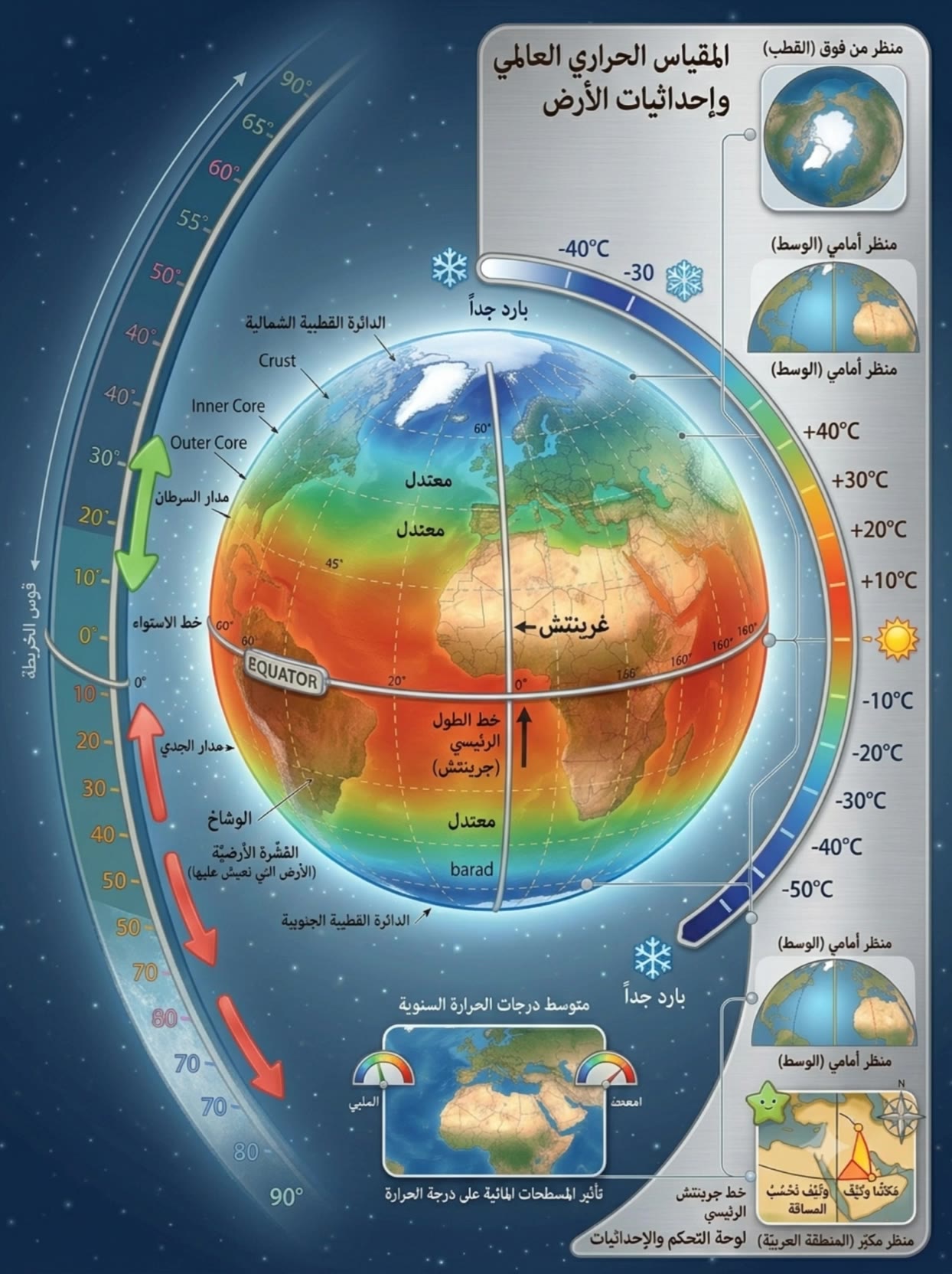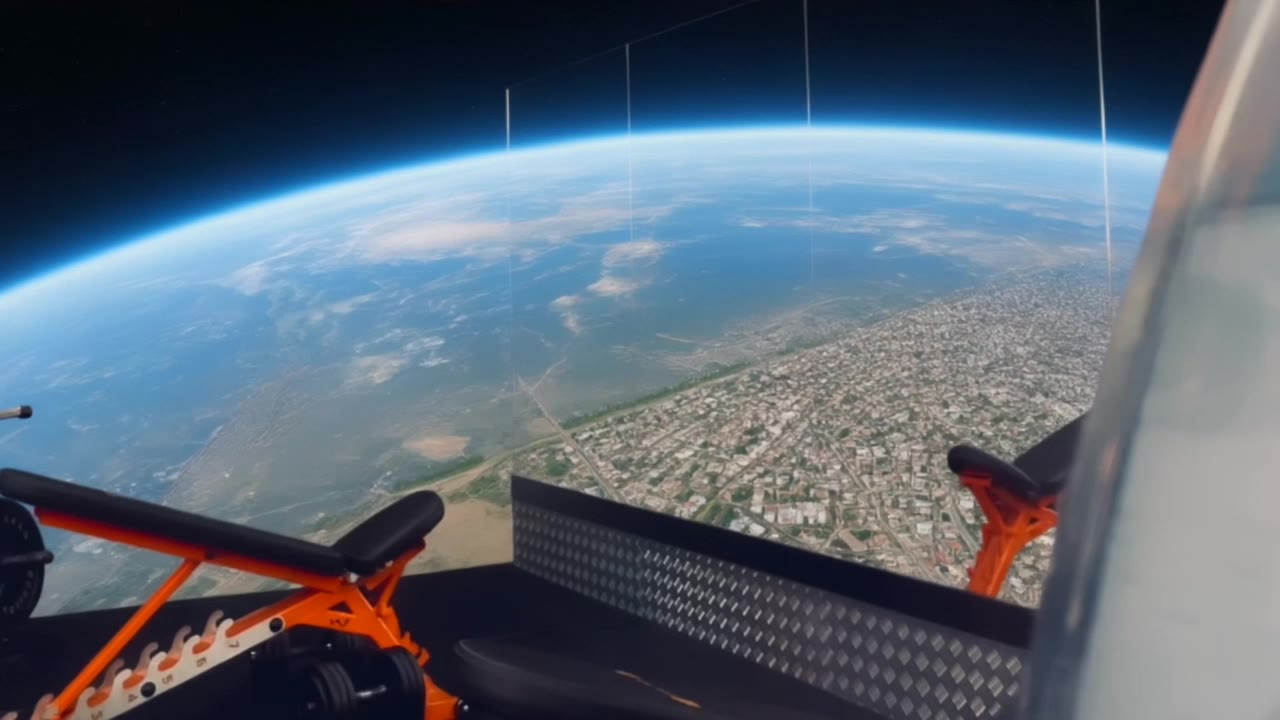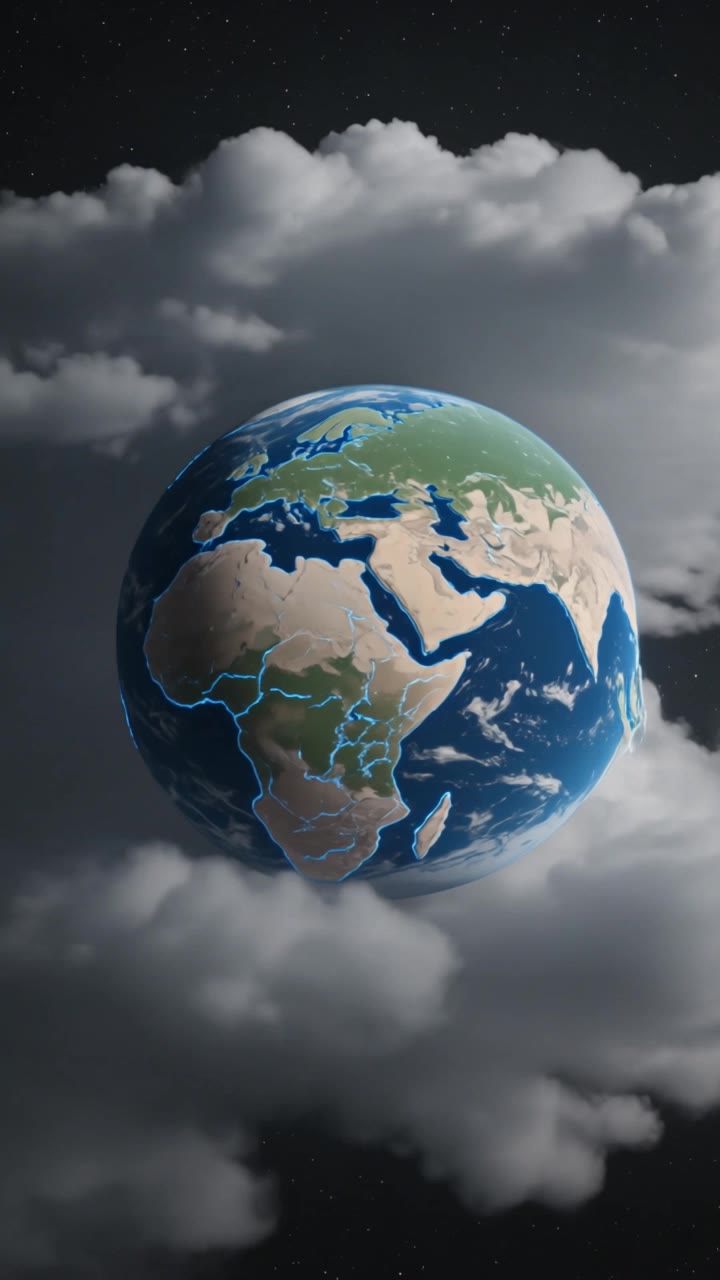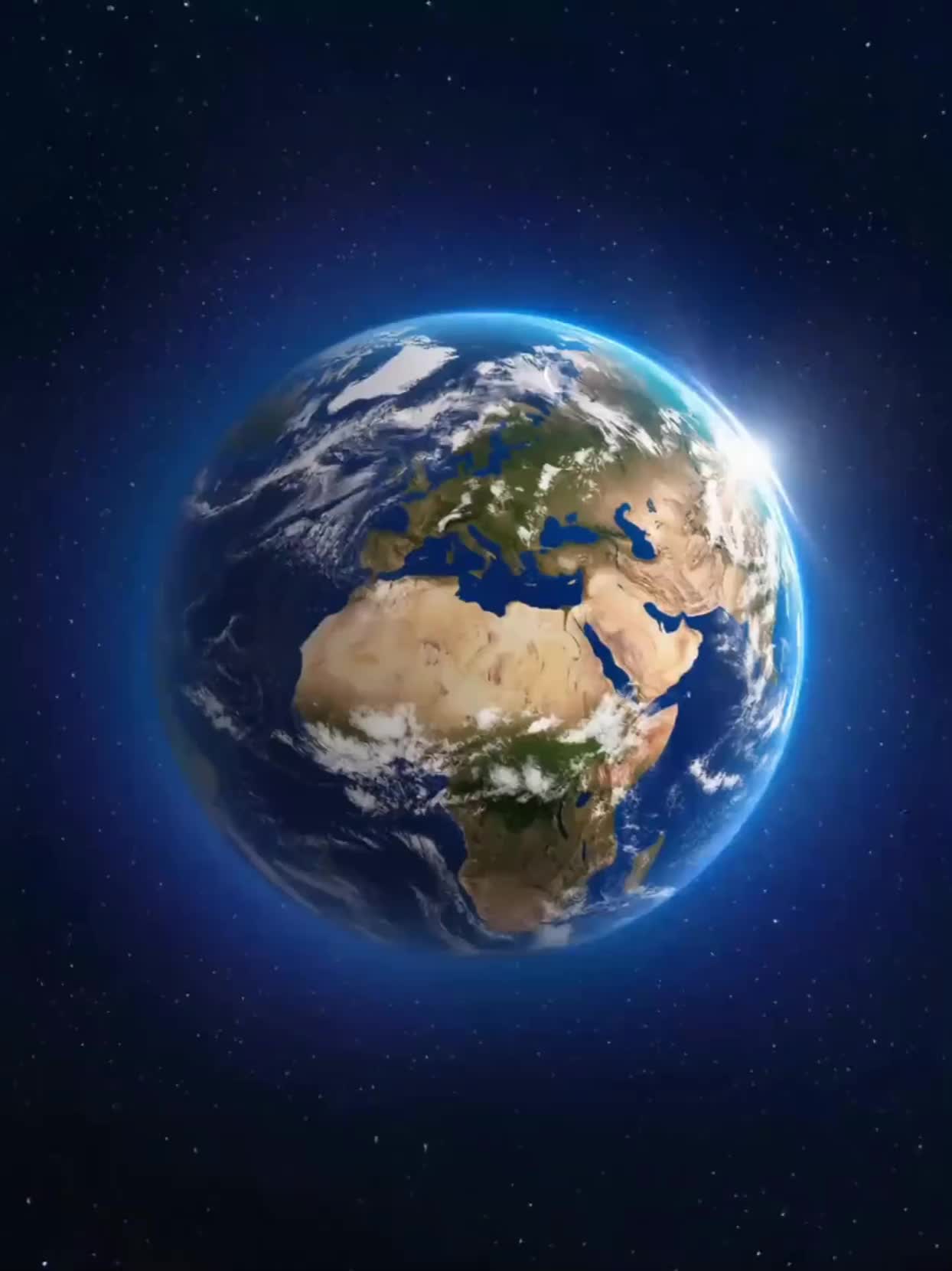

Earth Zoom Image to Video – AI-Generated Transformations

Transform your earth zoom images into videos with AI. Explore AI-generated ideas that bring your global views to life. Customize and adapt these AI results for unique video presentations.

Earth Zoom Image to Video – AI-Generated Transformations

Recommended

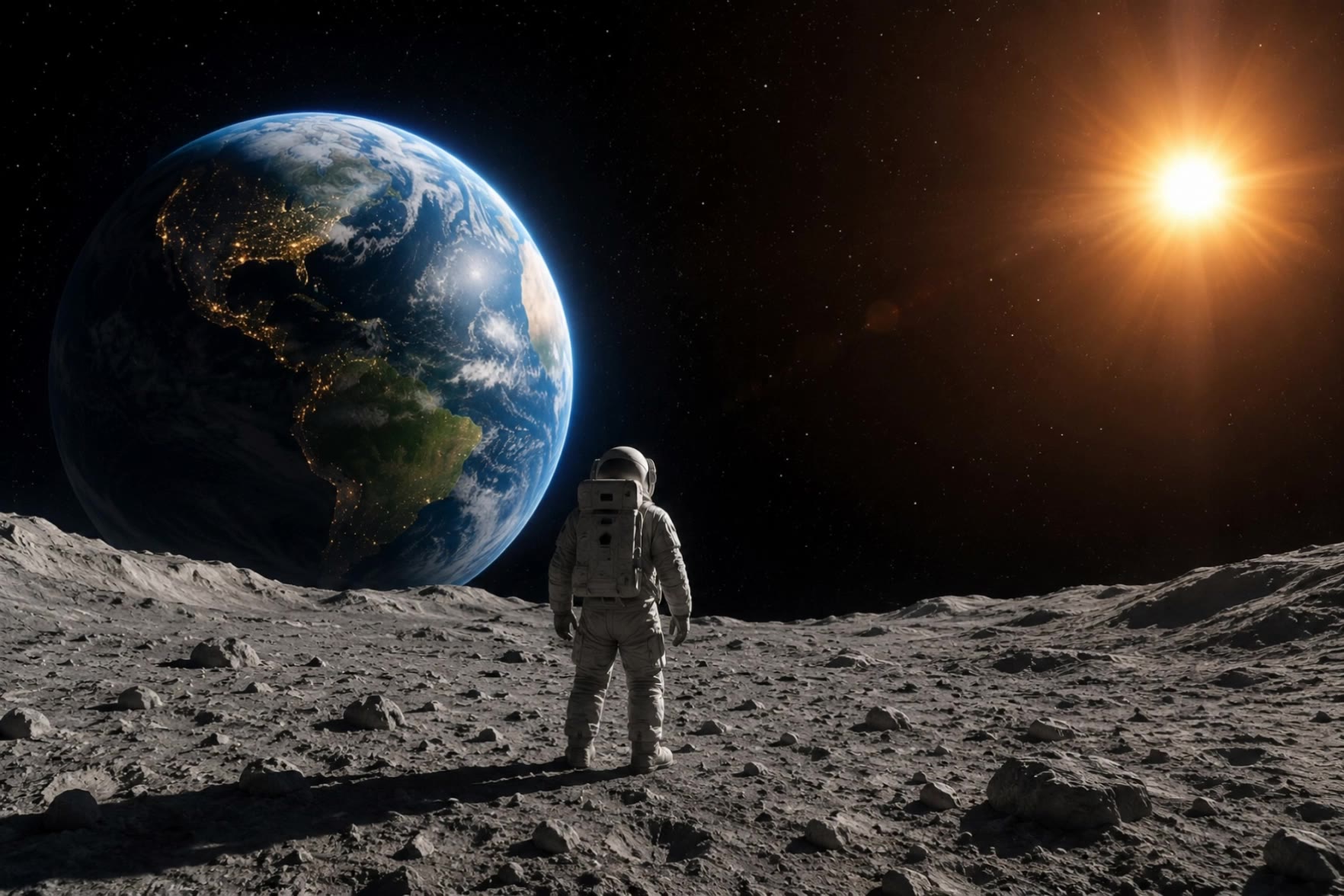
Earth Zoom In - earth zoom image to video AI video
Earth Zoom In
FITFROMLEMANS avatar
FITFROMLEMANS
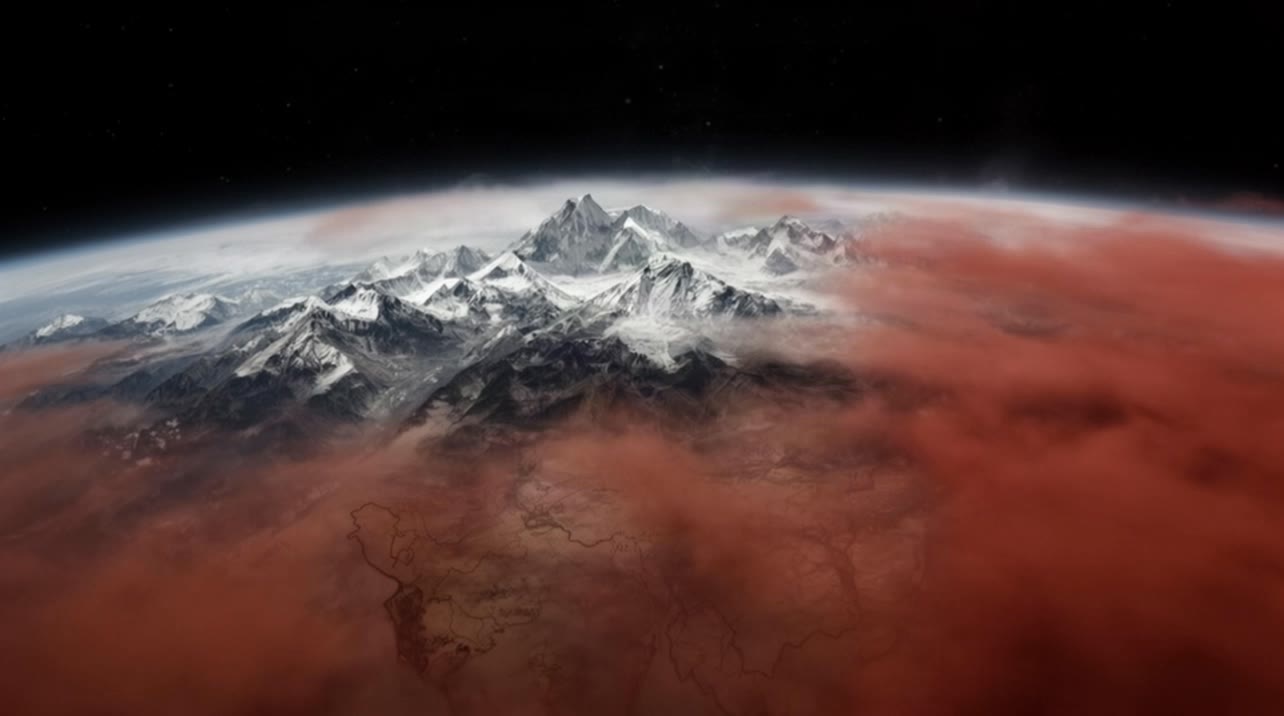
Kling AI work 311972017660037 - earth zoom image to video AI video
NQkgQRHw avatar
NQkgQRHw
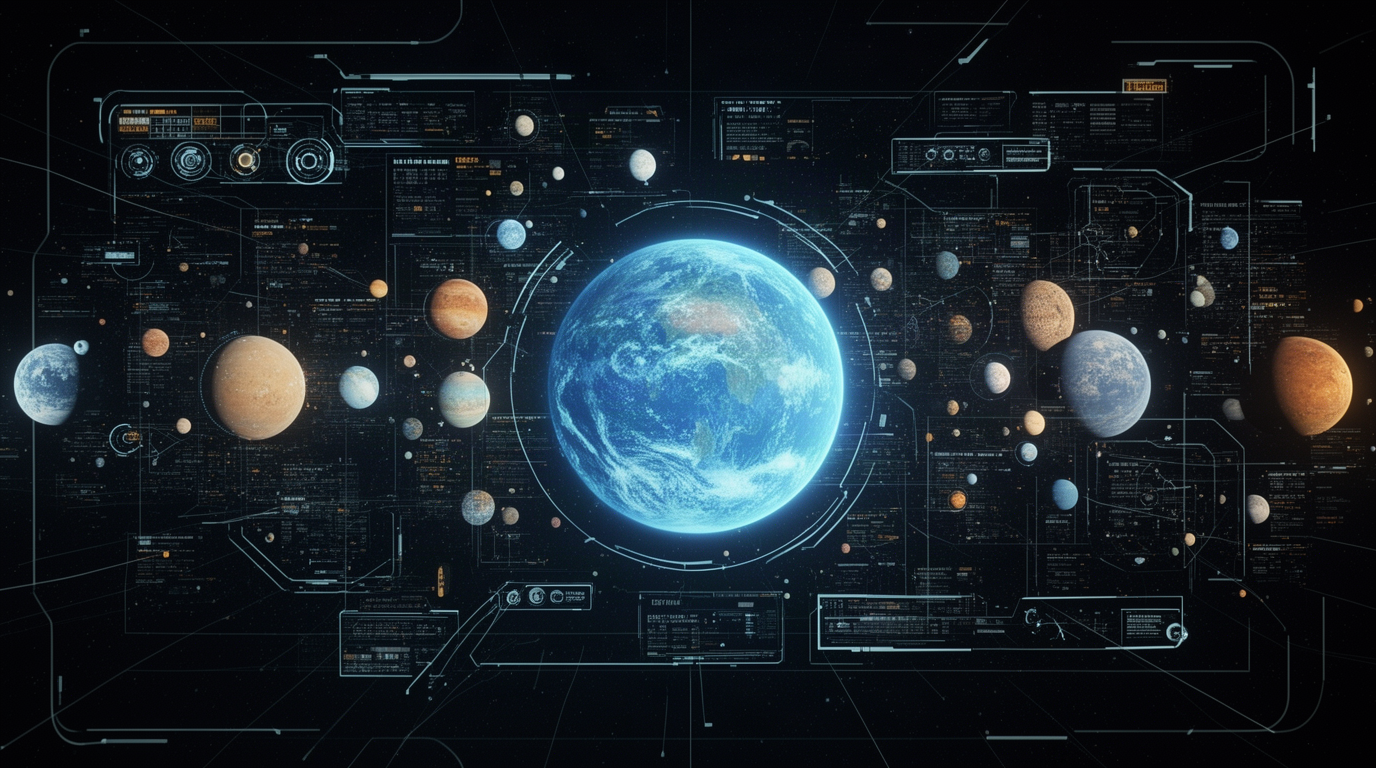
Kling AI work 321139110657217 - earth zoom image to video AI video
ctkJPQVR avatar
ctkJPQVR
Kling AI work 319124029661654 - earth zoom image to video AI video
Logolumos avatar
Logolumos
Elite Creator
Kling AI work 311609510611899 - earth zoom image to video AI video
HbUAEgHO avatar
HbUAEgHO
Something amazing this way comes - earth zoom image to video AI video
Alcock Global avatar
Alcock Global
Kling AI work 321693314665884 - earth zoom image to video AI video
UIDzpxog avatar
UIDzpxog
Kling AI work 316079420507994 - earth zoom image to video AI video
kehufrjZ avatar
kehufrjZ
Kling AI work 310838775508633 - earth zoom image to video AI video
BUSHERO avatar
BUSHERO
Kling AI work 314429236523084 - earth zoom image to video AI image
FQWDjjEw avatar
FQWDjjEw
Kling AI work 316709269527147 - earth zoom image to video AI video
oHGkiccP avatar
oHGkiccP
Kling AI work 319439683611366 - earth zoom image to video AI video
ENRSJqCx avatar
ENRSJqCx
SCENE 1 — कोल्ड ओपन  - earth zoom image to video AI video
world sharma4u avatar
world sharma4u
Kling AI work 316290342617171 - earth zoom image to video AI video
SpyDtpBv avatar
SpyDtpBv
Kling AI work 314705395501869 - earth zoom image to video AI video
sgFEdbaC avatar
sgFEdbaC
Kling AI work 315939342618255 - earth zoom image to video AI video
IDghYqff avatar
IDghYqff
Kling AI work 316139478526119 - earth zoom image to video AI video
LGJhiMLP avatar
LGJhiMLP
Kling AI work 315101052610057 - earth zoom image to video AI video
xFIKfqos avatar
xFIKfqos
Kling AI work 317418701500440 - earth zoom image to video AI video
yHjyDzWB avatar
yHjyDzWB

How to Edit a Photo with Kling AI

Upload Your Photo

Upload Your Photo

Start with a clear photo. Add a reference image when you have a particular replacement, background, or style in mind.

Tell Kling What to Change

Tell Kling What to Change

Enter a clear text prompt, explaining what should change and what should stay the same. Kling applies the edit to the photo with AI directly, without layers or complex manual steps.

Review and Fine-Tune

Review and Fine-Tune

Check the result and the areas that matter most. When one detail needs more work, update the prompt for that area instead of starting over. Download the finished image and share it.

Why Kling Stands Out for Image-to-Video Creation

Realistic Motion, Up to 30s Cinematic Camera Work

Realistic Motion, Up to 30s Cinematic Camera Work

Kling 4.0 delivers more stable, physically convincing action in demanding scenes, from fast-paced fights to sports and large-scale movement. Stronger camera direction supports dynamic tracking, complex camera moves, and more coherent shot composition. With up to 30 seconds of native video generation, create longer takes and connected sequences with greater control over action, pacing, and camera movement.

More References, More Creative Control

More References, More Creative Control

Kling 4.0's Omni Reference supports up to 15 combined reference assets, including images, videos, and subjects. Combine character, scene, motion, and style references to guide different elements within the same generation. Up to 10 flexible keyframes give you additional control over composition, character actions, and scene progression. Experiment with different reference combinations and key moments without rebuilding your entire creative setup.

Recreate, Edit, and Explore New Possibilities

Recreate, Edit, and Explore New Possibilities

Kling 4.0 goes beyond generating new footage. It lets you reference existing videos to explore different characters, products, camera movements, and visual styles while retaining the original shot structure or motion as a guide. It also supports precise video editing, letting you target changes to subjects, backgrounds, actions, and camera angles. Rework existing scenes, try alternate versions, and develop new footage without starting from scratch.

Apps

Video Generation
Video Generation

Video Generation

Image Generation
Image Generation

Image Generation

Motion Control
Motion Control

Motion Control

Avatar
Avatar

Avatar

AI Portraits
AI Portraits

AI Portraits

Lip Sync
Lip Sync

Lip Sync

60M+
60M+
Users
600M+
600M+
AI Videos Generated
4.7 ★
4.7 ★
App Store
Industry-Leading
Industry-Leading
Cinematic 4K

Reviews

Ozan Sihay

Ozan Sihay

★★★★★

Kling AI allows me to rapidly prototype ideas, refine storytelling elements, and produce visually compelling content efficiently. It has not only accelerated my creative processes, but also deepened my understanding of how AI can enrich visual storytelling.

Déborah

Déborah

★★★★★

I use Kling AI every day. It's amazing to see the almost daily progress it makes. I used AI for fun at first, and I now find that Kling AI's animations allow me to gain professional visibility, with three times more views on my animated posts than on my static posts.

Huang Lu (Elson)

Huang Lu (Elson)

★★★★★

I’ve been using Kling AI since its initial release, and it’s remained one of the leading AI media generators ever since. With Kling AI, I’ve created hundreds of videos, collectively amassing millions of views.

FAQ

Q1How do I generate an AI video?
Q2How long can AI-generated videos be?
Q3What is the best AI video generator?

Start Creating AI Videos with Kling

Start with text or images and see what's possible with Kling AI. Create the footage, guide the movement, and keep working until the scene feels right. No complicated setup.

Text to Video | Image to Video | Omni Reference | Free tier includes watermark