
Creative Studio
API
Resources
Features
About Us
Download

easter bunny ai video - Easter Egg Hunts & Mechanical Bunnies

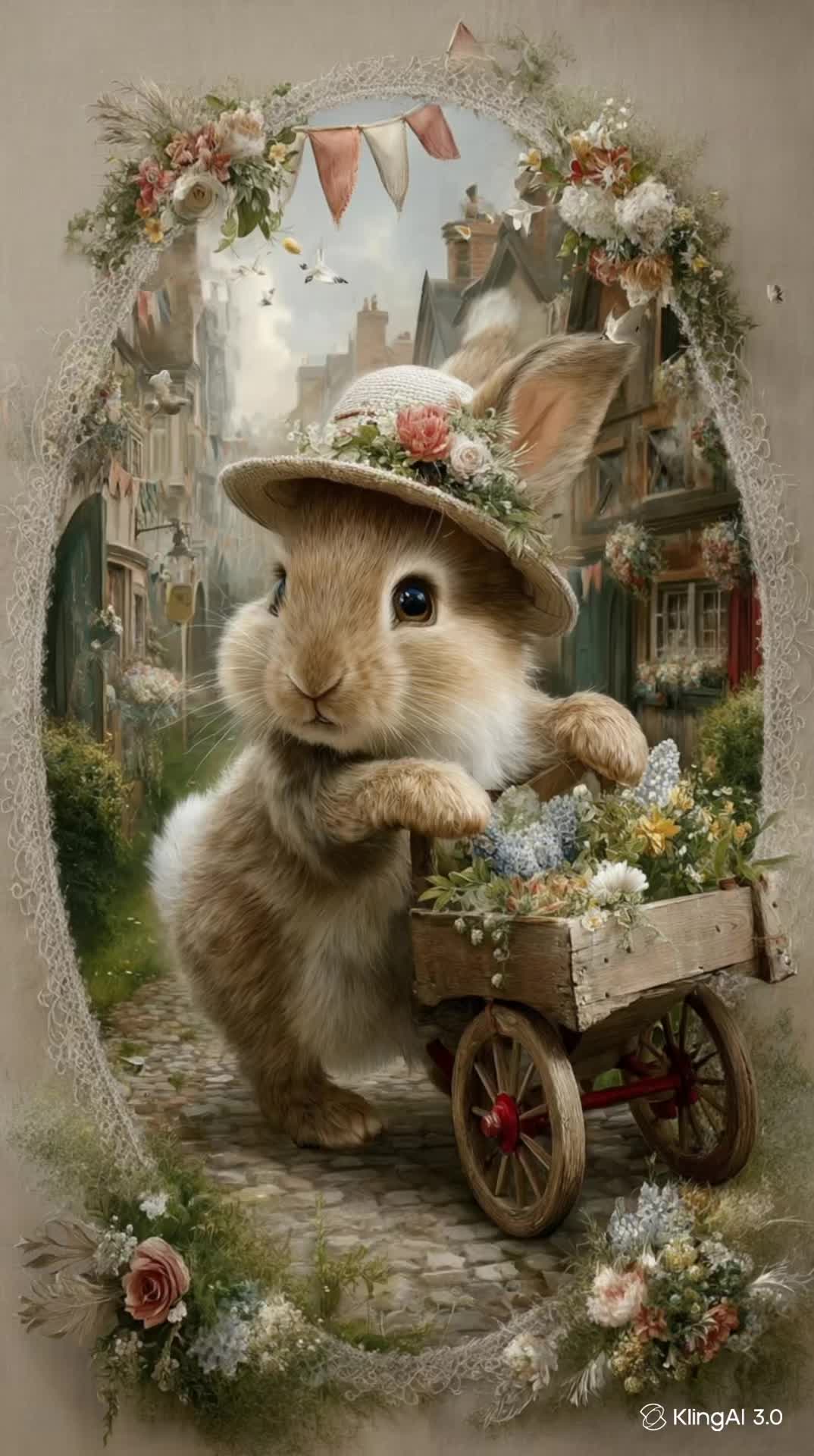
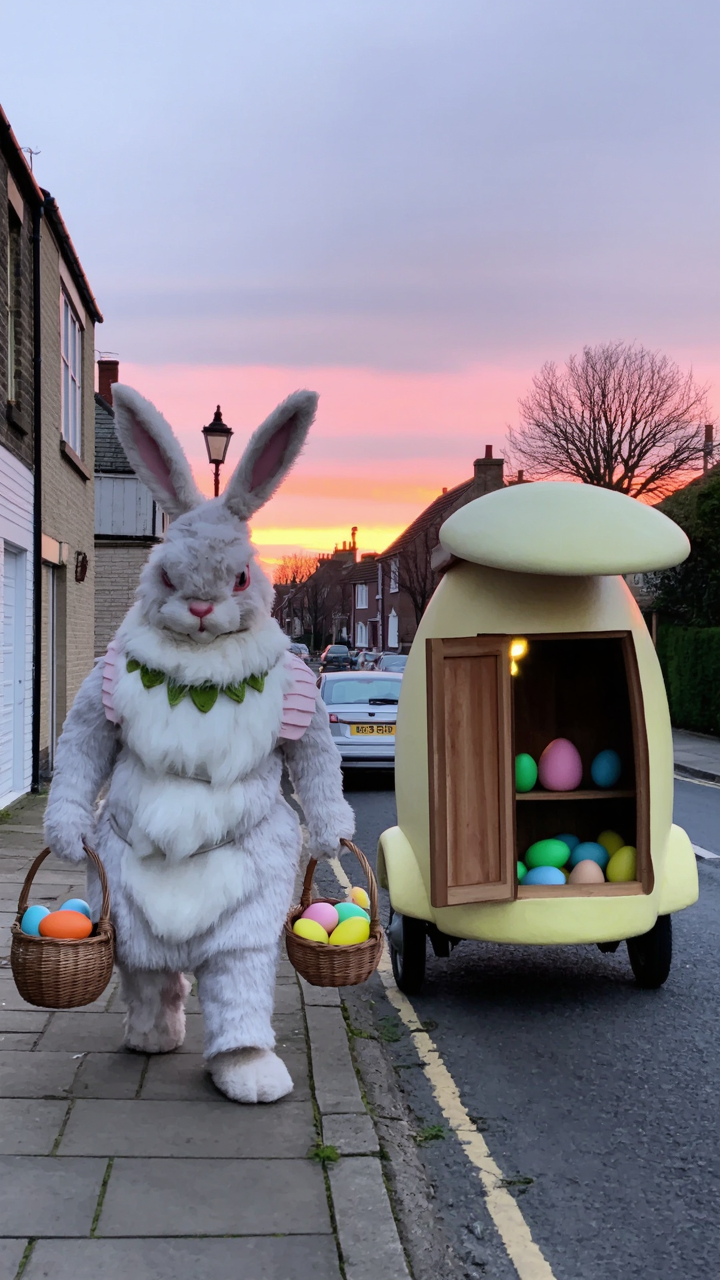
Immerse in the whimsical world of Easter with captivating AI videos featuring themed atmospheres, intricate mechanical bunnies, and heartwarming moments of Easter egg hunts and unboxings. Witness the charm of fantasy Easter eggs and the joy of characters like the Easter Panda and young adventurers alongside their rabbit friends. Start exploring easter bunny ai video ideas and generate your own content with AI.

easter bunny ai video - Easter Egg Hunts & Mechanical Bunnies

Recommended

Kling AI work 307318108660880 - easter bunny ai video AI video
QlJxPoCv avatar
QlJxPoCv
Easter bunny - easter bunny ai video AI image
KLING6940 avatar
KLING6940
Animate the cute white bunny wit - easter bunny ai video AI video
OihhsXcY avatar
OihhsXcY
Kling AI work 307437927613482 - easter bunny ai video AI video
Christopher avatar
Christopher
Kling AI work 298346115650485 - easter bunny ai video AI video
GpseFirE avatar
GpseFirE
Easter Bunny - easter bunny ai video AI video
00:07
TatianaLychy avatar
TatianaLychy
Kling AI work 307175463615165 - easter bunny ai video AI video
GBSrDIwS avatar
GBSrDIwS
Kling AI work 307187178617863 - easter bunny ai video AI image
JamesScharmach avatar
JamesScharmach
Kling AI work 307309985611436 - easter bunny ai video AI image
Alex-1-2 avatar
Alex-1-2
a Little bunny - easter bunny ai video AI video
gjyiawIv avatar
gjyiawIv
Little Bunny Hop-Hop - easter bunny ai video AI video
Bunny 🐰 avatar
Bunny 🐰
"Easter Bunny" - easter bunny ai video AI video
00:10
KLING9286 avatar
KLING9286
Elite Creator
Kling AI work 299894373520821 - easter bunny ai video AI image
oEpgYNnv avatar
oEpgYNnv
Kling AI work 307367909503186 - easter bunny ai video AI image
JamesScharmach avatar
JamesScharmach
Hello bunny! - easter bunny ai video AI video
kqSntHfL avatar
kqSntHfL
Kling AI work 307787373531962 - easter bunny ai video AI video
AwbroCCD avatar
AwbroCCD
Kling AI work 307350097501518 - easter bunny ai video AI video
rbAqzywM avatar
rbAqzywM
Happy Easter ! - easter bunny ai video AI video
KLINIK AI avatar
KLINIK AI
Bunny boy - easter bunny ai video AI video
HaFrKCkN avatar
HaFrKCkN

How to Create AI Backgrounds in High-Quality

Start with Your Photo

Start with Your Photo

Upload the person, product, or image you want to work with. If you already have a location, mood, composition, or visual style in mind, add reference images to give Kling AI a clearer direction.

Describe the New Scene

Describe the New Scene

Describe what you want behind the subject and what should stay familiar. You might ask for a clean studio, a sunlit kitchen, a city rooftop, or something more imaginative. If you are using references, explain which parts of them you want to follow.

Generate a High-Quality Background

Generate a High-Quality Background

Choose your preferred aspect ratio and output resolution, then generate the image. Kling IMAGE 3.0 supports output up to 2K. For higher-resolution native 4K output, use Kling IMAGE 3.0 Omni.

From Clean Cutouts to Completely New Backgrounds

Clean Cutouts, Ready to Use

Clean Cutouts, Ready to Use

Clear away a distracting background without tracing around the subject by hand. Create transparent product shots, portraits, logos, and graphics for listings, profile images, presentations, and design work. When you need a higher-resolution de-priming effect, IMAGE 3.0 Omni also supports 2K and 4K output.

Go Straight to the Background You Want

Go Straight to the Background You Want

Already know what belongs behind the subject? Skip the extra editing and go straight to the final look. Describe a new setting or add a reference image to guide it, whether you're refreshing a product shot, portrait, social graphic, or campaign visual.

Refresh Video Footage Without Reshooting

Refresh Video Footage Without Reshooting

Keep the clip you already have and change the setting around it. With VIDEO 3.0 Omni, use a prompt or reference image to update backgrounds for ads, product videos, presenter clips, and social content—without another shoot or a green screen.

Apps

Image to Video
Image to Video

Image to Video

Text to Video
Text to Video

Text to Video

Omni
Omni

Omni

Digital Human
Digital Human

Digital Human

Restyle
Restyle

Restyle

Text to Image
Text to Image

Text to Image

60M+
60M+
Users
600M+
600M+
AI Videos Generated
4.7 ★
4.7 ★
App Store
Industry-Leading
Industry-Leading
Cinematic 4K

Reviews

Halim Alrasihi

Halim Alrasihi

★★★★★

I use AI daily and Kling AI is a crucial part of my workflow, whether for client work or personal projects. What I love most about using Kling AI is that it provides all the tools I need in one place, from keyframes to character references, elements and special effects.

Jyo John Mulloor

Jyo John Mulloor

★★★★★

Kling AI has been instrumental in transforming my creative workflow, unlocking new dimensions of artistic expression that were once unimaginable. I use Kling AI extensively to develop high-concept visuals, animate surreal dreamscapes, and create AI-assisted films that blur the line between reality and fantasy. Kling AI’s deep learning capabilities have not only enhanced my creative efficiency but also inspired me to explore storytelling in ways I never thought possible.

Maria Rubtsova

Maria Rubtsova

★★★★★

I’m Maria Rubtsova, an AIGC digital artist passionate about creating stunning visuals in the worlds of fashion, aesthetics, and fantasy. I use KlingAi to bring imagination to life through video. My work is all about exploring beauty, emotion, and the limitless possibilities of digital art.

FAQ

Q1Can I continue editing an image after removing a watermark?
Q2What types of watermarks can AI remove?
Q3Can I select a watermark manually instead of using a prompt?

Create More with Every Background Change

Turn every background change into a new creative direction with Kling AI. Explore new scenes, reshape your visuals, and create images that keep the details and style that make them unique.

AI Background Removal | Scene Transformation | 2K/4K Image Creation