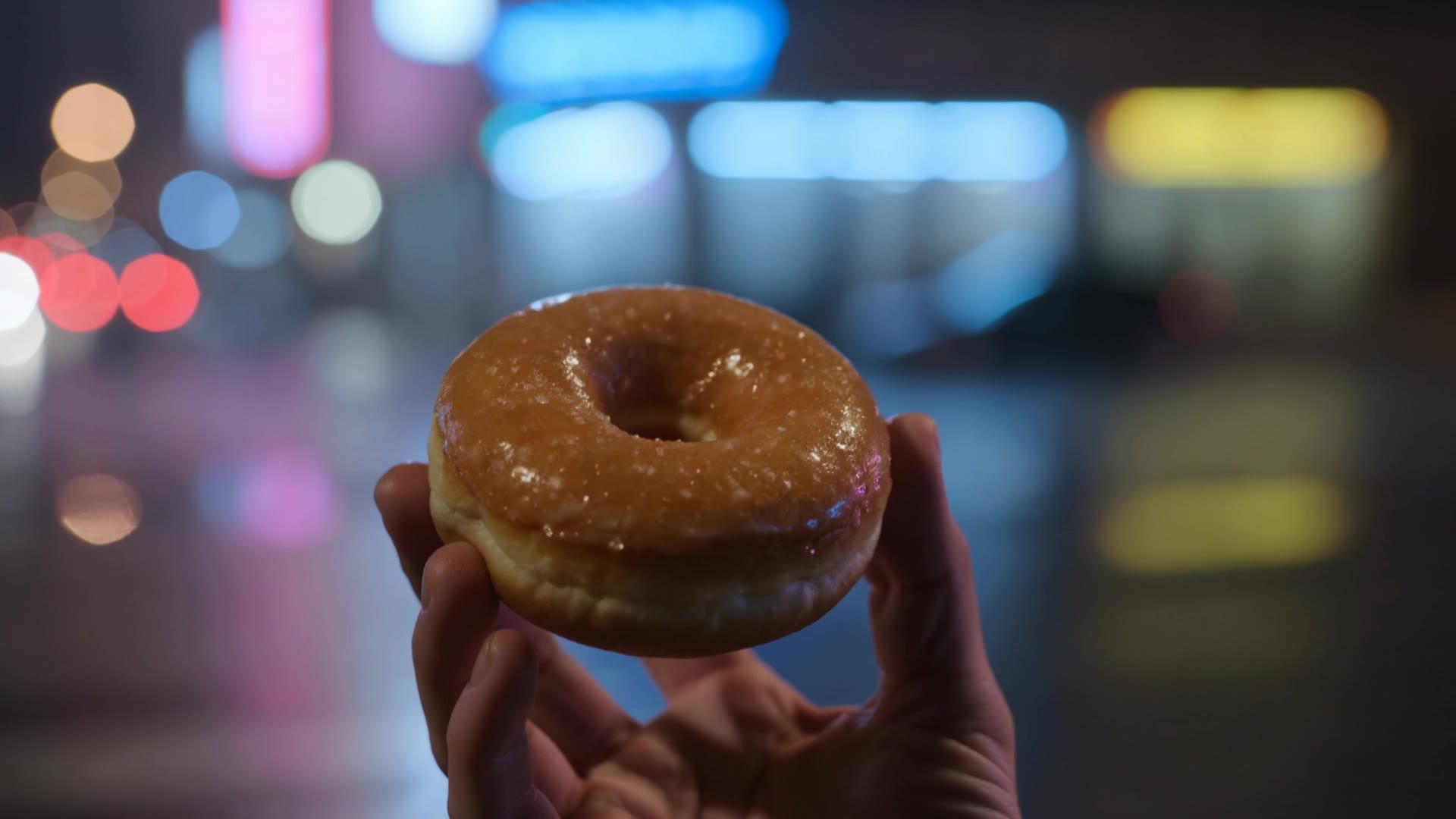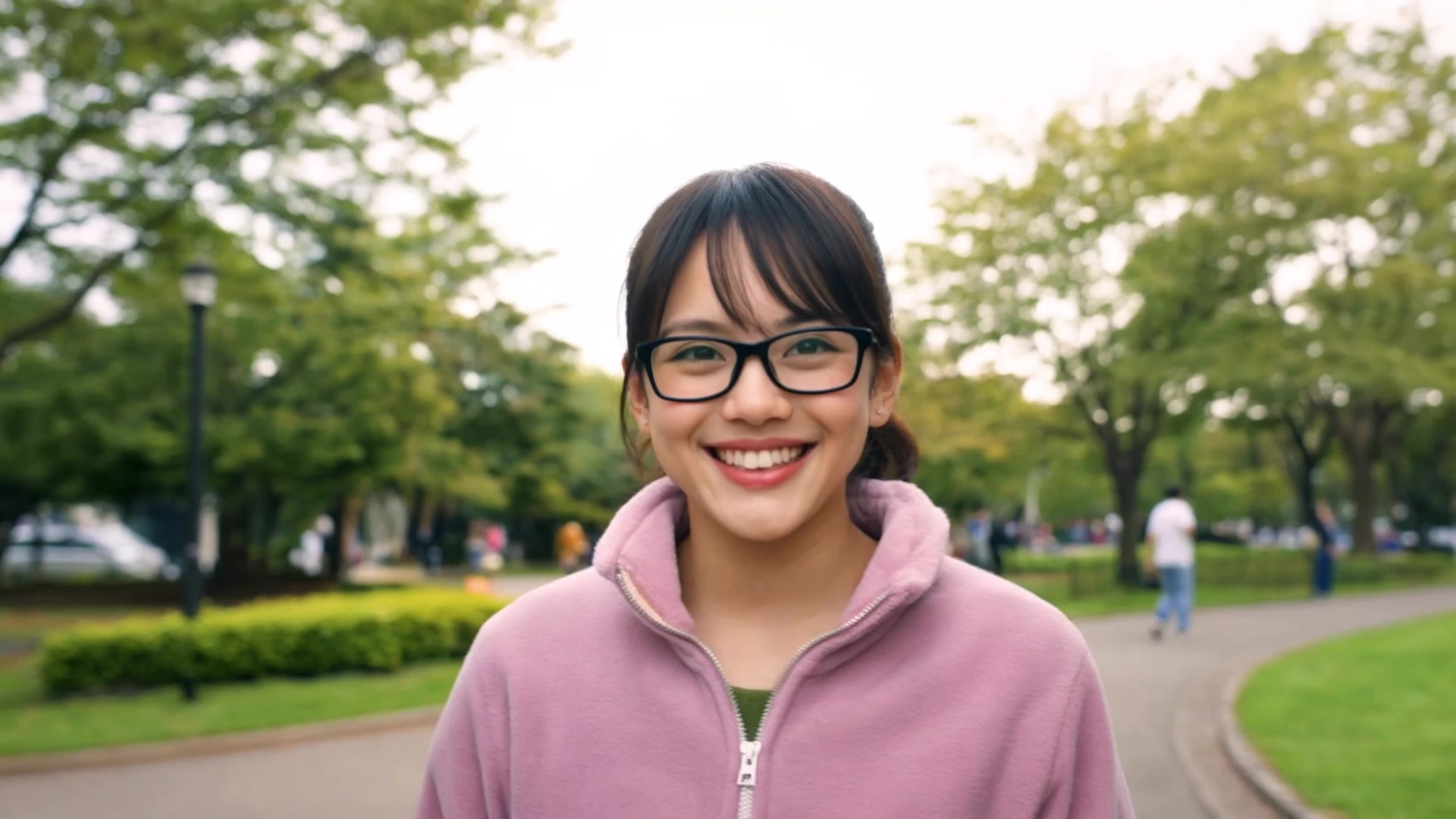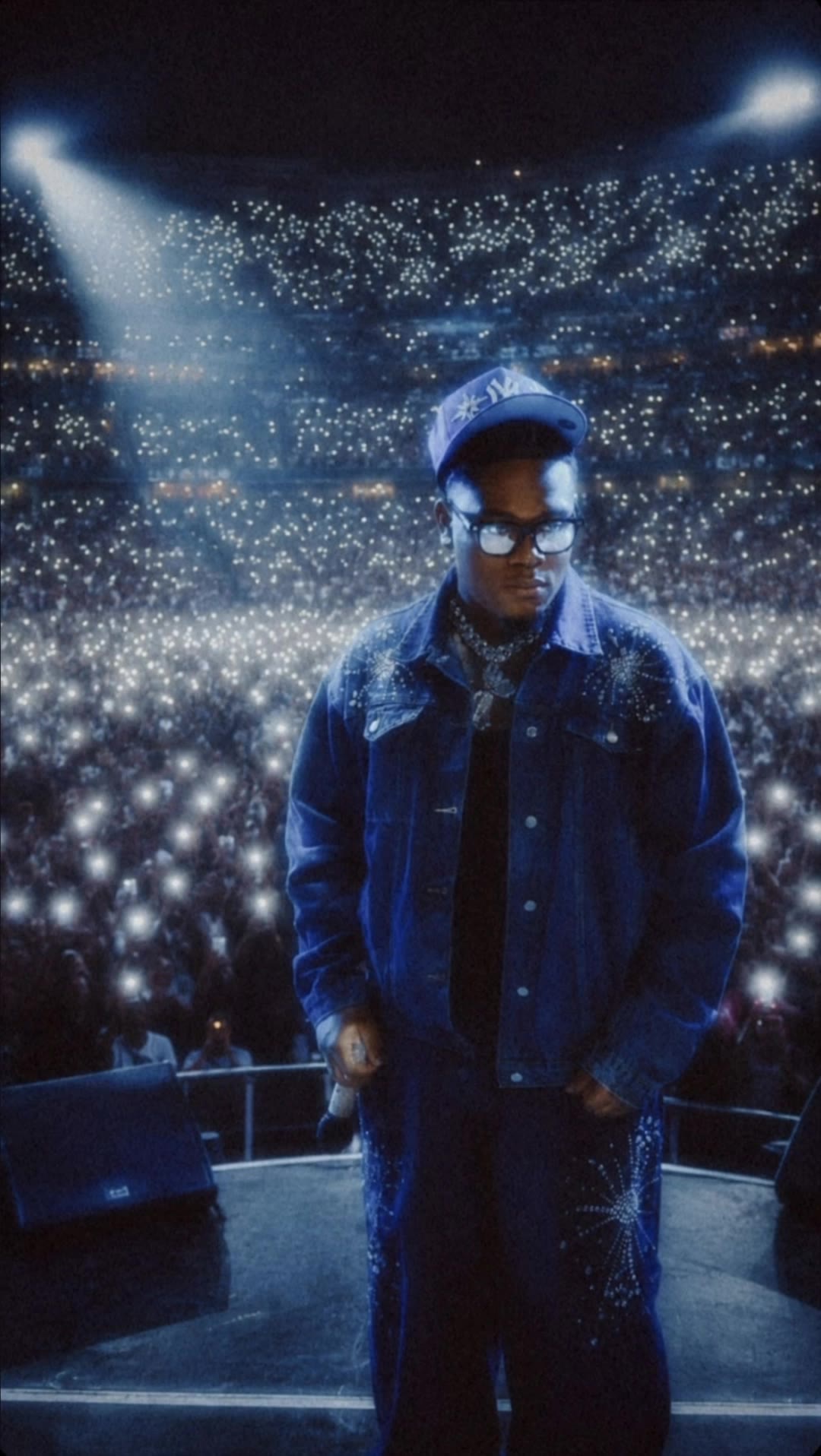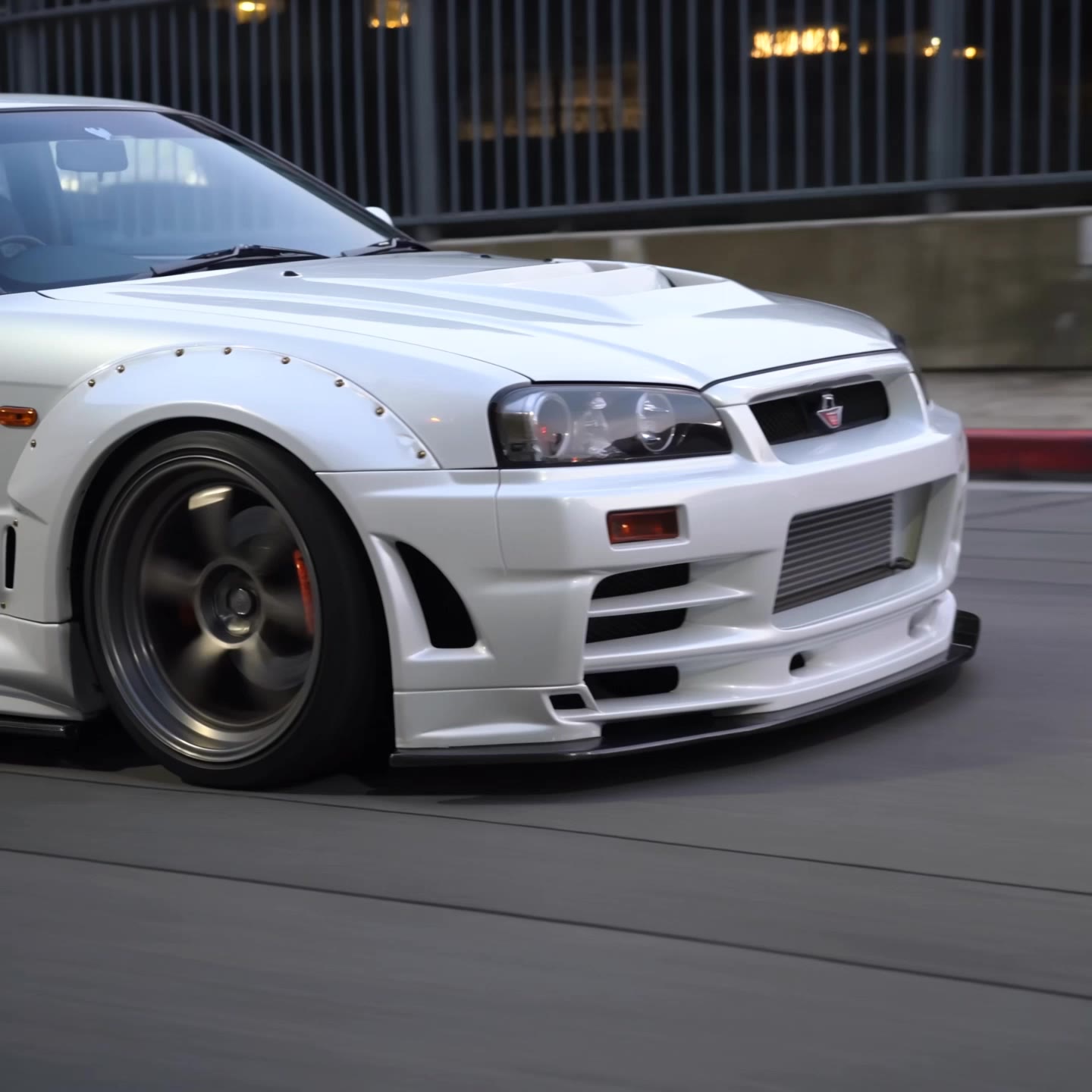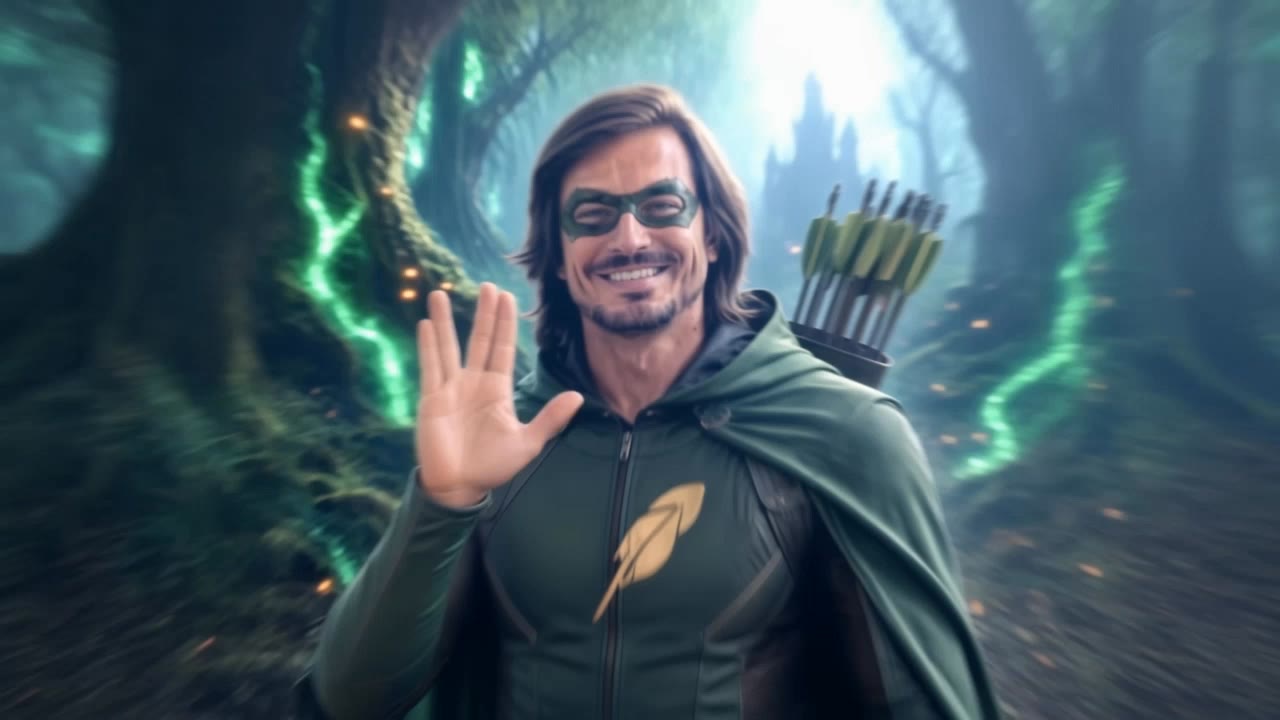

el montage - magical forests & fighter jets

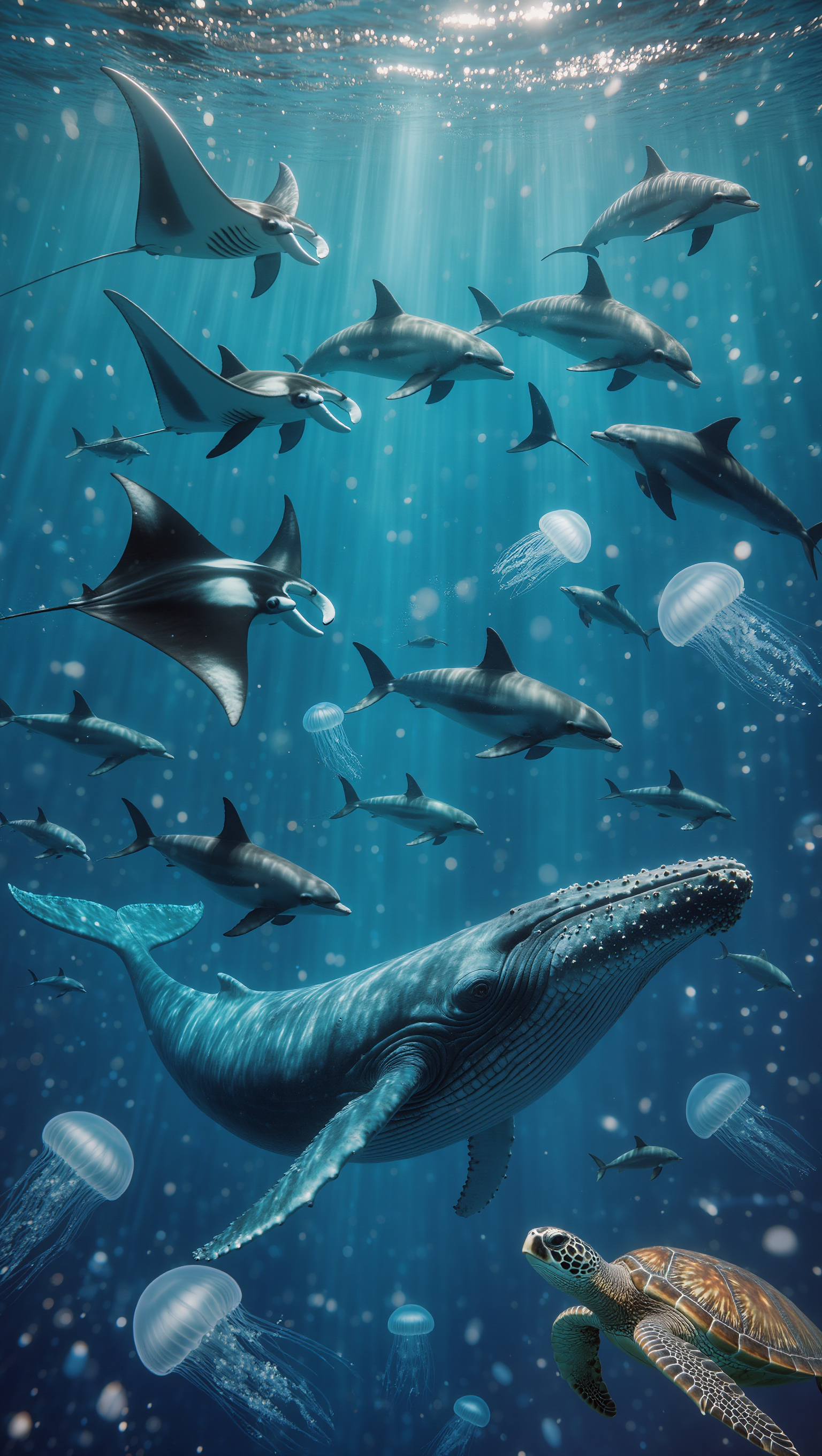
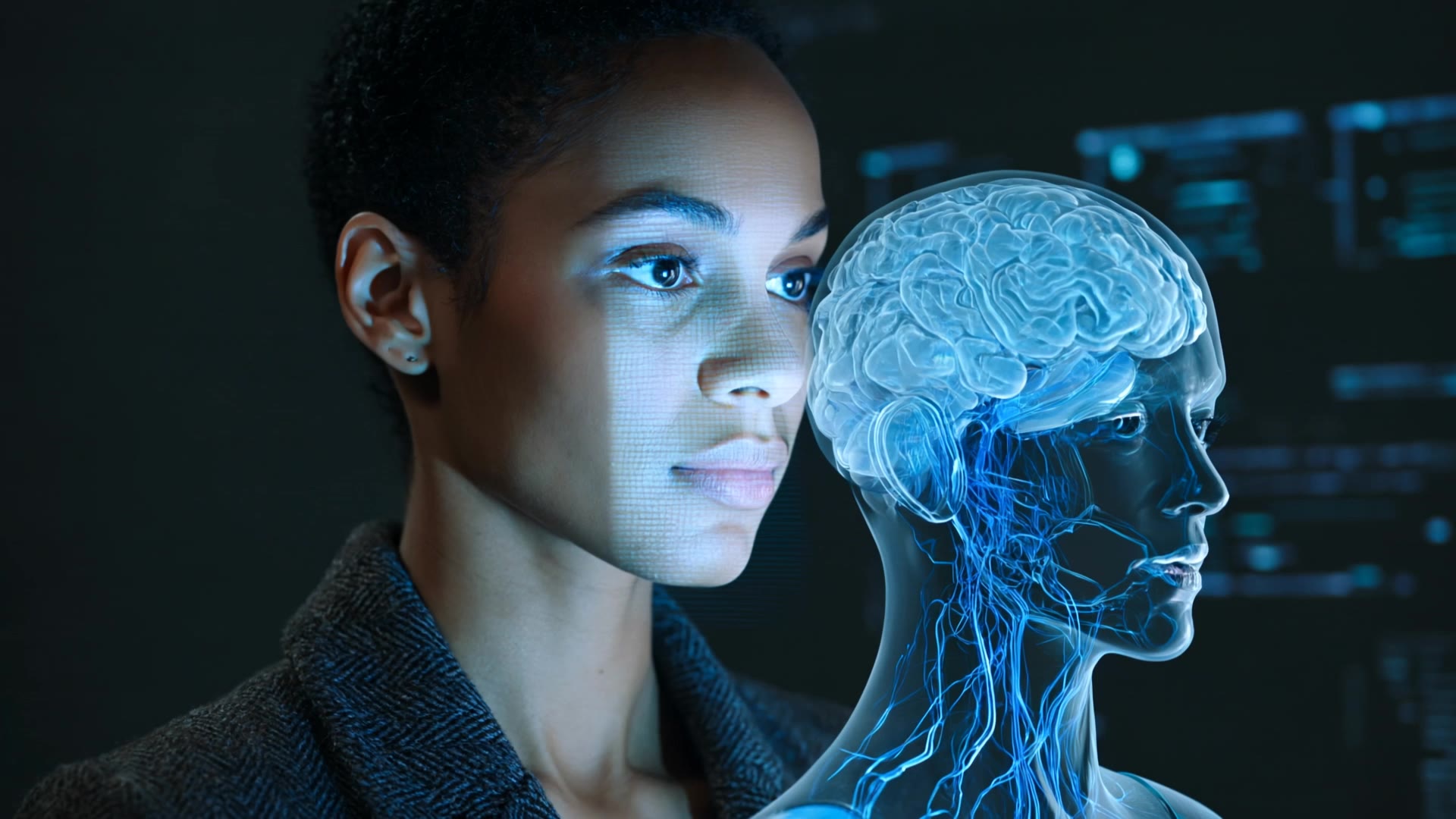
Immerse in captivating visuals featuring adorable animals, surreal cinematic moments, and intense action sequences. Start exploring el montage ideas and generate your own content with AI.

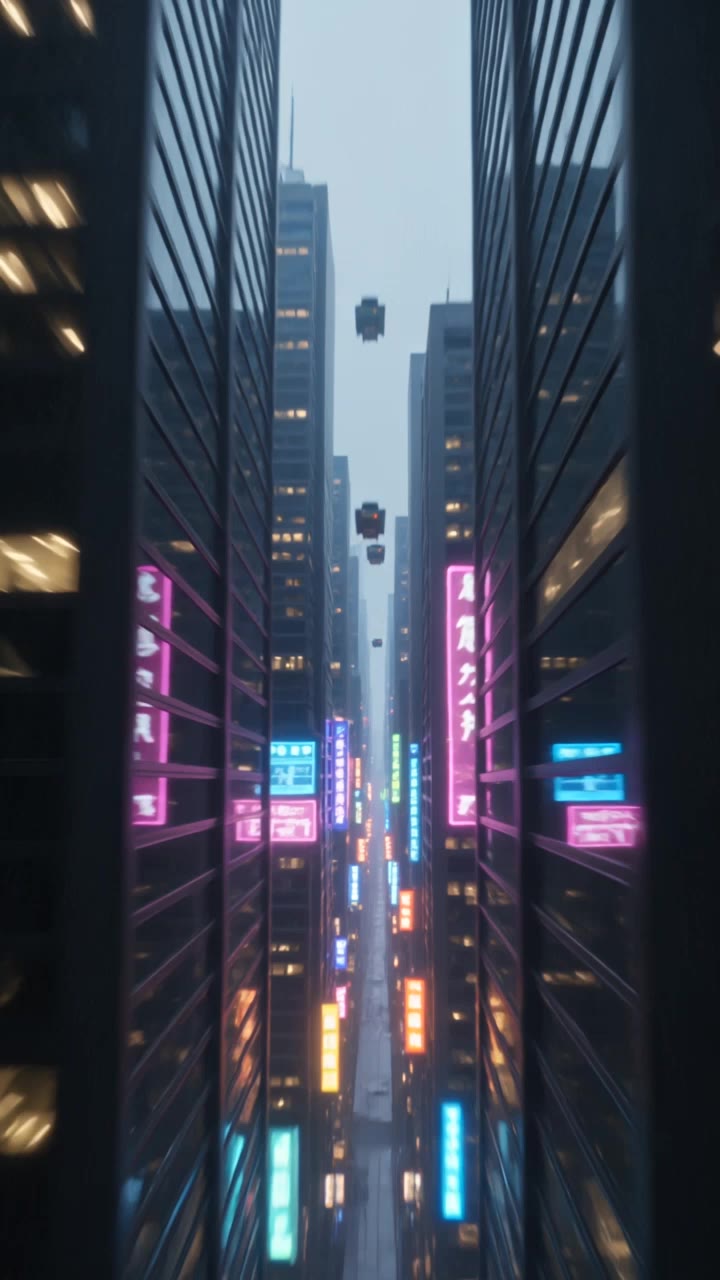
el montage - magical forests & fighter jets

Recommended

$Vlad Memecoin Montage - el montage AI video
vmtXAhlZ avatar
vmtXAhlZ
Kling AI work 309601954501006 - el montage AI video
Chinmay avatar
Chinmay
Kling AI work 315746311617991 - el montage AI video
QJcKTwfI avatar
QJcKTwfI
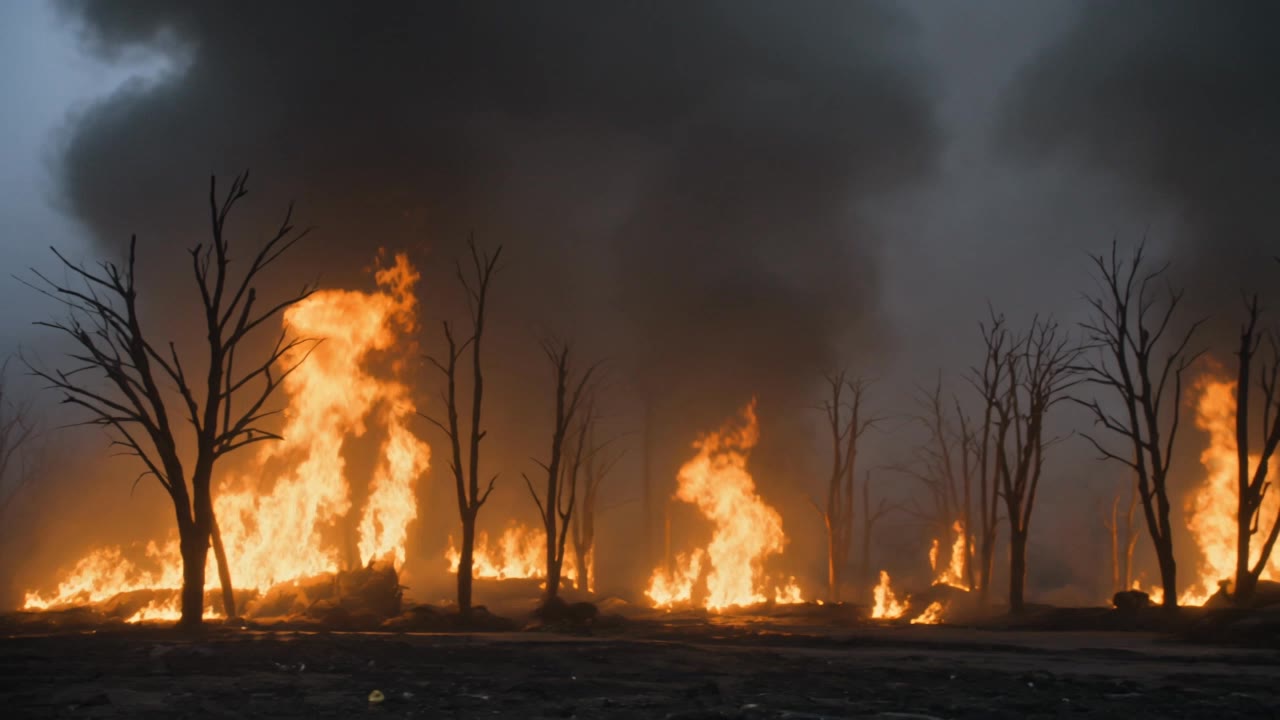
Quick Disaster Montage - el montage AI video
TzHlVSYr avatar
TzHlVSYr
Kling AI work 314475721661343 - el montage AI image
lZqtLtak avatar
lZqtLtak
Kling AI work 318252678326151 - el montage AI video
VJMYTVjc avatar
VJMYTVjc
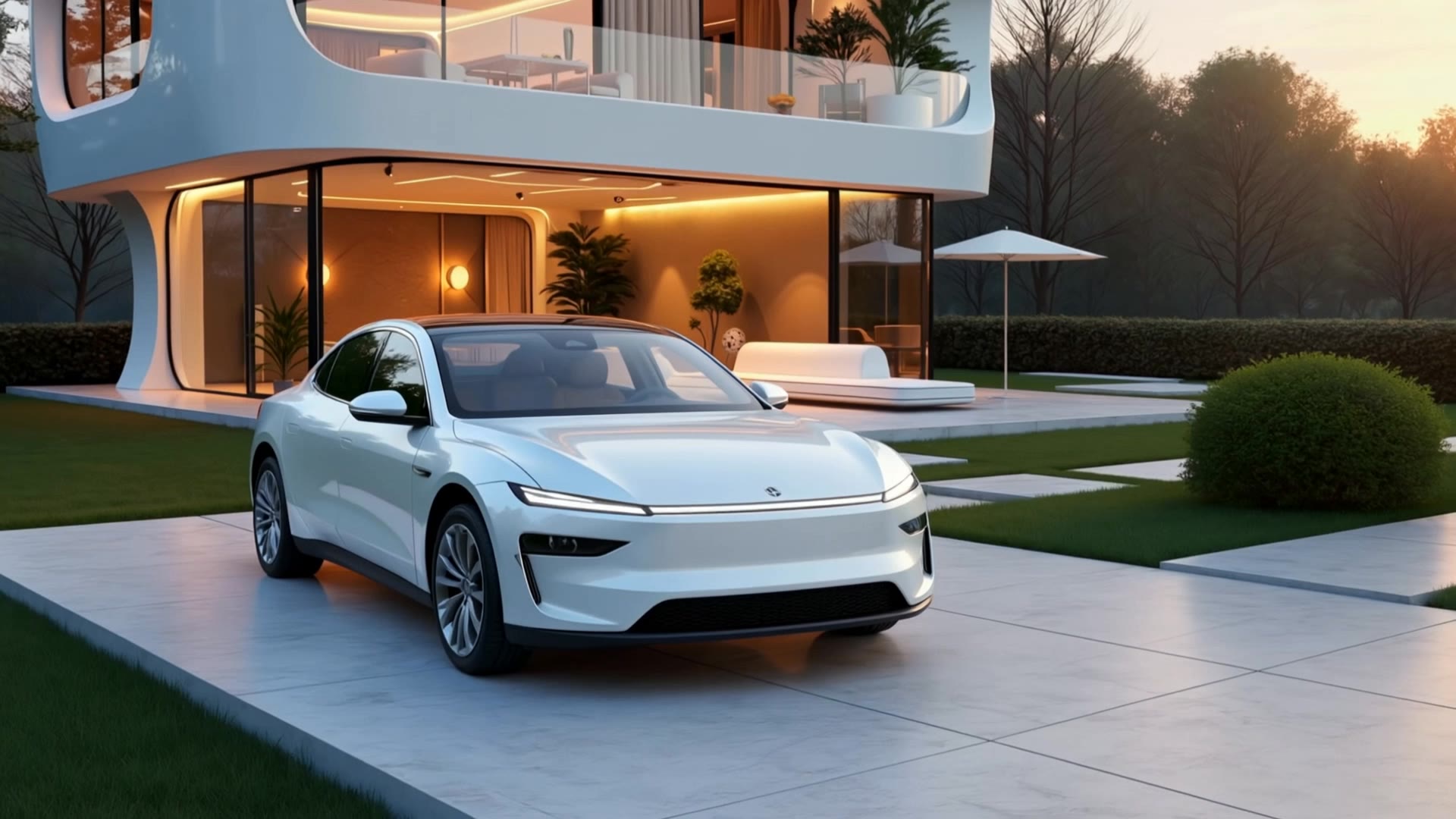
House of the future - el montage AI video
ObdxDpAs avatar
ObdxDpAs
Kling AI work 310588561666724 - el montage AI video
kHyrnbdX avatar
kHyrnbdX
Kling AI work 314180956616770 - el montage AI image
ipHiickh avatar
ipHiickh
Kling AI work 314150265661240 - el montage AI video
pwfVuniG avatar
pwfVuniG
Kling AI work 316450815527146 - el montage AI video
CWQfHaWO avatar
CWQfHaWO
Kling AI work 317971955611645 - el montage AI video
HmqQsBTW avatar
HmqQsBTW
Kling AI work 318174061612259 - el montage AI video
GhostofArchives avatar
GhostofArchives
Run the flash montage skills - el montage AI video
7A7PI avatar
7A7PI
Elite Creator
Quick montage about futsal - el montage AI video
kyoUqAgL avatar
kyoUqAgL
Never say ... - el montage AI video
7A7PI avatar
7A7PI
Elite Creator
Kling AI work 311136010614922 - el montage AI video
Klym avatar
Klym
Kling AI work 313478328665908 - el montage AI video
PgKnAHwq avatar
PgKnAHwq
Kling AI work 310898958616659 - el montage AI video
MIGUEL avatar
MIGUEL

How to Animate an Image with AI

Upload Your Image

Upload Your Image

Upload a portrait, product photo, illustration, or other image. For additional control, Kling 4.0's Omni Reference supports up to 15 combined reference assets, subject to individual input limits.

Describe the Motion

Describe the Motion

Specify how your subject moves and what the camera does. You can also add start and end frames or use up to 10 flexible keyframes to guide important changes with supported Kling 4.0 settings.

Generate and Download

Generate and Download

Choose your video settings and generate a clip up to 30 seconds long with Kling 4.0. Preview the result, make adjustments if needed, and download your video.

Edit the Parts That Matter

Change Subjects, Backgrounds, and Style

Change Subjects, Backgrounds, and Style

A different character, a new product, or a completely different location can change the purpose of a video. Keep the footage you already have and update the elements that need another take. No green screen needed. Kling 4.0 supports adding, removing, and replacing subjects and scene elements using prompts and visual references. Change a product, replace a character, or move the action into a new setting. Reference images help guide the appearance of new elements while keeping the rest of the scene closer to the original.

Recreate Videos with Your Own References

Recreate Videos with Your Own References

Found a camera move, transition, or video concept that would work with your own character or product? You can use the original clip as a creative reference rather than recreating the entire shoot. Kling 4.0 draws on reference footage for pacing, shot composition, and movement while introducing your own subjects and visual style. Omni Reference supports up to 15 combined assets, subject to individual input limits. Combine character images, product photos, and video references to explore new versions while helping recognizable details stay consistent.

Extend Your Video Up to 2 Minutes

Extend Your Video Up to 2 Minutes

Continue an existing video forward or backward, adding footage before the opening or after the ending. Extend actions, camera movements, and storylines while keeping the new footage connected to the original scene. Kling 4.0's Video Extension supports multiple extension passes, reaching a total video length of up to 2 minutes. Build longer sequences with continuity in characters, settings, and movement, without recreating the entire video.

Apps

Video Generation
Video Generation

Video Generation

Image Generation
Image Generation

Image Generation

Motion Control
Motion Control

Motion Control

Avatar
Avatar

Avatar

AI Portraits
AI Portraits

AI Portraits

Lip Sync
Lip Sync

Lip Sync

60M+
60M+
Users
600M+
600M+
AI Videos Generated
4.7 ★
4.7 ★
App Store
Industry-Leading
Industry-Leading
Cinematic 4K

Reviews

KakuDrop

KakuDrop

★★★★★

I have successfully collaborated with world-renowned artists and well-known companies that are recognized globally

Samuele Poggi (@visualsk2)

Samuele Poggi (@visualsk2)

★★★★★

I use Kling AI daily to push the limits of AI filmmaking. It allows me to create highly cinematic content, blending AI and VFX to develop innovative projects. It has significantly impacted my creative process, enabling me to achieve complex animations that would otherwise require high production budgets.

Déborah

Déborah

★★★★★

I use Kling AI every day. It's amazing to see the almost daily progress it makes. I used AI for fun at first, and I now find that Kling AI's animations allow me to gain professional visibility, with three times more views on my animated posts than on my static posts.

FAQ

Q1Does Video 3.0 support multiple characters speaking?
Q2Is it suitable for product demo videos?
Q3Can I use this for global AI video marketing?

Experience Video 3.0 on Kling

Create cinematic, multi-shot videos with native audio and precise control—all in one generation.

Native audio | Multi-shot control | Up to 15s continuous output