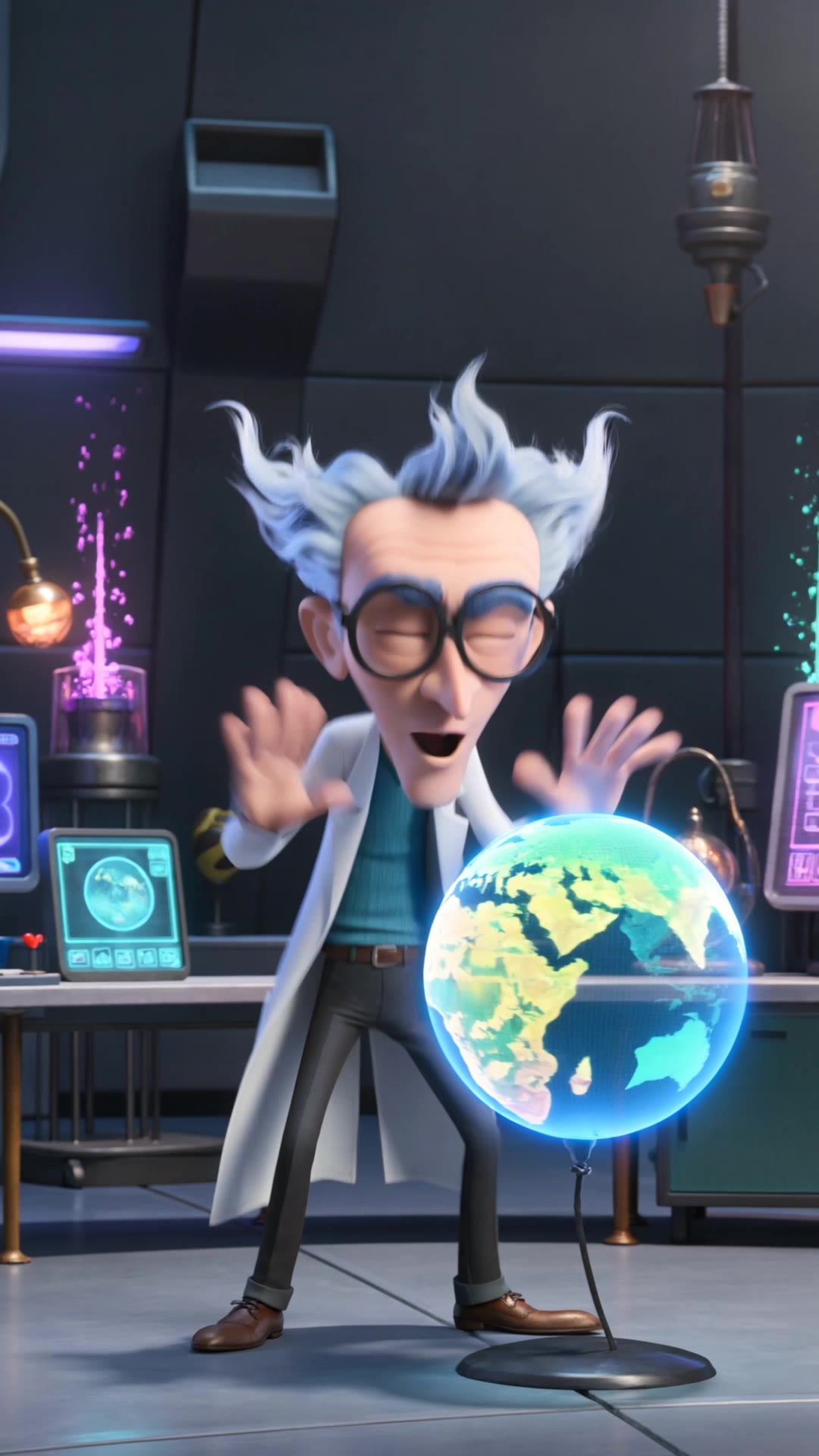
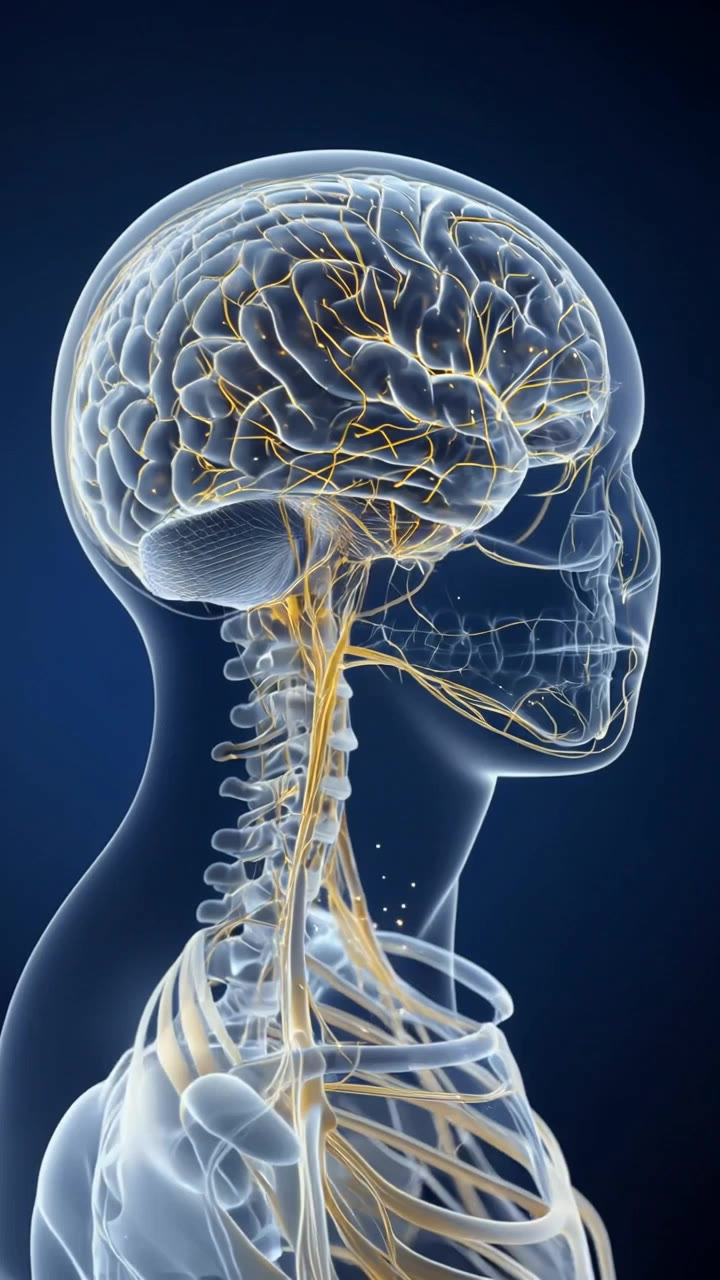
explainer videos - animals & educational processes

Engage with captivating explainer videos featuring anthropomorphized objects and expert-led educational content. Dive into creative, high-definition visuals that simplify complex topics. Start exploring explainer videos ideas and generate your own content with AI.

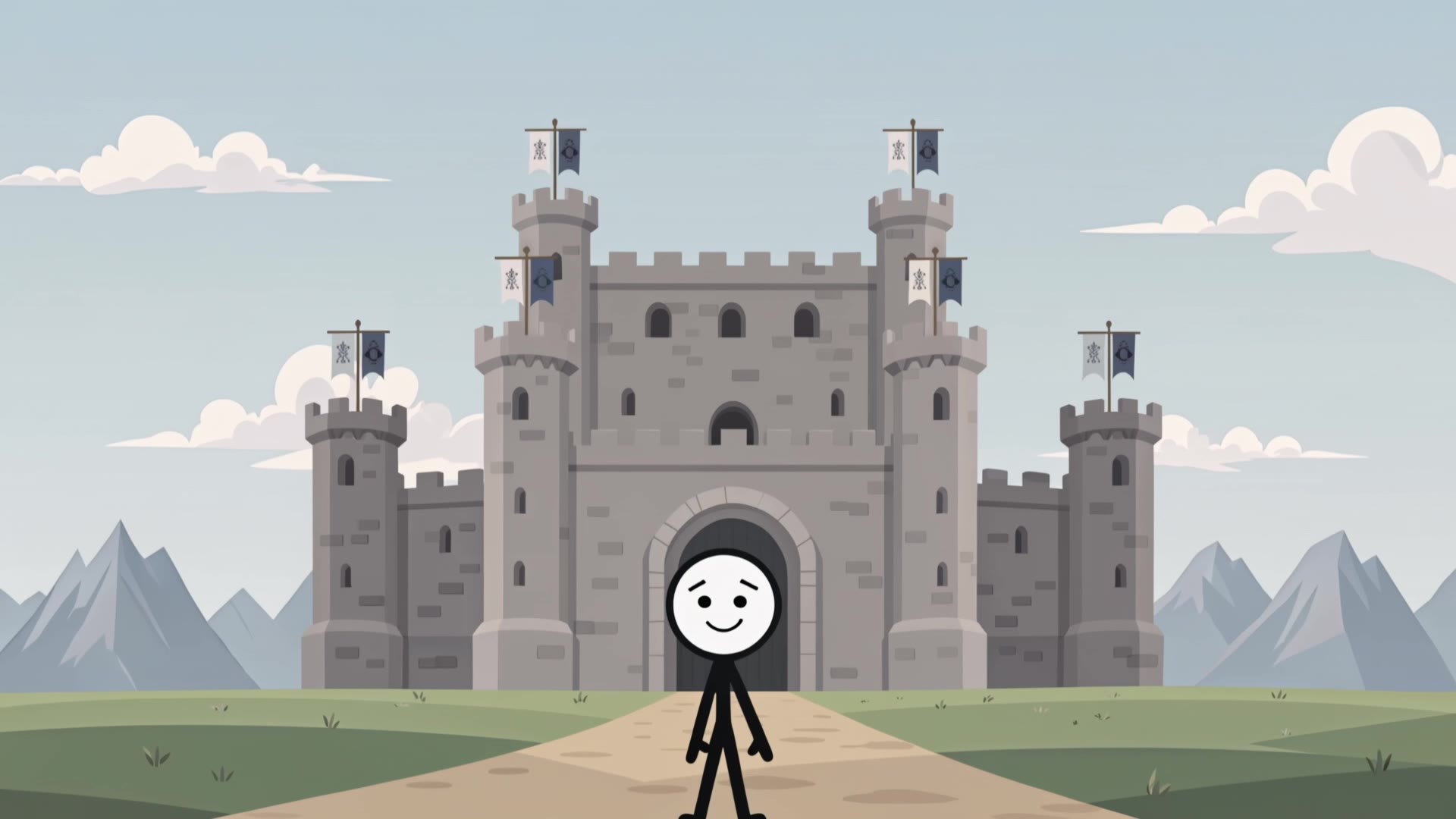
explainer videos - animals & educational processes

Recommended

Kling AI work 314562351525828 - explainer videos AI video
wvvbxKKa avatar
wvvbxKKa
Kling AI work 316049840500242 - explainer videos AI video
UQTGOaWK avatar
UQTGOaWK
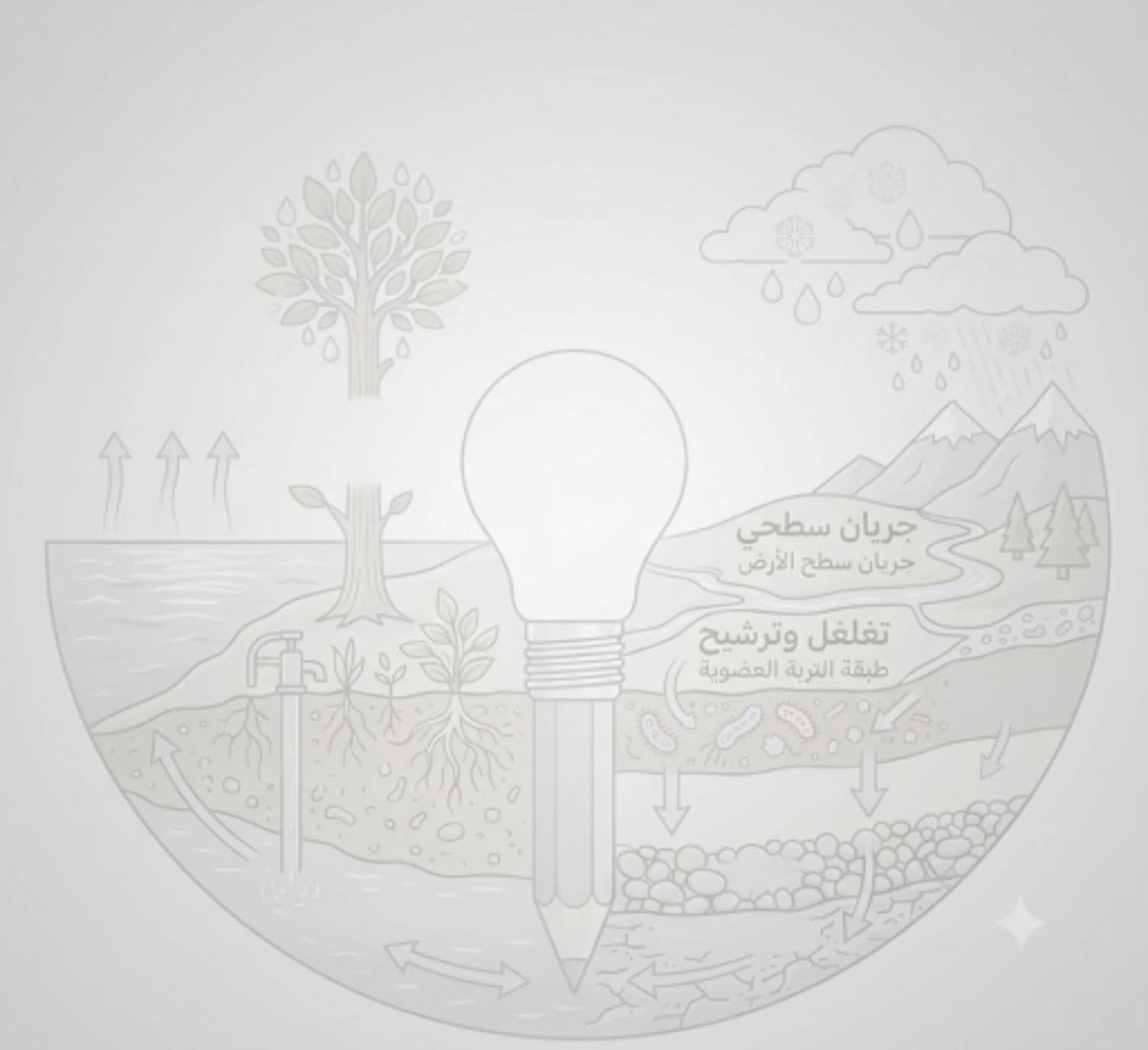
water natural circuit & filter  - explainer videos AI video
NScTCjWU avatar
NScTCjWU
Kling AI work 310145093613232 - explainer videos AI video
SelokvRO avatar
SelokvRO
Kling AI work 316073698528392 - explainer videos AI video
NGvciIEN avatar
NGvciIEN
Kling AI work 312808926614305 - explainer videos AI video
jiKPYAtm avatar
jiKPYAtm
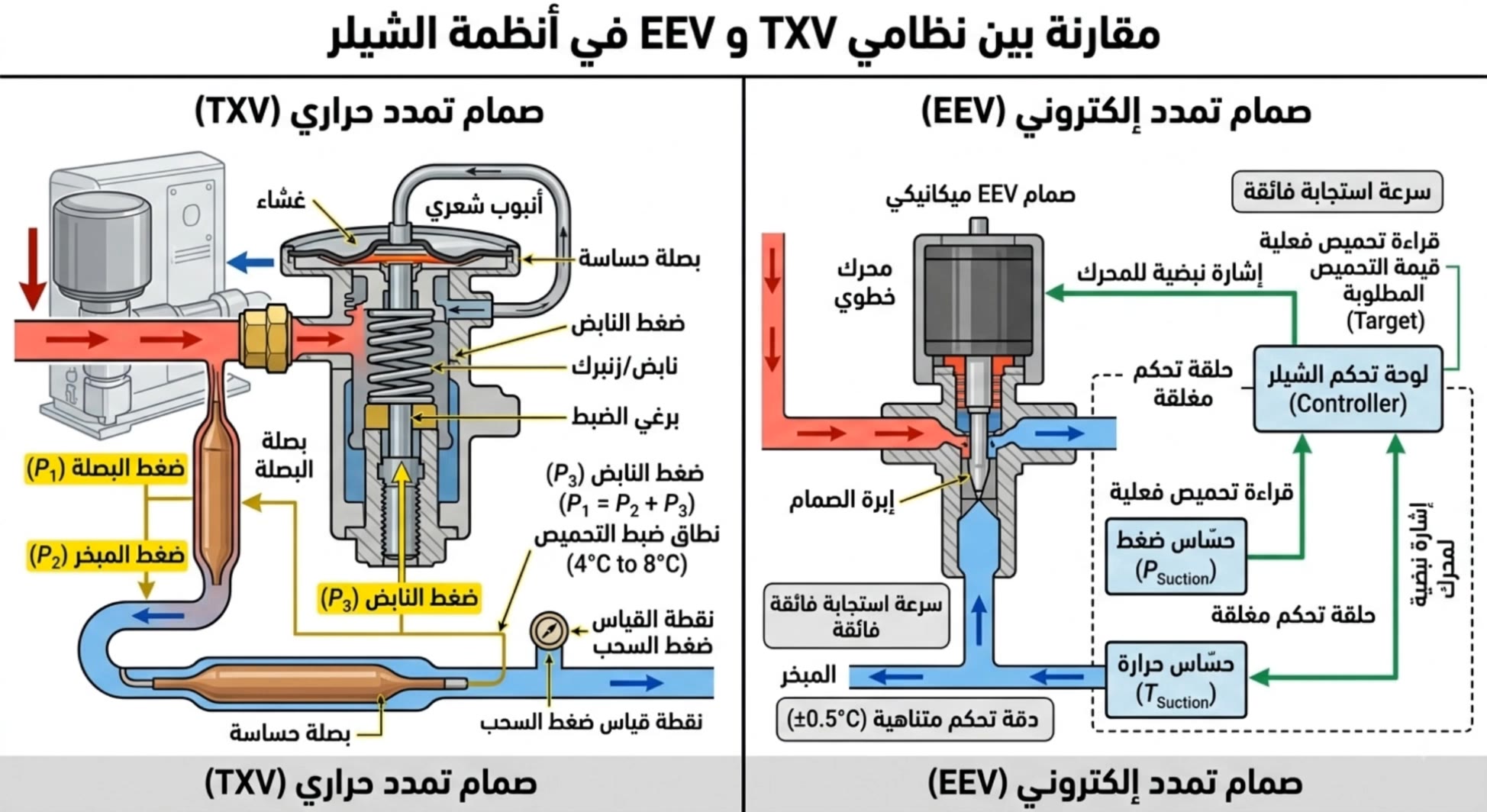
EEV and TXV - explainer videos AI video
DqADvyAr avatar
DqADvyAr
Kling AI work 300274326301824 - explainer videos AI video
RSOkigLJ avatar
RSOkigLJ
Kling AI work 311073603500285 - explainer videos AI video
GCOtOzya avatar
GCOtOzya
UPI in action - explainer videos AI video
mzMYGSKO avatar
mzMYGSKO
water live cycle  - explainer videos AI video
NScTCjWU avatar
NScTCjWU
Kling AI work 314263829308718 - explainer videos AI video
fwjbTalb avatar
fwjbTalb
Kling AI work 315744571503734 - explainer videos AI video
Yaw ai avatar
Yaw ai
Kling AI work 317998878528928 - explainer videos AI video
VBKyFSWZ avatar
VBKyFSWZ
3 videos - explainer videos AI video
kmasonlove avatar
kmasonlove
Kling AI work 315276566667522 - explainer videos AI video
TZPXMOqK avatar
TZPXMOqK
Kling AI work 318247586616732 - explainer videos AI video
INzFYSaG avatar
INzFYSaG
Kling AI work 300126093505728 - explainer videos AI video
Lilpop avatar
Lilpop
Kling AI work 318180197520417 - explainer videos AI video
lZuHnDJC avatar
lZuHnDJC

How to Edit a Photo with Kling AI

Upload Your Photo

Upload Your Photo

Start with a clear photo. Add a reference image when you have a particular replacement, background, or style in mind.

Tell Kling What to Change

Tell Kling What to Change

Enter a clear text prompt, explaining what should change and what should stay the same. Kling applies the edit to the photo with AI directly, without layers or complex manual steps.

Review and Fine-Tune

Review and Fine-Tune

Check the result and the areas that matter most. When one detail needs more work, update the prompt for that area instead of starting over. Download the finished image and share it.

Why Kling Stands Out for Image-to-Video Creation

Realistic Motion, Up to 30s Cinematic Camera Work

Realistic Motion, Up to 30s Cinematic Camera Work

Kling 4.0 delivers more stable, physically convincing action in demanding scenes, from fast-paced fights to sports and large-scale movement. Stronger camera direction supports dynamic tracking, complex camera moves, and more coherent shot composition. With up to 30 seconds of native video generation, create longer takes and connected sequences with greater control over action, pacing, and camera movement.

More References, More Creative Control

More References, More Creative Control

Kling 4.0's Omni Reference supports up to 15 combined reference assets, including images, videos, and subjects. Combine character, scene, motion, and style references to guide different elements within the same generation. Up to 10 flexible keyframes give you additional control over composition, character actions, and scene progression. Experiment with different reference combinations and key moments without rebuilding your entire creative setup.

Recreate, Edit, and Explore New Possibilities

Recreate, Edit, and Explore New Possibilities

Kling 4.0 goes beyond generating new footage. It lets you reference existing videos to explore different characters, products, camera movements, and visual styles while retaining the original shot structure or motion as a guide. It also supports precise video editing, letting you target changes to subjects, backgrounds, actions, and camera angles. Rework existing scenes, try alternate versions, and develop new footage without starting from scratch.

Apps

Image to Video
Image to Video

Image to Video

Text to Video
Text to Video

Text to Video

Omni
Omni

Omni

Digital Human
Digital Human

Digital Human

Restyle
Restyle

Restyle

Text to Image
Text to Image

Text to Image

60M+
60M+
Users
600M+
600M+
AI Videos Generated
4.7 ★
4.7 ★
App Store
Industry-Leading
Industry-Leading
Cinematic 4K

Reviews

James Phillips

James Phillips

★★★★★

Kling AI has transformed my workflow by collapsing timelines and democratizing production. It’s shifted my mindset from resource-dependent filmmaking to a boundless creative sandbox, where experimentation yields unexpected beauty.

Ozan Sihay

Ozan Sihay

★★★★★

Kling AI allows me to rapidly prototype ideas, refine storytelling elements, and produce visually compelling content efficiently. It has not only accelerated my creative processes, but also deepened my understanding of how AI can enrich visual storytelling.

PJ Ace

PJ Ace

★★★★★

Kling AI has made it easy for us to generate world class visuals for Fortune 500 companies, TV shows and music for big artists. We love the easy of use of the platform and the quality of the generations. My first time using Kling AI, I got 22 million views on just one video. It's that good.

FAQ

Q1Can Kling AI generate videos with sound and talking characters?
Q2What is the best AI video generator?
Q3Can I create an AI video from an image?

Start Creating AI Videos with Kling

Start with text or images and see what's possible with Kling AI. Create the footage, guide the movement, and keep working until the scene feels right. No complicated setup.

Text to Video | Image to Video | Omni Reference | Free tier includes watermark