
Creative Studio
API
Resources
Features
About Us
Download

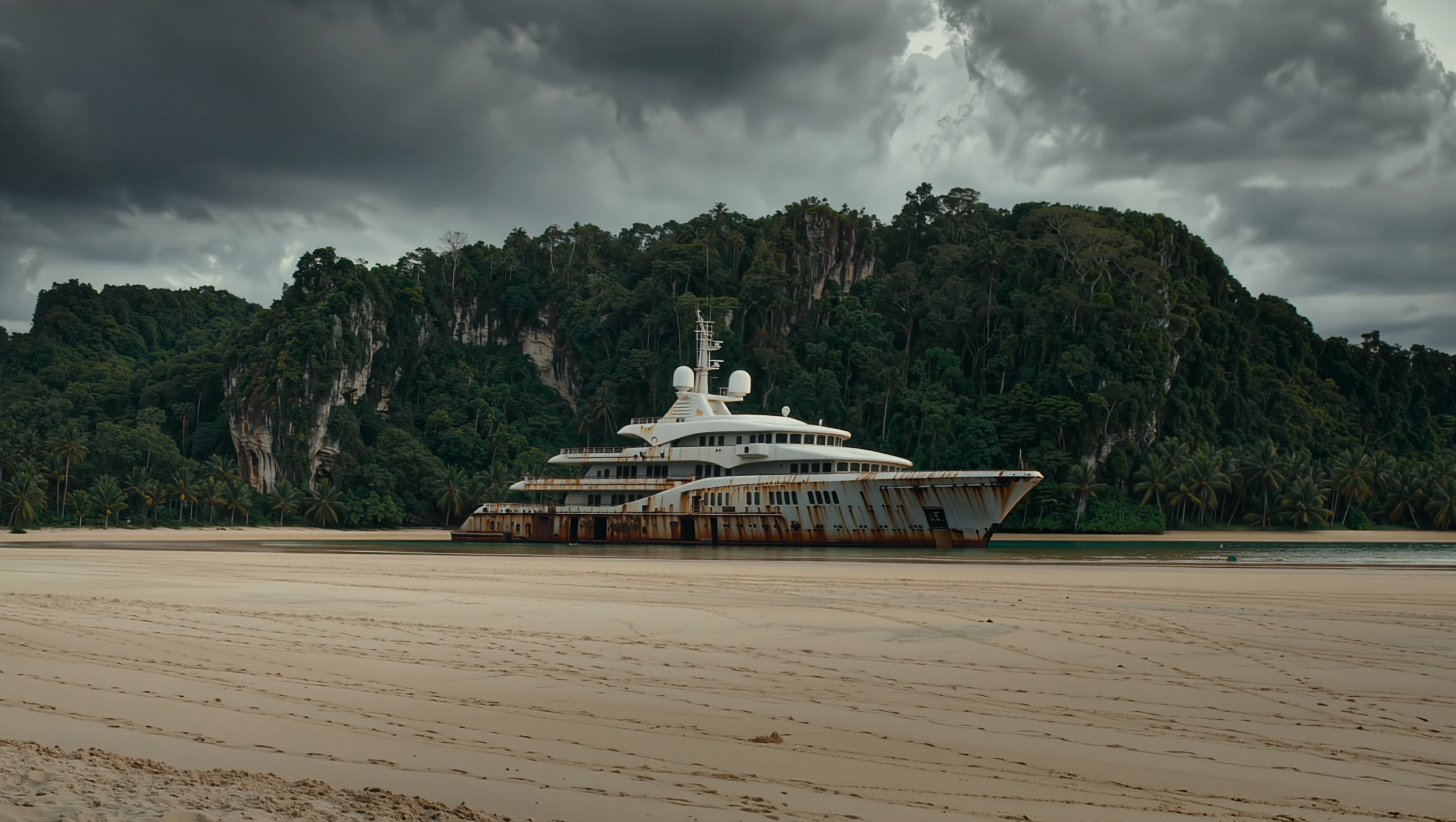
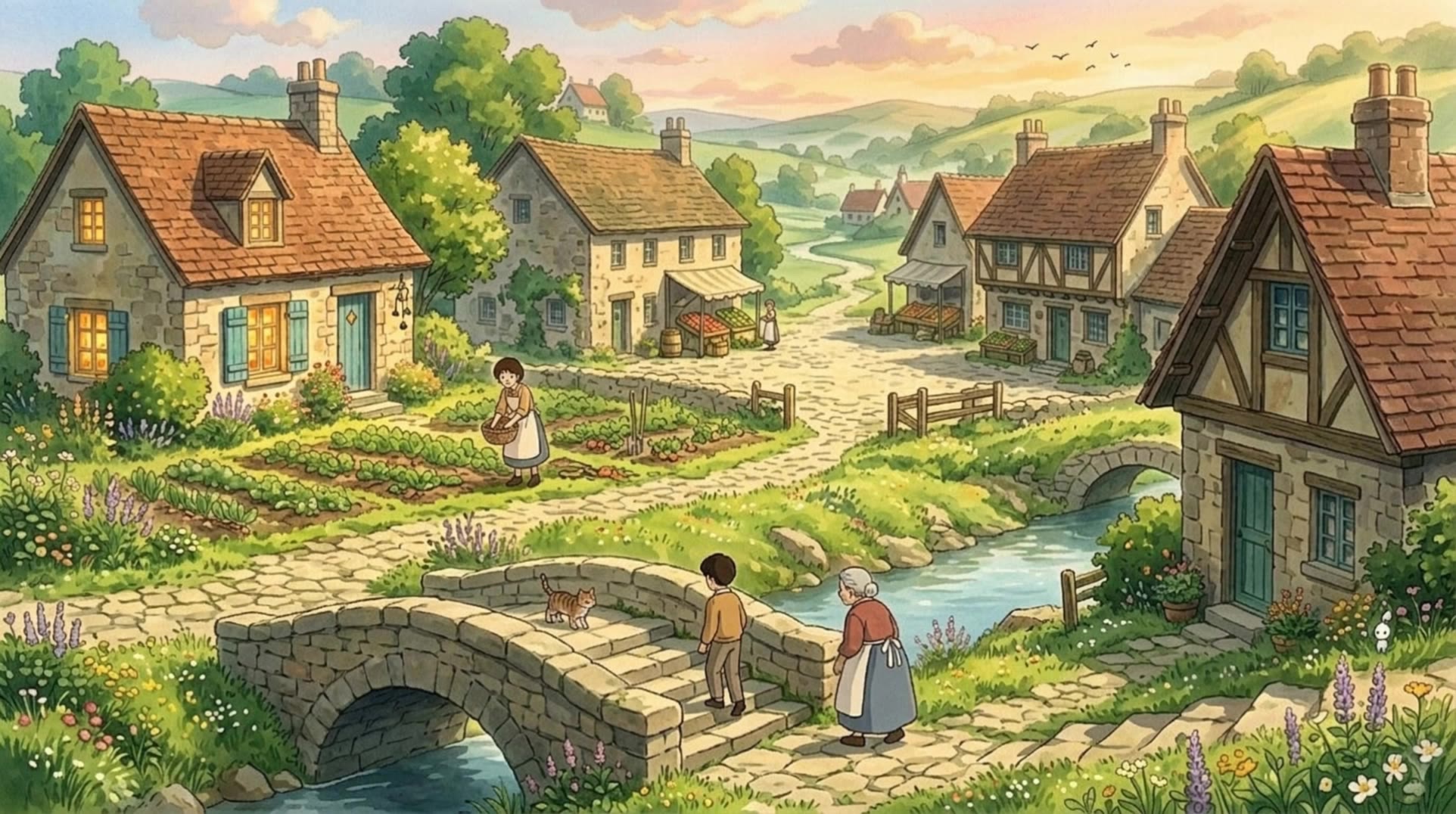
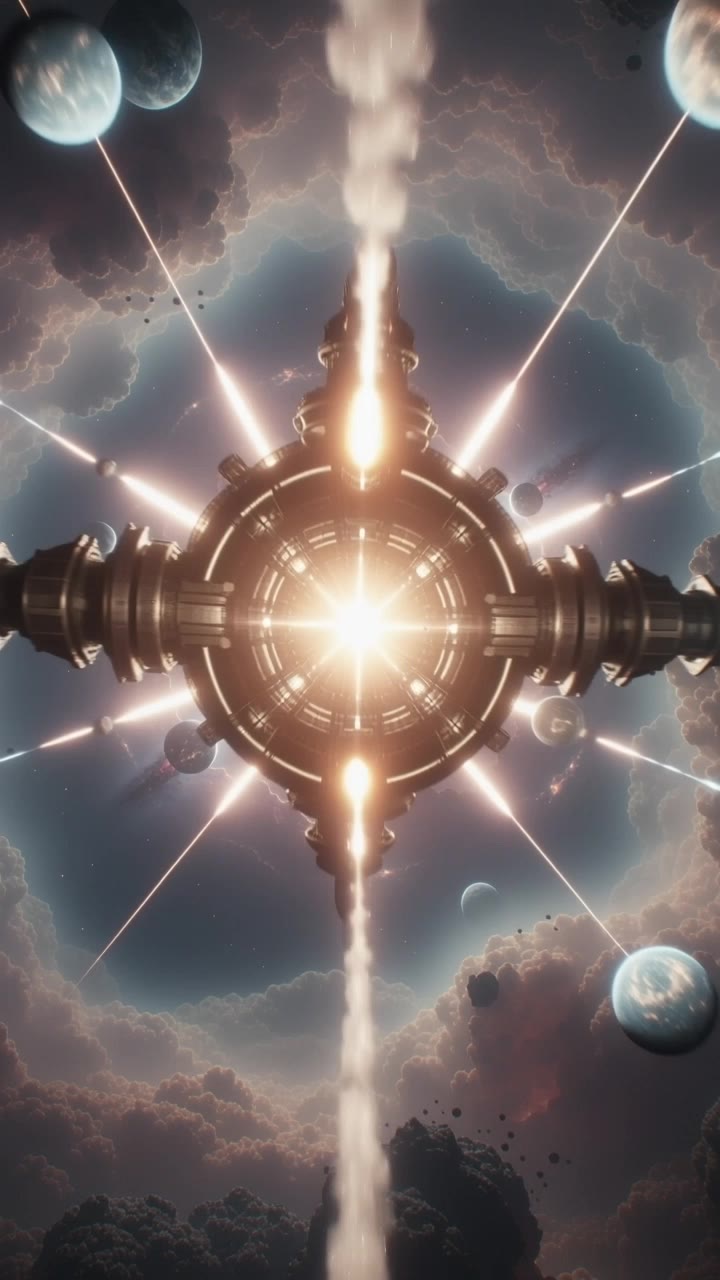
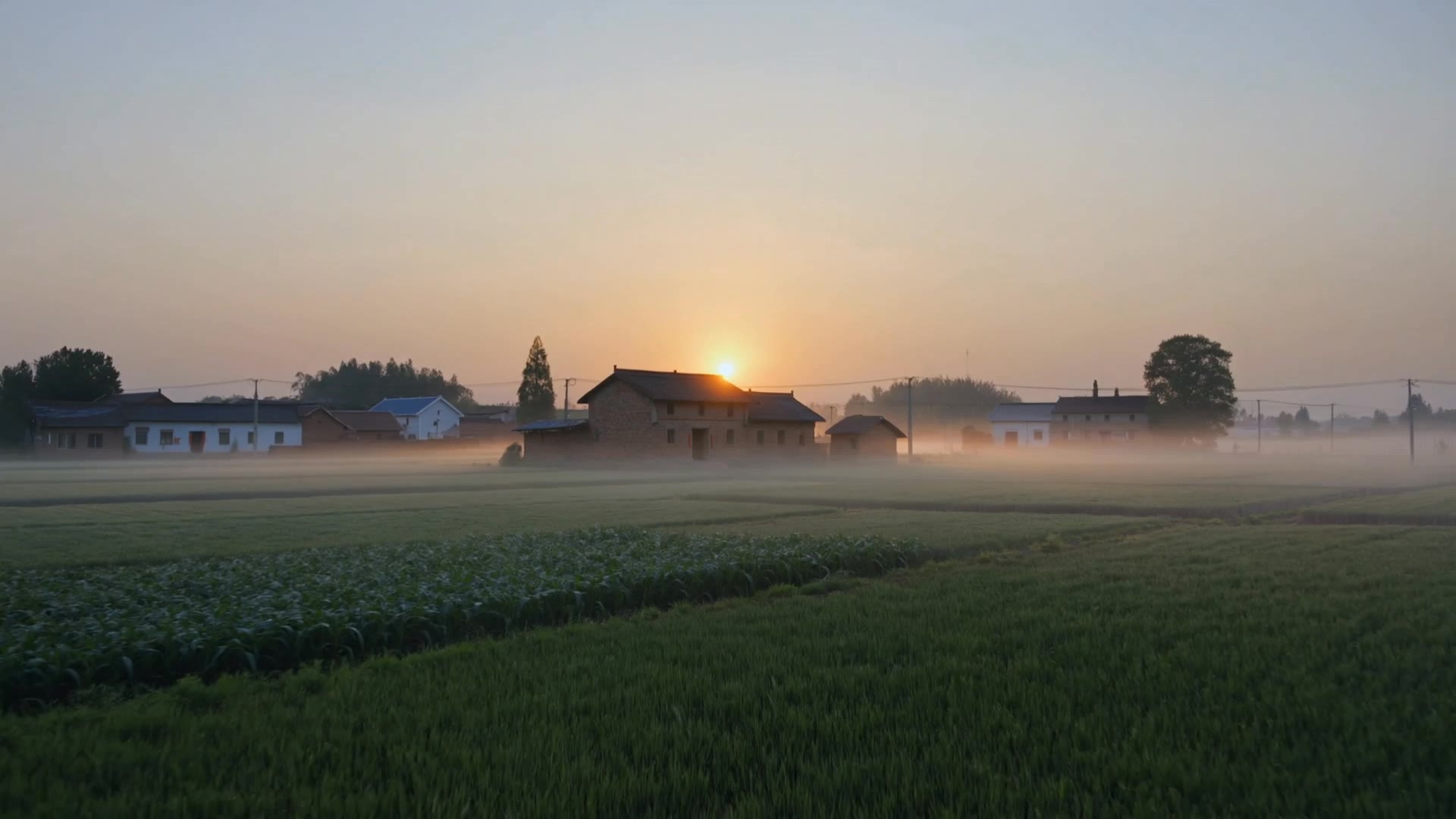
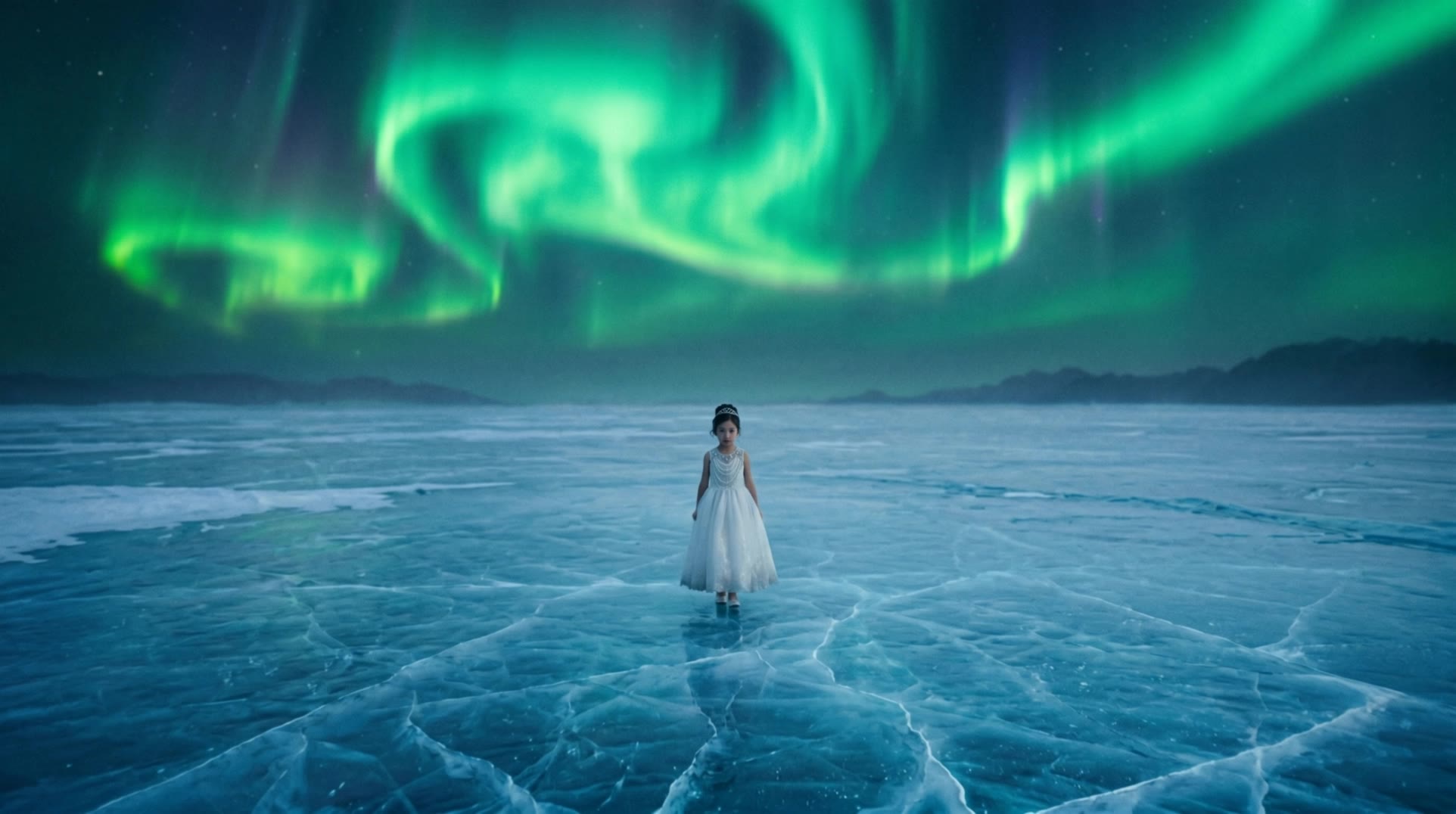
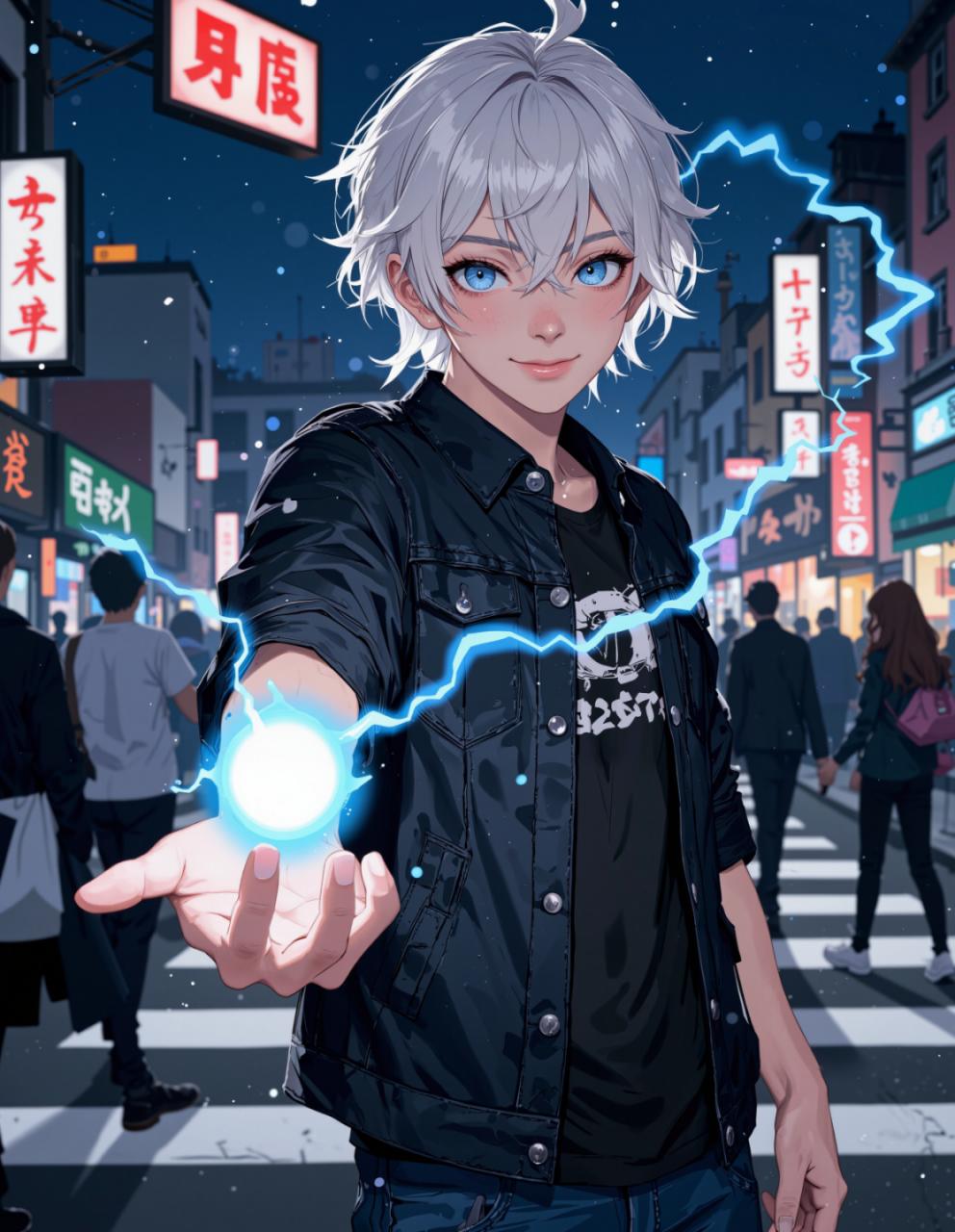
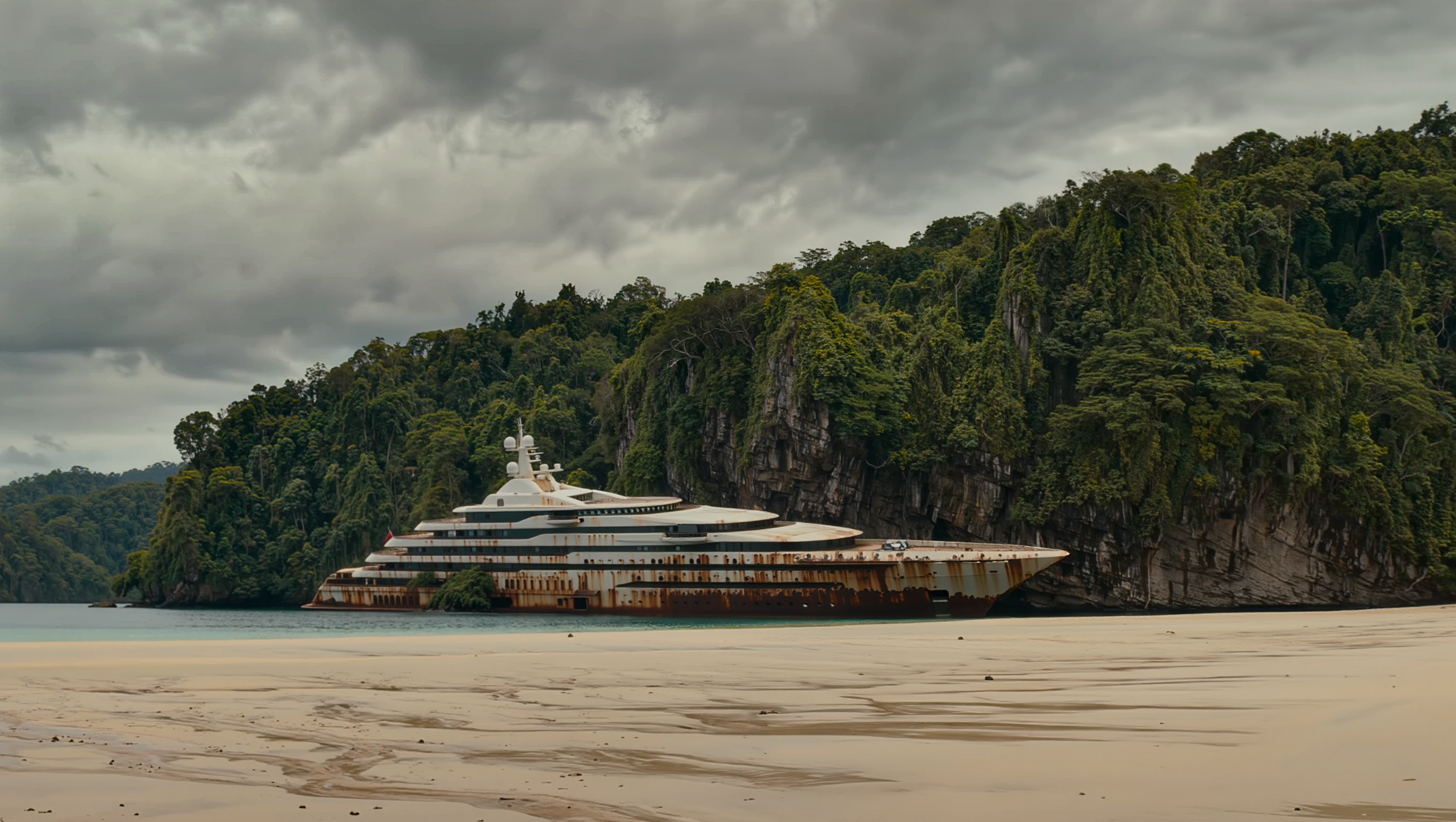
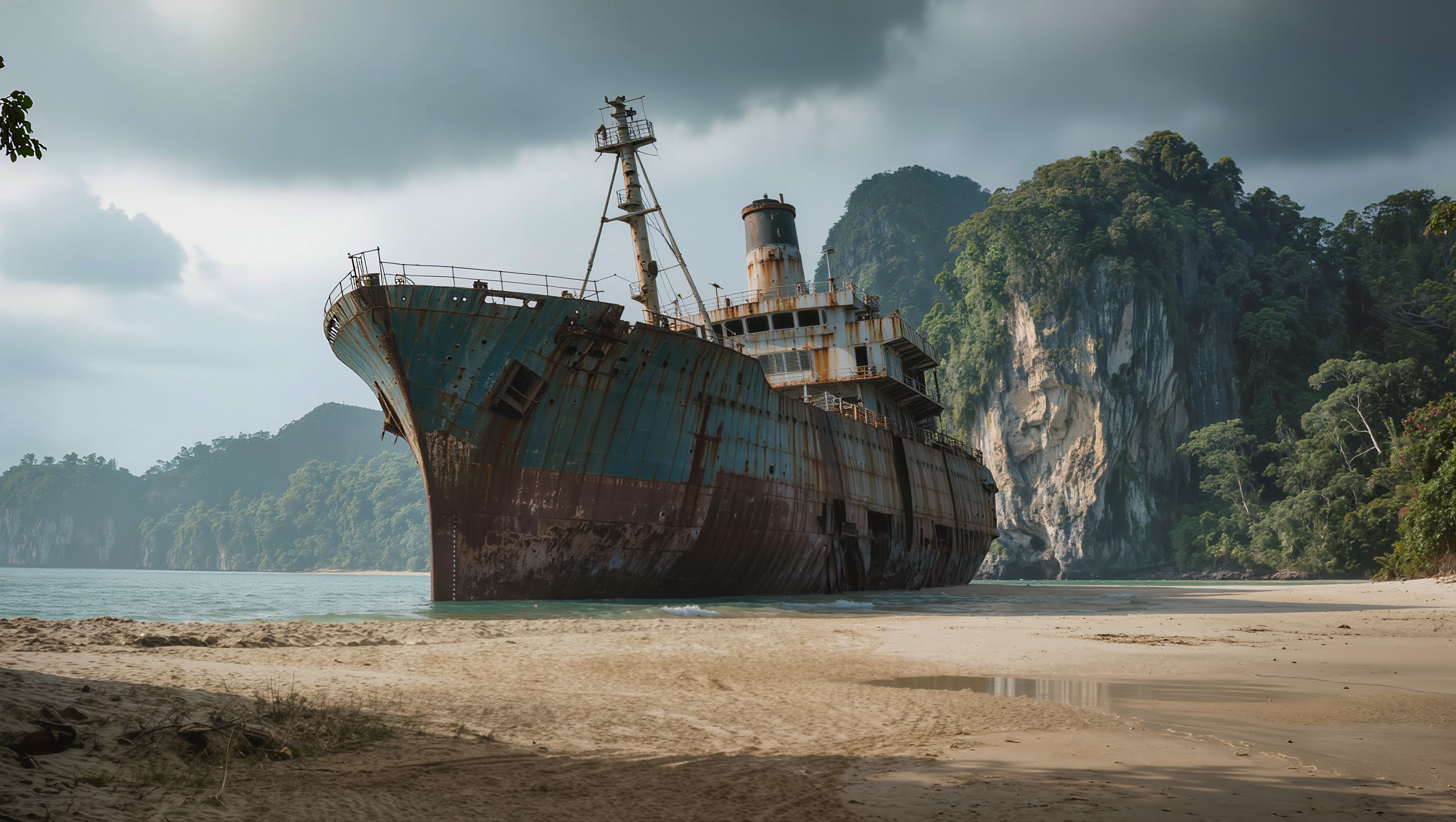
extreme wide shot - high-octane chase & extreme sports

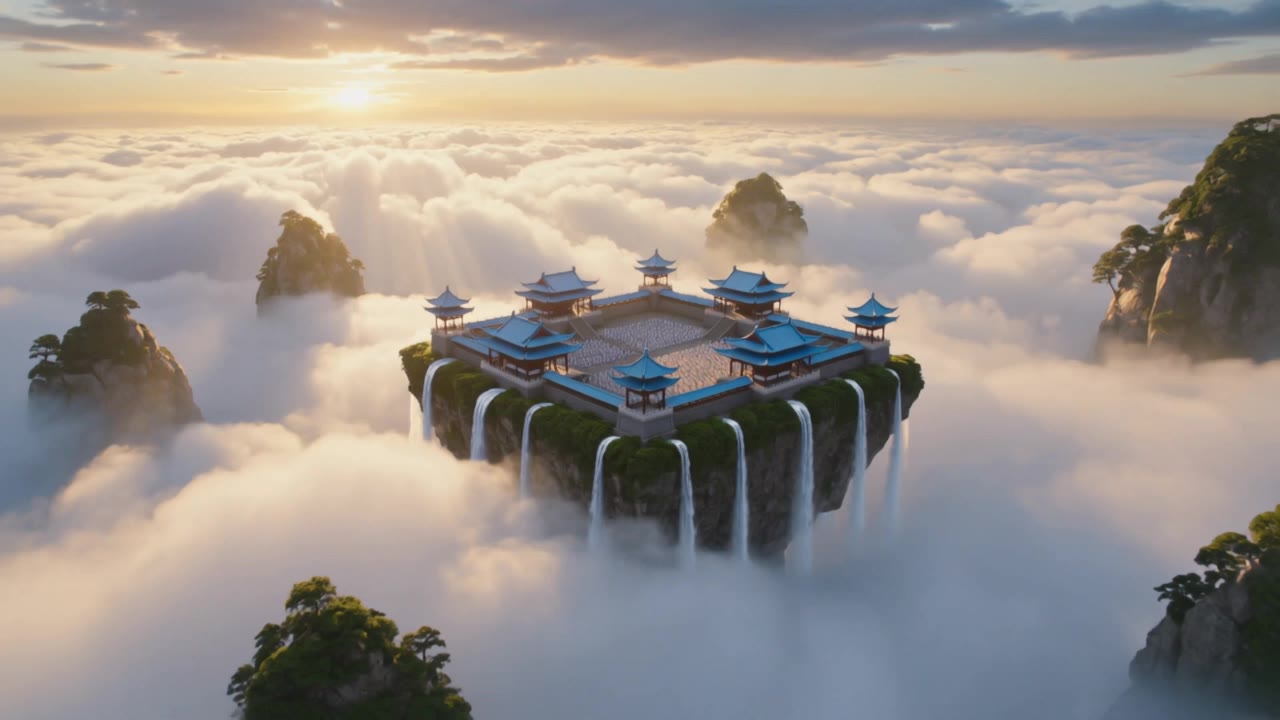
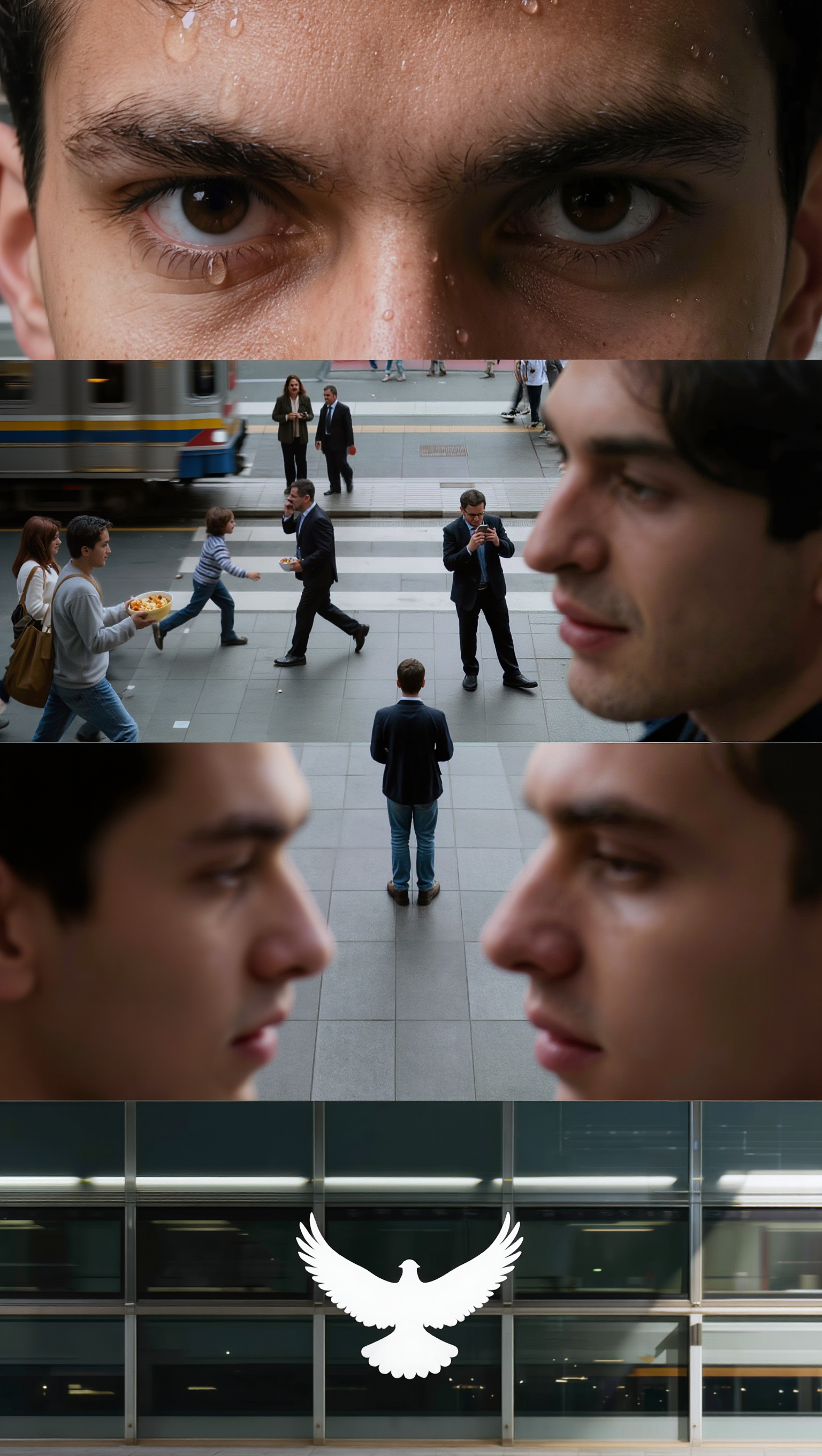
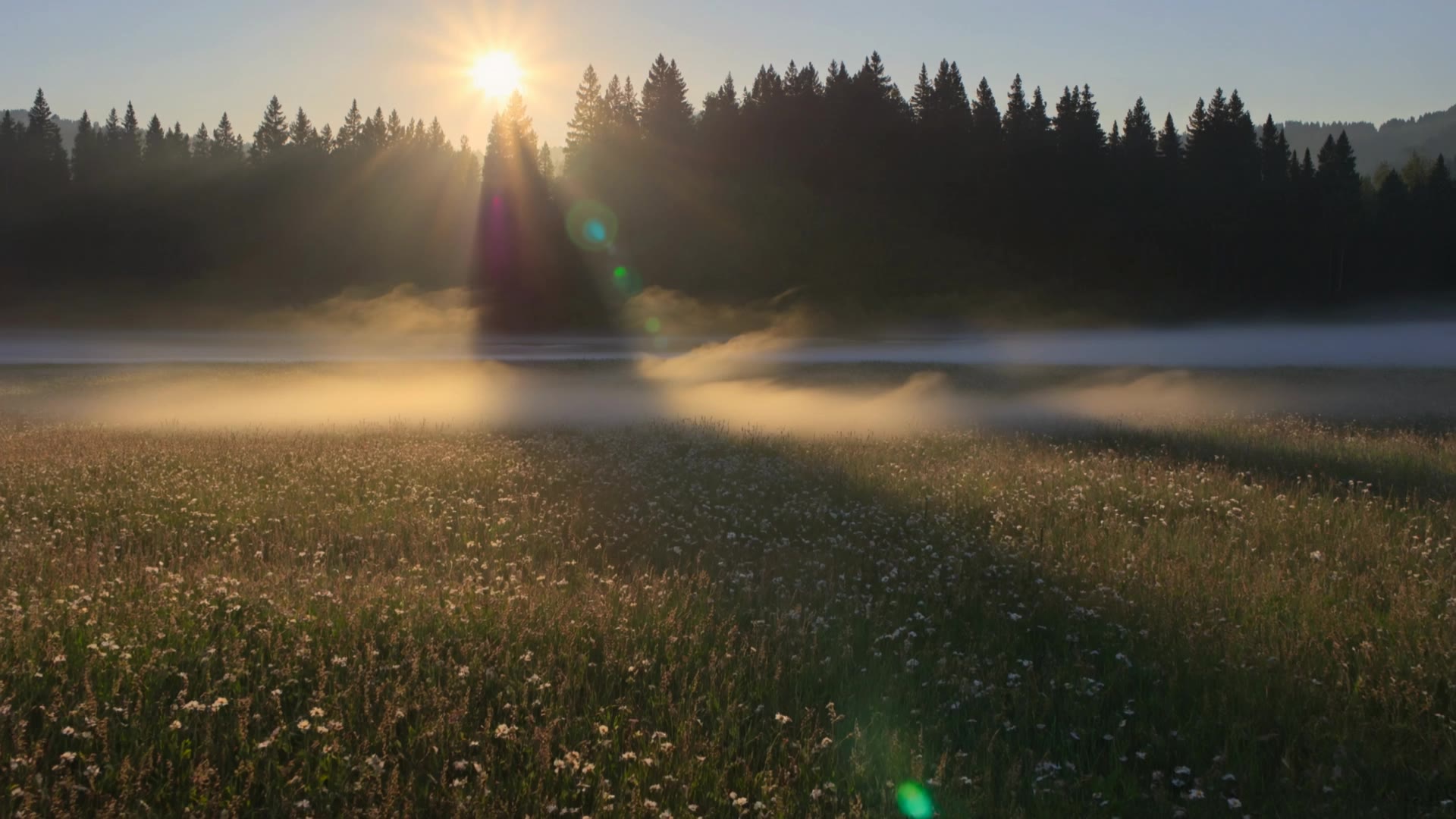
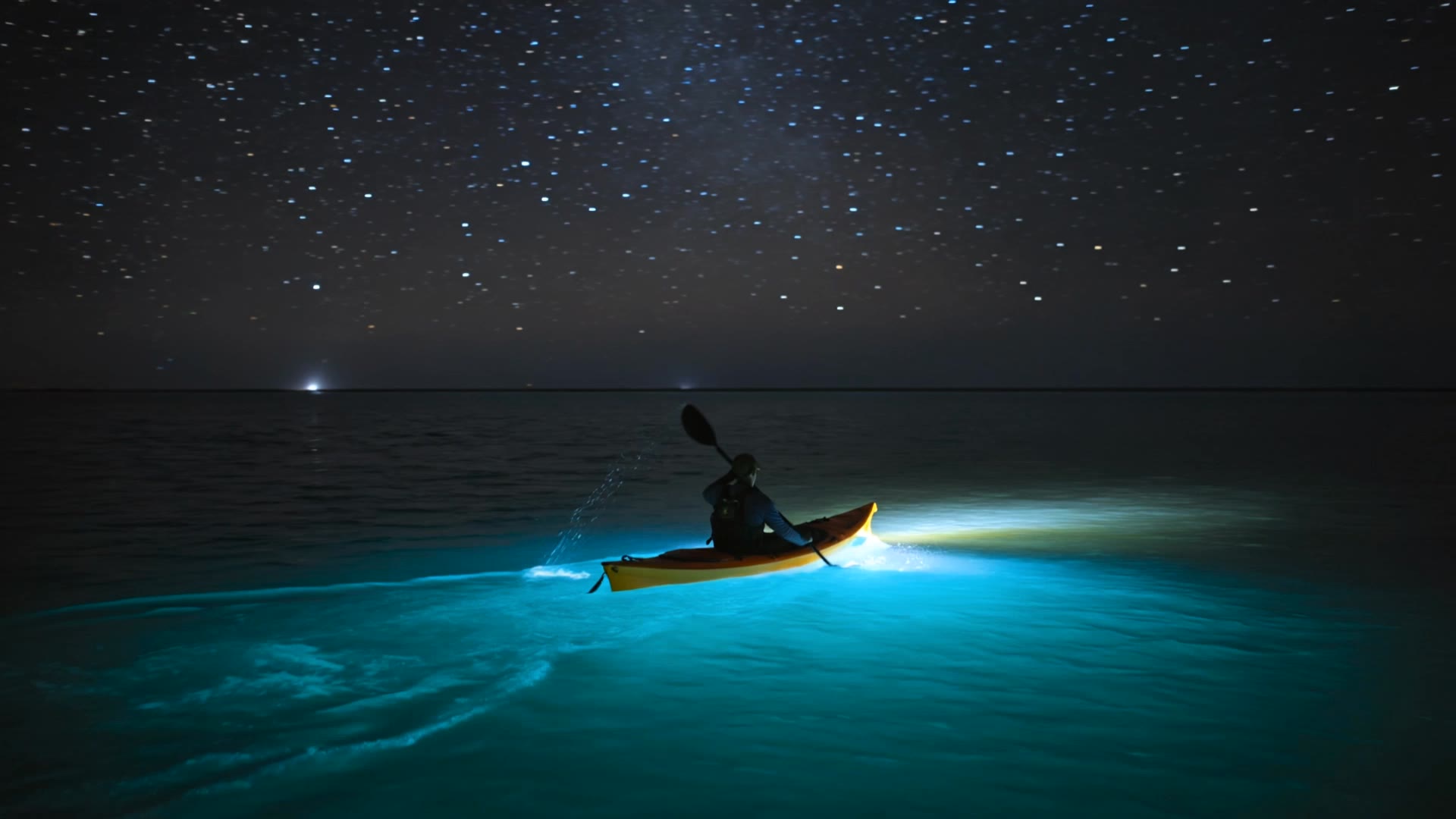
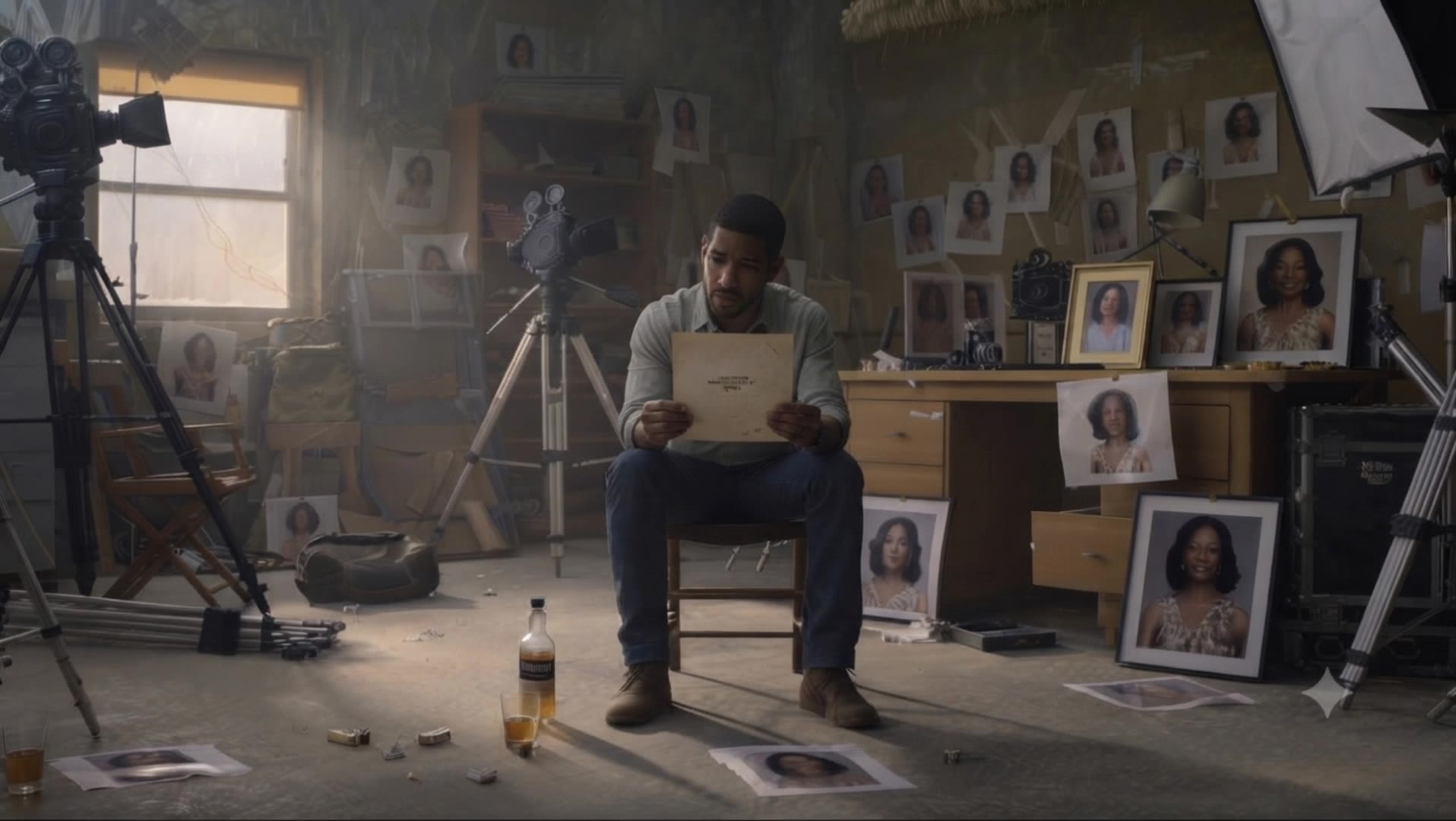
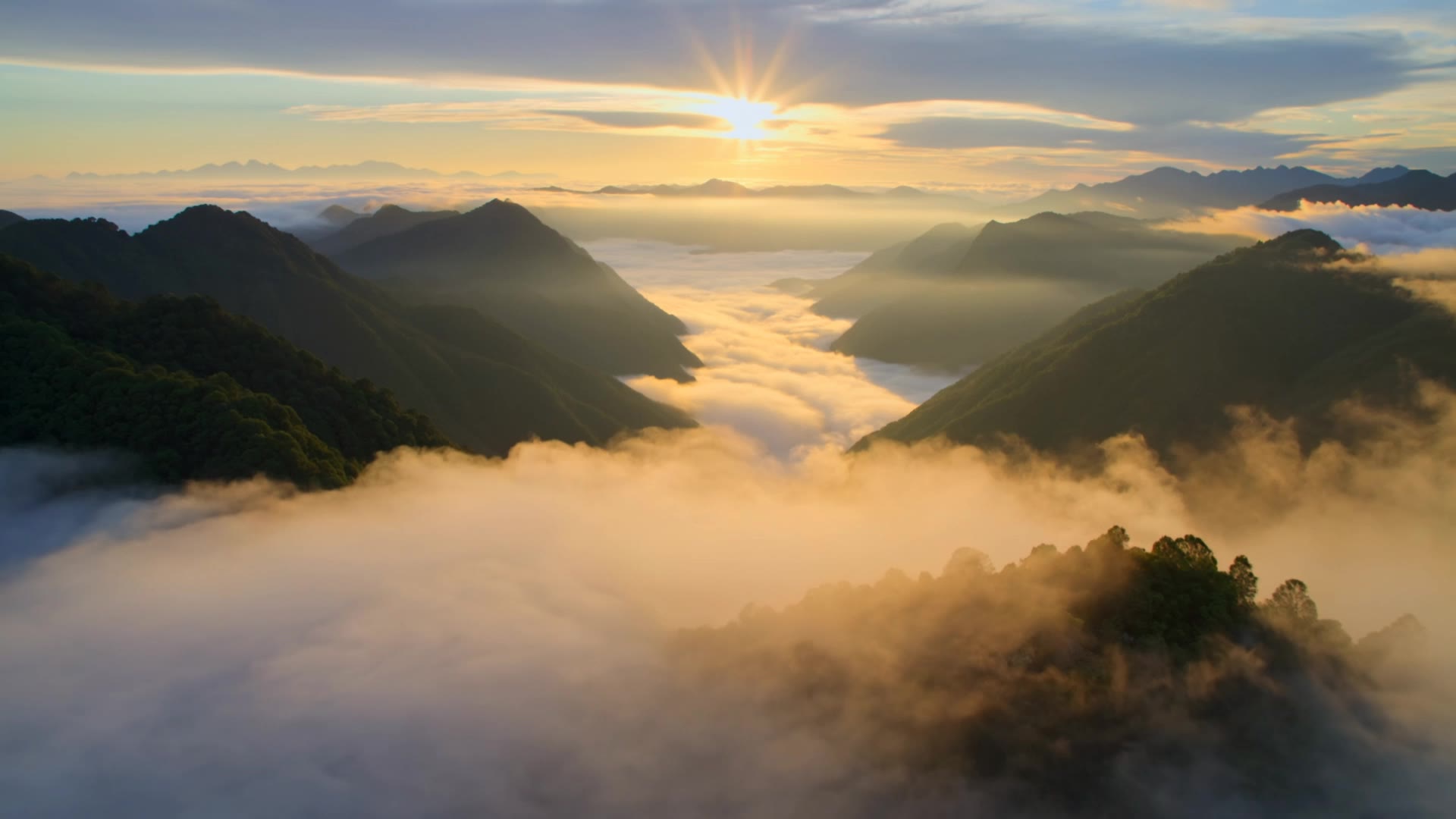
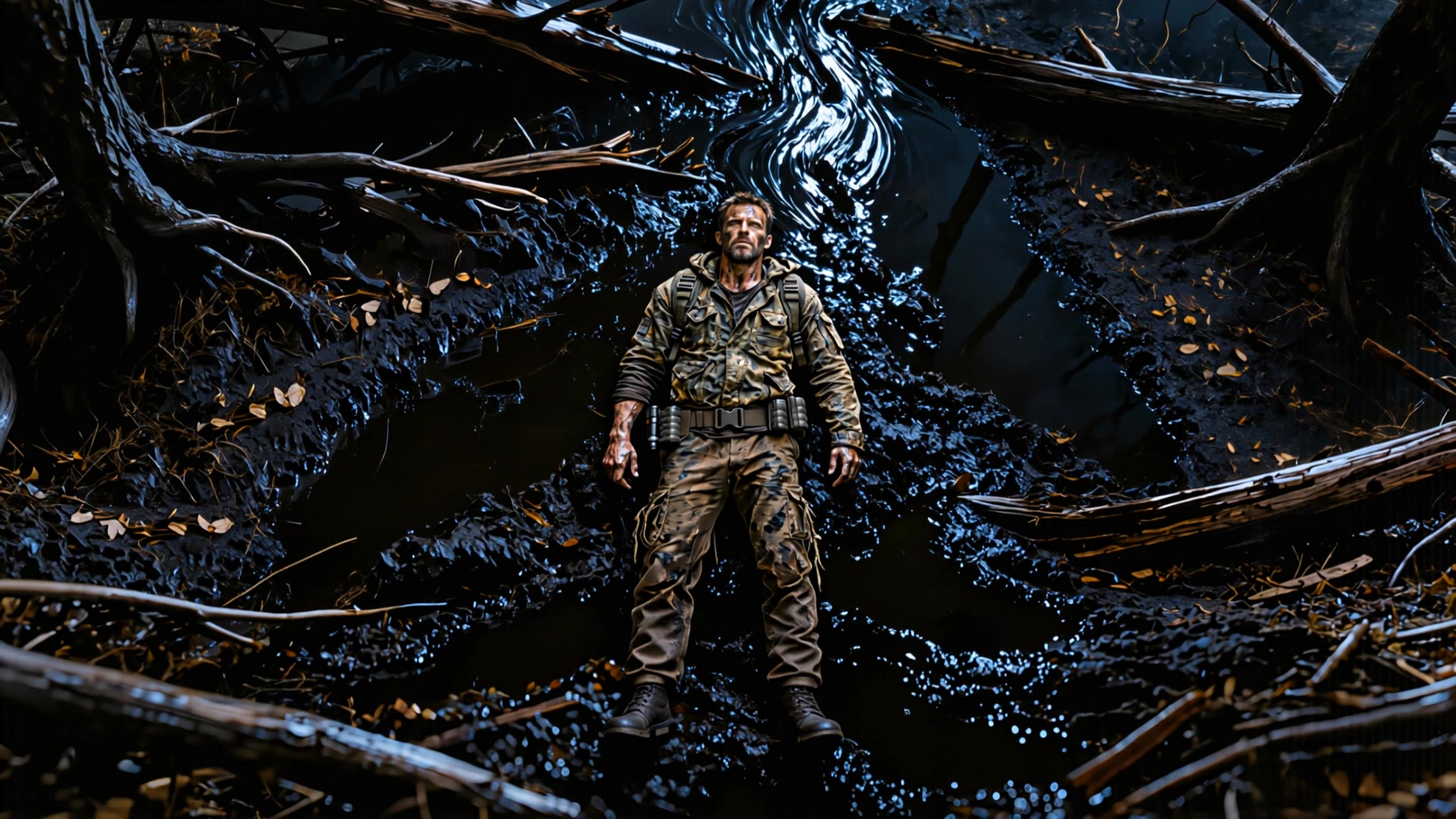
Capture the thrill of high-octane pursuits and the grandeur of expansive landscapes with extreme wide shots. Immerse in the adrenaline-fueled chaos of desert motorcycle chases and the serene yet dynamic beauty of modern architecture nestled in nature. Start exploring extreme wide shot ideas and generate your own content with AI.

extreme wide shot - high-octane chase & extreme sports

Recommended

Thoi trang - extreme wide shot AI video
thoi trang avatar
thoi trang
Kling AI work 315678540525152 - extreme wide shot AI video
RpvCttRL avatar
RpvCttRL
Kling AI work 298248743528169 - extreme wide shot AI image
Mehmet Emin Ay avatar
Mehmet Emin Ay
Kling AI work 317864707611771 - extreme wide shot AI video
SCBK!!! avatar
SCBK!!!
Kling AI work 314279972507244 - extreme wide shot AI video
QGIVbKtj avatar
QGIVbKtj
Kling AI work 317136143306725 - extreme wide shot AI video
bwtCsfgi avatar
bwtCsfgi
Kling AI work 310484035521188 - extreme wide shot AI video
LIRuYRpX avatar
LIRuYRpX
Kling AI work 311881137306927 - extreme wide shot AI image
SugikuSynth avatar
SugikuSynth
Kling AI work 315012571611333 - extreme wide shot AI video
reality shift avatar
reality shift
Kling AI work 318318015502768 - extreme wide shot AI image
JzLVdtqT avatar
JzLVdtqT
Kling AI work 317849838665957 - extreme wide shot AI image
YTgqUwTV avatar
YTgqUwTV
Kling AI work 309165580660066 - extreme wide shot AI video
PXCyekMk avatar
PXCyekMk
Kling AI work 299374652524373 - extreme wide shot AI video
XTUHzZVz avatar
XTUHzZVz
Kling AI work 317146860308074 - extreme wide shot AI video
JoLSohAQ avatar
JoLSohAQ
Kling AI work 316878388501382 - extreme wide shot AI video
UkLRTmTC avatar
UkLRTmTC
Kling AI work 298343785508729 - extreme wide shot AI video
DSoTNprx avatar
DSoTNprx
Kling AI work 314517471504729 - extreme wide shot AI video
hWQQbvAP avatar
hWQQbvAP
Kling AI work 309990630660838 - extreme wide shot AI video
Luna🌘🌑🌒 fae avatar
Luna🌘🌑🌒 fae
Kling AI work 298703556501538 - extreme wide shot AI image
Aloha_So🌿🌿🌿 avatar
Aloha_So🌿🌿🌿

How to Create Images with Kling AI

Write Down You Ideas

Write Down You Ideas

Open the AI Image Generator and choose the model that fits your project. Describe the subject and scene, then add details such as lighting, color, and visual style to shape the result.

Add References Or Not

Add References Or Not

Upload reference images for a character, product, composition, or style. References are optional, but they give Kling AI a clearer visual foundation when specific features, colors, or design details need to carry into the final image.

Generate Your Image

Generate Your Image

Choose your preferred format and output settings, then hit Generate. Once the result is ready, download it directly or open it in the image-to-video workflow to bring it to life with motion.

Why Kling Sets the Standard for Video Creation

Flawless Character Consistency for High-Quality Videos

Flawless Character Consistency for High-Quality Videos

Unlike standard tools that distort faces when moving, Kling Video 3.0 lets you strictly lock a character’s appearance. Upload a single photo, or use a short video/multiple angles as a reference to completely eliminate the “AI morphing” effect.

All-in-One Native Audio & Lip-Sync

All-in-One Native Audio & Lip-Sync

Your video isn’t just silent footage; it speaks. Generate perfectly matched voices and realistic lip movements in multiple languages or regional accents. Even in multi-character scenes, you can precisely assign who speaks—no third-party tools required.

Up to 15s Multi-Shot Cinematic Output

Up to 15s Multi-Shot Cinematic Output

Go beyond a basic 3-second clip. Kling 3.0 extends generation to 15 seconds of smooth, uninterrupted narrative. You can even use native storyboard controls to direct multi-shot sequences in a single click—outputting in crystal-clear 4K for professional use.

Apps

Image to Video
Image to Video

Image to Video

Text to Video
Text to Video

Text to Video

Omni
Omni

Omni

Digital Human
Digital Human

Digital Human

Restyle
Restyle

Restyle

Text to Image
Text to Image

Text to Image

60M+
60M+
Users
600M+
600M+
AI Videos Generated
4.7 ★
4.7 ★
App Store
Industry-Leading
Industry-Leading
Cinematic 4K

Reviews

Halim Alrasihi

Halim Alrasihi

★★★★★

I use AI daily and Kling AI is a crucial part of my workflow, whether for client work or personal projects. What I love most about using Kling AI is that it provides all the tools I need in one place, from keyframes to character references, elements and special effects.

Maria Rubtsova

Maria Rubtsova

★★★★★

I’m Maria Rubtsova, an AIGC digital artist passionate about creating stunning visuals in the worlds of fashion, aesthetics, and fantasy. I use KlingAi to bring imagination to life through video. My work is all about exploring beauty, emotion, and the limitless possibilities of digital art.

Samuele Poggi (@visualsk2)

Samuele Poggi (@visualsk2)

★★★★★

I use Kling AI daily to push the limits of AI filmmaking. It allows me to create highly cinematic content, blending AI and VFX to develop innovative projects. It has significantly impacted my creative process, enabling me to achieve complex animations that would otherwise require high production budgets.

FAQ

Q1Is this image to video AI free to use?
Q2Can I make the character in my image speak?
Q3Can I generate 4K videos from an image?

Start Creating AI Videos with Kling

Turn your image into a talking, high-quality video in seconds. No watermarks, no complicated setup.

Free tier available (Memberships are watermark-free) | 1080p export (Memberships unlock 4K) | Instant results