Creative Studio
API
Resources
Features
About Us
Download

face changer photo editor - fashion transformation & AI character creation

Transform your photos with AI-driven face changer technology for photorealistic and cinematic effects, and embrace trending character styles and dynamic backgrounds. Start exploring face changer photo editor ideas and generate your own content with AI.

face changer photo editor - fashion transformation & AI character creation

Recommended

Kling AI work 309997553613878 - face changer photo editor AI image
CaQwuSJN avatar
CaQwuSJN
Vintage 1980s photo style - face changer photo editor AI image
yXkoyhXH avatar
yXkoyhXH
Kling AI work 311229890523068 - face changer photo editor AI video
ZpKOzUIZ avatar
ZpKOzUIZ
Kling AI work 299661675523448 - face changer photo editor AI image
WHRiJjoC avatar
WHRiJjoC
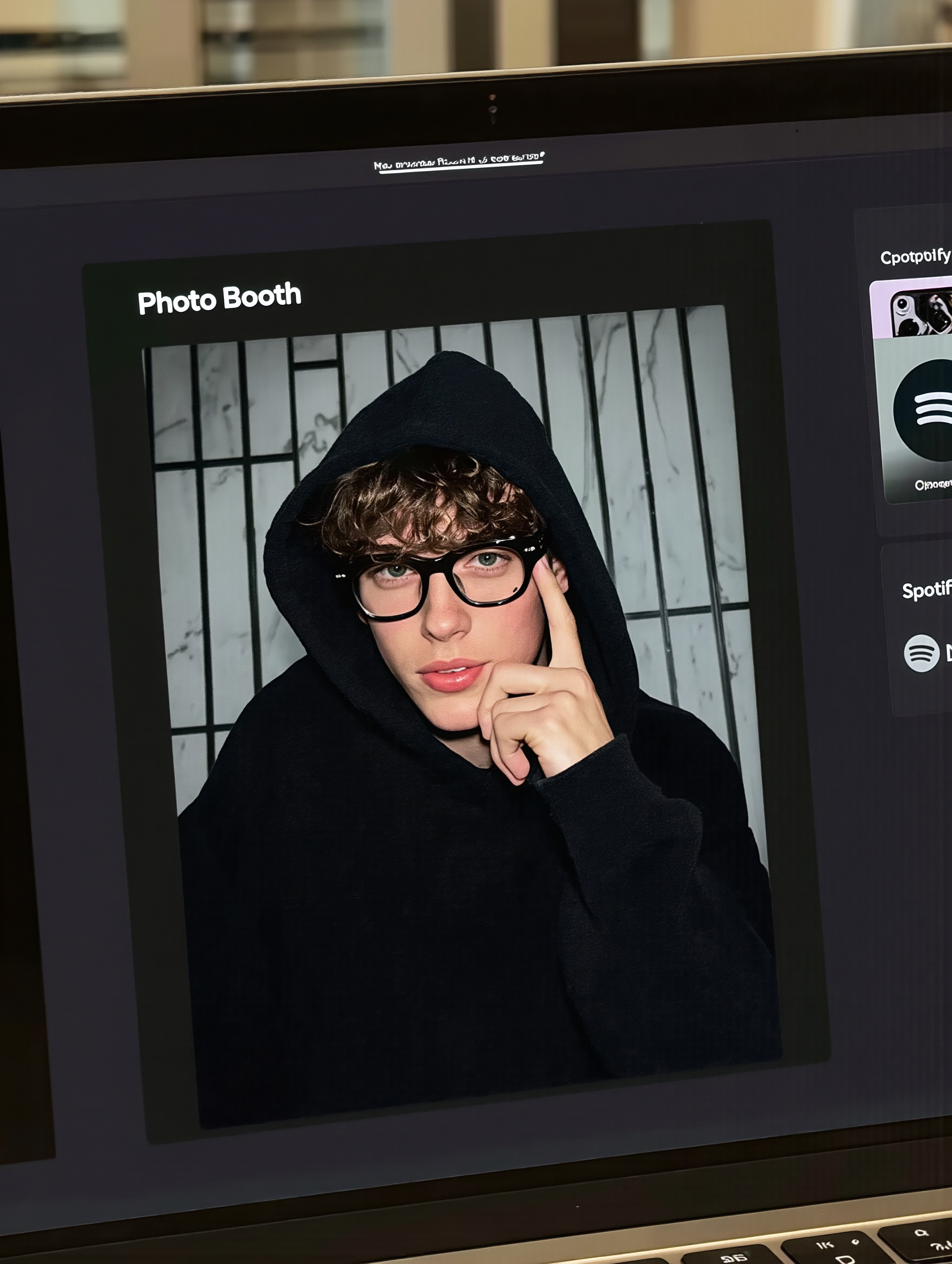
MacBook selfie photo - face changer photo editor AI image
souvenir avatar
souvenir
ai photo - face changer photo editor AI image
FvTaeUwD avatar
FvTaeUwD
Kling AI work 316486555662229 - face changer photo editor AI image
WVXiinHv avatar
WVXiinHv
Kling AI work 310643317661846 - face changer photo editor AI image
uTwDBBMa avatar
uTwDBBMa
Kling AI work 312200512664590 - face changer photo editor AI image
jwtOcnFF avatar
jwtOcnFF
Soleil plana - face changer photo editor AI video
DNOmjWTS avatar
DNOmjWTS
Kling AI work 309168068668281 - face changer photo editor AI image
Forever Truth avatar
Forever Truth
Photo trend - face changer photo editor AI image
Jin avatar
Jin
Kling AI work 314111229508020 - face changer photo editor AI image
IndiQ avatar
IndiQ
Reate a video in this photo - face changer photo editor AI image
rs avatar
rs
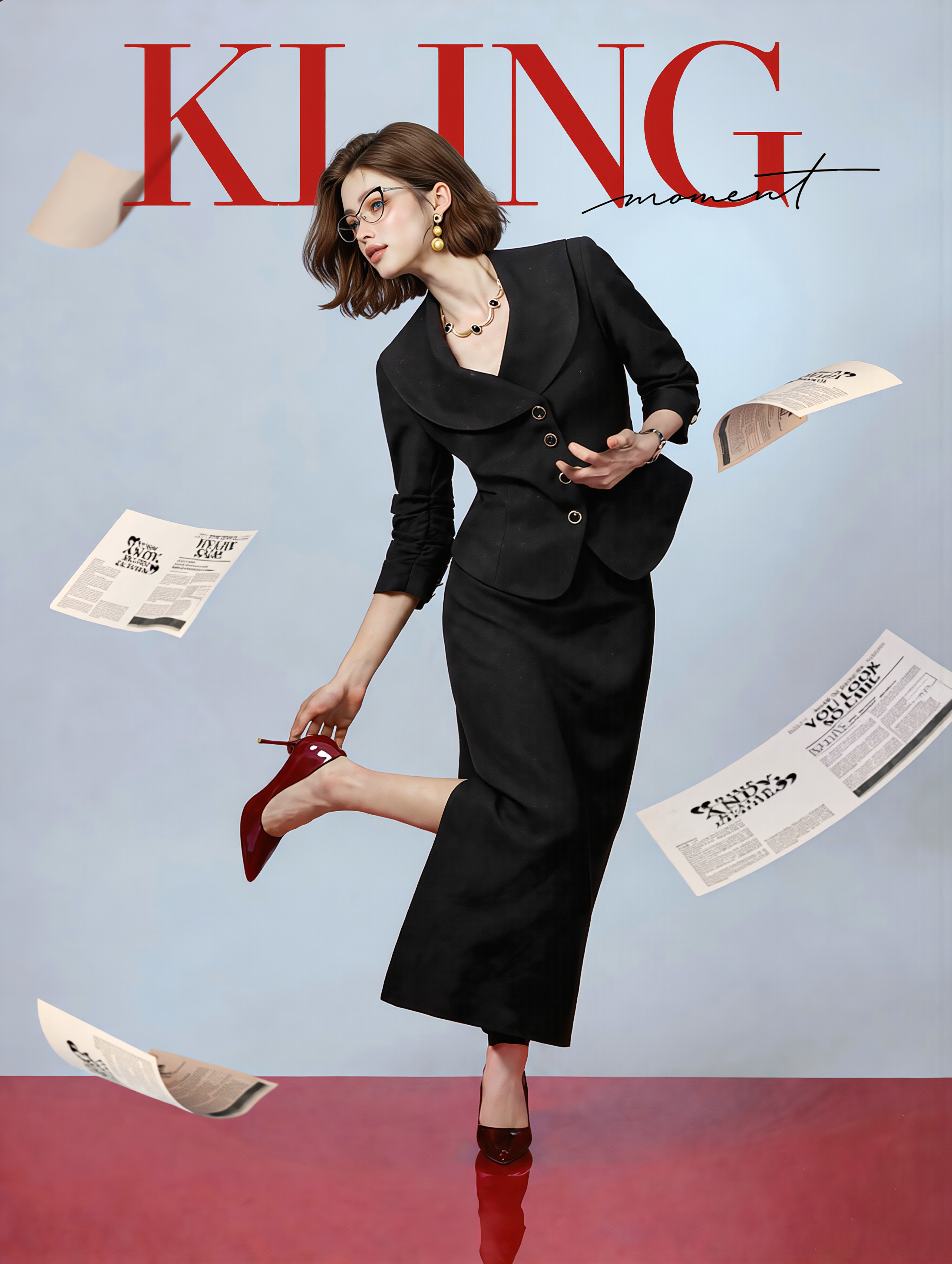
Fashion magazine editor - face changer photo editor AI image
susu avatar
susu
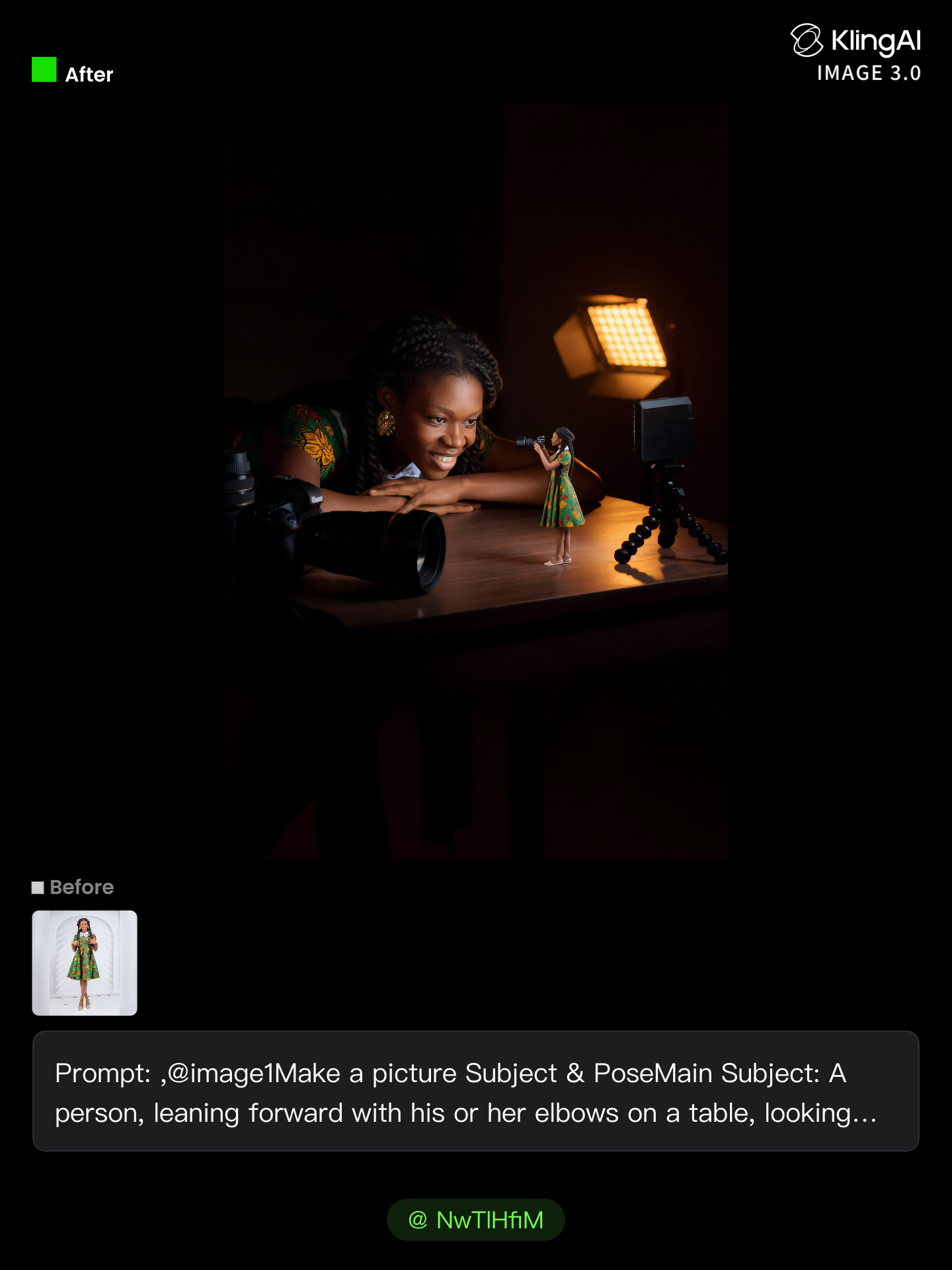
no need to pay for photo shoot  - face changer photo editor AI image
NwTlHfiM avatar
NwTlHfiM
Kling AI work 315705491668803 - face changer photo editor AI image
QyEYhBKV avatar
QyEYhBKV
Ai photo - face changer photo editor AI image
souvenir avatar
souvenir
take photo with banana😂 - face changer photo editor AI image
souvenir avatar
souvenir

How to Use Kling AI Art Generator

Start with a Prompt

Start with a Prompt

Open IMAGE 3.0 Omni. Write what you want to make, upload an existing image, or add references that show the character, object, composition, or style you want Kling to follow.

Set the Art Direction

Set the Art Direction

Add the details that matter to the piece: medium, palette, mood, lighting, framing, perspective, or another visual cue. When you use several references, tell Kling what each one contributes instead of leaving the relationship between them ambiguous.

Generate and Keep Working

Generate and Keep Working

Generate the artwork, review the result, and adjust the prompt or creative direction if needed. For connected images, continue the idea with Image Series.

Improve Video Quality Beyond Resolution

Give Your Video a Cinematic Finish in 4K

Give Your Video a Cinematic Finish in 4K

Choose 4K in the output settings to give your footage a finely detailed finish. From the texture of fabric to the contours of a face, bring small details into view for larger screens and close-up shots. Give family recordings, social clips, and creative projects a richer presentation.

Fix Lighting, Color, and the Overall Look

Fix Lighting, Color, and the Overall Look

A good clip can still fall flat because of dull color, poor lighting, or an awkward composition. Use prompts to reduce visible grain and digital noise in low-light footage, then refine the lighting, color, and composition. Turn an ordinary view into an expressive close-up, bring warmth to a dim scene, or change the weather and time of day. Shape the overall look without adjusting every element by hand.

Fill in the Gaps for More Fluid Motion

Fill in the Gaps for More Fluid Motion

Upload your video and describe the missing action or moment you want to add. Add reference images when needed, then use Kling to generate additional footage that helps connect existing moments with less manual editing.

Apps

Image to Video
Image to Video

Image to Video

Text to Video
Text to Video

Text to Video

Omni
Omni

Omni

Digital Human
Digital Human

Digital Human

Restyle
Restyle

Restyle

Text to Image
Text to Image

Text to Image

60M+
60M+
Users
600M+
600M+
AI Videos Generated
4.7 ★
4.7 ★
App Store
Industry-Leading
Industry-Leading
Cinematic 4K

Reviews

Vincent Smadja

Vincent Smadja

★★★★★

Kling AI seamlessly integrates into my creative workflow, playing a key role in transforming my images. After generating and upscaling an image, Kling becomes a crucial element, bringing my creations to life with movement and depth.

Jyo John Mulloor

Jyo John Mulloor

★★★★★

Kling AI has been instrumental in transforming my creative workflow, unlocking new dimensions of artistic expression that were once unimaginable. I use Kling AI extensively to develop high-concept visuals, animate surreal dreamscapes, and create AI-assisted films that blur the line between reality and fantasy. Kling AI’s deep learning capabilities have not only enhanced my creative efficiency but also inspired me to explore storytelling in ways I never thought possible.

PJ Ace

PJ Ace

★★★★★

Kling AI has made it easy for us to generate world class visuals for Fortune 500 companies, TV shows and music for big artists. We love the easy of use of the platform and the quality of the generations. My first time using Kling AI, I got 22 million views on just one video. It's that good.

FAQ

Q1What is an AI image color changer?
Q2Can I recolor clothes, products, cars, or furniture with AI?
Q3Can I edit the colour of an image online?

Get More From Your Video in 4K

Keep the footage you already have and give it a higher-resolution finish. Upscale short videos to 4K, bring out more visible detail, and use prompts or references when you want more control over the final result.