Creative Studio
API
Resources
Features
About Us
Download

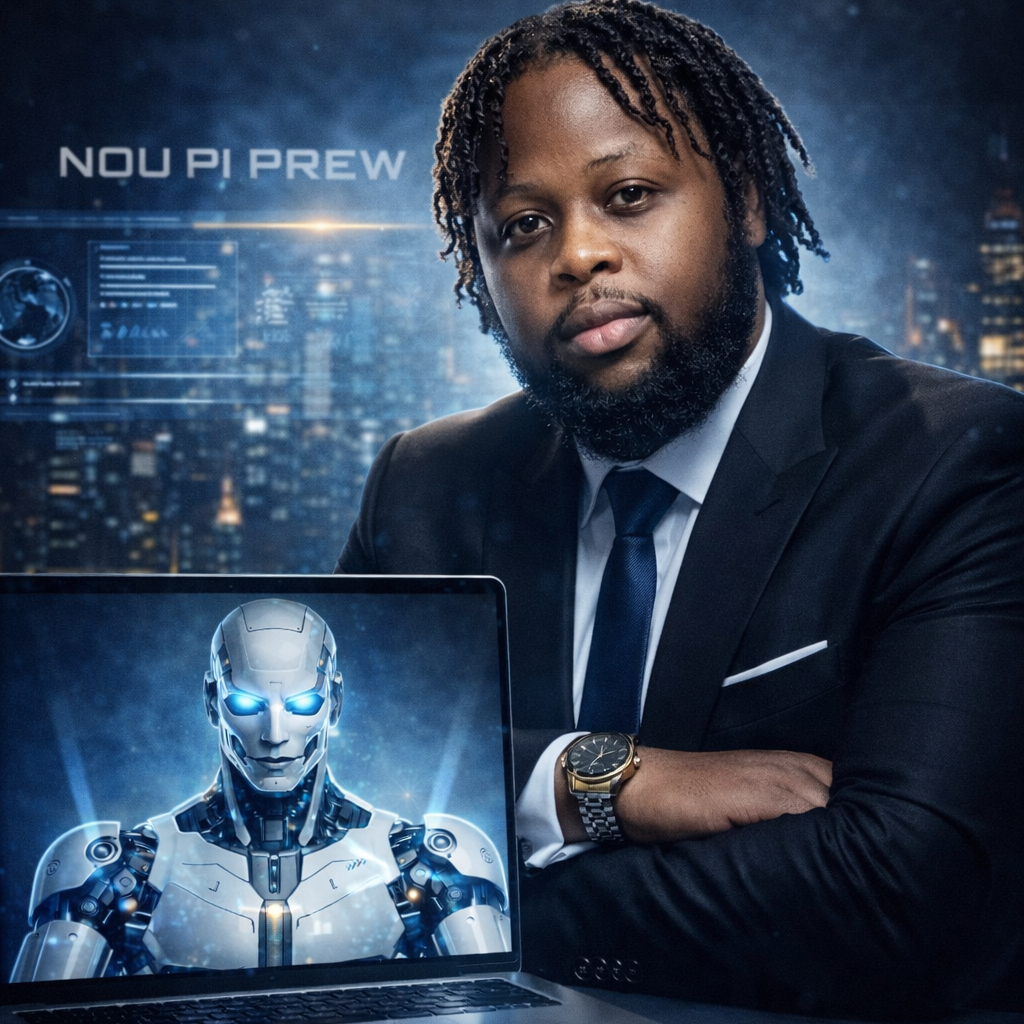
face clone ai - park interaction & algorithmic entrapment

Witness the captivating realism of identical clones engaging in natural dialogue and movement, juxtaposed against the darker visual metaphor of algorithmic entrapment in an escalating web of viral saturation. Immerse in the contrasting themes of seamless duplication and the confining nature of repetitive virality. Start exploring face clone ai ideas and generate your own content with AI.

face clone ai - park interaction & algorithmic entrapment

Recommended

Master AI, Master the Future - face clone ai AI video
dnScZawT avatar
dnScZawT
Kling AI work 321631053508578 - face clone ai AI image
KLING1041 avatar
KLING1041
Kling AI work 315017240616418 - face clone ai AI video
ploofmochi avatar
ploofmochi
Kling AI work 319294473500533 - face clone ai AI video
🎀librakoreaa♎️ avatar
🎀librakoreaa♎️
Kling AI work 315791981522660 - face clone ai AI video
FxHIoAnD avatar
FxHIoAnD
Kling AI work 321631053523579 - face clone ai AI image
KLING1041 avatar
KLING1041
Kling AI work 300045557610634 - face clone ai AI image
HXGjJWCX avatar
HXGjJWCX
Kling AI work 319381444666422 - face clone ai AI video
🎀librakoreaa♎️ avatar
🎀librakoreaa♎️
Kling AI work 321630719503515 - face clone ai AI image
KLING1041 avatar
KLING1041
Kling AI work 321630779308898 - face clone ai AI image
KLING1041 avatar
KLING1041
Kling AI work 312524731664942 - face clone ai AI image
7A7PI avatar
7A7PI
Elite Creator
Kling AI work 319294123520284 - face clone ai AI video
🎀librakoreaa♎️ avatar
🎀librakoreaa♎️
Kling AI work 321630719503520 - face clone ai AI image
KLING1041 avatar
KLING1041
Kling AI work 315018423661919 - face clone ai AI video
ploofmochi avatar
ploofmochi
Kling AI work 312524304610108 - face clone ai AI image
7A7PI avatar
7A7PI
Elite Creator
Kling AI work 314458571323918 - face clone ai AI video
xagfxGeA avatar
xagfxGeA
Kling AI work 310685924523063 - face clone ai AI image
okYYlmco avatar
okYYlmco
clone - face clone ai AI video
00:09
KLING1601 avatar
KLING1601

How to Use Kling AI Art Generator

Start with a Prompt

Start with a Prompt

Open IMAGE 3.0 Omni. Write what you want to make, upload an existing image, or add references that show the character, object, composition, or style you want Kling to follow.

Set the Art Direction

Set the Art Direction

Add the details that matter to the piece: medium, palette, mood, lighting, framing, perspective, or another visual cue. When you use several references, tell Kling what each one contributes instead of leaving the relationship between them ambiguous.

Generate and Keep Working

Generate and Keep Working

Generate the artwork, review the result, and adjust the prompt or creative direction if needed. For connected images, continue the idea with Image Series.

Create Richer Text to Speech Experiences with Kling AI

Generate Video with Native Audio

Generate Video with Native Audio

Create the visuals, dialogue, and sound together, with the voice included from the start. Add your script or character lines to the prompt, and Kling VIDEO 3.0 Omni generates spoken dialogue as part of the same video. This brings AI text to speech directly into the video generation process for conversations, narrated scenes, character stories, and more.

Match Every Voice to the Right Character

Match Every Voice to the Right Character

Create conversations with several characters and keep each line connected to the intended speaker. Multi-Character Coreference helps Kling VIDEO 3.0 keep each line with the intended speaker, even when three or more characters appear in the same scene. Use it for interviews, group conversations, and story scenes where several characters need to speak.

Reach More Audiences in More Languages

Reach More Audiences in More Languages

Create dialogue in Chinese, English, Japanese, Korean, and Spanish with Multilingual Content Generation. Kling VIDEO 3.0 can switch between languages within the same video and supports a range of dialects and accents for more natural character speech. This makes it easier to adapt characters and dialogue for different regions and audiences.

Apps

Image to Video
Image to Video

Image to Video

Text to Video
Text to Video

Text to Video

Omni
Omni

Omni

Digital Human
Digital Human

Digital Human

Restyle
Restyle

Restyle

Text to Image
Text to Image

Text to Image

60M+
60M+
Users
600M+
600M+
AI Videos Generated
4.7 ★
4.7 ★
App Store
Industry-Leading
Industry-Leading
Cinematic 4K

Reviews

Ozan Sihay

Ozan Sihay

★★★★★

Kling AI allows me to rapidly prototype ideas, refine storytelling elements, and produce visually compelling content efficiently. It has not only accelerated my creative processes, but also deepened my understanding of how AI can enrich visual storytelling.

KakuDrop

KakuDrop

★★★★★

I have successfully collaborated with world-renowned artists and well-known companies that are recognized globally

Maria Rubtsova

Maria Rubtsova

★★★★★

I’m Maria Rubtsova, an AIGC digital artist passionate about creating stunning visuals in the worlds of fashion, aesthetics, and fantasy. I use KlingAi to bring imagination to life through video. My work is all about exploring beauty, emotion, and the limitless possibilities of digital art.

FAQ

Q1Does Kling AI support multiple languages?
Q2Can AI generate voices for characters?
Q3Can Kling AI generate a standalone voice file without a video?

Bring Every Voice Into the Story

Create character dialogue, multilingual voices, consistent voice identities, ambience, and sound effects with Kling VIDEO 3.0.

Multilingual Dialogue | Multi-Character Voices | Native Audio














