Creative Studio
API
Resources
Features
About Us
Download

face hair ai - realistic hair & cinematic portrait animation

Experience the cutting-edge fusion of realistic hair animations and cinematic realism in our face hair AI creations. Immerse in ultra-realistic, ethereal portraits and luxury hair transformations that redefine beauty and style. Start exploring face hair ai ideas and generate your own content with AI.

face hair ai - realistic hair & cinematic portrait animation

Recommended

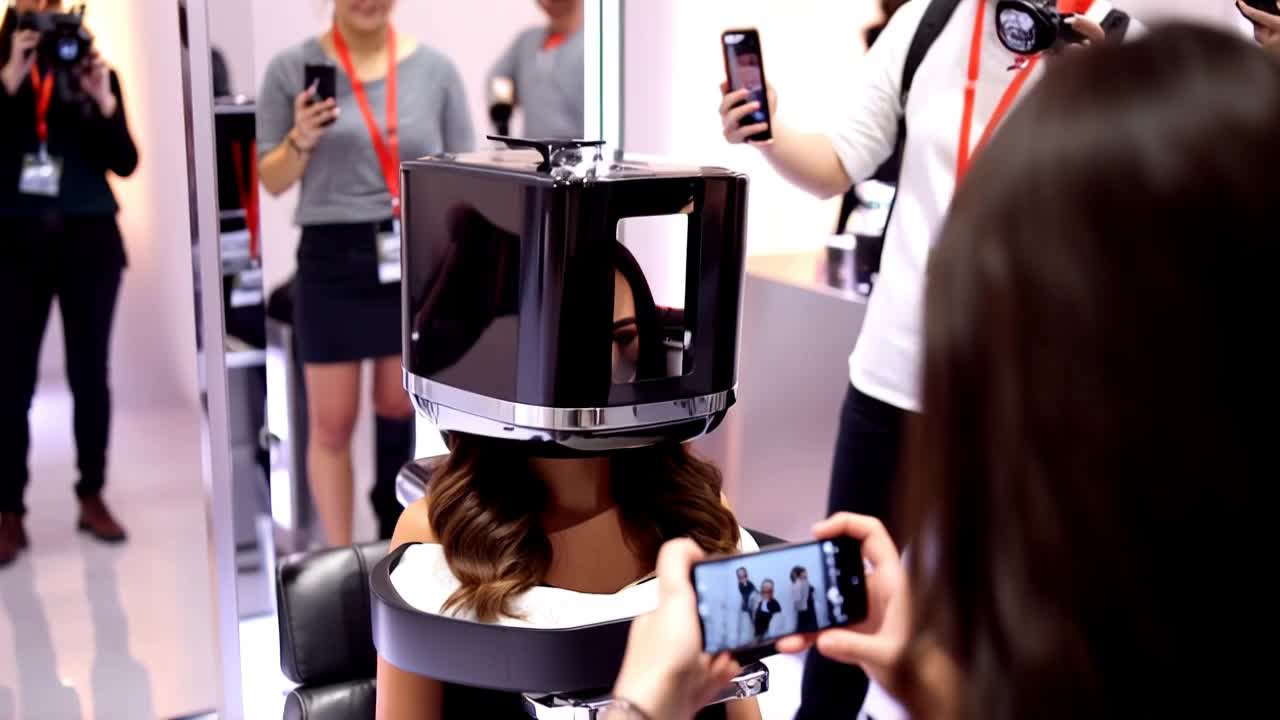
chiku brown hair  - face hair ai AI video
EveivCsy avatar
EveivCsy
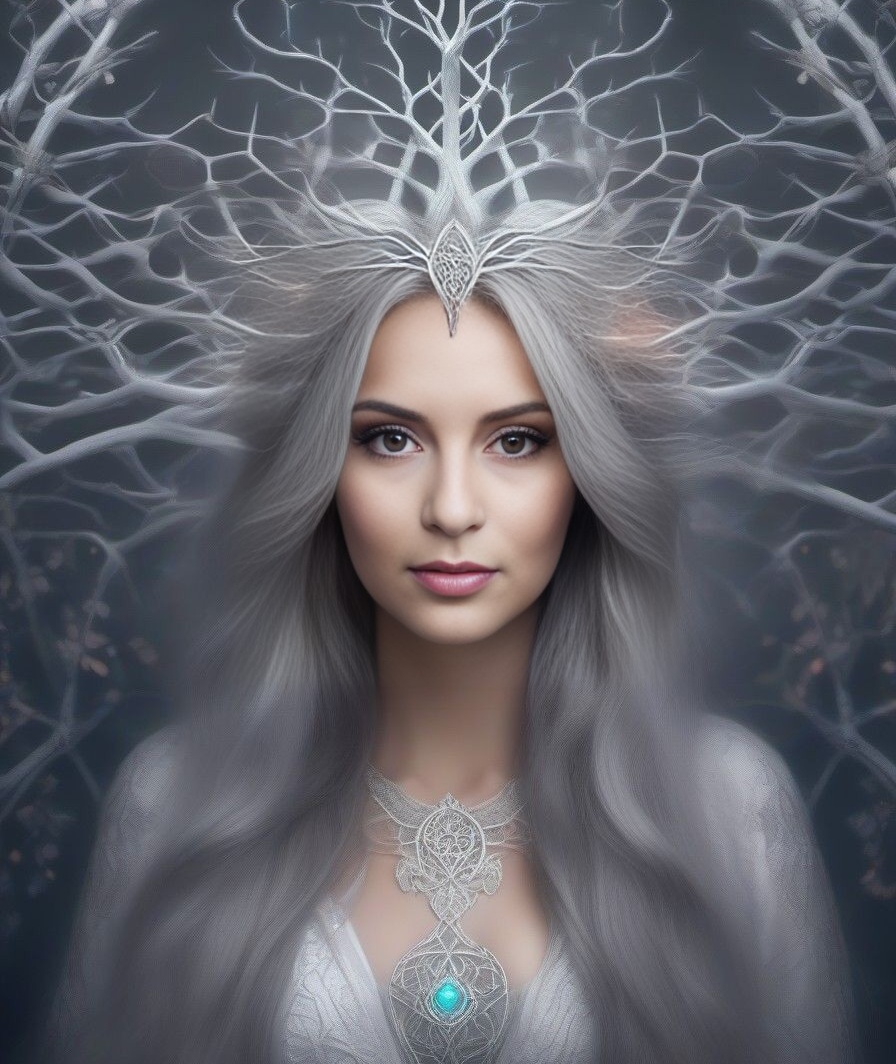
white hair pink eye girl - face hair ai AI video
VhdnJSqy avatar
VhdnJSqy
Kling AI work 313859858664478 - face hair ai AI video
MTVA Channel Images avatar
MTVA Channel Images
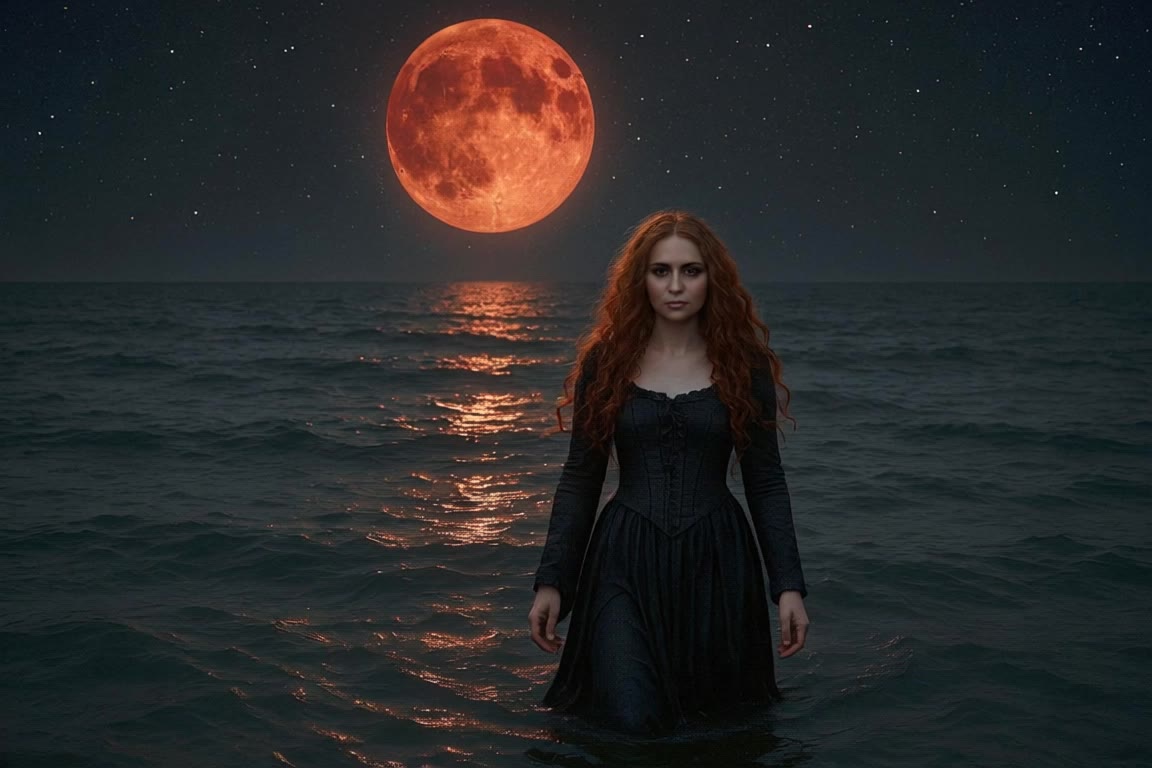
A woman with long red hair walks - face hair ai AI video
Manuetta Moon avatar
Manuetta Moon
Kling AI Prompt:
Realistic hair  - face hair ai AI image
pssEICto avatar
pssEICto
Kling AI work 313766475611773 - face hair ai AI video
stargold272 avatar
stargold272
Hair transformation 💫 - face hair ai AI video
00:10
EHHlNAir avatar
EHHlNAir
"Playful Hair Flip 🌸 – Ultra-R - face hair ai AI video
Zhilamotion avatar
Zhilamotion
Kling AI work 313484378508813 - face hair ai AI video
NoorPixels avatar
NoorPixels
Kling AI work 319038277527288 - face hair ai AI video
puveZTYm avatar
puveZTYm
Kling AI work 298685555658046 - face hair ai AI image
BougieBitchBianka avatar
BougieBitchBianka
hair flip with cool pose - face hair ai AI video
EbLQssGx avatar
EbLQssGx
e10 eyes white hair boi - face hair ai AI video
VhdnJSqy avatar
VhdnJSqy
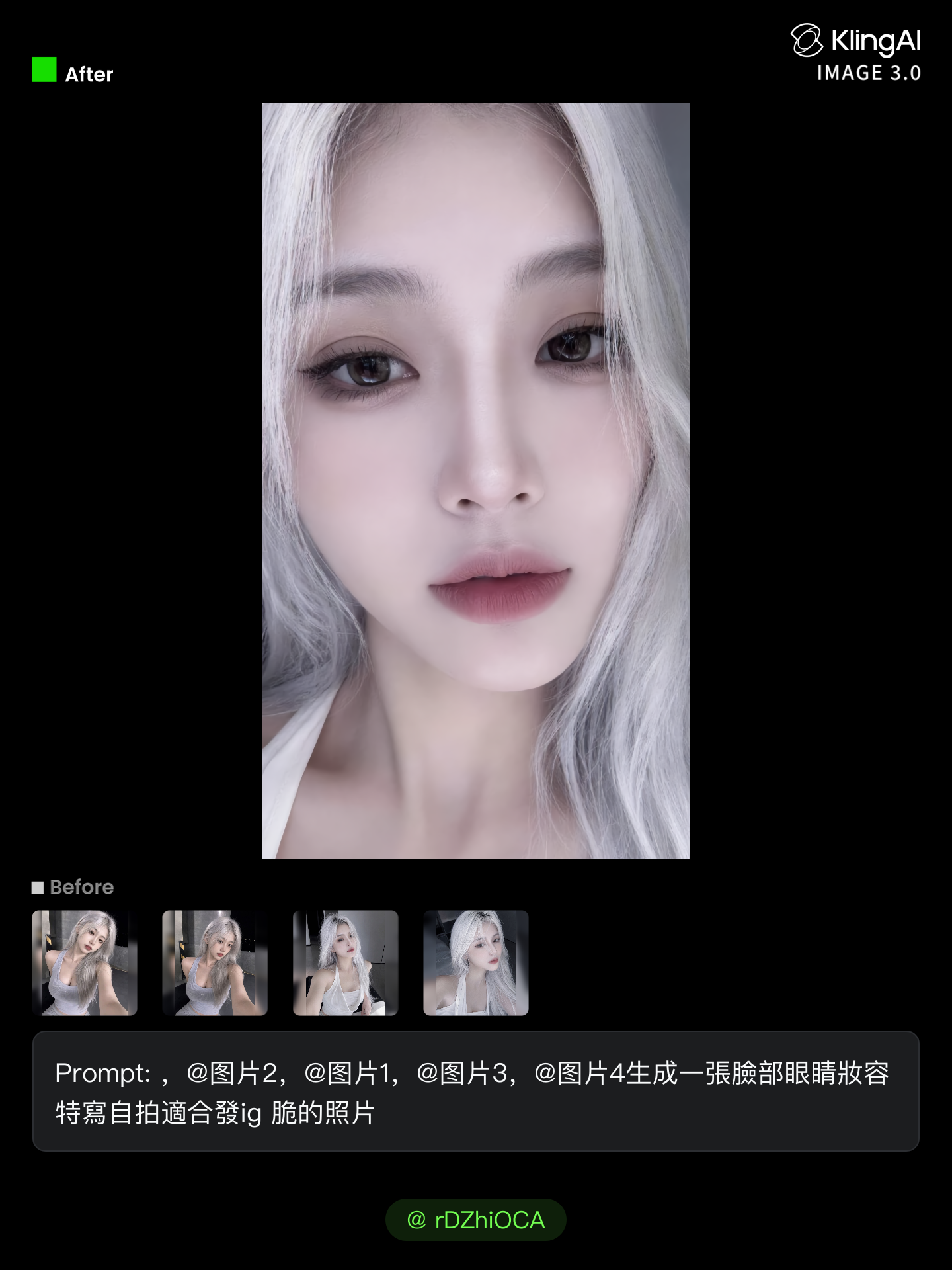
girl with  white hair  - face hair ai AI image
rDZhiOCA avatar
rDZhiOCA
Kling AI work 307723644501539 - face hair ai AI image
dpDCvzHY avatar
dpDCvzHY
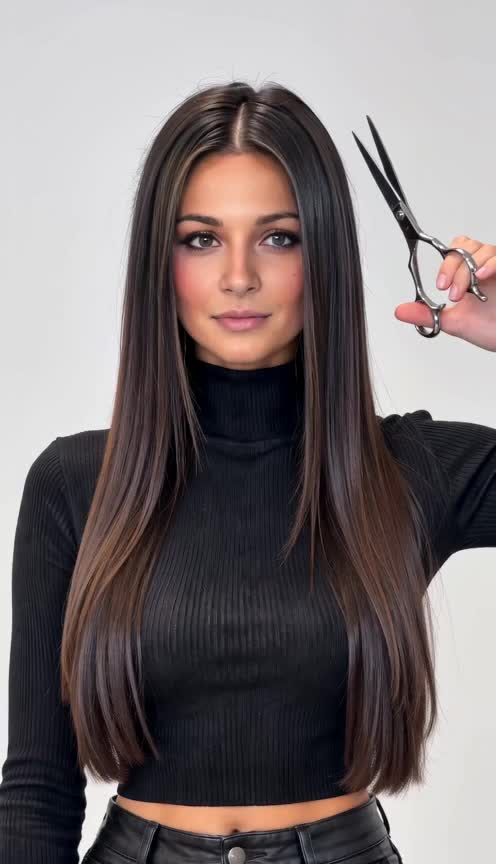
shorrt hair - face hair ai AI image
klingai.video.ai avatar
klingai.video.ai
Kling AI work 313855170663249 - face hair ai AI video
MTVA Channel Images avatar
MTVA Channel Images
SLICKED-BACK HAIR & REFLECTIVE N - face hair ai AI image
Dreaming avatar
Dreaming
Elite Creator
Beautiful Hair Transformation ✨ - face hair ai AI video
kdAsEVKv avatar
kdAsEVKv

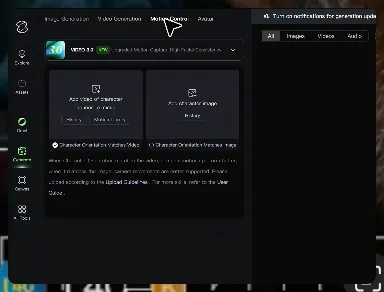
How to Master AI Motion Control in 3 Steps

Upload Your Assets

Upload Your Assets

Provide a static character image and a motion reference video showing the exact expressions you want to replicate.

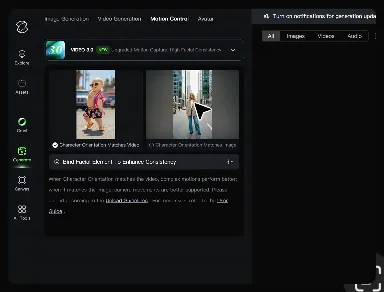
Bind Face Subject

Bind Face Subject

Enable this feature to lock facial consistency. Upload multi-angle photos to create a precise facial reference map.

Generate & Export

Generate & Export

Process your motion-controlled video and download the final render in high resolution.

Create Voices That Match Your Characters

Generate Character Voices Directly with the Video

Generate Character Voices Directly with the Video

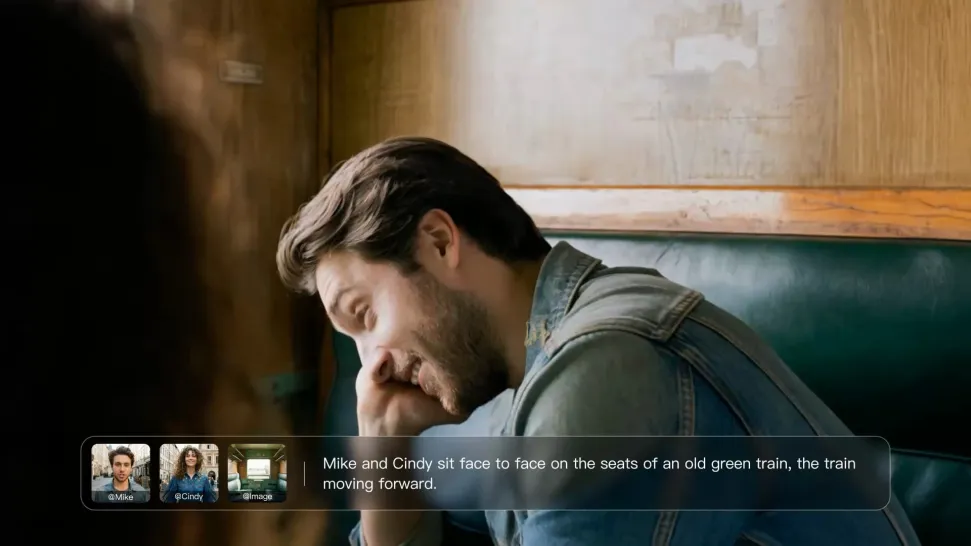
Write the dialogue into your video prompt and let Kling generate the spoken performance together with the scene. Because voice, facial performance, mouth movement, visuals, ambience, and supporting sound are created in the same workflow, the dialogue feels connected to what the character is doing on screen rather than added as a separate layer afterward.
Create Dialogue Across Languages and Accents

Create Dialogue Across Languages and Accents

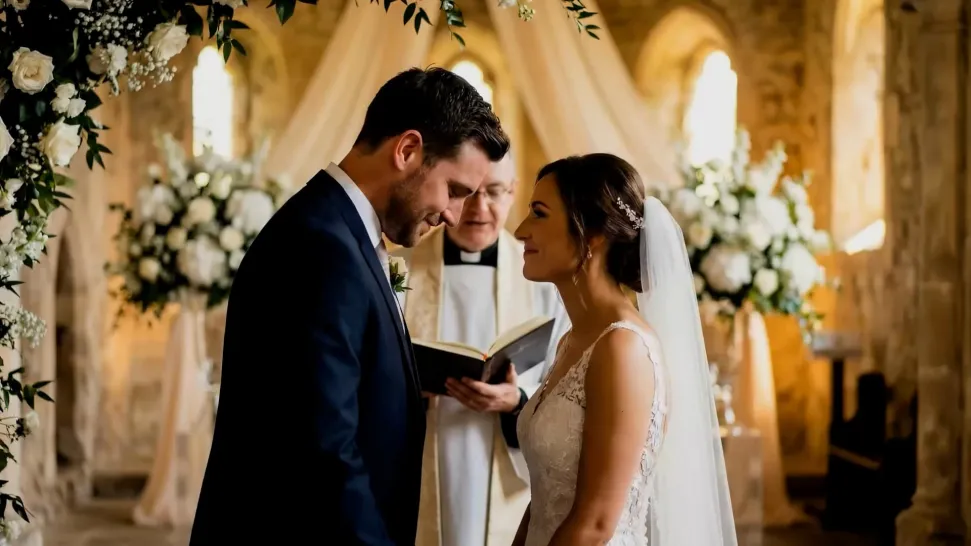
Create character voices in multiple languages, including English, Chinese, Japanese, Korean, and Spanish. You can also customize accents, dialects, and speaking styles to make characters sound more authentic for different regions, cultures, and story settings.
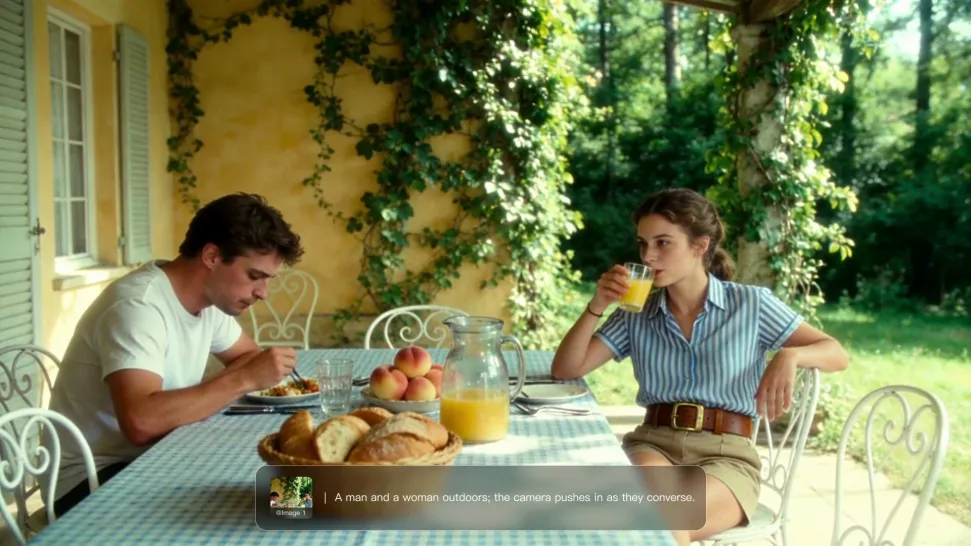
Keep a Character's Voice Consistent Across Scenes

Keep a Character's Voice Consistent Across Scenes

For recurring characters, Kling VIDEO 3.0 Omni lets you add voice to reusable Character Elements. A character can carry both recognizable visual traits and a connected voice into supported future generations. This makes it easier to build recurring presenters, fictional characters, or story leads that not only look familiar across scenes, but also keep a more consistent vocal identity.

Apps

Image to Video
Image to Video

Image to Video

Text to Video
Text to Video

Text to Video

Omni
Omni

Omni

Digital Human
Digital Human

Digital Human

Restyle
Restyle

Restyle

Text to Image
Text to Image

Text to Image

60M+
60M+
Users
600M+
600M+
AI Videos Generated
4.7 ★
4.7 ★
App Store
Industry-Leading
Industry-Leading
Cinematic 4K

Reviews

Huang Lu (Elson)

Huang Lu (Elson)

★★★★★

I’ve been using Kling AI since its initial release, and it’s remained one of the leading AI media generators ever since. With Kling AI, I’ve created hundreds of videos, collectively amassing millions of views.

Halim Alrasihi

Halim Alrasihi

★★★★★

I use AI daily and Kling AI is a crucial part of my workflow, whether for client work or personal projects. What I love most about using Kling AI is that it provides all the tools I need in one place, from keyframes to character references, elements and special effects.

Samuele Poggi (@visualsk2)

Samuele Poggi (@visualsk2)

★★★★★

I use Kling AI daily to push the limits of AI filmmaking. It allows me to create highly cinematic content, blending AI and VFX to develop innovative projects. It has significantly impacted my creative process, enabling me to achieve complex animations that would otherwise require high production budgets.

FAQ

Q1What is the best AI art generator?
Q2Can I use AI-generated art commercially?
Q3Can Kling AI generate AI art in 4K?

Make Every Scene Speak

Turn your script into a video with native dialogue and sound for multi-character conversations, multilingual scenes, and more.

Native audio | Multi-Character Coreference | Multilingual Content Generation