
Creative Studio
API
Resources
Features
About Us
Download

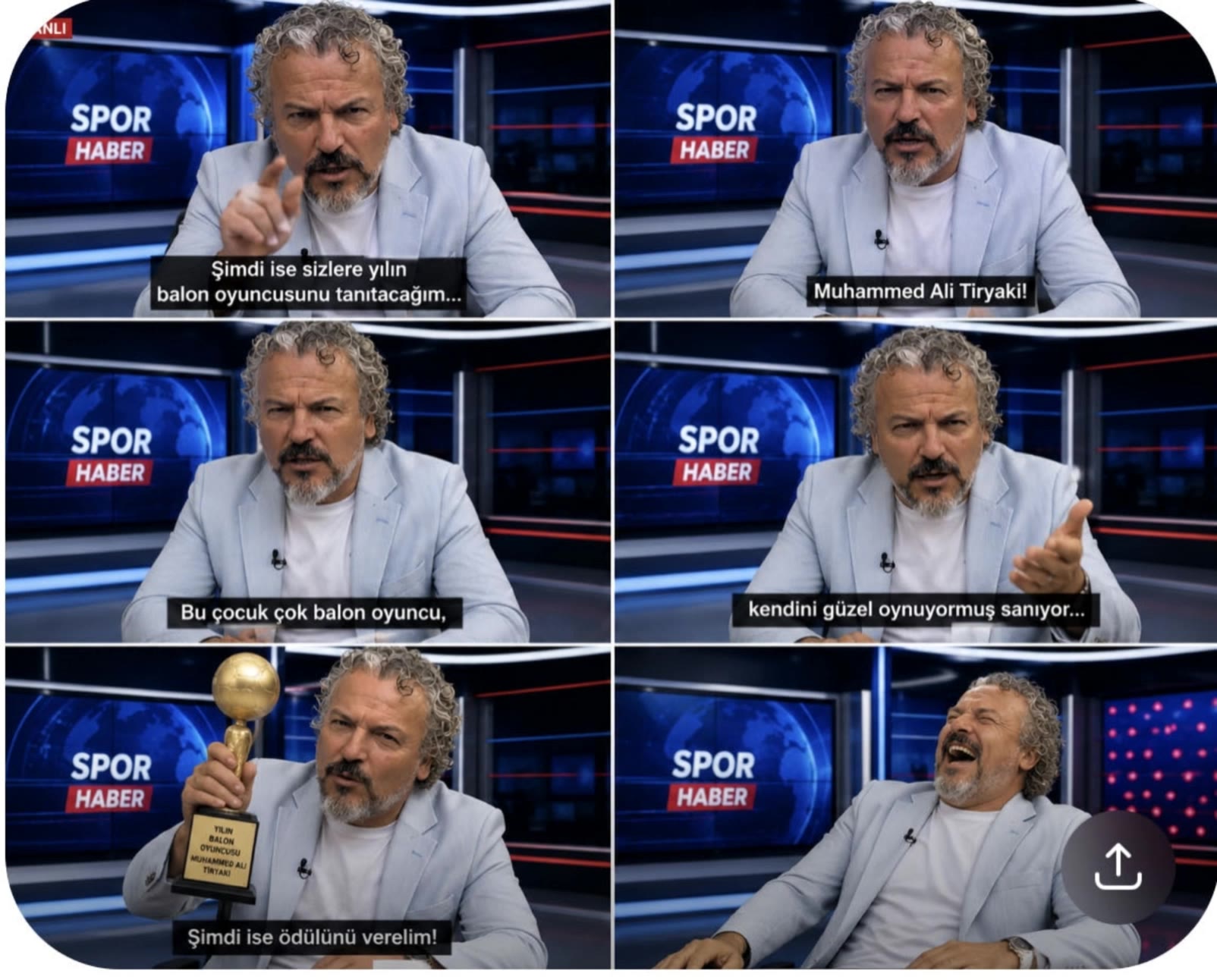
fake news creator - Breaking News & News Set

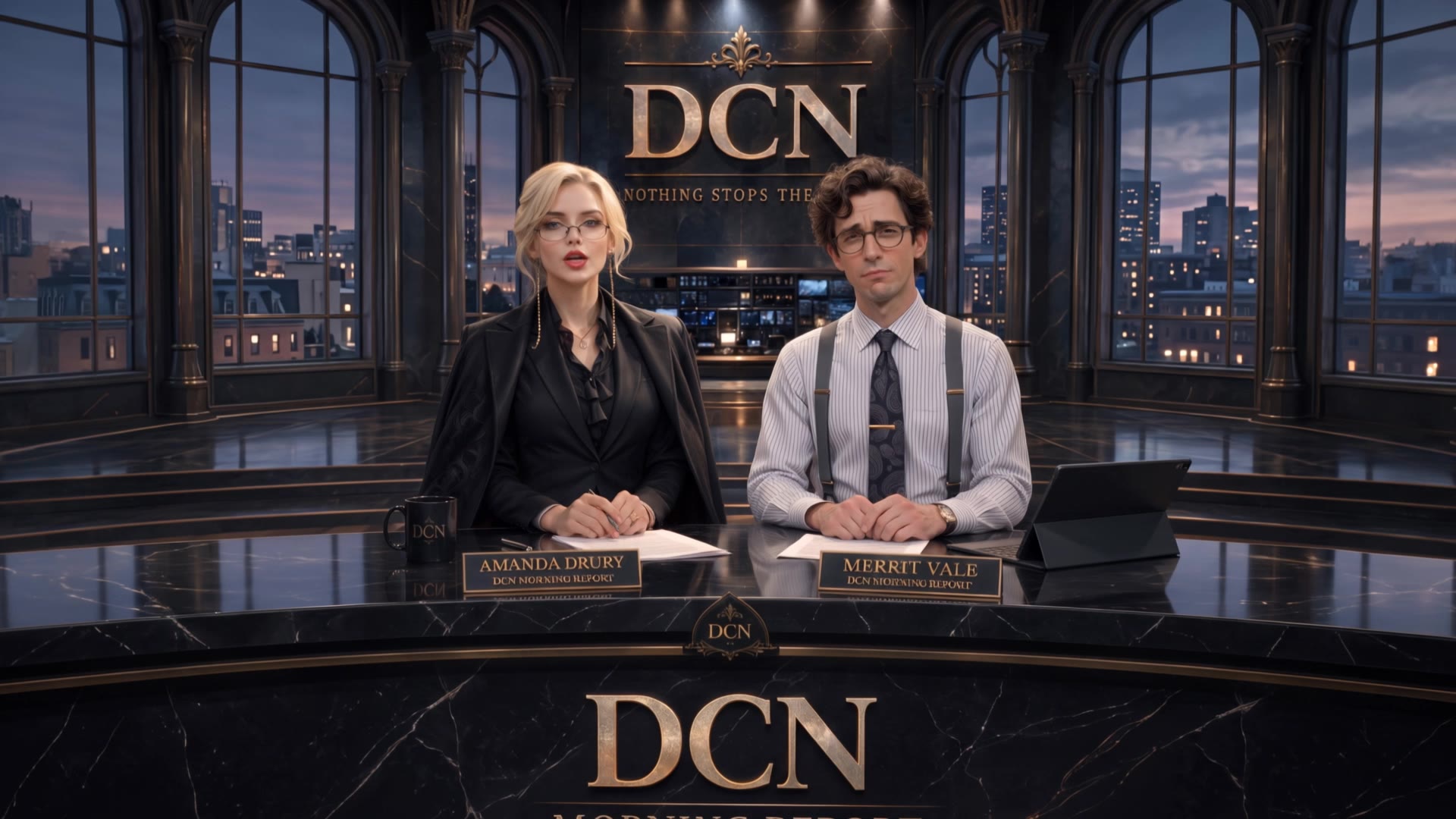
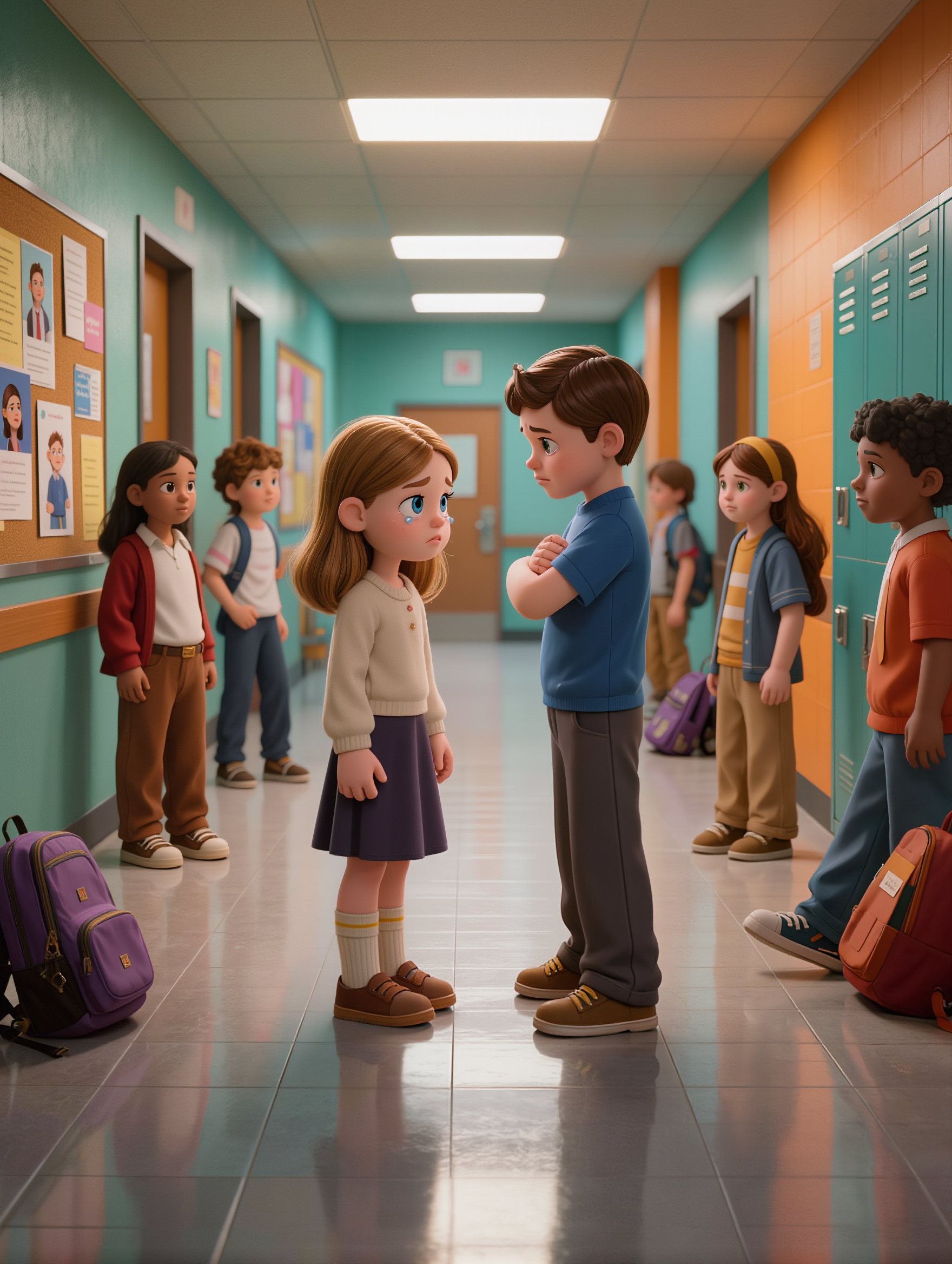
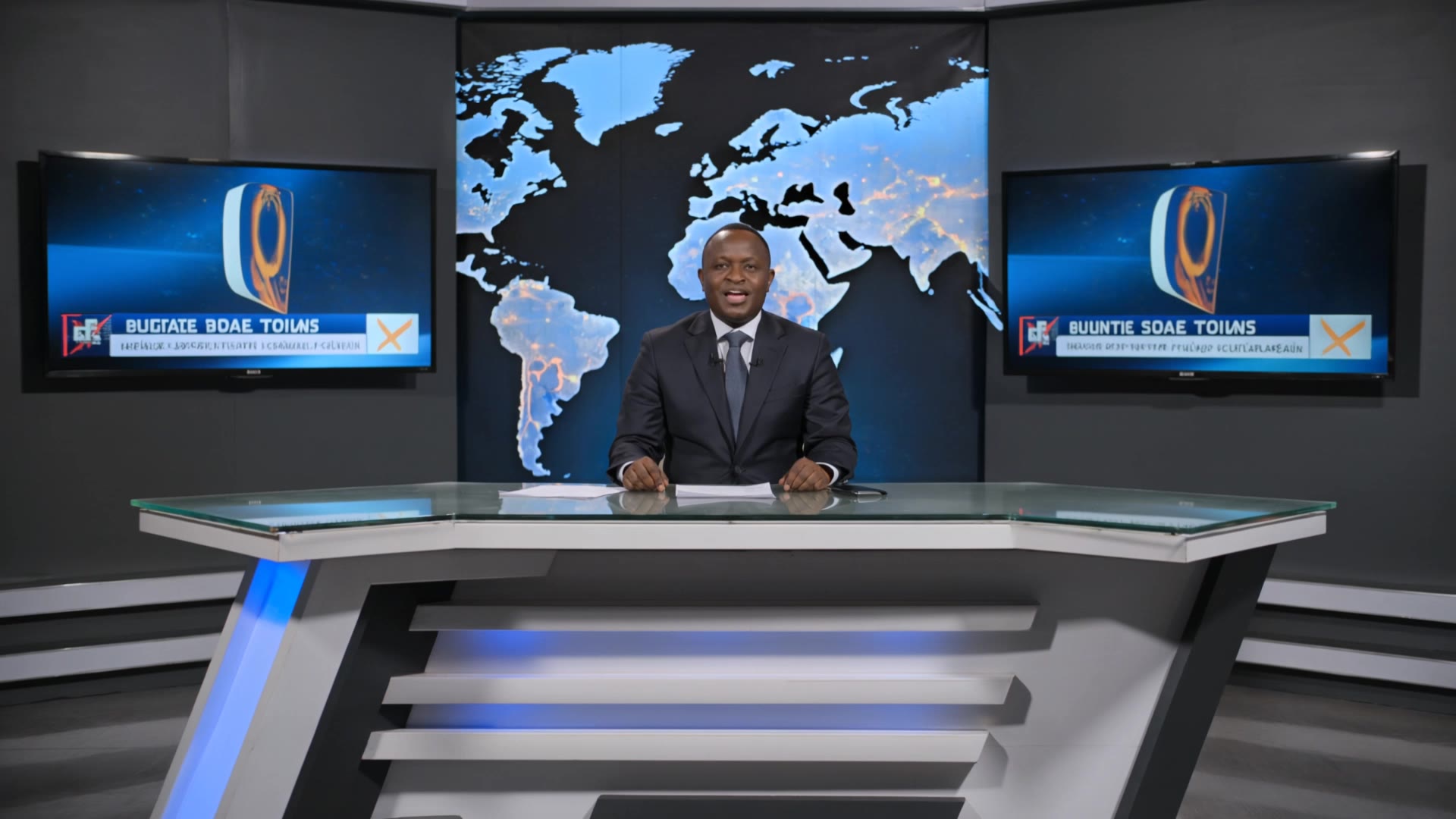
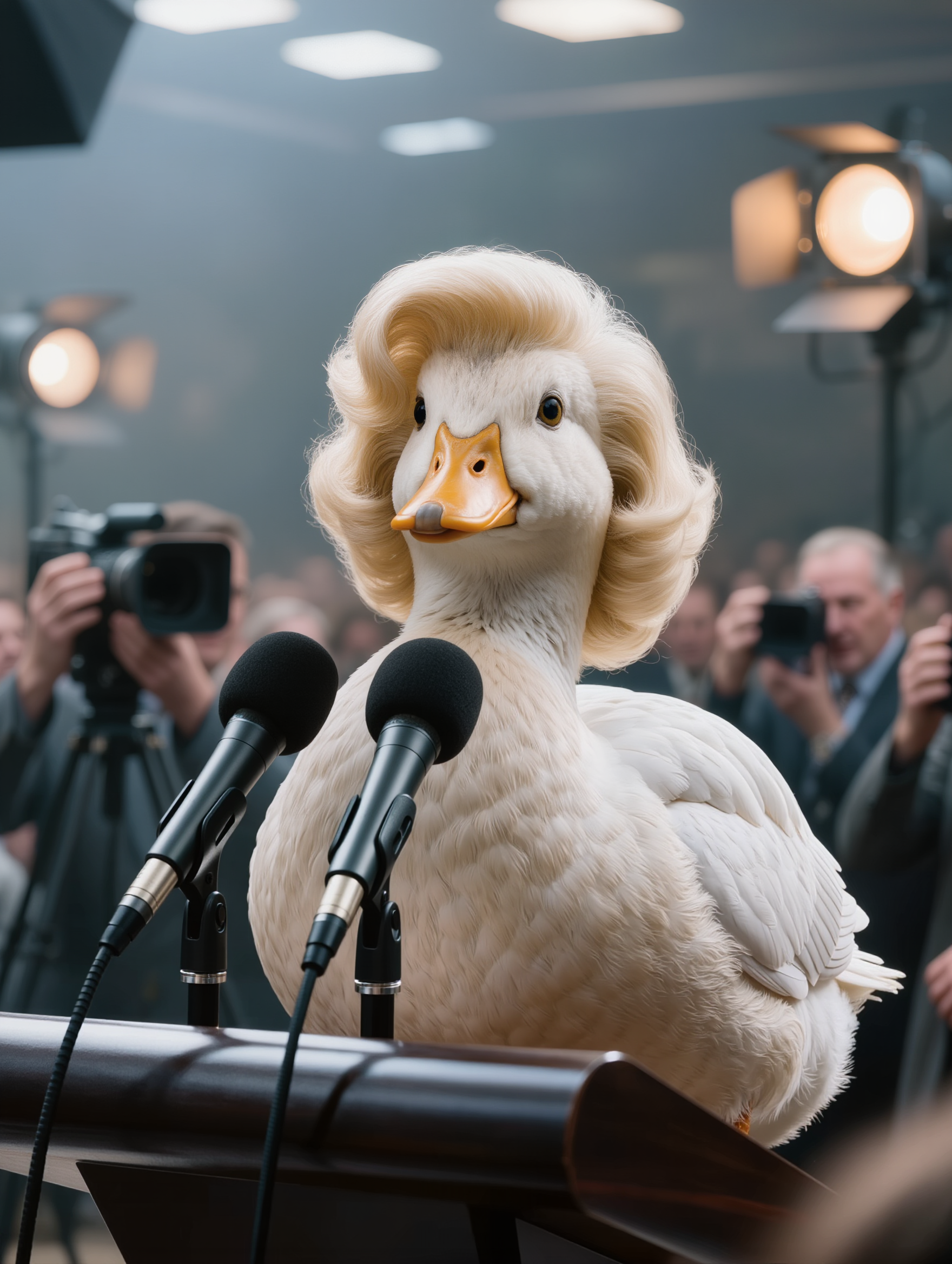
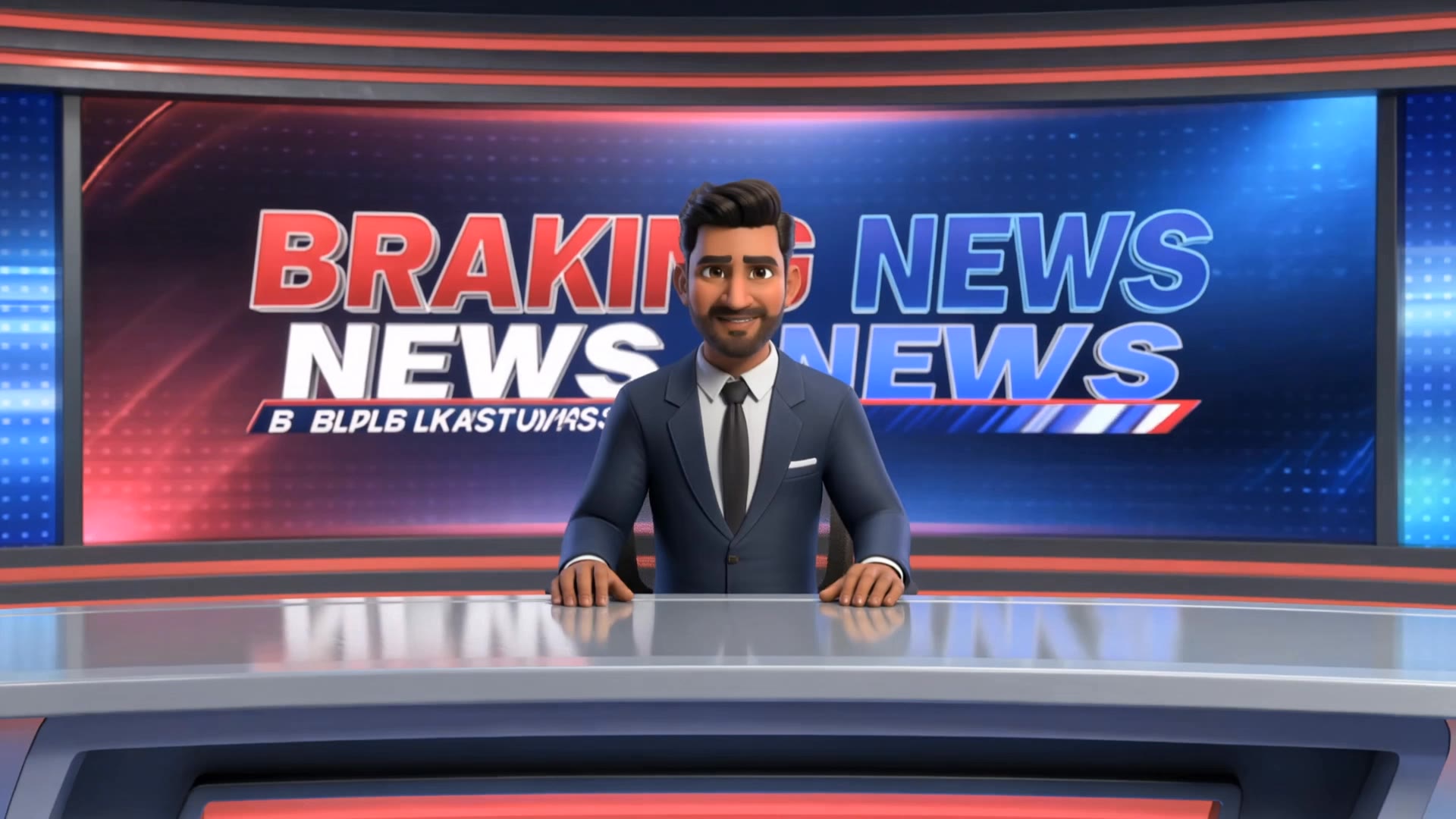
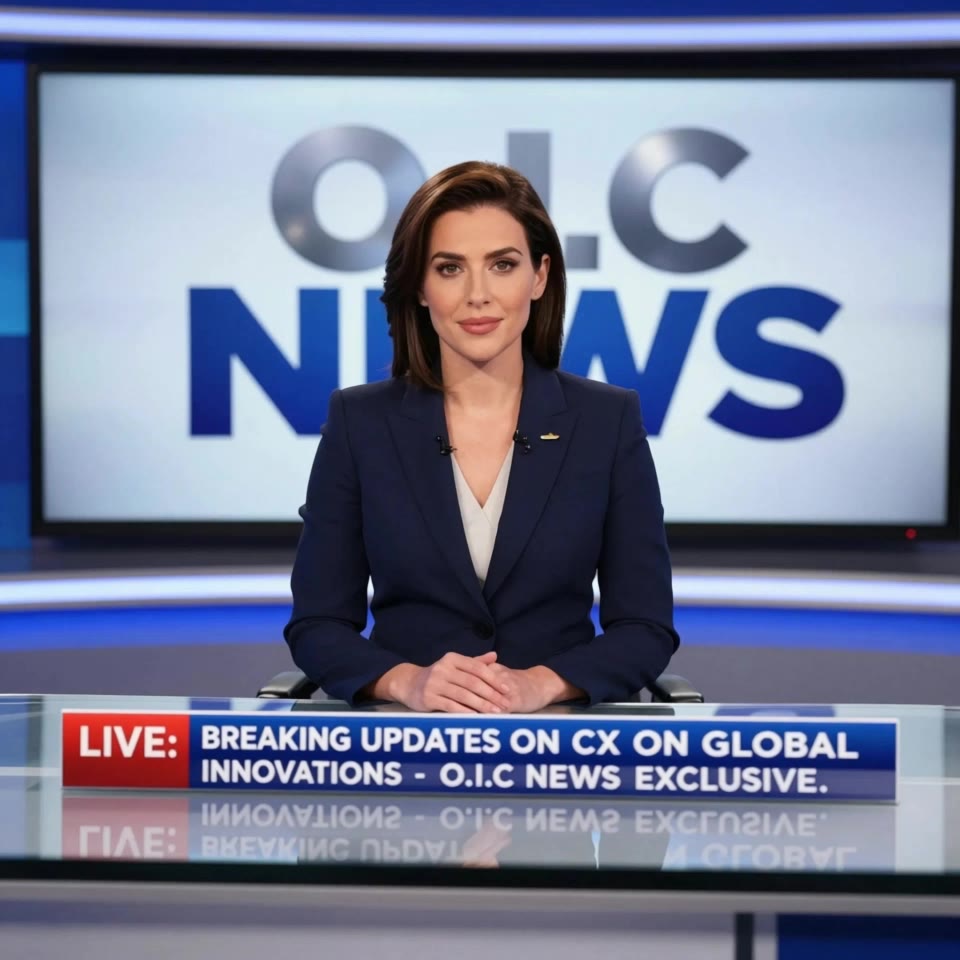
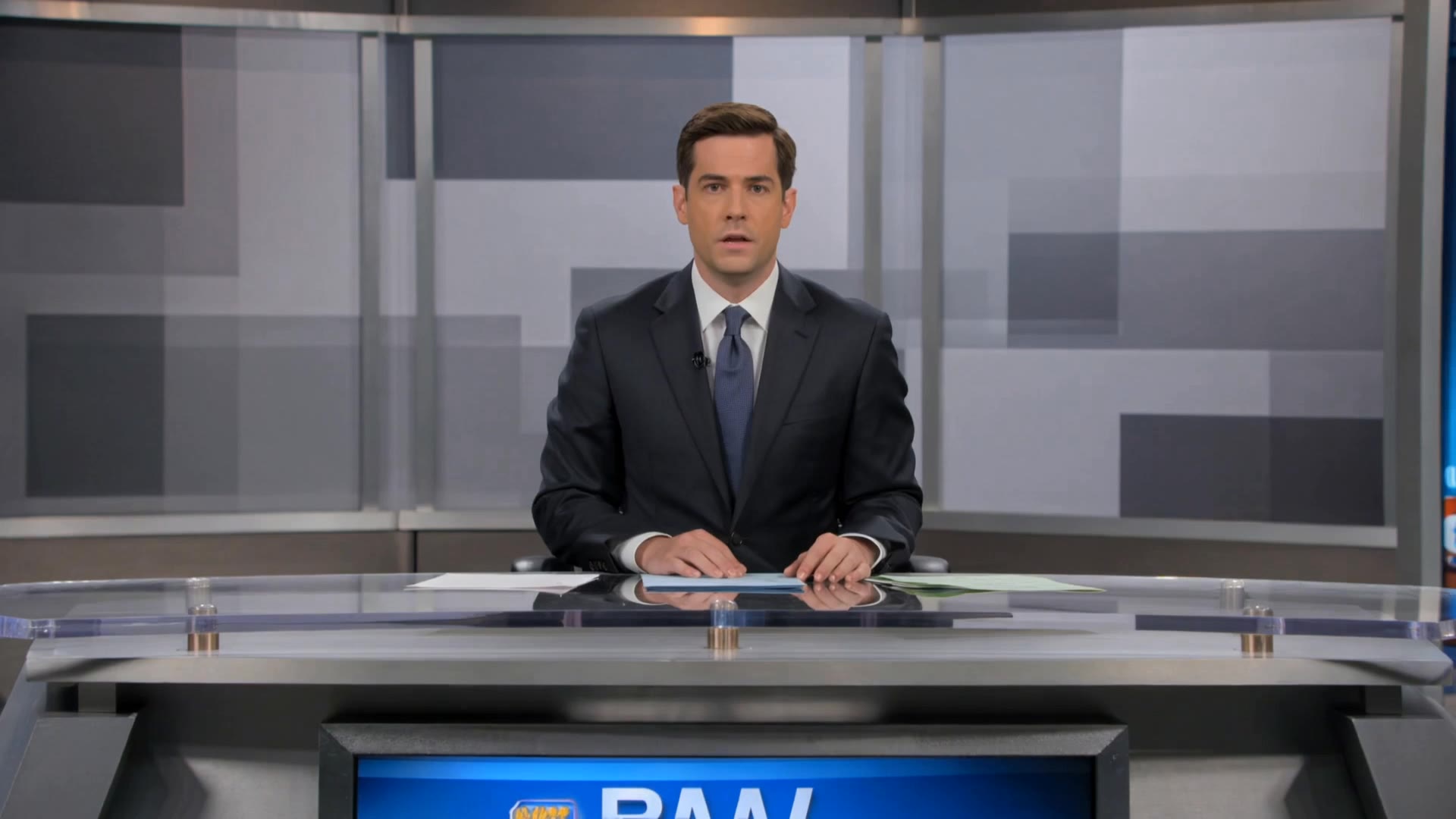
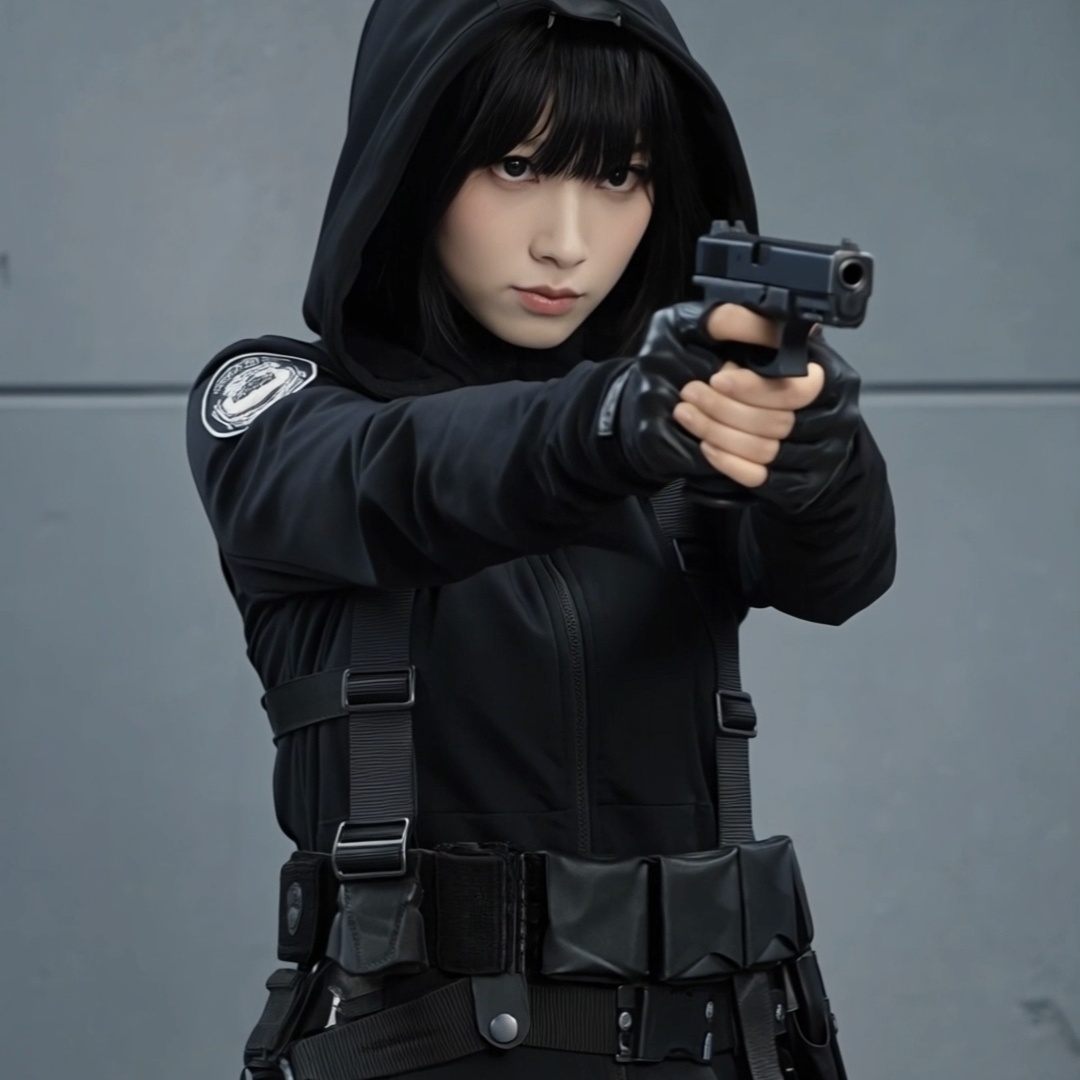
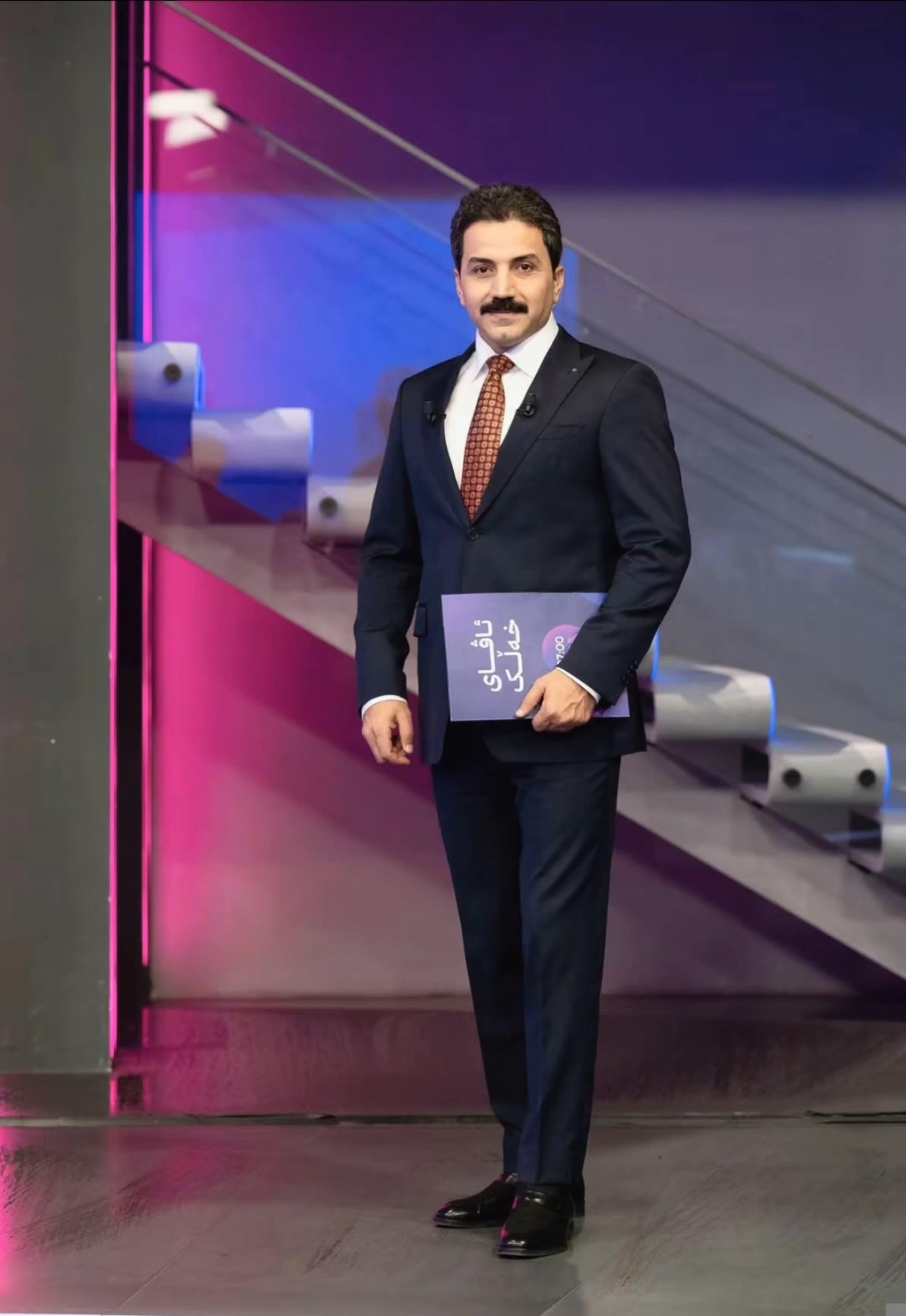
Engage with unique fake news creator concepts featuring futuristic news sets and imaginative scenarios like alien news broadcasts. Unleash creativity with AI-driven content generation inspired by breaking news aesthetics and dynamic visual effects. Start exploring fake news creator ideas and generate your own content with AI.

fake news creator - Breaking News & News Set

Recommended

Kling AI work 317050599321711 - fake news creator AI video
pnYtHzia avatar
pnYtHzia
news - fake news creator AI video
Viktor_Fox avatar
Viktor_Fox
Kling AI work 311258300662657 - fake news creator AI video
wzLBNIhi avatar
wzLBNIhi
Kling AI work 311525019660425 - fake news creator AI image
Hridz avatar
Hridz
Kling AI work 313242353503388 - fake news creator AI video
xUCNyTdc avatar
xUCNyTdc
Kling AI work 318296357500350 - fake news creator AI video
Ahmad Haruna avatar
Ahmad Haruna
Kling AI work 310650705660954 - fake news creator AI video
cdLzjdOw avatar
cdLzjdOw
Kling AI work 316006867500423 - fake news creator AI video
dsJaIoxf avatar
dsJaIoxf
Kling AI work 295820966668125 - fake news creator AI video
fSUHVVwc avatar
fSUHVVwc
Kling AI work 311713938525502 - fake news creator AI video
fSzMIKCt avatar
fSzMIKCt
Kling AI work 317235964616542 - fake news creator AI image
cXEXPAKA avatar
cXEXPAKA
Stay Informed & Stay Vigilant - fake news creator AI video
Russo Belluso avatar
Russo Belluso
Kling AI work 308639108528243 - fake news creator AI image
ugqkIpYv avatar
ugqkIpYv
Kling AI work 312736694663582 - fake news creator AI video
QgLYAsyb avatar
QgLYAsyb
When you date a content creator. - fake news creator AI video
NorBelma avatar
NorBelma
Kling AI work 314370829617955 - fake news creator AI image
aXRFmKir avatar
aXRFmKir
Creator - fake news creator AI video
00:49
bwVxpNGT avatar
bwVxpNGT
News Reporting - fake news creator AI video
TruthIsYourFriend avatar
TruthIsYourFriend
FAKE NEWS - fake news creator AI video
00:15
FNKbBXFc avatar
FNKbBXFc

A Complete AI Video Editing Workflow

Create Videos with AI

Create Videos with AI

Start with a prompt, image, or visual reference. Animate a still, build a new scene, or recreate a popular effect with Kling’s AI video tools.

Edit Videos with AI

Edit Videos with AI

Upload existing footage and tell Kling what to change. Use Kling VIDEO 3.0 Omni to replace subjects, rebuild backgrounds, restyle footage, or reframe a shot. When you need more time, continue the clip with Video Extension without tedious frame-by-frame work.

Make Avatar or Talking Videos

Make Avatar or Talking Videos

Create presenter-led videos for ads, explainers, product demos, and social content with Kling AI Avatar tool. Use Lip Sync to add dialogue, dubbing, or narration from text or uploaded audio.

Edit Any Part with Kling AI

Add, Remove, or Replace Image Content

Add, Remove, or Replace Image Content

Tell Kling what you want to change in text prompts. Replace a person, remove an object, or fine-tune details such as color, material, pose, and expression. Even detailed edits take fewer and easier steps because you can change the photo with AI instead of with traditional photo editing tools. IMAGE 3.0 follows your instruction while keeping the photo’s original style, lighting, and texture in place, so the edited area still belongs in the same shot.

Change the Color, Lighting, or Style

Change the Color, Lighting, or Style

Give an existing photo a different mood effortlessly. Lift a dim scene, soften harsh light, warm or cool the colors, or bring color to a black-and-white photo or line drawing. A short prompt replaces the usual round of manual adjustments. Looking for a bigger shift? Add a style reference or spell out the visual direction. IMAGE 3.0 carries the palette, texture, and atmosphere across the whole image, so the new look feels cohesive rather than pasted on. Use it for studio-style professional headshots, distinctive portrait treatments, cinematic scene design, or a visual style that feels entirely your own.

Rework the Shot or Camera Angle

Rework the Shot or Camera Angle

Tell Kling how you want the shot to look in a text prompt. Turn a front-facing photo into a side view, move the camera higher or lower, or change a wide shot into a close-up. You can explore a new composition around the same subject without setting up another shoot. IMAGE 3.0 rebuilds the scene from the angle you request, adjusting the perspective, camera height, shot size, focal length, and depth of field along with it. The result is a newly generated view based on the source photo, rather than hidden details recovered from outside the original frame.

Apps

Image to Video
Image to Video

Image to Video

Text to Video
Text to Video

Text to Video

Omni
Omni

Omni

Digital Human
Digital Human

Digital Human

Restyle
Restyle

Restyle

Text to Image
Text to Image

Text to Image

60M+
60M+
Users
600M+
600M+
AI Videos Generated
4.7 ★
4.7 ★
App Store
Industry-Leading
Industry-Leading
Cinematic 4K

Reviews

Huang Lu (Elson)

Huang Lu (Elson)

★★★★★

I’ve been using Kling AI since its initial release, and it’s remained one of the leading AI media generators ever since. With Kling AI, I’ve created hundreds of videos, collectively amassing millions of views.

Déborah

Déborah

★★★★★

I use Kling AI every day. It's amazing to see the almost daily progress it makes. I used AI for fun at first, and I now find that Kling AI's animations allow me to gain professional visibility, with three times more views on my animated posts than on my static posts.

Jyo John Mulloor

Jyo John Mulloor

★★★★★

Kling AI has been instrumental in transforming my creative workflow, unlocking new dimensions of artistic expression that were once unimaginable. I use Kling AI extensively to develop high-concept visuals, animate surreal dreamscapes, and create AI-assisted films that blur the line between reality and fantasy. Kling AI’s deep learning capabilities have not only enhanced my creative efficiency but also inspired me to explore storytelling in ways I never thought possible.

FAQ

Q1What is Kling Video 3.0?
Q2Is it suitable for product demo videos?
Q3Can I use this for global AI video marketing?

Experience Video 3.0 on Kling

Create cinematic, multi-shot videos with native audio and precise control—all in one generation.

Native audio | Multi-shot control | Up to 15s continuous output