
fantasy football logo generator - fantasy wings & vintage football

Unleash your creativity with fantasy wings and dynamic football themes to design unique logos. Witness logos elegantly revealed through stunning animations and explosive visual effects. Start exploring fantasy football logo generator ideas and generate your own content with AI.

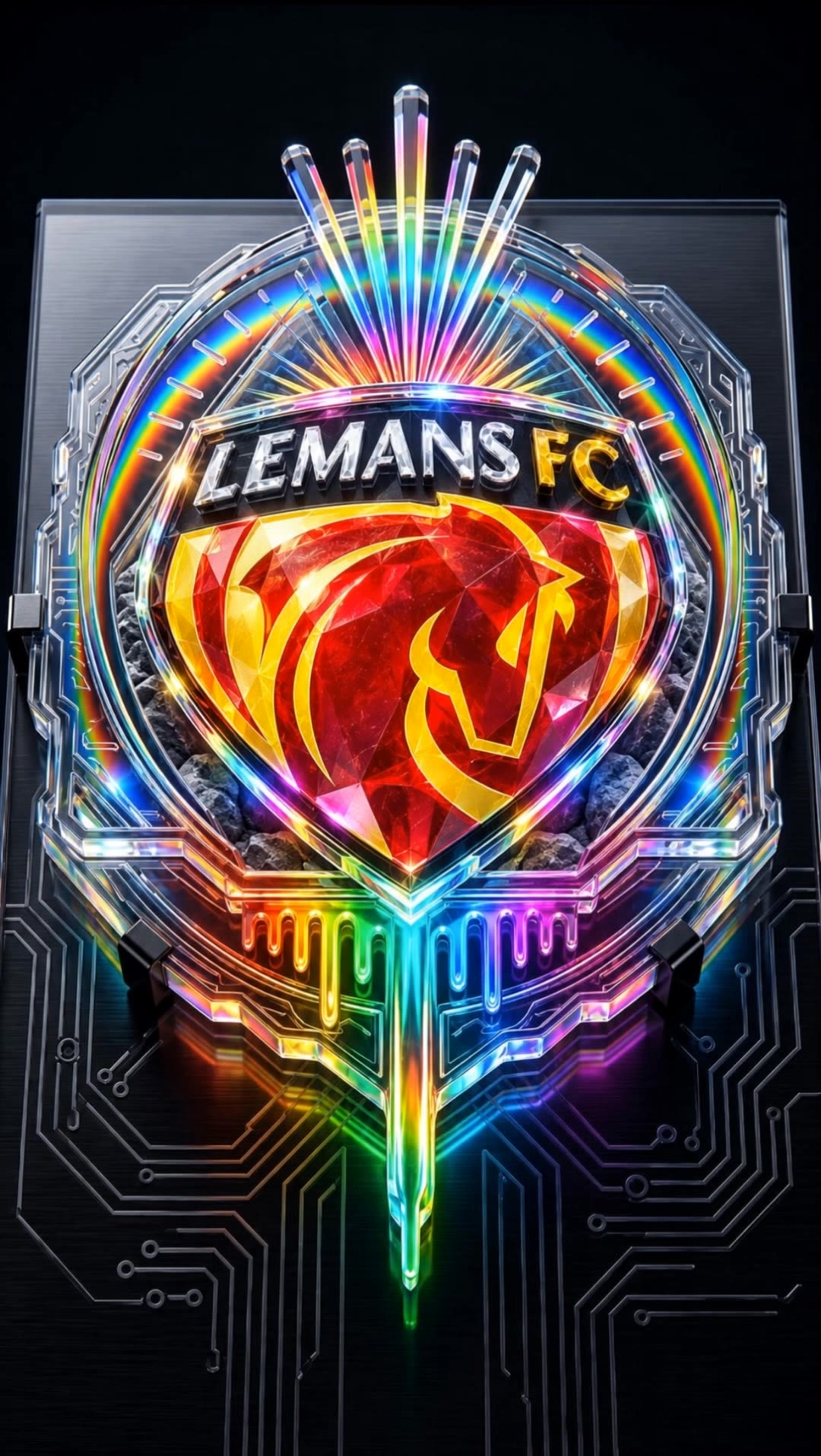
fantasy football logo generator - fantasy wings & vintage football

Recommended

Kling AI work 319152647321003 - fantasy football logo generator AI video
lrycDXeA avatar
lrycDXeA
Football - fantasy football logo generator AI image
fPJymUIk avatar
fPJymUIk
Football play - fantasy football logo generator AI video
RUeGzVmN avatar
RUeGzVmN
Kid cheering football team - fantasy football logo generator AI video
Football Live
wsvkSsJJ avatar
wsvkSsJJ
football  - fantasy football logo generator AI image
PuwyTSNG avatar
PuwyTSNG
Kling AI work 313771193610757 - fantasy football logo generator AI video
sRkBOUzz avatar
sRkBOUzz
Arsenal logo  - fantasy football logo generator AI video
bHJVRXhA avatar
bHJVRXhA
Metal logo - fantasy football logo generator AI image
theooo avatar
theooo
Monogram logo - fantasy football logo generator AI image
hjk avatar
hjk
LOGO FOR NEW BRAND - fantasy football logo generator AI image
CTFoVfdG avatar
CTFoVfdG
clear logo - fantasy football logo generator AI image
theooo avatar
theooo
logo morphy - fantasy football logo generator AI video
SALVADOR FOTI avatar
SALVADOR FOTI
Fantasy World  - fantasy football logo generator AI video
Joeeey13 avatar
Joeeey13
Logo - fantasy football logo generator AI image
YprVYfwN avatar
YprVYfwN
football  - fantasy football logo generator AI image
PuwyTSNG avatar
PuwyTSNG
A cinematic football match scene - fantasy football logo generator AI image
designbyarif avatar
designbyarif
Elite Creator
Kling AI work 311840996502175 - fantasy football logo generator AI video
Rosebudd Music avatar
Rosebudd Music
SHOCKED FOOTBALL PLAYER - fantasy football logo generator AI video
DCC avatar
DCC
3d Logo Animation - fantasy football logo generator AI video
bMTckWEG avatar
bMTckWEG

How to Create Images with Kling AI

Write Down You Ideas

Write Down You Ideas

Open the AI Image Generator and choose the model that fits your project. Describe the subject and scene, then add details such as lighting, color, and visual style to shape the result.

Add References Or Not

Add References Or Not

Upload reference images for a character, product, composition, or style. References are optional, but they give Kling AI a clearer visual foundation when specific features, colors, or design details need to carry into the final image.

Generate Your Image

Generate Your Image

Choose your preferred format and output settings, then hit Generate. Once the result is ready, download it directly or open it in the image-to-video workflow to bring it to life with motion.

Why Kling Sets the Standard for Video Creation

Flawless Character Consistency for High-Quality Videos

Flawless Character Consistency for High-Quality Videos

Unlike standard tools that distort faces when moving, Kling Video 3.0 lets you strictly lock a character’s appearance. Upload a single photo, or use a short video/multiple angles as a reference to completely eliminate the “AI morphing” effect.

All-in-One Native Audio & Lip-Sync

All-in-One Native Audio & Lip-Sync

Your video isn’t just silent footage; it speaks. Generate perfectly matched voices and realistic lip movements in multiple languages or regional accents. Even in multi-character scenes, you can precisely assign who speaks—no third-party tools required.

Up to 15s Multi-Shot Cinematic Output

Up to 15s Multi-Shot Cinematic Output

Go beyond a basic 3-second clip. Kling 3.0 extends generation to 15 seconds of smooth, uninterrupted narrative. You can even use native storyboard controls to direct multi-shot sequences in a single click—outputting in crystal-clear 4K for professional use.

Apps

Image to Video
Image to Video

Image to Video

Text to Video
Text to Video

Text to Video

Omni
Omni

Omni

Digital Human
Digital Human

Digital Human

Restyle
Restyle

Restyle

Text to Image
Text to Image

Text to Image

60M+
60M+
Users
600M+
600M+
AI Videos Generated
4.7 ★
4.7 ★
App Store
Industry-Leading
Industry-Leading
Cinematic 4K

Reviews

Déborah

Déborah

★★★★★

I use Kling AI every day. It's amazing to see the almost daily progress it makes. I used AI for fun at first, and I now find that Kling AI's animations allow me to gain professional visibility, with three times more views on my animated posts than on my static posts.

Vincent Smadja

Vincent Smadja

★★★★★

Kling AI seamlessly integrates into my creative workflow, playing a key role in transforming my images. After generating and upscaling an image, Kling becomes a crucial element, bringing my creations to life with movement and depth.

Samuele Poggi (@visualsk2)

Samuele Poggi (@visualsk2)

★★★★★

I use Kling AI daily to push the limits of AI filmmaking. It allows me to create highly cinematic content, blending AI and VFX to develop innovative projects. It has significantly impacted my creative process, enabling me to achieve complex animations that would otherwise require high production budgets.

FAQ

Q1Can I make the character in my image speak?
Q2How do I keep the face from changing or morphing in my video?
Q3Can I use these generated videos for my e-commerce store or social media ads?

Start Creating AI Videos with Kling

Turn your image into a talking, high-quality video in seconds. No watermarks, no complicated setup.

Free tier available (Memberships are watermark-free) | 1080p export (Memberships unlock 4K) | Instant results