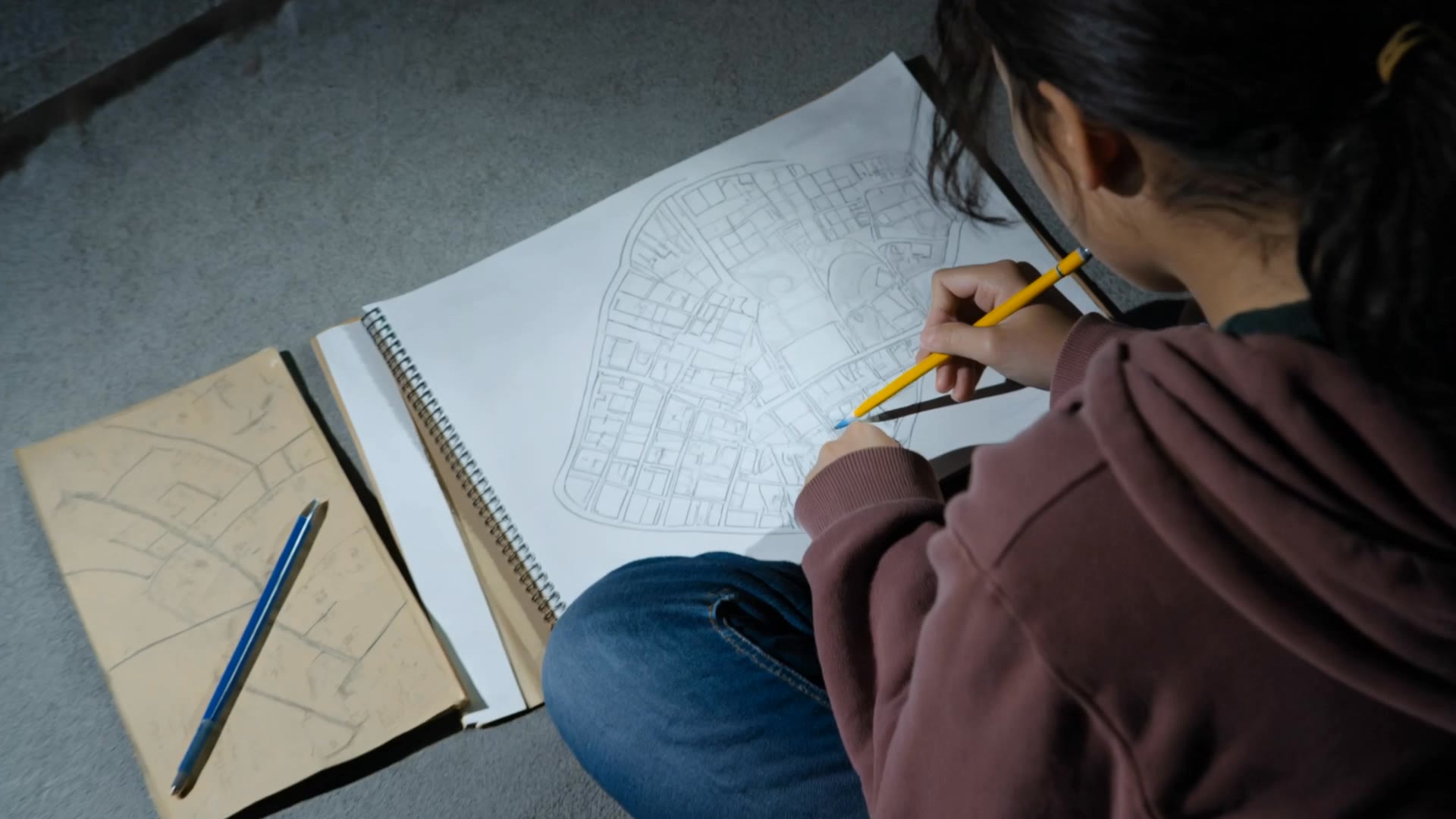

fantasy map builder free - Middle Earth & Fantasy Wings

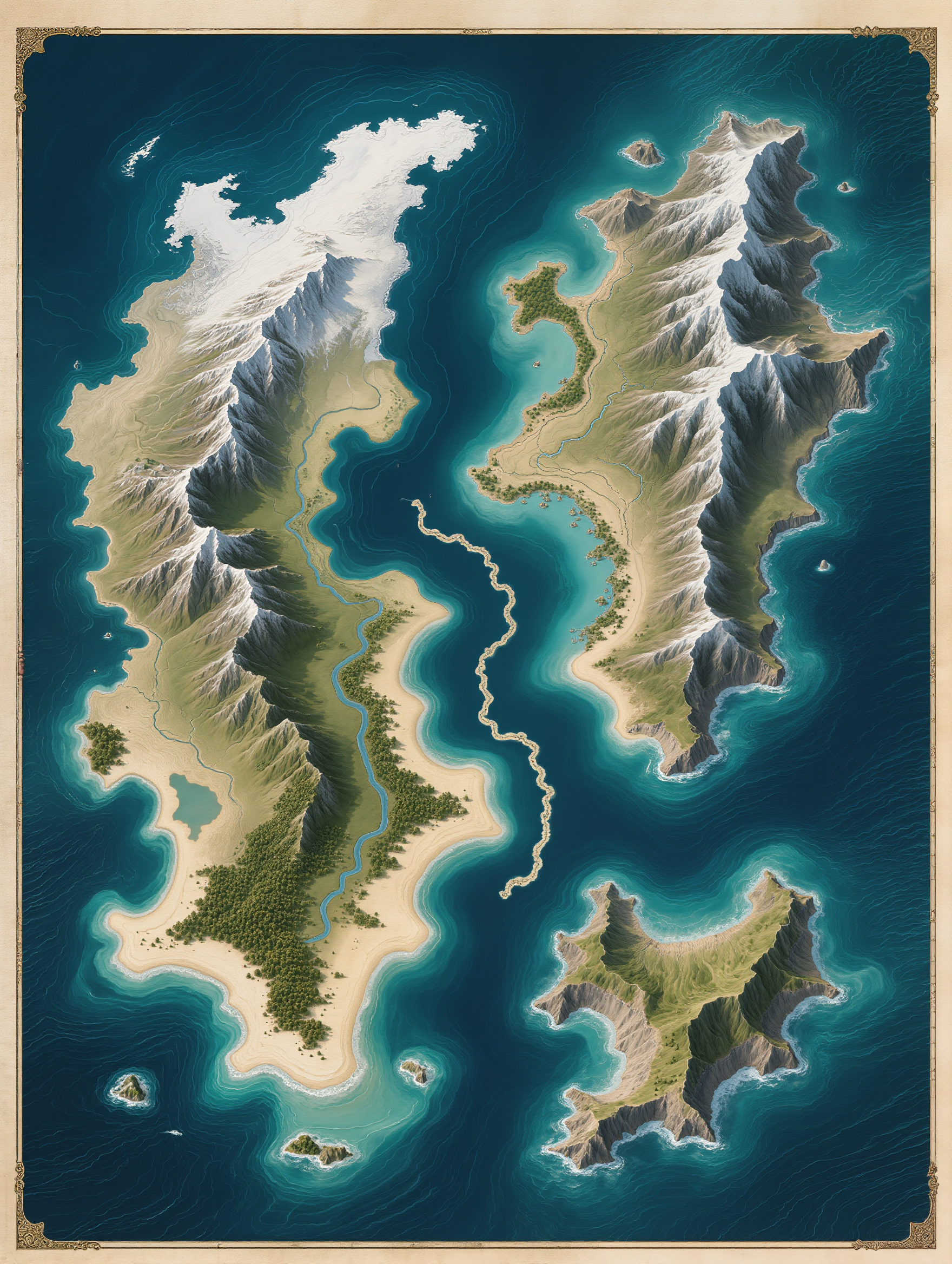
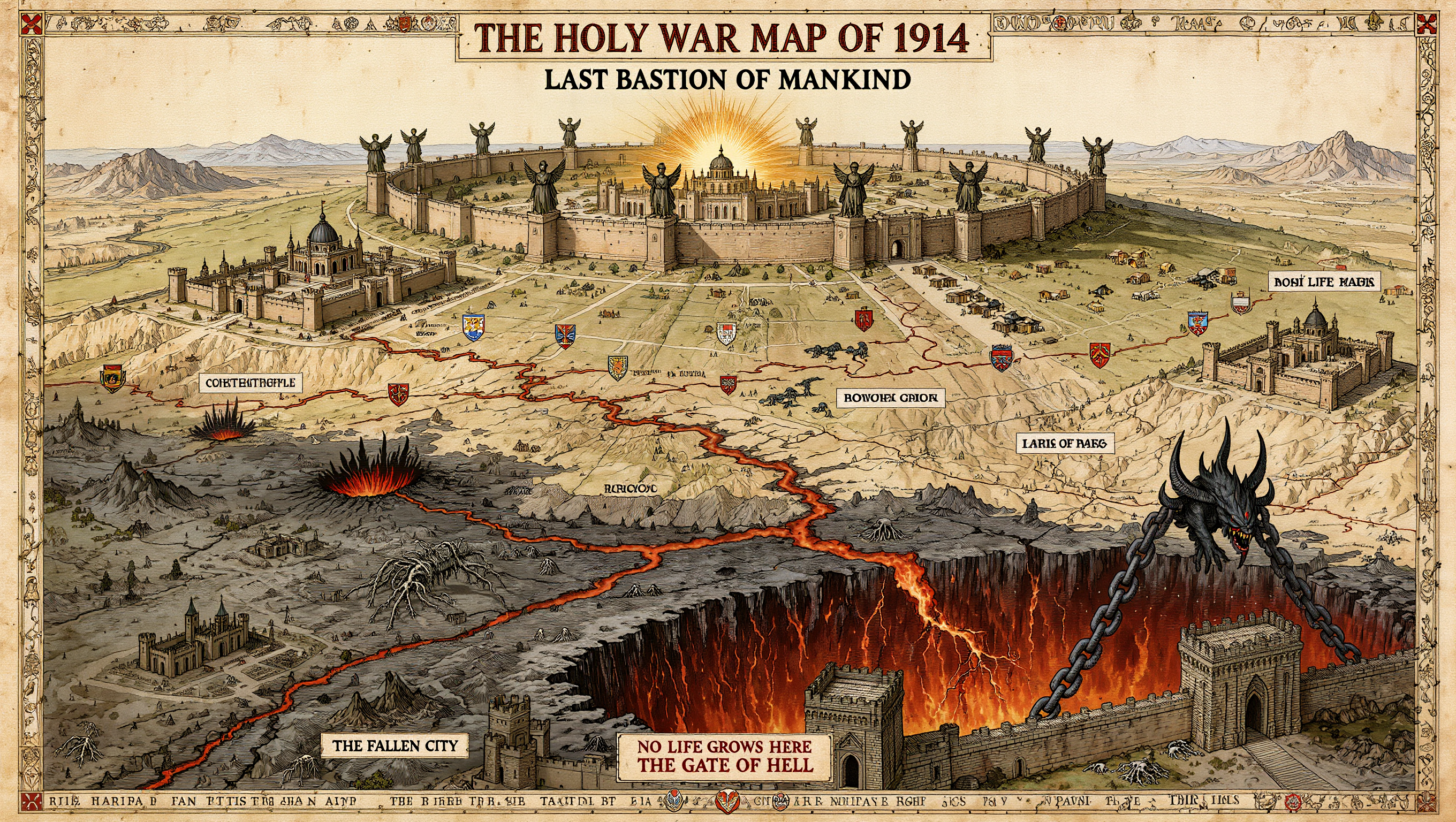
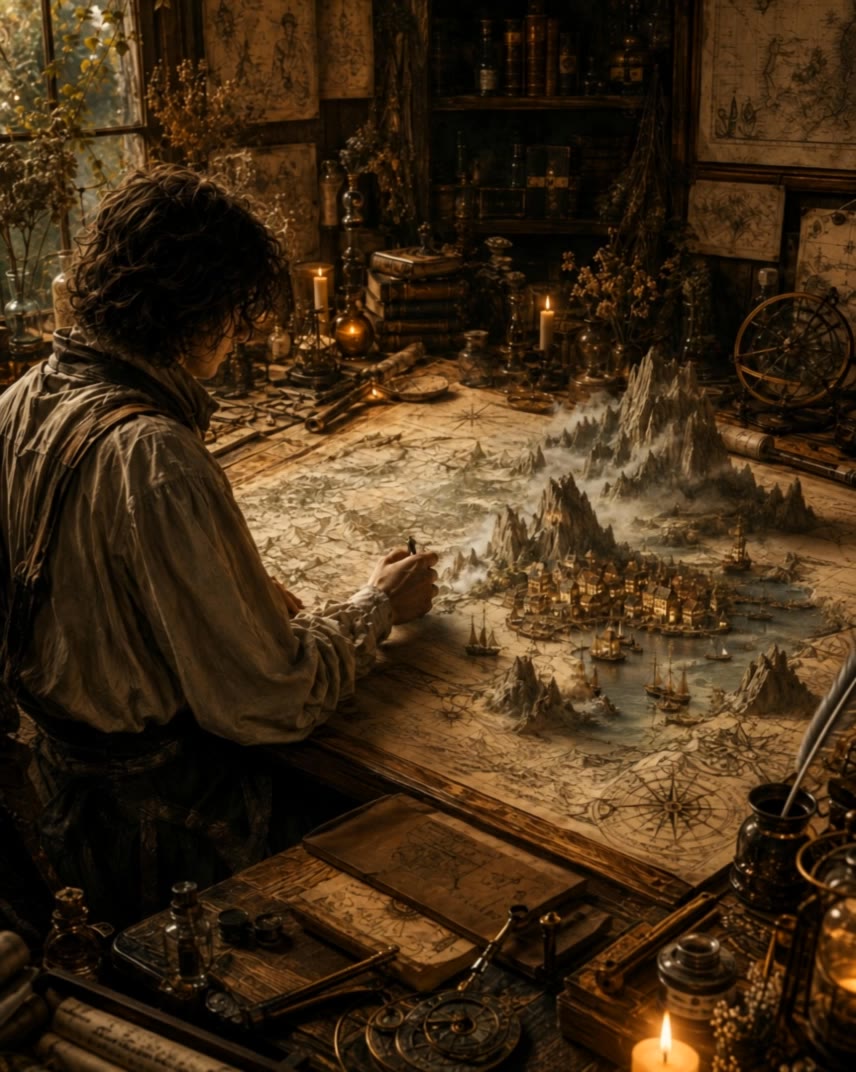
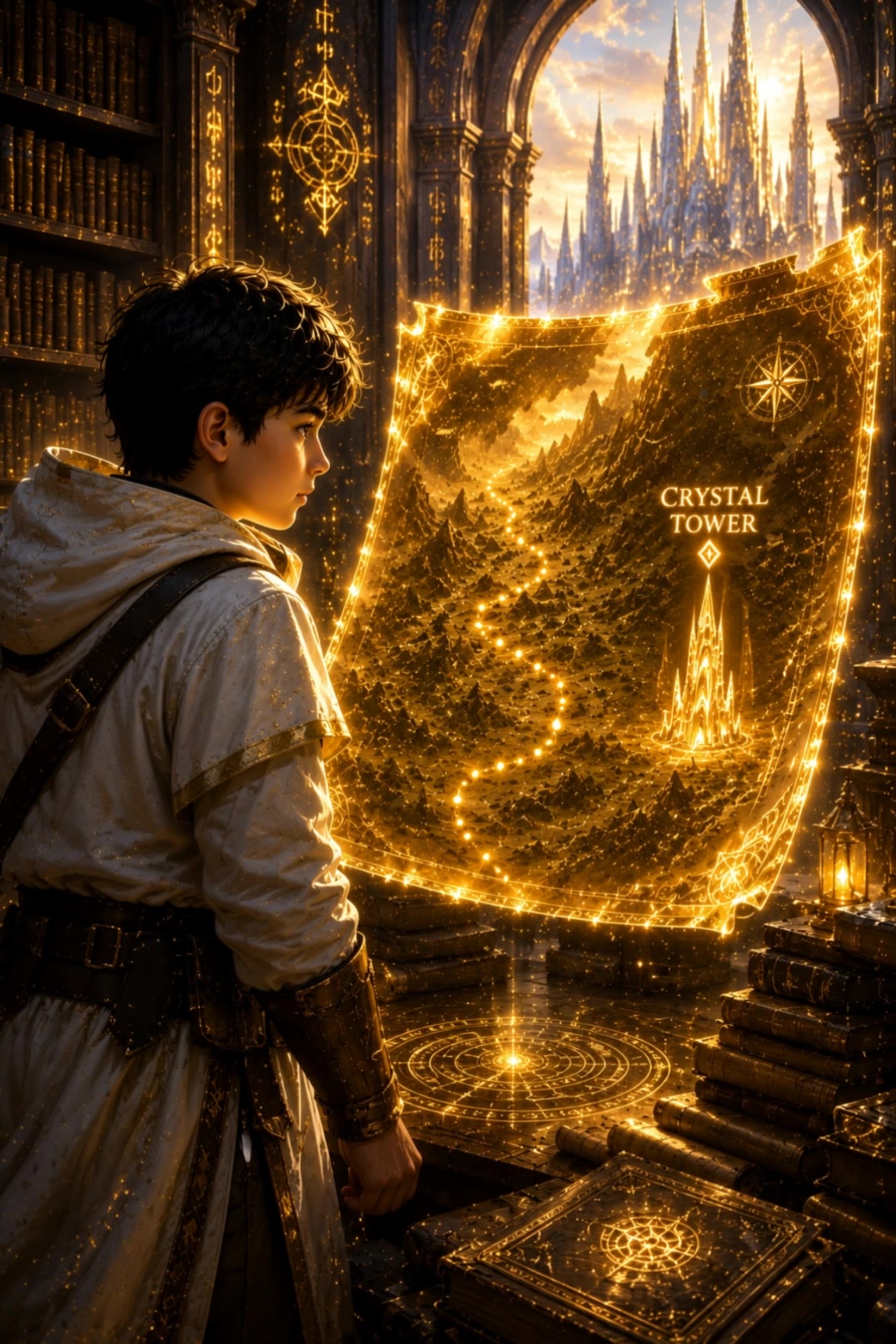
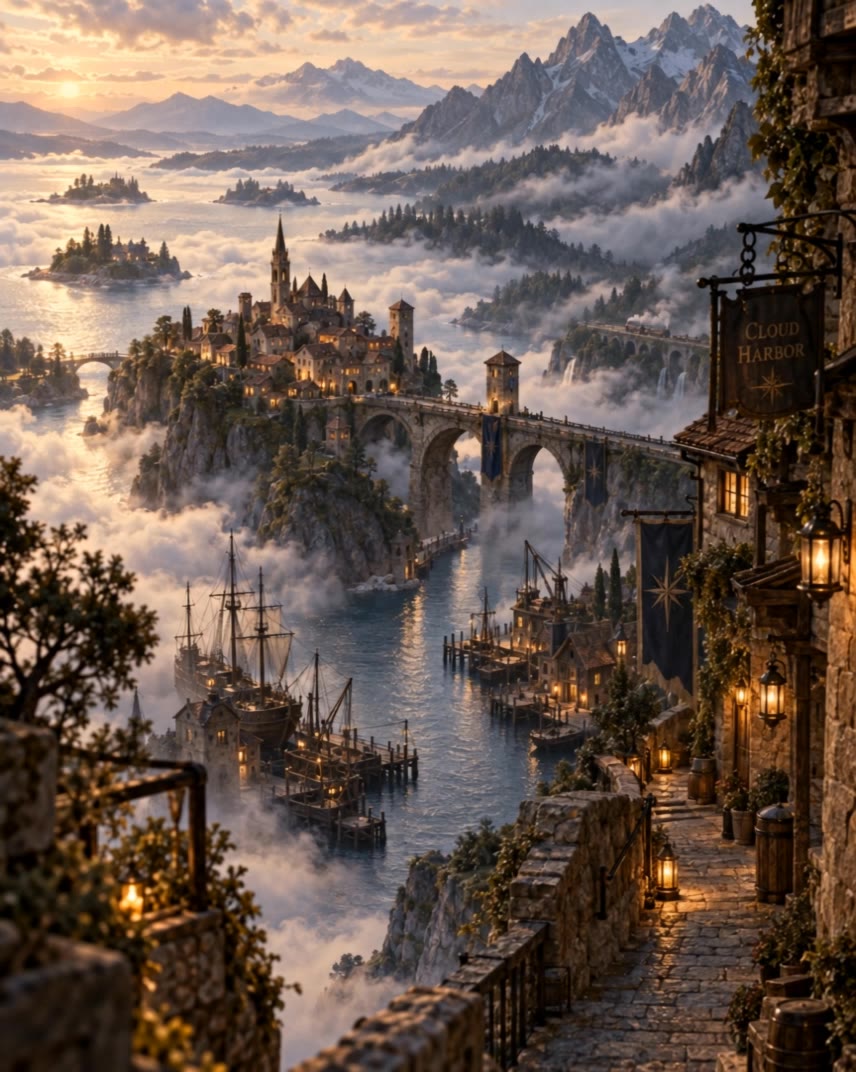
Transform parchment maps into vibrant 3D landscapes with shimmering rivers and towering mountains. Unleash creativity with AI-driven tools to craft intricate fantasy worlds. Start exploring fantasy map builder free ideas and generate your own content with AI.

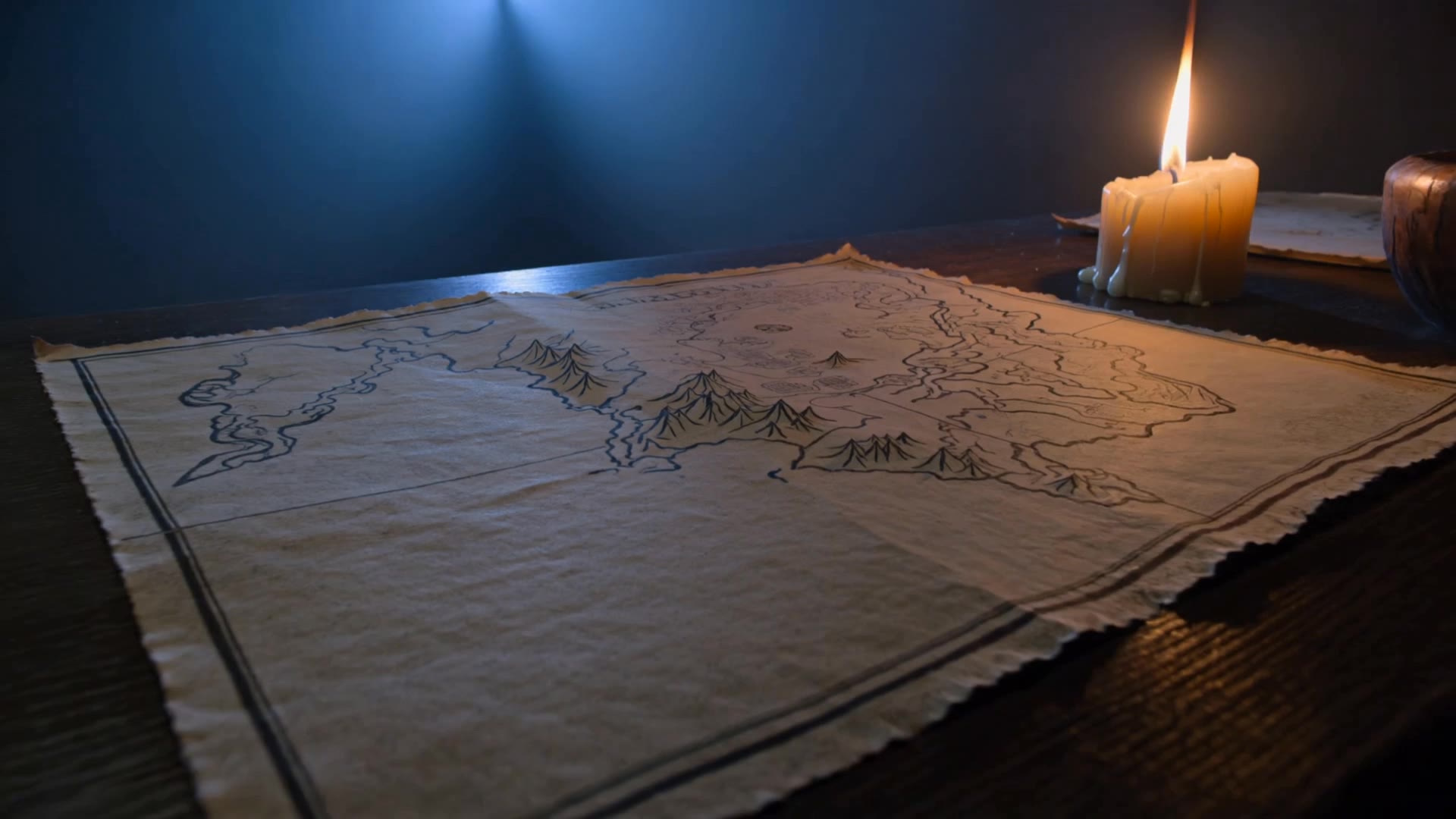
fantasy map builder free - Middle Earth & Fantasy Wings

Recommended

Kling AI work 318875985507884 - fantasy map builder free AI video
XdELvlvq avatar
XdELvlvq
Kling AI work 318664992617762 - fantasy map builder free AI video
vcfeSCQR avatar
vcfeSCQR
Kling AI work 316292116610028 - fantasy map builder free AI video
fogZstudio avatar
fogZstudio
treasure path - fantasy map builder free AI video
Maks_AI_Creator avatar
Maks_AI_Creator
Elite Creator
Kling AI work 317895399613767 - fantasy map builder free AI image
EkKfkmaT avatar
EkKfkmaT
Kling AI work 313690001662815 - fantasy map builder free AI image
AUqdcShH avatar
AUqdcShH
Kling AI work 312731426661479 - fantasy map builder free AI image
mvfRpgun avatar
mvfRpgun
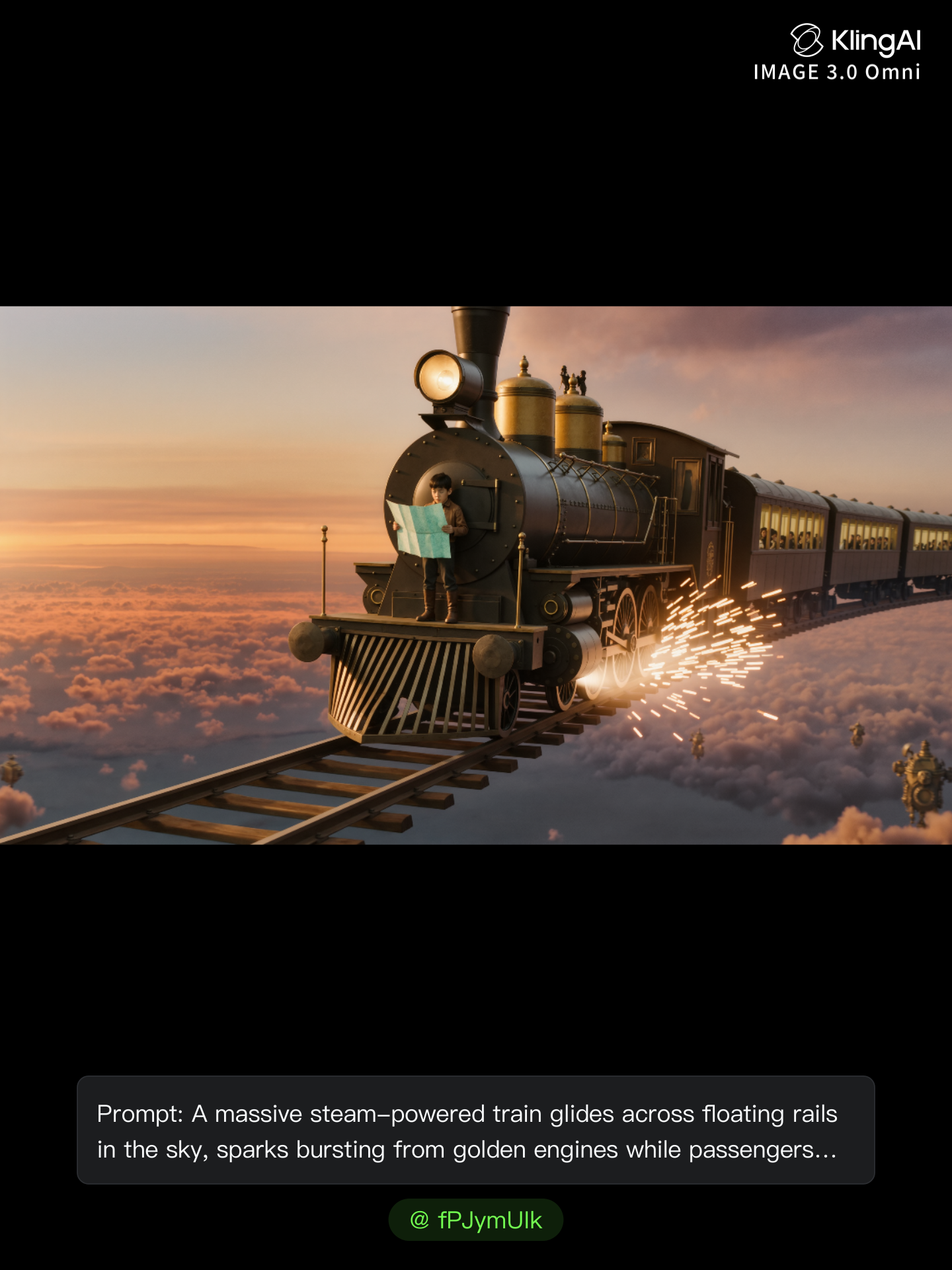
The Floating Train Above Clouds - fantasy map builder free AI image
fPJymUIk avatar
fPJymUIk
When the Map Wakes - fantasy map builder free AI video
ai.Mila.studio avatar
ai.Mila.studio
Elite Creator
Kling AI work 312826835666028 - fantasy map builder free AI video
EZxAjvjB avatar
EZxAjvjB
Kling AI work 312321551528635 - fantasy map builder free AI video
lFeprgAM avatar
lFeprgAM
When the Map Wakes - fantasy map builder free AI video
ai.Mila.studio avatar
ai.Mila.studio
Elite Creator
Kling AI work 314381643613942 - fantasy map builder free AI image
kcCADJmG avatar
kcCADJmG
Kling AI work 313156216617857 - fantasy map builder free AI video
plGIcTTR avatar
plGIcTTR
Kling AI work 315312284508574 - fantasy map builder free AI image
tdoEErYs avatar
tdoEErYs
introduction video - fantasy map builder free AI video
QtsdqiNG avatar
QtsdqiNG
Kling AI work 315389327611938 - fantasy map builder free AI video
uSTiRmpg avatar
uSTiRmpg

How to Create Images with Kling AI

Write Down You Ideas

Write Down You Ideas

Open the AI Image Generator and choose the model that fits your project. Describe the subject and scene, then add details such as lighting, color, and visual style to shape the result.

Add References Or Not

Add References Or Not

Upload reference images for a character, product, composition, or style. References are optional, but they give Kling AI a clearer visual foundation when specific features, colors, or design details need to carry into the final image.

Generate Your Image

Generate Your Image

Choose your preferred format and output settings, then hit Generate. Once the result is ready, download it directly or open it in the image-to-video workflow to bring it to life with motion.

How Kling AI Sets the Standard for AI Video Creation

Realistic Motion from a Still Image

Realistic Motion from a Still Image

Animate portraits, artwork, and action images with natural character movement and physical interactions. Kling 4.0's dynamic motions improves stability during large movements, fast action, and complex scenes. From subtle facial expressions to sports and fight choreography, create motion that develops naturally from your image while keeping the subject and surrounding scene visually coherent.

Direct the Camera and Every Key Moment

Direct the Camera and Every Key Moment

A single image can lead to a tracking shot, camera orbit, close-up, or wider scene. Kling 4.0 offers stronger camera control, with native video generation up to 30 seconds for longer movements and connected action. Start and end frames help guide a transition, while up to 10 flexible keyframes let you define additional compositions, character poses, and scene changes as the video develops.

Combine References, Keep the Look

Combine References, Keep the Look

Keep recognizable characters, products, and visual styles as your images begin to move. Kling 4.0's Omni Reference supports up to 15 combined assets, including images, videos, and subjects, to guide appearance, actions, camera work, and settings. Use multiple views of a character or product alongside style and motion references. Stronger visual consistency helps preserve familiar details across new shots, with realistic textures.

Apps

Video Generation
Video Generation

Video Generation

Image Generation
Image Generation

Image Generation

Motion Control
Motion Control

Motion Control

Avatar
Avatar

Avatar

AI Portraits
AI Portraits

AI Portraits

Lip Sync
Lip Sync

Lip Sync

60M+
60M+
Users
600M+
600M+
AI Videos Generated
4.7 ★
4.7 ★
App Store
Industry-Leading
Industry-Leading
Cinematic 4K

Reviews

Maria Rubtsova

Maria Rubtsova

★★★★★

I’m Maria Rubtsova, an AIGC digital artist passionate about creating stunning visuals in the worlds of fashion, aesthetics, and fantasy. I use KlingAi to bring imagination to life through video. My work is all about exploring beauty, emotion, and the limitless possibilities of digital art.

KakuDrop

KakuDrop

★★★★★

I have successfully collaborated with world-renowned artists and well-known companies that are recognized globally

Jyo John Mulloor

Jyo John Mulloor

★★★★★

Kling AI has been instrumental in transforming my creative workflow, unlocking new dimensions of artistic expression that were once unimaginable. I use Kling AI extensively to develop high-concept visuals, animate surreal dreamscapes, and create AI-assisted films that blur the line between reality and fantasy. Kling AI’s deep learning capabilities have not only enhanced my creative efficiency but also inspired me to explore storytelling in ways I never thought possible.

FAQ

Q1How can I make a video from photos with AI?
Q2How long can an AI-generated video from a photo be?
Q3Can I use AI-generated videos from photos commercially?

Your Photos Have More to Show

A portrait, product image, or illustration can be the starting point for your next video. Add movement, explore different camera shots, and work with the visual details you want to keep in Kling AI.

Dynamic Motions | Multiple Keyframes | Omni Reference | Free tier available