Creative Studio
API
Resources
Features
About Us
Download

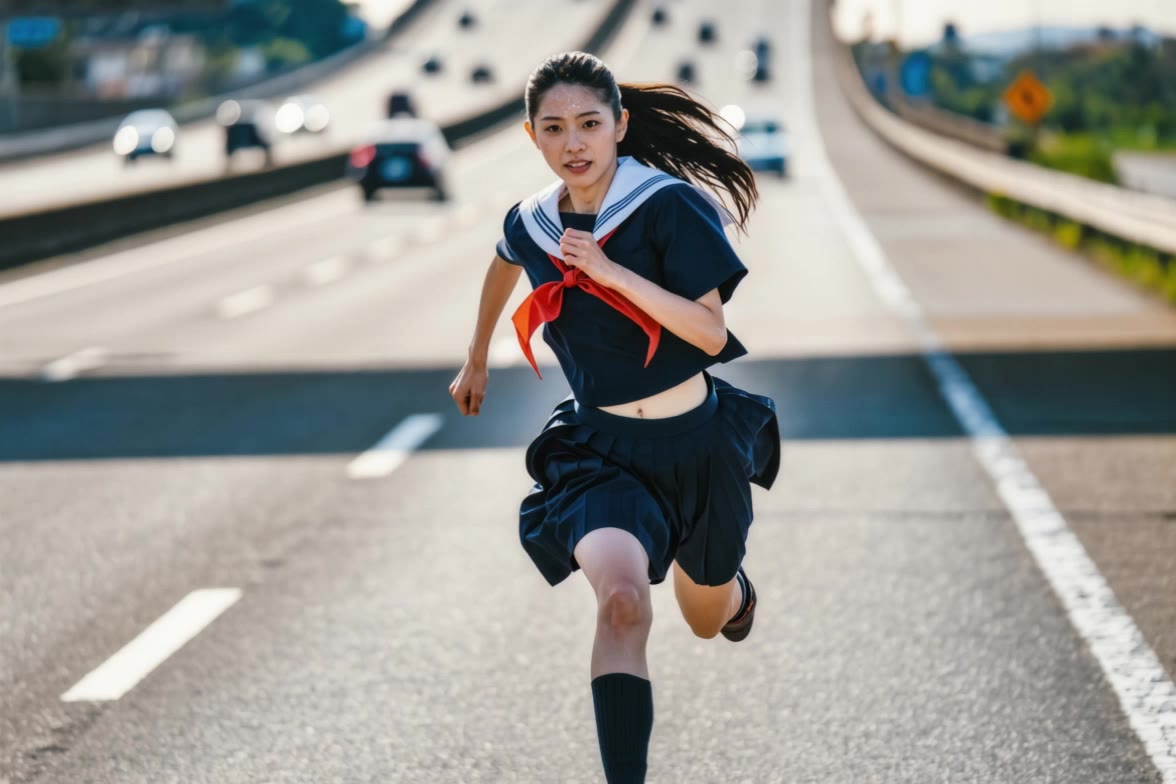
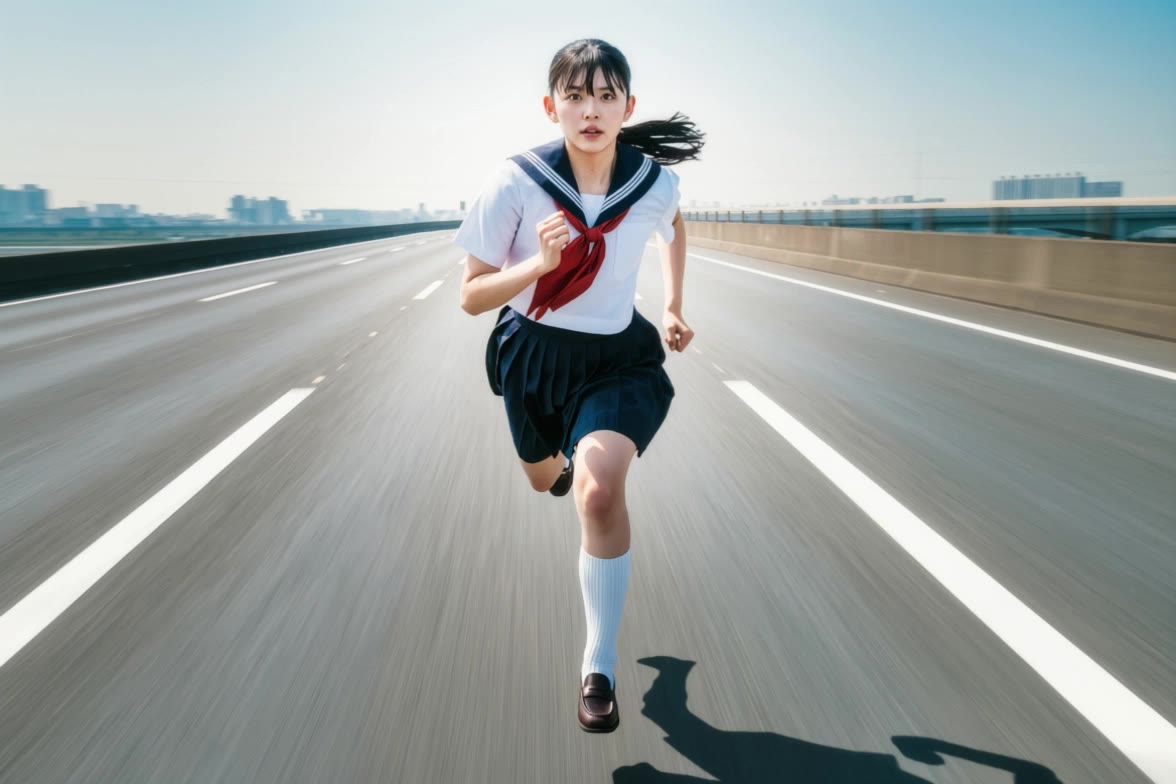
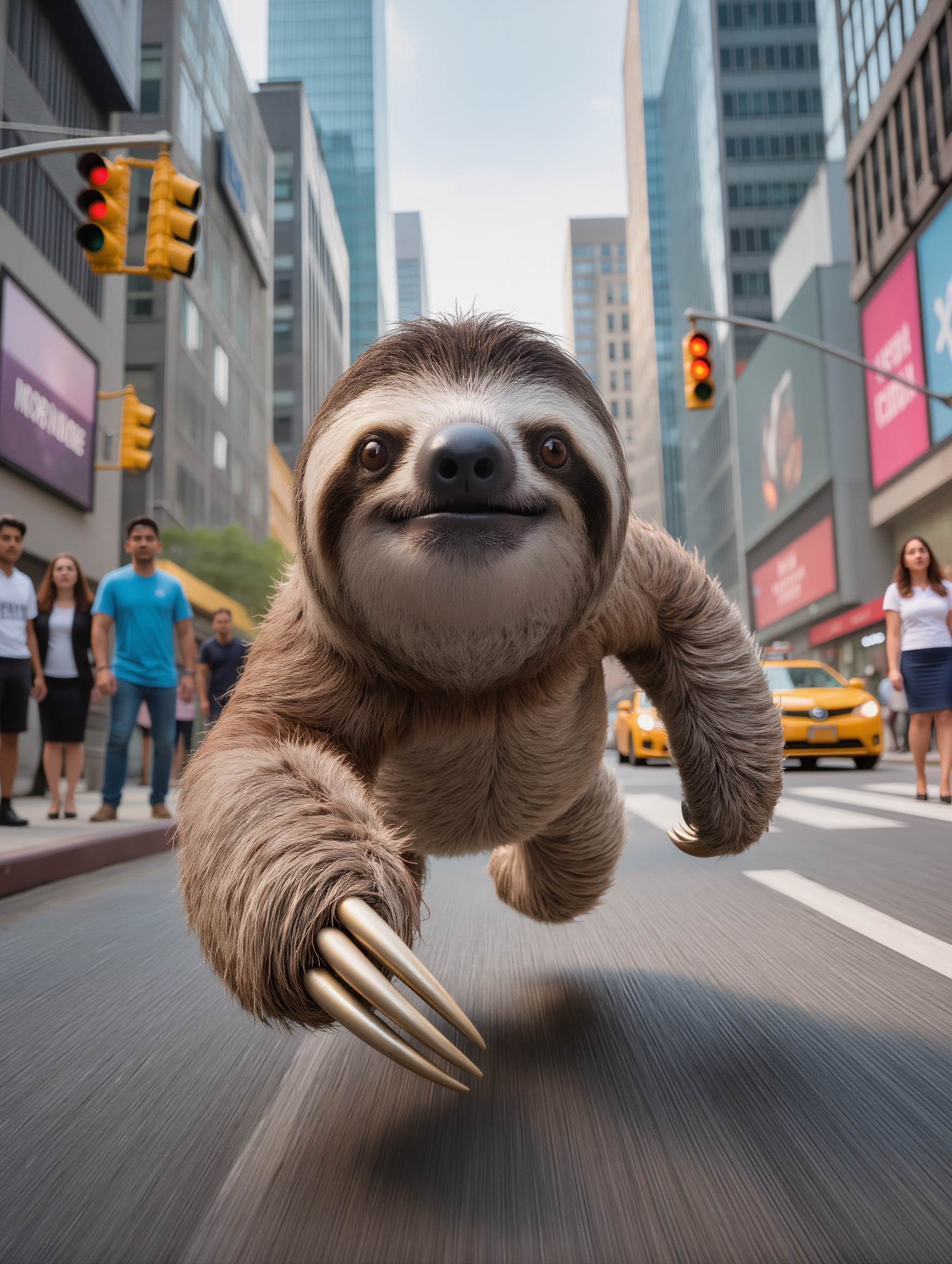
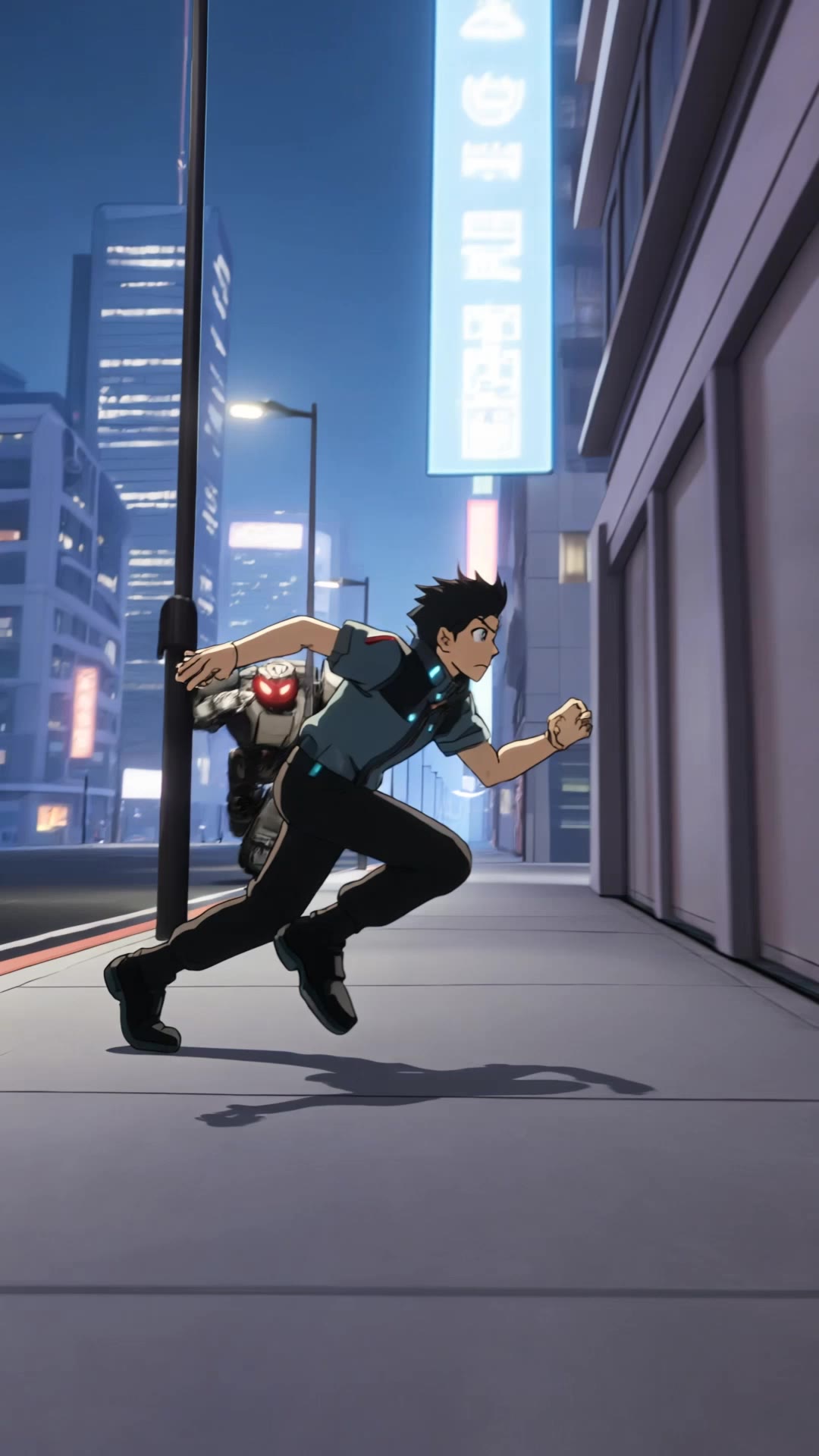
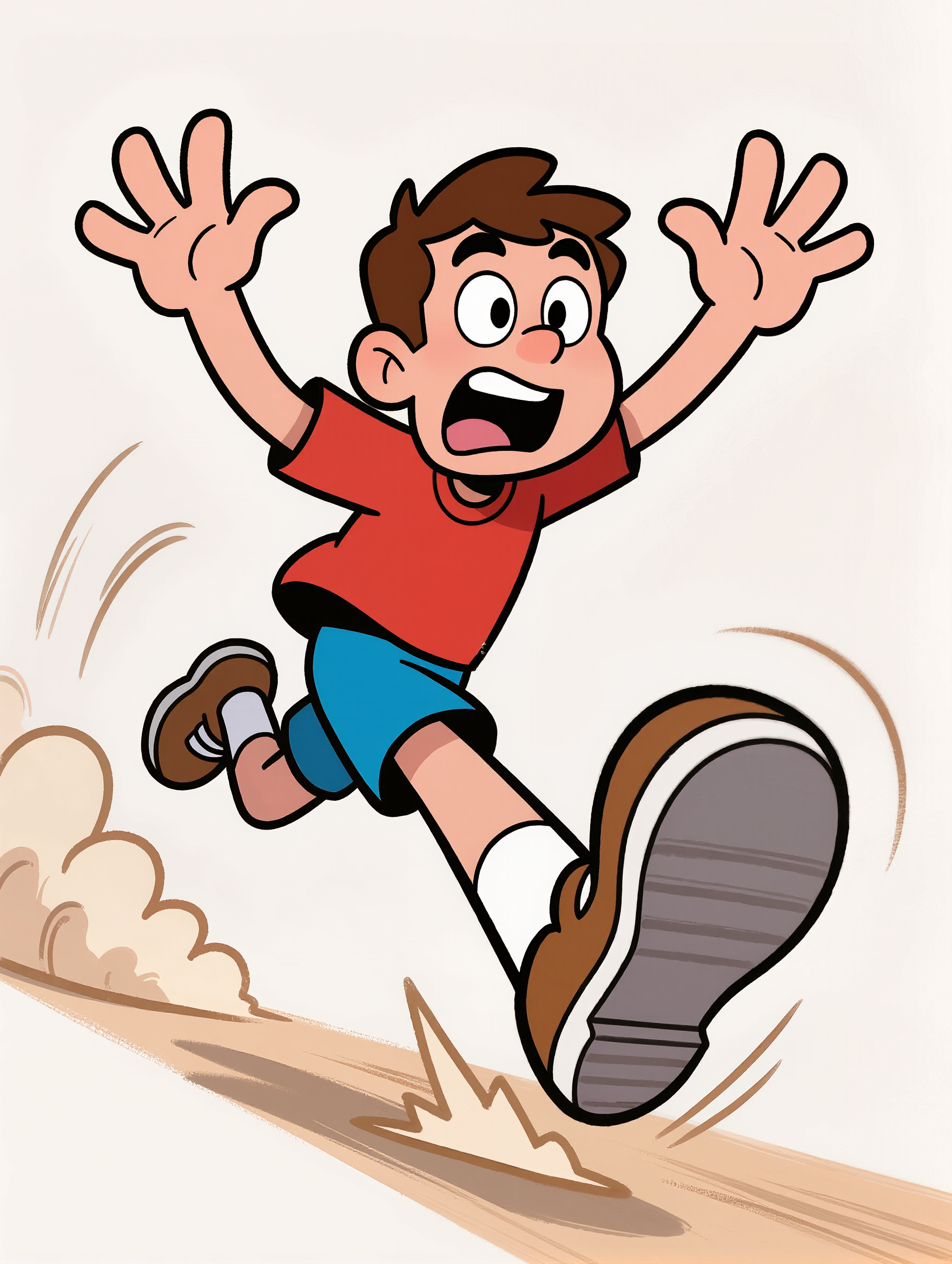
fast running gif - urban sprint & apocalyptic escape

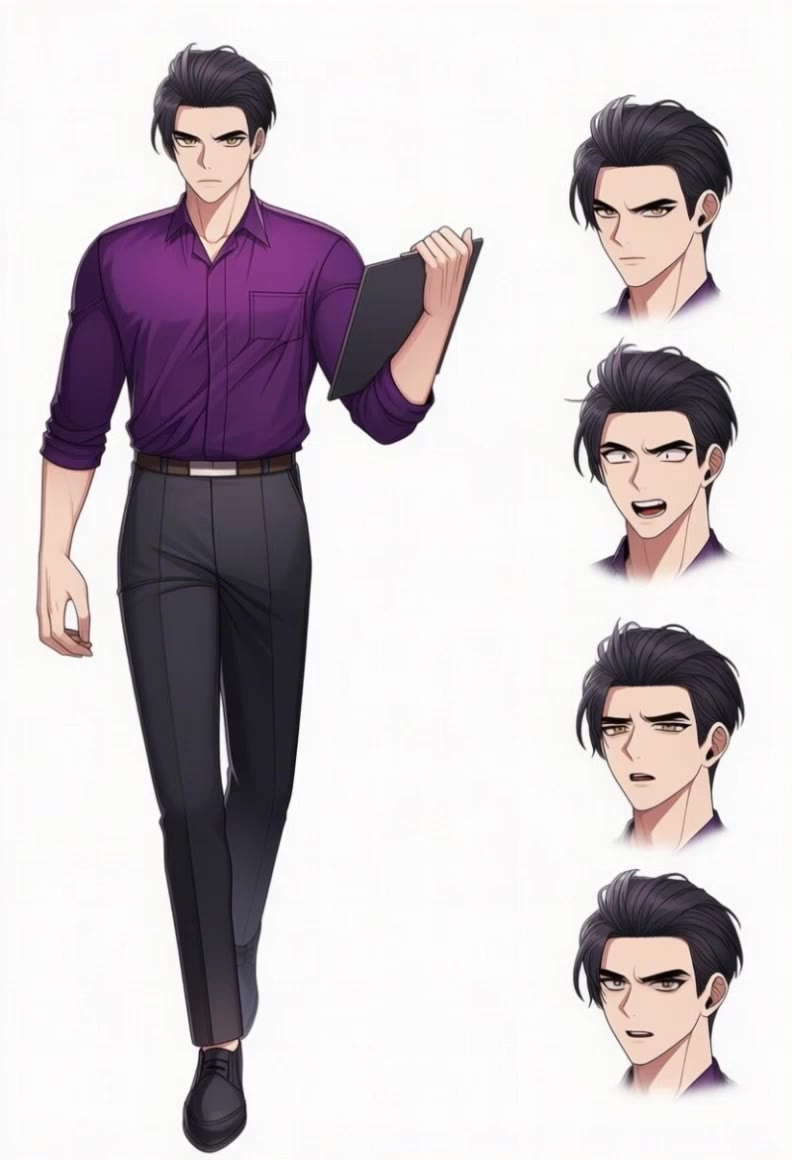
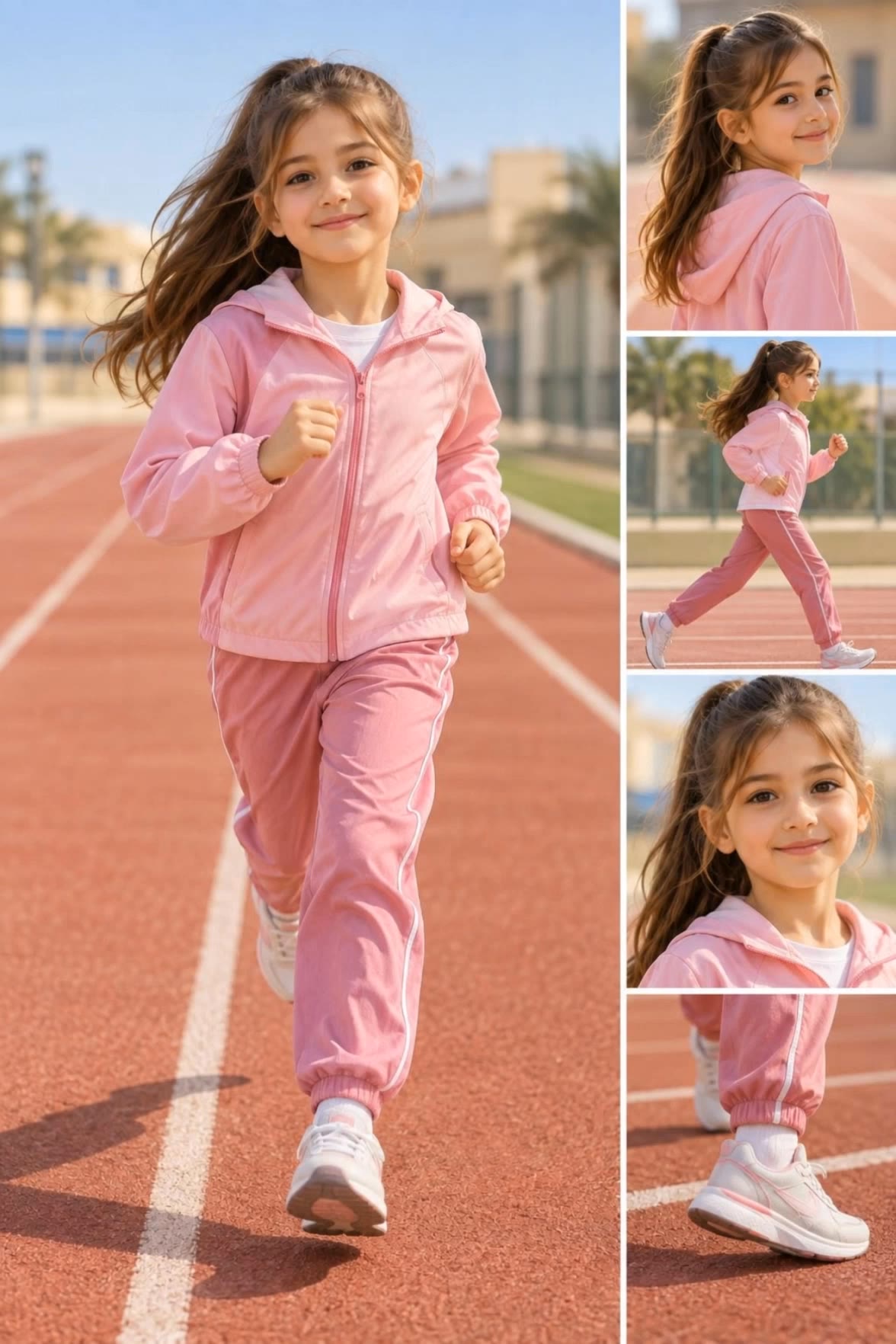
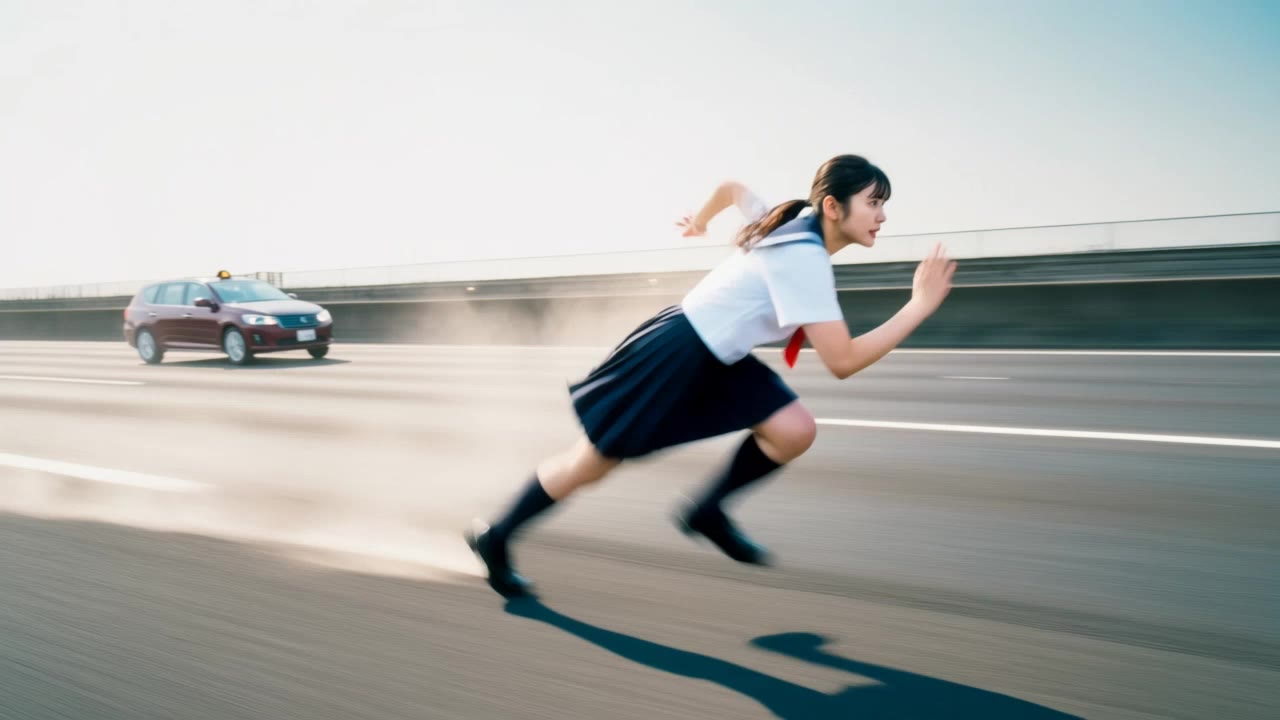
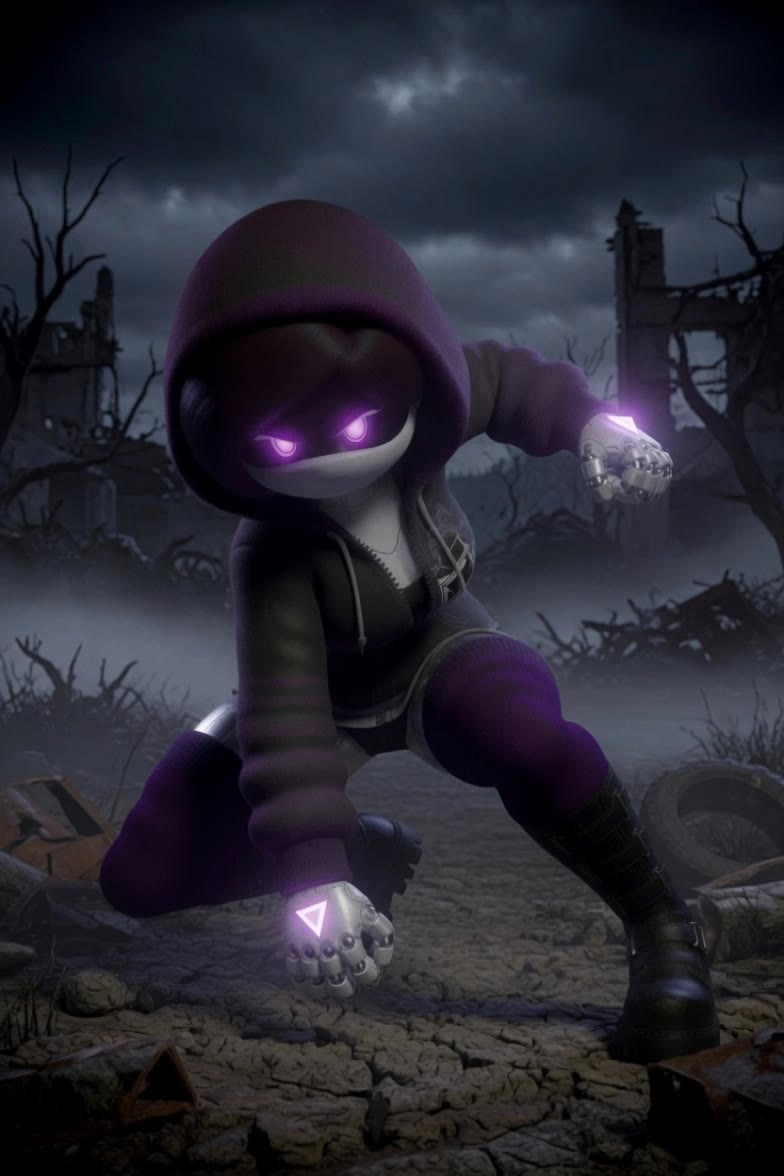
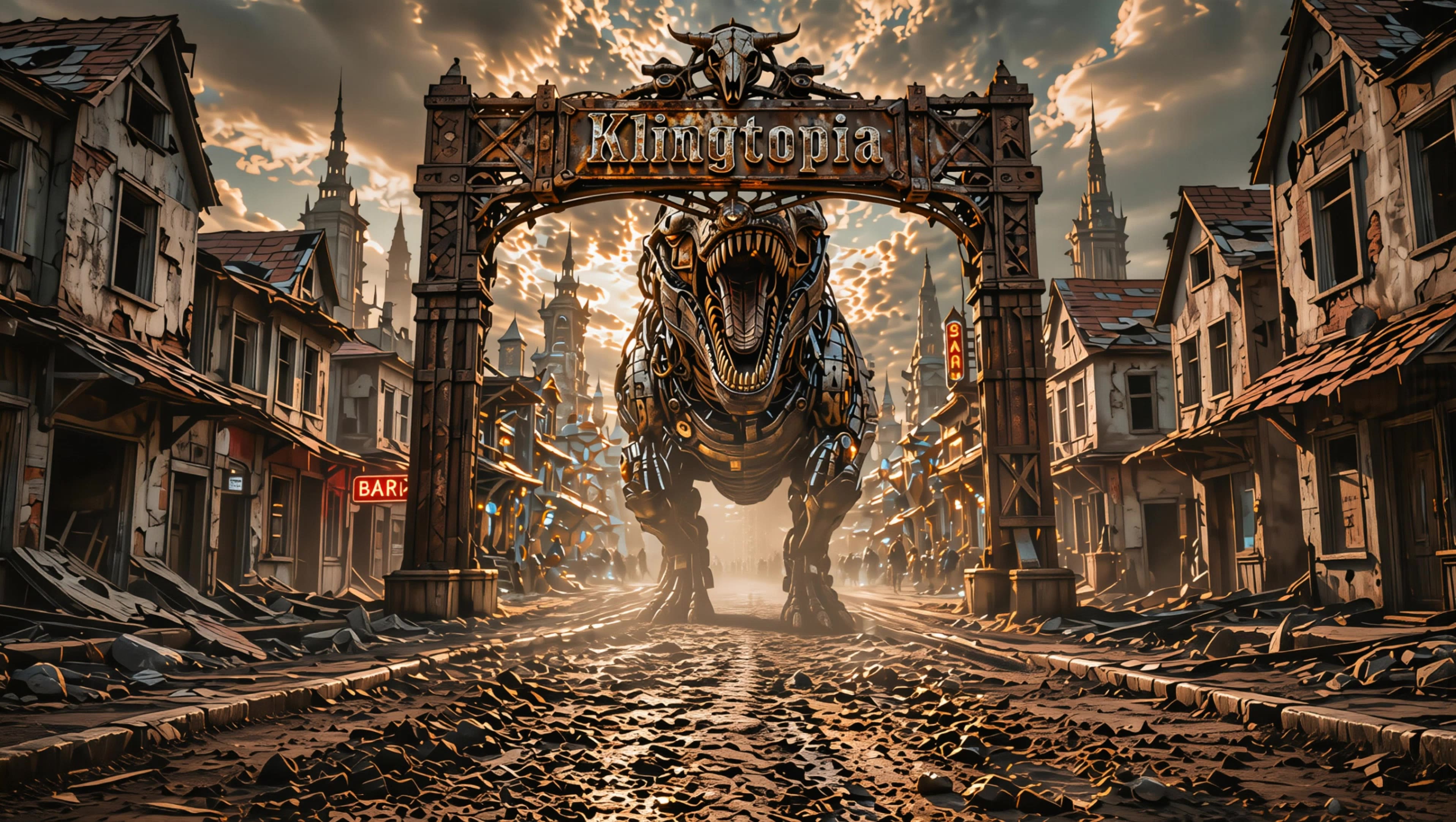
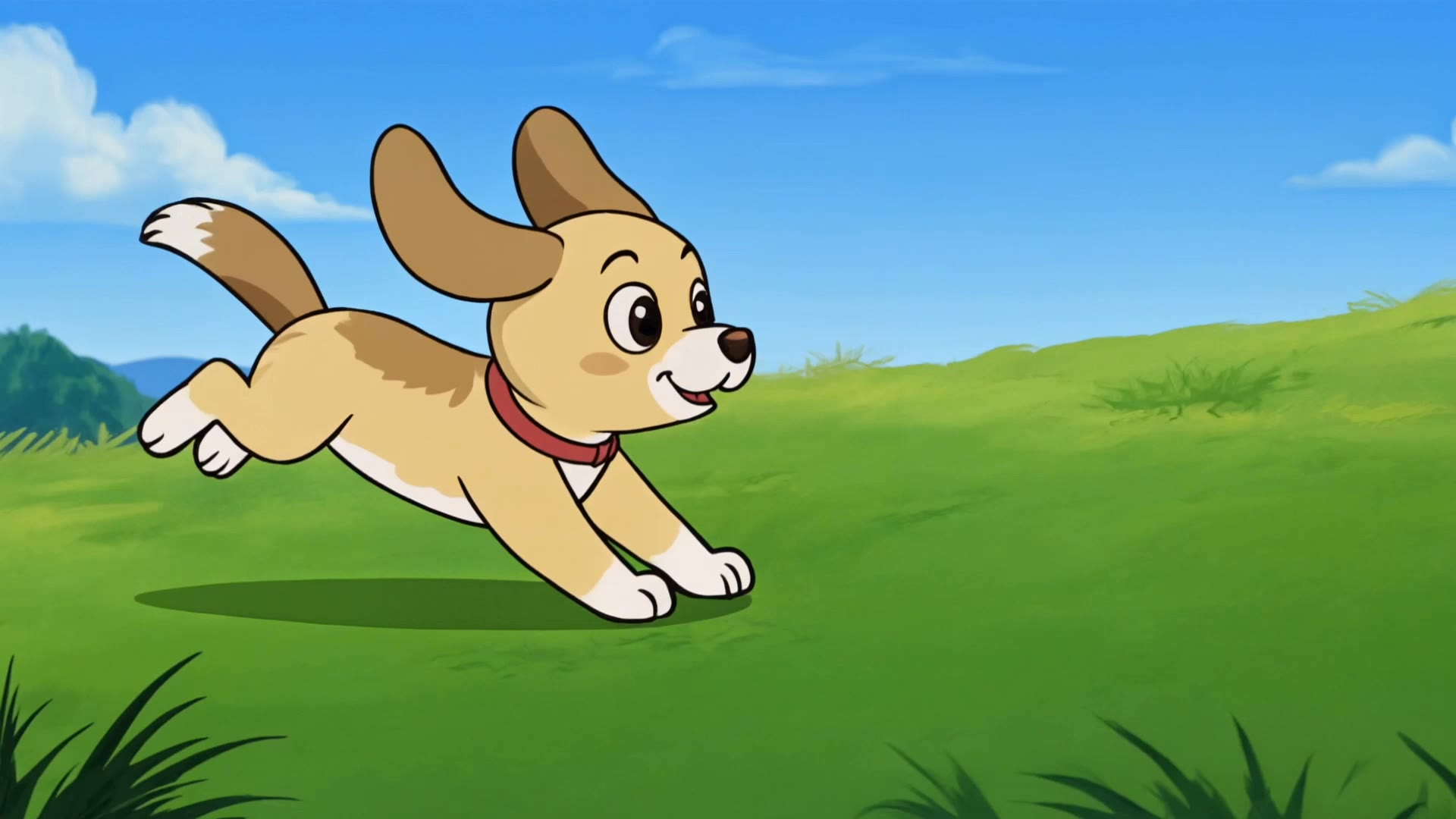
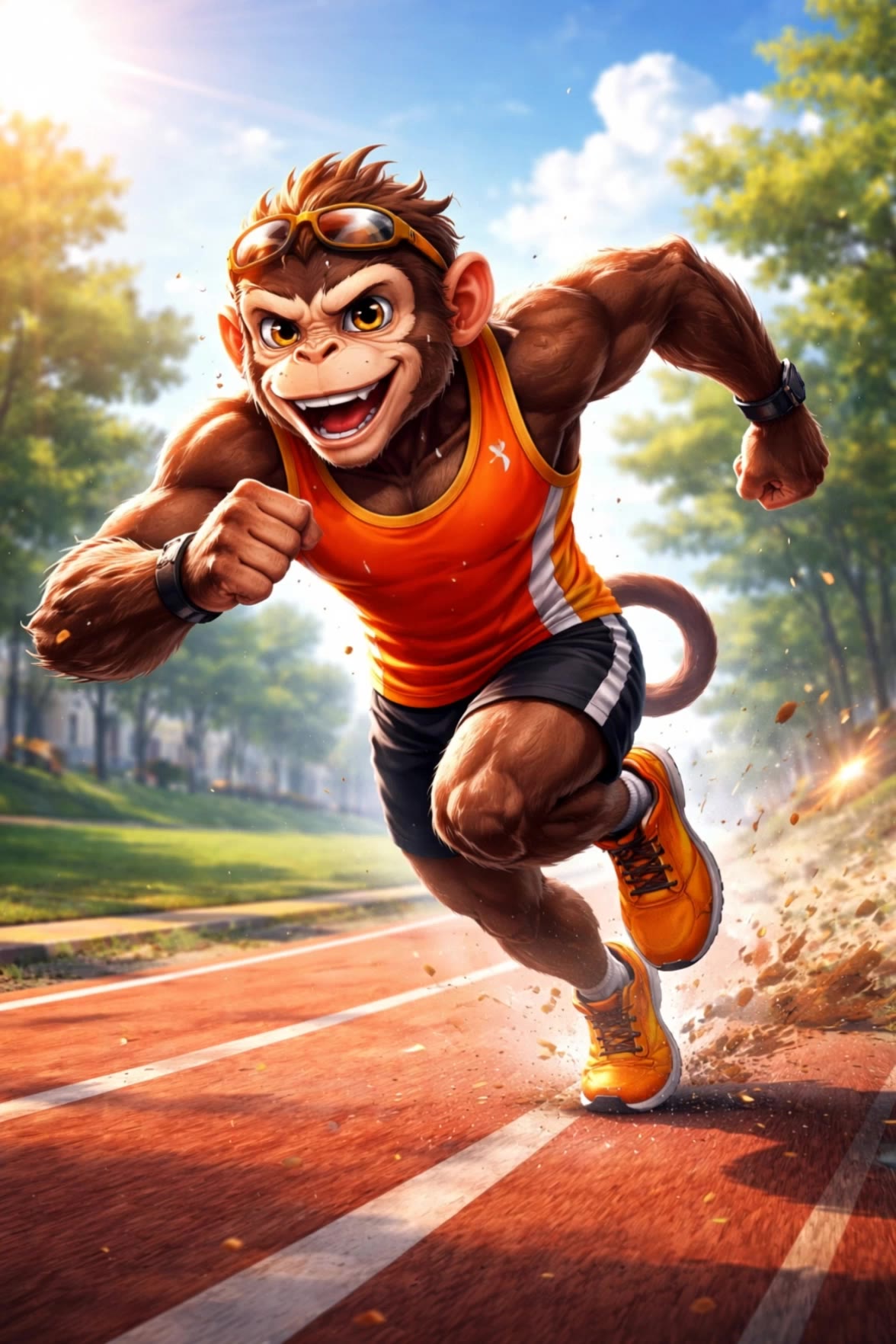
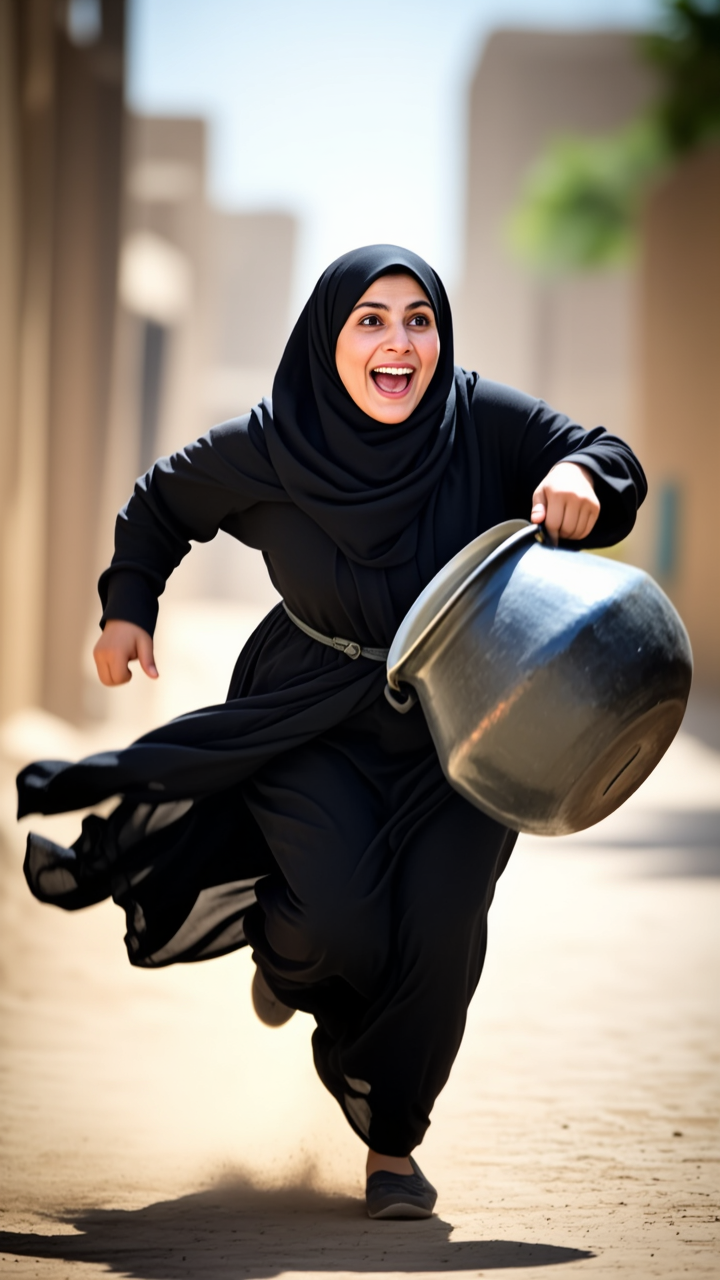
Experience dynamic urban sprints and cinematic slow-motion lake runs in stunning 4K. Immerse in fast-paced action with intense apocalyptic anime-style chases and high-speed zoom-out captures. Start exploring fast running gif ideas and generate your own content with AI.

fast running gif - urban sprint & apocalyptic escape

Recommended

Kling AI work 309114602502439 - fast running gif AI image
AshtonRandomCreation avatar
AshtonRandomCreation
Kling AI work 316553527527515 - fast running gif AI image
aMXWFfxQ avatar
aMXWFfxQ
Kling AI work 319746125525679 - fast running gif AI video
Uzincoswallet avatar
Uzincoswallet
Kling AI work 312842408505847 - fast running gif AI video
pmDwCohG avatar
pmDwCohG
Kling AI work 309713247661447 - fast running gif AI image
EyPBfPly avatar
EyPBfPly
Kling AI work 309712952520902 - fast running gif AI image
EyPBfPly avatar
EyPBfPly
japan street gif - fast running gif AI video
QzFwffPv avatar
QzFwffPv
fast - fast running gif AI video
acidburn avatar
acidburn
Kling AI work 313446749665305 - fast running gif AI video
EZCHERiI avatar
EZCHERiI
Kling AI work 297857015524558 - fast running gif AI video
SecondPlan avatar
SecondPlan
Elite Creator
Fast bowling - fast running gif AI video
jmmcBWur avatar
jmmcBWur
Kling AI work 308298583664888 - fast running gif AI video
idQuFiqG avatar
idQuFiqG
Kling AI work 297585322616913 - fast running gif AI video
Eclipse Muse avatar
Eclipse Muse
Kling AI work 297524576521156 - fast running gif AI video
IQQdKHLl avatar
IQQdKHLl
Kling AI work 309252329612286 - fast running gif AI video
zZWXTXBP avatar
zZWXTXBP
Kling AI work 313368914661472 - fast running gif AI image
MsAZraVB avatar
MsAZraVB
Kling AI work 309082529522086 - fast running gif AI video
iwUAtmeu avatar
iwUAtmeu
Kling AI work 311862238520345 - fast running gif AI image
pmuQllzN avatar
pmuQllzN
Kling AI work 314903645521397 - fast running gif AI video
fHnwTpqm avatar
fHnwTpqm

How to Create Images with Kling AI

Write Down You Ideas

Write Down You Ideas

Open the AI Image Generator and choose the model that fits your project. Describe the subject and scene, then add details such as lighting, color, and visual style to shape the result.

Add References Or Not

Add References Or Not

Upload reference images for a character, product, composition, or style. References are optional, but they give Kling AI a clearer visual foundation when specific features, colors, or design details need to carry into the final image.

Generate Your Image

Generate Your Image

Choose your preferred format and output settings, then hit Generate. Once the result is ready, download it directly or open it in the image-to-video workflow to bring it to life with motion.

Why Kling Sets the Standard for Video Creation

Flawless Character Consistency for High-Quality Videos

Flawless Character Consistency for High-Quality Videos

Unlike standard tools that distort faces when moving, Kling Video 3.0 lets you strictly lock a character’s appearance. Upload a single photo, or use a short video/multiple angles as a reference to completely eliminate the “AI morphing” effect.

All-in-One Native Audio & Lip-Sync

All-in-One Native Audio & Lip-Sync

Your video isn’t just silent footage; it speaks. Generate perfectly matched voices and realistic lip movements in multiple languages or regional accents. Even in multi-character scenes, you can precisely assign who speaks—no third-party tools required.

Up to 15s Multi-Shot Cinematic Output

Up to 15s Multi-Shot Cinematic Output

Go beyond a basic 3-second clip. Kling 3.0 extends generation to 15 seconds of smooth, uninterrupted narrative. You can even use native storyboard controls to direct multi-shot sequences in a single click—outputting in crystal-clear 4K for professional use.

Apps

Image to Video
Image to Video

Image to Video

Text to Video
Text to Video

Text to Video

Omni
Omni

Omni

Digital Human
Digital Human

Digital Human

Restyle
Restyle

Restyle

Text to Image
Text to Image

Text to Image

60M+
60M+
Users
600M+
600M+
AI Videos Generated
4.7 ★
4.7 ★
App Store
Industry-Leading
Industry-Leading
Cinematic 4K

Reviews

Déborah

Déborah

★★★★★

I use Kling AI every day. It's amazing to see the almost daily progress it makes. I used AI for fun at first, and I now find that Kling AI's animations allow me to gain professional visibility, with three times more views on my animated posts than on my static posts.

KakuDrop

KakuDrop

★★★★★

I have successfully collaborated with world-renowned artists and well-known companies that are recognized globally

Samuele Poggi (@visualsk2)

Samuele Poggi (@visualsk2)

★★★★★

I use Kling AI daily to push the limits of AI filmmaking. It allows me to create highly cinematic content, blending AI and VFX to develop innovative projects. It has significantly impacted my creative process, enabling me to achieve complex animations that would otherwise require high production budgets.

FAQ

Q1Is Kling AI a free AI photo editor online?
Q2Can I change the background of a photo?
Q3What can I do with the Kling AI Image Editor?

Take Your Photo in a New Direction

Start with the image you have and rework it for the look, message, or moment you have in mind.

Object removal | Background changes | Portrait retouching | Photo restyling