
AI-generated feet video ideas

Explore AI-made feet video concepts to inspire your content. Easily adapt these AI results to fit your style and audience.

AI-generated feet video ideas

Recommended

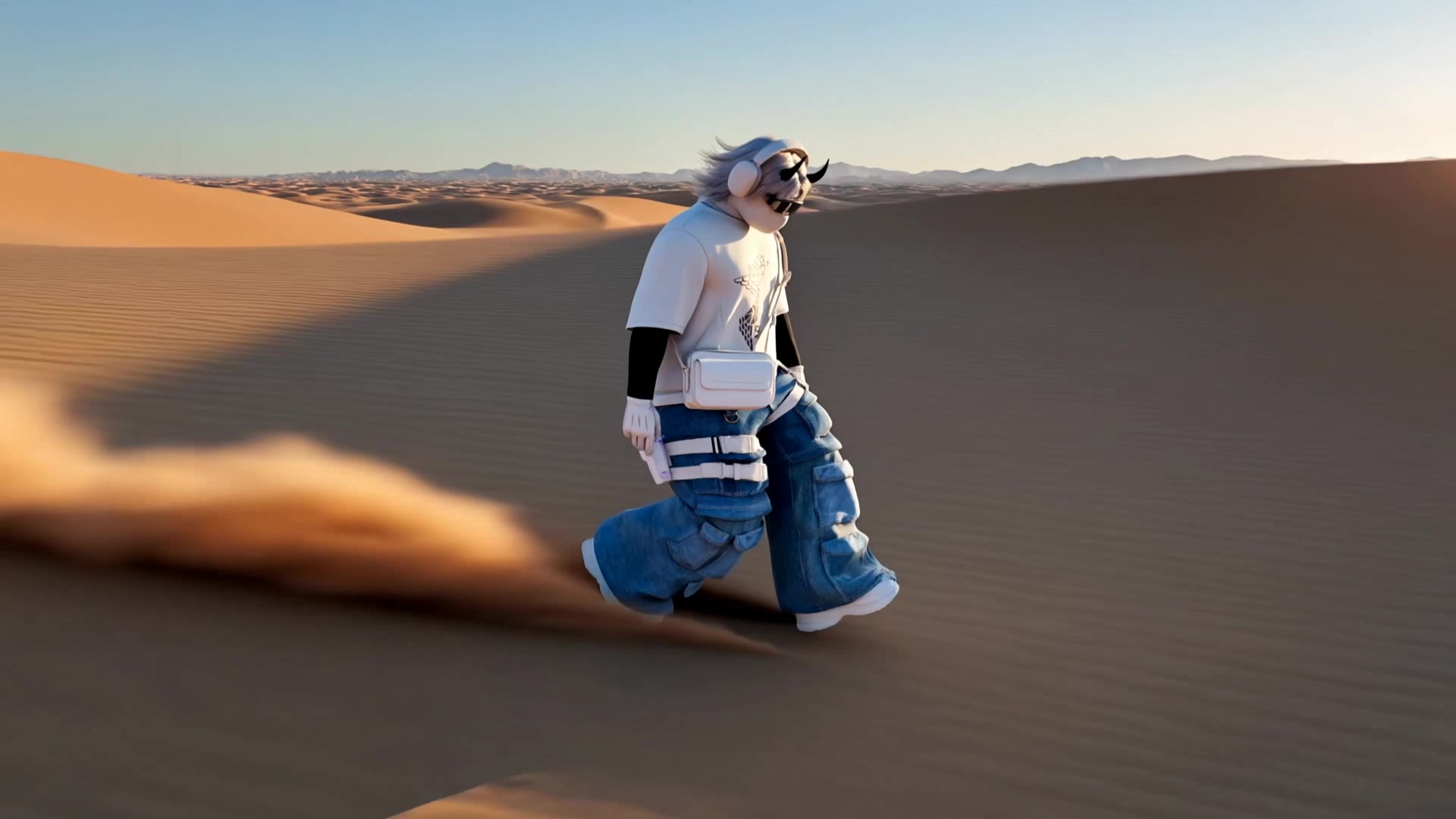
Kling AI work 314275761667820 - feet video AI video
JulijaK avatar
JulijaK
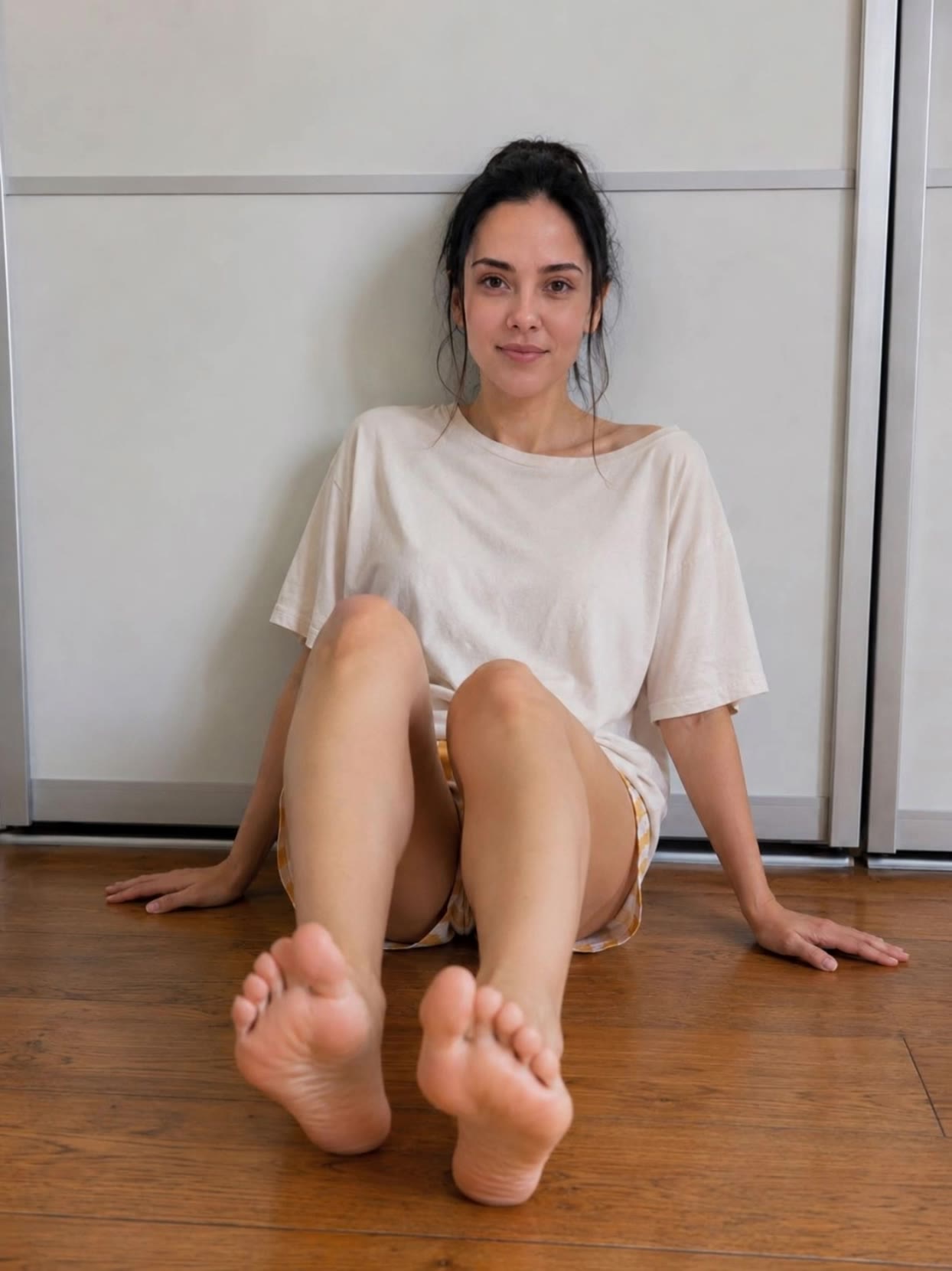
Kling AI work 318105661508752 - feet video AI image
woglUIjT avatar
woglUIjT
coffee - feet video AI video
LxNSUObb avatar
LxNSUObb
Kling AI work 314979694520714 - feet video AI video
LLipkAzx avatar
LLipkAzx
Kling AI work 315150525612441 - feet video AI video
Andi avatar
Andi
Kling AI work 311276010504029 - feet video AI video
SquichyProductions avatar
SquichyProductions
Kling AI work 300253172528035 - feet video AI video
Quatroflor_Kling avatar
Quatroflor_Kling
Kling AI work 310408729668228 - feet video AI video
VcRNXPro avatar
VcRNXPro
Kling AI work 315195915667240 - feet video AI video
Andi avatar
Andi
Kling AI work 313018904527464 - feet video AI video
yBxjffvN avatar
yBxjffvN
Feet pain - feet video AI video
ISNgWTWQ avatar
ISNgWTWQ
Calf illustration  - feet video AI video
IrcfzNjG avatar
IrcfzNjG
Kling AI work 317173723528843 - feet video AI video
xXGzQQBb avatar
xXGzQQBb
Kling AI work 314915617526631 - feet video AI video
QiNDyUAx avatar
QiNDyUAx
Kling AI work 312951804521256 - feet video AI video
Onnitcha avatar
Onnitcha
Kling AI work 319173974618365 - feet video AI video
bkzkOBTC avatar
bkzkOBTC
Kling AI work 310565116663931 - feet video AI video
KLING5177 avatar
KLING5177
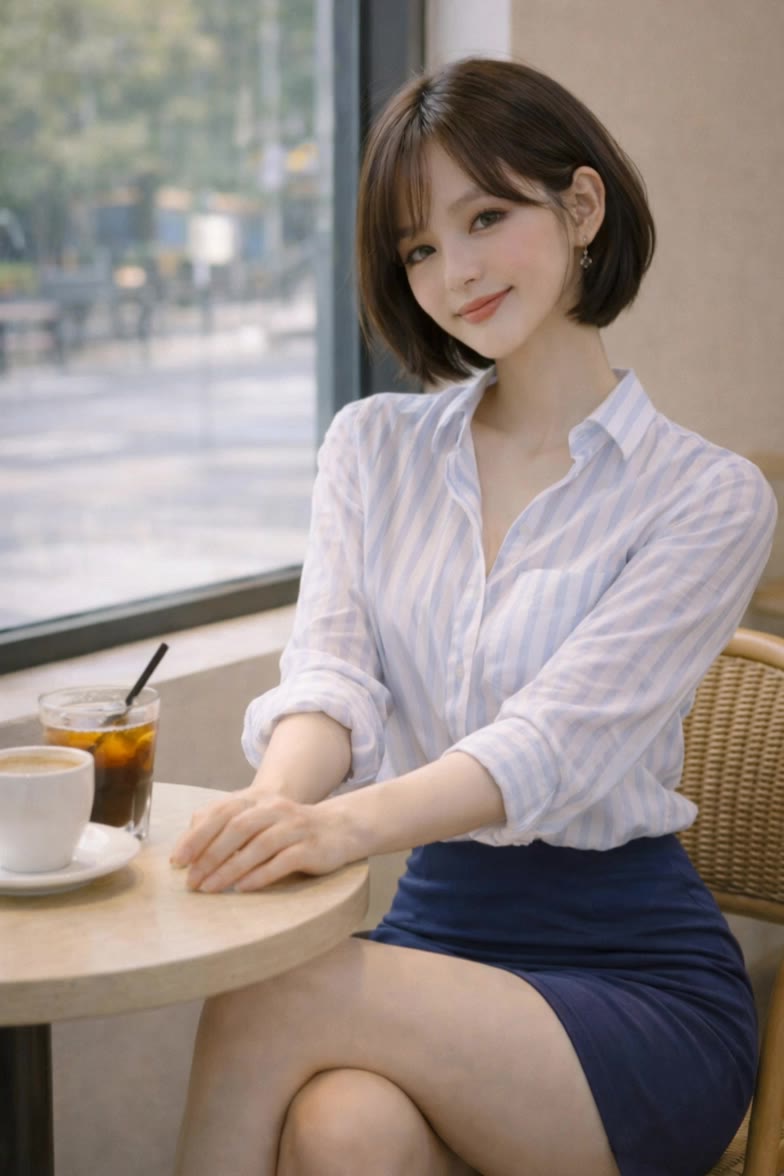
cute lady - feet video AI video
LxNSUObb avatar
LxNSUObb
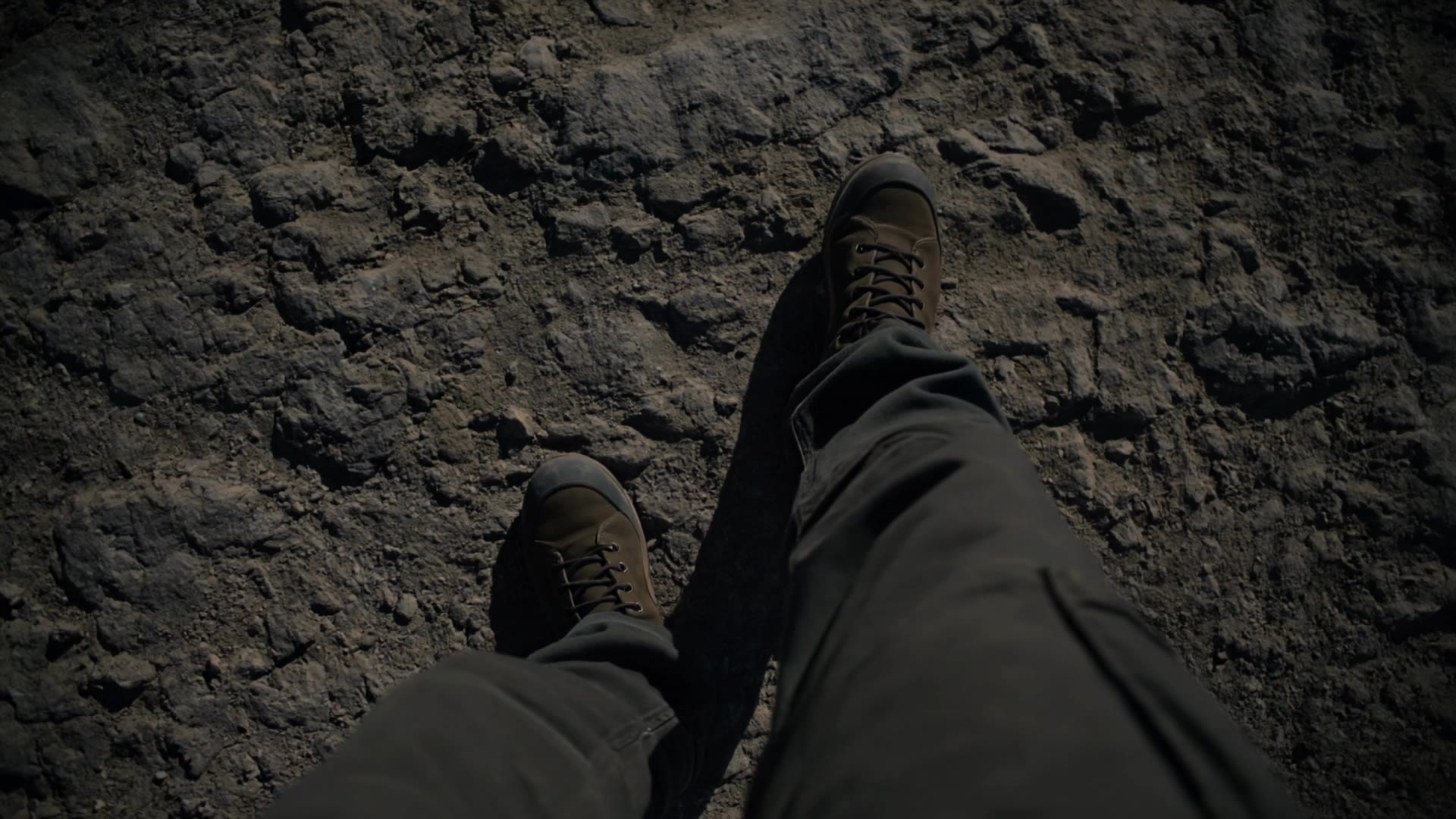
moving man - feet video AI video
roSvuiwr avatar
roSvuiwr

How to Make Cinematic AI Videos with Kling AI

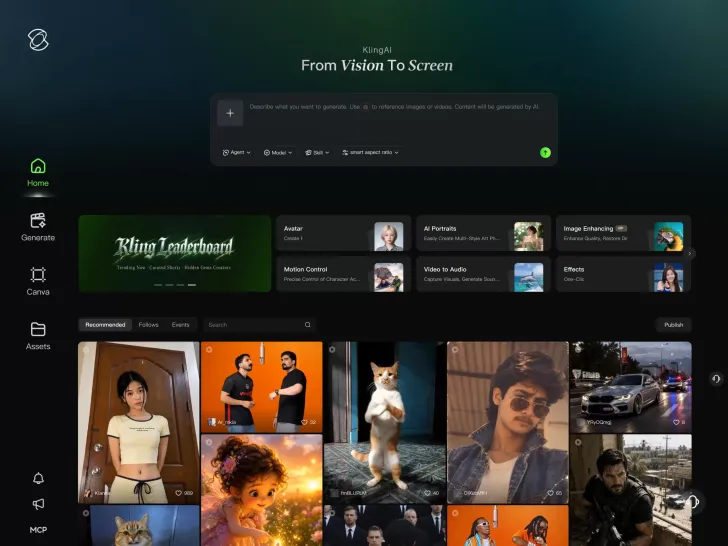
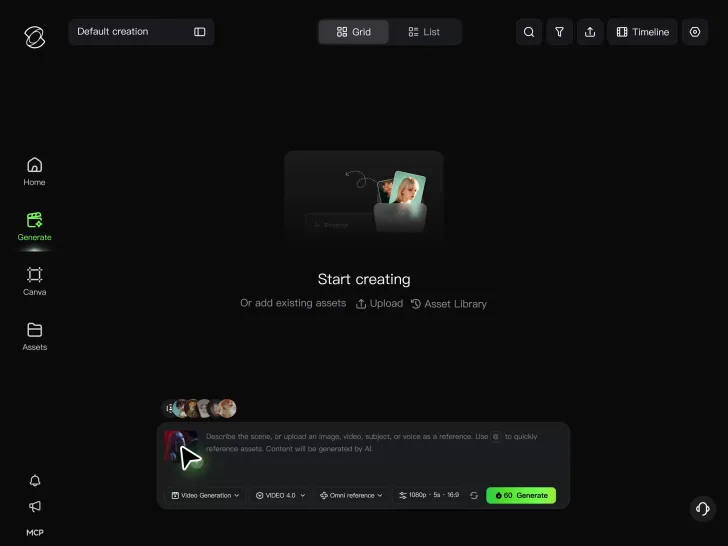
Upload or Describe Your Vision

Upload or Describe Your Vision

With Kling 4.0's Omni Reference, you can write a prompt and add up to 15 combined reference assets to guide your video creation, including images, videos and subject references.

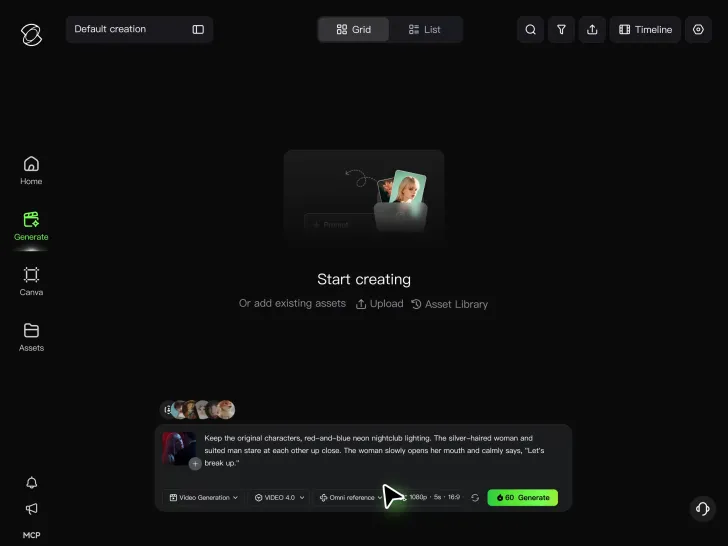
Describe the Action and Sound

Describe the Action and Sound

Set the scene, camera movement, and any dialogue or sound you want. Kling 4.0 supports dialogue in 9 languages.

Generate and Download

Generate and Download

Choose your aspect ratio and video duration, up to 30 seconds per generation with the Kling 4.0. Click Generate, preview your video, and download the result.

What’s New in Video 3.0

Cinematic Audiovisual Synergy

Cinematic Audiovisual Synergy

Cinematic AI Video Generator with Native Audio Create multi-shot cinematic sequences with native audio and precise character-level lip-sync in one seamless automated content creation output. This next-generation AI video production model ensures perfect audio-visual alignment for professional storytelling.
Ultimate Element & Character Consistency

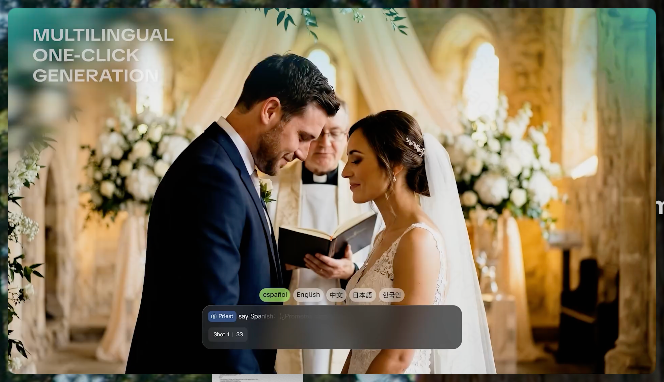
Ultimate Element & Character Consistency

Stable Character Consistency for Professional Filmmaking Maintain perfect character consistency and object stability across frames, ensuring a reliable visual identity even with complex camera movements. Our AI video model locks subjects to prevent flickering, delivering high-fidelity results for advanced video generation.
Professional Commercial Rendering

Professional Commercial Rendering

High-Fidelity 15s Sequences and Native Text Rendering Produce up to 15 seconds of uninterrupted video featuring clear, readable native text rendering—perfect for professional ads, product demos, and commercial content. This feature optimizes commercial video production by preserving brand elements directly within the AI-generated video.

Apps

Image to Video
Image to Video

Image to Video

Text to Video
Text to Video

Text to Video

Omni
Omni

Omni

Digital Human
Digital Human

Digital Human

Restyle
Restyle

Restyle

Text to Image
Text to Image

Text to Image

60M+
60M+
Users
600M+
600M+
AI Videos Generated
4.7 ★
4.7 ★
App Store
Industry-Leading
Industry-Leading
Cinematic 4K

Reviews

Halim Alrasihi

Halim Alrasihi

★★★★★

I use AI daily and Kling AI is a crucial part of my workflow, whether for client work or personal projects. What I love most about using Kling AI is that it provides all the tools I need in one place, from keyframes to character references, elements and special effects.

Huang Lu (Elson)

Huang Lu (Elson)

★★★★★

I’ve been using Kling AI since its initial release, and it’s remained one of the leading AI media generators ever since. With Kling AI, I’ve created hundreds of videos, collectively amassing millions of views.

Samuele Poggi (@visualsk2)

Samuele Poggi (@visualsk2)

★★★★★

I use Kling AI daily to push the limits of AI filmmaking. It allows me to create highly cinematic content, blending AI and VFX to develop innovative projects. It has significantly impacted my creative process, enabling me to achieve complex animations that would otherwise require high production budgets.

FAQ

Q1Can Kling AI edit text inside an image?
Q2Can I use another photo to guide an edit?
Q3Can I turn a photo into a different art style?

Take Your Photo in a New Direction

Start with the image you have and rework it for the look, message, or moment you have in mind.

Object removal | Background changes | Portrait retouching | Photo restyling