Creative Studio
API Platform
Resources
About Us

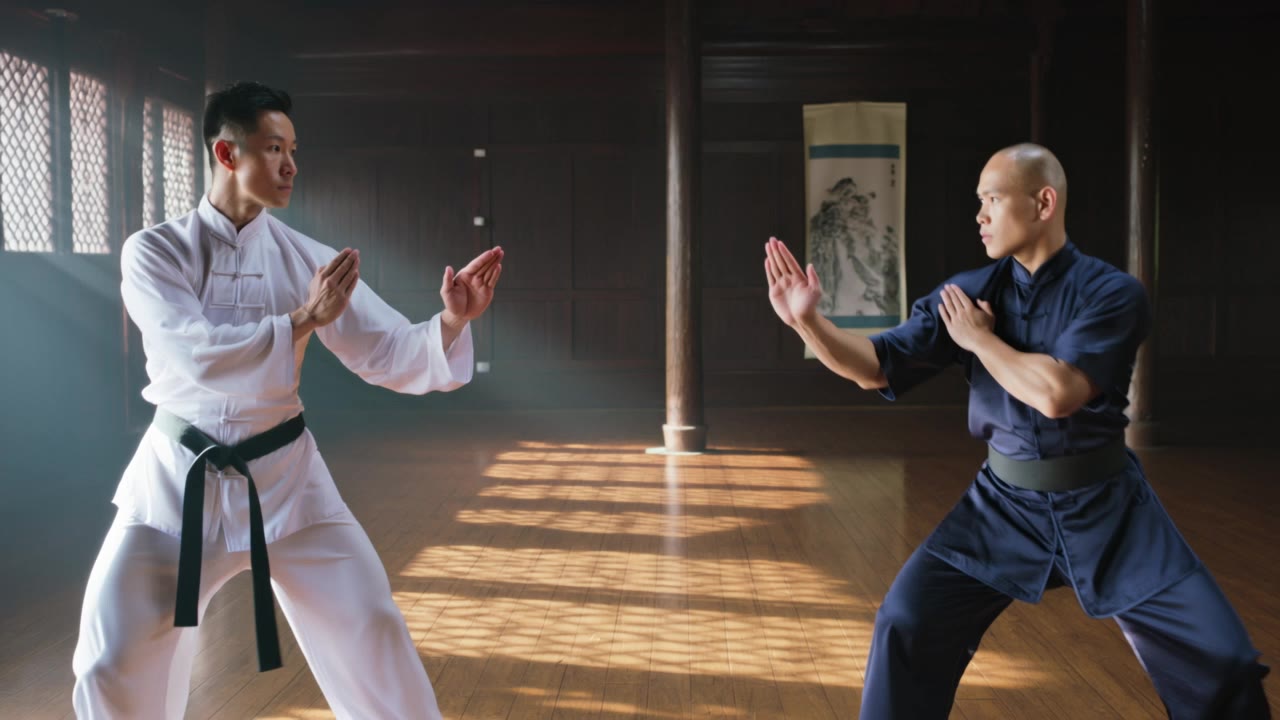
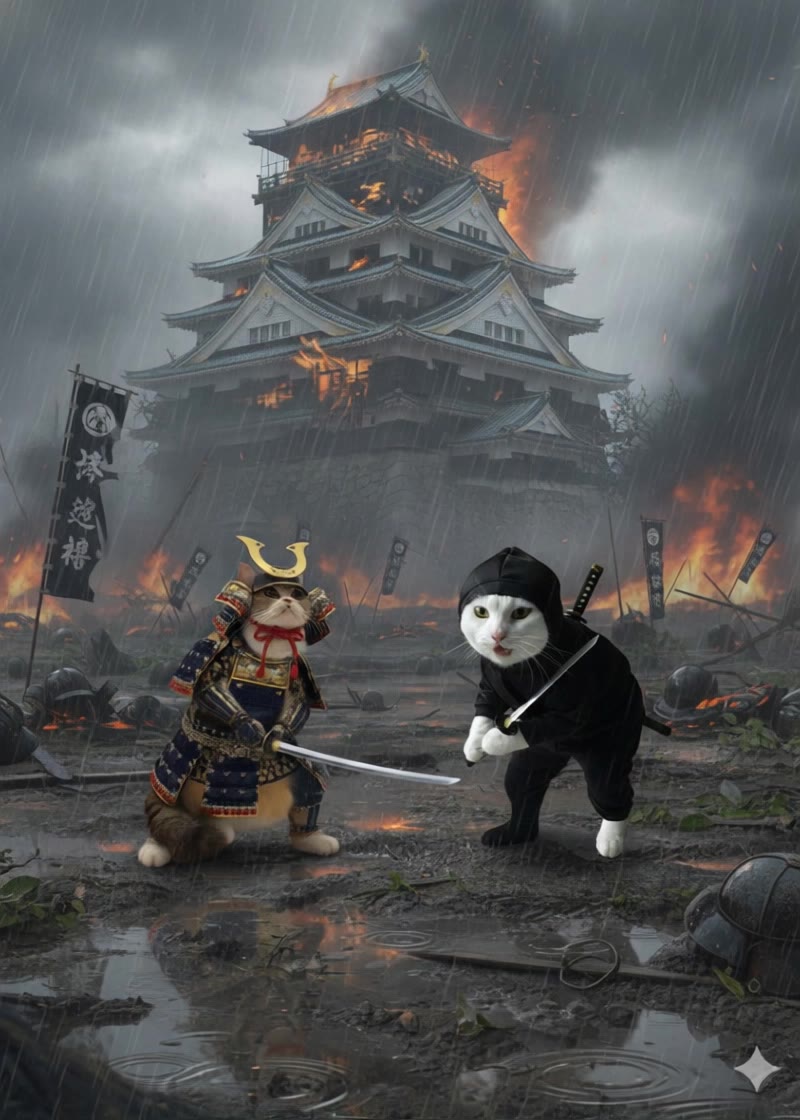
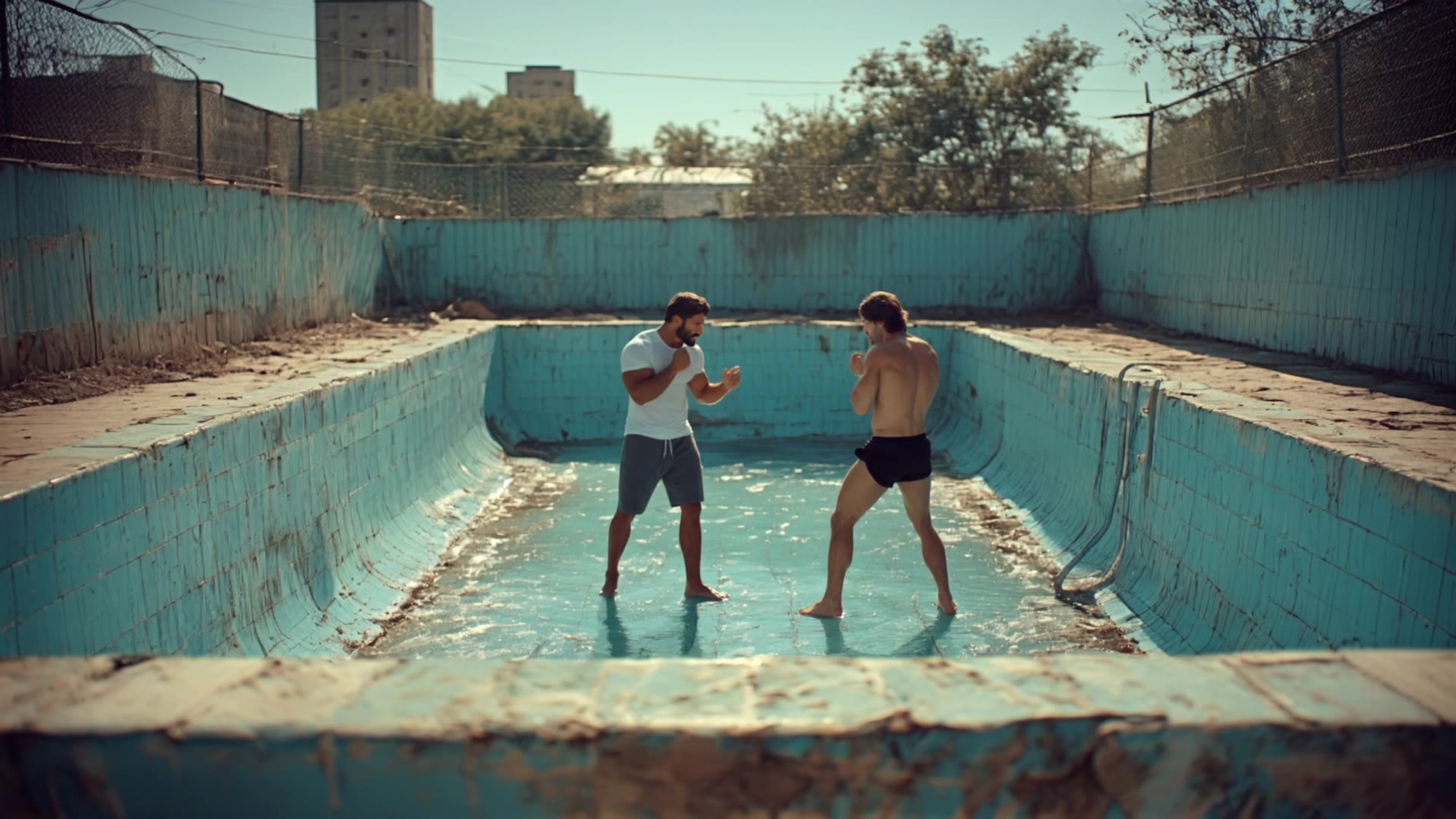
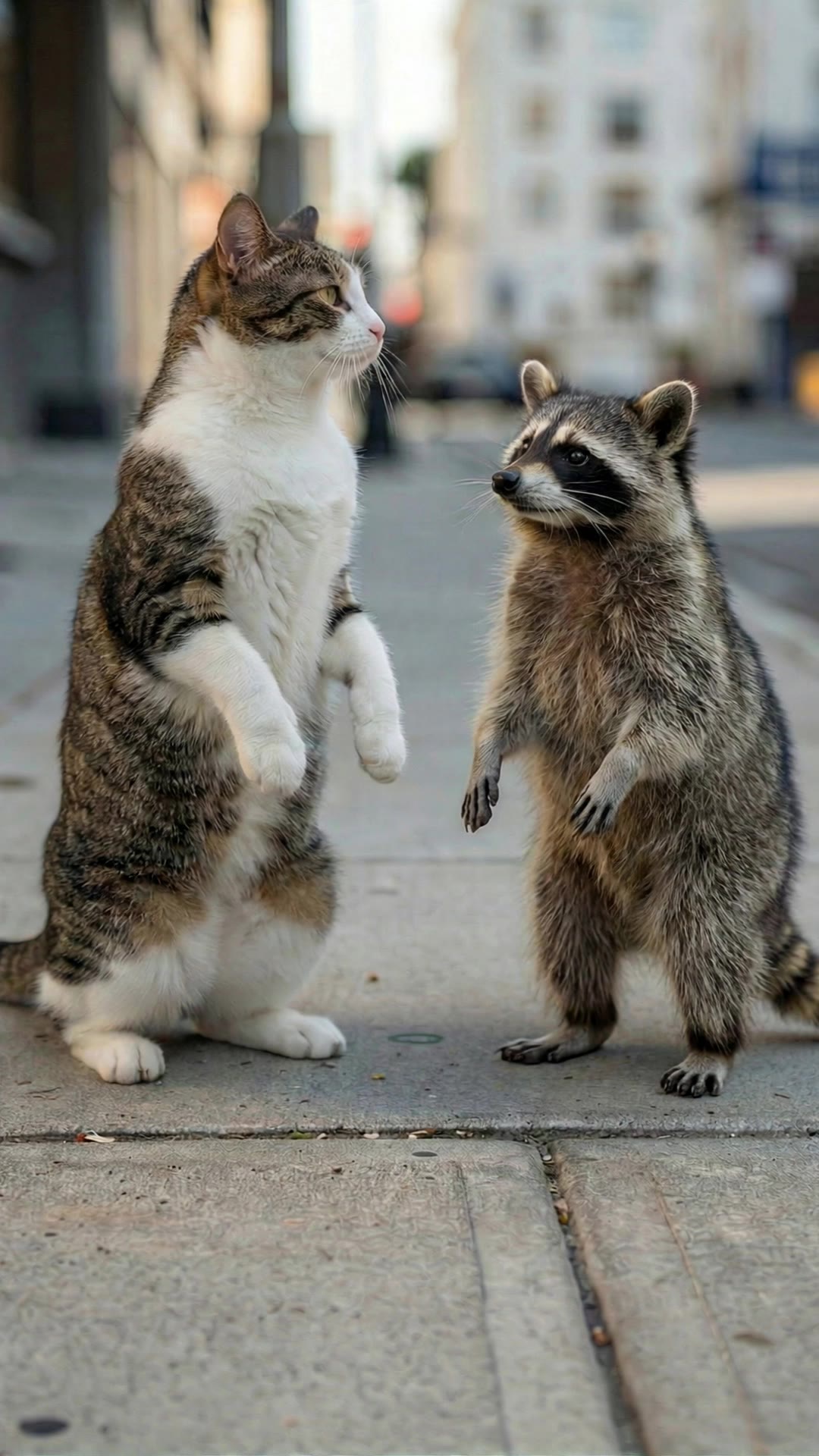
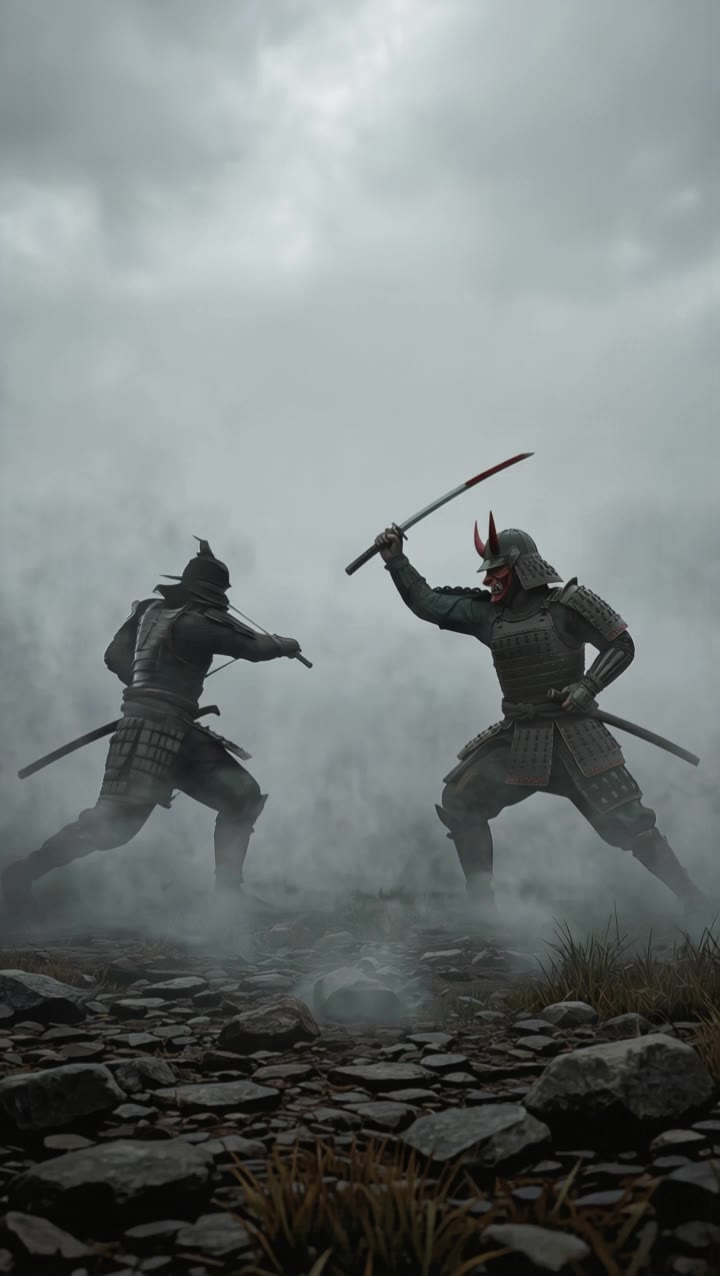
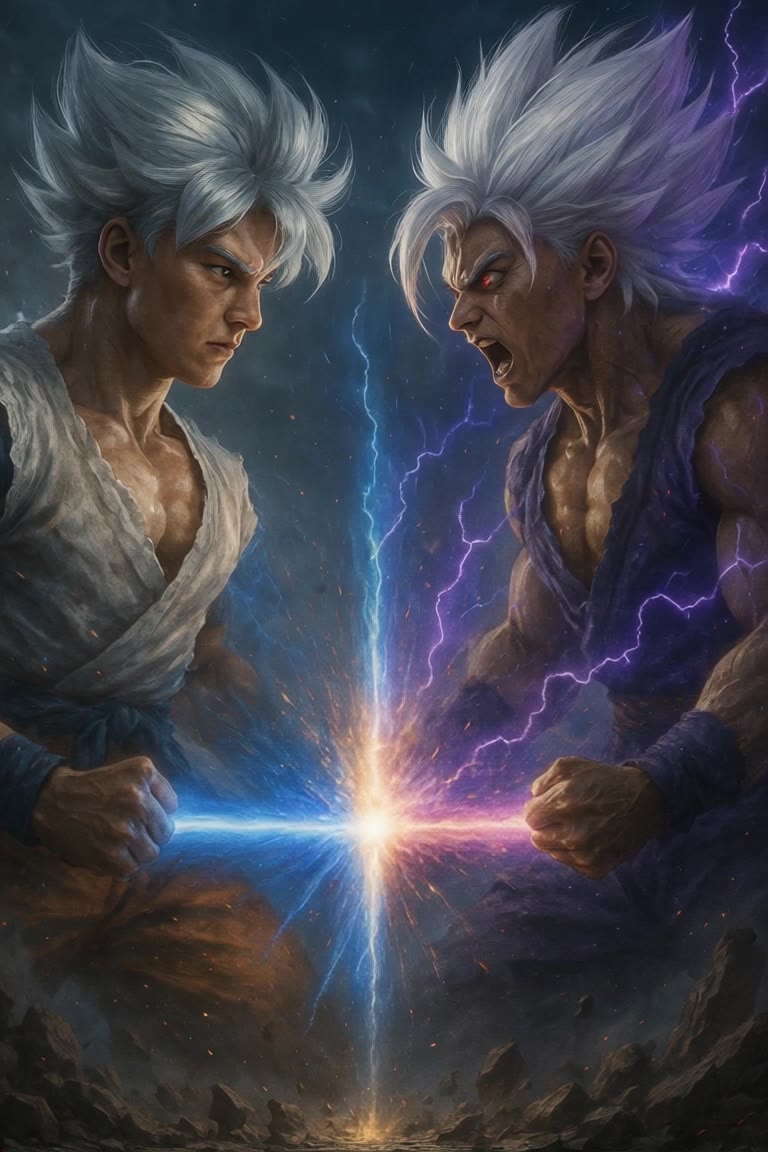
Fight Scenes with KlingAI - AI-Generated Art

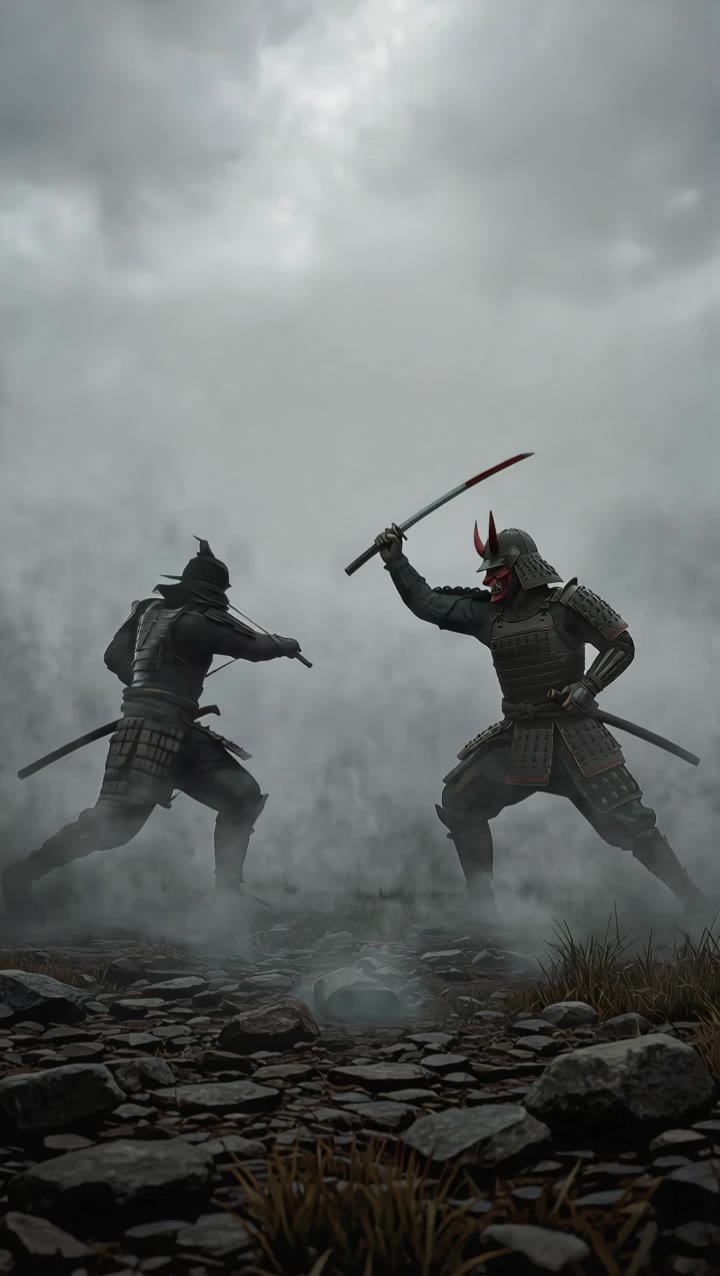
Explore dynamic fight scenes created with KlingAI. Discover AI-generated art that brings intense battles to life. Customize your scenes with unique themes and styles.

Fight Scenes with KlingAI - AI-Generated Art

Recommended

work cover
video-play
Maks_AI_Creator
work cover
Fight
Videosclips
work cover
Fight
White
work cover
Fight
lovedog 🐕
work cover
video-play
Laambo
work cover
Fight
TurbM3L0s3/AlohaKaim
work cover
video-play
Fashion Island
work cover
Fight
vfQJOMZK
work cover
video-play
IA Krea
work cover
video-play
kaiju fights
work cover
Fight
WpEpTLvQ
work cover
Fight
wSeIGfGF
work cover
video-play
bBzQtNic
work cover
Fight
Inna
work cover
Fight
Kpittman357
work cover
Fight
CUsWzfMO
work cover
video-play
Maks_AI_Creator
work cover
Fight
Davy.P.A.
work cover
Fight
•oo•

How to Master AI Motion Control in 3 Steps

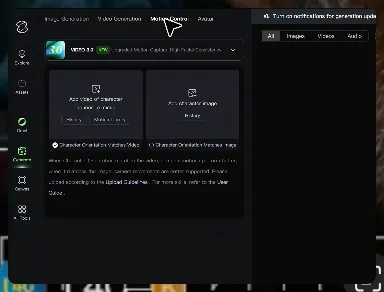
Upload Your Assets

Upload Your Assets

Provide a static character image and a motion reference video showing the exact expressions you want to replicate.

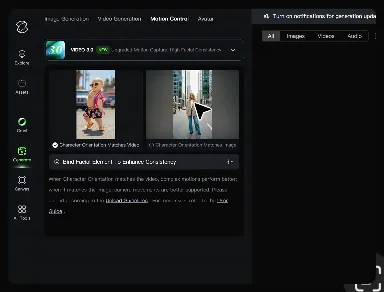
Bind Face Subject

Bind Face Subject

Enable this feature to lock facial consistency. Upload multi-angle photos to create a precise facial reference map.

Generate & Export

Generate & Export

Process your motion-controlled video and download the final render in high resolution.

Why Kling Motion Control Stands Out

Flawless Facial Consistency in Any Angle

Flawless Facial Consistency in Any Angle

Unlike standard AI video generators that distort features during head turns, Kling locks your character’s identity for stable, recognizable results from any perspective.
Extreme Precision for Complex Emotions

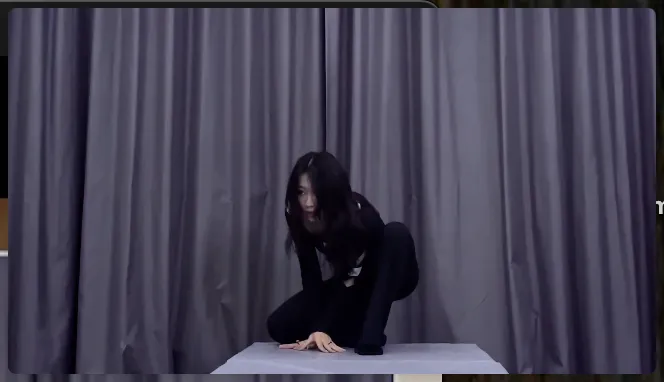
Extreme Precision for Complex Emotions

Replicate micro-expressions and dramatic emotional transitions with elite motion transfer technology. Kling captures every subtle muscle movement from your reference.
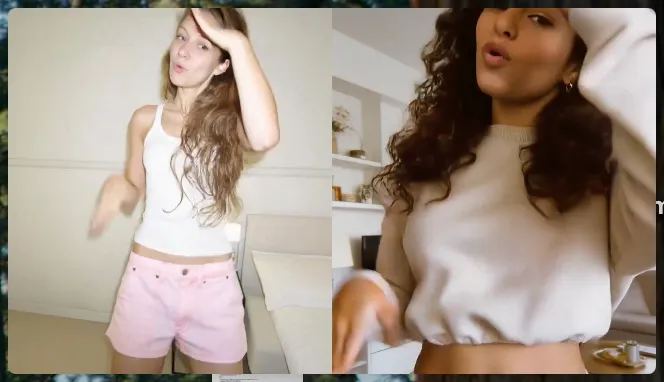
Stable Across Angles, Occlusion, and Distance

Stable Across Angles, Occlusion, and Distance

Maintain character consistency even when the subject is partially blocked or moves between close-up and long shots

Apps

Image to Video
Image to Video

Image to Video

Text to Video
Text to Video

Text to Video

Omni
Omni

Omni

Digital Human
Digital Human

Digital Human

Restyle
Restyle

Restyle

Text to Image
Text to Image

Text to Image

60M+
60M+
Users
600M+
600M+
AI Videos Generated
4.7 ★
4.7 ★
App Store
Industry-Leading
Industry-Leading
Cinematic 4K

Reviews

Maria Rubtsova

Maria Rubtsova

★★★★★

I’m Maria Rubtsova, an AIGC digital artist passionate about creating stunning visuals in the worlds of fashion, aesthetics, and fantasy. I use KlingAi to bring imagination to life through video. My work is all about exploring beauty, emotion, and the limitless possibilities of digital art.

Vincent Smadja

Vincent Smadja

★★★★★

Kling AI seamlessly integrates into my creative workflow, playing a key role in transforming my images. After generating and upscaling an image, Kling becomes a crucial element, bringing my creations to life with movement and depth.

James Phillips

James Phillips

★★★★★

Kling AI has transformed my workflow by collapsing timelines and democratizing production. It’s shifted my mindset from resource-dependent filmmaking to a boundless creative sandbox, where experimentation yields unexpected beauty.

FAQ

Q1What is the best AI video generator?
Q2Can I use AI-generated videos for commercial use?
Q3Does Kling support audio and talking characters?

Experience Video 3.0 on Kling

Create cinematic, multi-shot videos with native audio and precise control—all in one generation.

Native audio | Multi-shot control | Up to 15s continuous output