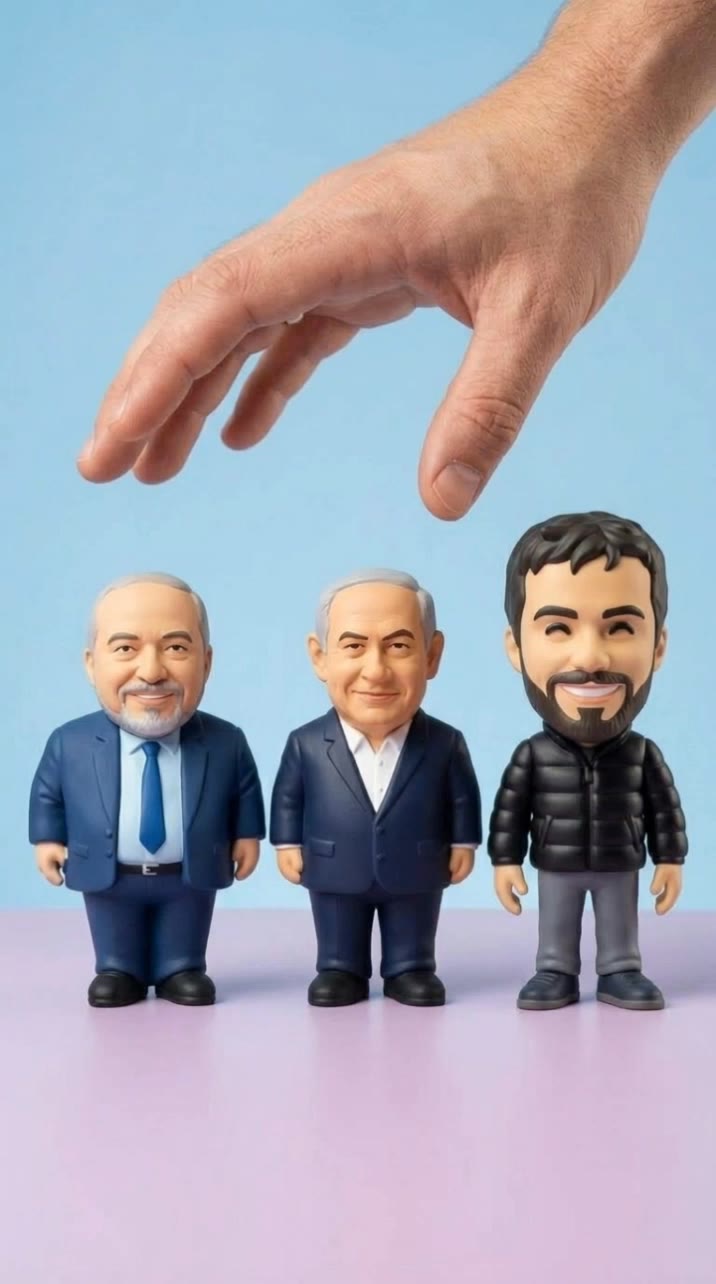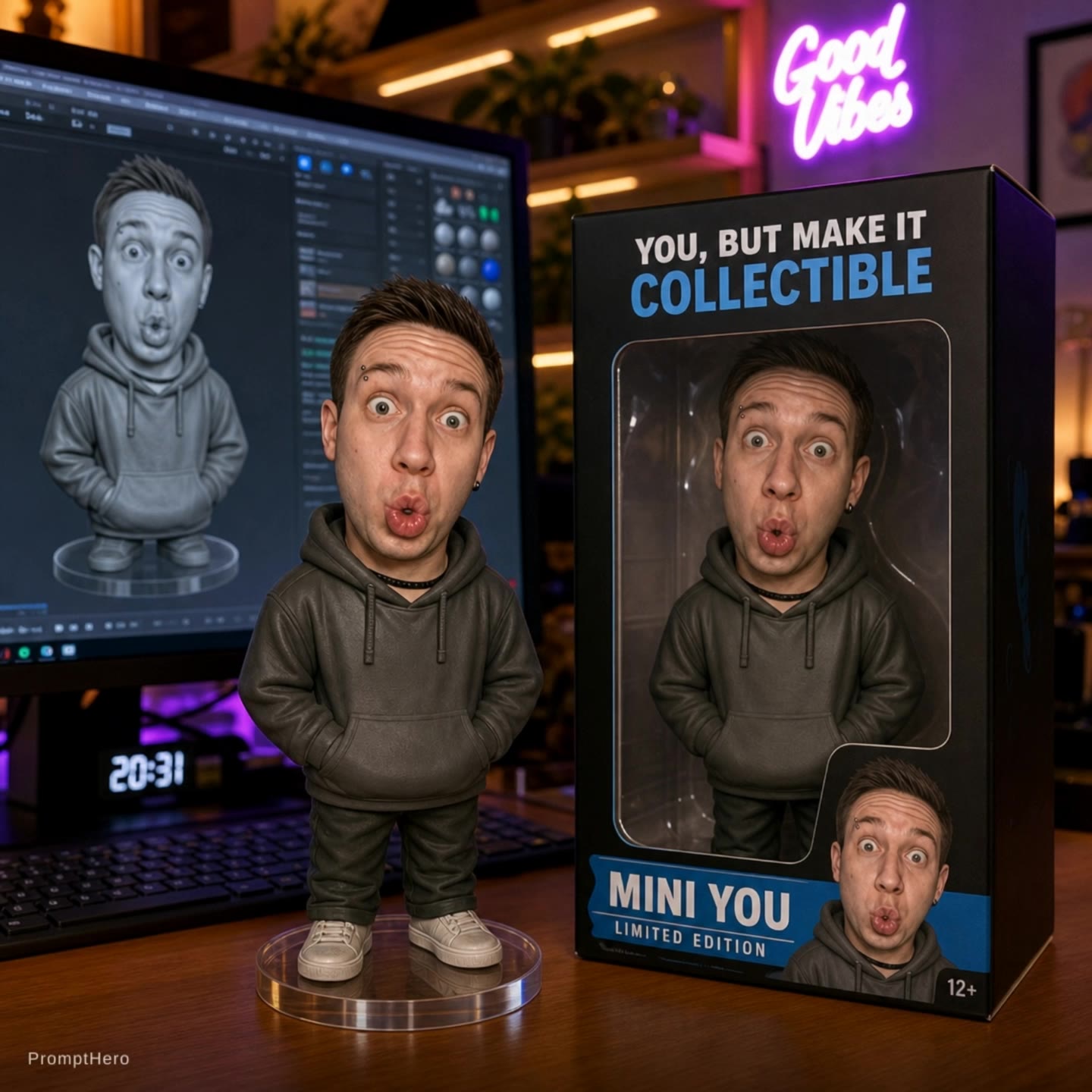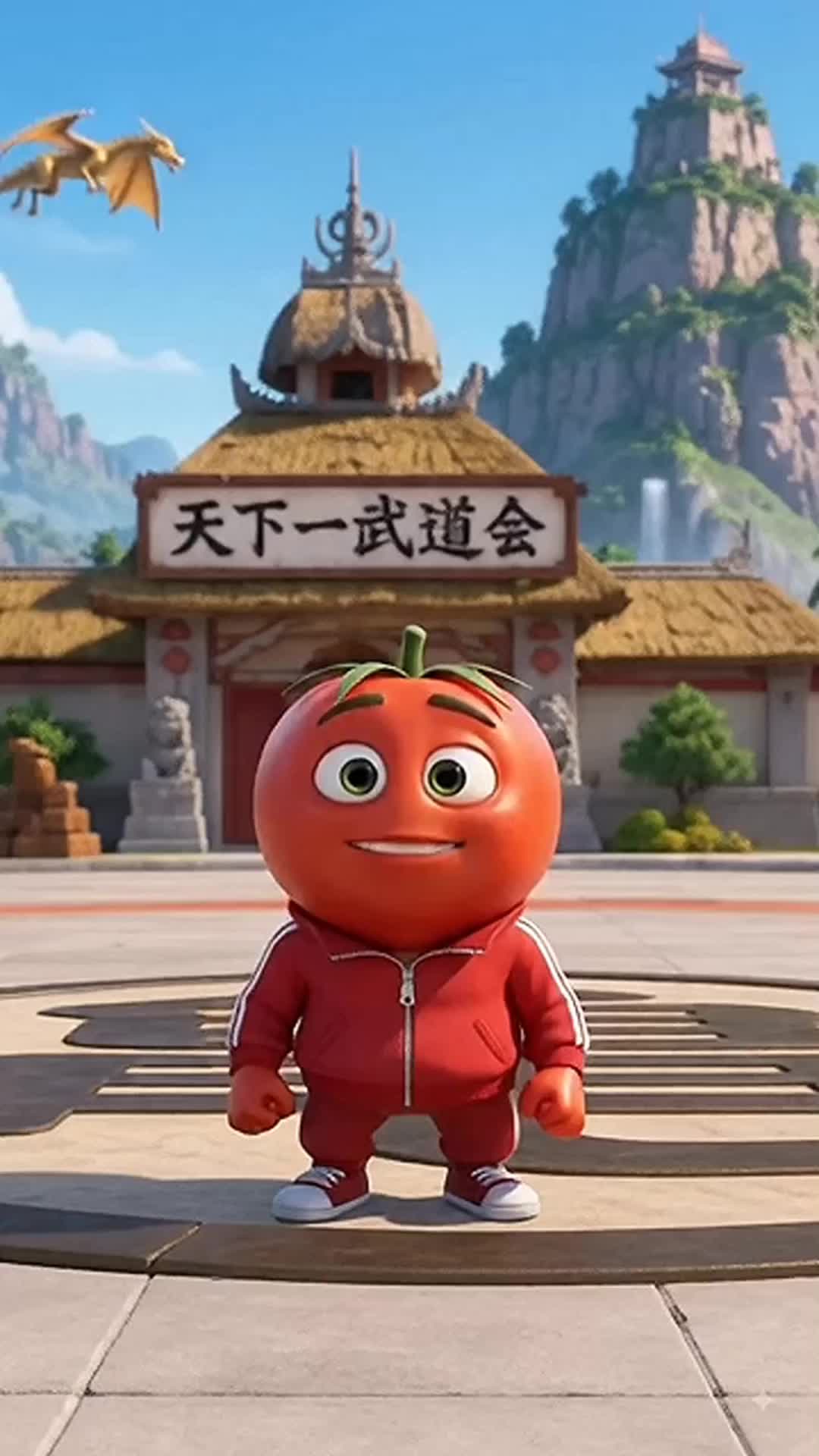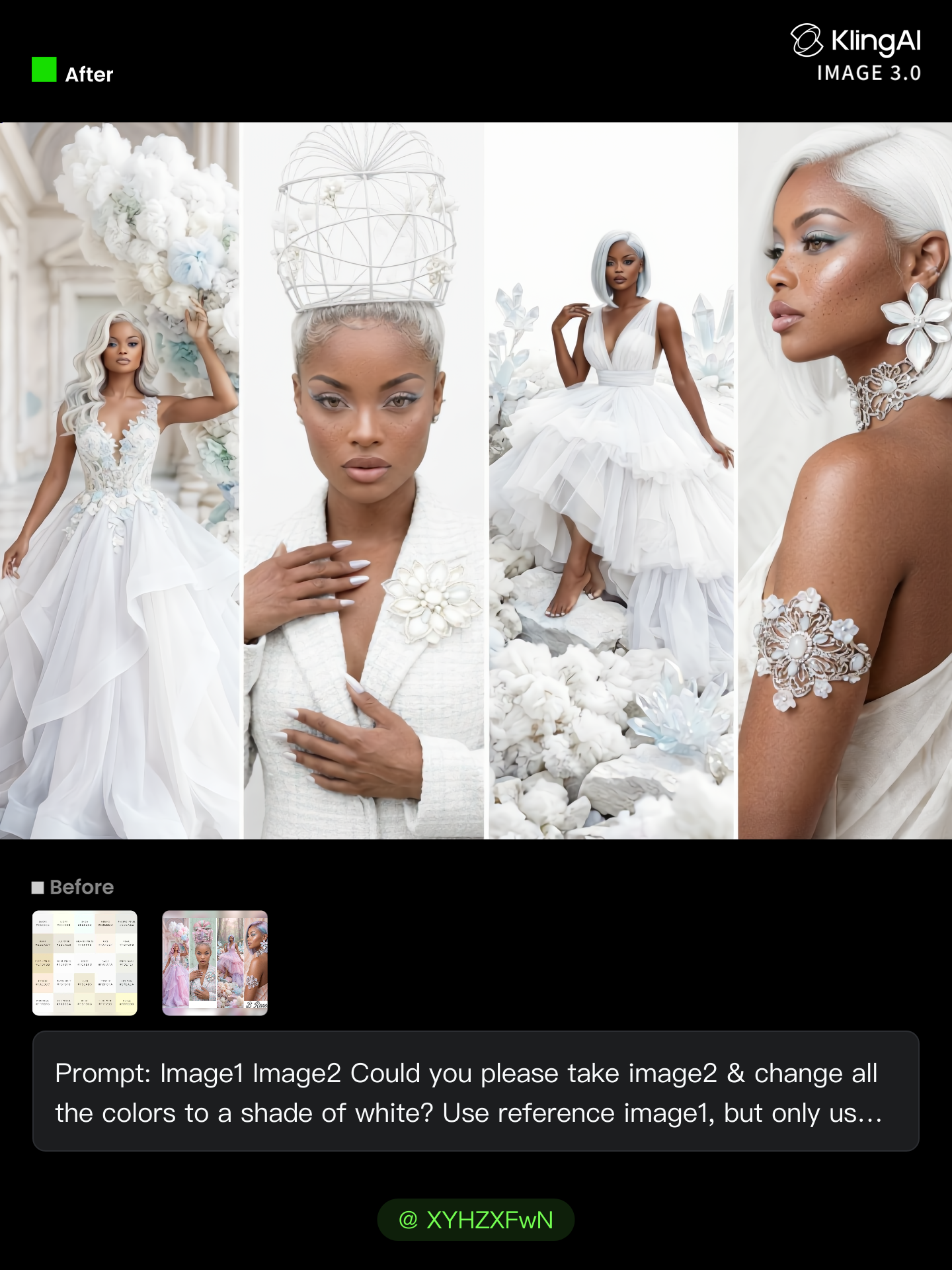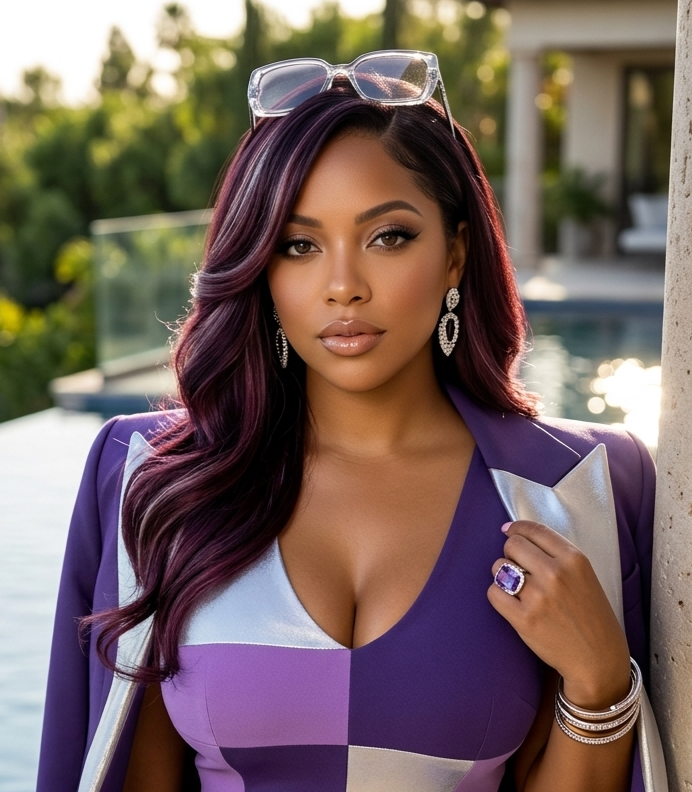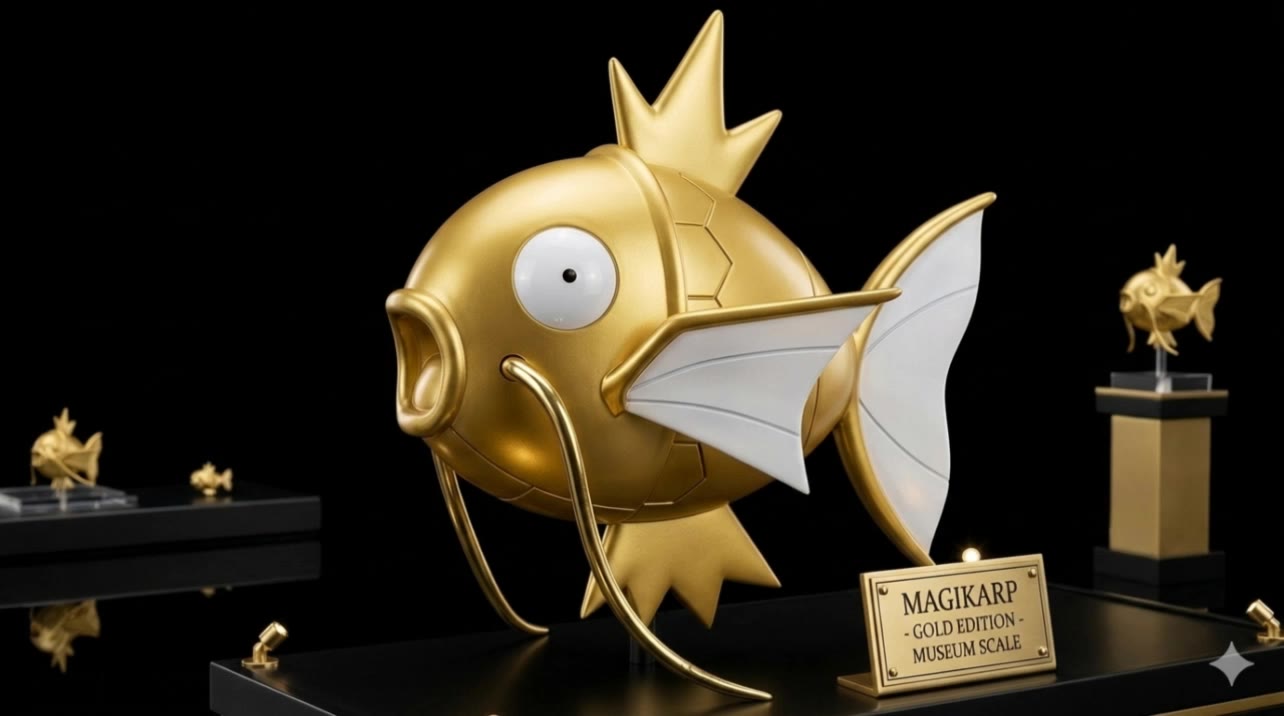

figurine ai generator - Olympic ice skating & Lego City sandstorm

Unleash your creativity with unique figurine designs inspired by dynamic transformations and romantic aesthetics. Dive into a world where toy concepts and high-resolution models come to life. Start exploring figurine ai generator ideas and generate your own content with AI.


figurine ai generator - Olympic ice skating & Lego City sandstorm

Recommended

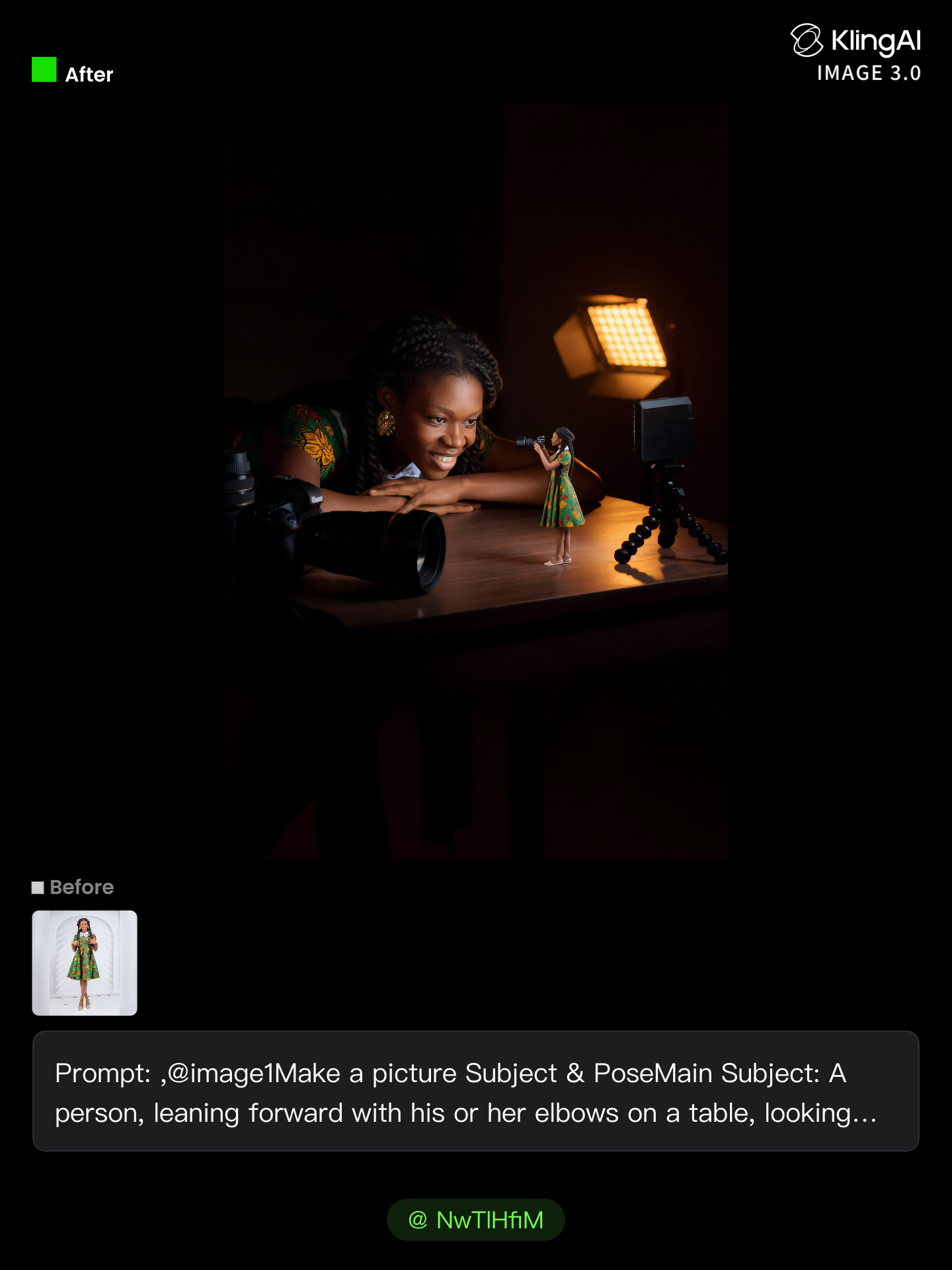
no need to pay for photo shoot  - figurine ai generator AI image
NwTlHfiM avatar
NwTlHfiM
Kling AI work 318748569617222 - figurine ai generator AI image
yNfQTDmO avatar
yNfQTDmO
Kling AI work 312420920525959 - figurine ai generator AI image
Talen2302 avatar
Talen2302
Kling AI work 312420357665847 - figurine ai generator AI image
Talen2302 avatar
Talen2302
Mae figurine  - figurine ai generator AI video
Anime Figure
WveLTojV avatar
WveLTojV
Baby Seal - figurine ai generator AI image
Siegflash avatar
Siegflash
Kling AI work 314127471665558 - figurine ai generator AI video
wWxnQDqs avatar
wWxnQDqs
Kling AI work 298899969618832 - figurine ai generator AI video
KLING6683 avatar
KLING6683
Kling AI work 299383602653183 - figurine ai generator AI video
BqVxtdrq avatar
BqVxtdrq
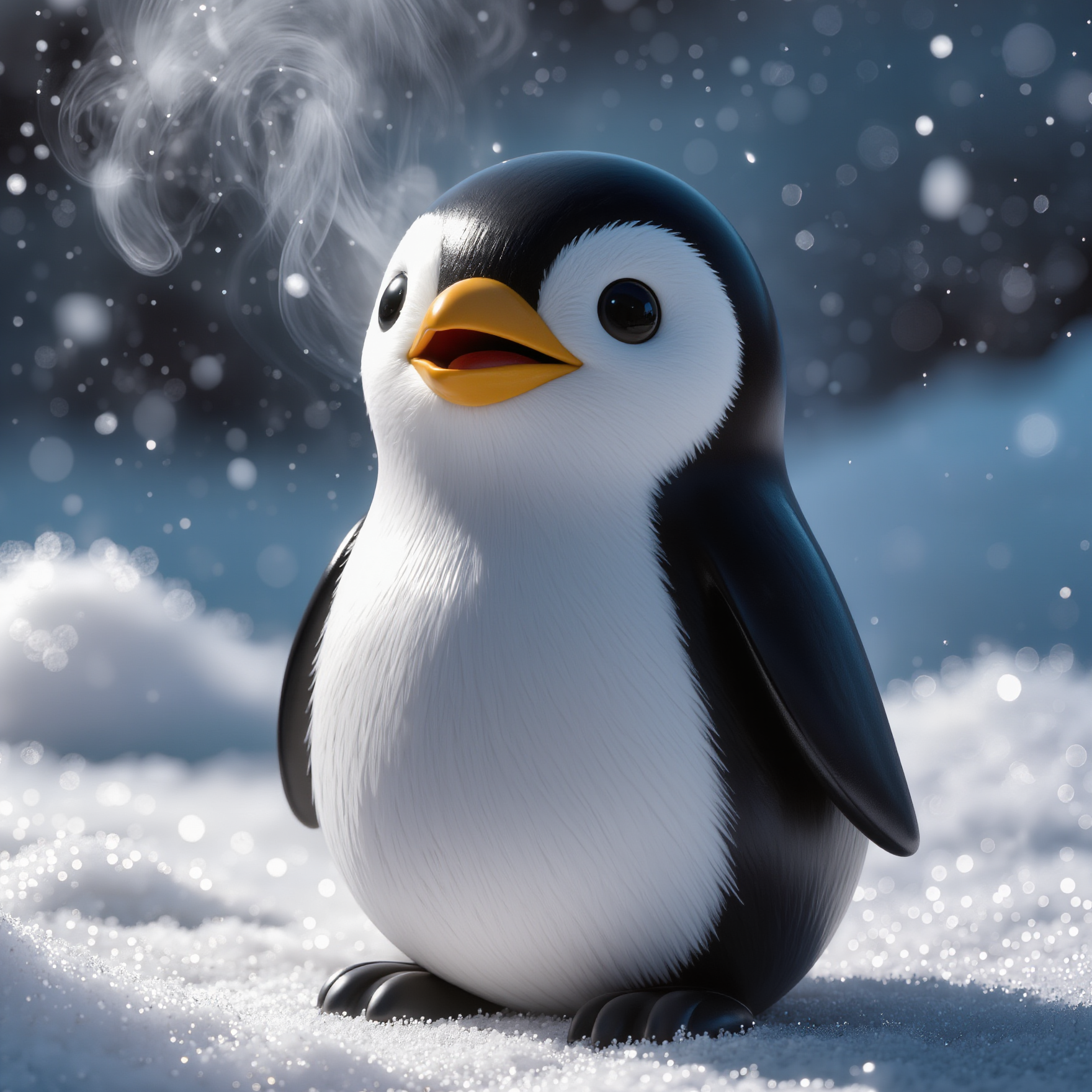
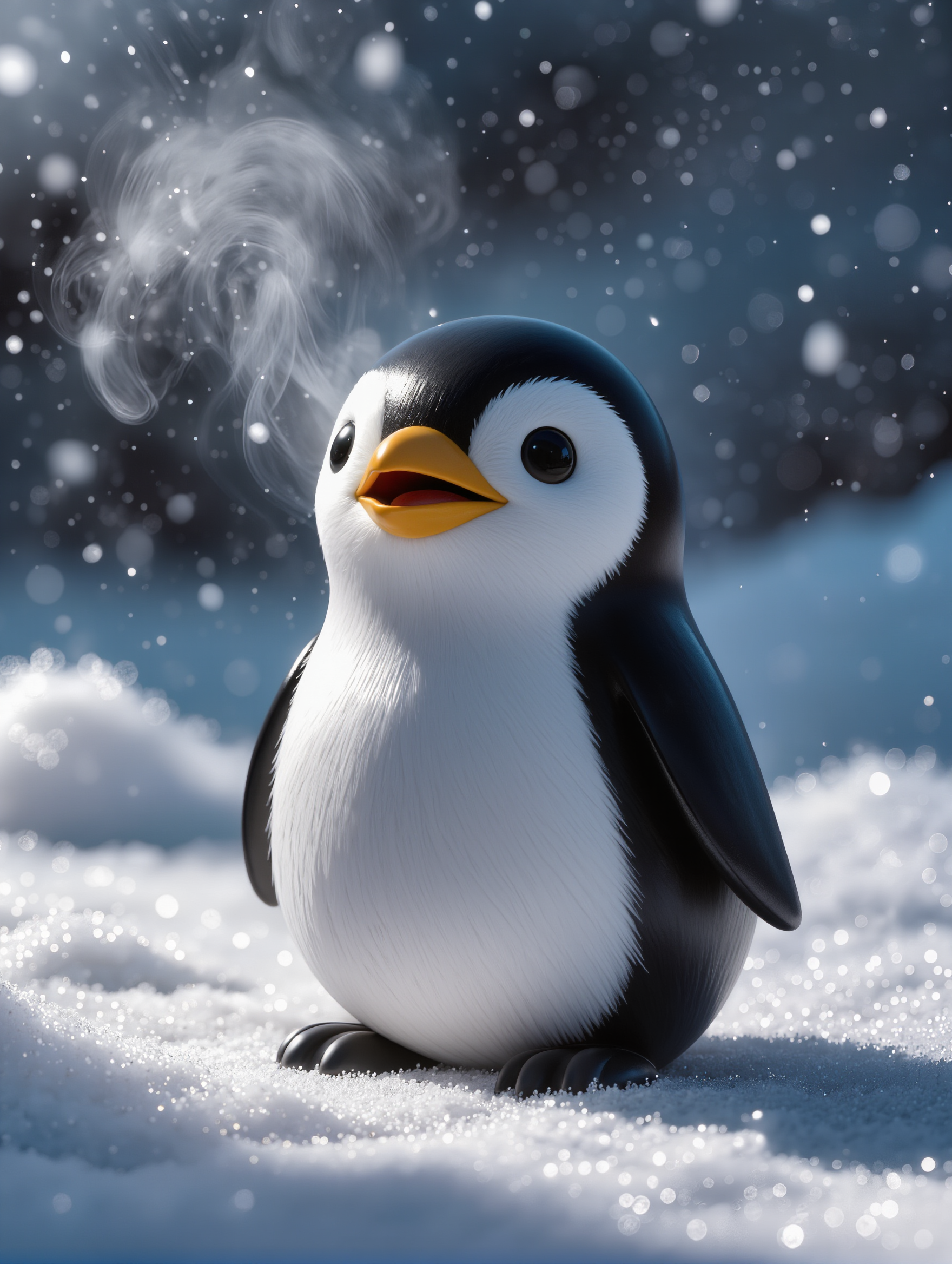
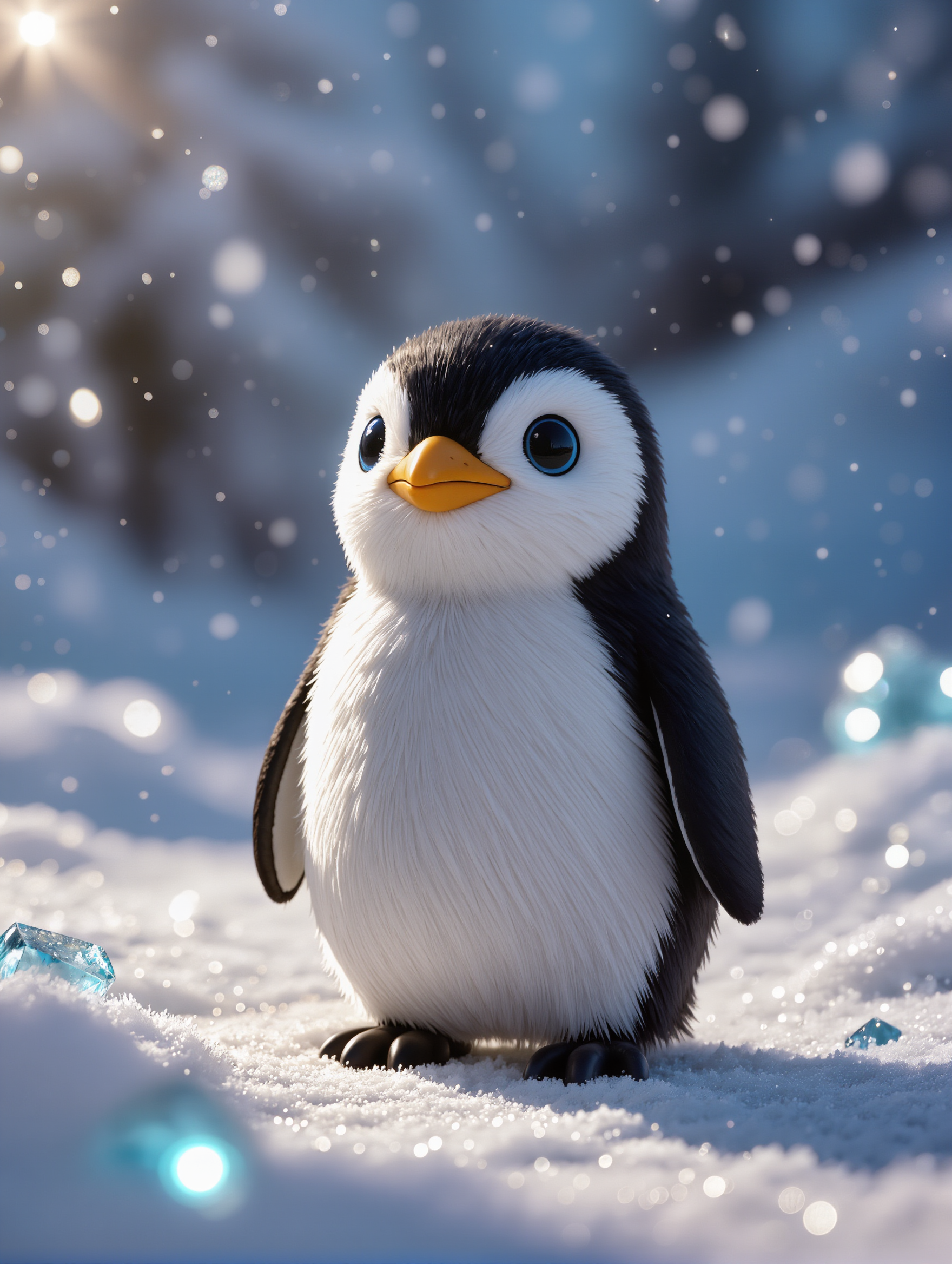
Baby Penguin - figurine ai generator AI image
Siegflash avatar
Siegflash
Kling AI work 309545222508872 - figurine ai generator AI image
Vipin Rawar avatar
Vipin Rawar
Kling AI work 318513067661277 - figurine ai generator AI video
noPNEpYf avatar
noPNEpYf
Kling AI work 311771133663595 - figurine ai generator AI image
nMGnbMfx avatar
nMGnbMfx
Kling AI work 298114987526091 - figurine ai generator AI image
wQyUurNc avatar
wQyUurNc
Kling AI work 312541278617422 - figurine ai generator AI image
OWAMGytg avatar
OWAMGytg
Kling AI work 309073593616374 - figurine ai generator AI image
yLIXScPO avatar
yLIXScPO
Kling AI work 315042930508863 - figurine ai generator AI video
Fashion Island avatar
Fashion Island
Elite Creator
Kling AI work 298900372610803 - figurine ai generator AI video
KLING6683 avatar
KLING6683

A Complete AI Video Editing Workflow

Create Videos with AI

Create Videos with AI

Start with a prompt, image, or visual reference. Animate a still, build a new scene, or recreate a popular effect with Kling’s AI video tools.

Edit Videos with AI

Edit Videos with AI

Upload existing footage and tell Kling what to change. Use Kling VIDEO 3.0 Omni to replace subjects, rebuild backgrounds, restyle footage, or reframe a shot. When you need more time, continue the clip with Video Extension without tedious frame-by-frame work.

Make Avatar or Talking Videos

Make Avatar or Talking Videos

Create presenter-led videos for ads, explainers, product demos, and social content with Kling AI Avatar tool. Use Lip Sync to add dialogue, dubbing, or narration from text or uploaded audio.

Edit Any Part with Kling AI

Add, Remove, or Replace Image Content

Add, Remove, or Replace Image Content

Tell Kling what you want to change in text prompts. Replace a person, remove an object, or fine-tune details such as color, material, pose, and expression. Even detailed edits take fewer and easier steps because you can change the photo with AI instead of with traditional photo editing tools. IMAGE 3.0 follows your instruction while keeping the photo’s original style, lighting, and texture in place, so the edited area still belongs in the same shot.

Change the Color, Lighting, or Style

Change the Color, Lighting, or Style

Give an existing photo a different mood effortlessly. Lift a dim scene, soften harsh light, warm or cool the colors, or bring color to a black-and-white photo or line drawing. A short prompt replaces the usual round of manual adjustments. Looking for a bigger shift? Add a style reference or spell out the visual direction. IMAGE 3.0 carries the palette, texture, and atmosphere across the whole image, so the new look feels cohesive rather than pasted on. Use it for studio-style professional headshots, distinctive portrait treatments, cinematic scene design, or a visual style that feels entirely your own.

Rework the Shot or Camera Angle

Rework the Shot or Camera Angle

Tell Kling how you want the shot to look in a text prompt. Turn a front-facing photo into a side view, move the camera higher or lower, or change a wide shot into a close-up. You can explore a new composition around the same subject without setting up another shoot. IMAGE 3.0 rebuilds the scene from the angle you request, adjusting the perspective, camera height, shot size, focal length, and depth of field along with it. The result is a newly generated view based on the source photo, rather than hidden details recovered from outside the original frame.

Apps

Image to Video
Image to Video

Image to Video

Text to Video
Text to Video

Text to Video

Omni
Omni

Omni

Digital Human
Digital Human

Digital Human

Restyle
Restyle

Restyle

Text to Image
Text to Image

Text to Image

60M+
60M+
Users
600M+
600M+
AI Videos Generated
4.7 ★
4.7 ★
App Store
Industry-Leading
Industry-Leading
Cinematic 4K

Reviews

KakuDrop

KakuDrop

★★★★★

I have successfully collaborated with world-renowned artists and well-known companies that are recognized globally

Huang Lu (Elson)

Huang Lu (Elson)

★★★★★

I’ve been using Kling AI since its initial release, and it’s remained one of the leading AI media generators ever since. With Kling AI, I’ve created hundreds of videos, collectively amassing millions of views.

Déborah

Déborah

★★★★★

I use Kling AI every day. It's amazing to see the almost daily progress it makes. I used AI for fun at first, and I now find that Kling AI's animations allow me to gain professional visibility, with three times more views on my animated posts than on my static posts.

FAQ

Q1What is the best AI video generator?
Q2Can I use AI-generated videos for commercial use?
Q3How long can AI-generated videos be?

Start Creating AI Videos with Kling

Turn your text or images into a stunning, high-quality video in seconds. No watermarks, No complicated setup.

Free tier includes watermark (Memberships are watermark-free) | 1080p export (Pro unlocks 4K) | Instant results