Creative Studio
API
Resources
Features
About Us
Download

free ai photo editor - style transformation & photo to video

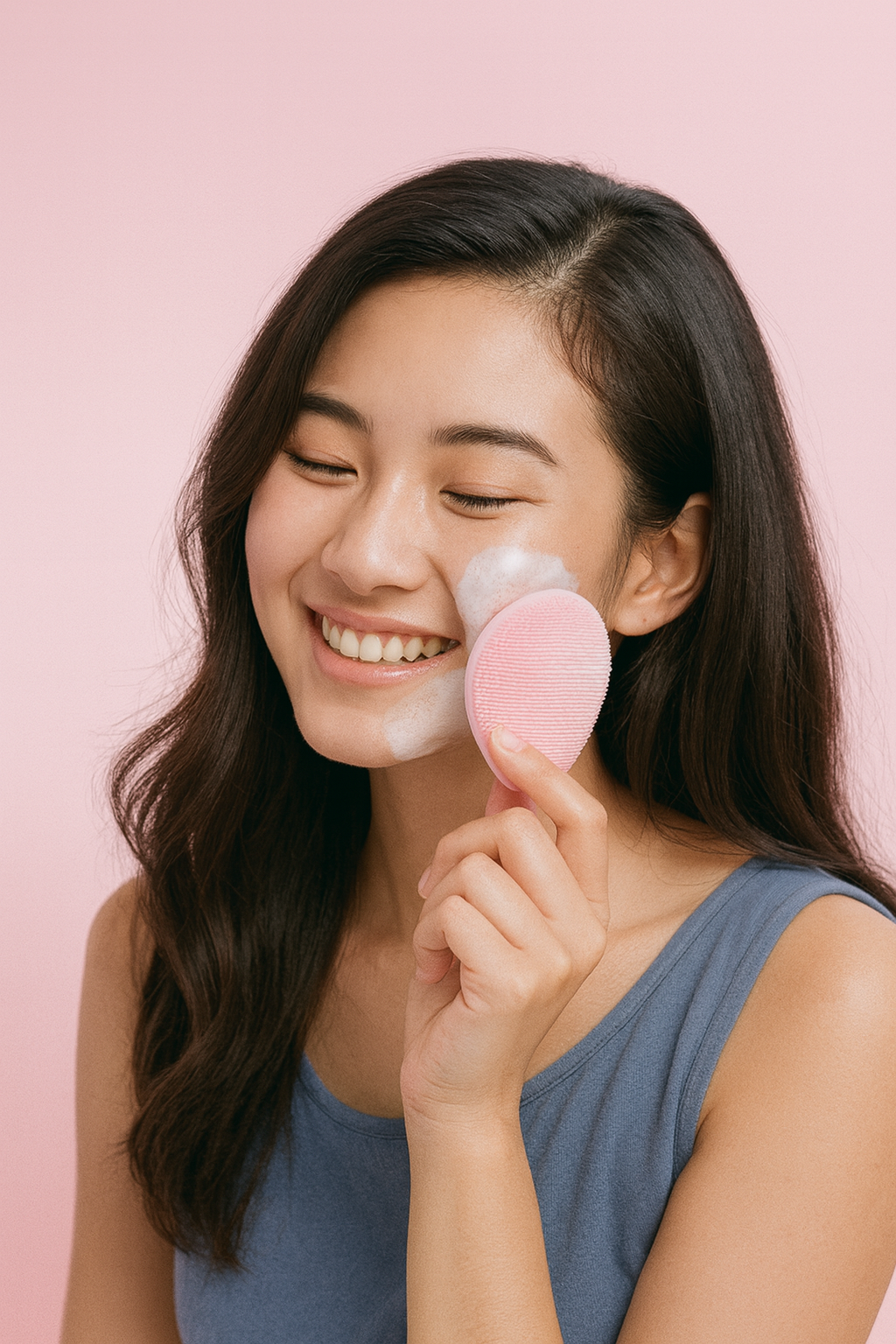
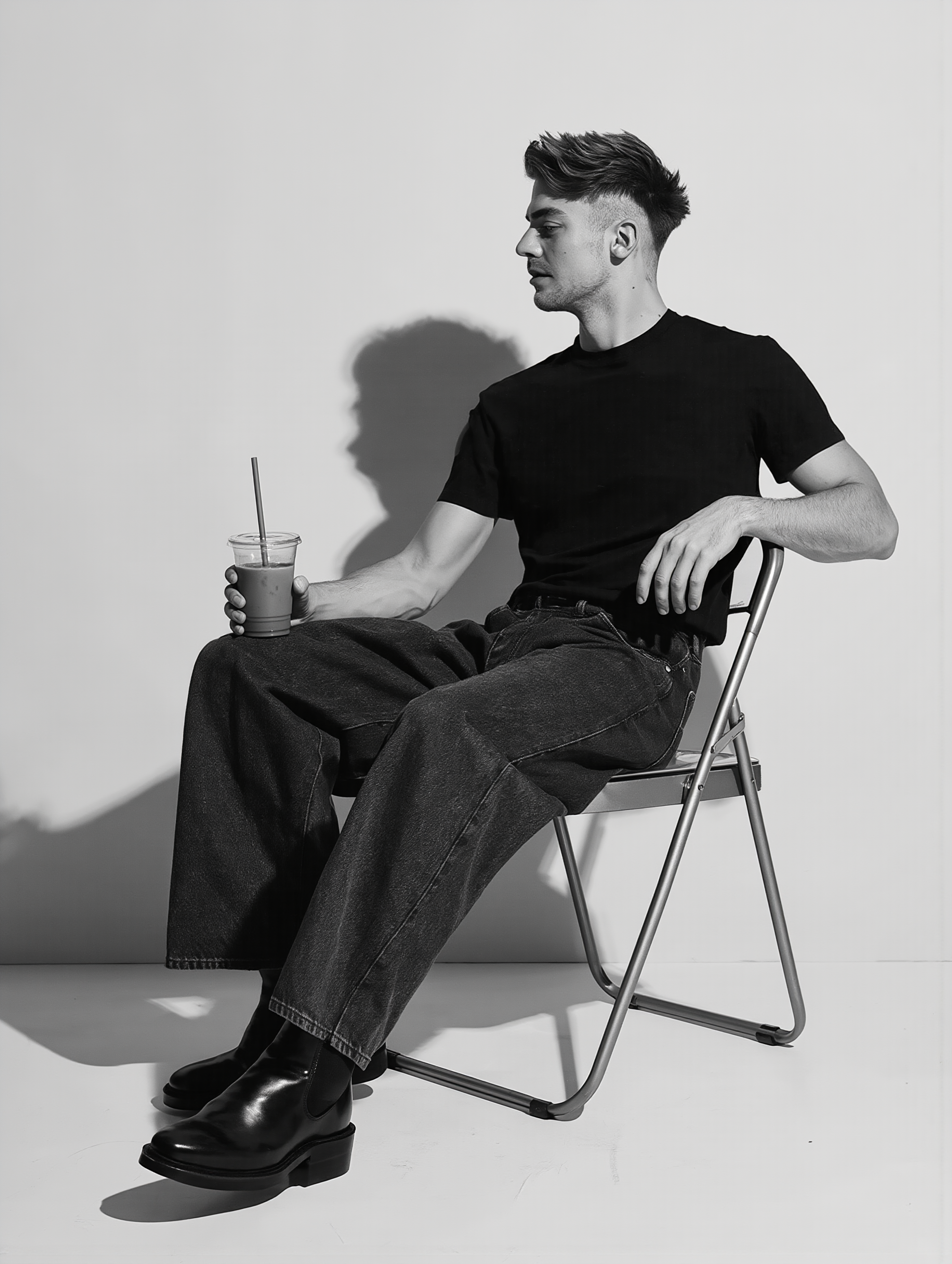
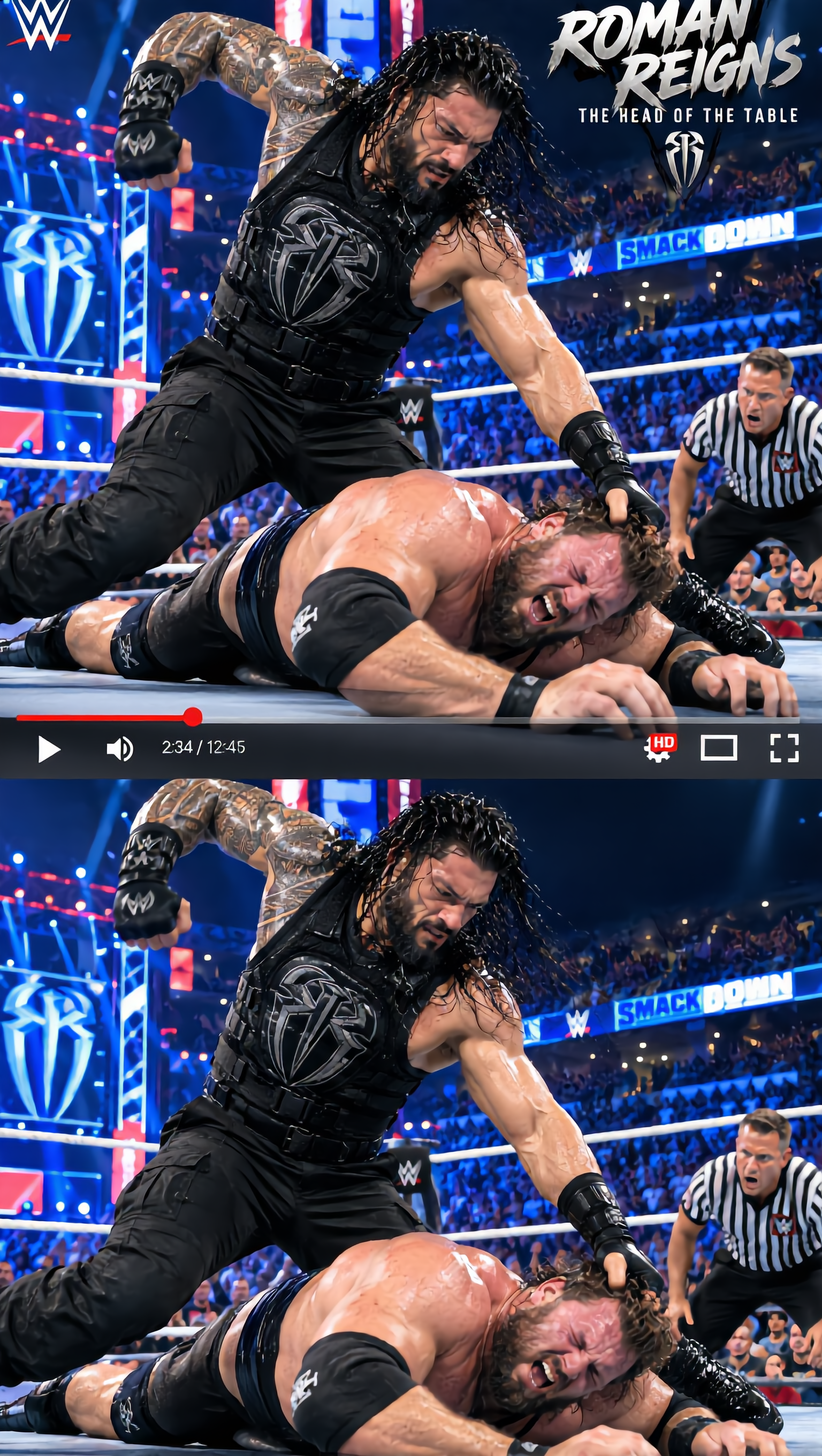
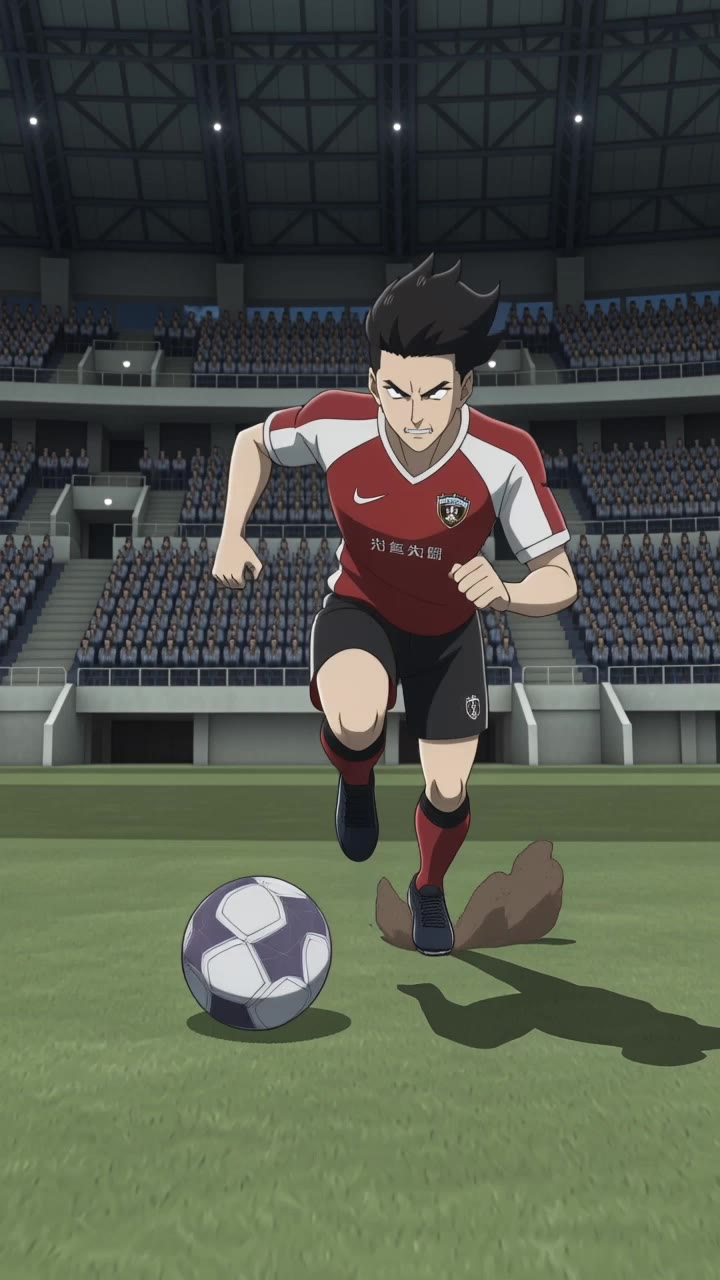
Transform your images with our free AI photo editor featuring dynamic photo-to-video transitions and cinematic, photorealistic enhancements. Enjoy seamless style replication and creative photo editing tools to bring your visions to life. Start exploring free ai photo editor ideas and generate your own content with AI.

free ai photo editor - style transformation & photo to video

Recommended

Kling AI work 316486555662229 - free ai photo editor AI image
WVXiinHv avatar
WVXiinHv
advert - free ai photo editor AI video
ngSPdHRY avatar
ngSPdHRY
Kling AI work 318589470507435 - free ai photo editor AI video
GkcDfqCp avatar
GkcDfqCp
Jungle AI photo  - free ai photo editor AI image
hUCidGkP avatar
hUCidGkP
Kling AI work 311229890523068 - free ai photo editor AI video
ZpKOzUIZ avatar
ZpKOzUIZ
take photo with banana😂 - free ai photo editor AI image
souvenir avatar
souvenir
Kling AI work 308315541614280 - free ai photo editor AI video
mr_po.var avatar
mr_po.var
Kling AI work 315705491668803 - free ai photo editor AI image
QyEYhBKV avatar
QyEYhBKV
Kling AI work 312200512664590 - free ai photo editor AI image
jwtOcnFF avatar
jwtOcnFF
Kitchen tool using from photo - free ai photo editor AI video
KREEJIsk avatar
KREEJIsk
Vintage 1980s photo style - free ai photo editor AI image
yXkoyhXH avatar
yXkoyhXH
Ai photo - free ai photo editor AI image
souvenir avatar
souvenir
Kling AI work 298086544505769 - free ai photo editor AI video
ngSPdHRY avatar
ngSPdHRY
Kling AI work 310308584506093 - free ai photo editor AI image
DqcJFWaj avatar
DqcJFWaj
photo convert into video  - free ai photo editor AI image
MCjHioYY avatar
MCjHioYY
Kling AI work 296832313611579 - free ai photo editor AI video
QYQsBrWV avatar
QYQsBrWV
Your photo on the easel - free ai photo editor AI image
Tatiana avatar
Tatiana
I tried this Live Photo. - free ai photo editor AI video
00:25
OsbCMIdk avatar
OsbCMIdk

How to Create Images with Kling AI

Write Down You Ideas

Write Down You Ideas

Open the AI Image Generator and choose the model that fits your project. Describe the subject and scene, then add details such as lighting, color, and visual style to shape the result.

Add References Or Not

Add References Or Not

Upload reference images for a character, product, composition, or style. References are optional, but they give Kling AI a clearer visual foundation when specific features, colors, or design details need to carry into the final image.

Generate Your Image

Generate Your Image

Choose your preferred format and output settings, then hit Generate. Once the result is ready, download it directly or open it in the image-to-video workflow to bring it to life with motion.

Why Kling Sets the Standard for Video Creation

Flawless Character Consistency for High-Quality Videos

Flawless Character Consistency for High-Quality Videos

Unlike standard tools that distort faces when moving, Kling Video 3.0 lets you strictly lock a character’s appearance. Upload a single photo, or use a short video/multiple angles as a reference to completely eliminate the “AI morphing” effect.

All-in-One Native Audio & Lip-Sync

All-in-One Native Audio & Lip-Sync

Your video isn’t just silent footage; it speaks. Generate perfectly matched voices and realistic lip movements in multiple languages or regional accents. Even in multi-character scenes, you can precisely assign who speaks—no third-party tools required.

Up to 15s Multi-Shot Cinematic Output

Up to 15s Multi-Shot Cinematic Output

Go beyond a basic 3-second clip. Kling 3.0 extends generation to 15 seconds of smooth, uninterrupted narrative. You can even use native storyboard controls to direct multi-shot sequences in a single click—outputting in crystal-clear 4K for professional use.

Apps

Image to Video
Image to Video

Image to Video

Text to Video
Text to Video

Text to Video

Omni
Omni

Omni

Digital Human
Digital Human

Digital Human

Restyle
Restyle

Restyle

Text to Image
Text to Image

Text to Image

60M+
60M+
Users
600M+
600M+
AI Videos Generated
4.7 ★
4.7 ★
App Store
Industry-Leading
Industry-Leading
Cinematic 4K

Reviews

KakuDrop

KakuDrop

★★★★★

I have successfully collaborated with world-renowned artists and well-known companies that are recognized globally

Ozan Sihay

Ozan Sihay

★★★★★

Kling AI allows me to rapidly prototype ideas, refine storytelling elements, and produce visually compelling content efficiently. It has not only accelerated my creative processes, but also deepened my understanding of how AI can enrich visual storytelling.

Jyo John Mulloor

Jyo John Mulloor

★★★★★

Kling AI has been instrumental in transforming my creative workflow, unlocking new dimensions of artistic expression that were once unimaginable. I use Kling AI extensively to develop high-concept visuals, animate surreal dreamscapes, and create AI-assisted films that blur the line between reality and fantasy. Kling AI’s deep learning capabilities have not only enhanced my creative efficiency but also inspired me to explore storytelling in ways I never thought possible.

FAQ

Q1Can I add color to a black-and-white photo?
Q2Can Kling AI retouch portraits?
Q3What is an AI photo editor?

Take Your Photo in a New Direction

Start with the image you have and rework it for the look, message, or moment you have in mind.

Object removal | Background changes | Portrait retouching | Photo restyling