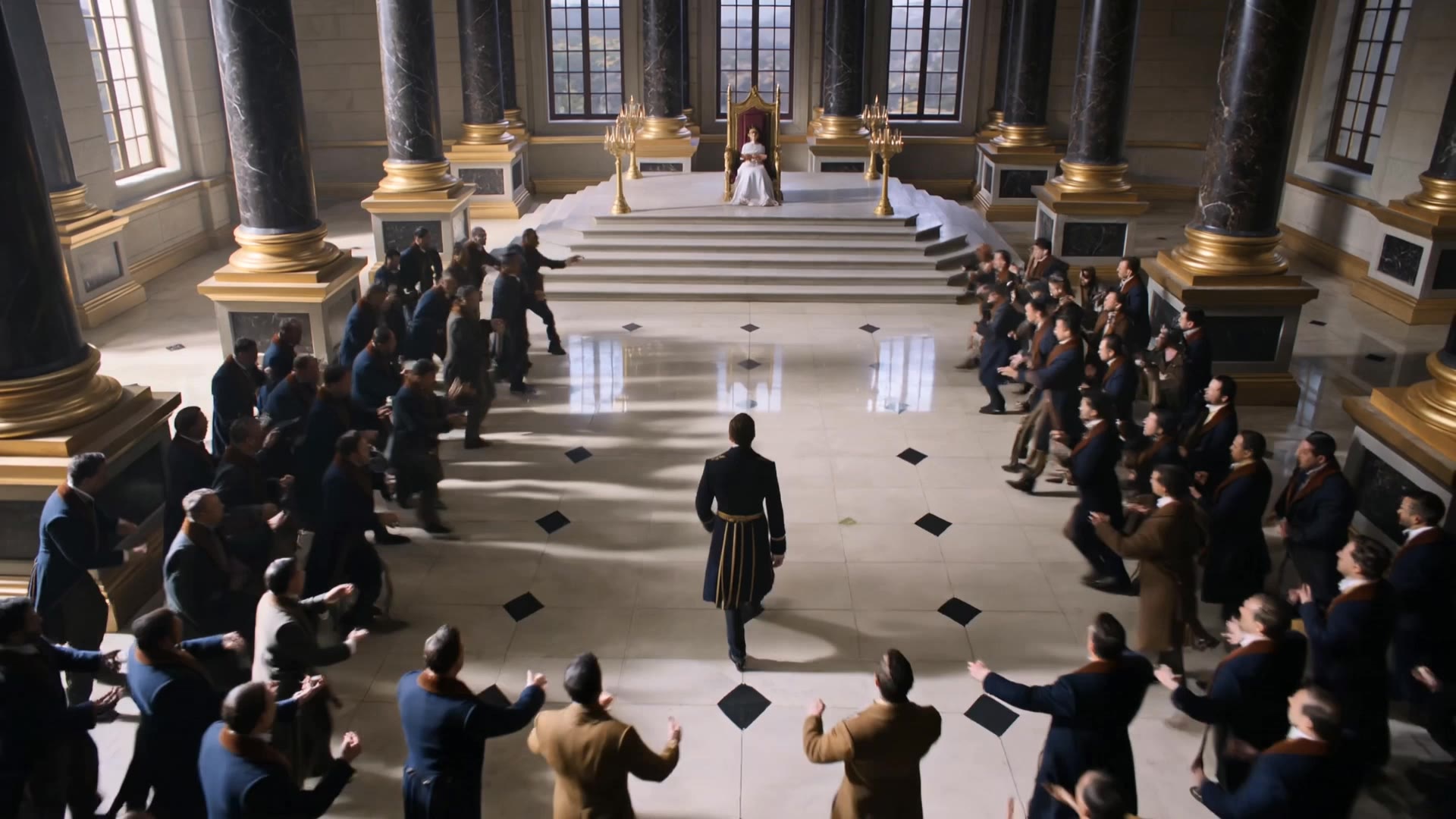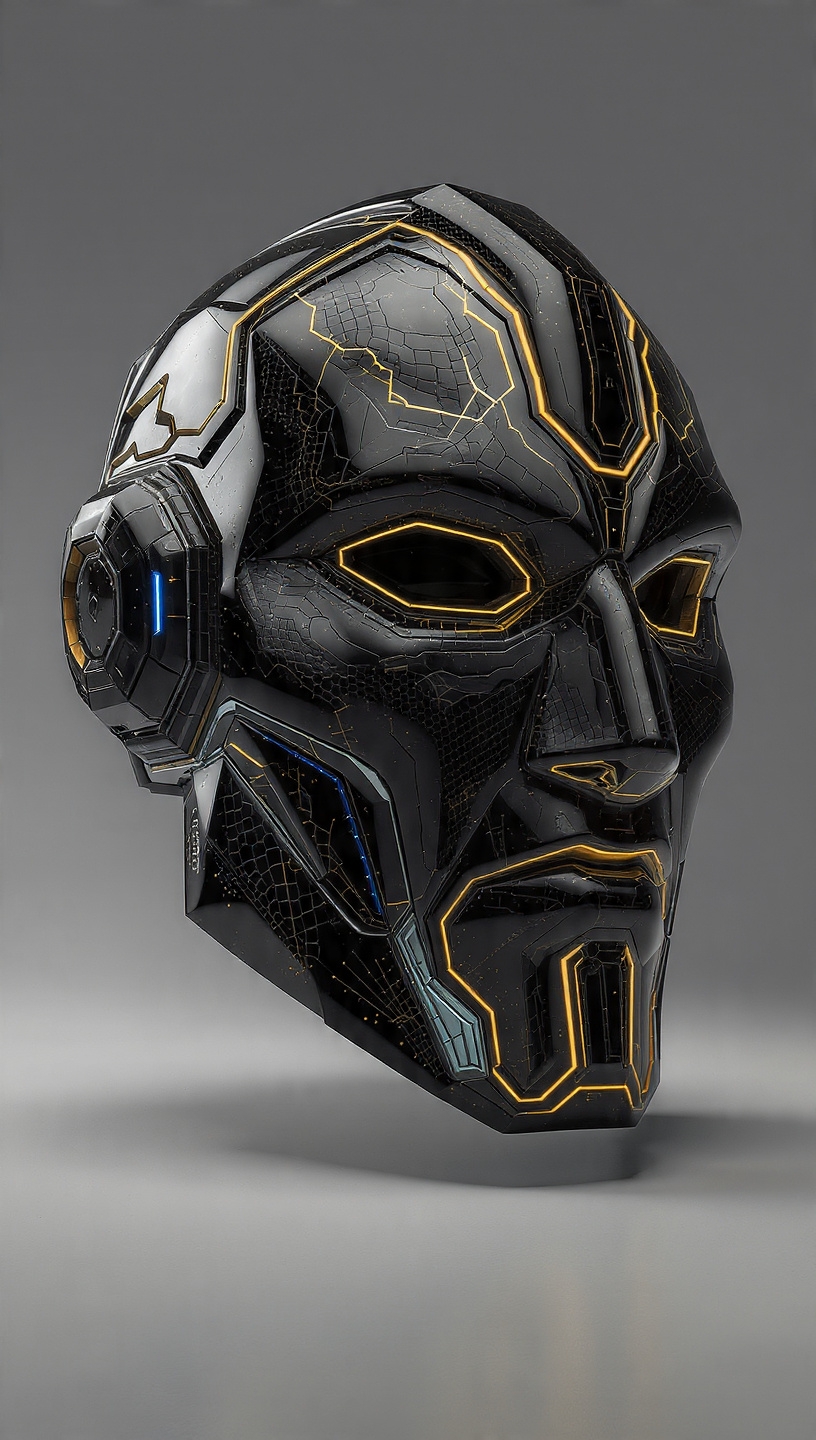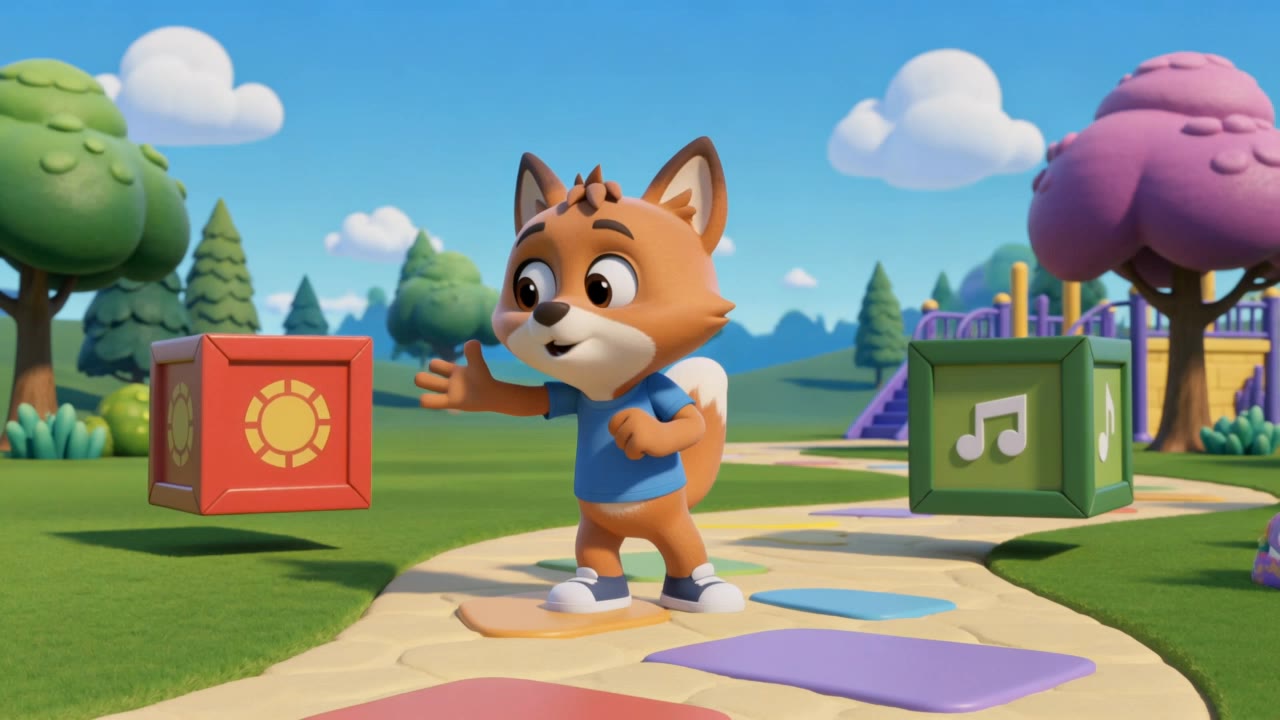
free icon creator - Pendrive system & Key icon animation

Unleash your creativity with cinematic 3D animations and futuristic AI-driven designs for unique icons. Join Indonesian creators and style icons in crafting the best digital art. Start exploring free icon creator ideas and generate your own content with AI.

free icon creator - Pendrive system & Key icon animation

Recommended

Kling AI work 311034683505071 - free icon creator AI video
Blessed avatar
Blessed
Celebratory icon - free icon creator AI video
noqQwmjm avatar
noqQwmjm
digital creator - free icon creator AI video
00:18
ETWUbfxq avatar
ETWUbfxq
Kling AI work 316791054504567 - free icon creator AI video
NCAlFZDB avatar
NCAlFZDB
Aisha - free icon creator AI image
Alla_nov avatar
Alla_nov
Elite Creator
Creator - free icon creator AI video
00:49
bwVxpNGT avatar
bwVxpNGT
digital creator - free icon creator AI video
yHeRCDiM avatar
yHeRCDiM
Icon - free icon creator AI video
Viktor_Fox avatar
Viktor_Fox
AI Content Creator - free icon creator AI video
iBJCWeVo avatar
iBJCWeVo
Creator - free icon creator AI video
00:18
kigSBlXT avatar
kigSBlXT
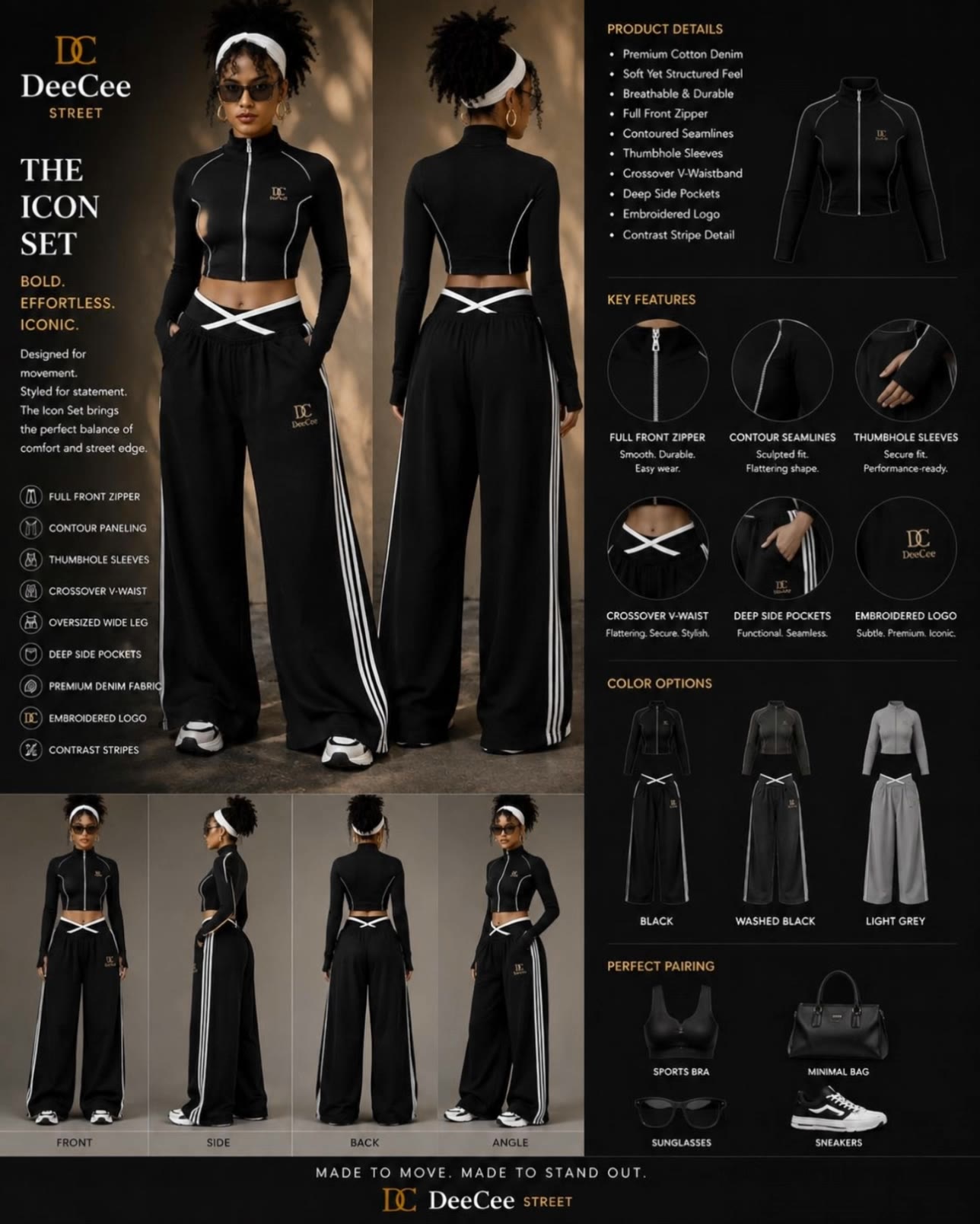
Icon set  - free icon creator AI video
Deecee_Street avatar
Deecee_Street
Kling AI work 314663318320253 - free icon creator AI video
NovaFable avatar
NovaFable
AI creator  - free icon creator AI video
03:04
onvMWnwq avatar
onvMWnwq
creator  - free icon creator AI image
HRfXGOpl avatar
HRfXGOpl
digital creator  - free icon creator AI video
F1 Live
HtSWHTVu avatar
HtSWHTVu
Kling AI work 316879640308004 - free icon creator AI image
wPQVWFzY avatar
wPQVWFzY
creator - free icon creator AI video
Chinese trend
sAPHhQgK avatar
sAPHhQgK
Kling AI work 317826004507580 - free icon creator AI video
LgbaZaul avatar
LgbaZaul
tdvh - free icon creator AI video
voNypOMD avatar
voNypOMD

How to Create Images with Kling AI

Write Down You Ideas

Write Down You Ideas

Open the AI Image Generator and choose the model that fits your project. Describe the subject and scene, then add details such as lighting, color, and visual style to shape the result.

Add References Or Not

Add References Or Not

Upload reference images for a character, product, composition, or style. References are optional, but they give Kling AI a clearer visual foundation when specific features, colors, or design details need to carry into the final image.

Generate Your Image

Generate Your Image

Choose your preferred format and output settings, then hit Generate. Once the result is ready, download it directly or open it in the image-to-video workflow to bring it to life with motion.

Key Features of Kling AI Image Generator

Turn Ideas into Images

Turn Ideas into Images

Describe the scene, character, product, or style you have in mind, and watch your idea come to life. Whether you're generating from scratch or fine-tuning an existing result, Kling IMAGE 3.0 follows your instructions, including tweaking the composition, shifting the lighting, and adjusting visual details until it looks right.

Bring References Into New Creations

Bring References Into New Creations

Bring in references for a character, product, color palette, material, composition, or visual style. IMAGE 3.0 draws on the defining qualities of up to 10 images and brings them together in one cohesive result, keeping the details that make each reference recognizable.

Produce Professional Image Series in 4K

Produce Professional Image Series in 4K

Plan and create a complete visual series as one cohesive project, rather than generating each image separately. IMAGE 3.0 Omni supports intentional shot progression, varied framing, and a unified creative direction across the set, with native 4K output for cinematic storyboards, product campaigns, character development, comics, and branded content.

Apps

Image to Video
Image to Video

Image to Video

Text to Video
Text to Video

Text to Video

Omni
Omni

Omni

Digital Human
Digital Human

Digital Human

Restyle
Restyle

Restyle

Text to Image
Text to Image

Text to Image

60M+
60M+
Users
600M+
600M+
AI Videos Generated
4.7 ★
4.7 ★
App Store
Industry-Leading
Industry-Leading
Cinematic 4K

Reviews

James Phillips

James Phillips

★★★★★

Kling AI has transformed my workflow by collapsing timelines and democratizing production. It’s shifted my mindset from resource-dependent filmmaking to a boundless creative sandbox, where experimentation yields unexpected beauty.

Maria Rubtsova

Maria Rubtsova

★★★★★

I’m Maria Rubtsova, an AIGC digital artist passionate about creating stunning visuals in the worlds of fashion, aesthetics, and fantasy. I use KlingAi to bring imagination to life through video. My work is all about exploring beauty, emotion, and the limitless possibilities of digital art.

Déborah

Déborah

★★★★★

I use Kling AI every day. It's amazing to see the almost daily progress it makes. I used AI for fun at first, and I now find that Kling AI's animations allow me to gain professional visibility, with three times more views on my animated posts than on my static posts.

FAQ

Q1Can I use another photo to guide an edit?
Q2Can Kling AI restore an old or damaged photo?
Q3Can I add color to a black-and-white photo?

Take Your Photo in a New Direction

Start with the image you have and rework it for the look, message, or moment you have in mind.

Object removal | Background changes | Portrait retouching | Photo restyling