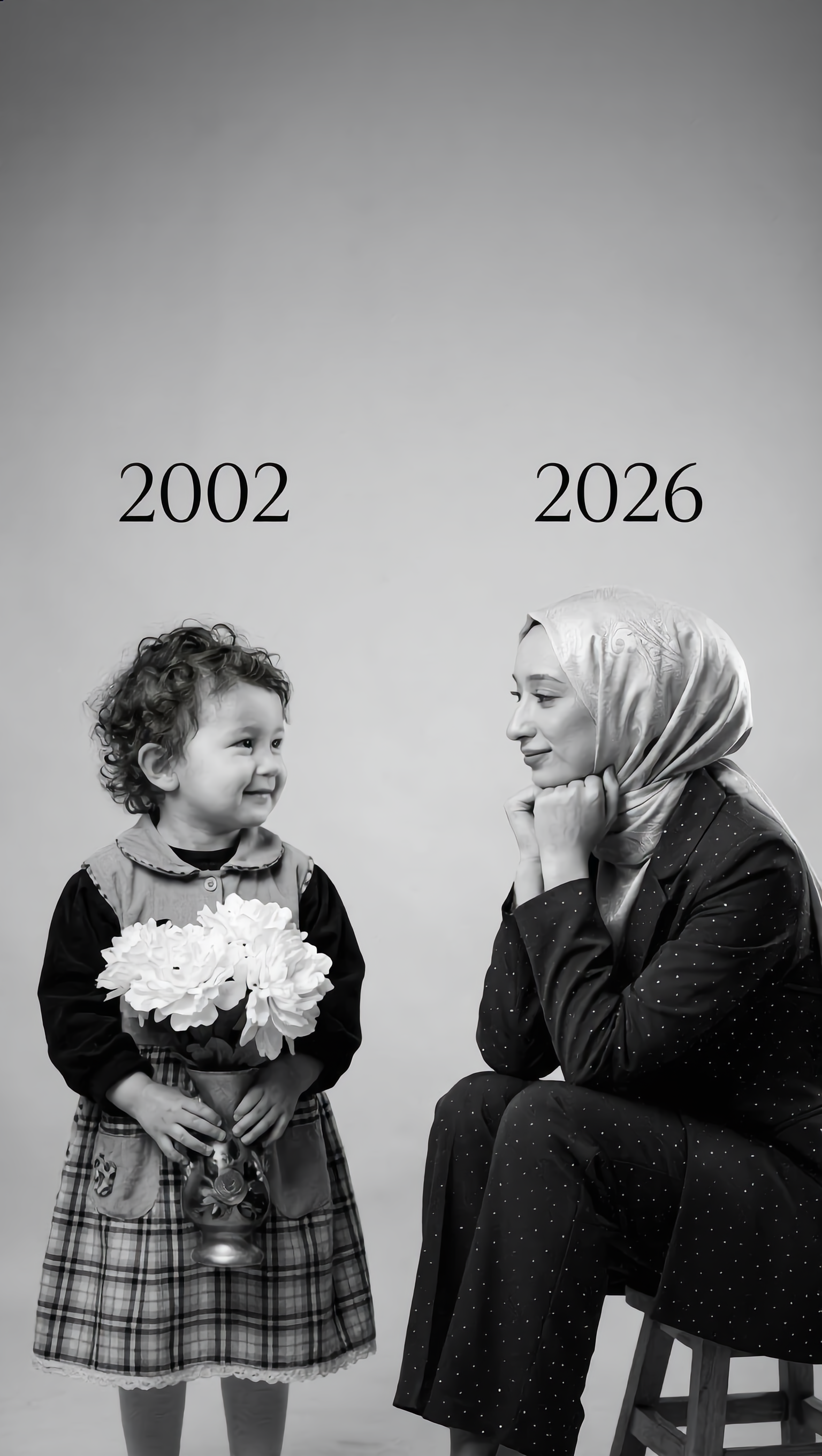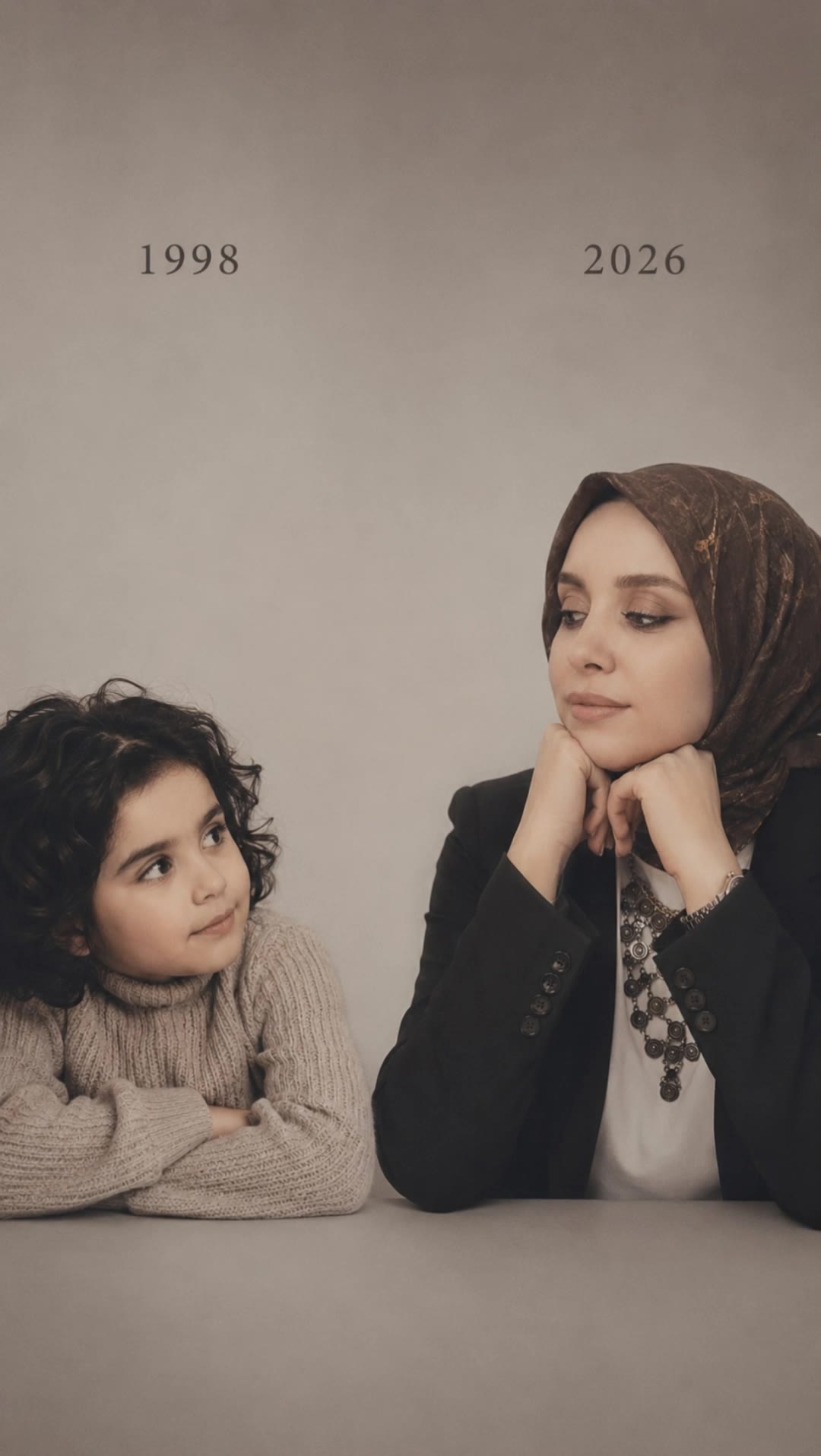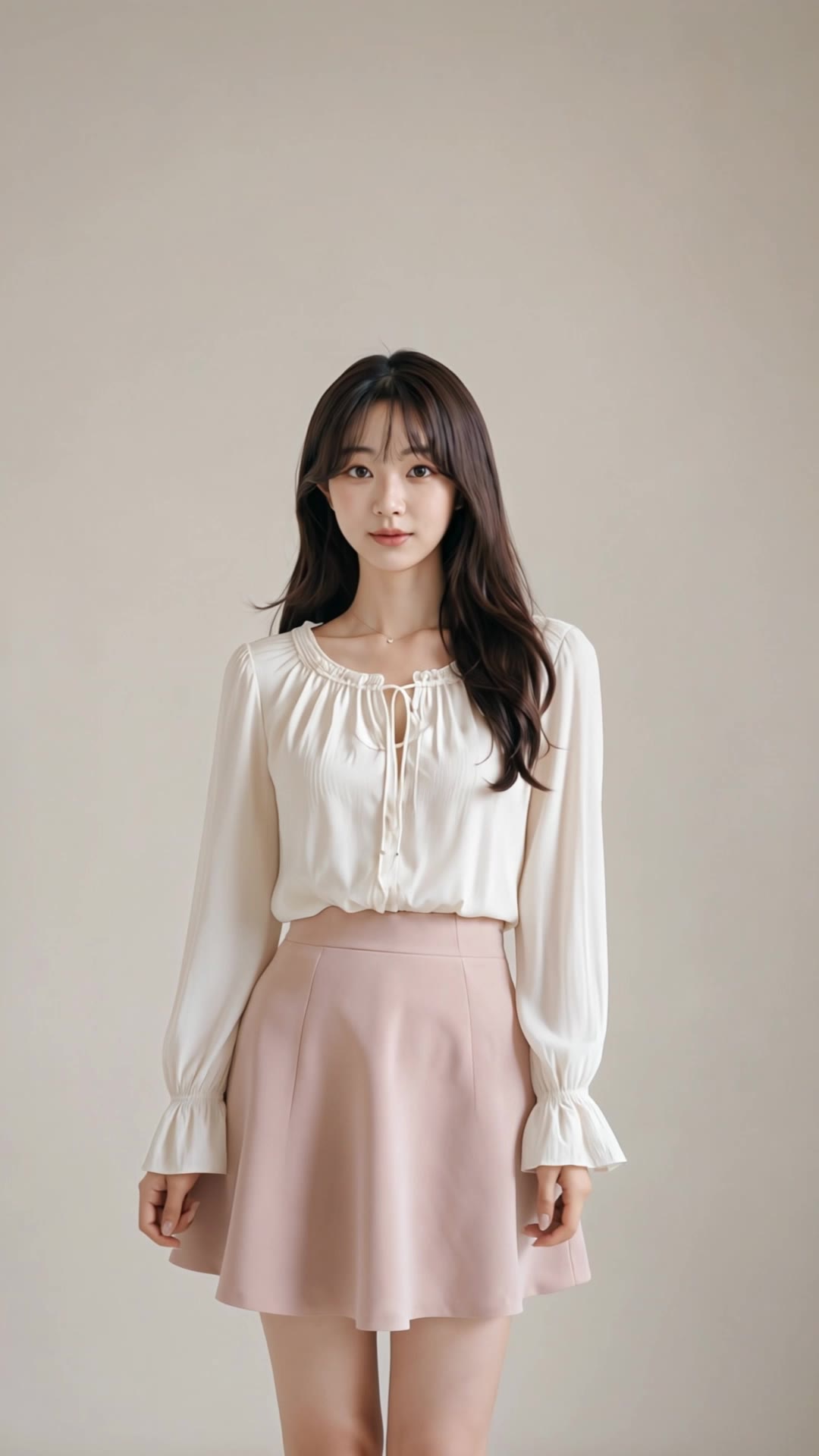
free put smile on photo - FashionMinimal & UrbanPortrait

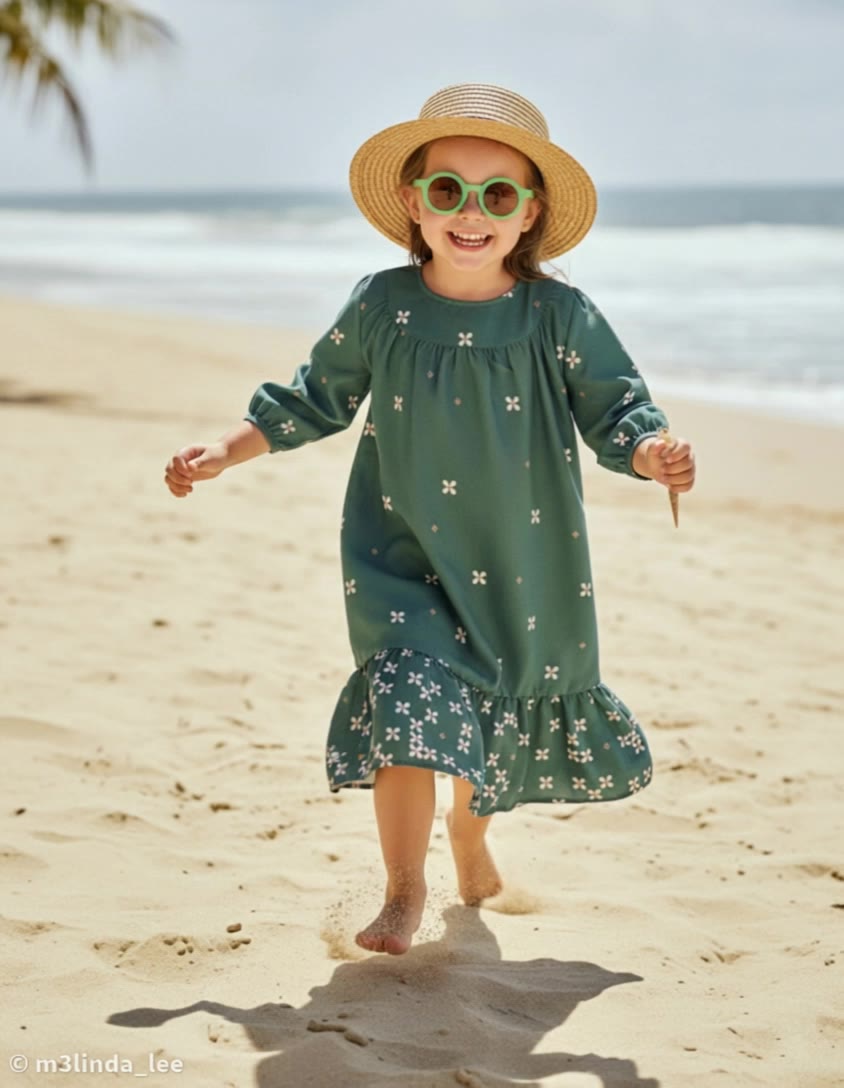
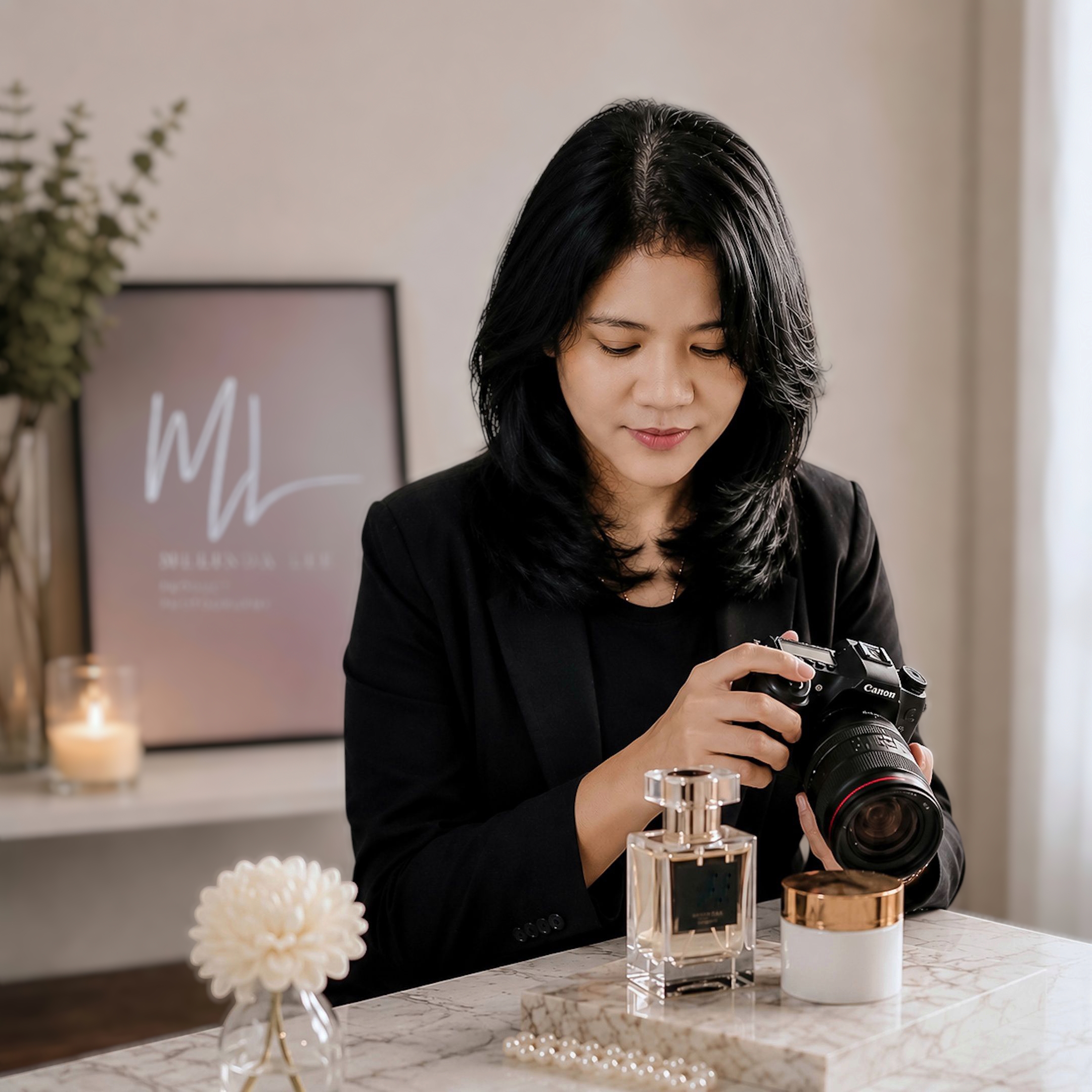
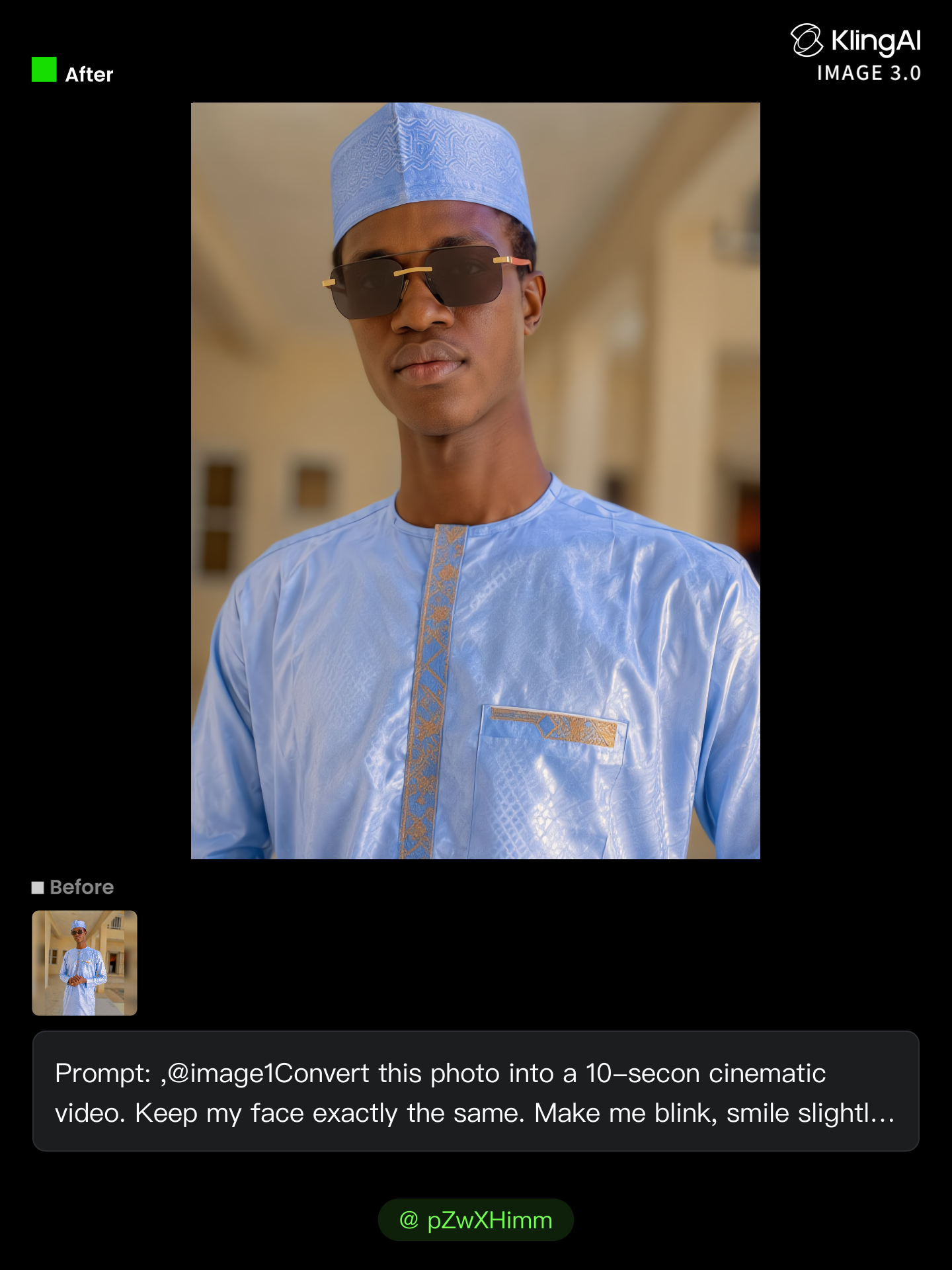
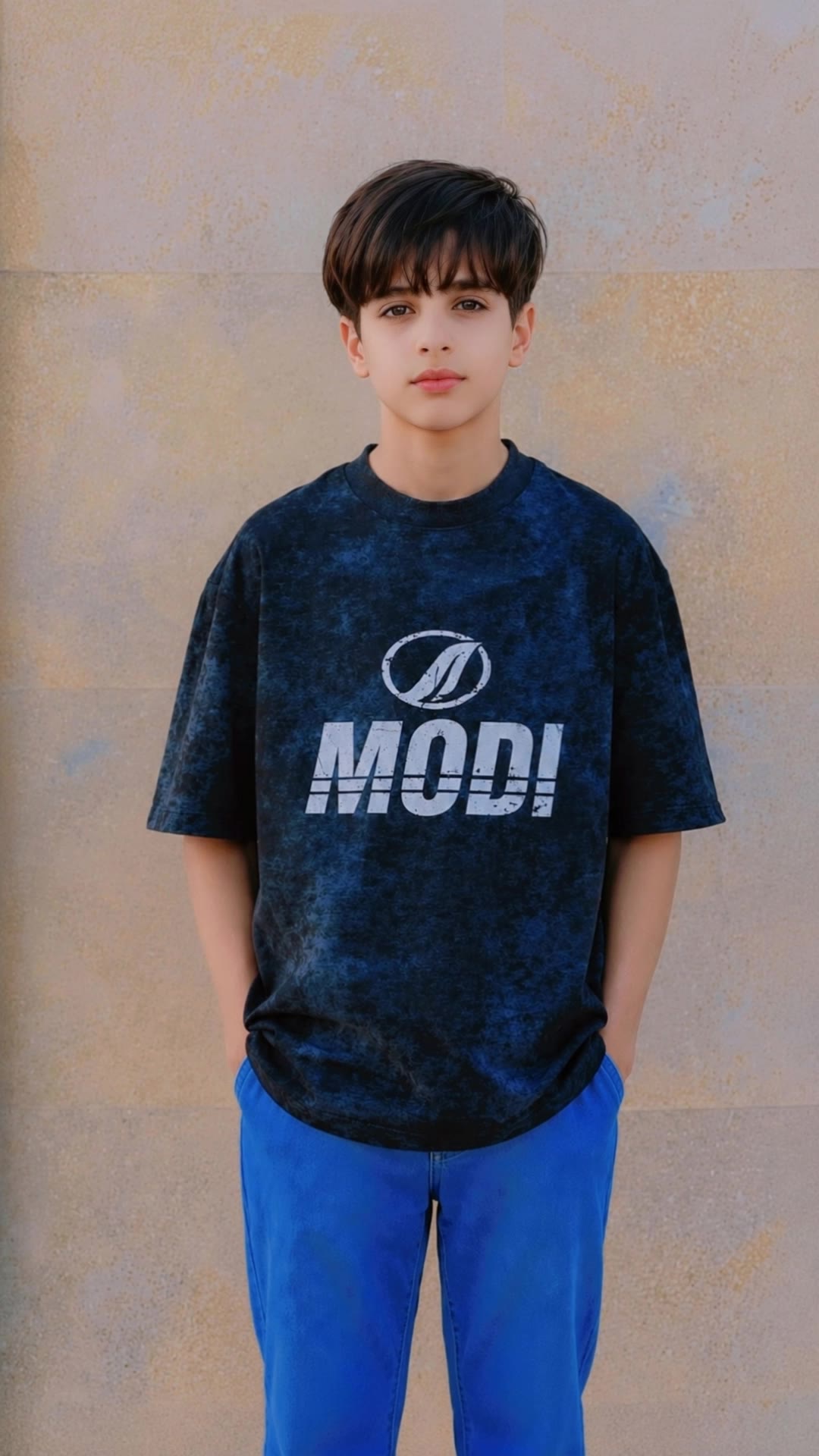
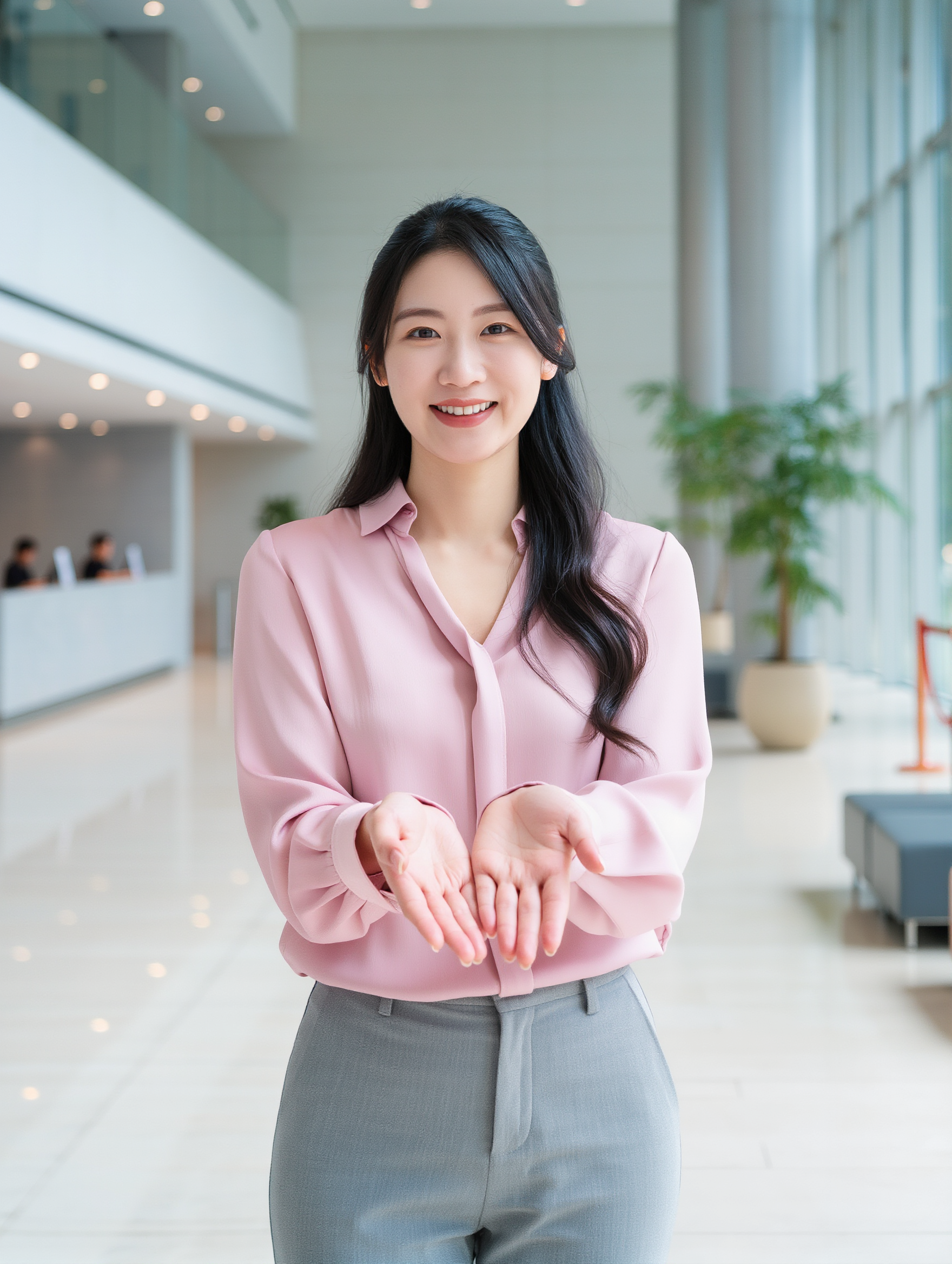
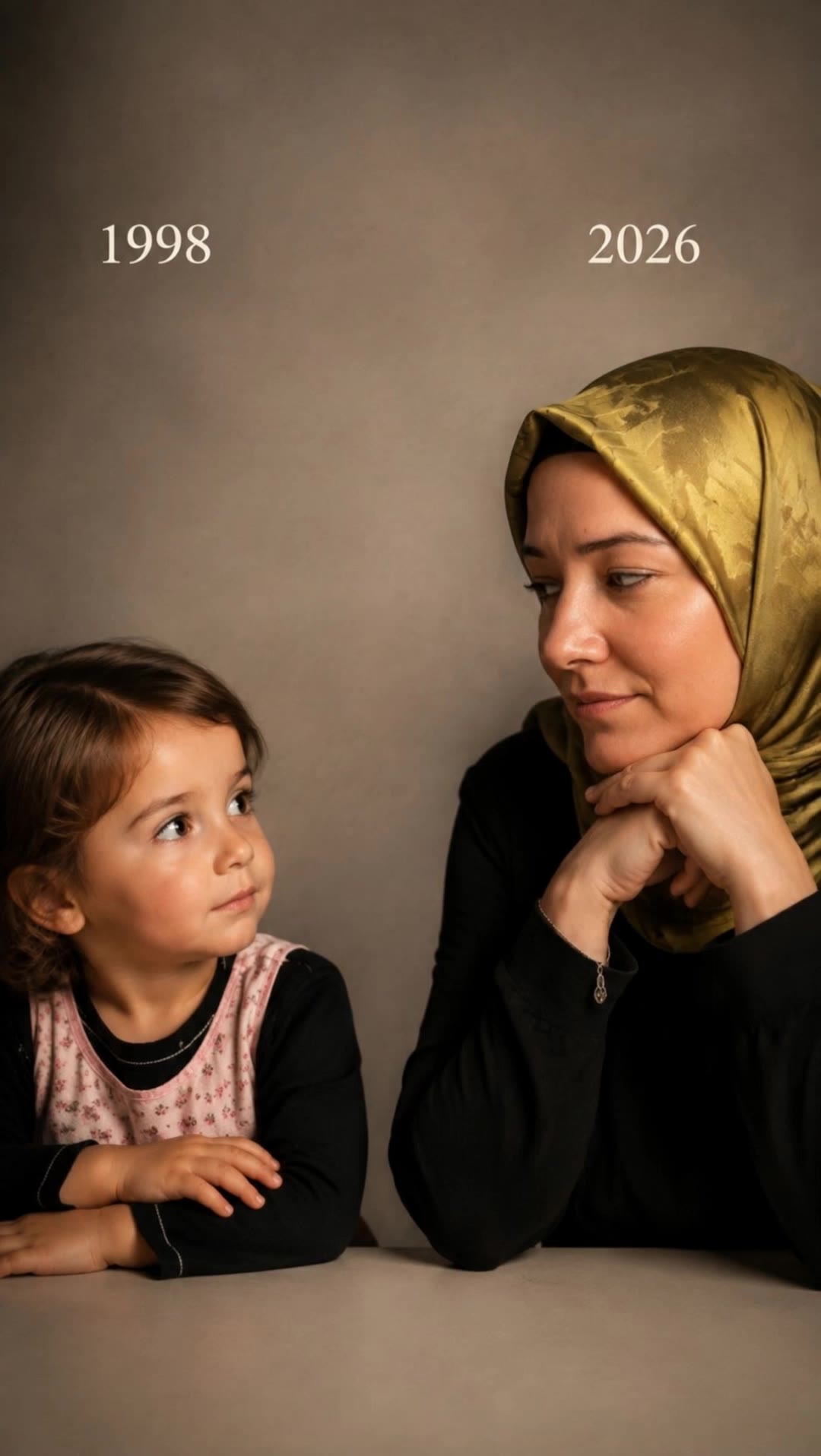
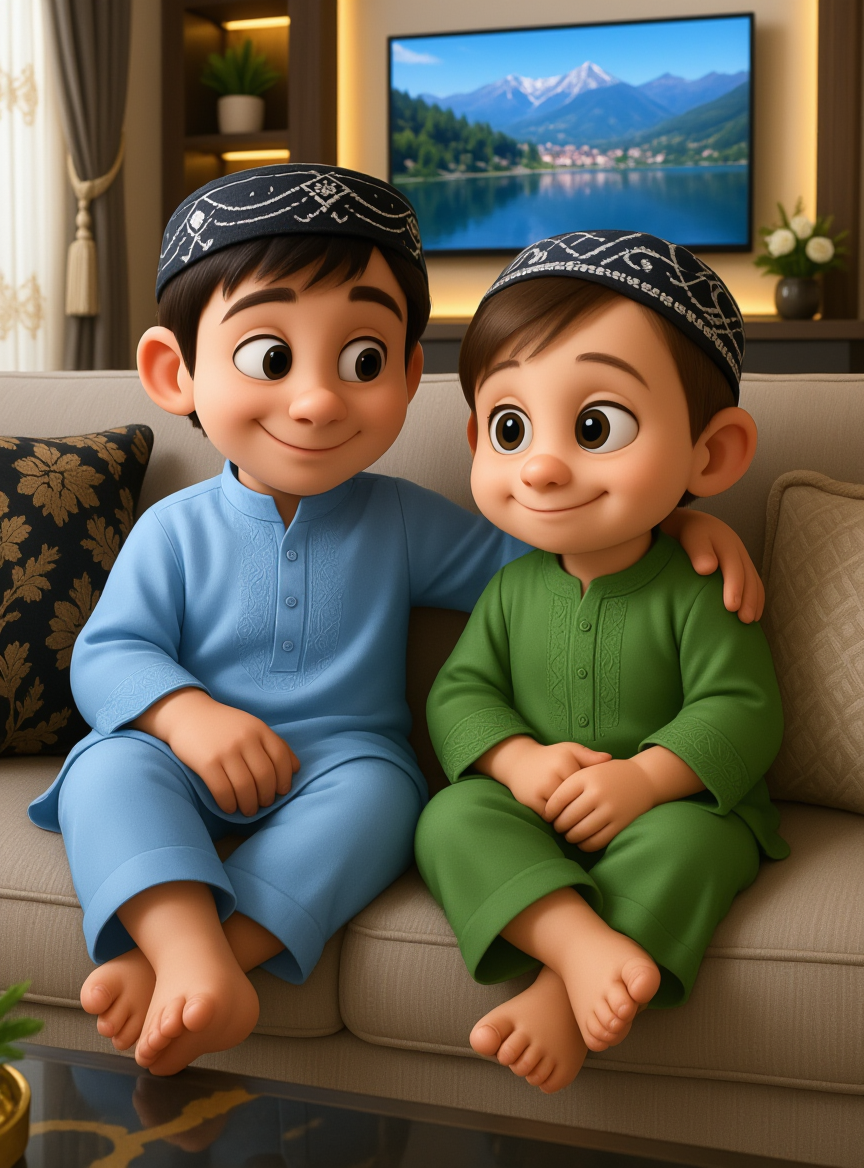
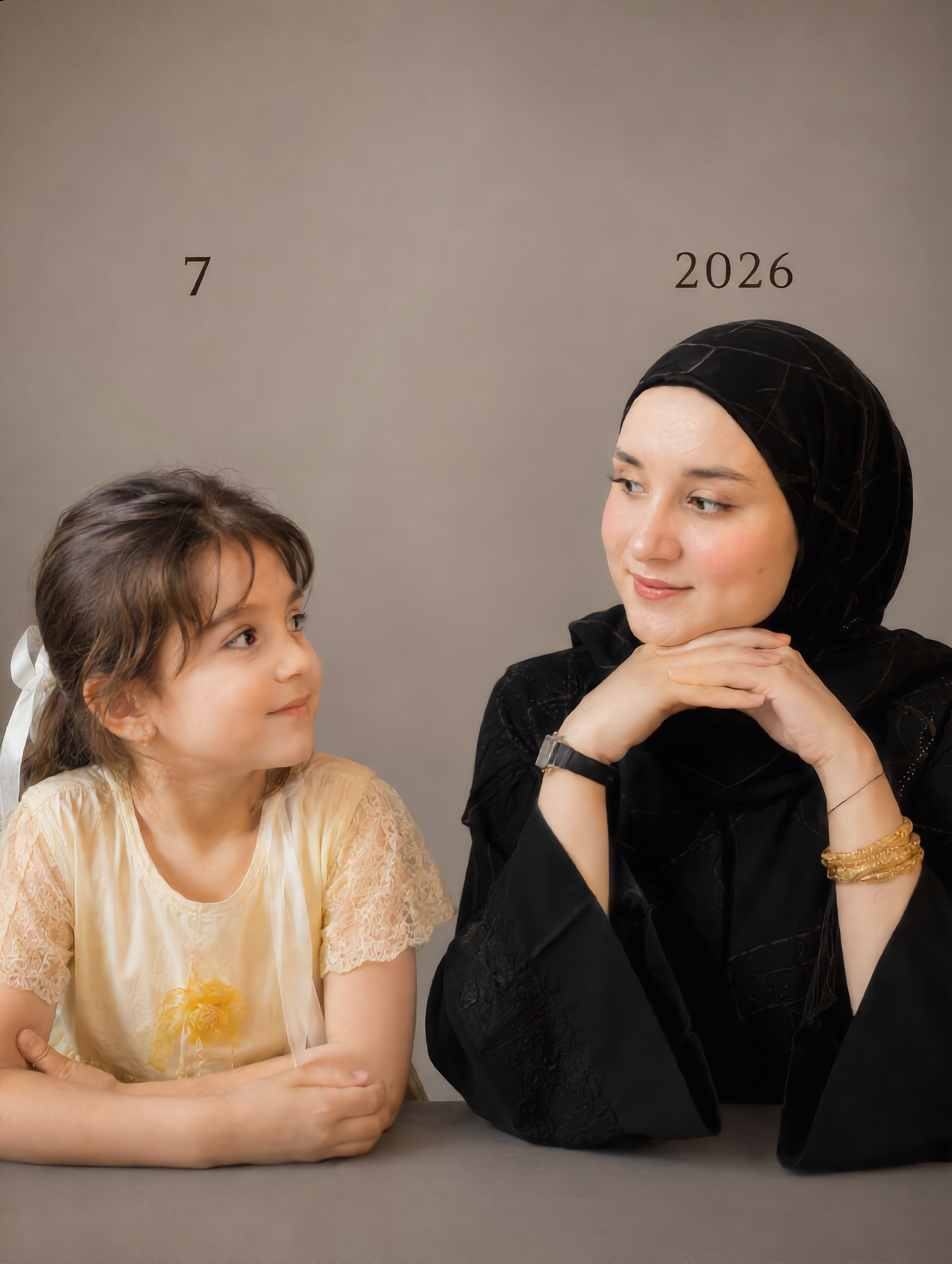
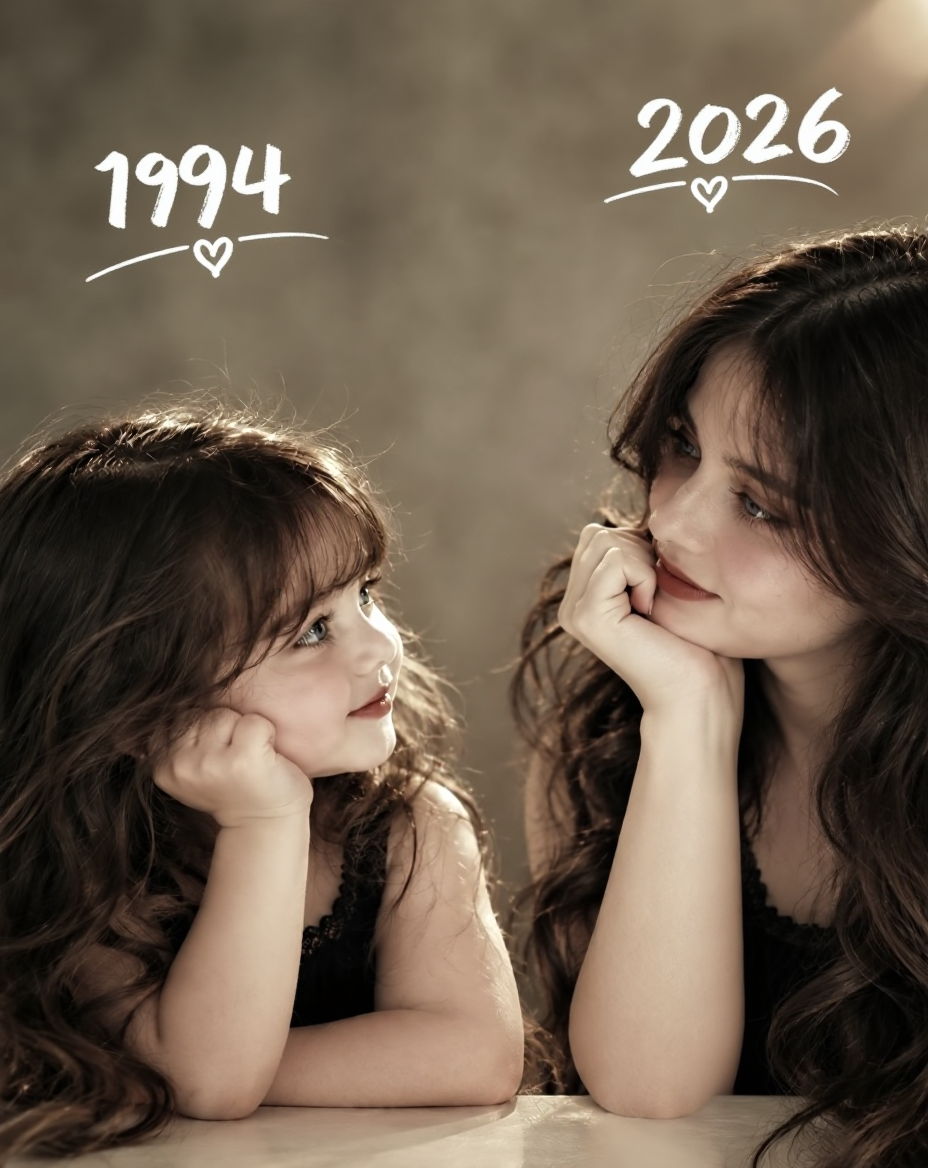
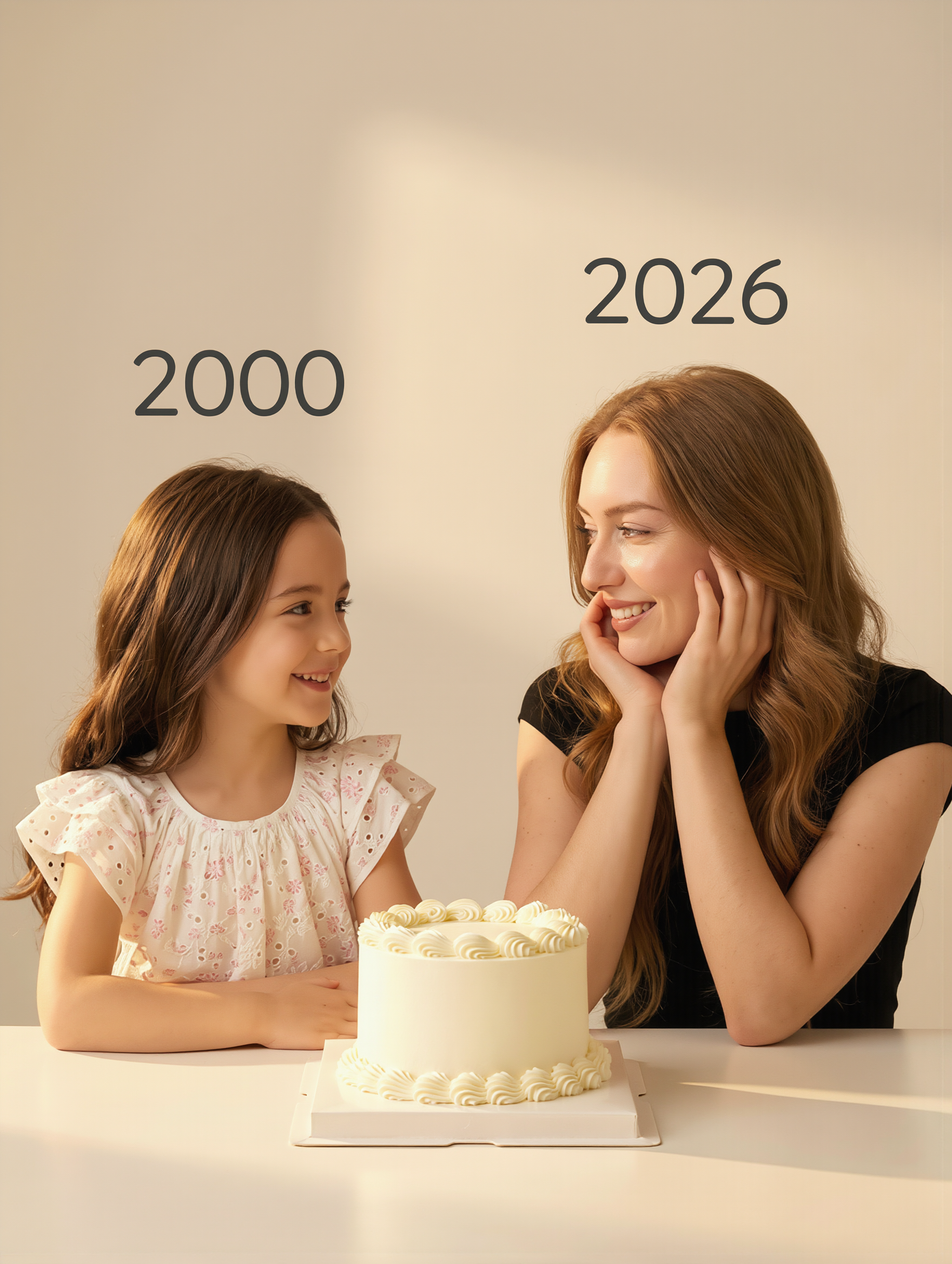
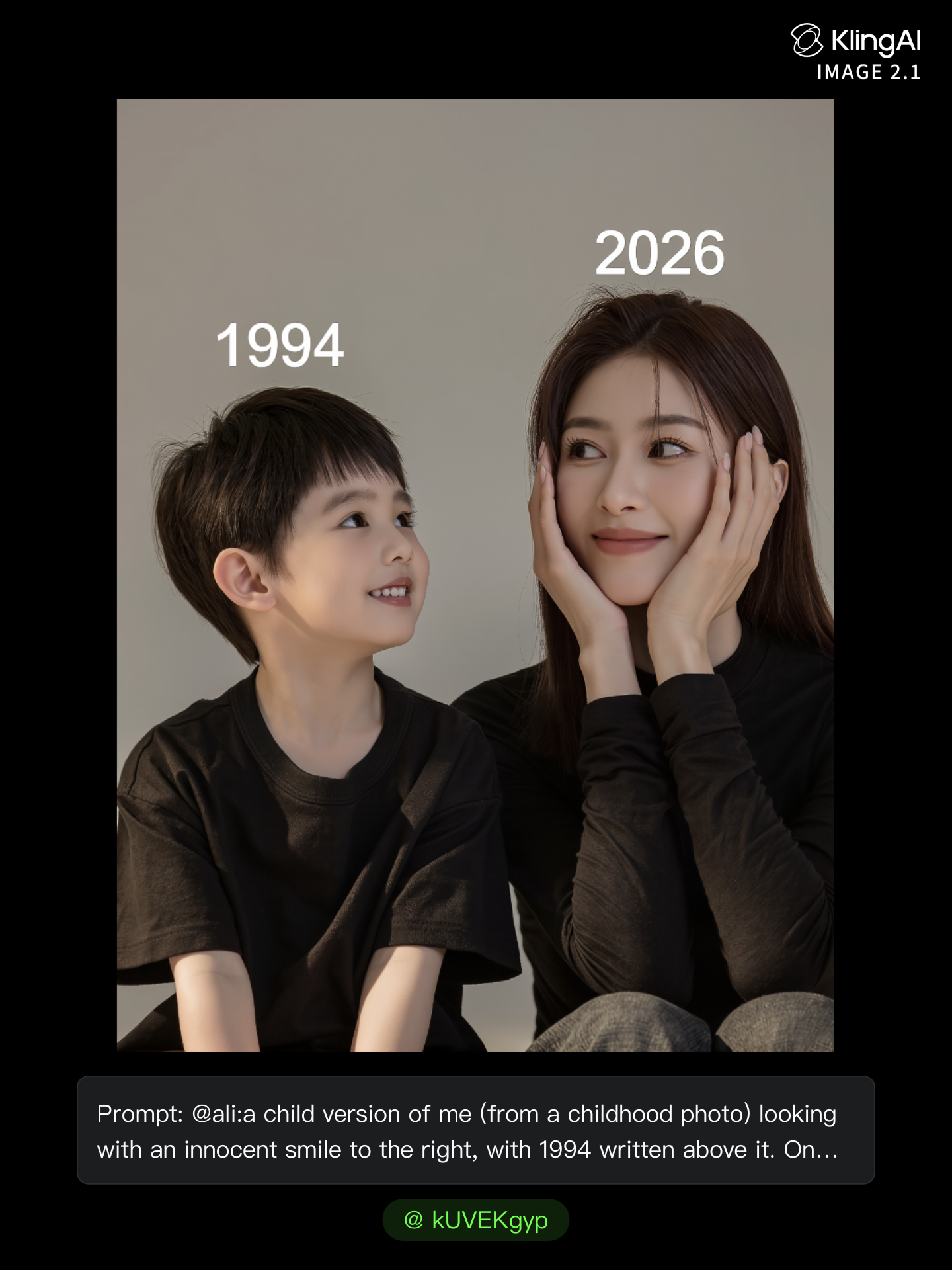
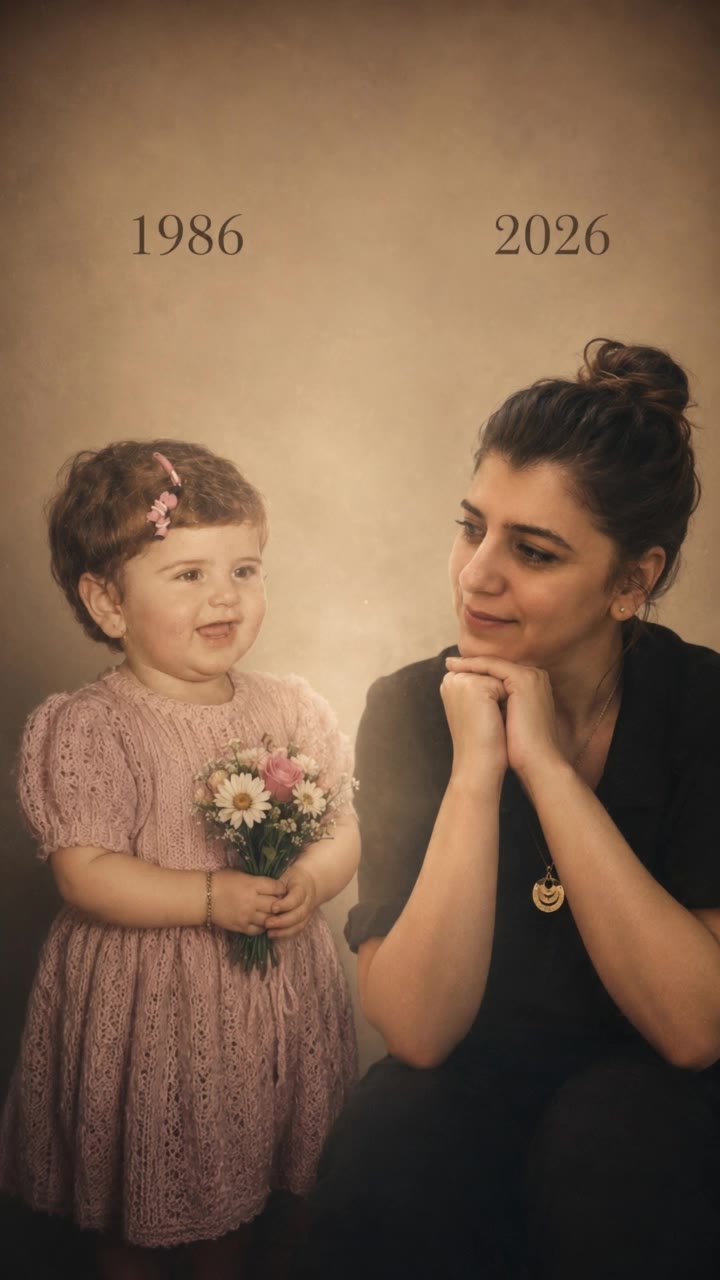
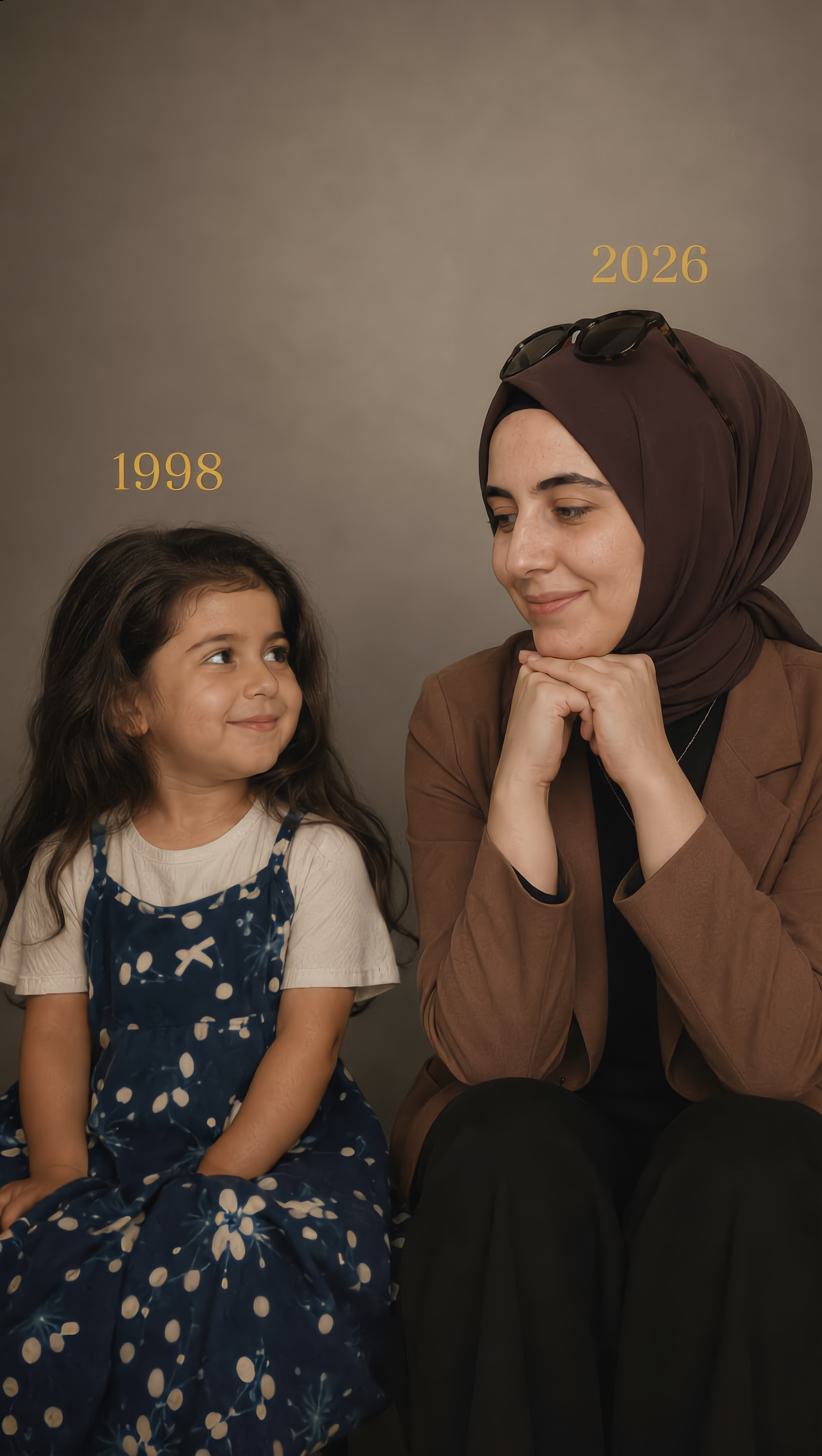
Capture the charm of various smiles with golden glow, pink, and natural themes in your photos. Enhance your portraits with subtle, joyful expressions and unique elements for a touch of magic. Start exploring free put smile on photo ideas and generate your own content with AI.

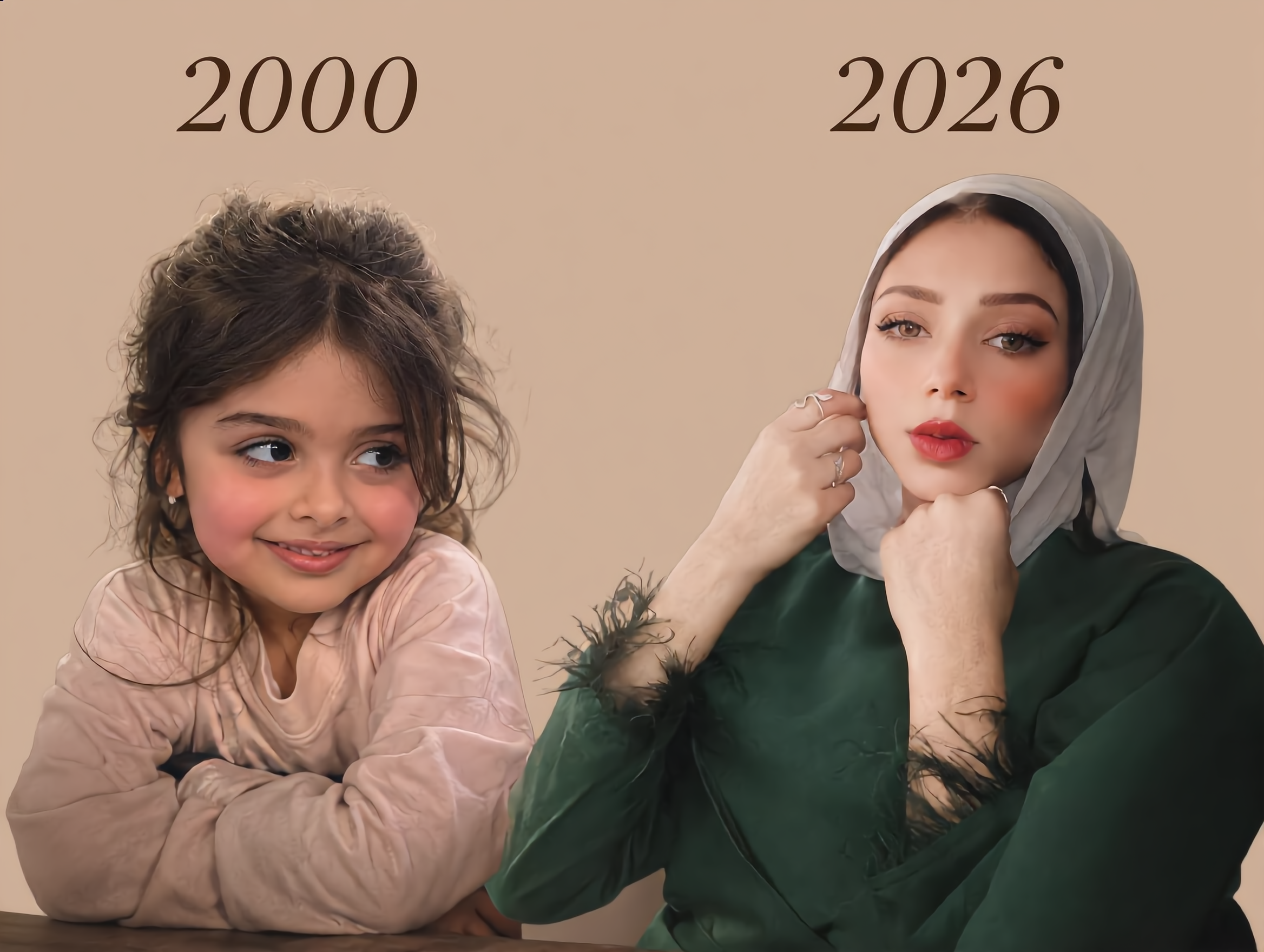
free put smile on photo - FashionMinimal & UrbanPortrait

Recommended

profile photo shoot_♡ - free put smile on photo AI video
ZIA_Woo🩷 avatar
ZIA_Woo🩷
Kling AI work 310761797506695 - free put smile on photo AI image
ELMdlUqs avatar
ELMdlUqs
Kling AI work 290839602506824 - free put smile on photo AI video
Melinda avatar
Melinda
Kling AI work 314901083612575 - free put smile on photo AI image
pZwXHimm avatar
pZwXHimm
Kling AI work 315451173525237 - free put smile on photo AI video
YWNbJmDc avatar
YWNbJmDc
Kling AI work 313603375526615 - free put smile on photo AI image
OHeMhWhJ avatar
OHeMhWhJ
Kling AI work 317757494661376 - free put smile on photo AI video
QKMxVMyQ avatar
QKMxVMyQ
Kling AI work 321157678521747 - free put smile on photo AI image
sqIzjZvU avatar
sqIzjZvU
Kling AI work 310819035666808 - free put smile on photo AI image
NzWwgnny avatar
NzWwgnny
Kling AI work 310731672505352 - free put smile on photo AI image
vEVDzwWf avatar
vEVDzwWf
Kling AI work 313353551610796 - free put smile on photo AI video
RRxFjaFg avatar
RRxFjaFg
Kling AI work 309420630610894 - free put smile on photo AI image
llIkfikh avatar
llIkfikh
A look, a smile - free put smile on photo AI video
Kriando Arte avatar
Kriando Arte
Kling AI work 310904831664482 - free put smile on photo AI image
kUVEKgyp avatar
kUVEKgyp
Kling AI work 316249979668398 - free put smile on photo AI video
DCEQPFFF avatar
DCEQPFFF
Kling AI work 310606565503297 - free put smile on photo AI video
EcnbfwxL avatar
EcnbfwxL
Kling AI work 312399324664784 - free put smile on photo AI image
XYDMXukj avatar
XYDMXukj
Kling AI work 313166935660793 - free put smile on photo AI image
hoJYaNnb avatar
hoJYaNnb
Kling AI work 313982936612992 - free put smile on photo AI video
FGgZkKHv avatar
FGgZkKHv

How to Animate an Image with AI

Upload Your Image

Upload Your Image

Upload a portrait, product photo, illustration, or other image. For additional control, Kling 4.0's Omni Reference supports up to 15 combined reference assets, subject to individual input limits.

Describe the Motion

Describe the Motion

Specify how your subject moves and what the camera does. You can also add start and end frames or use up to 10 flexible keyframes to guide important changes with supported Kling 4.0 settings.

Generate and Download

Generate and Download

Choose your video settings and generate a clip up to 30 seconds long with Kling 4.0. Preview the result, make adjustments if needed, and download your video.

Edit the Parts That Matter

Change Subjects, Backgrounds, and Style

Change Subjects, Backgrounds, and Style

A different character, a new product, or a completely different location can change the purpose of a video. Keep the footage you already have and update the elements that need another take. No green screen needed. Kling 4.0 supports adding, removing, and replacing subjects and scene elements using prompts and visual references. Change a product, replace a character, or move the action into a new setting. Reference images help guide the appearance of new elements while keeping the rest of the scene closer to the original.

Recreate Videos with Your Own References

Recreate Videos with Your Own References

Found a camera move, transition, or video concept that would work with your own character or product? You can use the original clip as a creative reference rather than recreating the entire shoot. Kling 4.0 draws on reference footage for pacing, shot composition, and movement while introducing your own subjects and visual style. Omni Reference supports up to 15 combined assets, subject to individual input limits. Combine character images, product photos, and video references to explore new versions while helping recognizable details stay consistent.

Extend Your Video Up to 2 Minutes

Extend Your Video Up to 2 Minutes

Continue an existing video forward or backward, adding footage before the opening or after the ending. Extend actions, camera movements, and storylines while keeping the new footage connected to the original scene. Kling 4.0's Video Extension supports multiple extension passes, reaching a total video length of up to 2 minutes. Build longer sequences with continuity in characters, settings, and movement, without recreating the entire video.

Apps

Video Generation
Video Generation

Video Generation

Image Generation
Image Generation

Image Generation

Motion Control
Motion Control

Motion Control

Avatar
Avatar

Avatar

AI Portraits
AI Portraits

AI Portraits

Lip Sync
Lip Sync

Lip Sync

60M+
60M+
Users
600M+
600M+
AI Videos Generated
4.7 ★
4.7 ★
App Store
Industry-Leading
Industry-Leading
Cinematic 4K

Reviews

Samuele Poggi (@visualsk2)

Samuele Poggi (@visualsk2)

★★★★★

I use Kling AI daily to push the limits of AI filmmaking. It allows me to create highly cinematic content, blending AI and VFX to develop innovative projects. It has significantly impacted my creative process, enabling me to achieve complex animations that would otherwise require high production budgets.

Halim Alrasihi

Halim Alrasihi

★★★★★

I use AI daily and Kling AI is a crucial part of my workflow, whether for client work or personal projects. What I love most about using Kling AI is that it provides all the tools I need in one place, from keyframes to character references, elements and special effects.

Vincent Smadja

Vincent Smadja

★★★★★

Kling AI seamlessly integrates into my creative workflow, playing a key role in transforming my images. After generating and upscaling an image, Kling becomes a crucial element, bringing my creations to life with movement and depth.

FAQ

Q1How do I generate an AI video?
Q2Is Kling AI a free AI video generator?
Q3How long can AI-generated videos be?

Start Creating AI Videos with Kling

Start with text or images and see what's possible with Kling AI. Create the footage, guide the movement, and keep working until the scene feels right. No complicated setup.

Text to Video | Image to Video | Omni Reference | Free tier includes watermark