frontier speed - CarRush & SpeedboatRacing

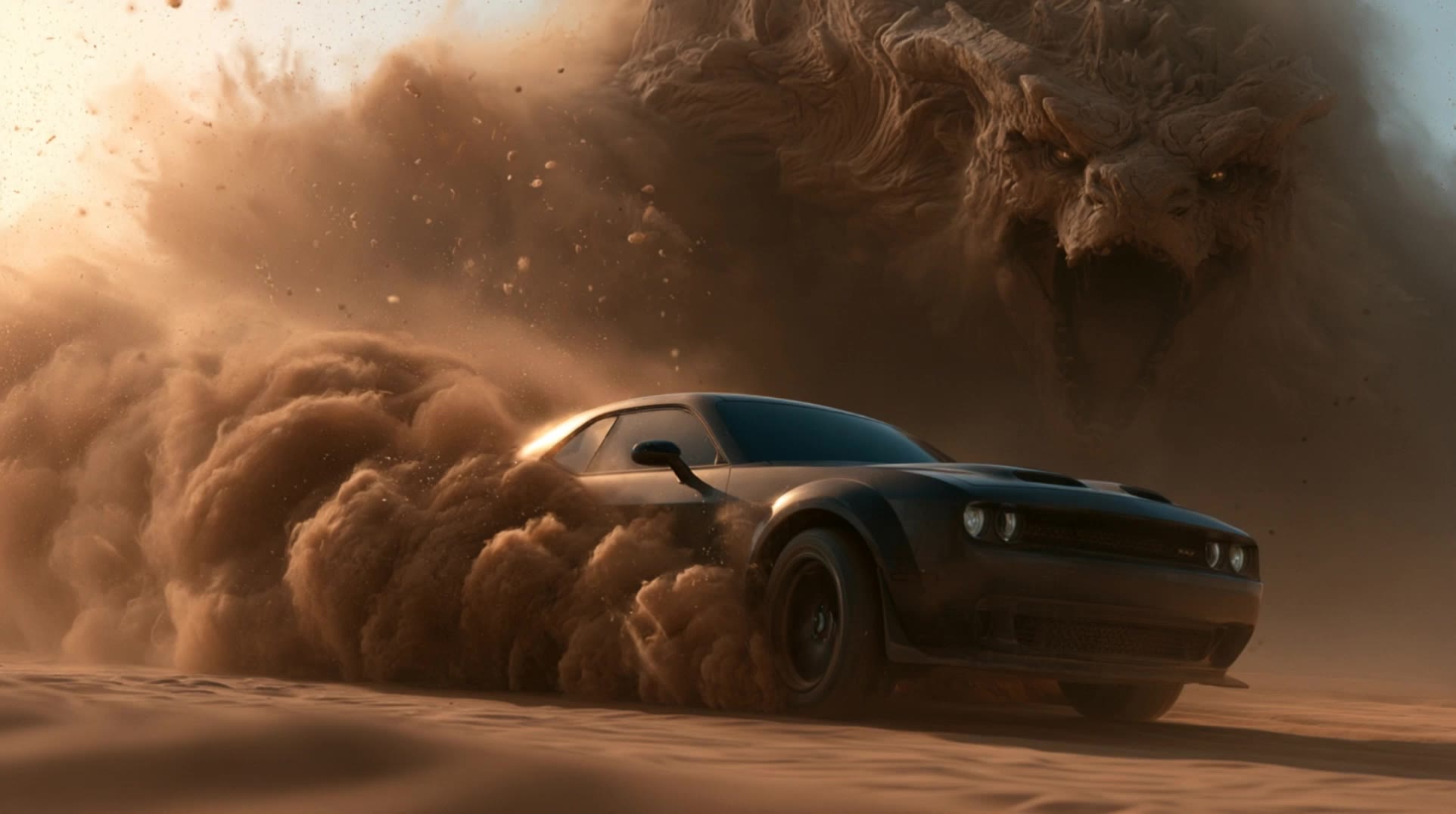
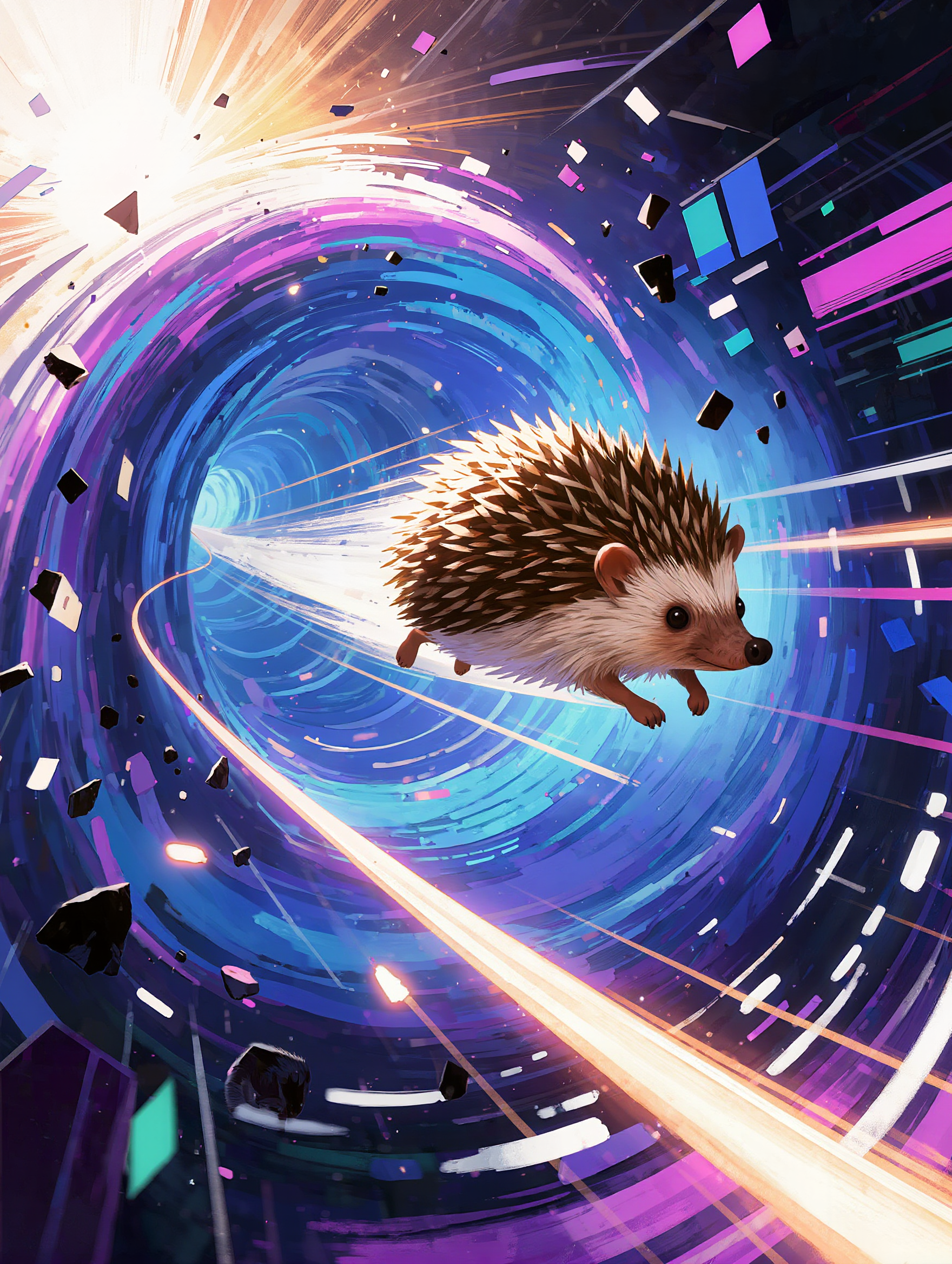
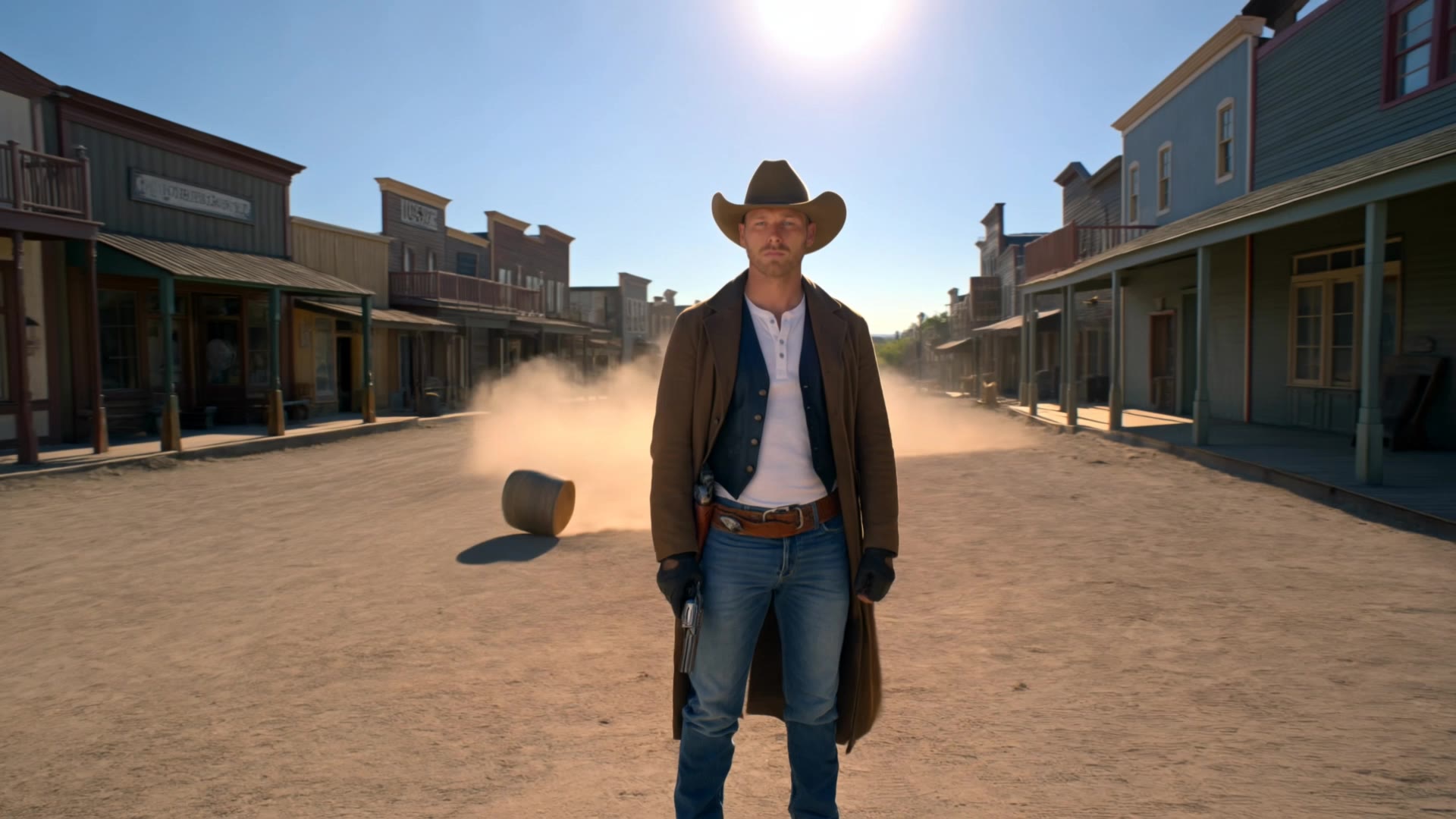
Experience the thrill of high-velocity ice racing and extreme car acceleration with vibrant light streaks. Immerse in the adrenaline-pumping speed of a pink cabrio sprinting through city streets. Start exploring frontier speed ideas and generate your own content with AI.

frontier speed - CarRush & SpeedboatRacing

Recommended

Kling AI work 315272403616261 - frontier speed AI video
Izabeau avatar
Izabeau
Kling AI work 311342897525780 - frontier speed AI video
KLING1727 avatar
KLING1727
High speed car chase - frontier speed AI video
00:10
lifeunfiltered avatar
lifeunfiltered
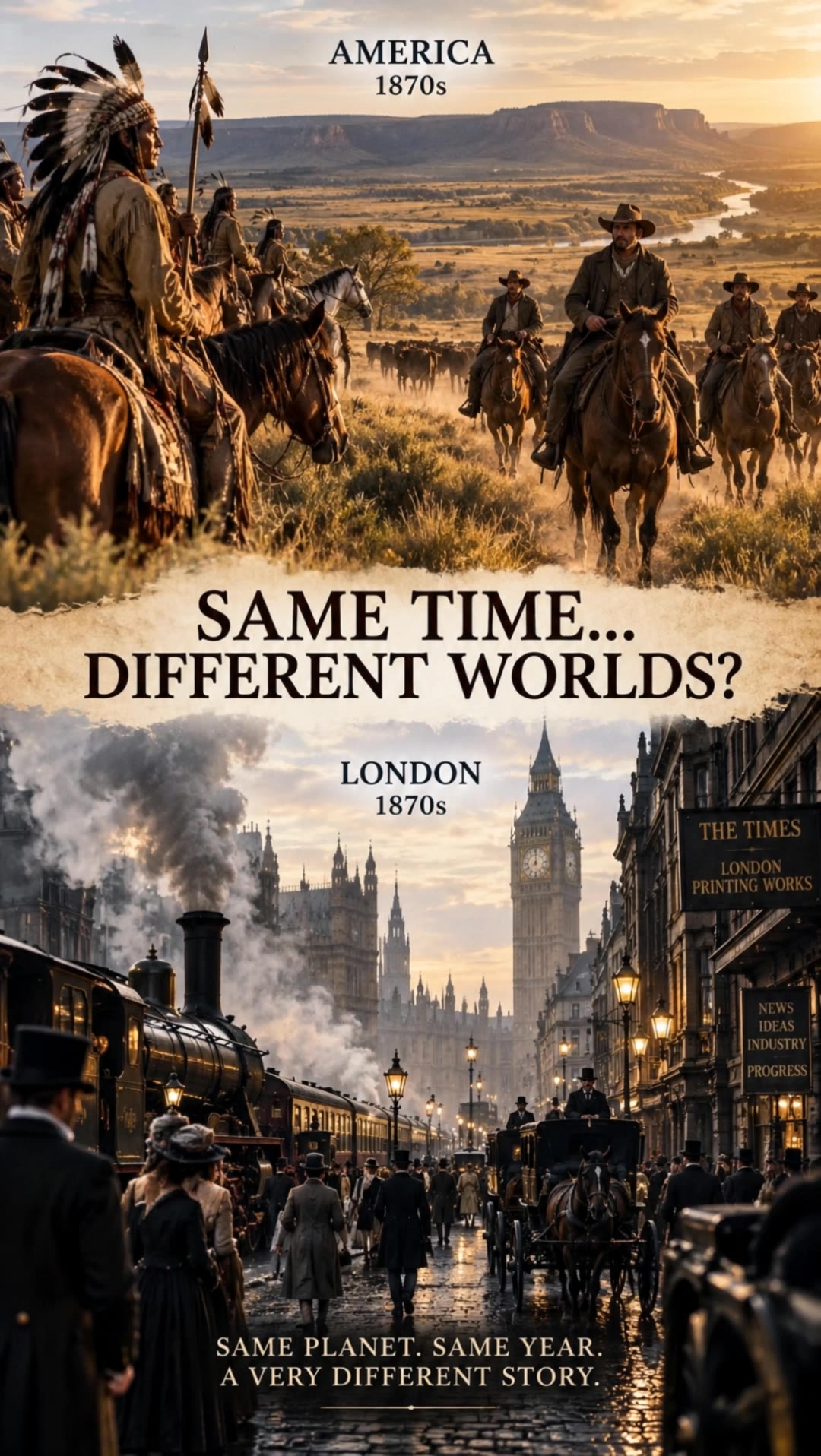
same time worlds apart - frontier speed AI video
Twistem69 avatar
Twistem69
Kling AI work 316318361611491 - frontier speed AI video
GMAN_ROCKZ avatar
GMAN_ROCKZ
Motorcycle bike race speed - frontier speed AI video
mohamed raafat avatar
mohamed raafat
Kling AI work 316642744668490 - frontier speed AI video
uhboBdMK avatar
uhboBdMK
Drivin - frontier speed AI video
eNfmgNka avatar
eNfmgNka
anime race scene  - frontier speed AI image
TheDriftersArchive avatar
TheDriftersArchive
Fan speed  - frontier speed AI video
RamZ avatar
RamZ
Elite Creator
Kling AI work 316397795501617 - frontier speed AI video
GMAN_ROCKZ avatar
GMAN_ROCKZ
Speed super cars 🚗  - frontier speed AI video
SirXtrem avatar
SirXtrem
anime motocycle gang - frontier speed AI image
TheDriftersArchive avatar
TheDriftersArchive
Kling AI work 313022175500828 - frontier speed AI image
NOIKiFDf avatar
NOIKiFDf
anime run speed - frontier speed AI video
DUGAAG STUDIO avatar
DUGAAG STUDIO
Supernatural vampire speed  - frontier speed AI video
byKs avatar
byKs
Crossfire in the frontier - frontier speed AI video
Trailhead Candles avatar
Trailhead Candles
Kling AI work 310131025617170 - frontier speed AI video
AHMED SAAD avatar
AHMED SAAD
Creative Partner
Kling AI work 313969678525324 - frontier speed AI image
ZyhGfGdZ avatar
ZyhGfGdZ

How to Animate an Image with AI

Upload Your Image

Upload Your Image

Upload a portrait, product photo, illustration, or other image. For additional control, Kling 4.0's Omni Reference supports up to 15 combined reference assets, subject to individual input limits.

Describe the Motion

Describe the Motion

Specify how your subject moves and what the camera does. You can also add start and end frames or use up to 10 flexible keyframes to guide important changes with supported Kling 4.0 settings.

Generate and Download

Generate and Download

Choose your video settings and generate a clip up to 30 seconds long with Kling 4.0. Preview the result, make adjustments if needed, and download your video.

Edit the Parts That Matter

Change Subjects, Backgrounds, and Style

Change Subjects, Backgrounds, and Style

A different character, a new product, or a completely different location can change the purpose of a video. Keep the footage you already have and update the elements that need another take. No green screen needed. Kling 4.0 supports adding, removing, and replacing subjects and scene elements using prompts and visual references. Change a product, replace a character, or move the action into a new setting. Reference images help guide the appearance of new elements while keeping the rest of the scene closer to the original.

Recreate Videos with Your Own References

Recreate Videos with Your Own References

Found a camera move, transition, or video concept that would work with your own character or product? You can use the original clip as a creative reference rather than recreating the entire shoot. Kling 4.0 draws on reference footage for pacing, shot composition, and movement while introducing your own subjects and visual style. Omni Reference supports up to 15 combined assets, subject to individual input limits. Combine character images, product photos, and video references to explore new versions while helping recognizable details stay consistent.

Extend Your Video Up to 2 Minutes

Extend Your Video Up to 2 Minutes

Continue an existing video forward or backward, adding footage before the opening or after the ending. Extend actions, camera movements, and storylines while keeping the new footage connected to the original scene. Kling 4.0's Video Extension supports multiple extension passes, reaching a total video length of up to 2 minutes. Build longer sequences with continuity in characters, settings, and movement, without recreating the entire video.

Apps

Video Generation
Video Generation

Video Generation

Image Generation
Image Generation

Image Generation

Motion Control
Motion Control

Motion Control

Avatar
Avatar

Avatar

AI Portraits
AI Portraits

AI Portraits

Lip Sync
Lip Sync

Lip Sync

60M+
60M+
Users
600M+
600M+
AI Videos Generated
4.7 ★
4.7 ★
App Store
Industry-Leading
Industry-Leading
Cinematic 4K

Reviews

Ozan Sihay

Ozan Sihay

★★★★★

Kling AI allows me to rapidly prototype ideas, refine storytelling elements, and produce visually compelling content efficiently. It has not only accelerated my creative processes, but also deepened my understanding of how AI can enrich visual storytelling.

Halim Alrasihi

Halim Alrasihi

★★★★★

I use AI daily and Kling AI is a crucial part of my workflow, whether for client work or personal projects. What I love most about using Kling AI is that it provides all the tools I need in one place, from keyframes to character references, elements and special effects.

James Phillips

James Phillips

★★★★★

Kling AI has transformed my workflow by collapsing timelines and democratizing production. It’s shifted my mindset from resource-dependent filmmaking to a boundless creative sandbox, where experimentation yields unexpected beauty.

FAQ

Q1How long can videos be in Video 3.0?
Q2What’s the difference between Video 2.6 and 3.0?
Q3Is it suitable for product demo videos?

Experience Video 3.0 on Kling

Create cinematic, multi-shot videos with native audio and precise control—all in one generation.

Native audio | Multi-shot control | Up to 15s continuous output