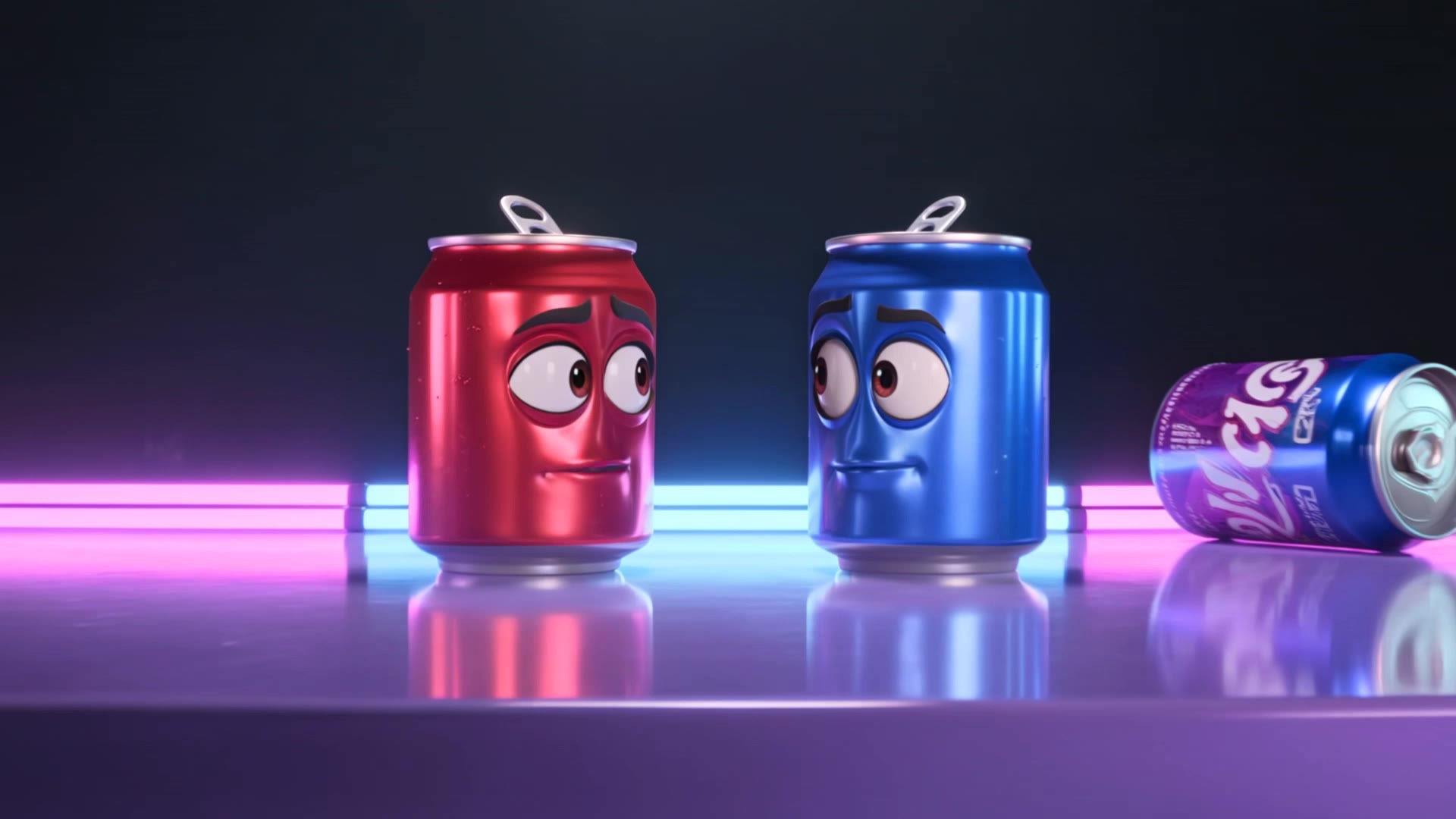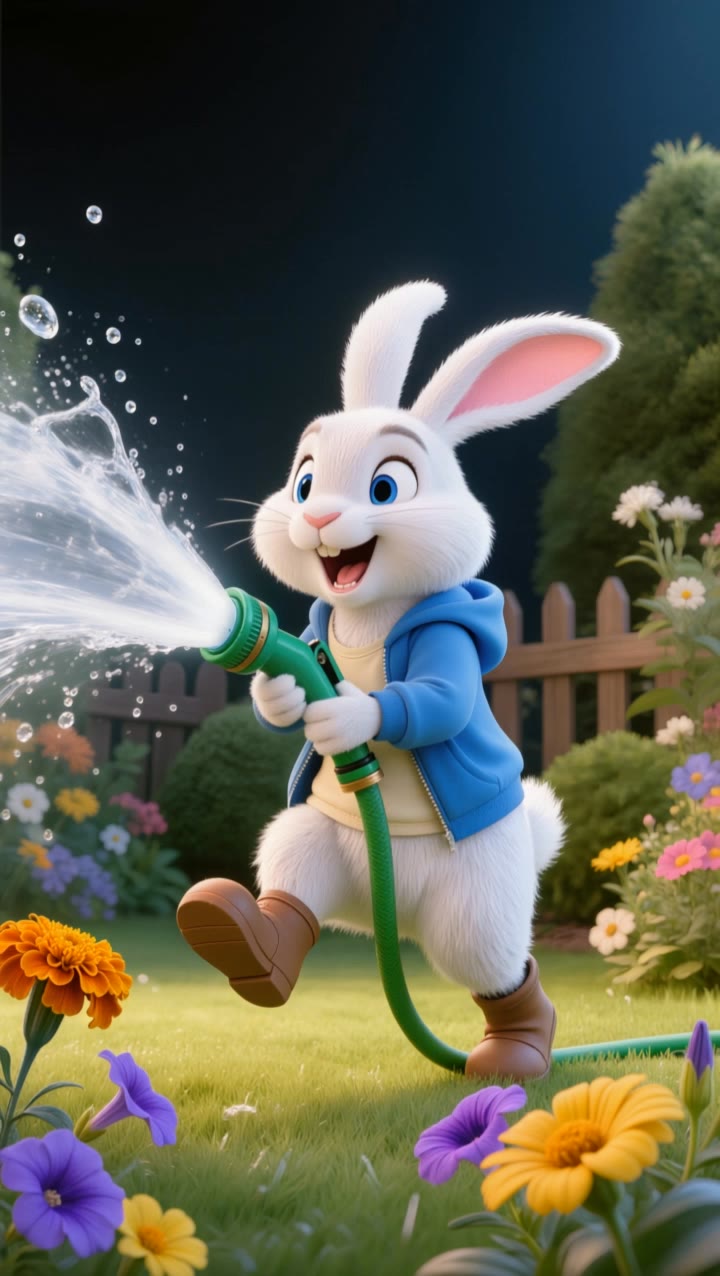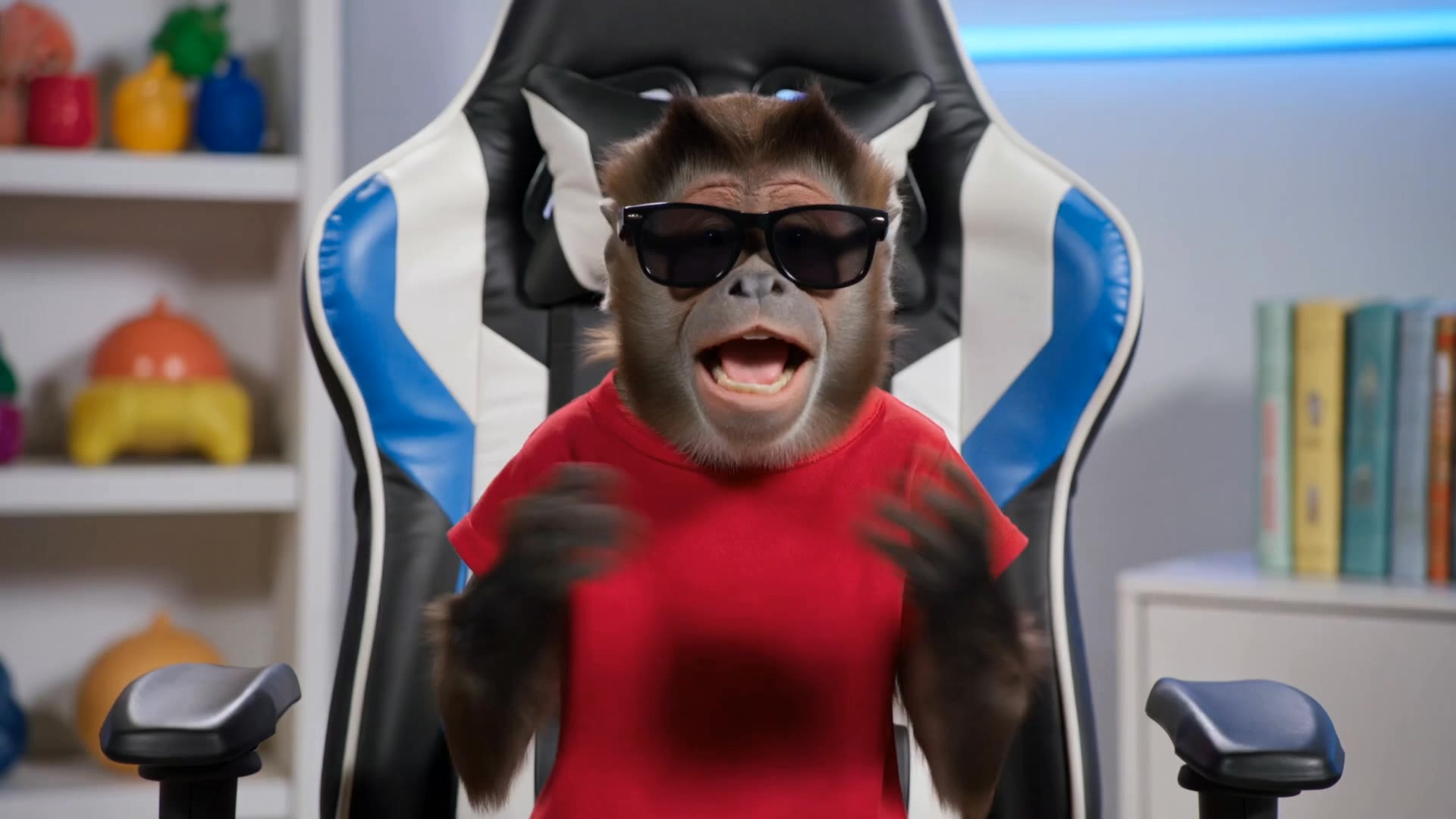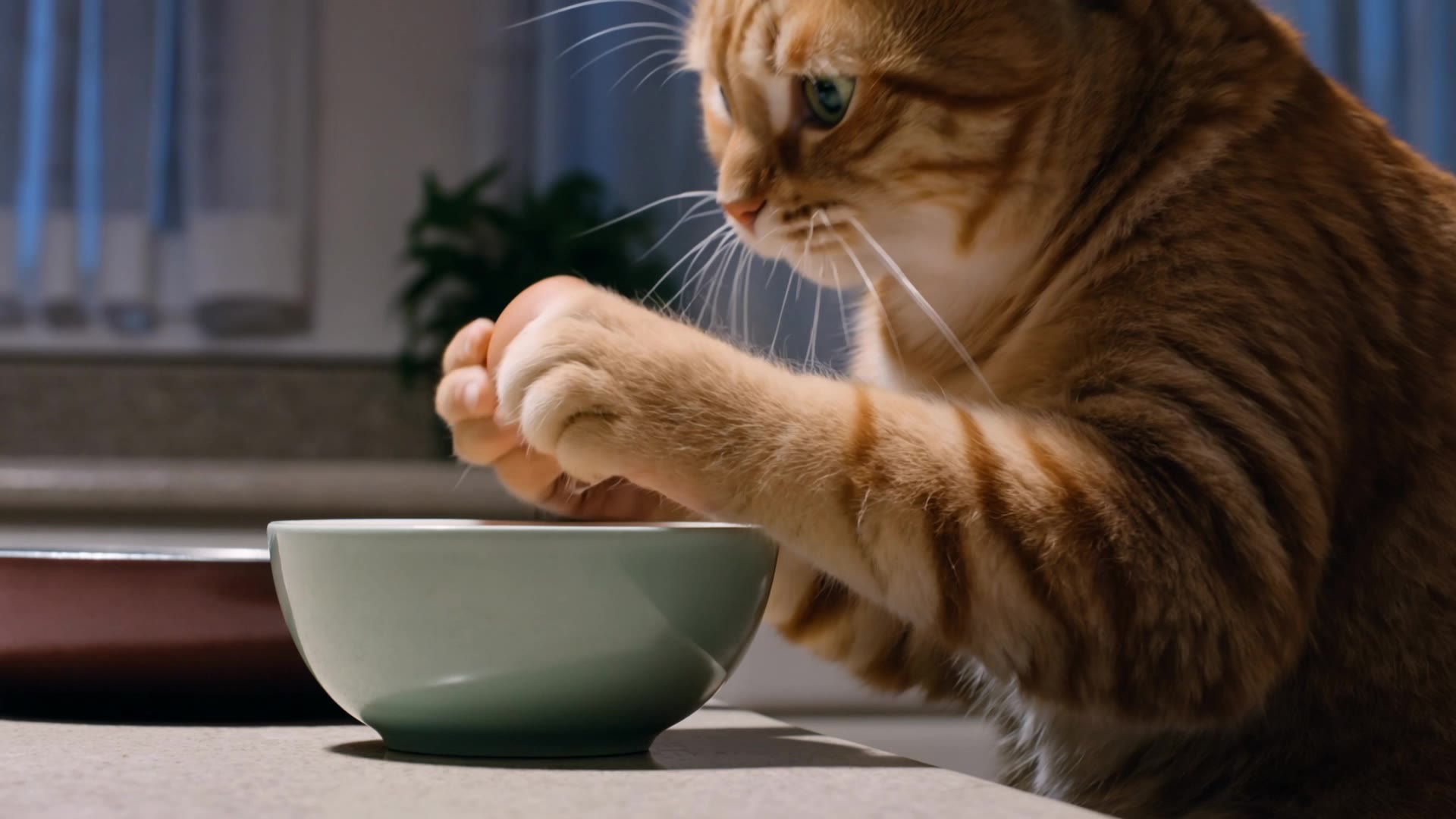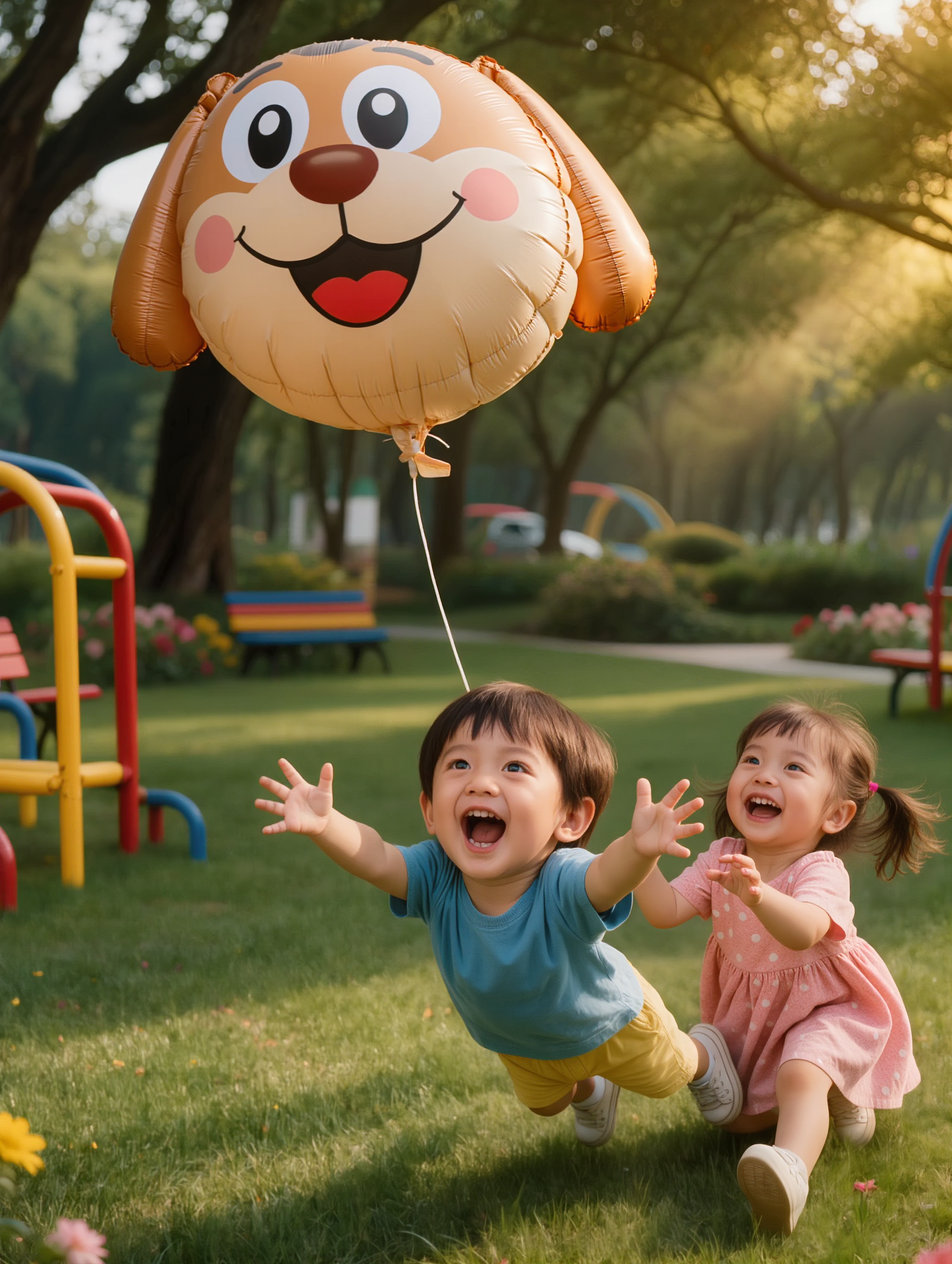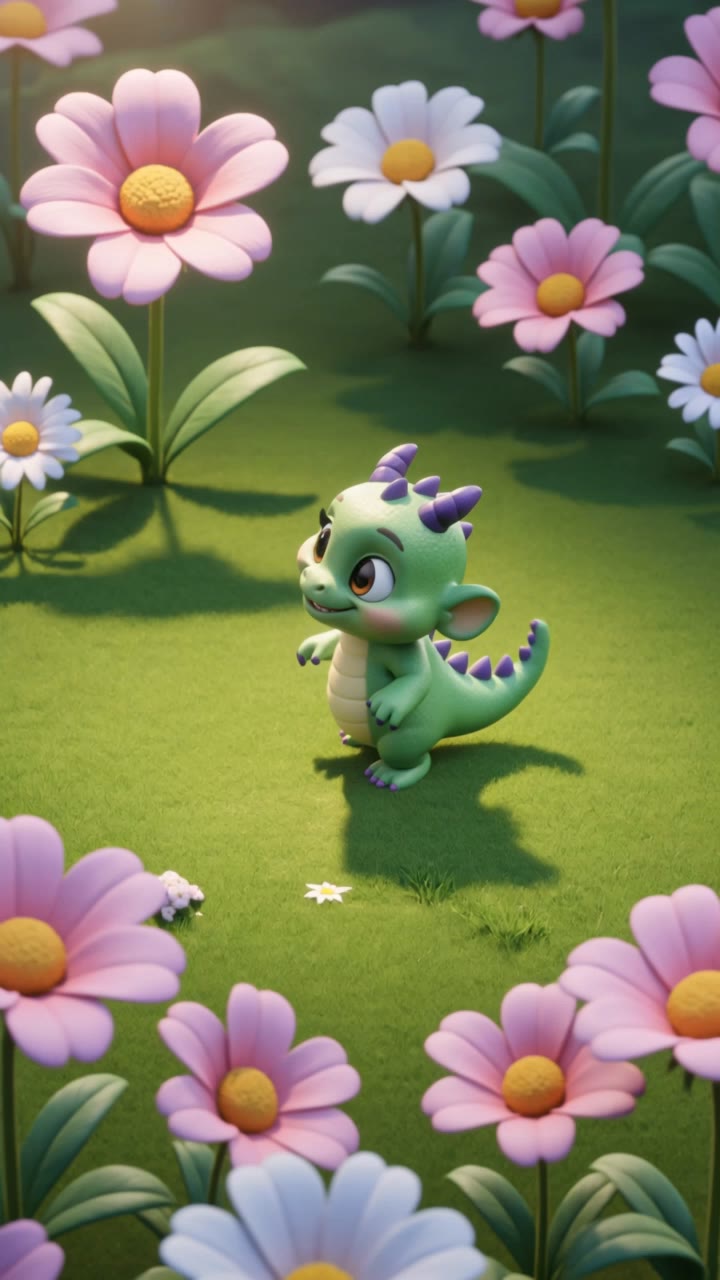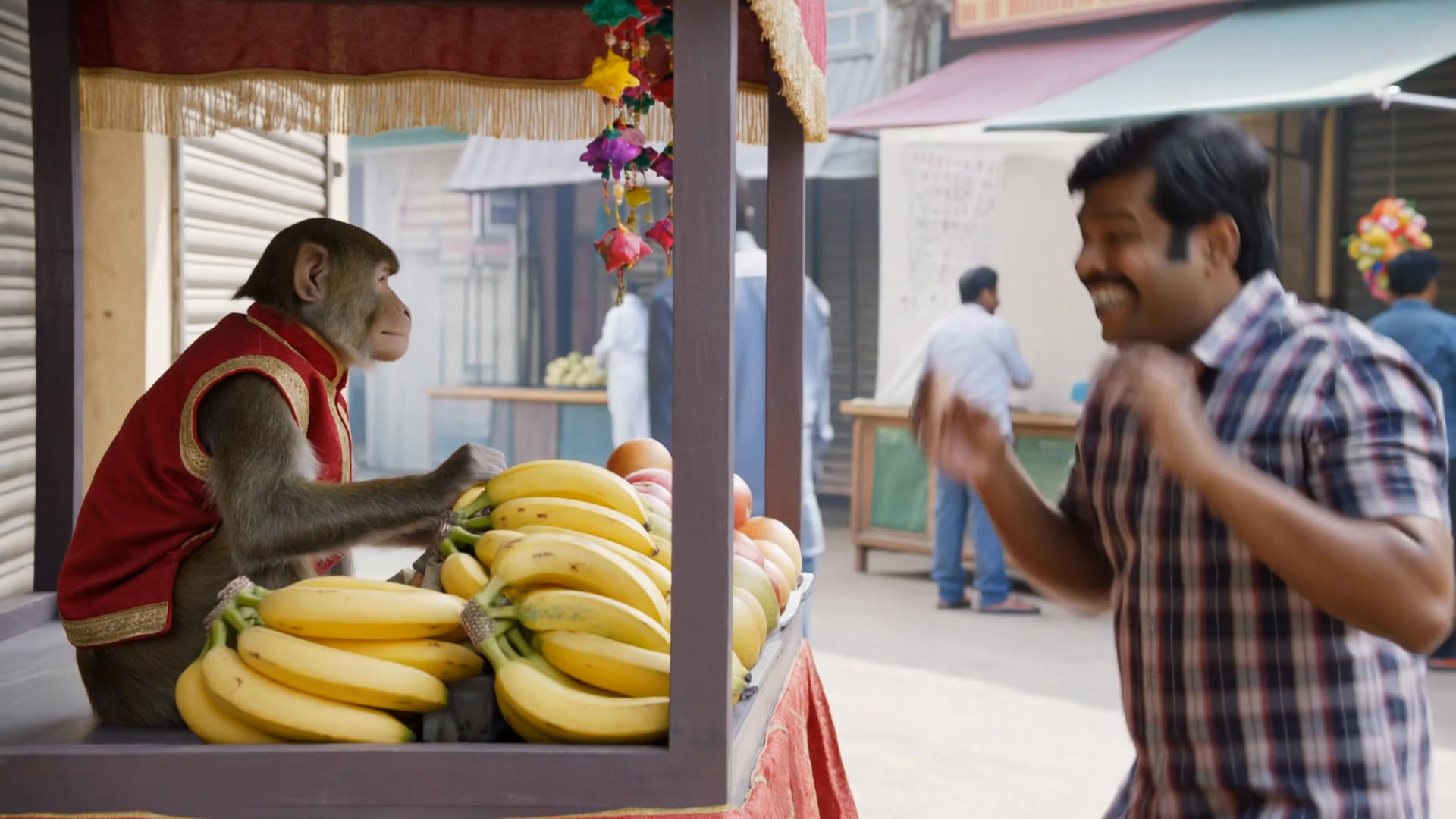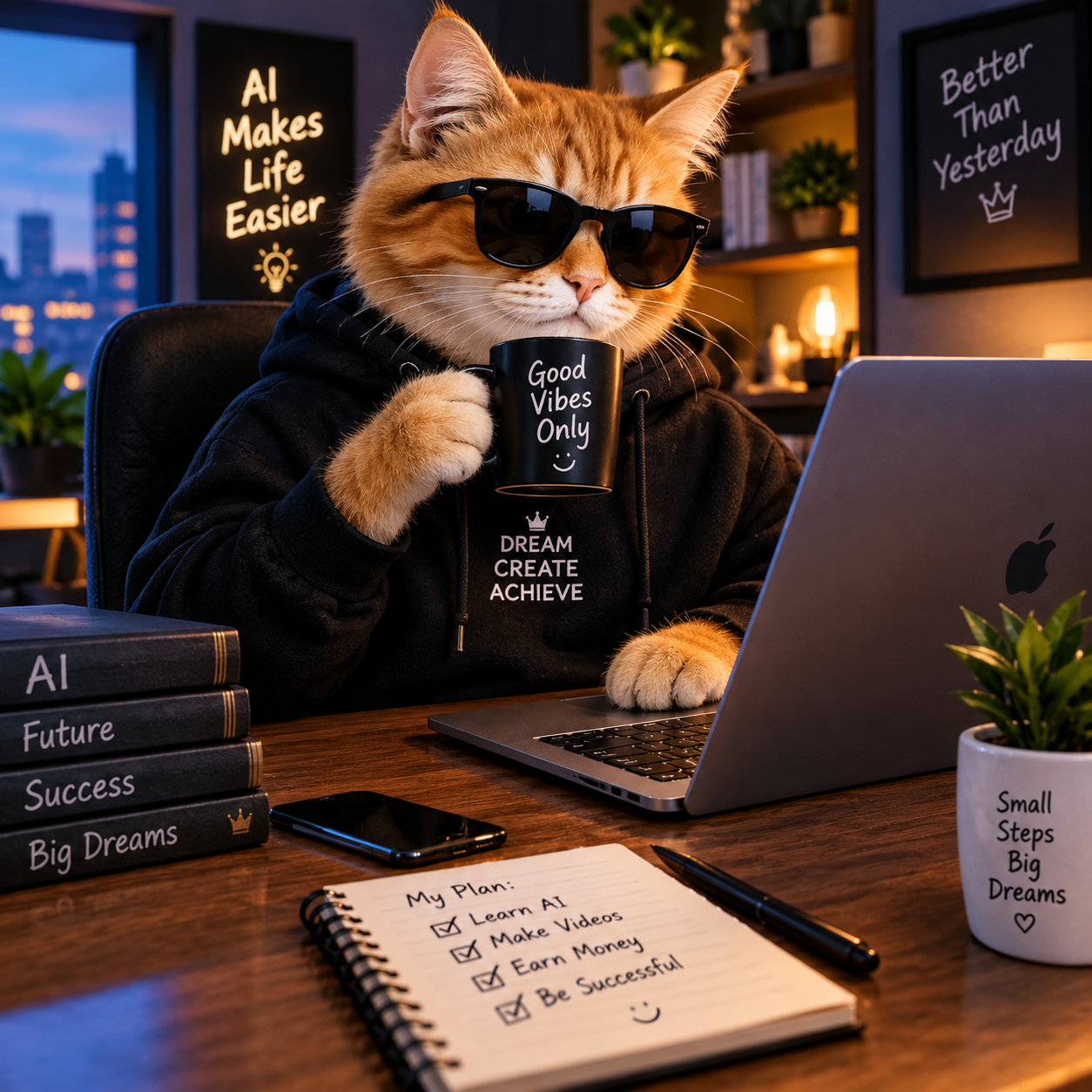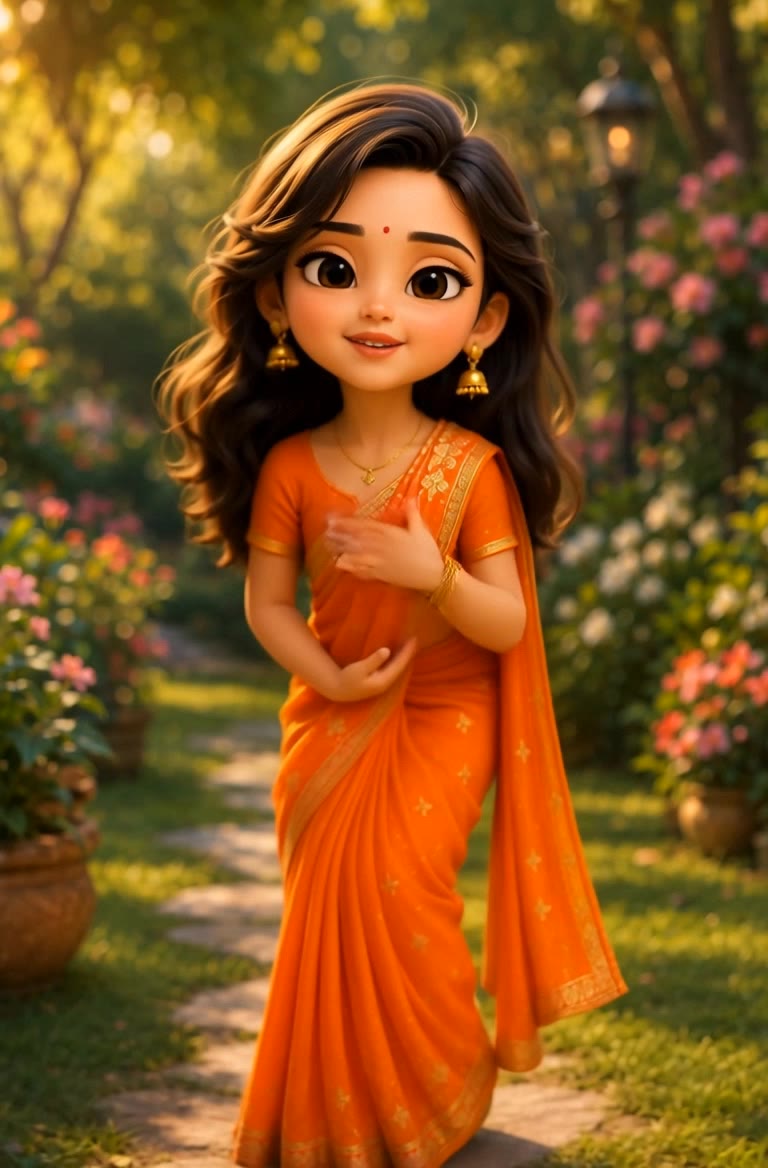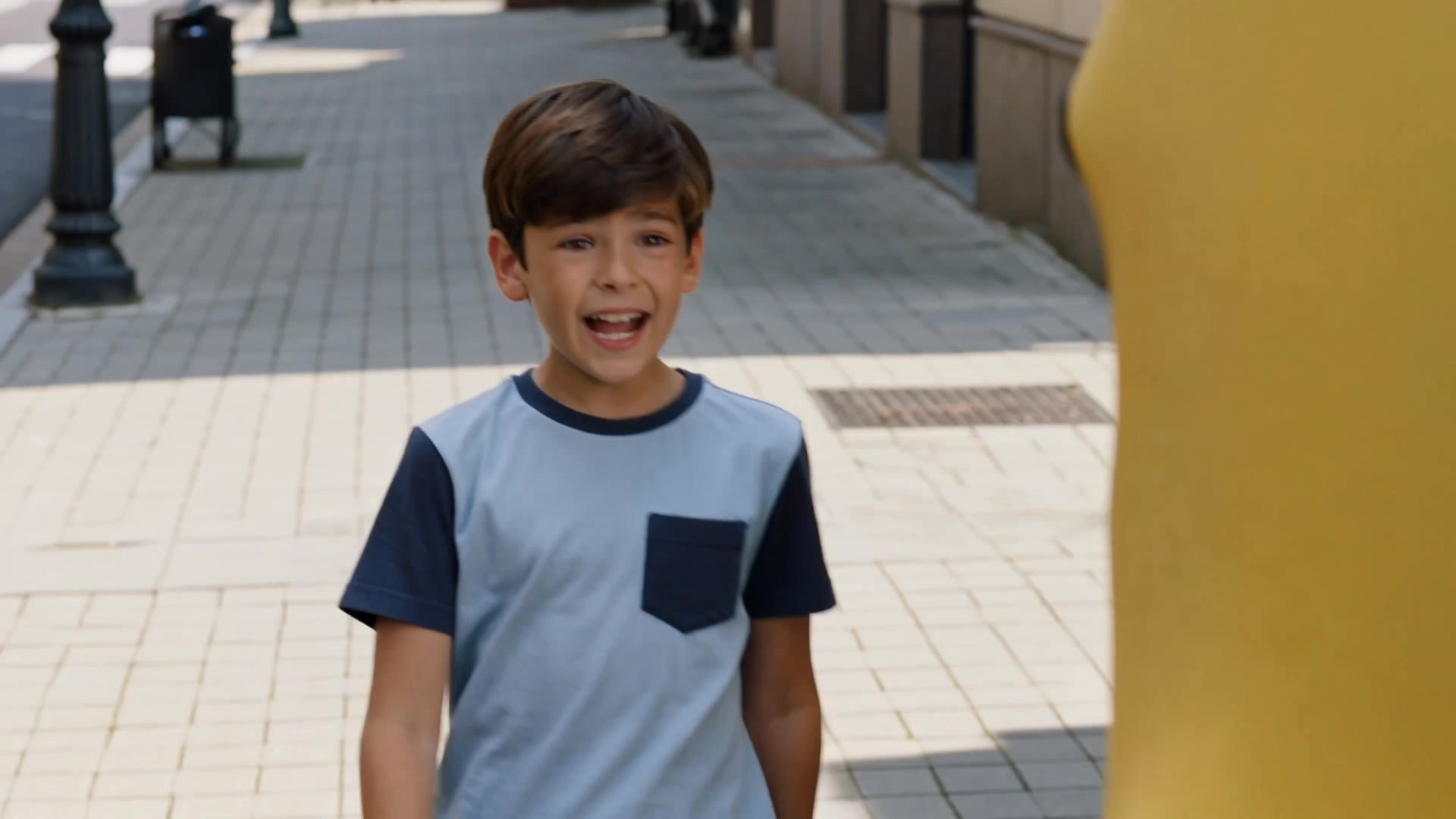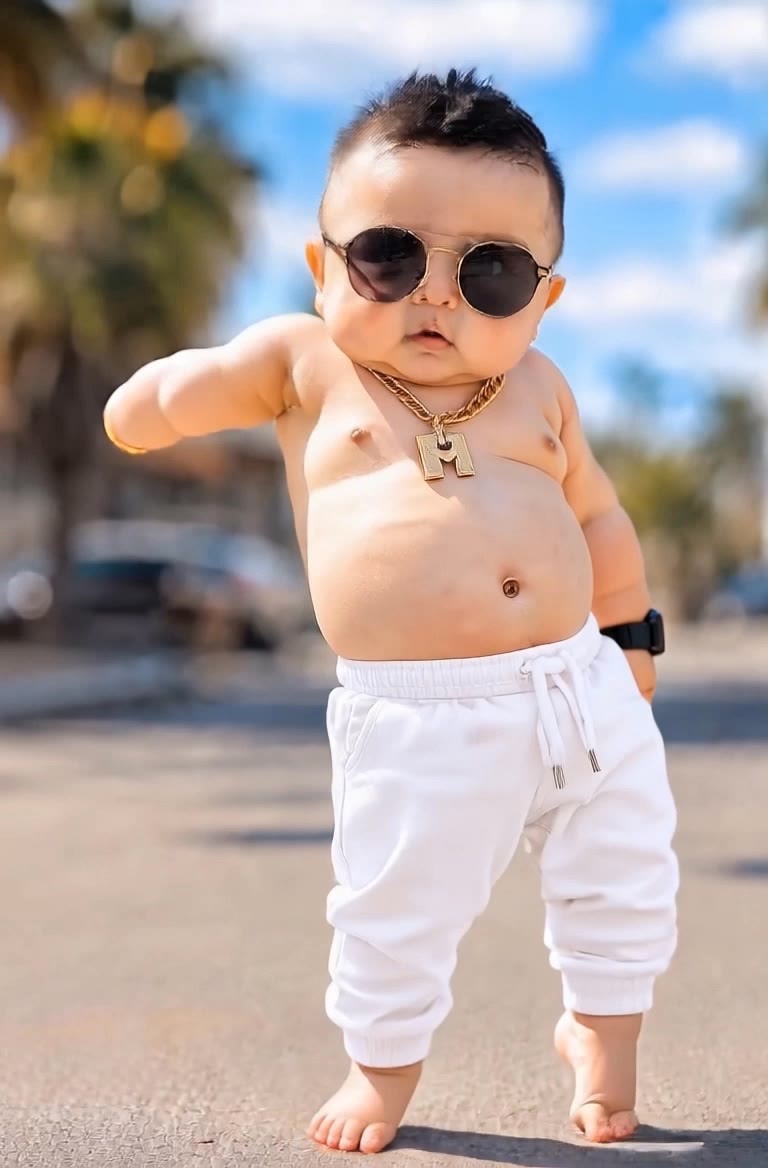

funny ai videos - funny animals & funny cat

Dive into hilarious AI-generated content featuring quirky animal antics and comical character expressions. Start exploring funny ai videos ideas and generate your own content with AI.

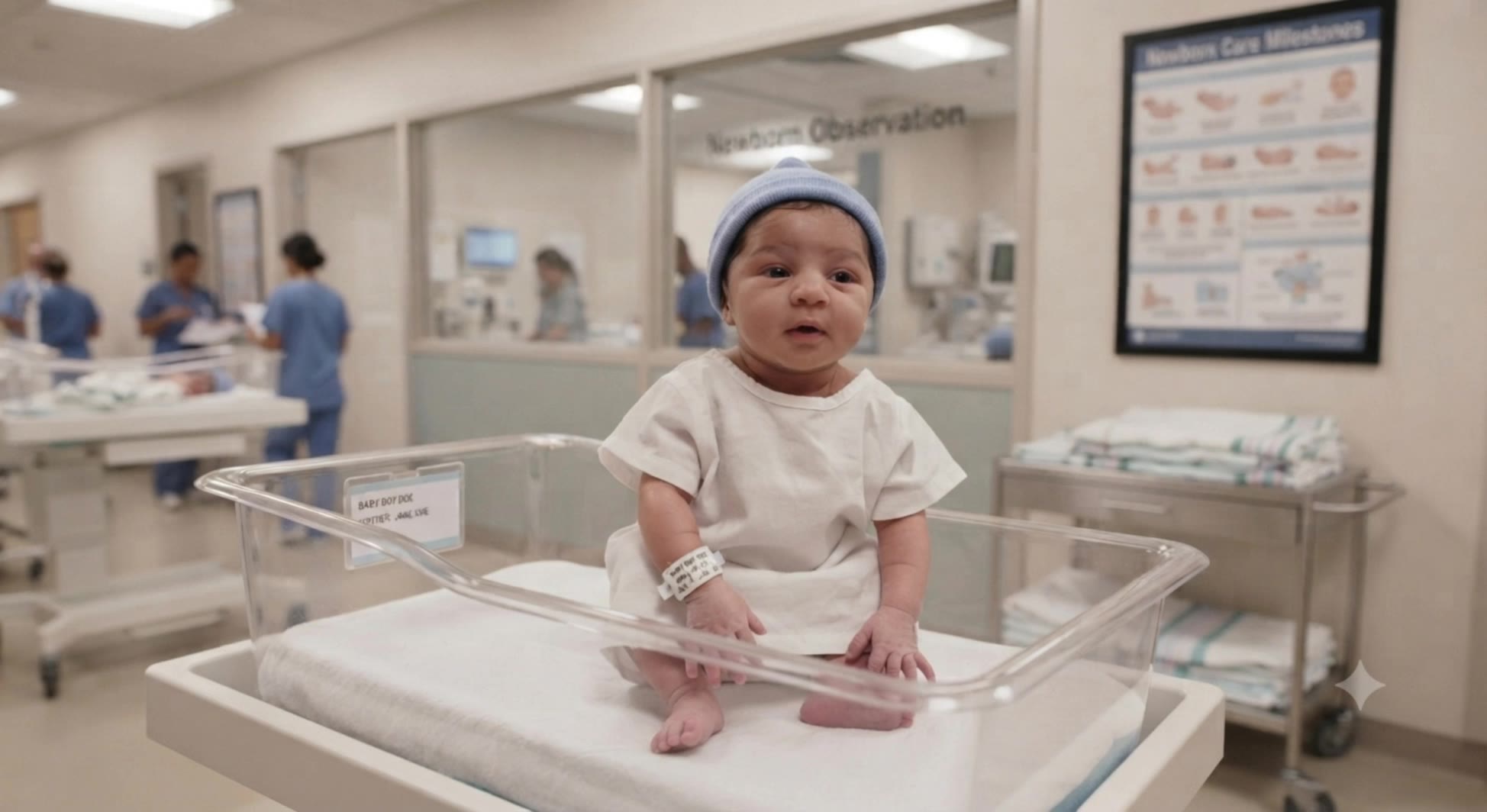
funny ai videos - funny animals & funny cat

Recommended

funny AI videos  - funny ai videos AI video
USDozXvX avatar
USDozXvX
Kling AI work 317175454300248 - funny ai videos AI video
HAJuLawe avatar
HAJuLawe
Kling AI work 310285961504644 - funny ai videos AI video
WsnvWKTe avatar
WsnvWKTe
Kling AI work 314540194610236 - funny ai videos AI video
QHgwERhQ avatar
QHgwERhQ
AI funny videos - funny ai videos AI video
Rattan Arora avatar
Rattan Arora
Kling AI work 319985150663817 - funny ai videos AI video
ybZvFUol avatar
ybZvFUol
Kling AI work 317414639668096 - funny ai videos AI video
lpTUfSQn avatar
lpTUfSQn
Create a funny, wholesome cinema - funny ai videos AI image
ZipXapZn avatar
ZipXapZn
AI funny videos  - funny ai videos AI video
Rattan Arora avatar
Rattan Arora
🎬 AI Funny Video Creator 🤖😂 - funny ai videos AI video
AI CREATER avatar
AI CREATER
Kling AI work 316519412500388 - funny ai videos AI video
AIpczyVX avatar
AIpczyVX
creative funny vedio - funny ai videos AI video
kFPFHrMA avatar
kFPFHrMA
Ai funny videos  - funny ai videos AI video
00:10
WspOPwbV avatar
WspOPwbV
Milo the boss cat  - funny ai videos AI video
waVSsUcz avatar
waVSsUcz
Kling AI work 317800864663148 - funny ai videos AI video
AIARTGALLARY avatar
AIARTGALLARY
Elite Creator
AI funny videos 🌹🌹😁😁❤️❤️ - funny ai videos AI video
Rattan Arora avatar
Rattan Arora
Kling AI work 319782582503318 - funny ai videos AI video
TgyHBCan avatar
TgyHBCan
Kling AI work 314538623525635 - funny ai videos AI video
QHgwERhQ avatar
QHgwERhQ
Funny videos  - funny ai videos AI video
VibeyToon avatar
VibeyToon

A Complete AI Video Editing Workflow

Upload Your Footage

Upload Your Footage

Start with a video you've filmed or generated. Add reference images, characters, or other supported assets if you want to guide how the edited scene should look.

Describe What You Want to Change

Describe What You Want to Change

Tell Kling what to replace, remove, or adjust. You can change the subject, background, action, camera angle, or visual style. Include details you want to keep from the original footage.

Preview and Download Your Video

Preview and Download Your Video

Generate your edited video and review the changes. Refine your prompt or references if needed, then download the version you're happy with.

Edit Any Part with Kling AI

Add, Remove, or Replace Image Content

Add, Remove, or Replace Image Content

Tell Kling what you want to change in text prompts. Replace a person, remove an object, or fine-tune details such as color, material, pose, and expression. Even detailed edits take fewer and easier steps because you can change the photo with AI instead of with traditional photo editing tools. IMAGE 3.0 follows your instruction while keeping the photo’s original style, lighting, and texture in place, so the edited area still belongs in the same shot.

Change the Color, Lighting, or Style

Change the Color, Lighting, or Style

Give an existing photo a different mood effortlessly. Lift a dim scene, soften harsh light, warm or cool the colors, or bring color to a black-and-white photo or line drawing. A short prompt replaces the usual round of manual adjustments. Looking for a bigger shift? Add a style reference or spell out the visual direction. IMAGE 3.0 carries the palette, texture, and atmosphere across the whole image, so the new look feels cohesive rather than pasted on. Use it for studio-style professional headshots, distinctive portrait treatments, cinematic scene design, or a visual style that feels entirely your own.

Rework the Shot or Camera Angle

Rework the Shot or Camera Angle

Tell Kling how you want the shot to look in a text prompt. Turn a front-facing photo into a side view, move the camera higher or lower, or change a wide shot into a close-up. You can explore a new composition around the same subject without setting up another shoot. IMAGE 3.0 rebuilds the scene from the angle you request, adjusting the perspective, camera height, shot size, focal length, and depth of field along with it. The result is a newly generated view based on the source photo, rather than hidden details recovered from outside the original frame.

Apps

Video Generation
Video Generation

Video Generation

Image Generation
Image Generation

Image Generation

Motion Control
Motion Control

Motion Control

Avatar
Avatar

Avatar

AI Portraits
AI Portraits

AI Portraits

Lip Sync
Lip Sync

Lip Sync

60M+
60M+
Users
600M+
600M+
AI Videos Generated
4.7 ★
4.7 ★
App Store
Industry-Leading
Industry-Leading
Cinematic 4K

Reviews

KakuDrop

KakuDrop

★★★★★

I have successfully collaborated with world-renowned artists and well-known companies that are recognized globally

Halim Alrasihi

Halim Alrasihi

★★★★★

I use AI daily and Kling AI is a crucial part of my workflow, whether for client work or personal projects. What I love most about using Kling AI is that it provides all the tools I need in one place, from keyframes to character references, elements and special effects.

Jyo John Mulloor

Jyo John Mulloor

★★★★★

Kling AI has been instrumental in transforming my creative workflow, unlocking new dimensions of artistic expression that were once unimaginable. I use Kling AI extensively to develop high-concept visuals, animate surreal dreamscapes, and create AI-assisted films that blur the line between reality and fantasy. Kling AI’s deep learning capabilities have not only enhanced my creative efficiency but also inspired me to explore storytelling in ways I never thought possible.

FAQ

Q1Does Kling AI support 2K or 4K image generation?
Q2What is an AI image generator?
Q3How do I create an AI image with Kling AI?

Your Next Visual Starts Here

Start with a sentence, a sketch, or a reference photo. Shape the composition, dial in the details, and keep iterating in Kling AI.

Free tier available | Text-to-image | Image-to-image | Fast generation