
Creative Studio
API
Resources
Features
About Us
Download

gemeni ai photo - stadium transformation & Polaroid-style snapshots

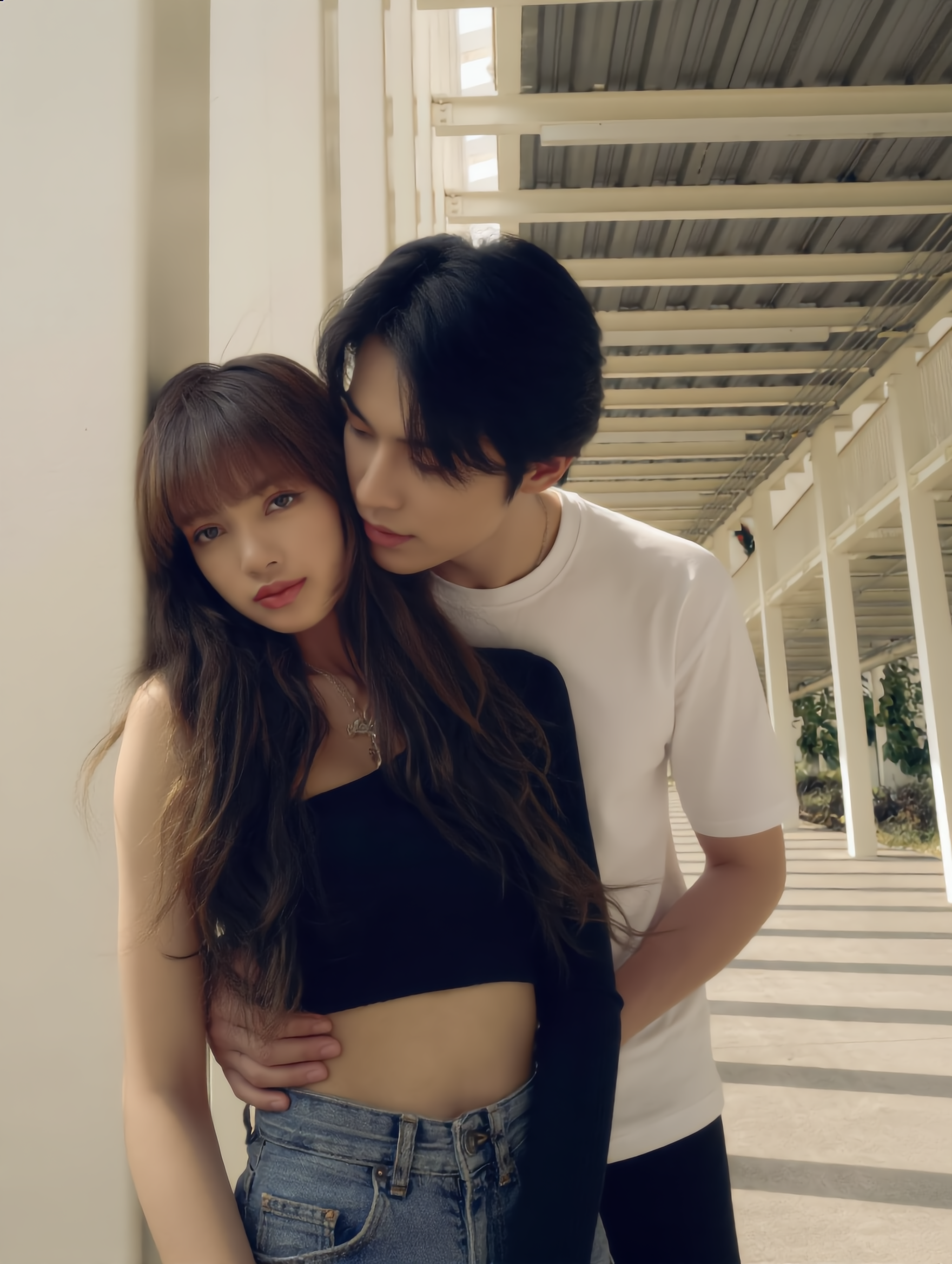
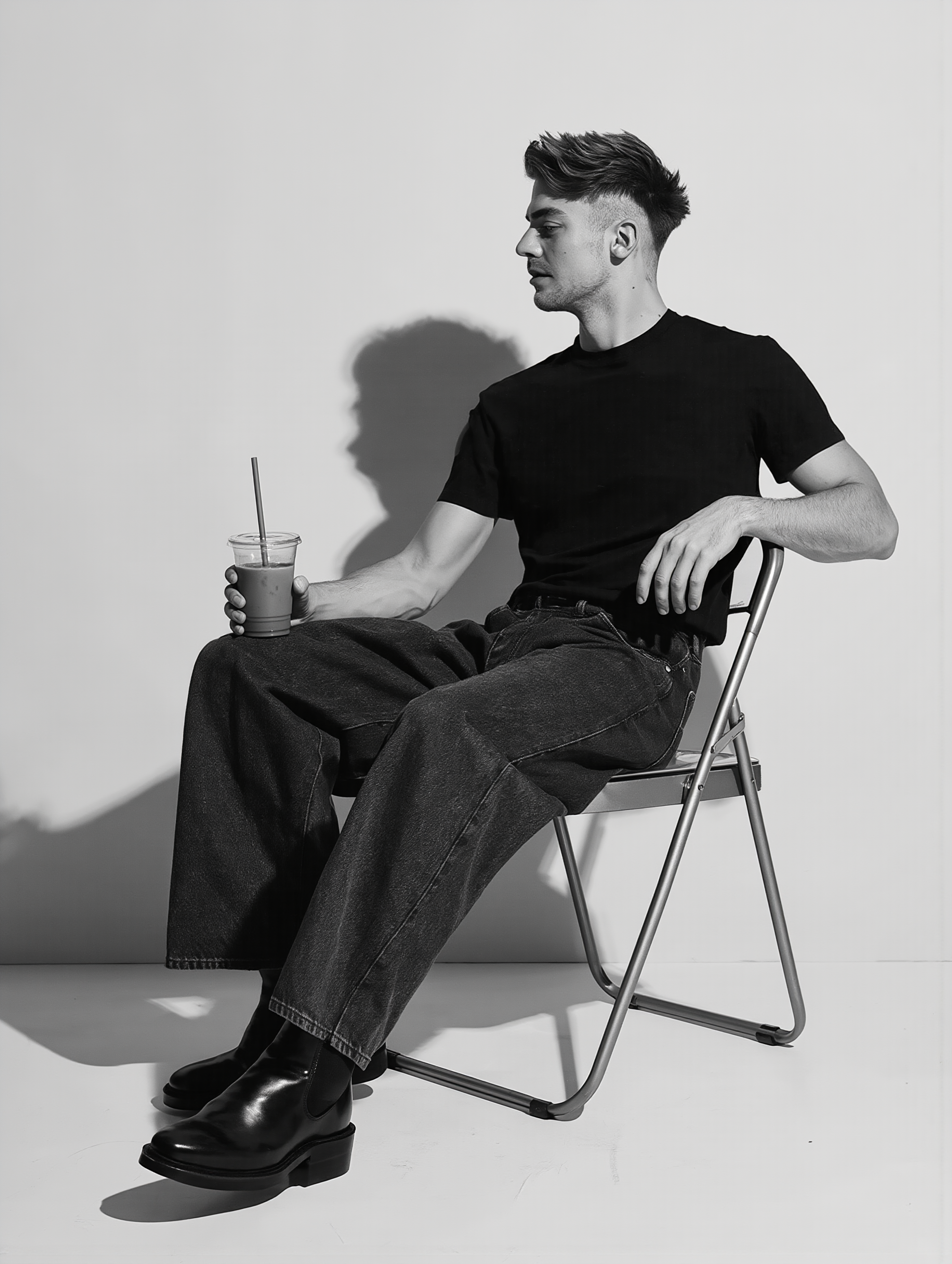
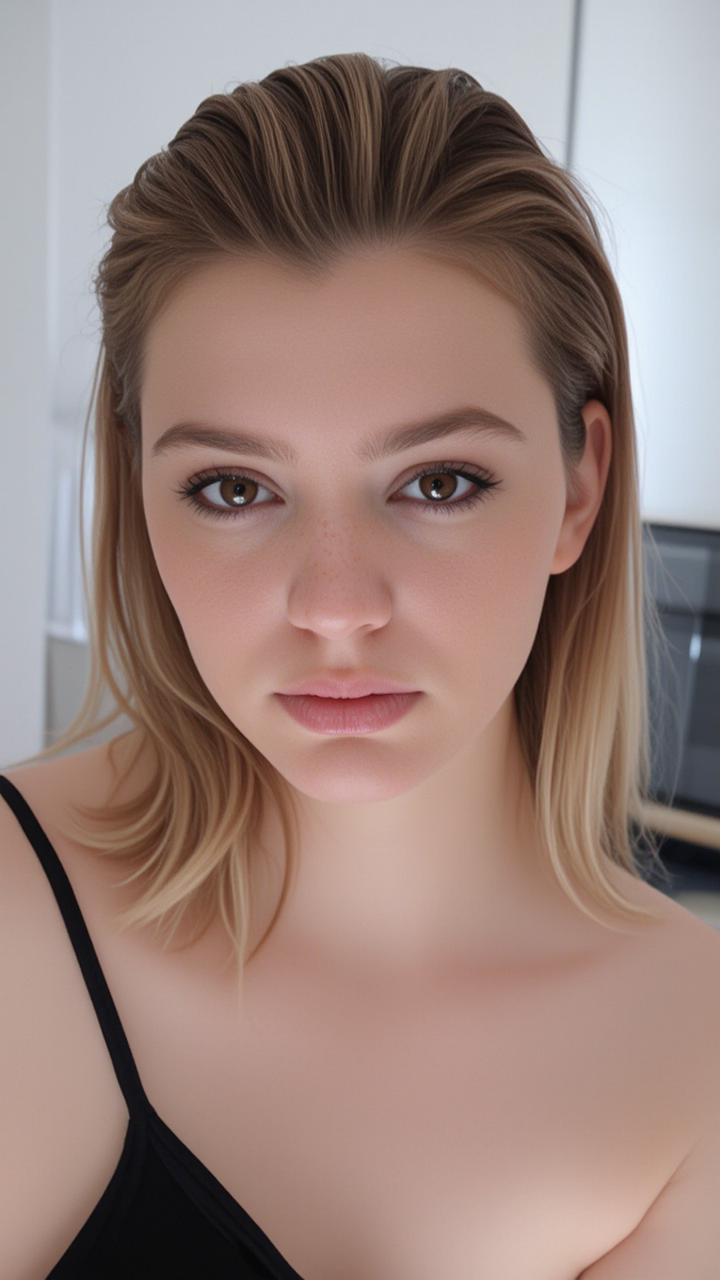
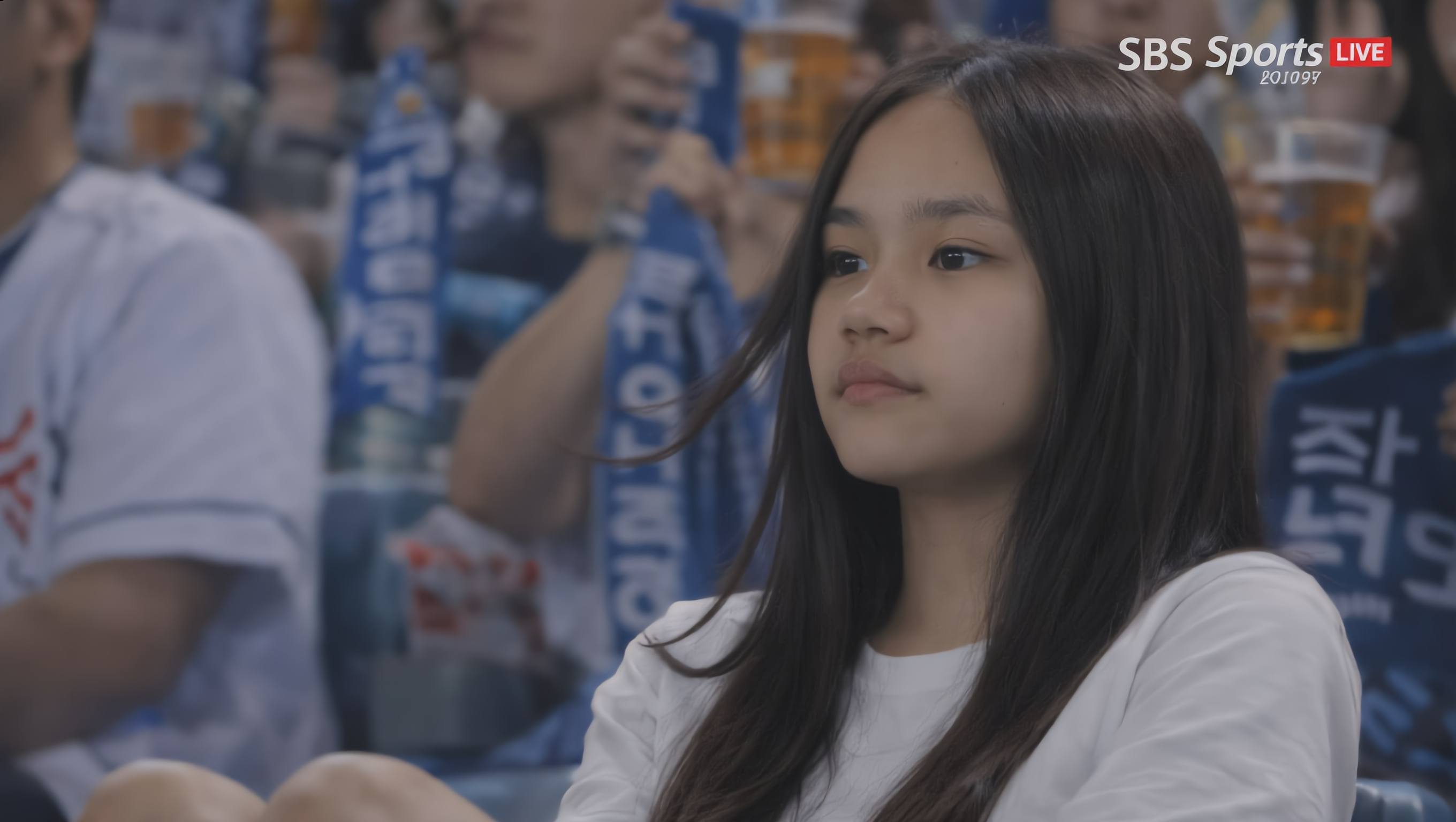
Experience the magic of gemeni ai photo with high-angle spiral staircase shots and cinematic, photorealistic transformations that keep faces identical and realistic. Start exploring gemeni ai photo ideas and generate your own content with AI.

gemeni ai photo - stadium transformation & Polaroid-style snapshots

Recommended

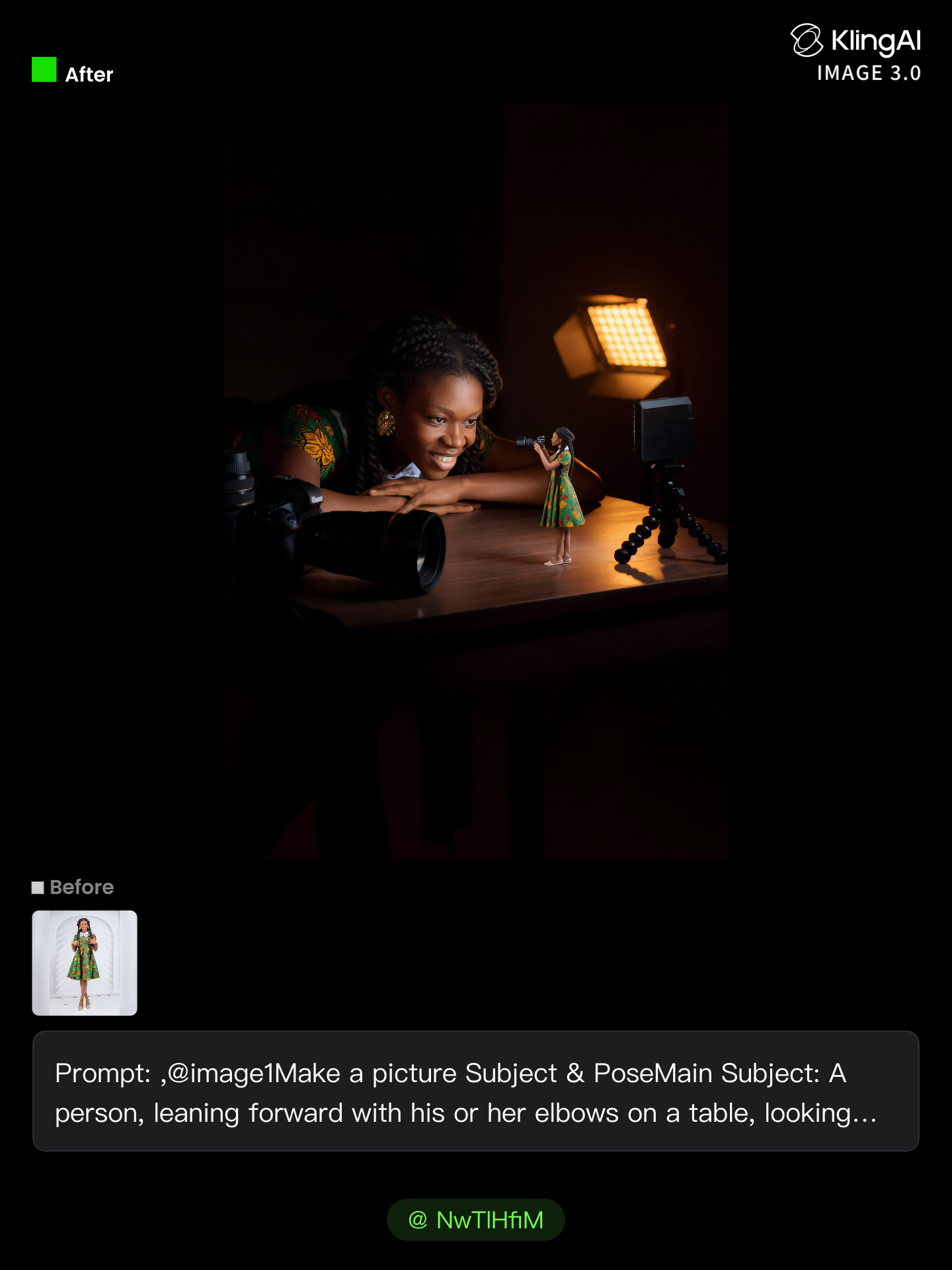
no need to pay for photo shoot  - gemeni ai photo AI image
NwTlHfiM avatar
NwTlHfiM
take photo with banana😂 - gemeni ai photo AI image
souvenir avatar
souvenir
Bilkul 👍 Is photo se AI signatu - gemeni ai photo AI video
Rehan Baloch avatar
Rehan Baloch
sunset photo - gemeni ai photo AI image
linge avatar
linge
gemeni - gemeni ai photo AI video
00:08
tevgGYfi avatar
tevgGYfi
Torn Sticker Photo - gemeni ai photo AI image
331.ヅ avatar
331.ヅ
Group photo with World Cup stars - gemeni ai photo AI image
susu avatar
susu
Kling AI work 310308584506093 - gemeni ai photo AI image
DqcJFWaj avatar
DqcJFWaj
ai photo - gemeni ai photo AI image
FvTaeUwD avatar
FvTaeUwD
Vintage 1980s photo style - gemeni ai photo AI image
yXkoyhXH avatar
yXkoyhXH
my photo  - gemeni ai photo AI image
fsqRsIOv avatar
fsqRsIOv
Ai photo - gemeni ai photo AI image
souvenir avatar
souvenir
Kling AI work 318206680616869 - gemeni ai photo AI image
aspPnplM avatar
aspPnplM
Kling AI work 310494167668444 - gemeni ai photo AI image
fFmgwmvY avatar
fFmgwmvY
Photo trend - gemeni ai photo AI image
Jin avatar
Jin
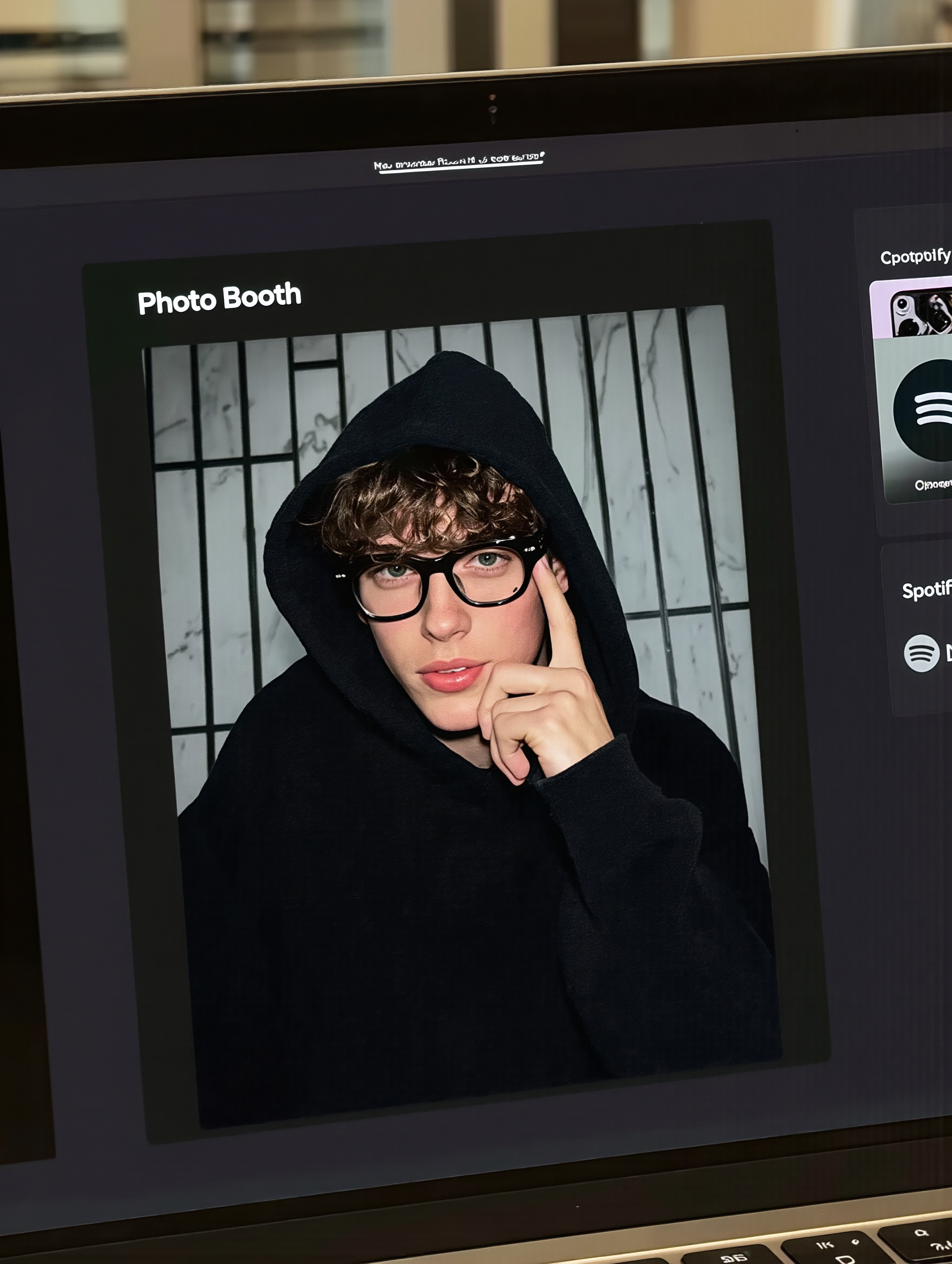
MacBook selfie photo - gemeni ai photo AI image
souvenir avatar
souvenir
Reate a video in this photo - gemeni ai photo AI image
rs avatar
rs
Street Photo Shoot - gemeni ai photo AI image
artisticvideo avatar
artisticvideo
Elite Creator

How to Generate AI Voices from Text with Kling AI

Step 1: Set Up Your Characters

Step 1: Set Up Your Characters

Start with a character in your prompt, or add a supported image, Character Element, or video reference when you already have a specific character in mind.

Step 2: Add Dialogue and Voice Direction

Step 2: Add Dialogue and Voice Direction

Write each character's dialogue and make the speaker clear in your prompt. Add directions for the language, accent, tone, emotion, or delivery when they matter to the scene. For scenes with multiple speakers, keep each character's name, line, and voice direction clearly connected.

Step 3: Generate Videos with Native Audio

Step 3: Generate Videos with Native Audio

Generate with Native Audio to create the dialogue as part of the video itself. Kling VIDEO 3.0 Omni produces voice, facial performance, lip movement, visuals, ambience, and supporting sound within the same generation.

Make Every Voice Feel Part of the Story

Generate Dubbing Together with Video

Generate Dubbing Together with Video

Dubbing does not have to begin after the visuals are done. Kling VIDEO 3.0 can generate character dialogue, lip movements, ambience, and sound effects alongside the video, so more of the scene comes together in one pass. Spend less time recording separate voiceovers, layering audio, and lining up tracks later, and more time shaping the story and visuals.
Reach More Audiences with Multilingual Dialogue

Reach More Audiences with Multilingual Dialogue

Create dialogue in Chinese, English, Japanese, Korean, and Spanish, or let characters switch between supported languages within the same scene. You can also specify supported dialects and accents in your prompt, giving you more flexibility for cross-cultural stories, travel content, global campaigns, and multilingual character interactions.
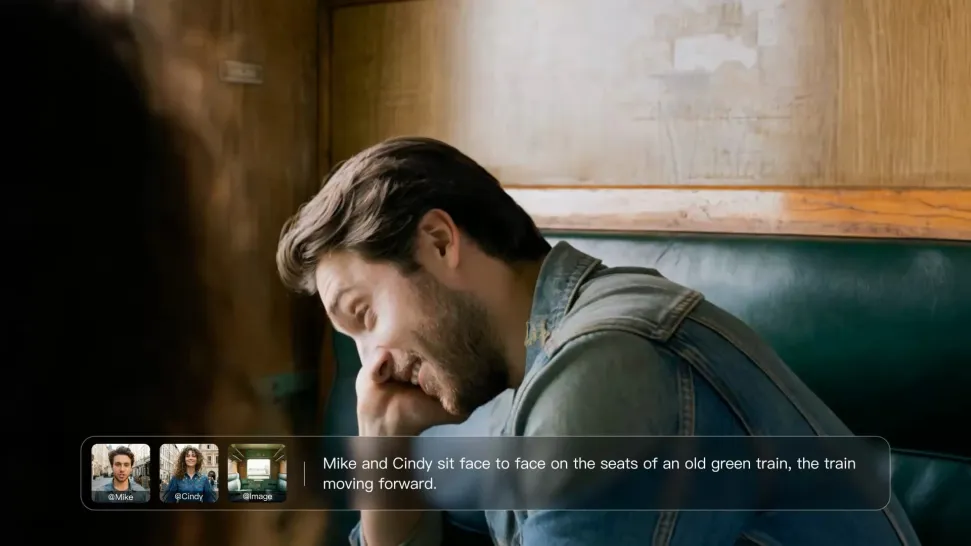
Direct Tone and Speaking Style Through Prompts

Direct Tone and Speaking Style Through Prompts

When several characters share a scene, keep each line connected to the intended speaker. Kling VIDEO 3.0 supports multi-character dialogue and speaker matching, making it easier to create interviews, group conversations, family scenes, and story-driven videos where several characters speak.

Apps

Image to Video
Image to Video

Image to Video

Text to Video
Text to Video

Text to Video

Omni
Omni

Omni

Digital Human
Digital Human

Digital Human

Restyle
Restyle

Restyle

Text to Image
Text to Image

Text to Image

60M+
60M+
Users
600M+
600M+
AI Videos Generated
4.7 ★
4.7 ★
App Store
Industry-Leading
Industry-Leading
Cinematic 4K

Reviews

Déborah

Déborah

★★★★★

I use Kling AI every day. It's amazing to see the almost daily progress it makes. I used AI for fun at first, and I now find that Kling AI's animations allow me to gain professional visibility, with three times more views on my animated posts than on my static posts.

KakuDrop

KakuDrop

★★★★★

I have successfully collaborated with world-renowned artists and well-known companies that are recognized globally

Samuele Poggi (@visualsk2)

Samuele Poggi (@visualsk2)

★★★★★

I use Kling AI daily to push the limits of AI filmmaking. It allows me to create highly cinematic content, blending AI and VFX to develop innovative projects. It has significantly impacted my creative process, enabling me to achieve complex animations that would otherwise require high production budgets.

FAQ

Q1Are AI-generated voices realistic or robotic?
Q2What is Text to Speech?
Q3Can Kling AI Text to Speech handle multiple characters in one video?

Bring Out the Best in Every Image

Transform ordinary images into refined visuals with Kling AI. Enhance details, improve the overall look, and create images that better match your creative direction.

AI image quality enhancement | Prompt-guided refinement | 2K/4K output