
Creative Studio
API
Resources
Features
About Us
Download

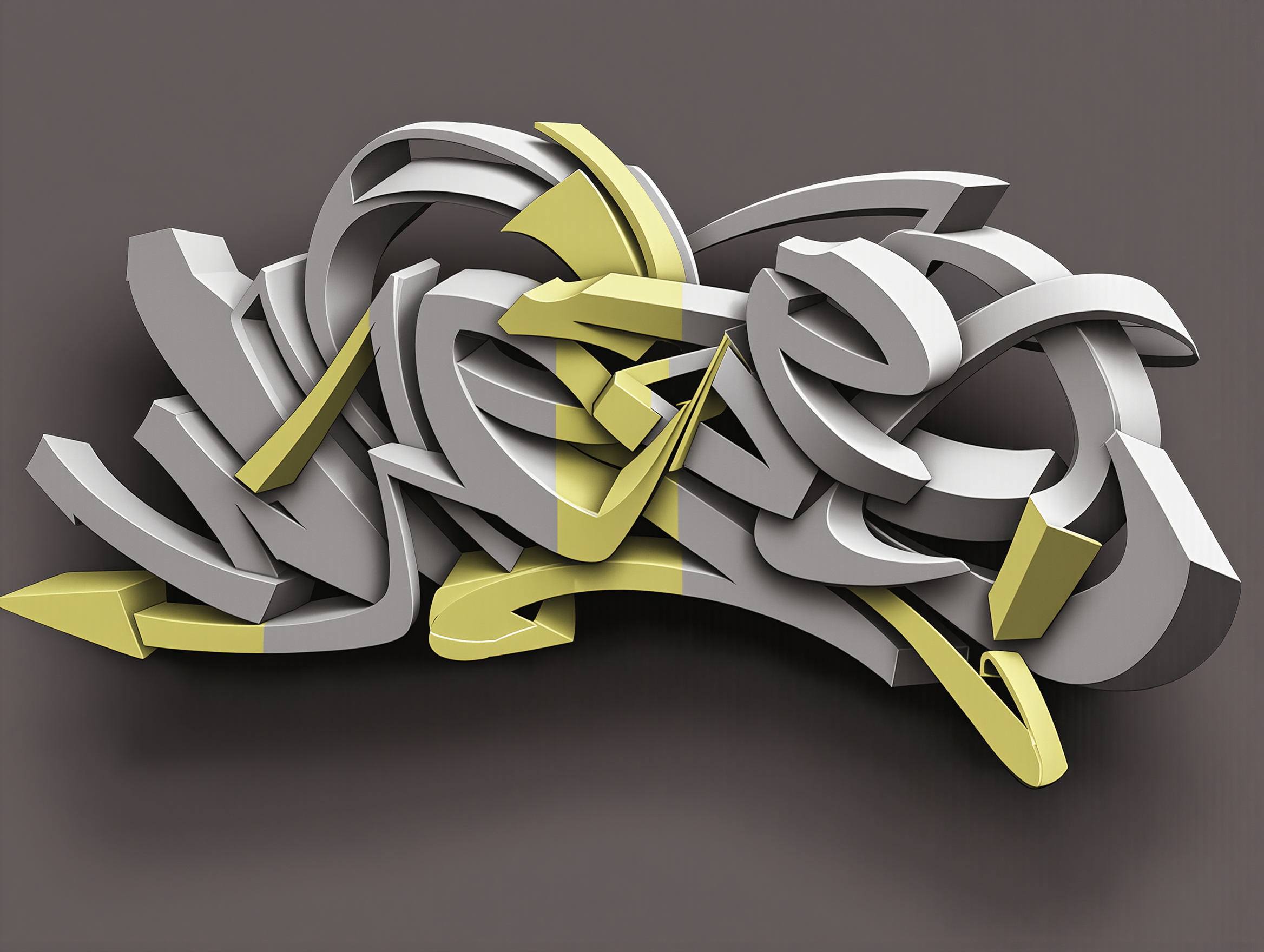
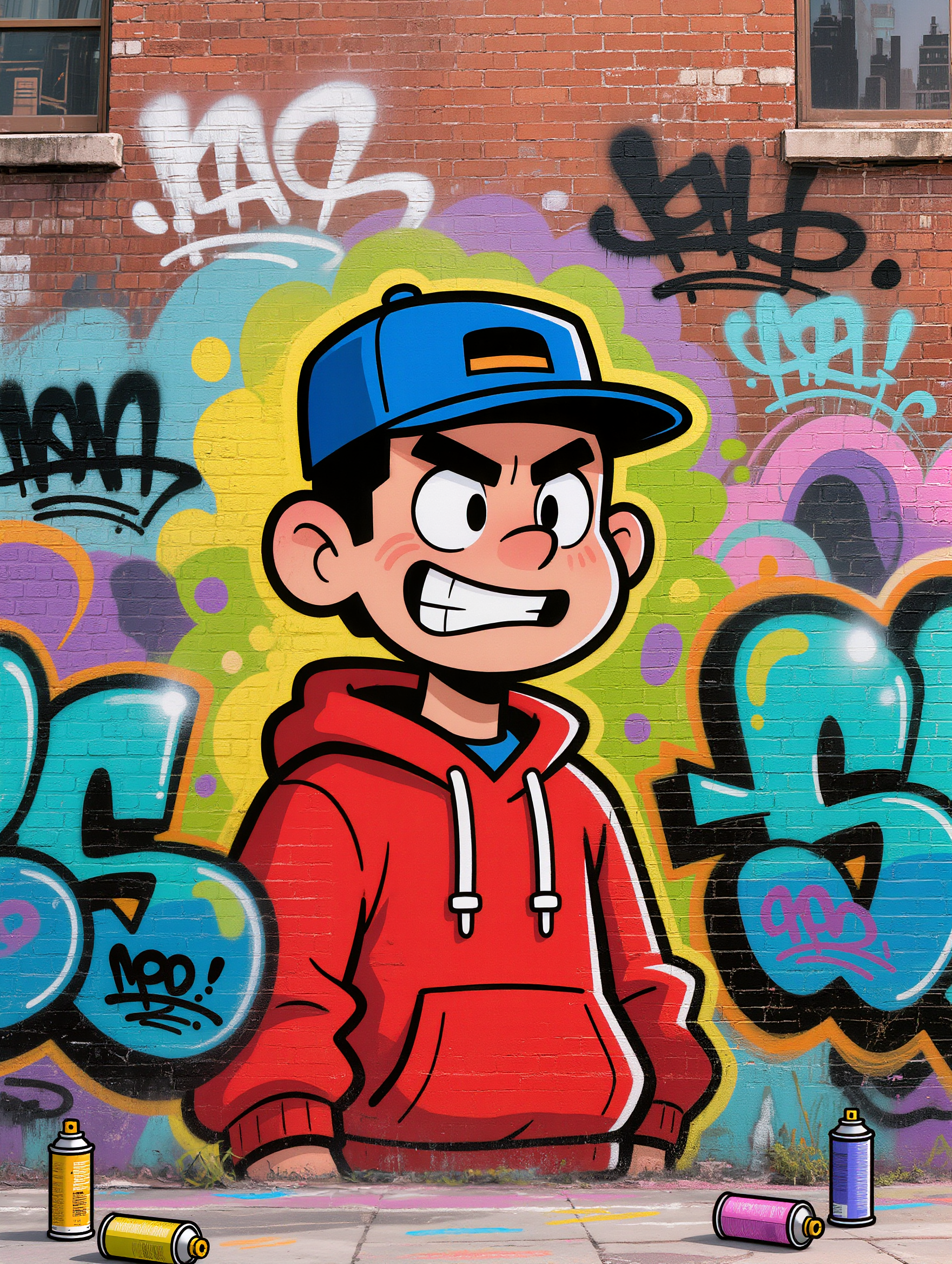
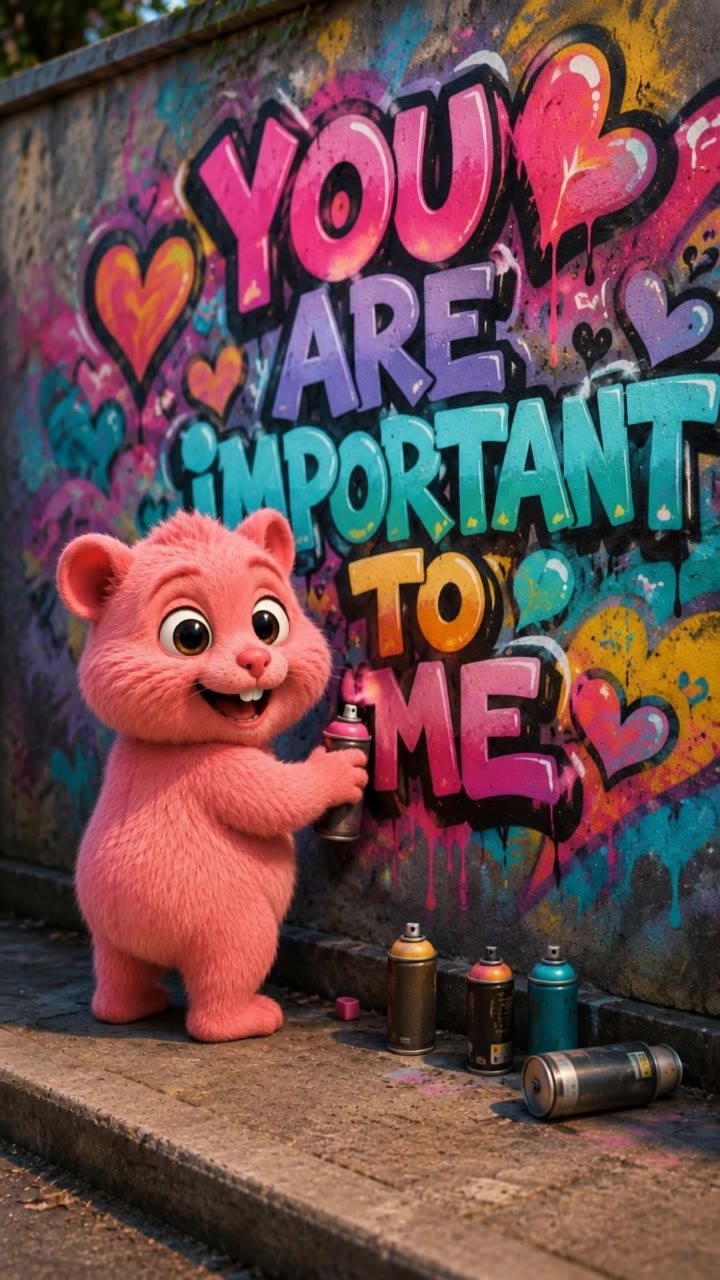
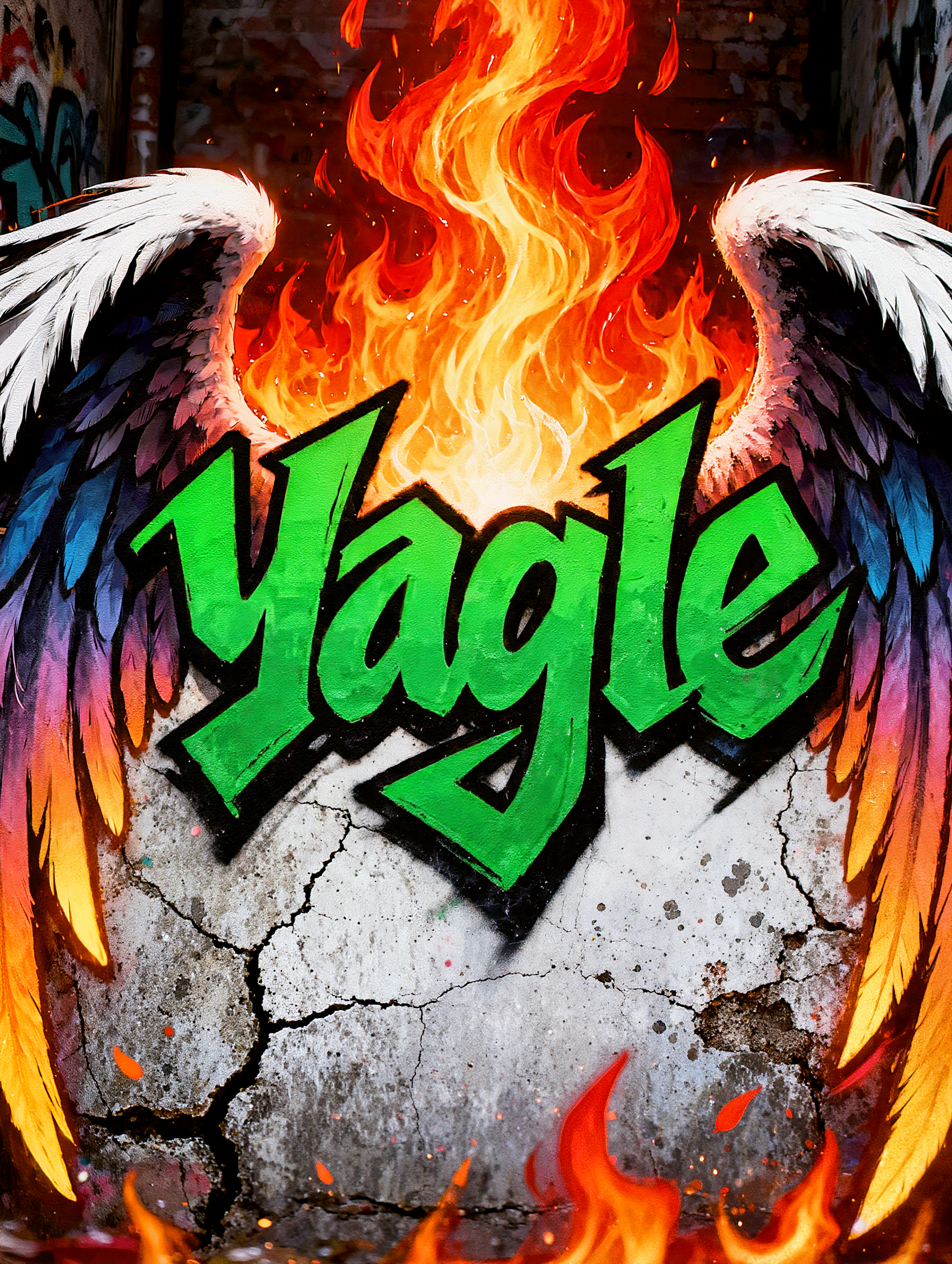
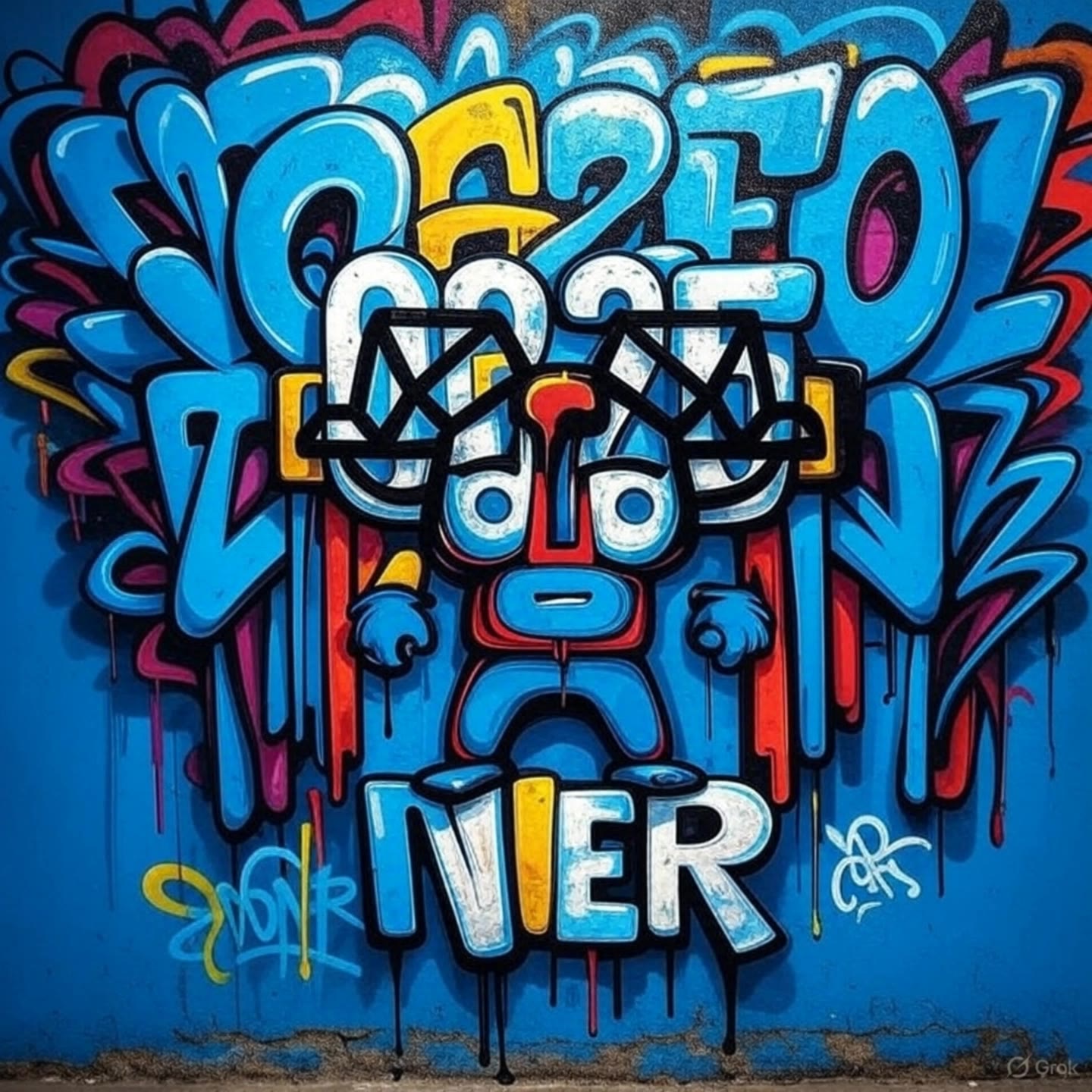
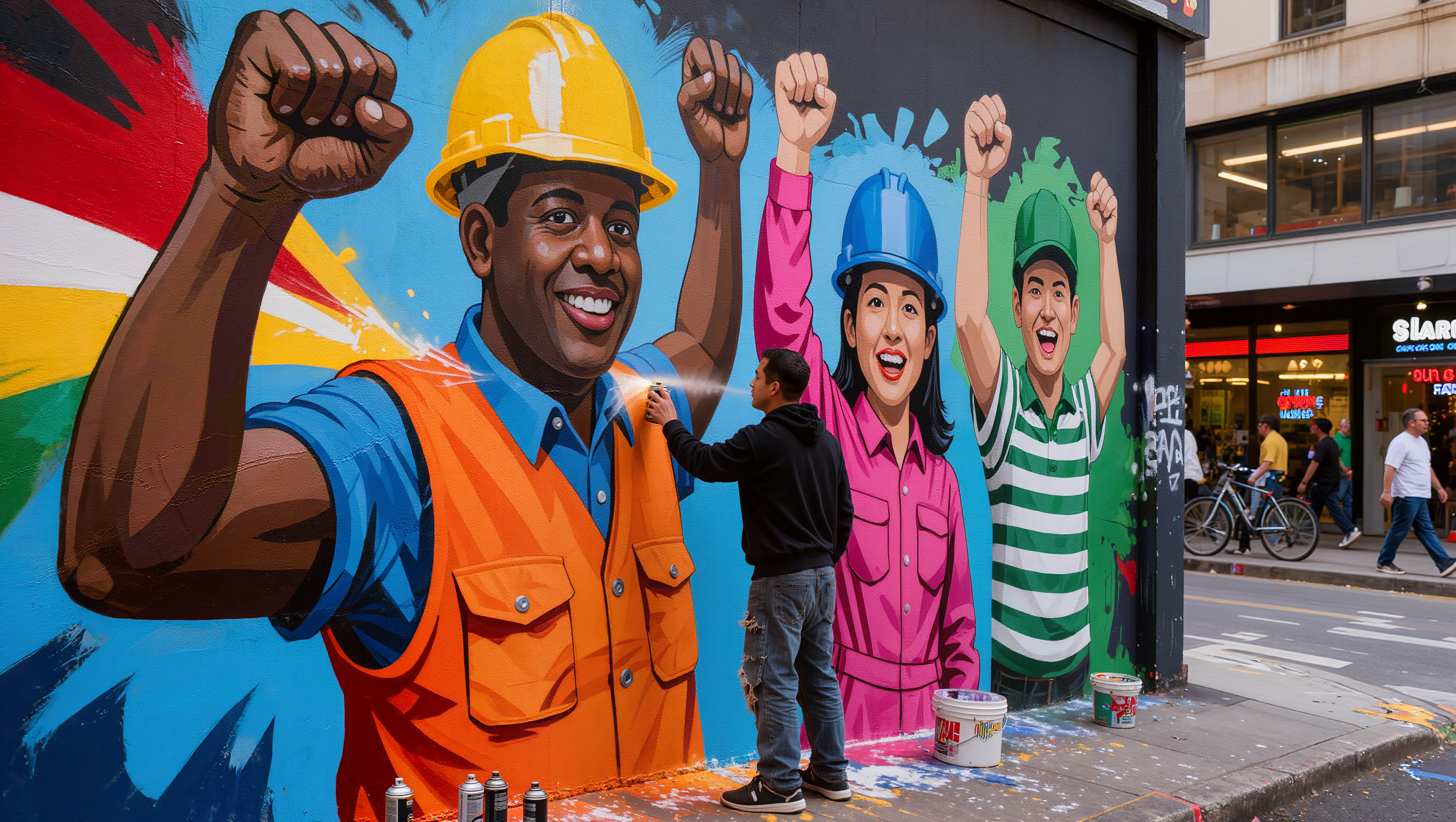
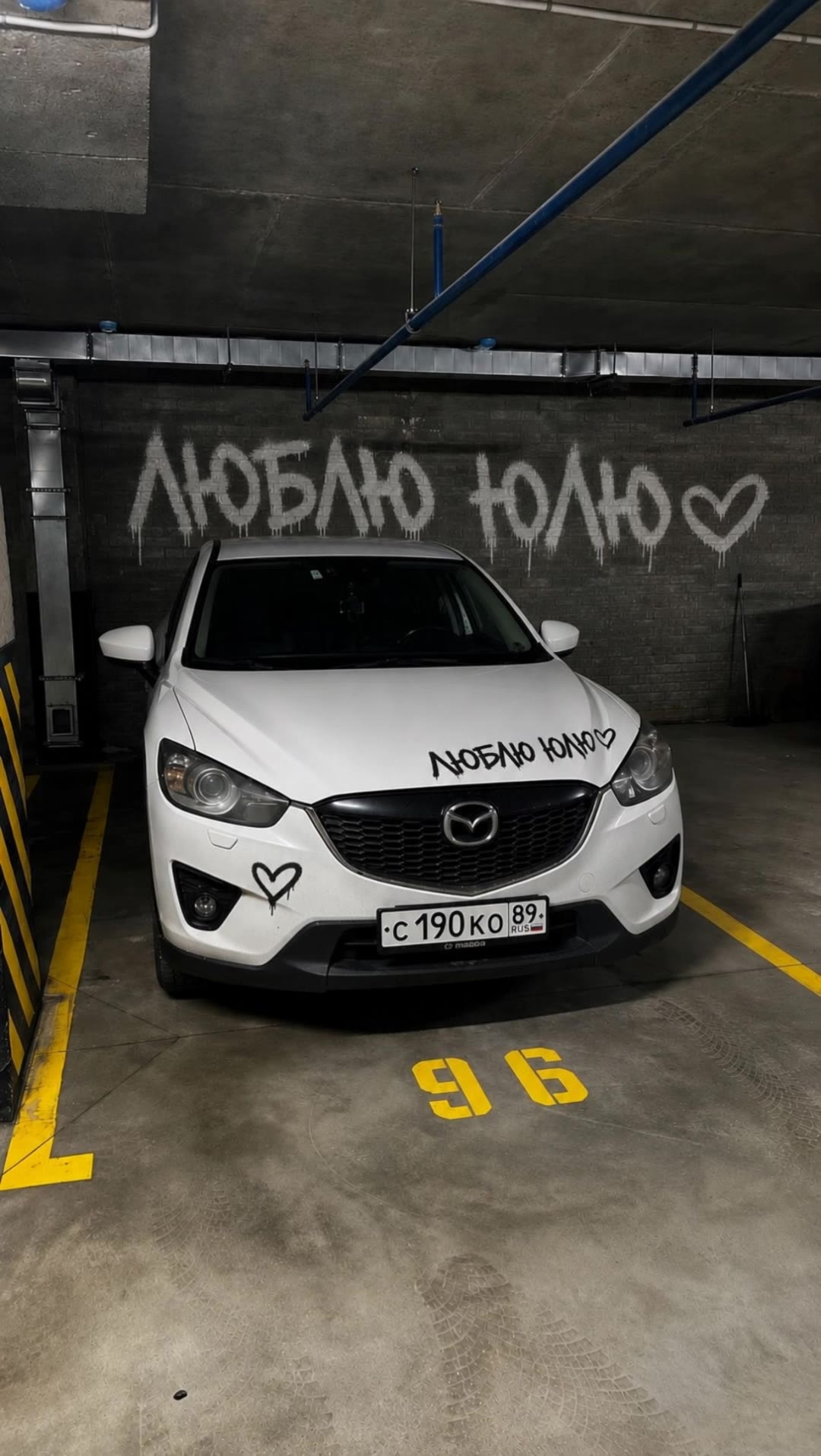
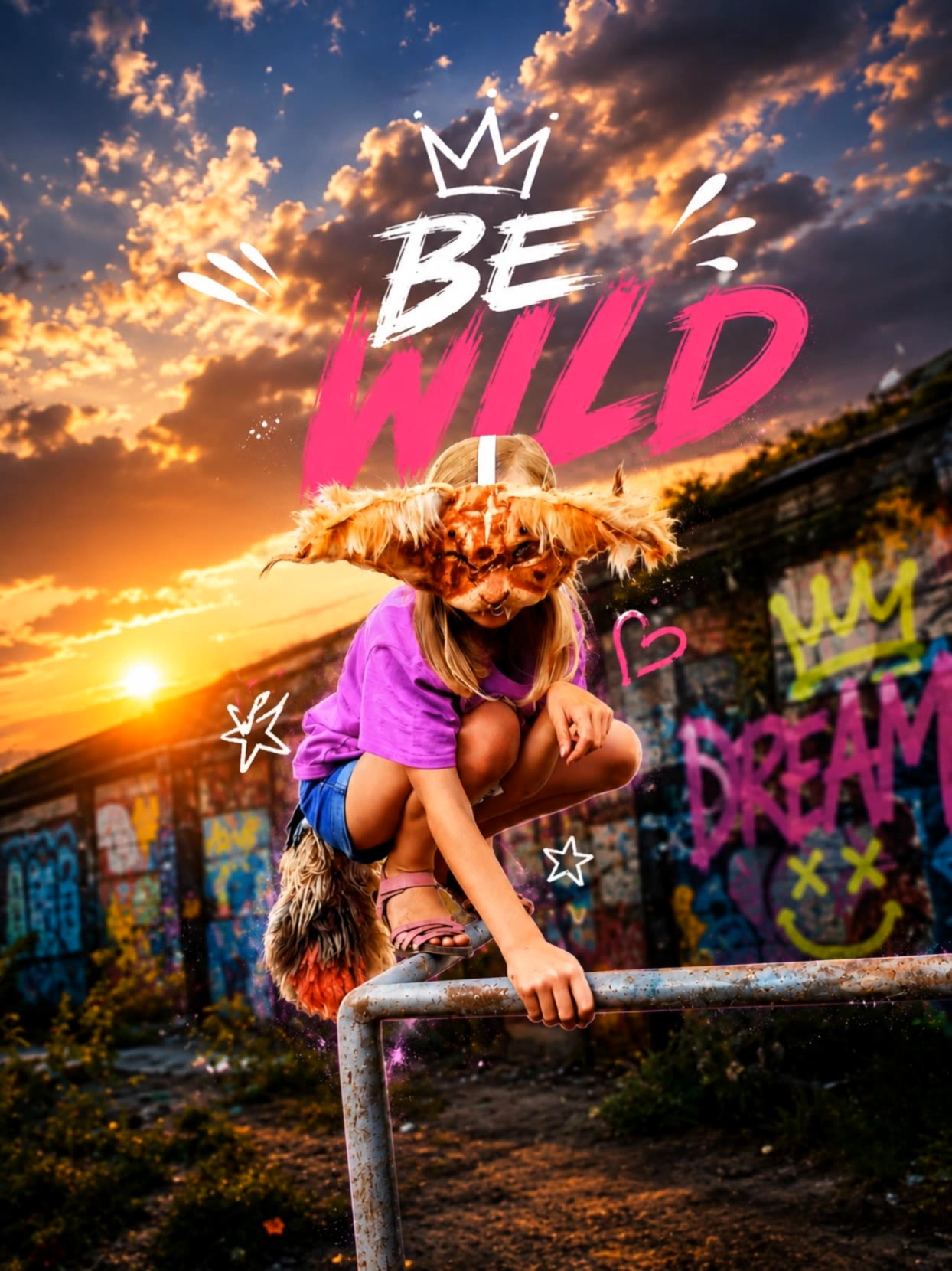
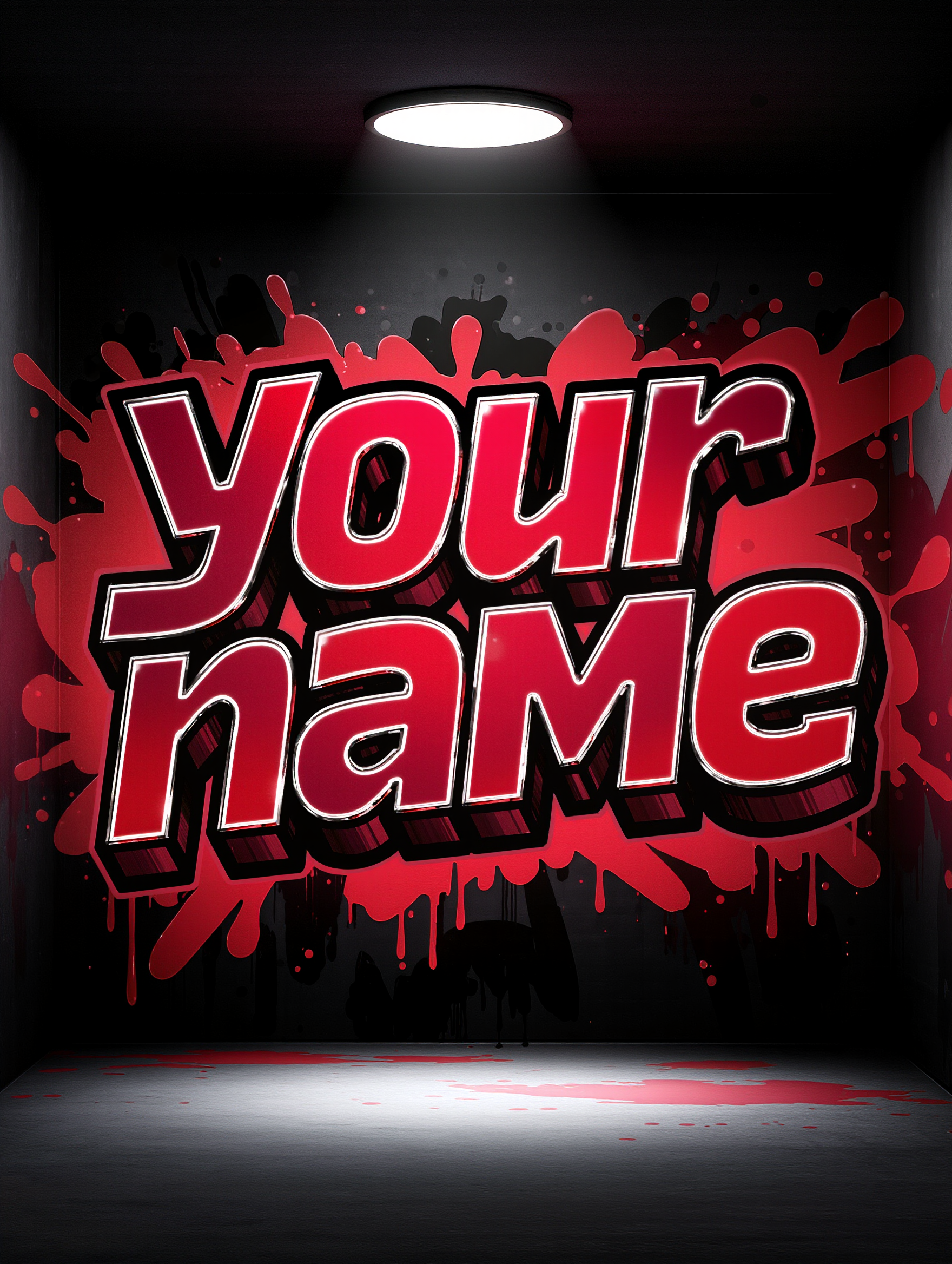
generate graffiti - #Graffiti Art & Neon Graffiti Silhouette

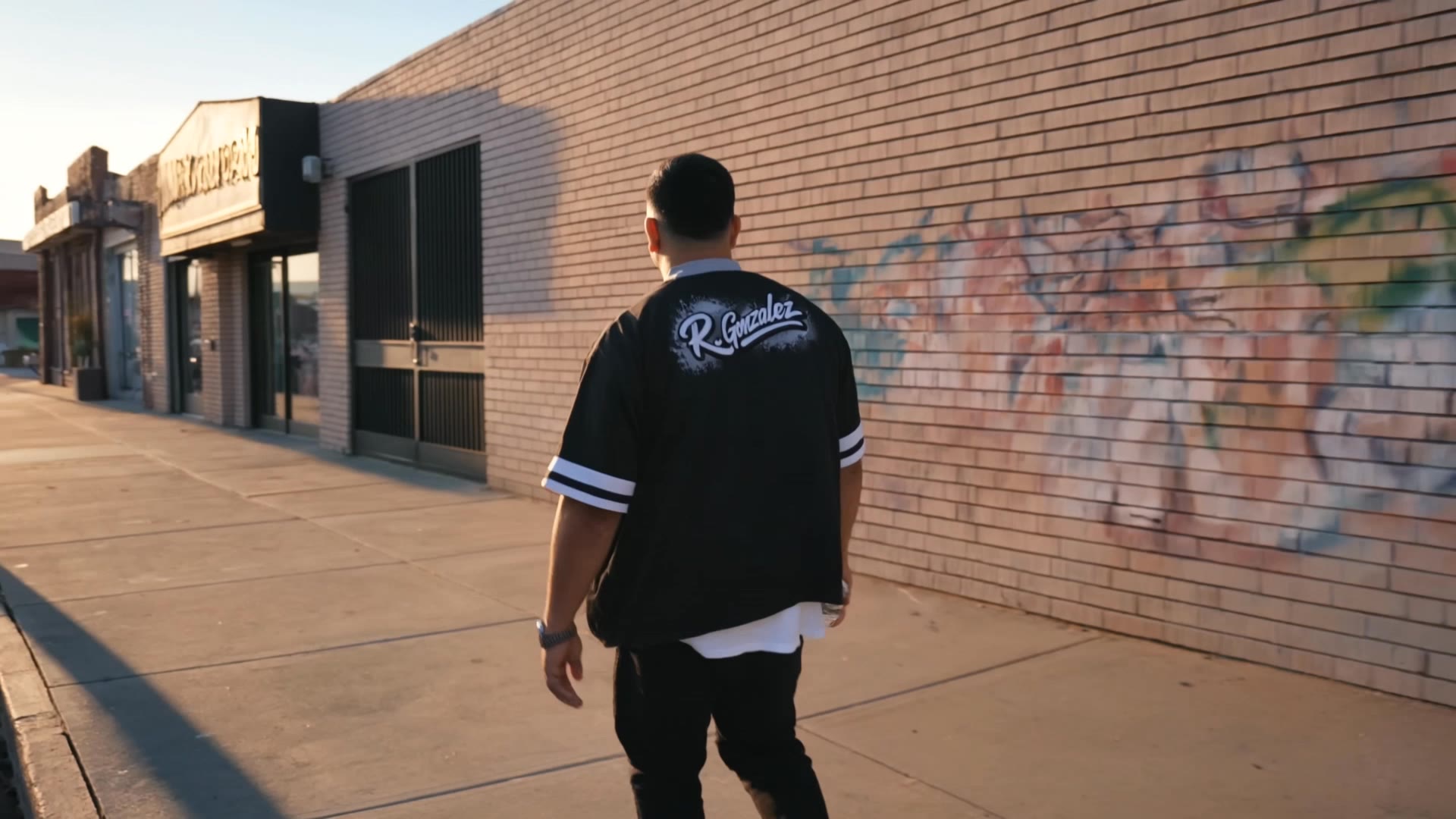
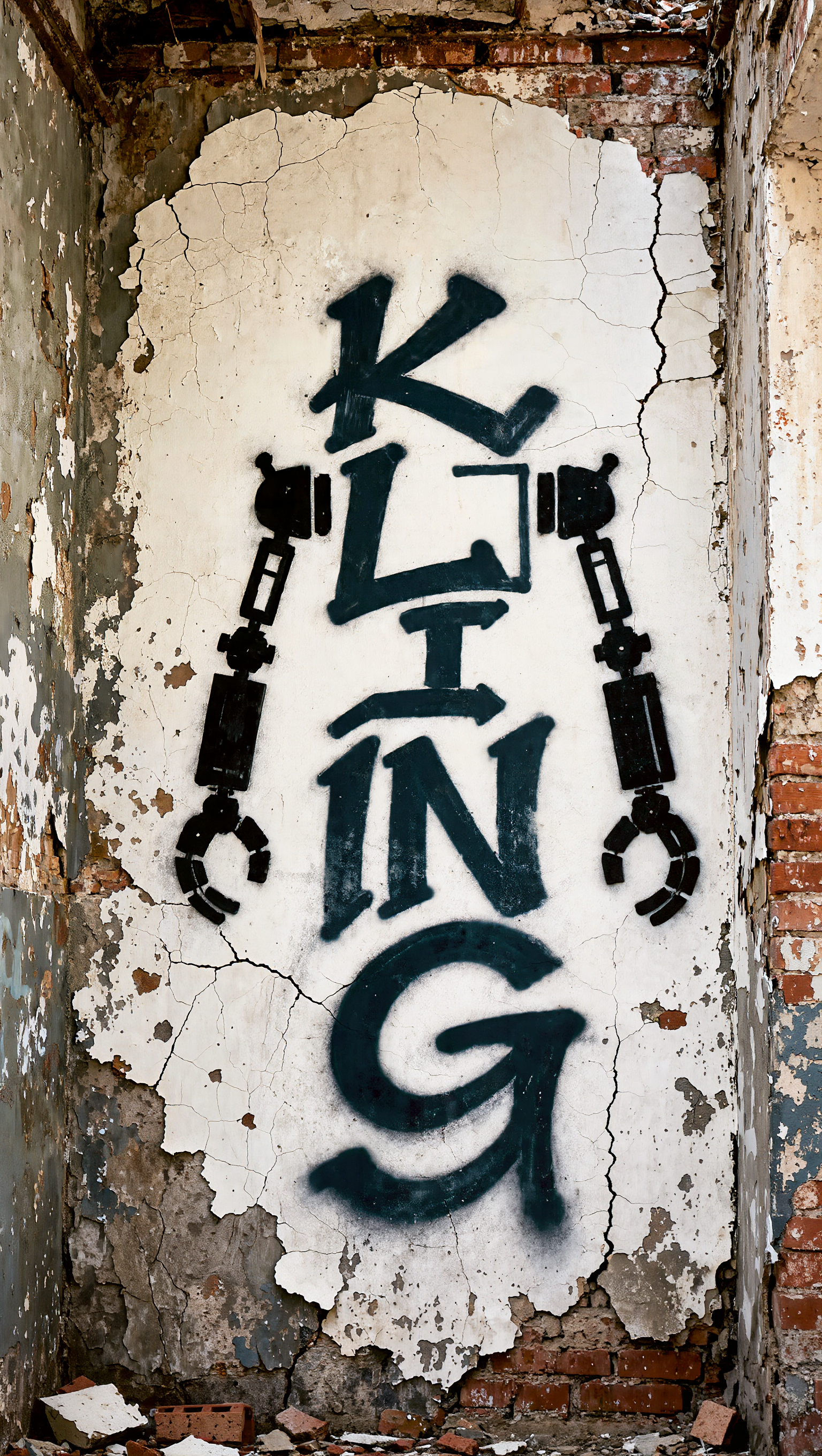
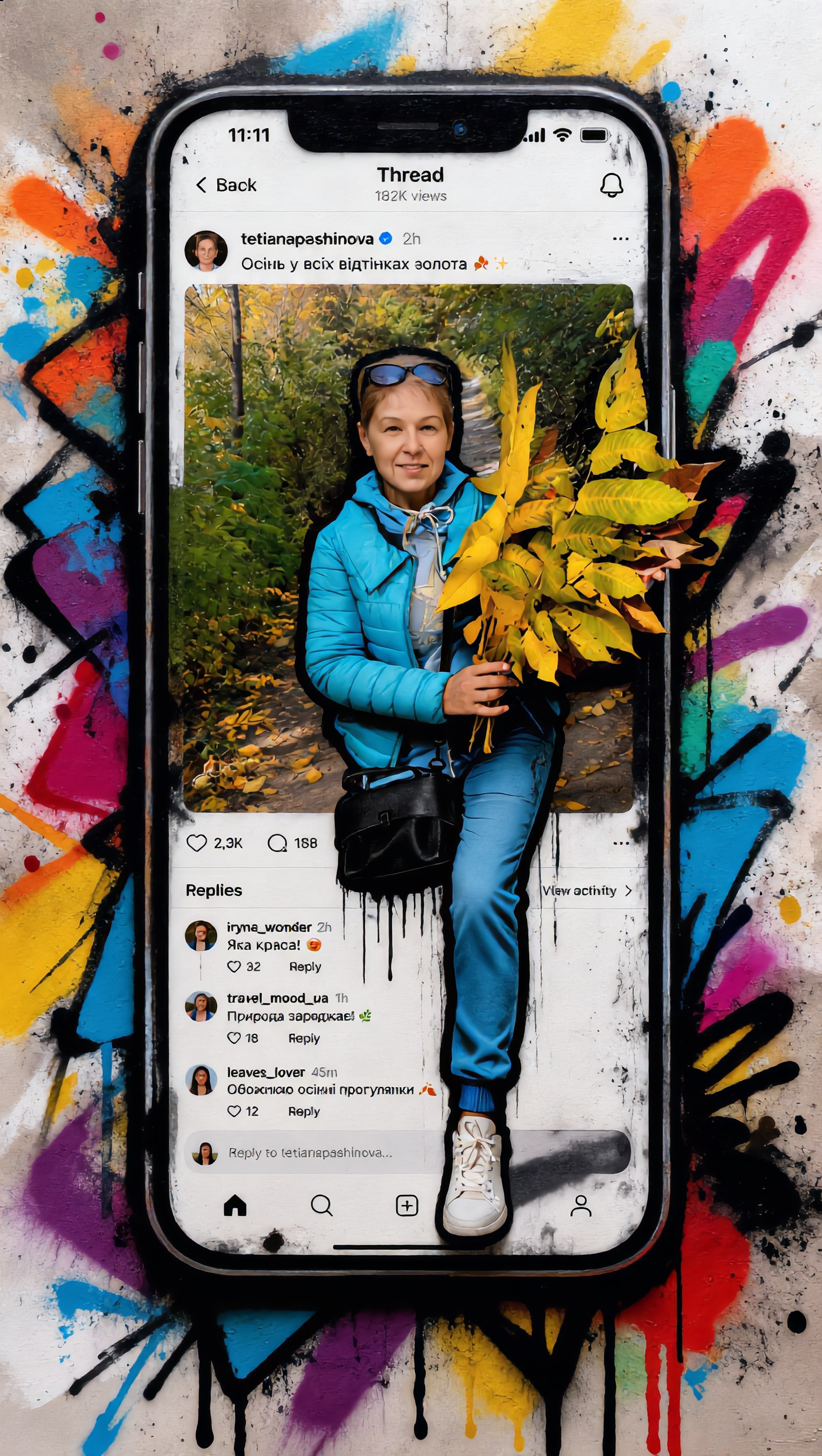
Unleash your creativity with urban art and anime-inspired graffiti designs on brick walls and vibrant neon silhouettes. Start exploring generate graffiti ideas and generate your own content with AI.

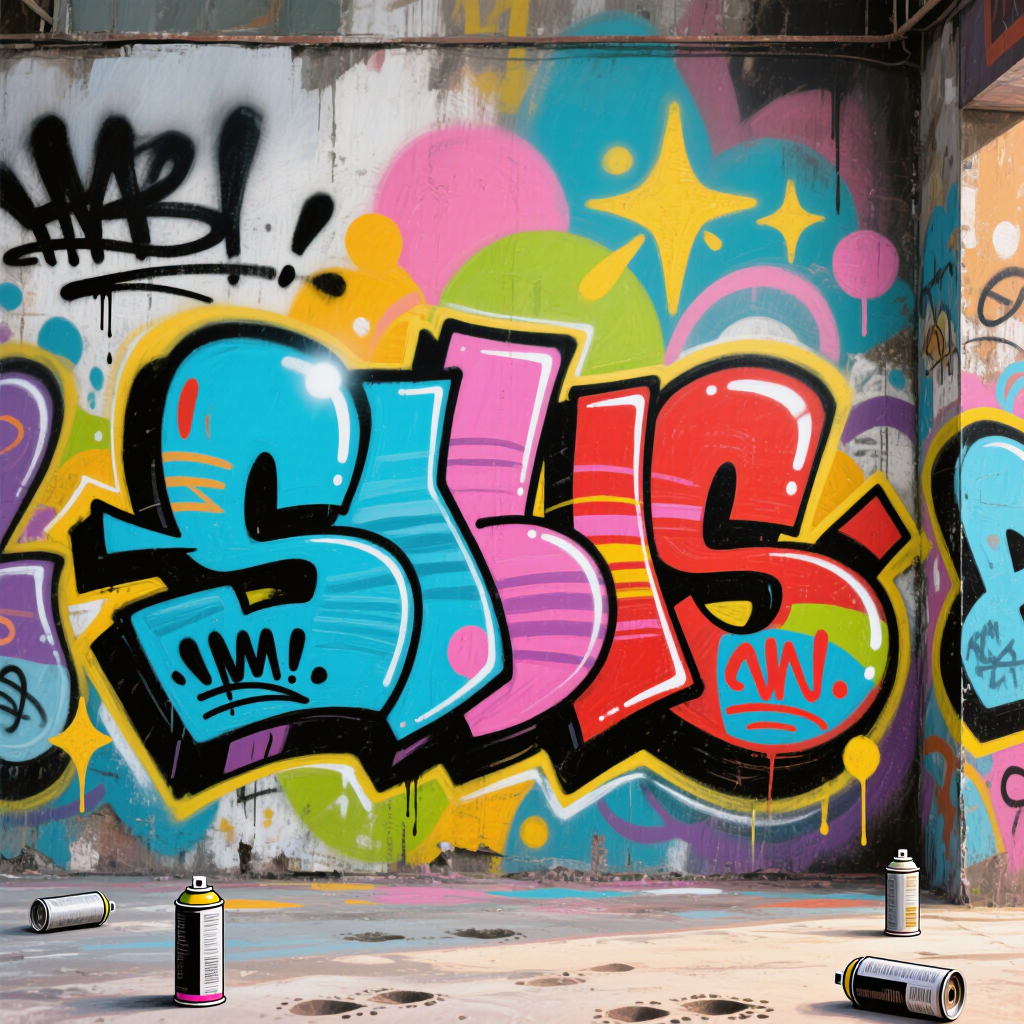
generate graffiti - #Graffiti Art & Neon Graffiti Silhouette

Recommended

Kling AI work 308249672610729 - generate graffiti AI image
MYeNbehV avatar
MYeNbehV
Kling AI work 308376480663196 - generate graffiti AI image
✧ AlienWorld ✧ avatar
✧ AlienWorld ✧
Kling AI work 308792495503150 - generate graffiti AI image
✧ AlienWorld ✧ avatar
✧ AlienWorld ✧
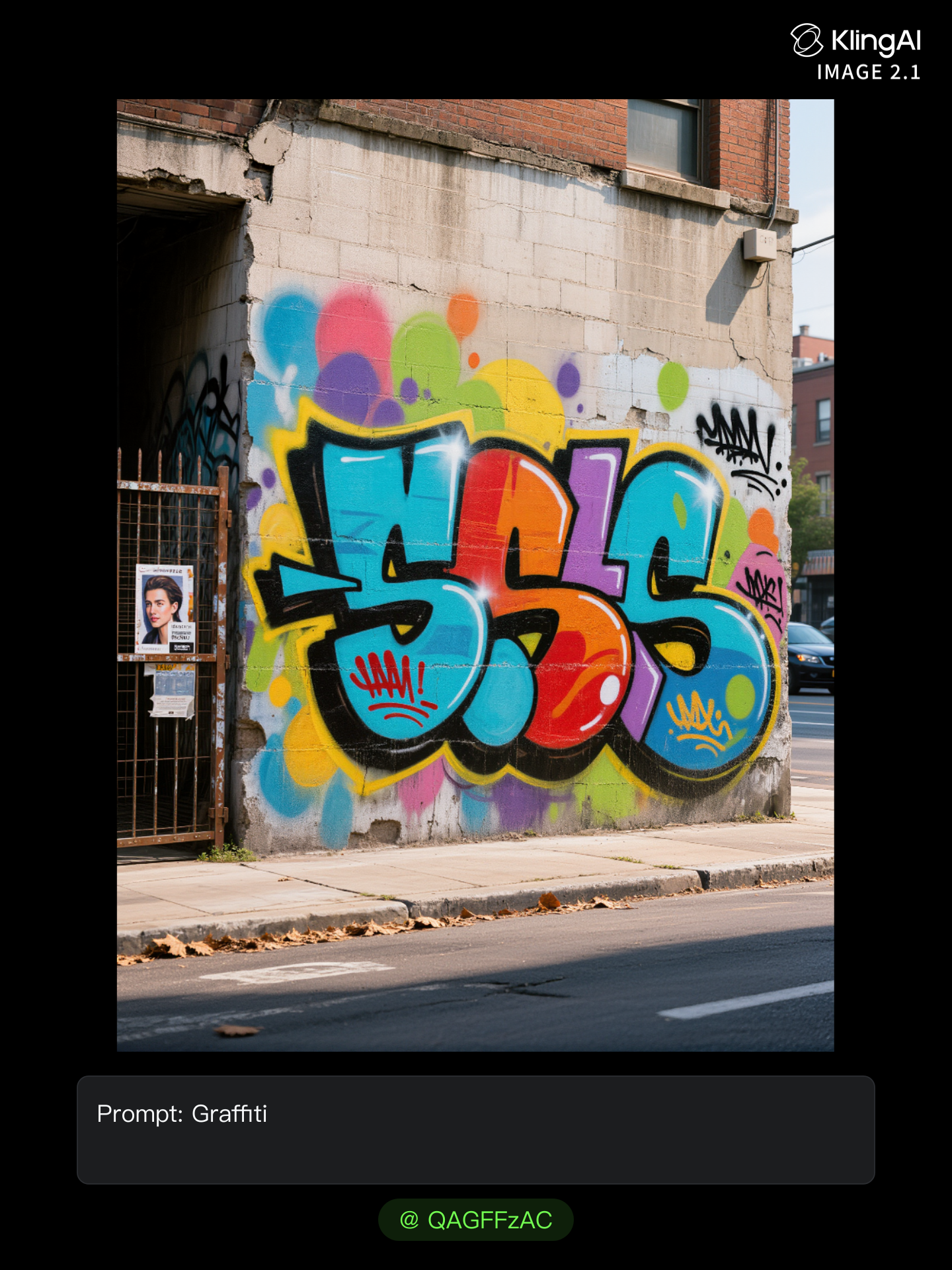
Kling AI work 312660263507663 - generate graffiti AI image
QAGFFzAC avatar
QAGFFzAC
graffiti  - generate graffiti AI image
GamerElectra2889 avatar
GamerElectra2889
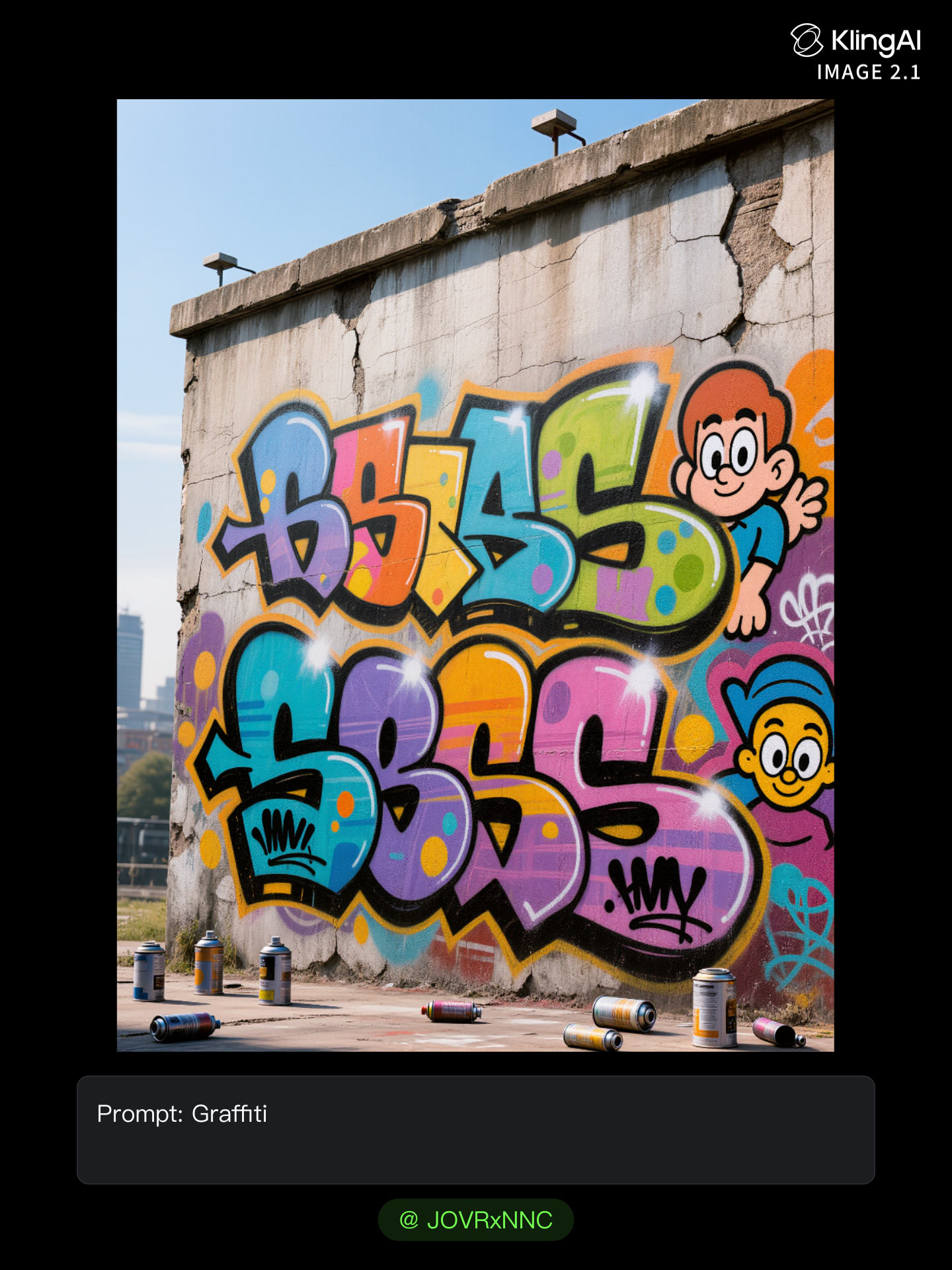
Kling AI work 317351672328206 - generate graffiti AI image
JOVRxNNC avatar
JOVRxNNC
Kling AI work 307732707614731 - generate graffiti AI image
✧ AlienWorld ✧ avatar
✧ AlienWorld ✧
Kling AI work 310919862308252 - generate graffiti AI image
:/ avatar
:/
Kling AI work 308376440667962 - generate graffiti AI image
✧ AlienWorld ✧ avatar
✧ AlienWorld ✧
Kling AI work 310444207521042 - generate graffiti AI image
liLbQpgT avatar
liLbQpgT
Kling AI work 308760873522869 - generate graffiti AI image
uHvmhbNF avatar
uHvmhbNF
Kling AI work 309828779611227 - generate graffiti AI image
LaRenea avatar
LaRenea
Kling AI work 315475936662040 - generate graffiti AI video
LIxovtGL avatar
LIxovtGL
Kling AI work 317284404520106 - generate graffiti AI image
rIyXKXno avatar
rIyXKXno
Kling AI work 316717236306976 - generate graffiti AI image
Sammi avatar
Sammi
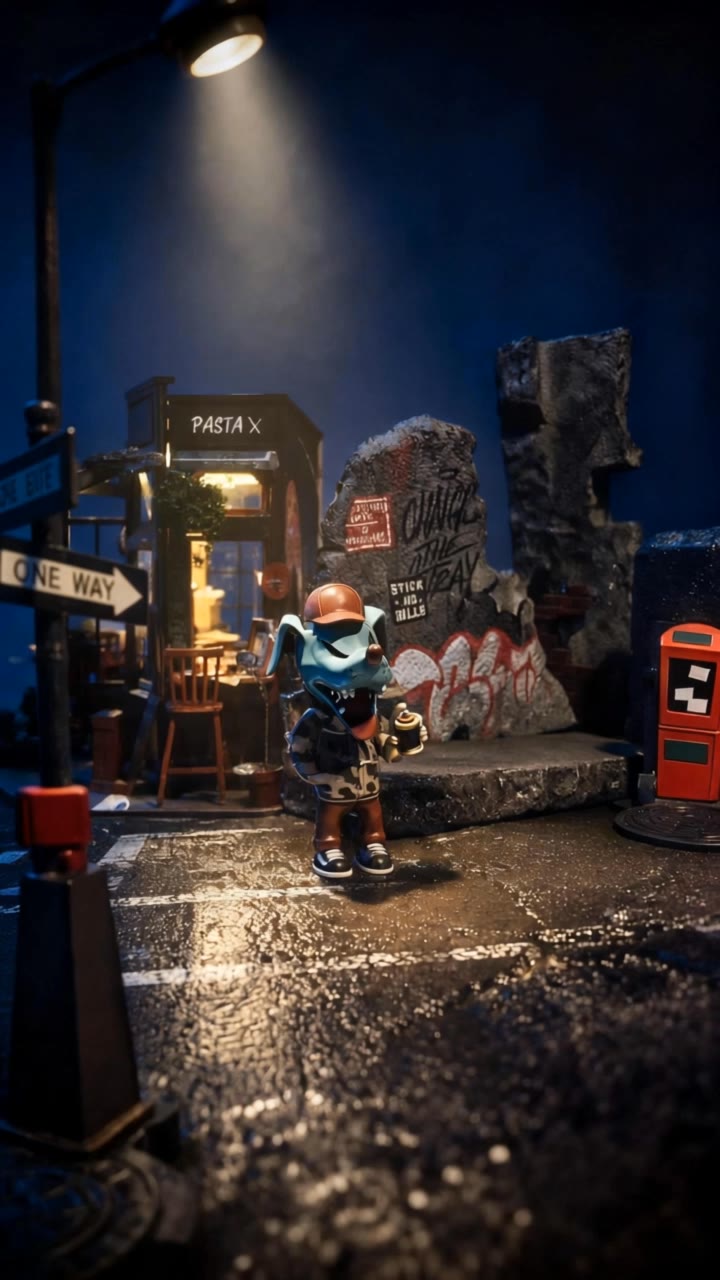
limoni graffiti - generate graffiti AI video
DODxMAba avatar
DODxMAba
Kling AI work 309021499527577 - generate graffiti AI image
KhciQHLz avatar
KhciQHLz
Kling AI work 312295887528542 - generate graffiti AI image
eZawpLaF avatar
eZawpLaF
Kling AI work 299422215503439 - generate graffiti AI image
Just Ai avatar
Just Ai
Elite Creator

How to Create Images with Kling AI

Write Down You Ideas

Write Down You Ideas

Open the AI Image Generator and choose the model that fits your project. Describe the subject and scene, then add details such as lighting, color, and visual style to shape the result.

Add References Or Not

Add References Or Not

Upload reference images for a character, product, composition, or style. References are optional, but they give Kling AI a clearer visual foundation when specific features, colors, or design details need to carry into the final image.

Generate Your Image

Generate Your Image

Choose your preferred format and output settings, then hit Generate. Once the result is ready, download it directly or open it in the image-to-video workflow to bring it to life with motion.

Why Kling Sets the Standard for Video Creation

Flawless Character Consistency for High-Quality Videos

Flawless Character Consistency for High-Quality Videos

Unlike standard tools that distort faces when moving, Kling Video 3.0 lets you strictly lock a character’s appearance. Upload a single photo, or use a short video/multiple angles as a reference to completely eliminate the “AI morphing” effect.

All-in-One Native Audio & Lip-Sync

All-in-One Native Audio & Lip-Sync

Your video isn’t just silent footage; it speaks. Generate perfectly matched voices and realistic lip movements in multiple languages or regional accents. Even in multi-character scenes, you can precisely assign who speaks—no third-party tools required.

Up to 15s Multi-Shot Cinematic Output

Up to 15s Multi-Shot Cinematic Output

Go beyond a basic 3-second clip. Kling 3.0 extends generation to 15 seconds of smooth, uninterrupted narrative. You can even use native storyboard controls to direct multi-shot sequences in a single click—outputting in crystal-clear 4K for professional use.

Apps

Image to Video
Image to Video

Image to Video

Text to Video
Text to Video

Text to Video

Omni
Omni

Omni

Digital Human
Digital Human

Digital Human

Restyle
Restyle

Restyle

Text to Image
Text to Image

Text to Image

60M+
60M+
Users
600M+
600M+
AI Videos Generated
4.7 ★
4.7 ★
App Store
Industry-Leading
Industry-Leading
Cinematic 4K

Reviews

Vincent Smadja

Vincent Smadja

★★★★★

Kling AI seamlessly integrates into my creative workflow, playing a key role in transforming my images. After generating and upscaling an image, Kling becomes a crucial element, bringing my creations to life with movement and depth.

Jyo John Mulloor

Jyo John Mulloor

★★★★★

Kling AI has been instrumental in transforming my creative workflow, unlocking new dimensions of artistic expression that were once unimaginable. I use Kling AI extensively to develop high-concept visuals, animate surreal dreamscapes, and create AI-assisted films that blur the line between reality and fantasy. Kling AI’s deep learning capabilities have not only enhanced my creative efficiency but also inspired me to explore storytelling in ways I never thought possible.

Maria Rubtsova

Maria Rubtsova

★★★★★

I’m Maria Rubtsova, an AIGC digital artist passionate about creating stunning visuals in the worlds of fashion, aesthetics, and fantasy. I use KlingAi to bring imagination to life through video. My work is all about exploring beauty, emotion, and the limitless possibilities of digital art.

FAQ

Q1Can I make the character in my image speak?
Q2Can I generate 4K videos from an image?
Q3Is this image to video AI free to use?

Start Creating AI Videos with Kling

Turn your image into a talking, high-quality video in seconds. No watermarks, no complicated setup.

Free tier available (Memberships are watermark-free) | 1080p export (Memberships unlock 4K) | Instant results