gila films - nature & animals

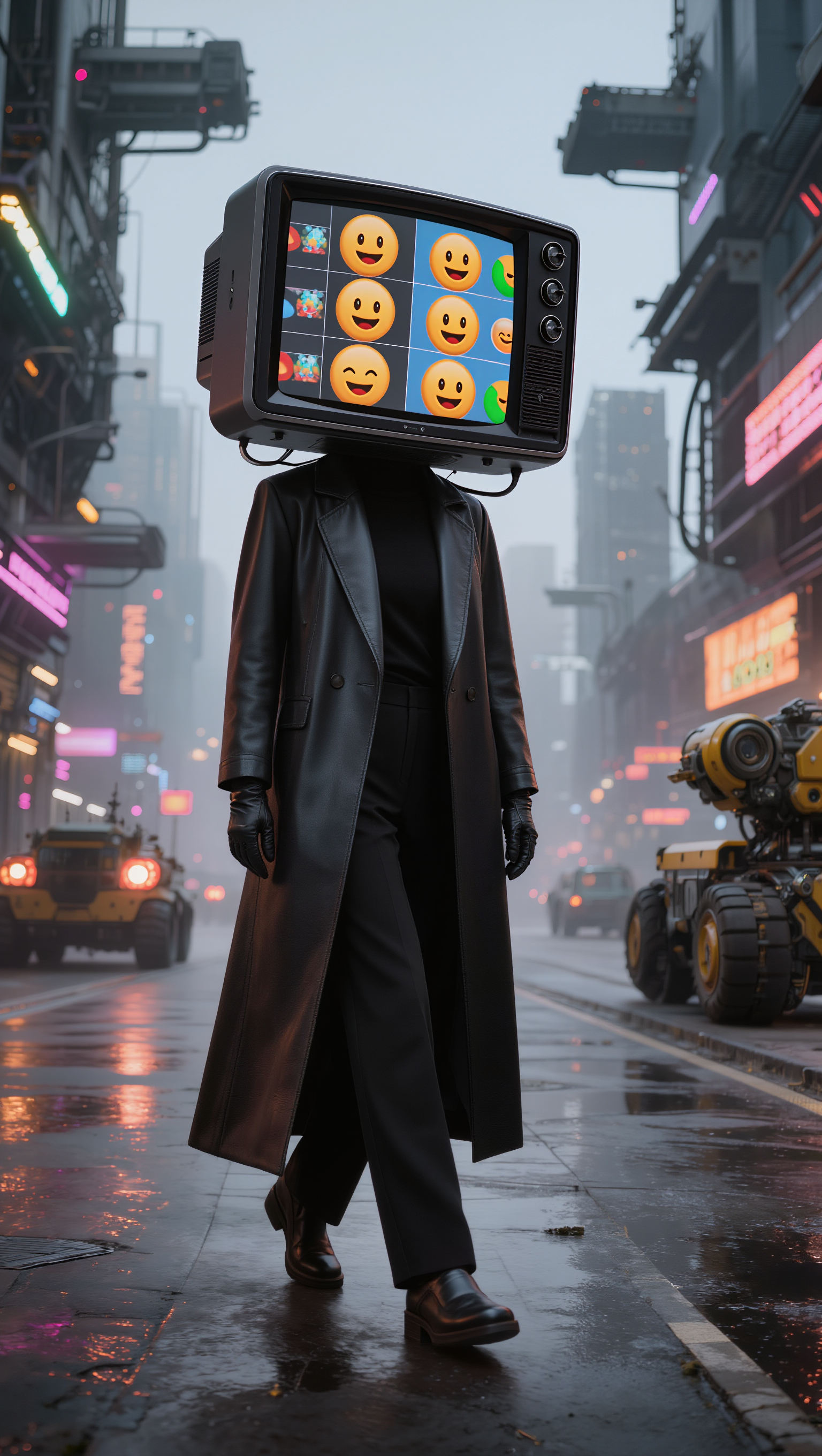
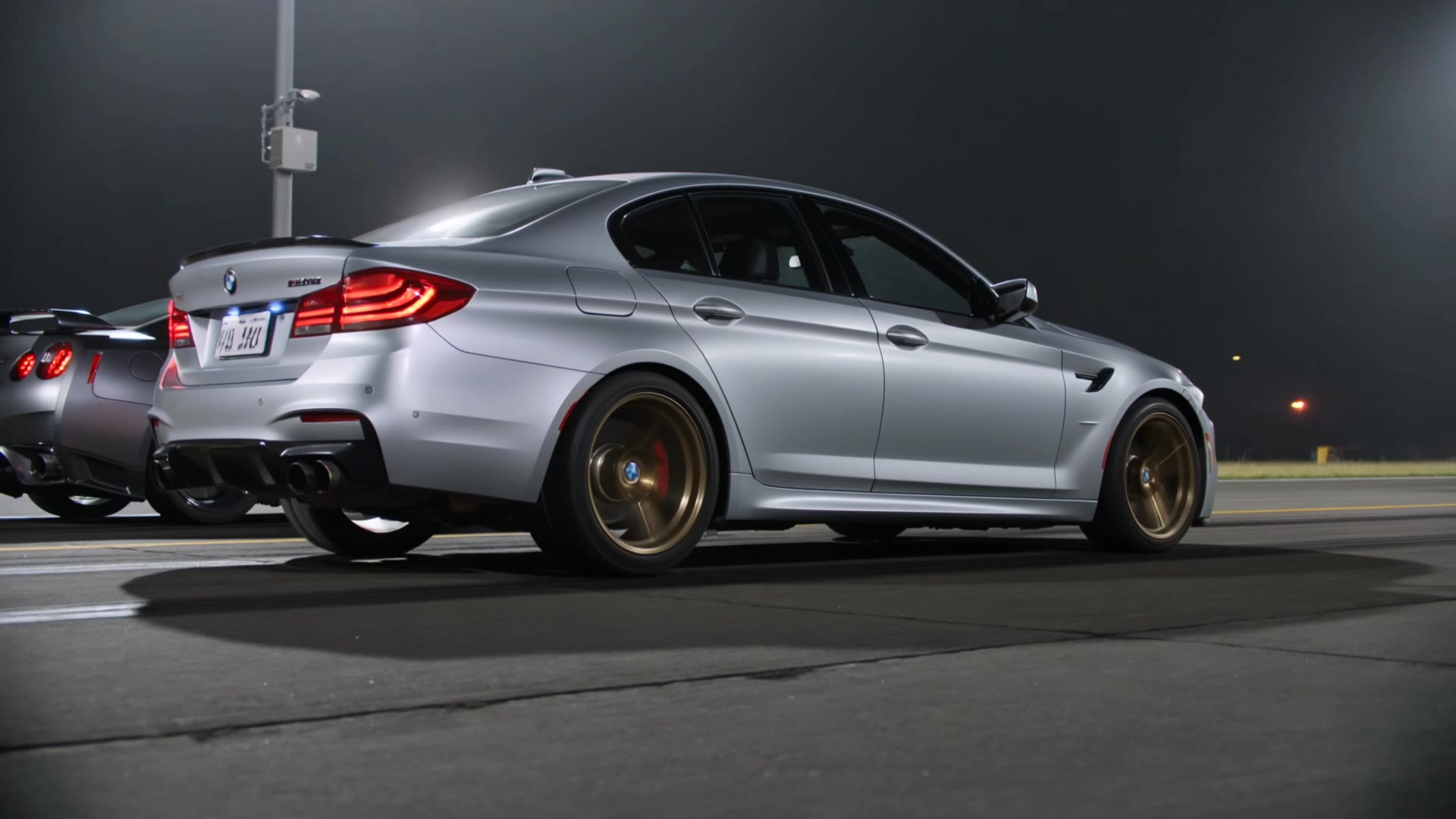
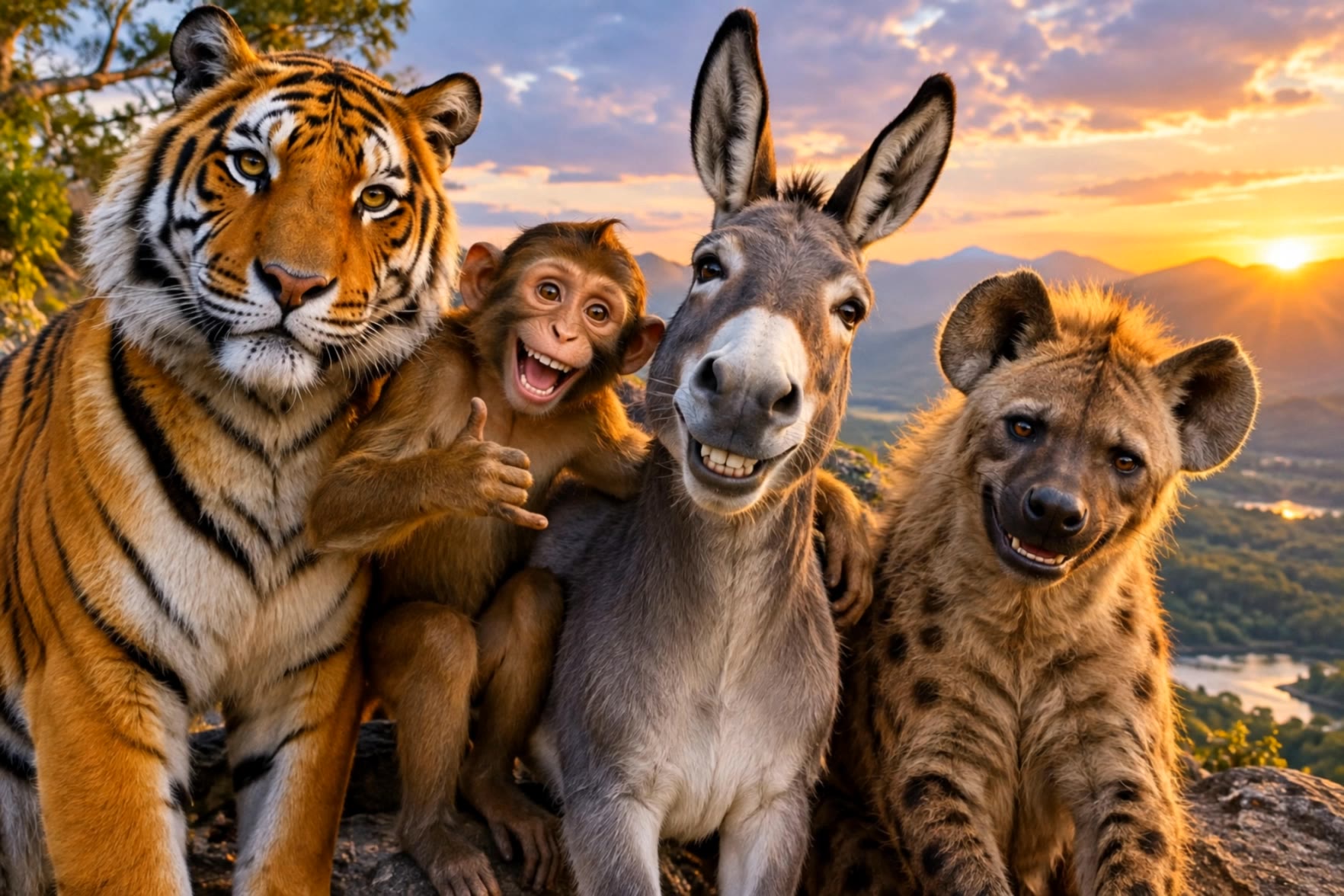
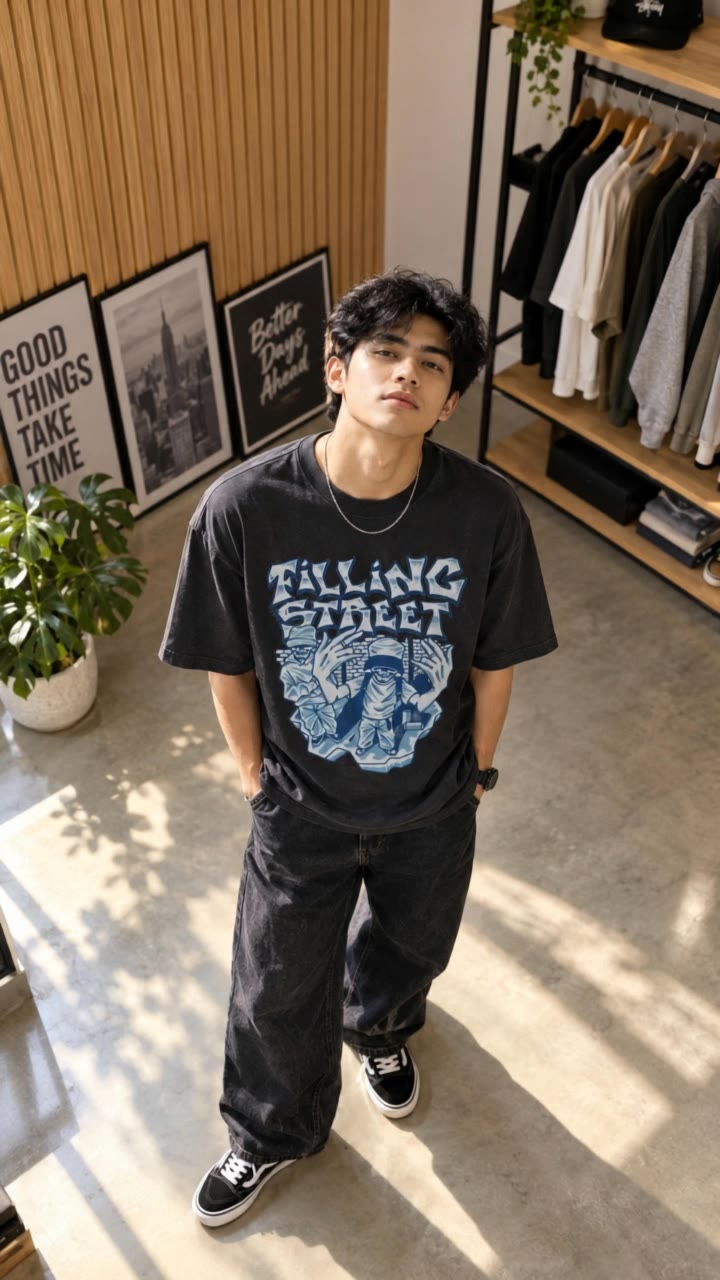
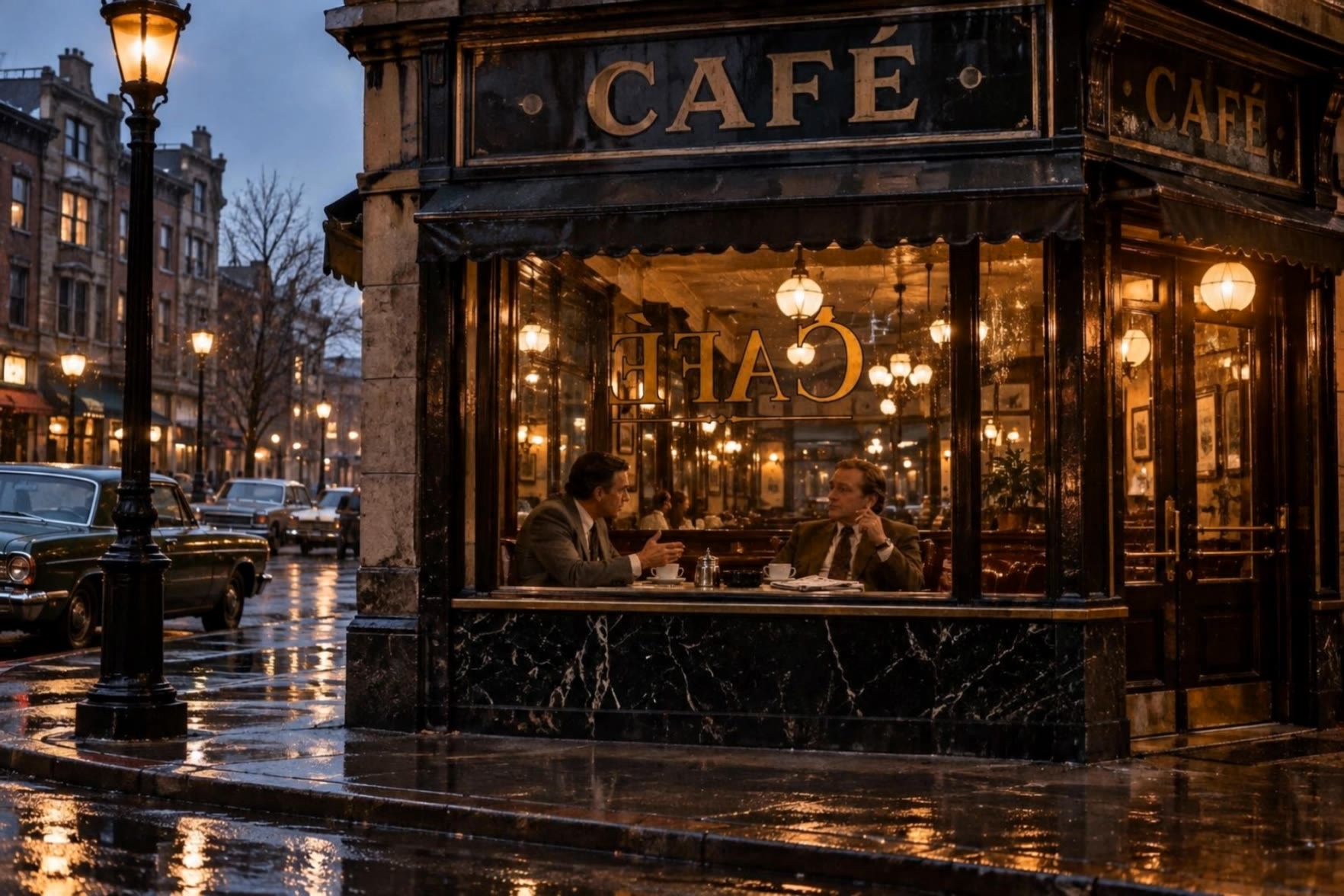
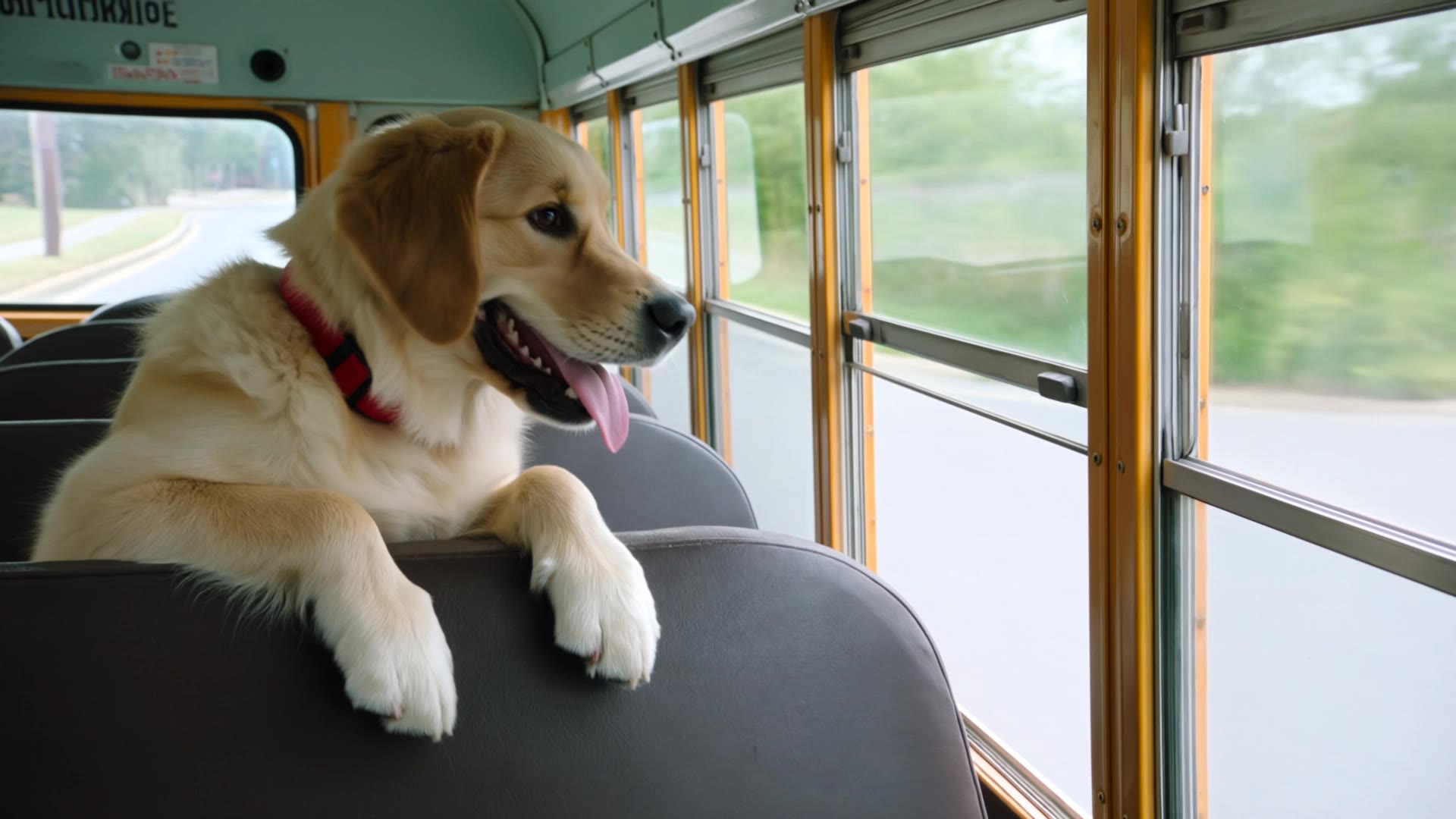
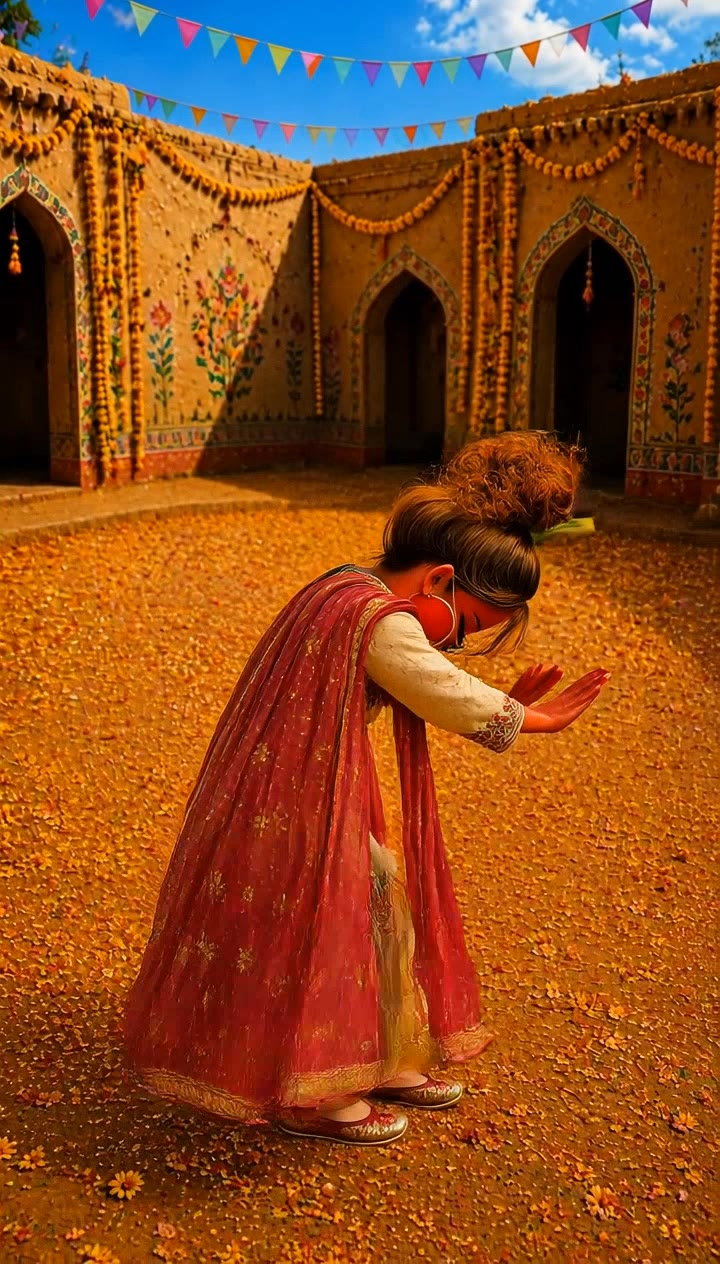
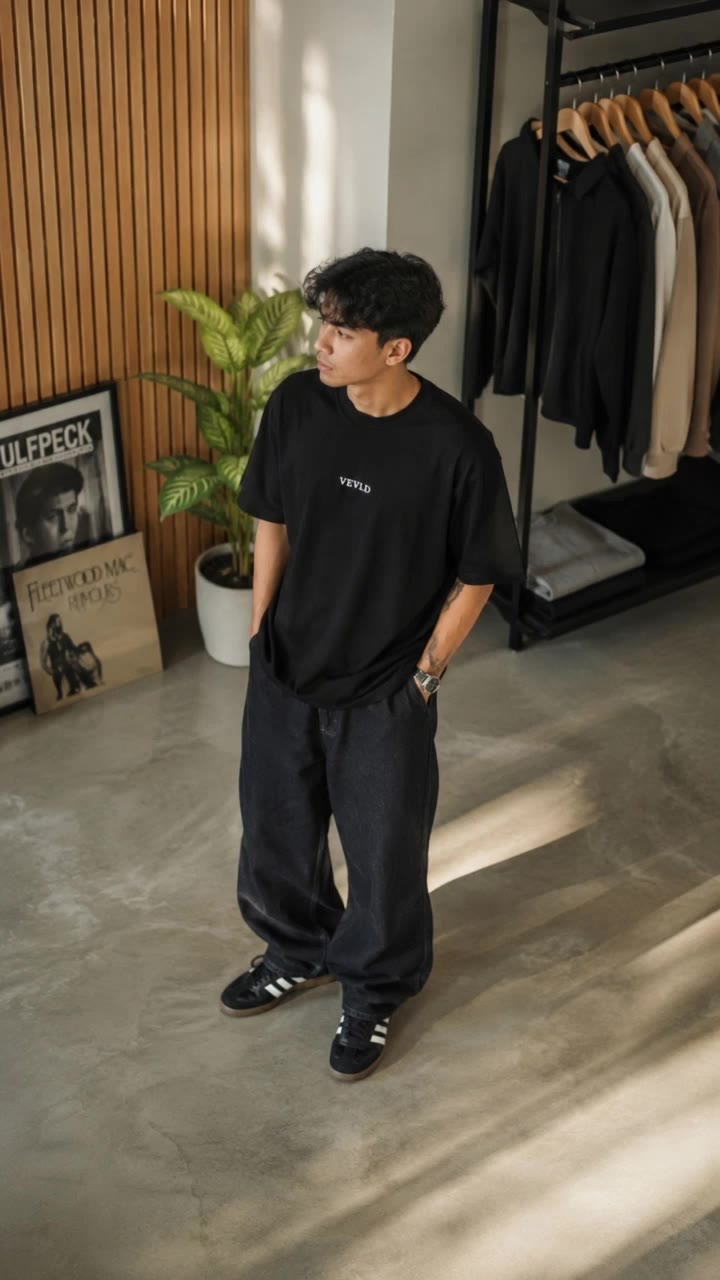
Immerse in unique visuals featuring whimsical wildlife moments and captivating nature scenes. Unleash creativity with diverse thematic elements and stunning cinematography. Start exploring gila films ideas and generate your own content with AI.

gila films - nature & animals

Recommended

Mara hove yar gila ni karinda - gila films AI video
Sikandar Animates avatar
Sikandar Animates
Kling AI work 312595513521125 - gila films AI video
eJOTpxkM avatar
eJOTpxkM
Kling AI work 312921197520952 - gila films AI image
gohan avatar
gohan
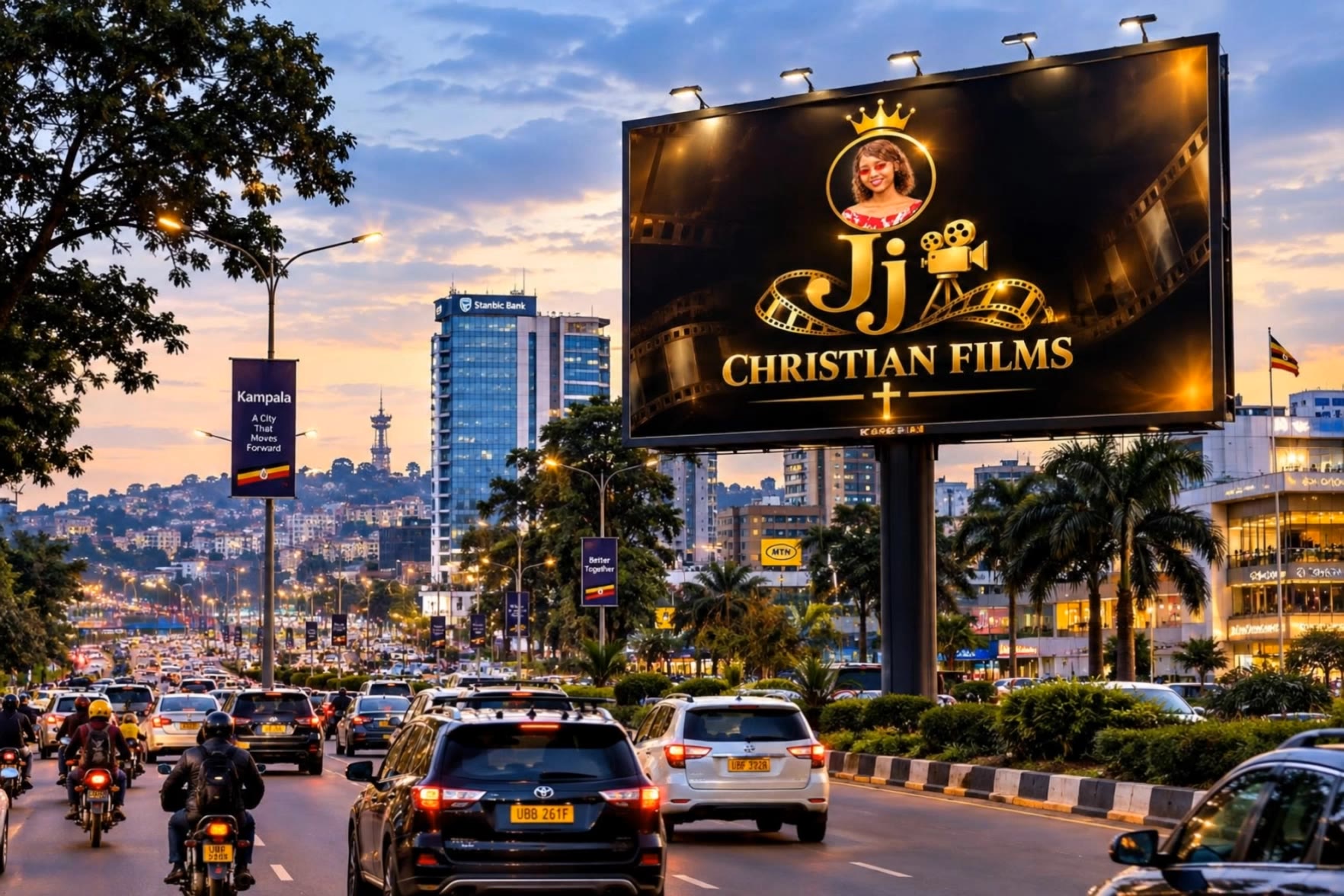
Jj Christian films  - gila films AI video
aTQgpqWk avatar
aTQgpqWk
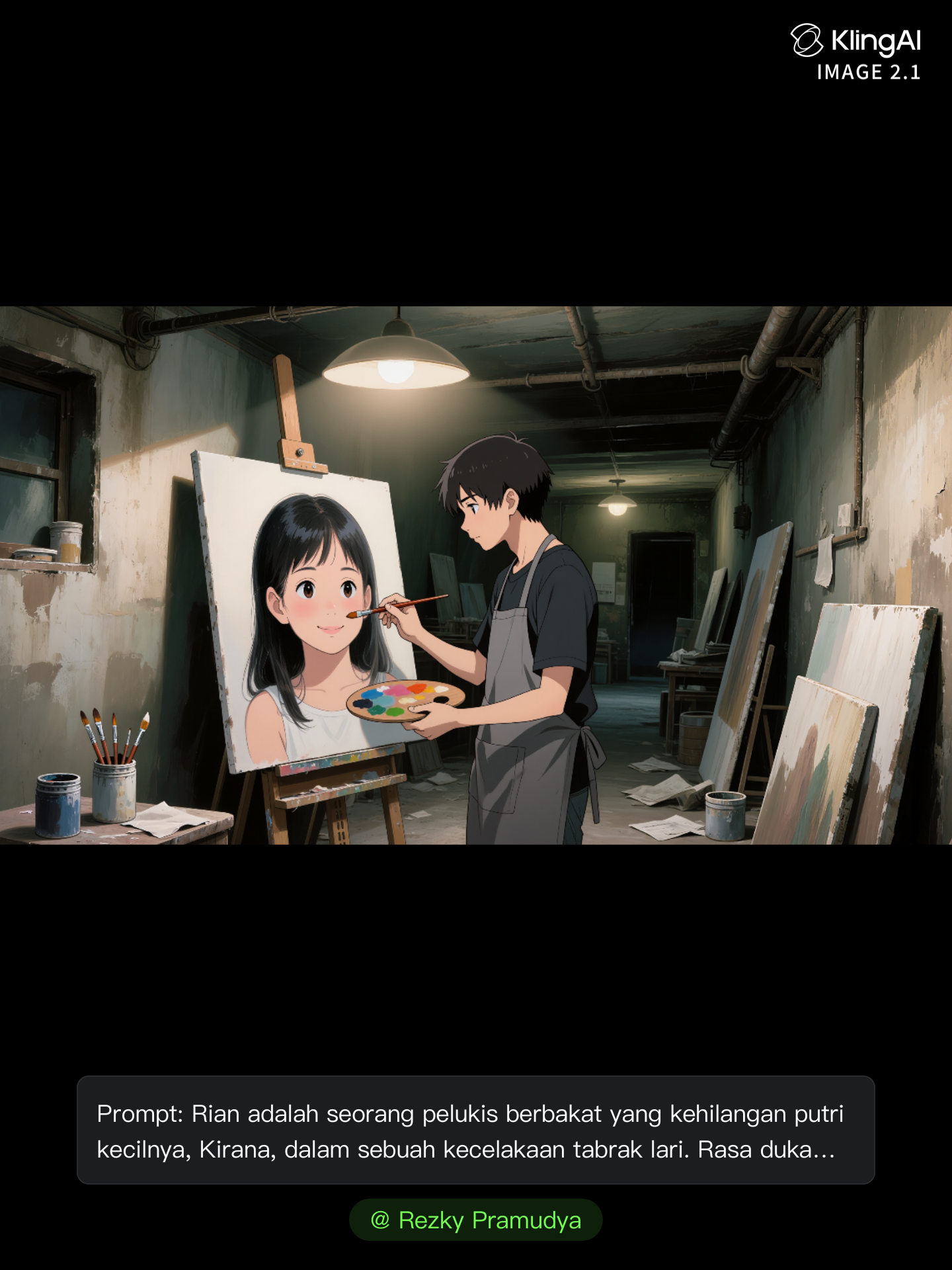
Kling AI work 314806859617263 - gila films AI image
Rezky Pramudya avatar
Rezky Pramudya
Kling AI work 318558379665762 - gila films AI video
JxorakOt avatar
JxorakOt
Kling AI work 314324745662529 - gila films AI video
tietoe avatar
tietoe
burger - gila films AI video
dNtWxkCs avatar
dNtWxkCs
Kling AI work 316556478520417 - gila films AI video
HdsegxjW avatar
HdsegxjW
https://kling.ai/app/omni/310220 - gila films AI video
Nhaa KIngWuKong27 avatar
Nhaa KIngWuKong27
Kling AI work 321344663651519 - gila films AI video
ADTUBSfh avatar
ADTUBSfh
Kling AI work 316599912613132 - gila films AI video
yoXnlIGw avatar
yoXnlIGw
Kling AI work 311855338667425 - gila films AI video
jdkGhvZI avatar
jdkGhvZI
Kling AI work 304892167535572 - gila films AI image
gohan avatar
gohan
Kling AI work 309497794665067 - gila films AI video
GcOstoHK avatar
GcOstoHK
series films 
 - gila films AI video
JMfjBZkp avatar
JMfjBZkp
Kling AI work 320777528507200 - gila films AI video
LQfNTjzi avatar
LQfNTjzi
Fester films promo.  - gila films AI video
Fester Films avatar
Fester Films
Kling AI work 312424706617690 - gila films AI video
VyBgieSN avatar
VyBgieSN

How to Edit a Photo with Kling AI

Upload Your Photo

Upload Your Photo

Start with a clear photo. Add a reference image when you have a particular replacement, background, or style in mind.

Tell Kling What to Change

Tell Kling What to Change

Enter a clear text prompt, explaining what should change and what should stay the same. Kling applies the edit to the photo with AI directly, without layers or complex manual steps.

Review and Fine-Tune

Review and Fine-Tune

Check the result and the areas that matter most. When one detail needs more work, update the prompt for that area instead of starting over. Download the finished image and share it.

Why Kling Stands Out for Image-to-Video Creation

Realistic Motion, Up to 30s Cinematic Camera Work

Realistic Motion, Up to 30s Cinematic Camera Work

Kling 4.0 delivers more stable, physically convincing action in demanding scenes, from fast-paced fights to sports and large-scale movement. Stronger camera direction supports dynamic tracking, complex camera moves, and more coherent shot composition. With up to 30 seconds of native video generation, create longer takes and connected sequences with greater control over action, pacing, and camera movement.

More References, More Creative Control

More References, More Creative Control

Kling 4.0's Omni Reference supports up to 15 combined reference assets, including images, videos, and subjects. Combine character, scene, motion, and style references to guide different elements within the same generation. Up to 10 flexible keyframes give you additional control over composition, character actions, and scene progression. Experiment with different reference combinations and key moments without rebuilding your entire creative setup.

Recreate, Edit, and Explore New Possibilities

Recreate, Edit, and Explore New Possibilities

Kling 4.0 goes beyond generating new footage. It lets you reference existing videos to explore different characters, products, camera movements, and visual styles while retaining the original shot structure or motion as a guide. It also supports precise video editing, letting you target changes to subjects, backgrounds, actions, and camera angles. Rework existing scenes, try alternate versions, and develop new footage without starting from scratch.

Apps

Video Generation
Video Generation

Video Generation

Image Generation
Image Generation

Image Generation

Motion Control
Motion Control

Motion Control

Avatar
Avatar

Avatar

AI Portraits
AI Portraits

AI Portraits

Lip Sync
Lip Sync

Lip Sync

60M+
60M+
Users
600M+
600M+
AI Videos Generated
4.7 ★
4.7 ★
App Store
Industry-Leading
Industry-Leading
Cinematic 4K

Reviews

Halim Alrasihi

Halim Alrasihi

★★★★★

I use AI daily and Kling AI is a crucial part of my workflow, whether for client work or personal projects. What I love most about using Kling AI is that it provides all the tools I need in one place, from keyframes to character references, elements and special effects.

Déborah

Déborah

★★★★★

I use Kling AI every day. It's amazing to see the almost daily progress it makes. I used AI for fun at first, and I now find that Kling AI's animations allow me to gain professional visibility, with three times more views on my animated posts than on my static posts.

PJ Ace

PJ Ace

★★★★★

Kling AI has made it easy for us to generate world class visuals for Fortune 500 companies, TV shows and music for big artists. We love the easy of use of the platform and the quality of the generations. My first time using Kling AI, I got 22 million views on just one video. It's that good.

FAQ

Q1Can I generate AI videos from text prompts?
Q2How do I generate an AI video?
Q3Is there a free AI video generator without a watermark?

Start Creating AI Videos with Kling

Start with text or images and see what's possible with Kling AI. Create the footage, guide the movement, and keep working until the scene feels right. No complicated setup.

Text to Video | Image to Video | Omni Reference | Free tier includes watermark