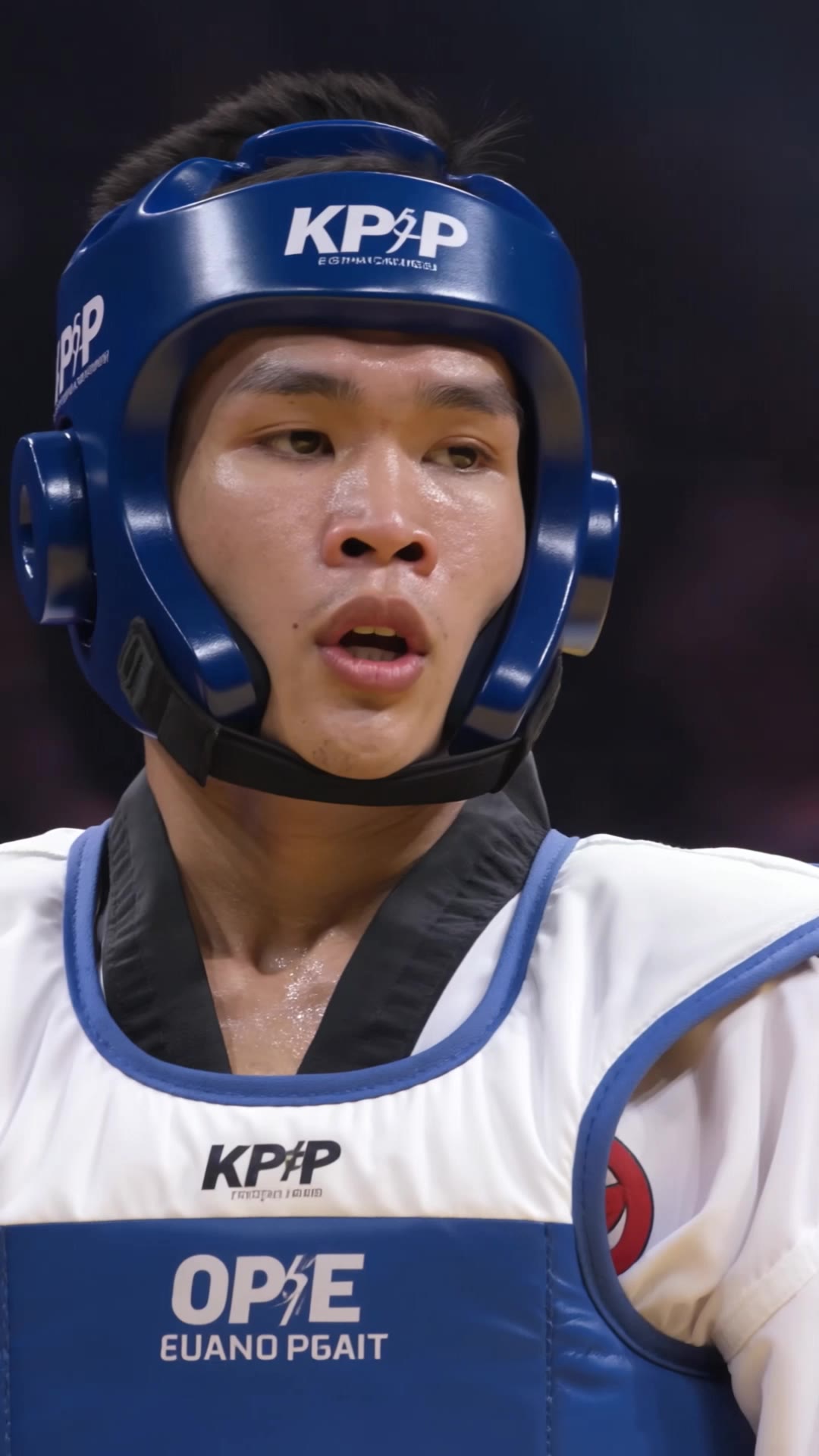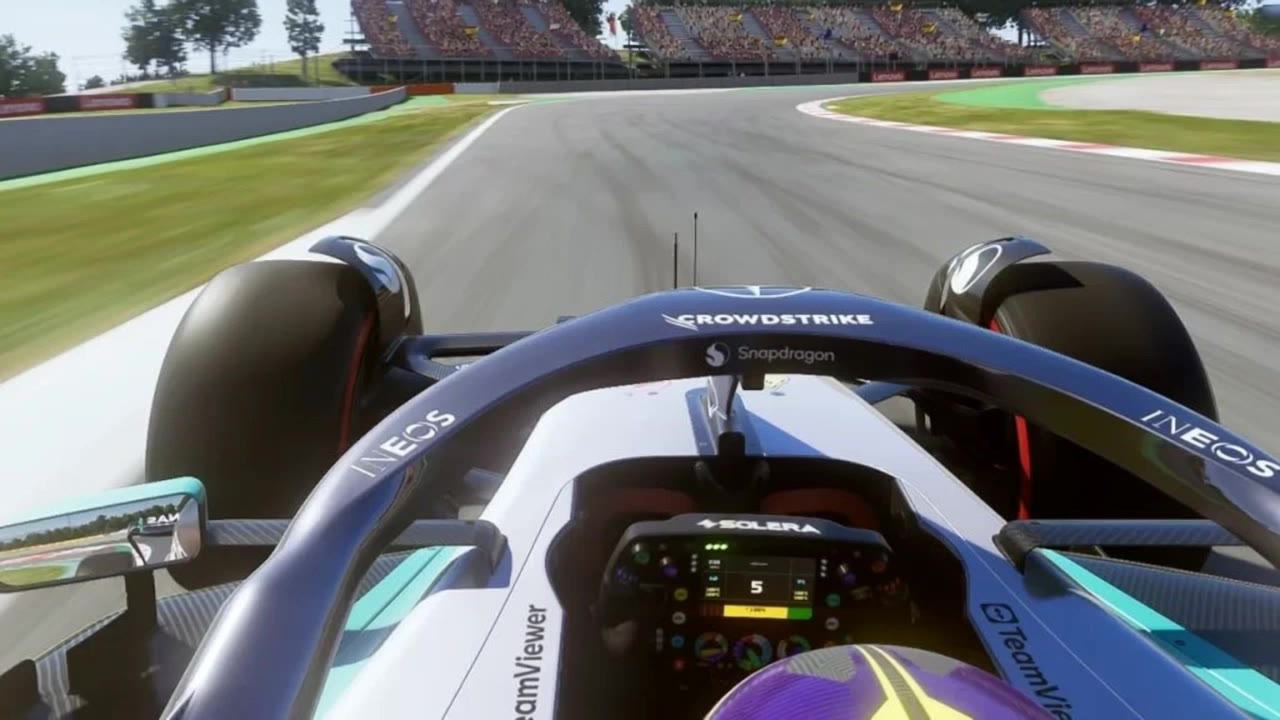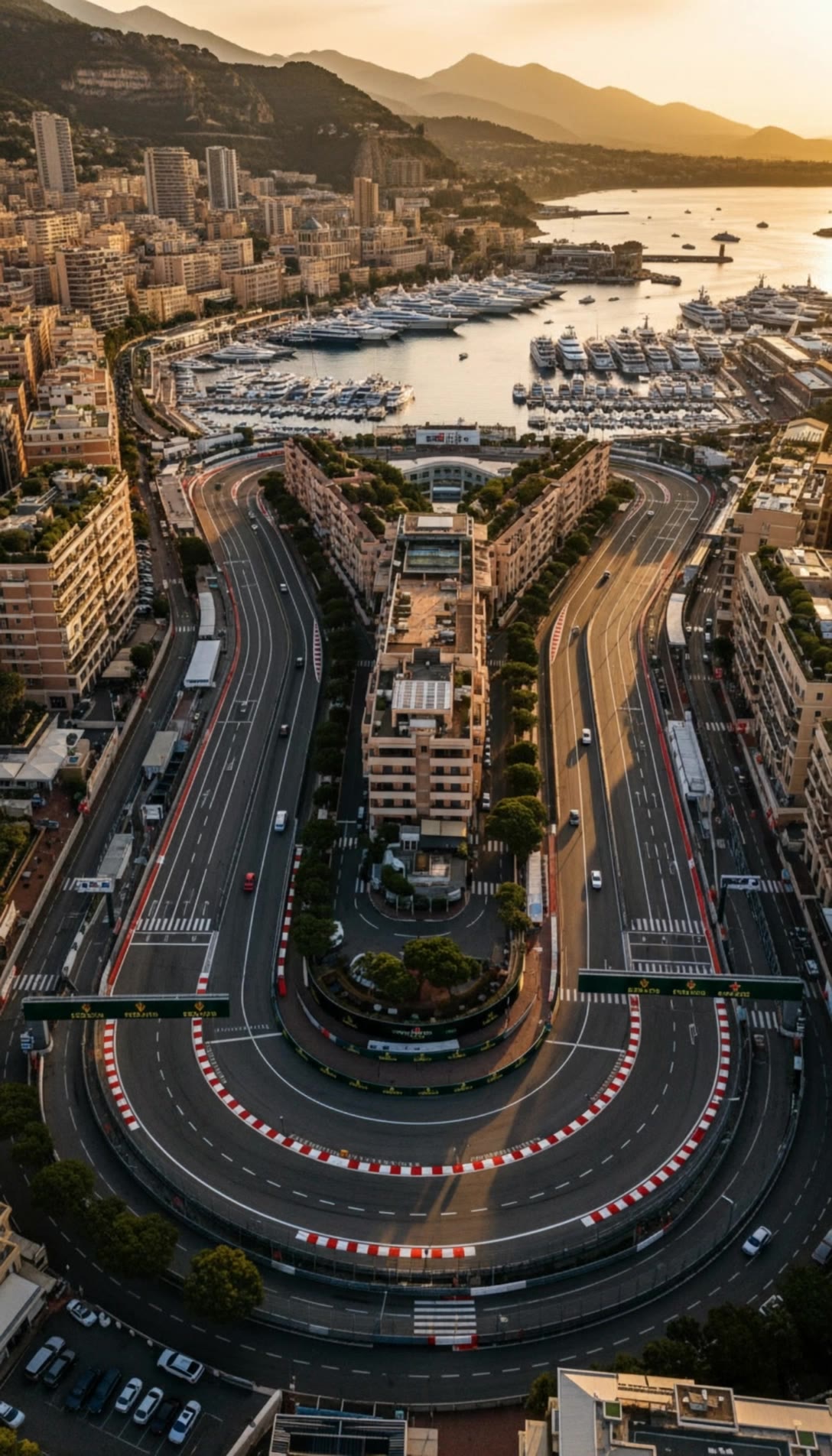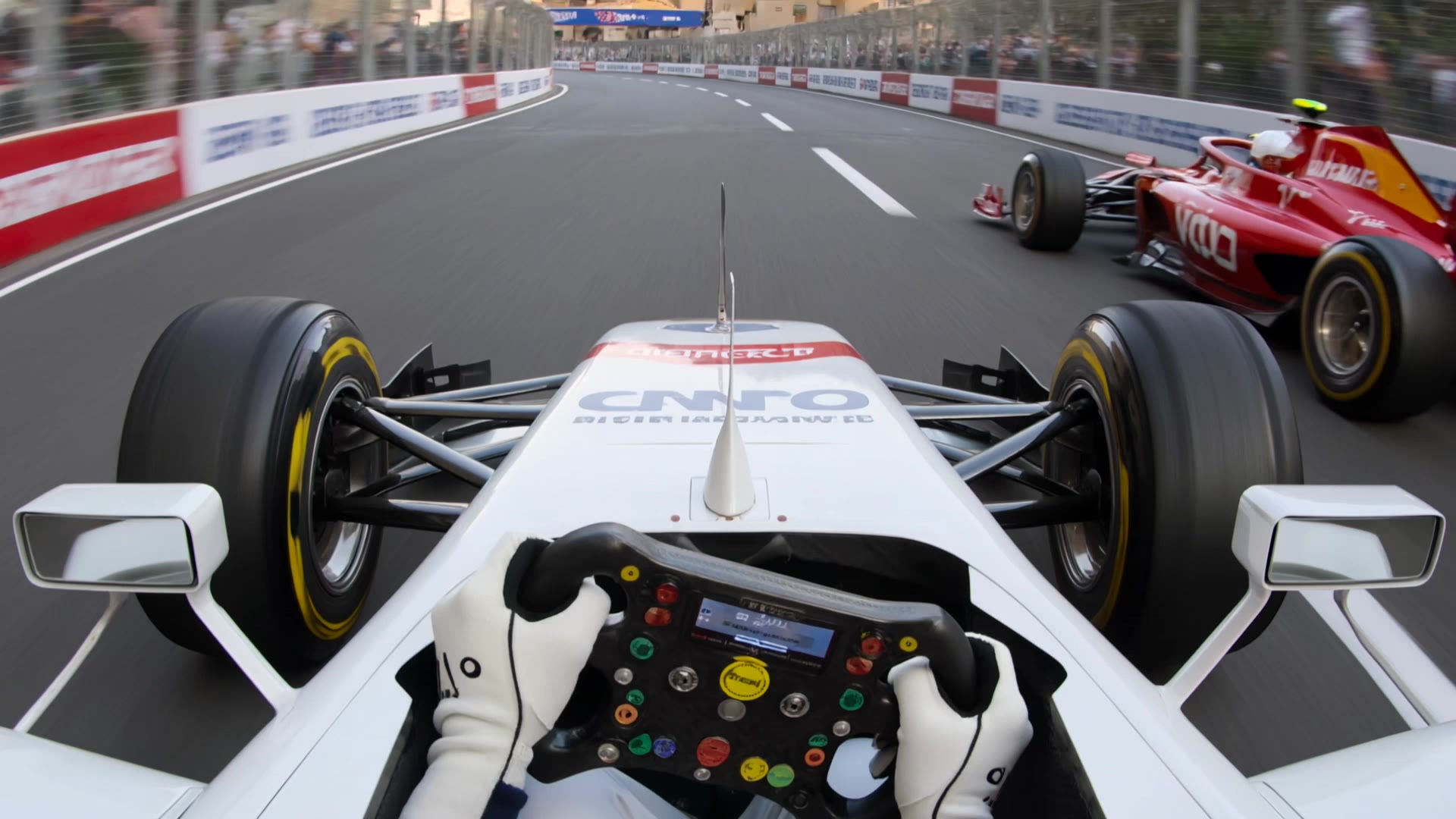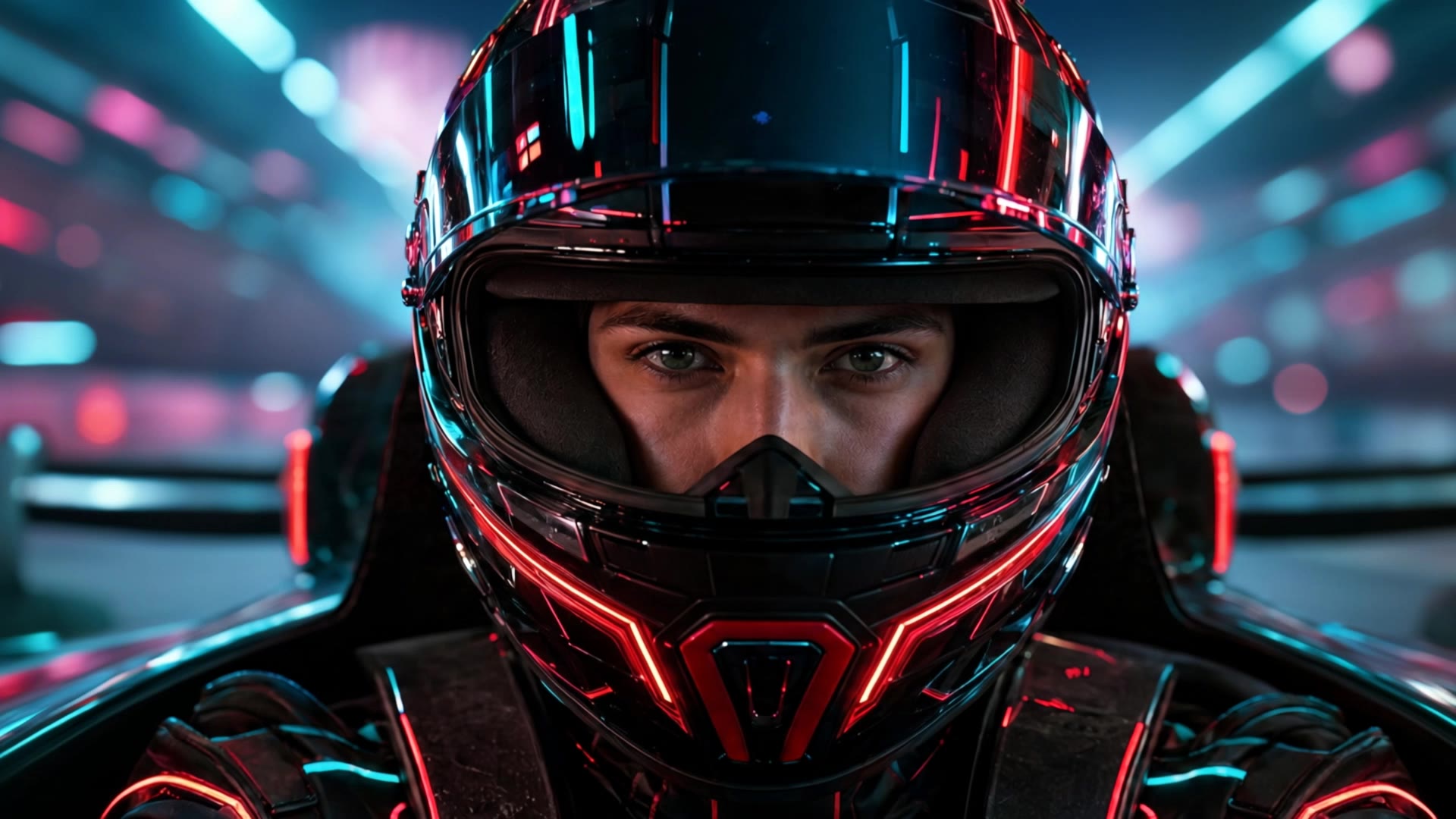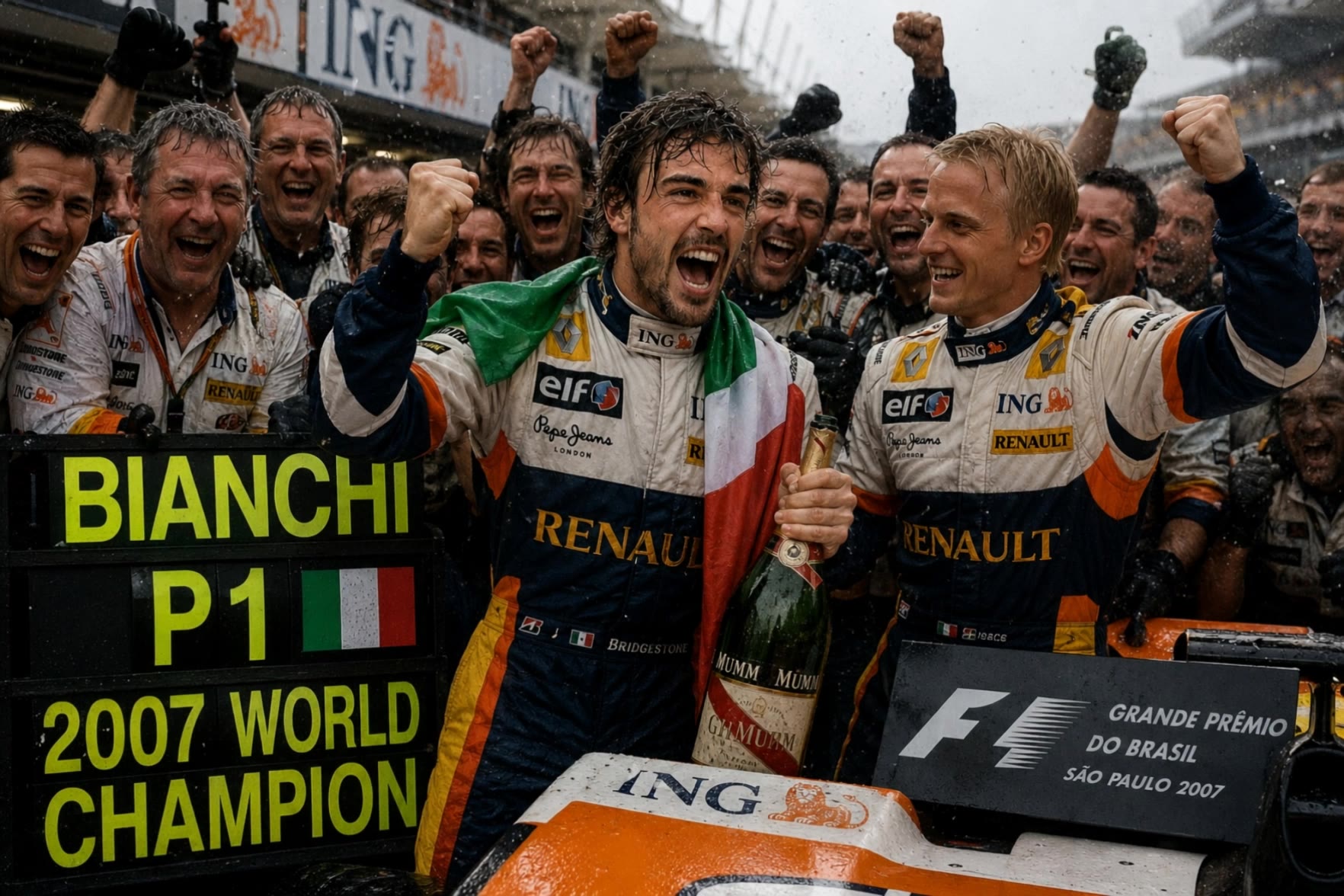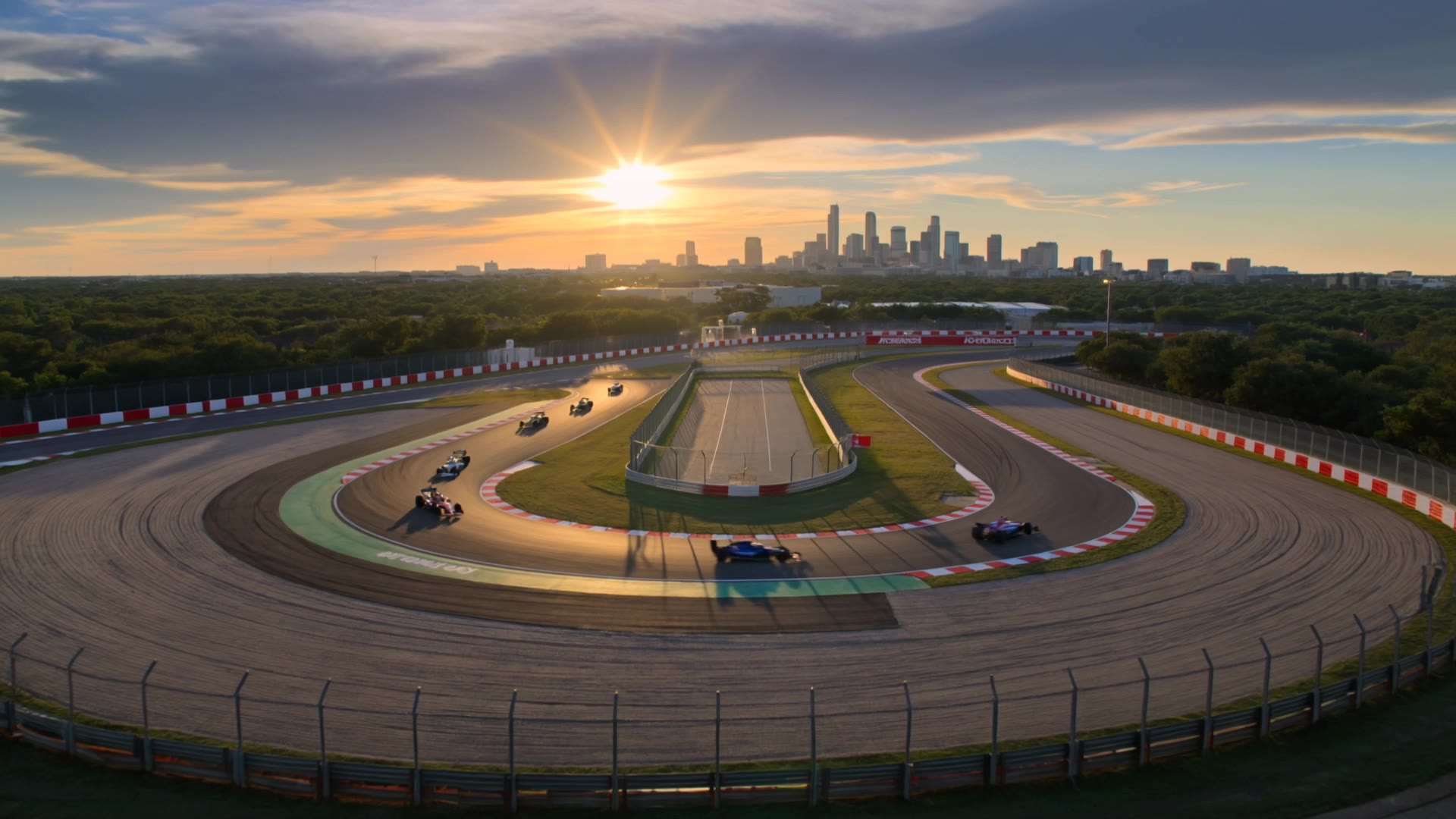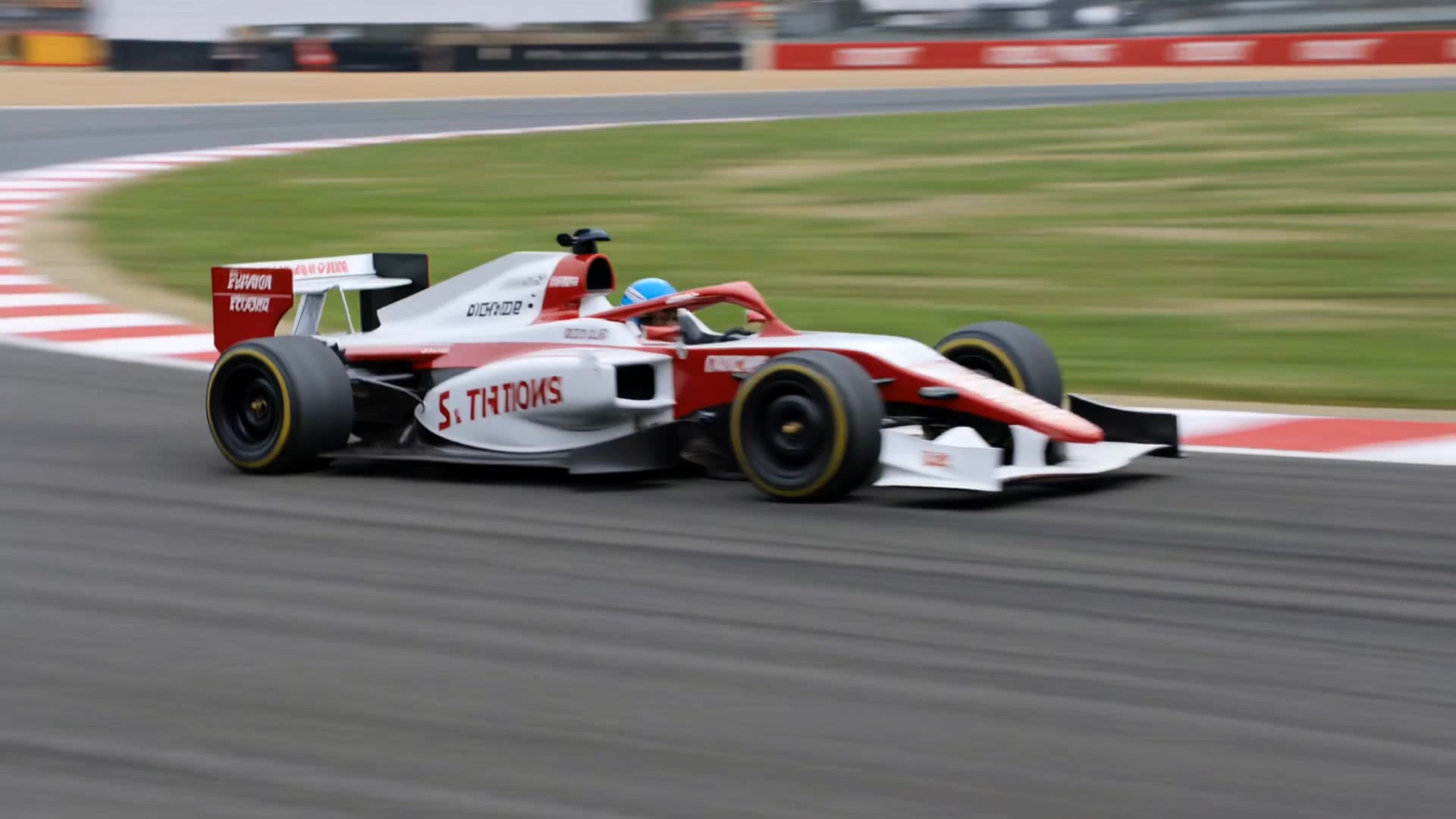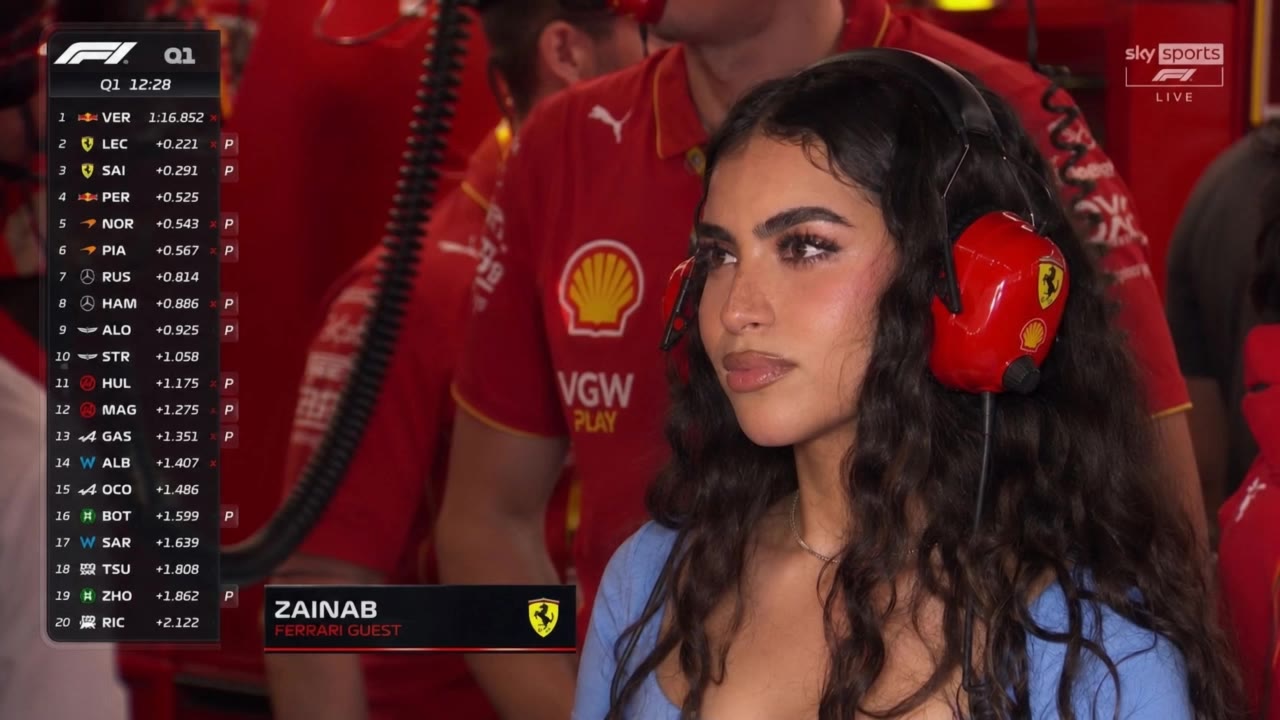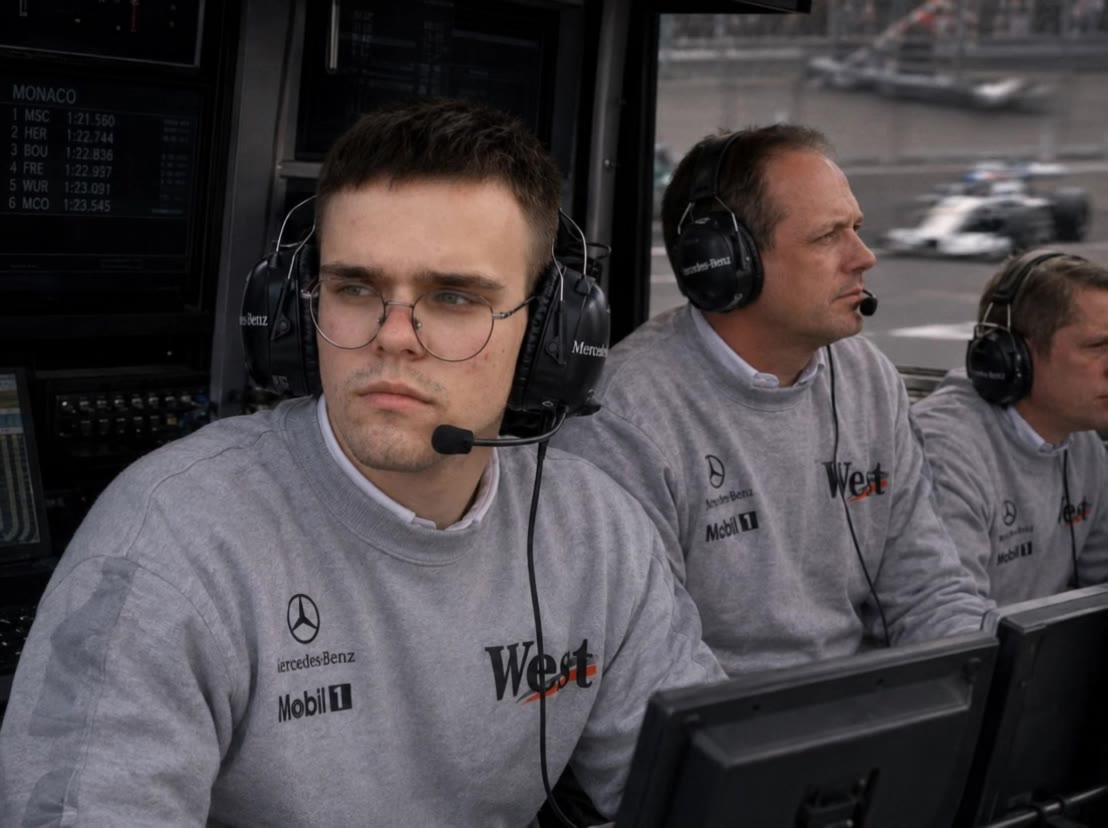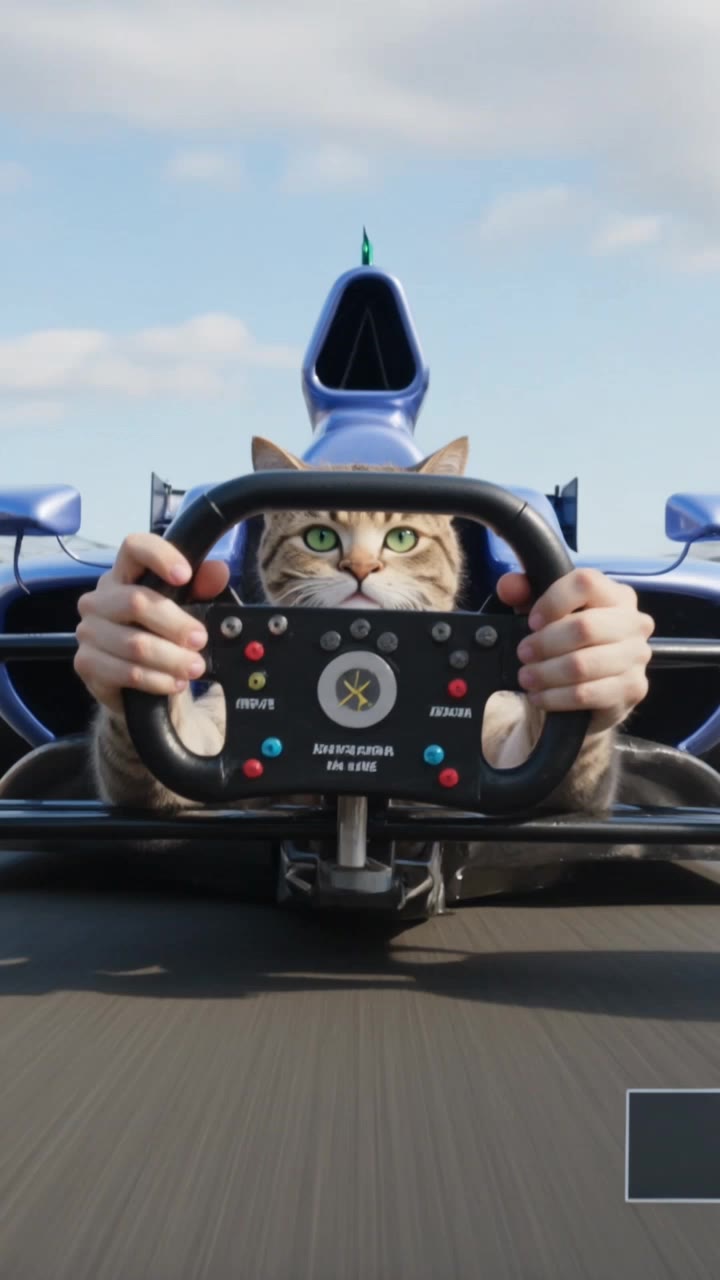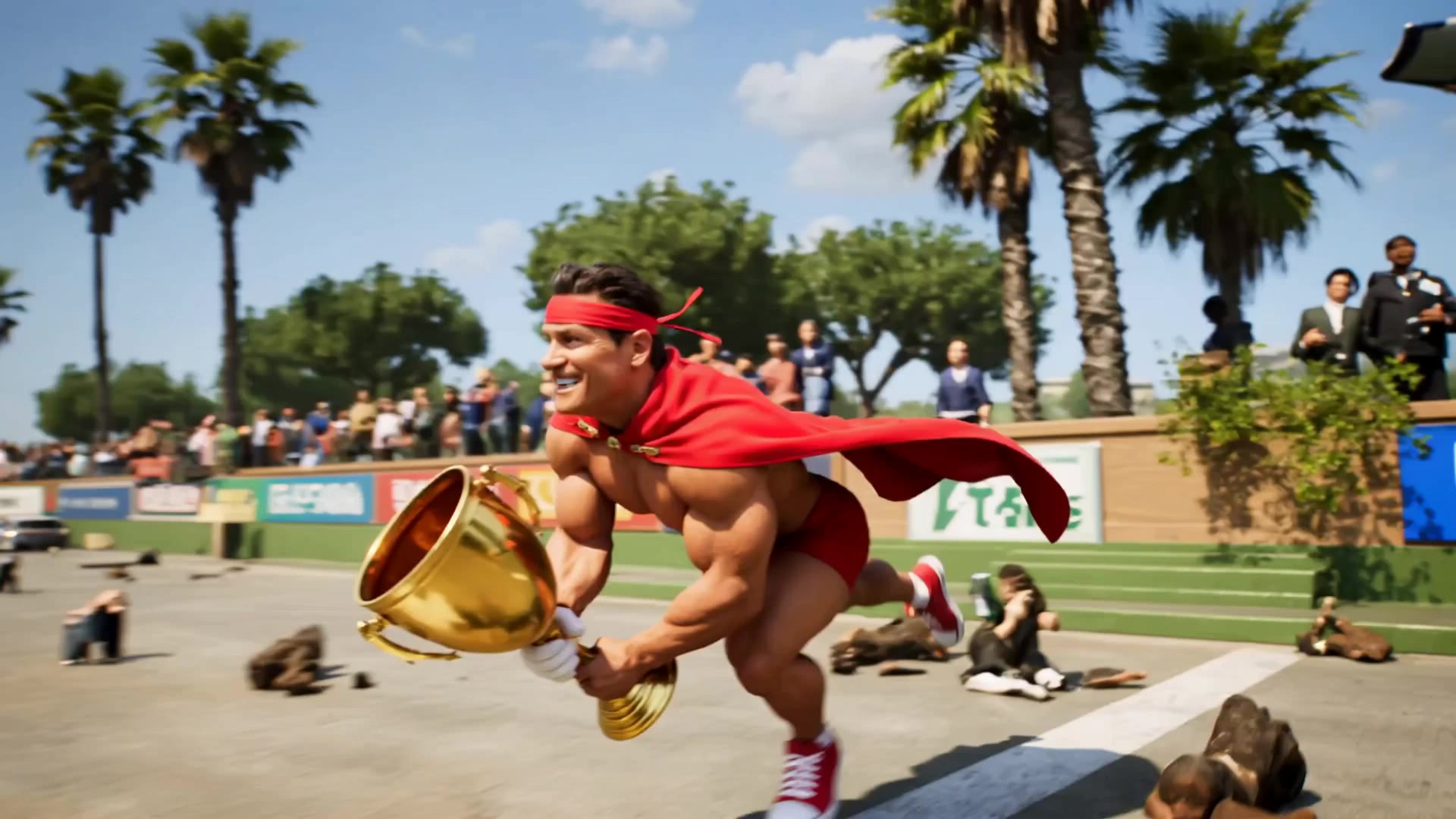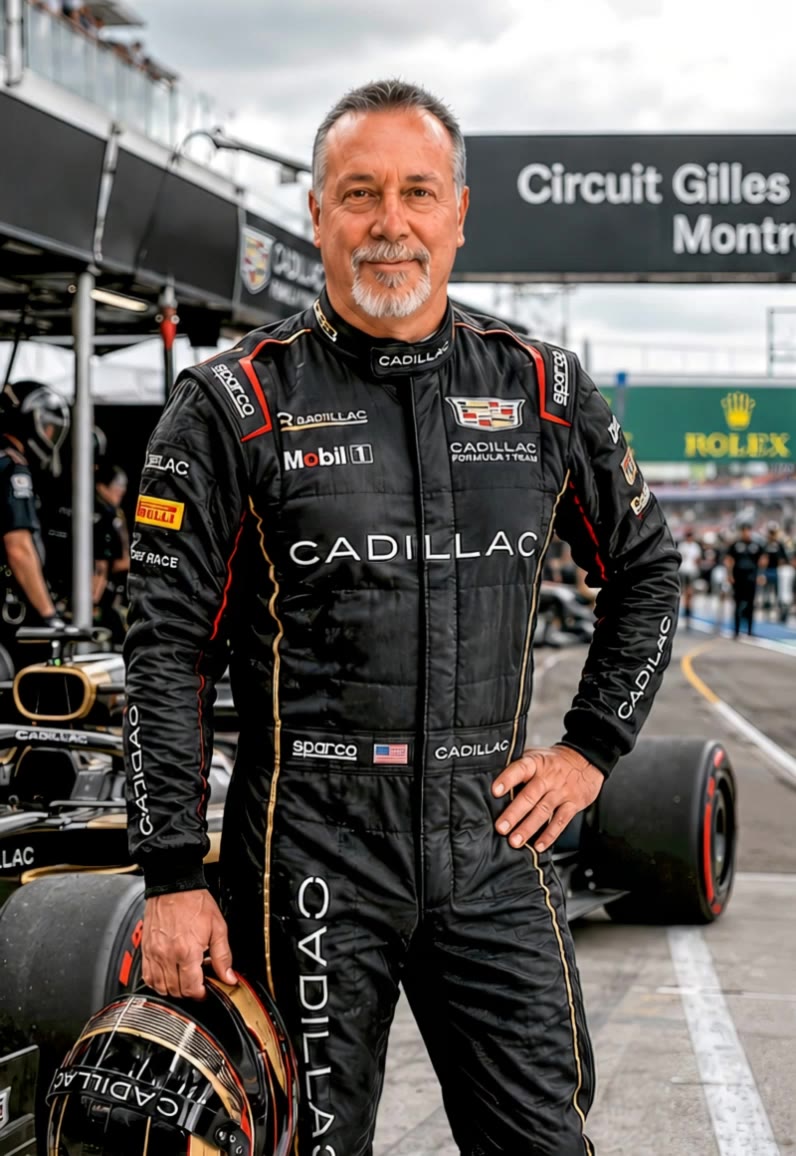

grand prix the film - futuristic racing & orbital space station

Immerse in the nostalgic charm of 1960s Italian cinema and the thrilling atmosphere of futuristic Formula 1 races. Start exploring grand prix the film ideas and generate your own content with AI.

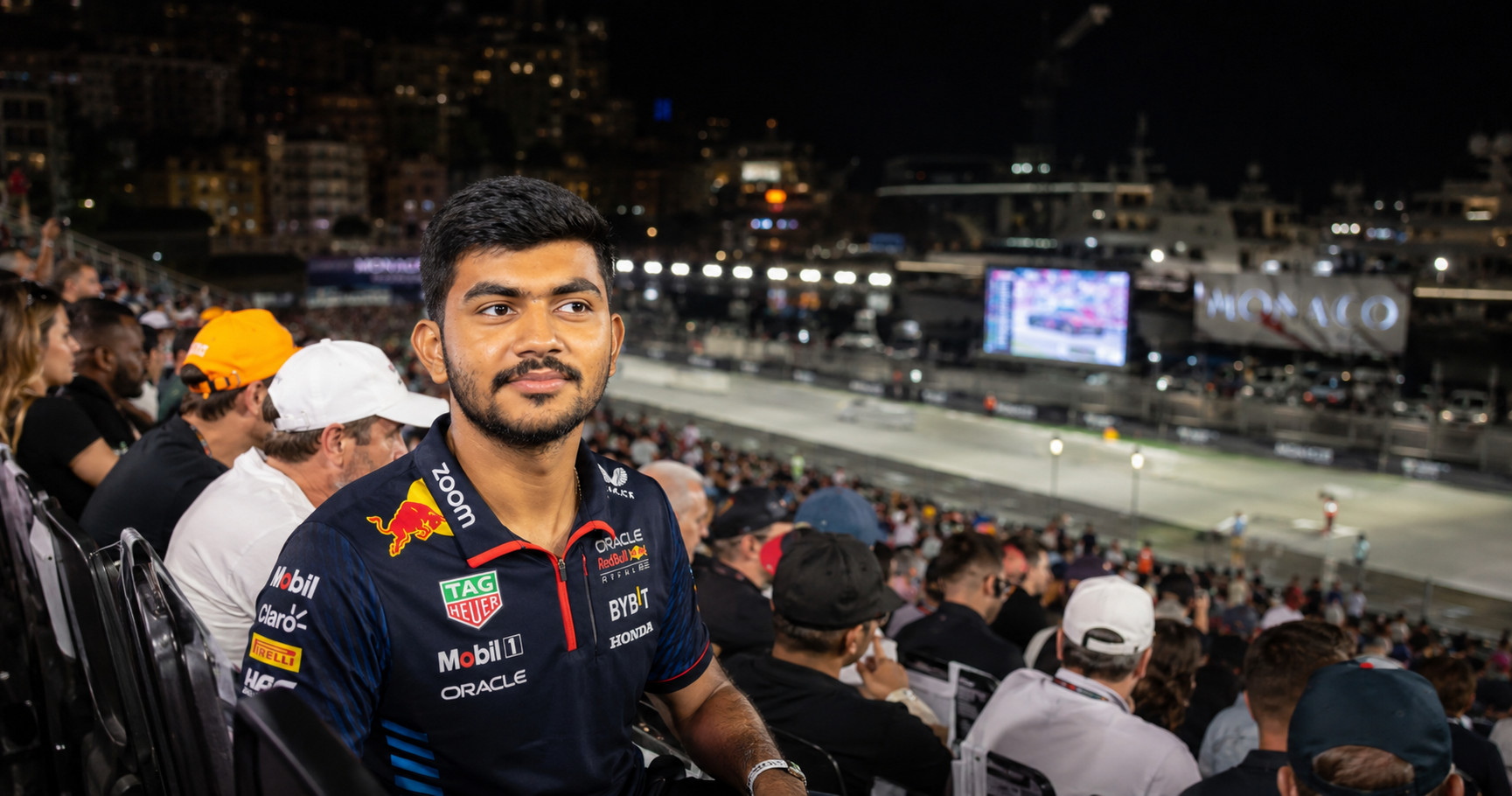
grand prix the film - futuristic racing & orbital space station

Recommended

F1 Montreal - grand prix the film AI video
hfsRSooH avatar
hfsRSooH
Scene at F1 Grand Prix - grand prix the film AI video
00:05
GwetrsQB avatar
GwetrsQB
Kling AI work 312240303502047 - grand prix the film AI video
nKJRLDRm avatar
nKJRLDRm
Kling AI work 312115994662848 - grand prix the film AI video
OtgZlzDT avatar
OtgZlzDT
Aerial Luxury Commercial Film - grand prix the film AI video
peBdxJJe avatar
peBdxJJe
Kling AI work 313587785501317 - grand prix the film AI video
kgOVNFiR avatar
kgOVNFiR
futuristic Grand Prix Formula 1 - grand prix the film AI video
Jerem IA avatar
Jerem IA
Kling AI work 317130932504810 - grand prix the film AI video
FaizPaud avatar
FaizPaud
Kling AI work 317869190664486 - grand prix the film AI video
NkByOxCg avatar
NkByOxCg
Kling AI work 321545558666591 - grand prix the film AI video
pncMJhmj avatar
pncMJhmj
Kling AI work 319797523506174 - grand prix the film AI video
KnIBEQtM avatar
KnIBEQtM
Kling AI work 310570553618683 - grand prix the film AI video
veQqqkHY avatar
veQqqkHY
Kling AI work 317559228665973 - grand prix the film AI video
AtdIUOyP avatar
AtdIUOyP
Kling AI work 317046965667734 - grand prix the film AI video
ftXkGhJD avatar
ftXkGhJD
formula one 🤣🤣 - grand prix the film AI video
HdWdzrVf avatar
HdWdzrVf
Kling AI work 310813941615331 - grand prix the film AI video
HQLIqyYc avatar
HQLIqyYc
Kling AI work 310723190667951 - grand prix the film AI video
RxAHpVAI avatar
RxAHpVAI
Kling AI work 311055683610235 - grand prix the film AI video
Leopold avatar
Leopold
Kling AI work 300129855652611 - grand prix the film AI video
JovanTheGamer_Yt2 avatar
JovanTheGamer_Yt2

How to Animate an Image with AI

Upload Your Image

Upload Your Image

Upload a portrait, product photo, illustration, or other image. For additional control, Kling 4.0's Omni Reference supports up to 15 combined reference assets, subject to individual input limits.

Describe the Motion

Describe the Motion

Specify how your subject moves and what the camera does. You can also add start and end frames or use up to 10 flexible keyframes to guide important changes with supported Kling 4.0 settings.

Generate and Download

Generate and Download

Choose your video settings and generate a clip up to 30 seconds long with Kling 4.0. Preview the result, make adjustments if needed, and download your video.

Edit the Parts That Matter

Change Subjects, Backgrounds, and Style

Change Subjects, Backgrounds, and Style

A different character, a new product, or a completely different location can change the purpose of a video. Keep the footage you already have and update the elements that need another take. No green screen needed. Kling 4.0 supports adding, removing, and replacing subjects and scene elements using prompts and visual references. Change a product, replace a character, or move the action into a new setting. Reference images help guide the appearance of new elements while keeping the rest of the scene closer to the original.

Recreate Videos with Your Own References

Recreate Videos with Your Own References

Found a camera move, transition, or video concept that would work with your own character or product? You can use the original clip as a creative reference rather than recreating the entire shoot. Kling 4.0 draws on reference footage for pacing, shot composition, and movement while introducing your own subjects and visual style. Omni Reference supports up to 15 combined assets, subject to individual input limits. Combine character images, product photos, and video references to explore new versions while helping recognizable details stay consistent.

Extend Your Video Up to 2 Minutes

Extend Your Video Up to 2 Minutes

Continue an existing video forward or backward, adding footage before the opening or after the ending. Extend actions, camera movements, and storylines while keeping the new footage connected to the original scene. Kling 4.0's Video Extension supports multiple extension passes, reaching a total video length of up to 2 minutes. Build longer sequences with continuity in characters, settings, and movement, without recreating the entire video.

Apps

Image to Video
Image to Video

Image to Video

Text to Video
Text to Video

Text to Video

Omni
Omni

Omni

Digital Human
Digital Human

Digital Human

Restyle
Restyle

Restyle

Text to Image
Text to Image

Text to Image

60M+
60M+
Users
600M+
600M+
AI Videos Generated
4.7 ★
4.7 ★
App Store
Industry-Leading
Industry-Leading
Cinematic 4K

Reviews

PJ Ace

PJ Ace

★★★★★

Kling AI has made it easy for us to generate world class visuals for Fortune 500 companies, TV shows and music for big artists. We love the easy of use of the platform and the quality of the generations. My first time using Kling AI, I got 22 million views on just one video. It's that good.

KakuDrop

KakuDrop

★★★★★

I have successfully collaborated with world-renowned artists and well-known companies that are recognized globally

Maria Rubtsova

Maria Rubtsova

★★★★★

I’m Maria Rubtsova, an AIGC digital artist passionate about creating stunning visuals in the worlds of fashion, aesthetics, and fantasy. I use KlingAi to bring imagination to life through video. My work is all about exploring beauty, emotion, and the limitless possibilities of digital art.

FAQ

Q1Can Kling AI keep characters consistent across multiple images?
Q2Can I edit an existing image with Kling AI?
Q3Does Kling AI support 2K or 4K image generation?

Your Next Visual Starts Here

Start with a sentence, a sketch, or a reference photo. Shape the composition, dial in the details, and keep iterating in Kling AI.

Free tier available | Text-to-image | Image-to-image | Fast generation