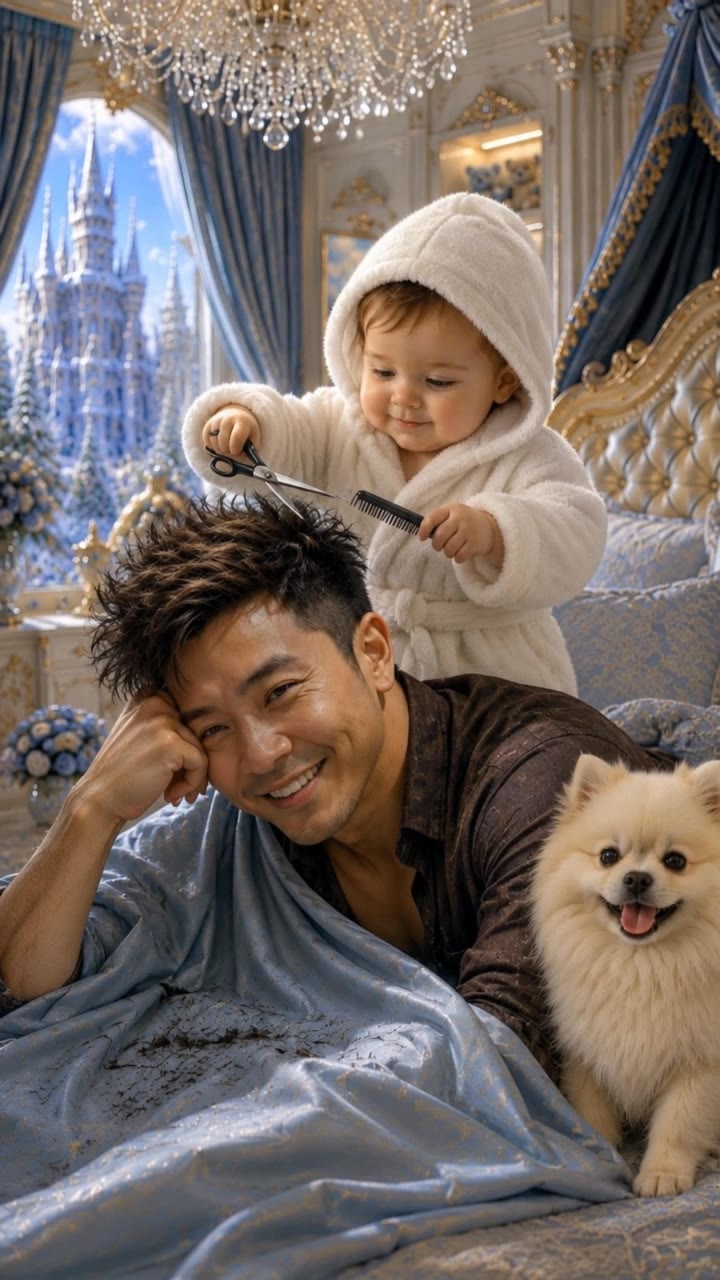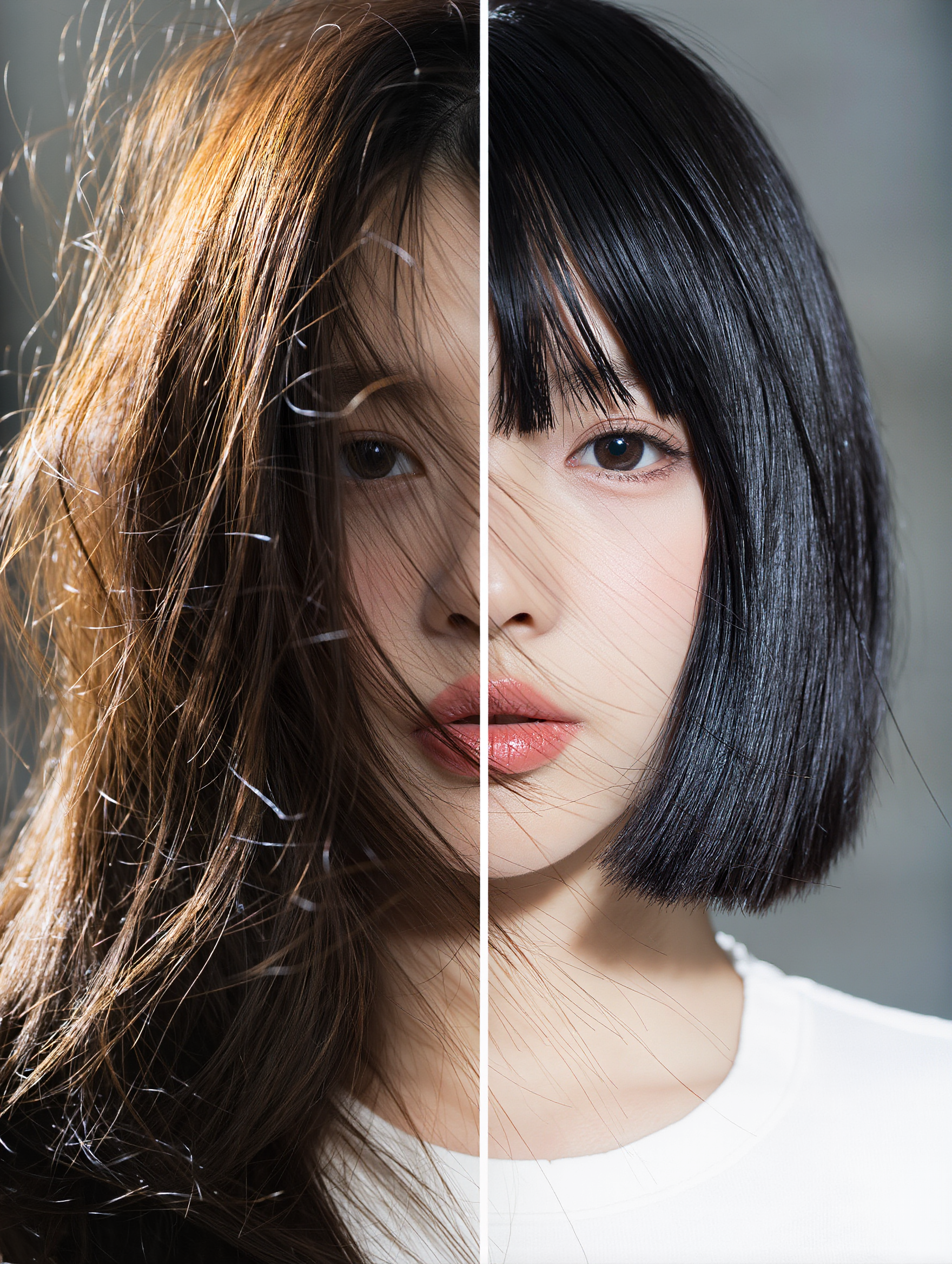
haircut for slickback - Dance & Pet Haircuts

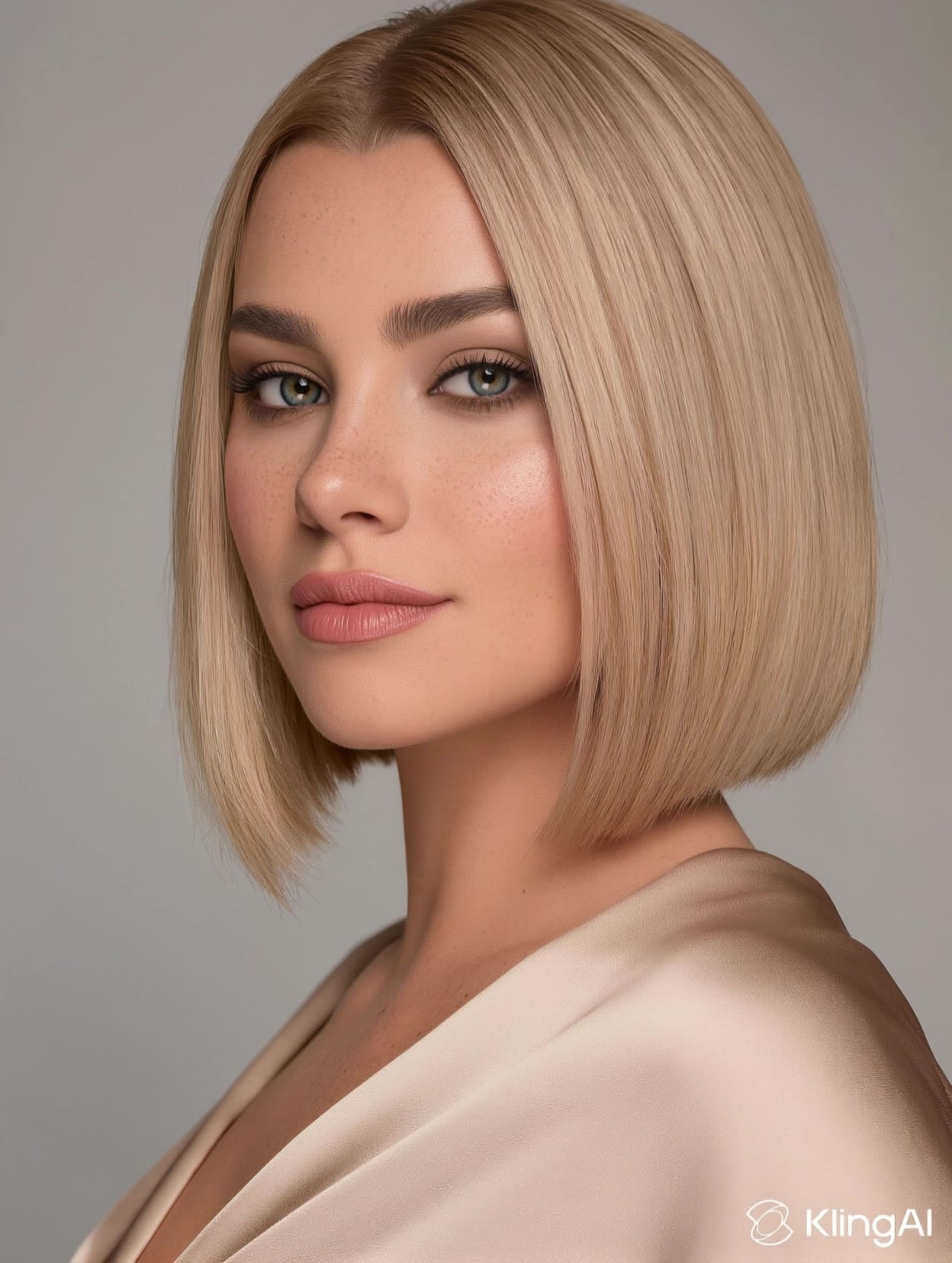
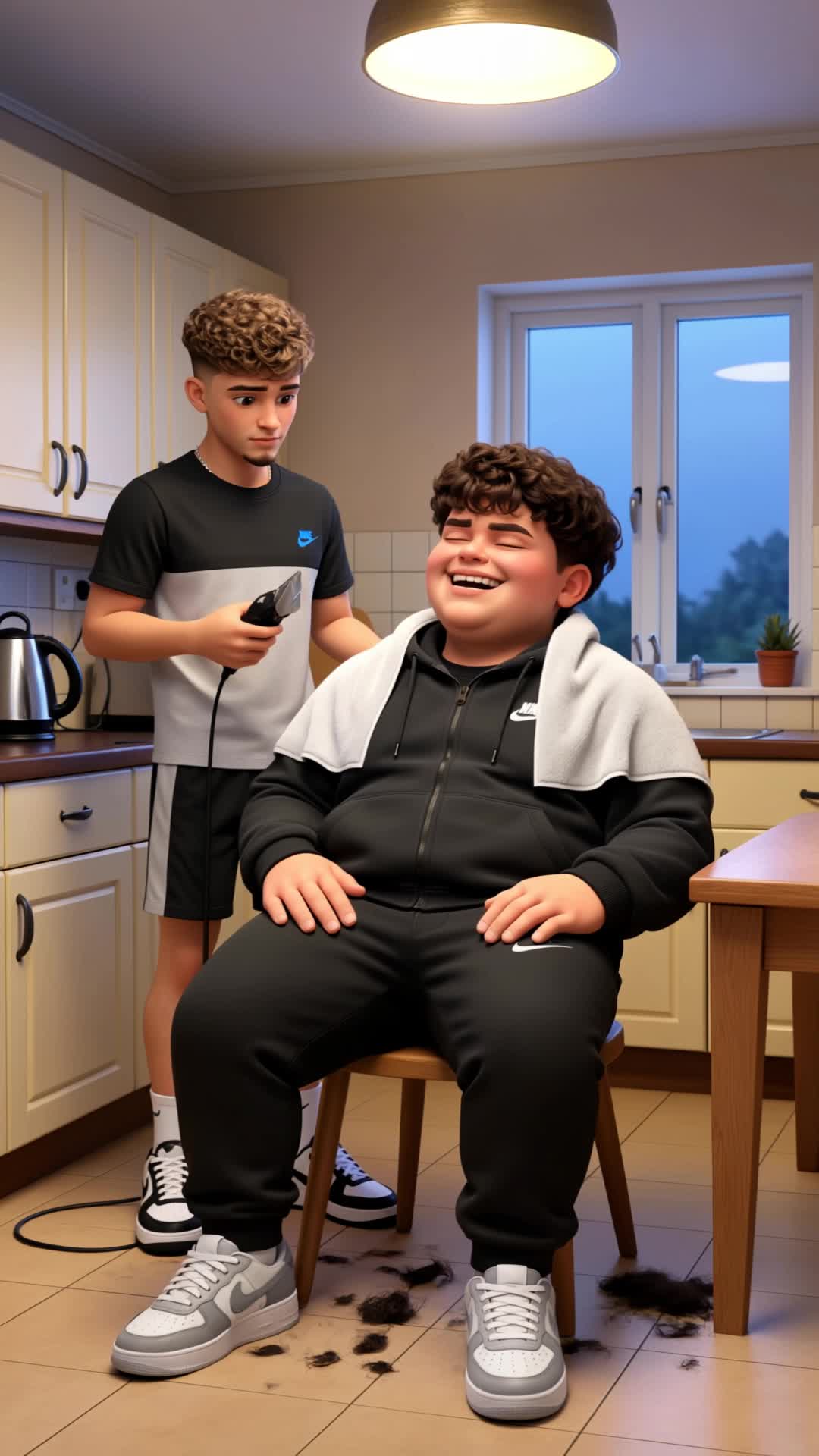
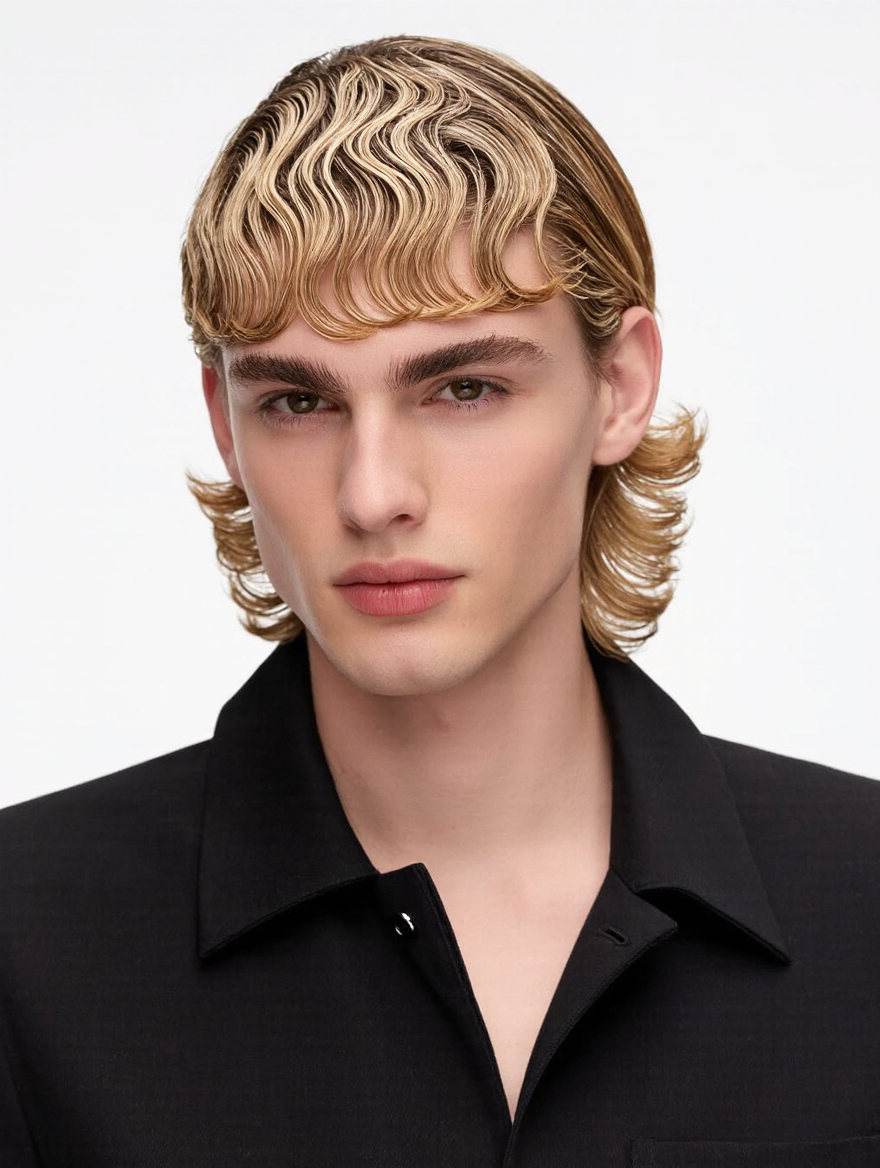
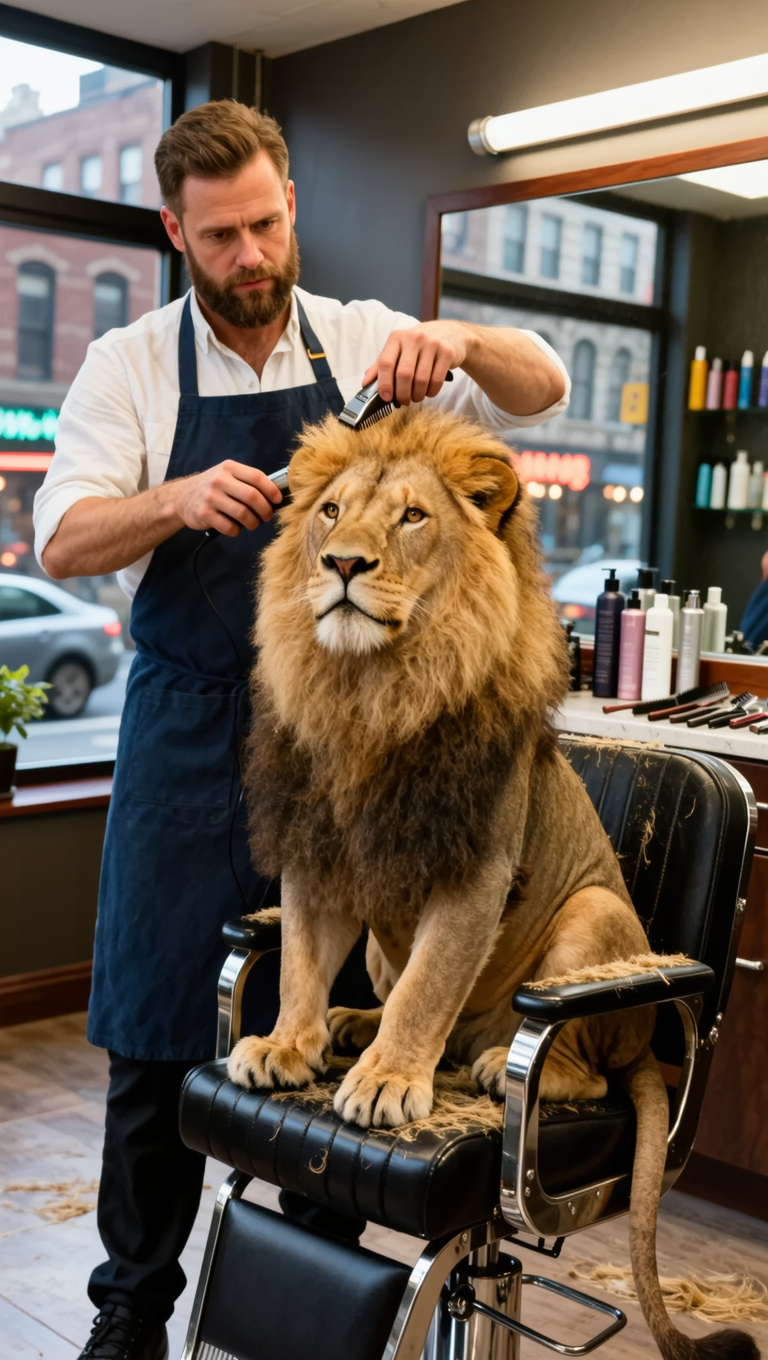
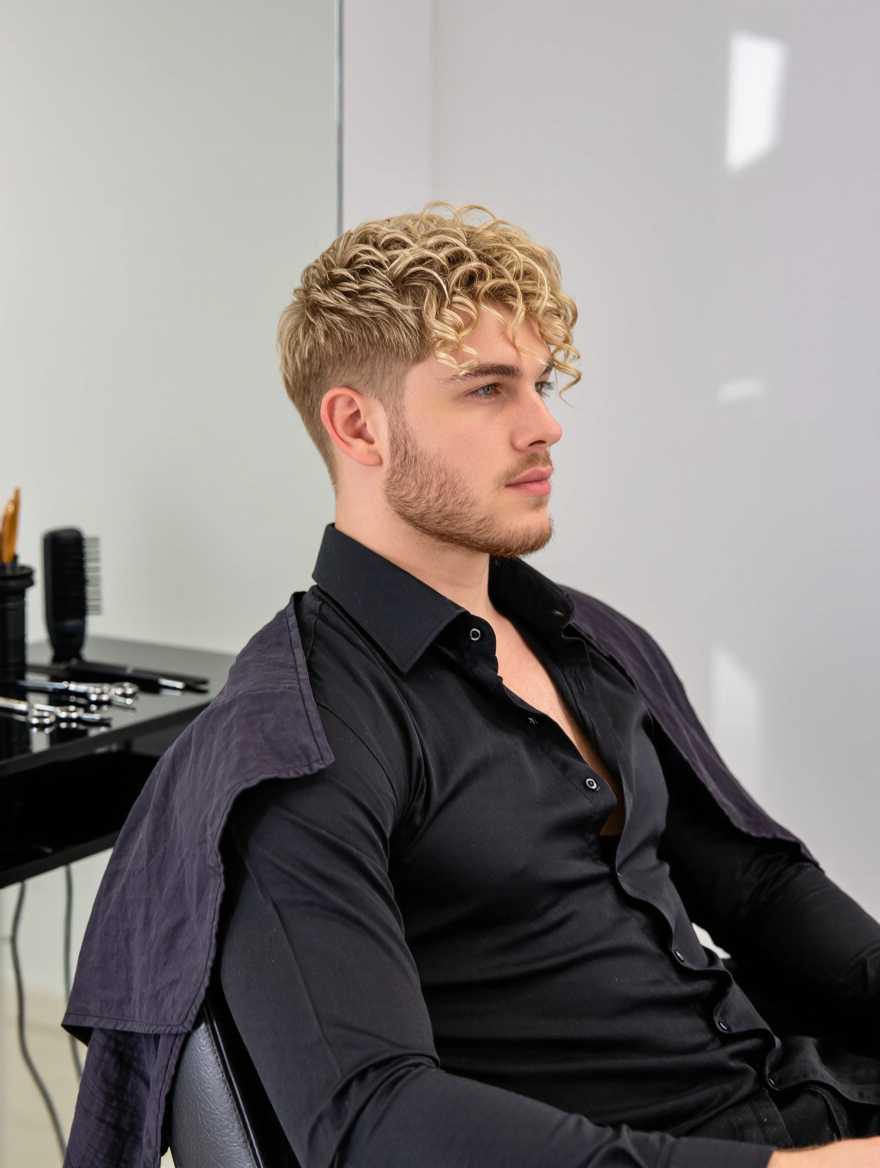
Embrace the trend with unique slickback haircuts inspired by dynamic dance moves and stylish lion-themed cuts. Start exploring haircut for slickback ideas and generate your own content with AI.

haircut for slickback - Dance & Pet Haircuts

Recommended

Kling AI work 313485722524569 - haircut for slickback AI image
NoorPixels avatar
NoorPixels
Need mo for my new haircut  - haircut for slickback AI video
MONEYOVERAI avatar
MONEYOVERAI
Kling AI work 316252395524095 - haircut for slickback AI video
Sheared Collar Bonds avatar
Sheared Collar Bonds
Kling AI work 318174869527605 - haircut for slickback AI image
FLXynHZT avatar
FLXynHZT
Haircut  - haircut for slickback AI image
GuQbcZgB avatar
GuQbcZgB
Kling AI work 311520074507142 - haircut for slickback AI video
DarkGenesis avatar
DarkGenesis
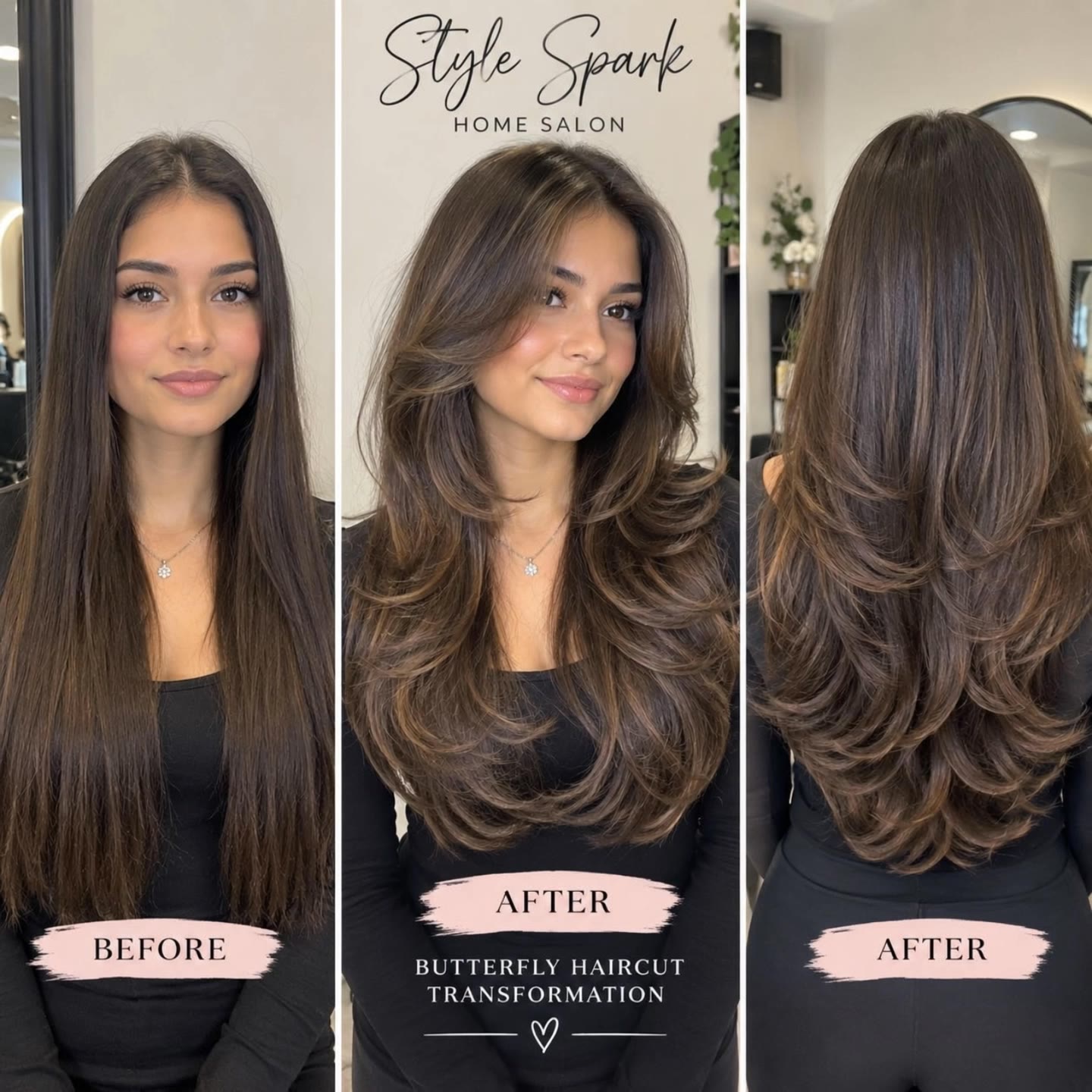
Butterfly haircut  transformatio - haircut for slickback AI video
hnFCWOnT avatar
hnFCWOnT
Kling AI work 318174869505608 - haircut for slickback AI image
FLXynHZT avatar
FLXynHZT
Kling AI work 310727215318762 - haircut for slickback AI image
OrionaMuzUA avatar
OrionaMuzUA
Kling AI work 316633711528867 - haircut for slickback AI video
tFGFGpSi avatar
tFGFGpSi
bad haircut - haircut for slickback AI video
00:10
dFJMVqbz avatar
dFJMVqbz
Kling AI work 318174869501597 - haircut for slickback AI image
FLXynHZT avatar
FLXynHZT
Kling AI work 310713559507274 - haircut for slickback AI image
OrionaMuzUA avatar
OrionaMuzUA
Kling AI work 310612948611081 - haircut for slickback AI image
Hridz avatar
Hridz
Kling AI work 309914890500530 - haircut for slickback AI video
tpqeRJak avatar
tpqeRJak
Kling AI work 318174869503602 - haircut for slickback AI image
FLXynHZT avatar
FLXynHZT
haircut music 🎶  - haircut for slickback AI video
01:13
Kayetan avatar
Kayetan
Kling AI work 319493383617082 - haircut for slickback AI image
LeeTheBeacon avatar
LeeTheBeacon
Kling AI work 319122142507269 - haircut for slickback AI video
ZRZBgvxj avatar
ZRZBgvxj

A Complete AI Video Editing Workflow

Upload Your Footage

Upload Your Footage

Start with a video you've filmed or generated. Add reference images, characters, or other supported assets if you want to guide how the edited scene should look.

Describe What You Want to Change

Describe What You Want to Change

Tell Kling what to replace, remove, or adjust. You can change the subject, background, action, camera angle, or visual style. Include details you want to keep from the original footage.

Preview and Download Your Video

Preview and Download Your Video

Generate your edited video and review the changes. Refine your prompt or references if needed, then download the version you're happy with.

Edit Any Part with Kling AI

Add, Remove, or Replace Image Content

Add, Remove, or Replace Image Content

Tell Kling what you want to change in text prompts. Replace a person, remove an object, or fine-tune details such as color, material, pose, and expression. Even detailed edits take fewer and easier steps because you can change the photo with AI instead of with traditional photo editing tools. IMAGE 3.0 follows your instruction while keeping the photo’s original style, lighting, and texture in place, so the edited area still belongs in the same shot.

Change the Color, Lighting, or Style

Change the Color, Lighting, or Style

Give an existing photo a different mood effortlessly. Lift a dim scene, soften harsh light, warm or cool the colors, or bring color to a black-and-white photo or line drawing. A short prompt replaces the usual round of manual adjustments. Looking for a bigger shift? Add a style reference or spell out the visual direction. IMAGE 3.0 carries the palette, texture, and atmosphere across the whole image, so the new look feels cohesive rather than pasted on. Use it for studio-style professional headshots, distinctive portrait treatments, cinematic scene design, or a visual style that feels entirely your own.

Rework the Shot or Camera Angle

Rework the Shot or Camera Angle

Tell Kling how you want the shot to look in a text prompt. Turn a front-facing photo into a side view, move the camera higher or lower, or change a wide shot into a close-up. You can explore a new composition around the same subject without setting up another shoot. IMAGE 3.0 rebuilds the scene from the angle you request, adjusting the perspective, camera height, shot size, focal length, and depth of field along with it. The result is a newly generated view based on the source photo, rather than hidden details recovered from outside the original frame.

Apps

Video Generation
Video Generation

Video Generation

Image Generation
Image Generation

Image Generation

Motion Control
Motion Control

Motion Control

Avatar
Avatar

Avatar

AI Portraits
AI Portraits

AI Portraits

Lip Sync
Lip Sync

Lip Sync

60M+
60M+
Users
600M+
600M+
AI Videos Generated
4.7 ★
4.7 ★
App Store
Industry-Leading
Industry-Leading
Cinematic 4K

Reviews

KakuDrop

KakuDrop

★★★★★

I have successfully collaborated with world-renowned artists and well-known companies that are recognized globally

Ozan Sihay

Ozan Sihay

★★★★★

Kling AI allows me to rapidly prototype ideas, refine storytelling elements, and produce visually compelling content efficiently. It has not only accelerated my creative processes, but also deepened my understanding of how AI can enrich visual storytelling.

Déborah

Déborah

★★★★★

I use Kling AI every day. It's amazing to see the almost daily progress it makes. I used AI for fun at first, and I now find that Kling AI's animations allow me to gain professional visibility, with three times more views on my animated posts than on my static posts.

FAQ

Q1What’s the difference between Video 2.6 and 3.0?
Q2Can I use this for global AI video marketing?
Q3How long can videos be in Video 3.0?

Experience Video 3.0 on Kling

Create cinematic, multi-shot videos with native audio and precise control—all in one generation.

Native audio | Multi-shot control | Up to 15s continuous output