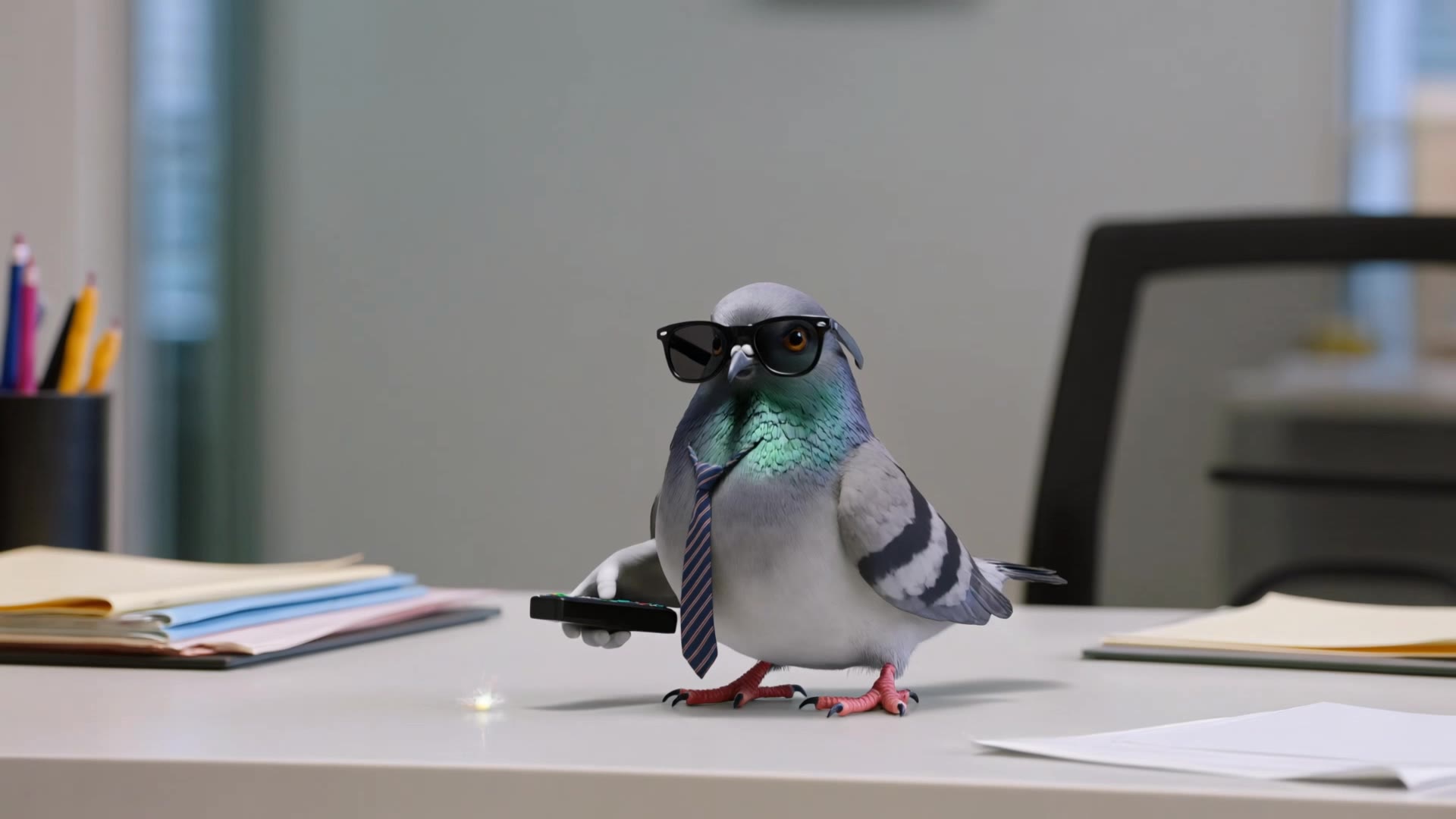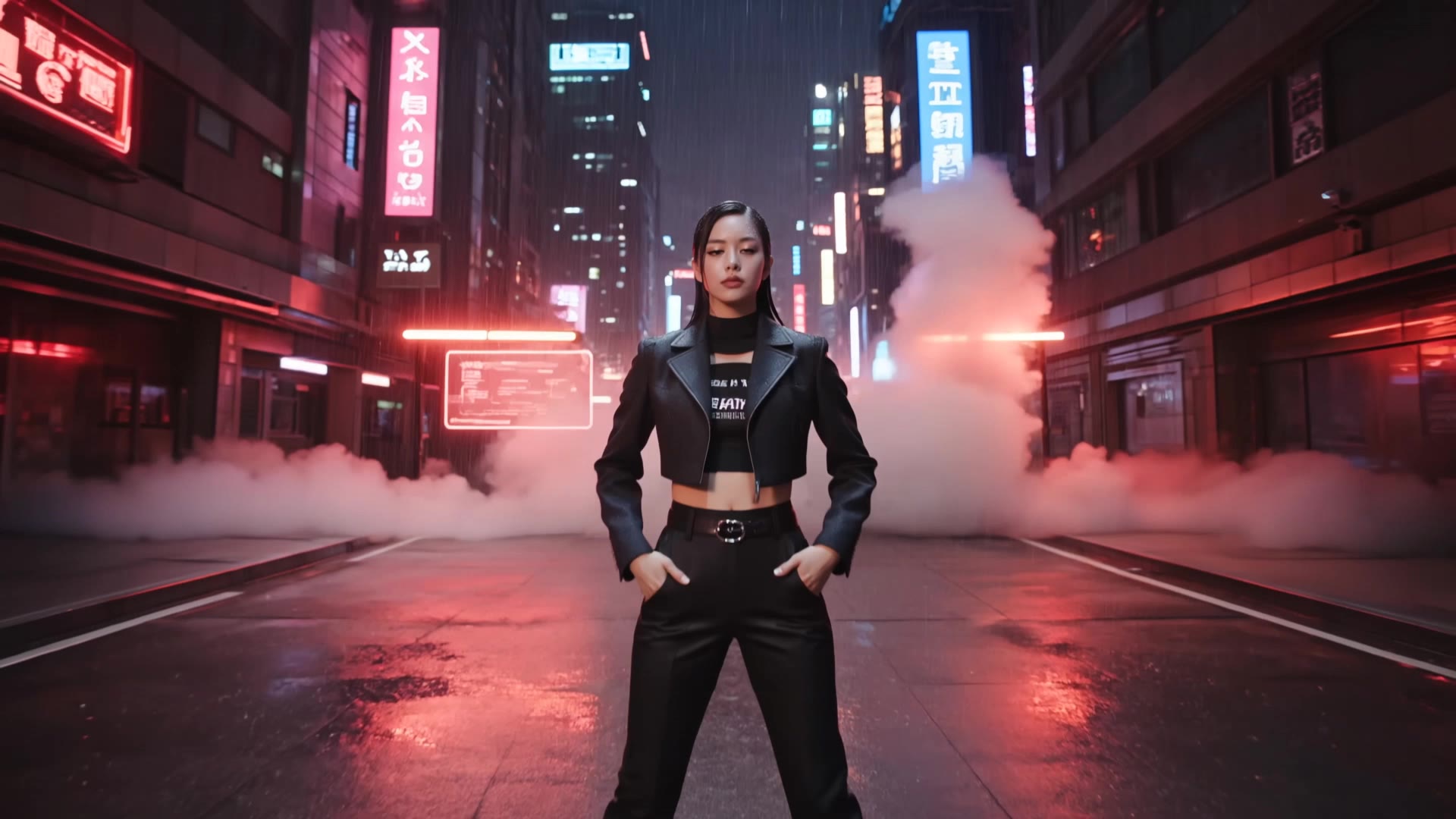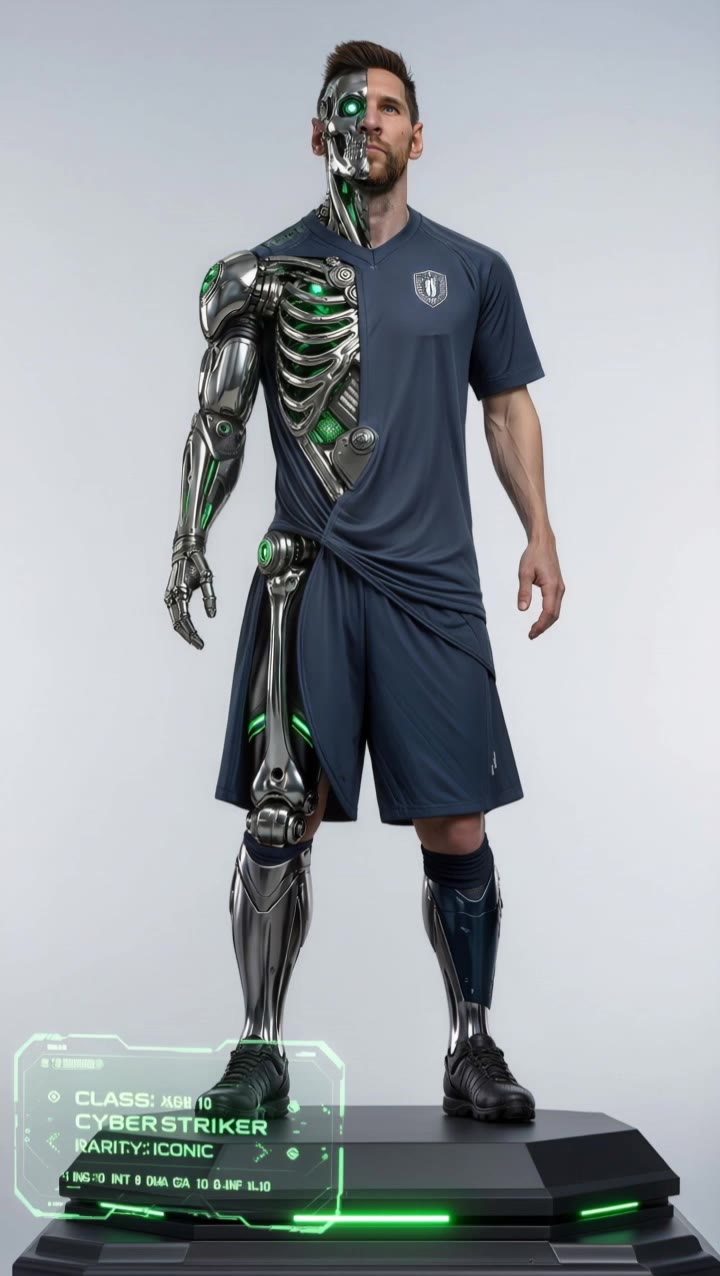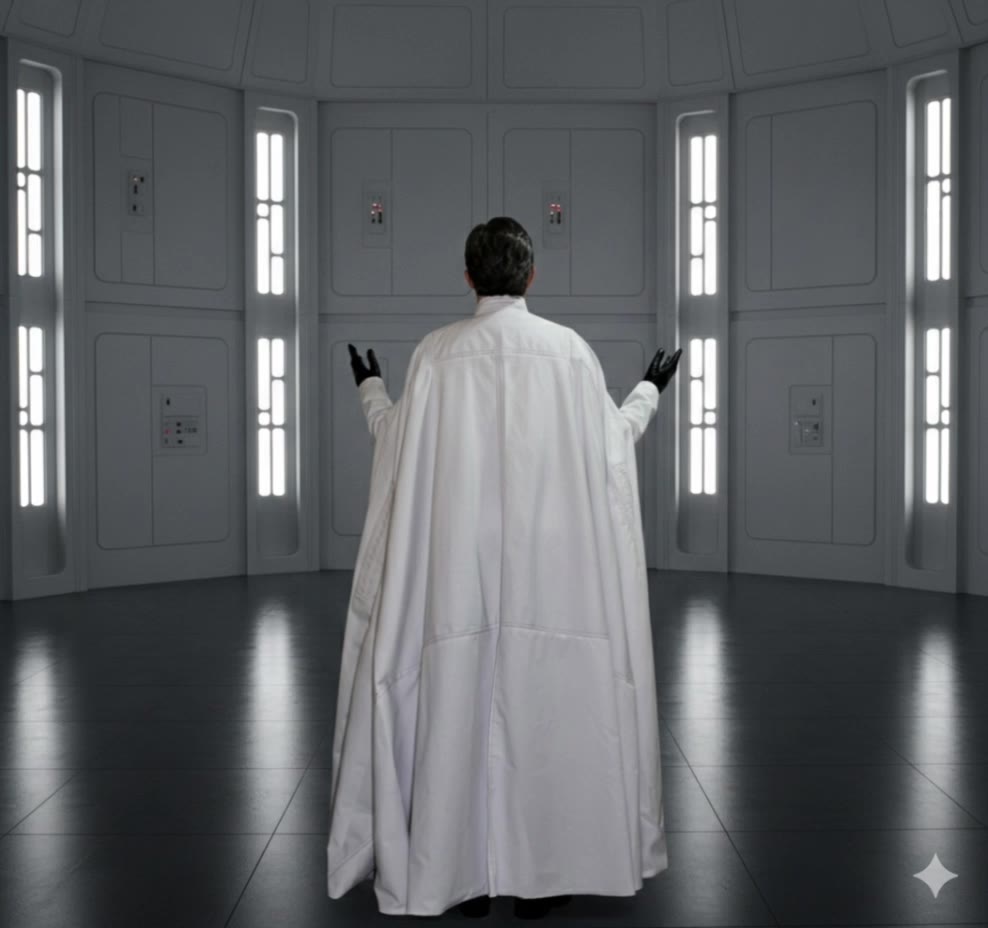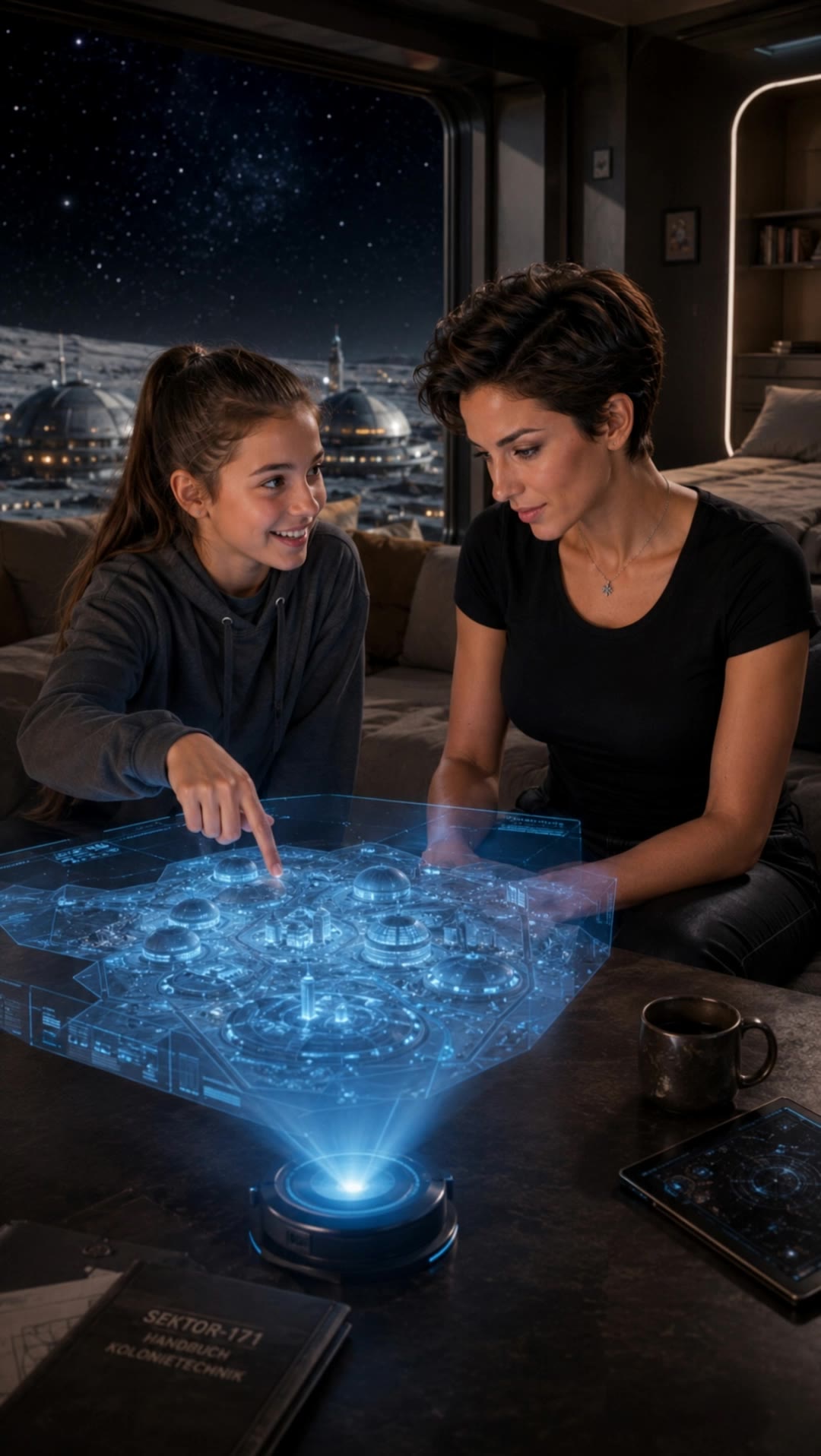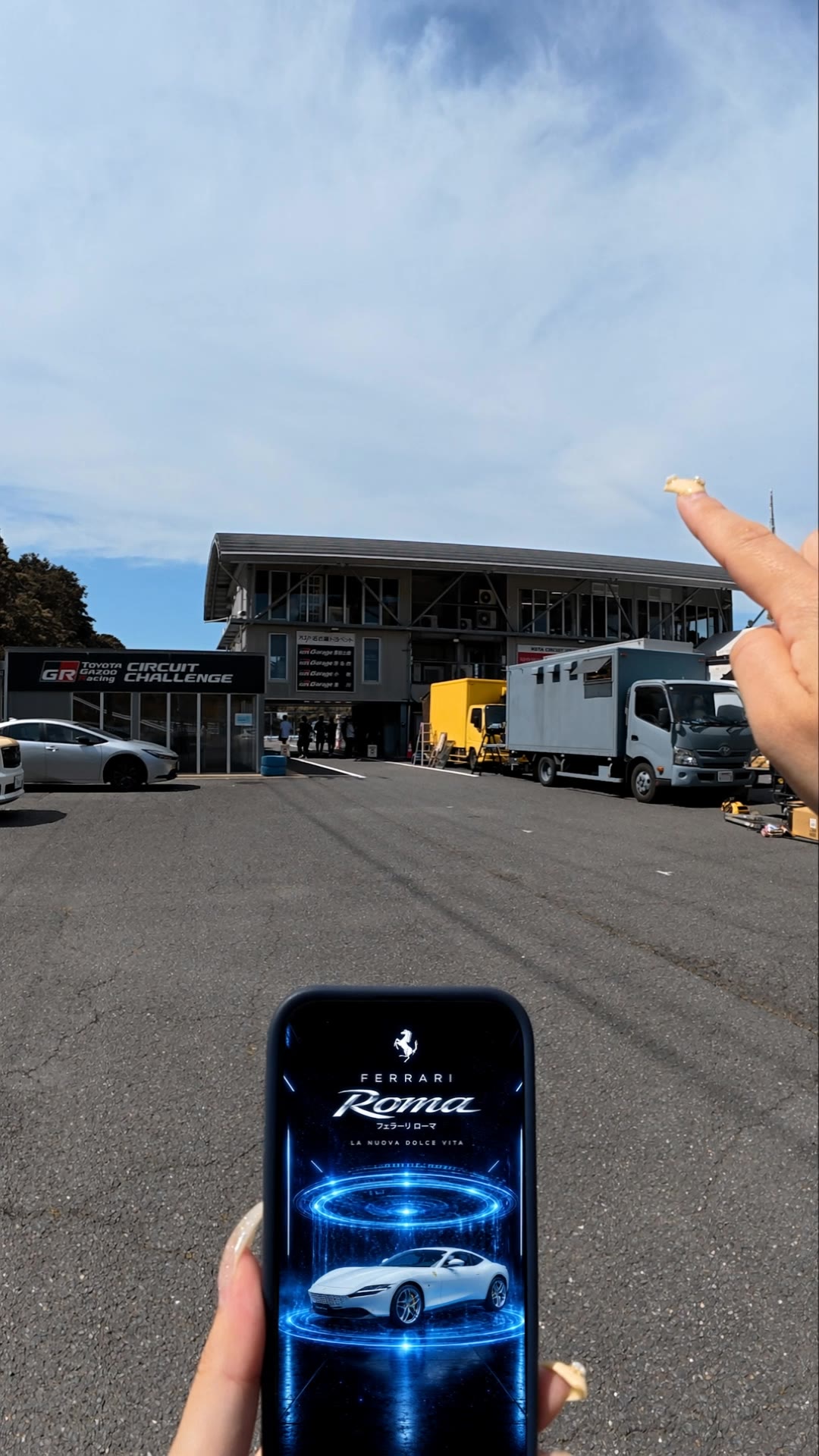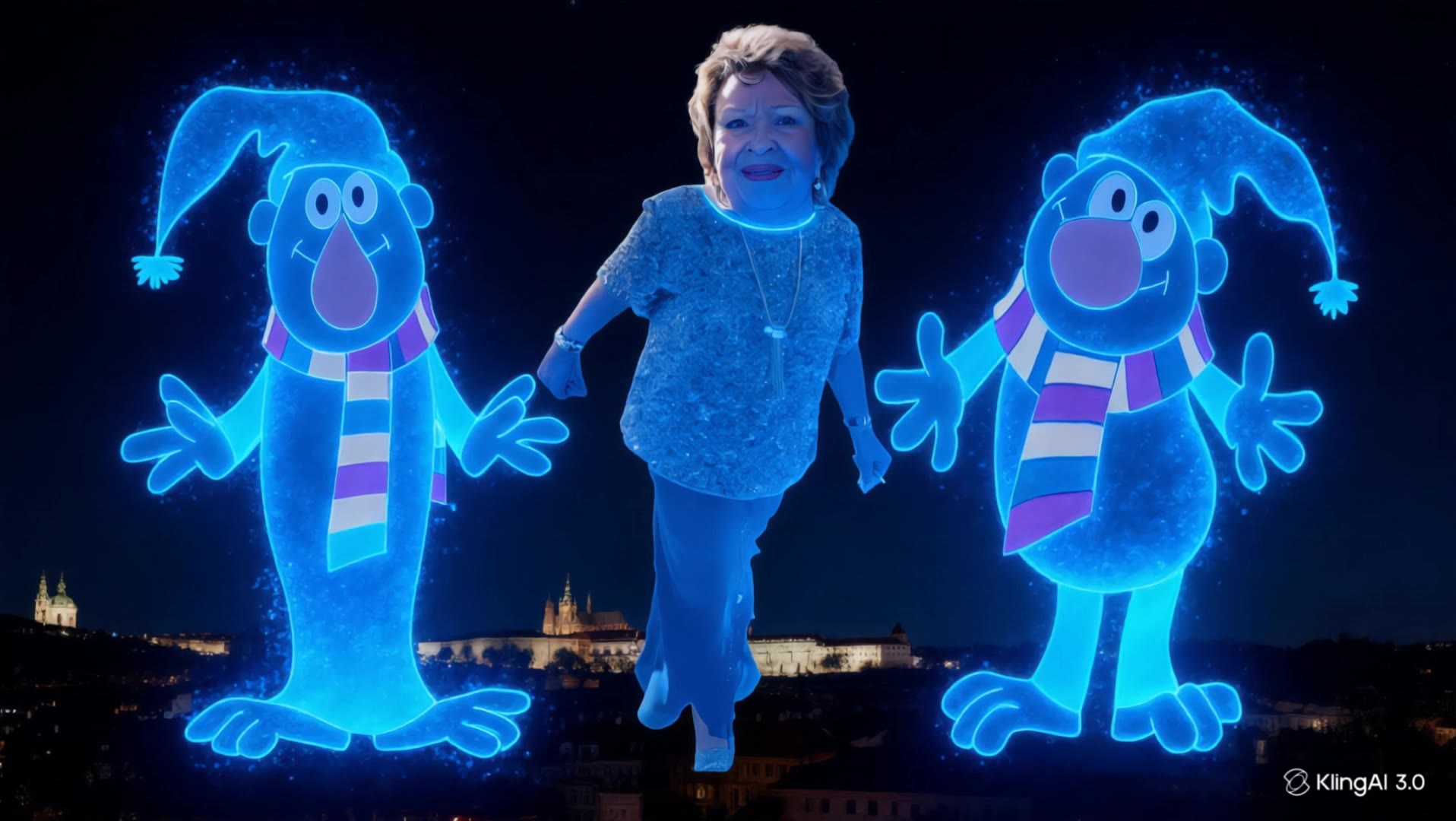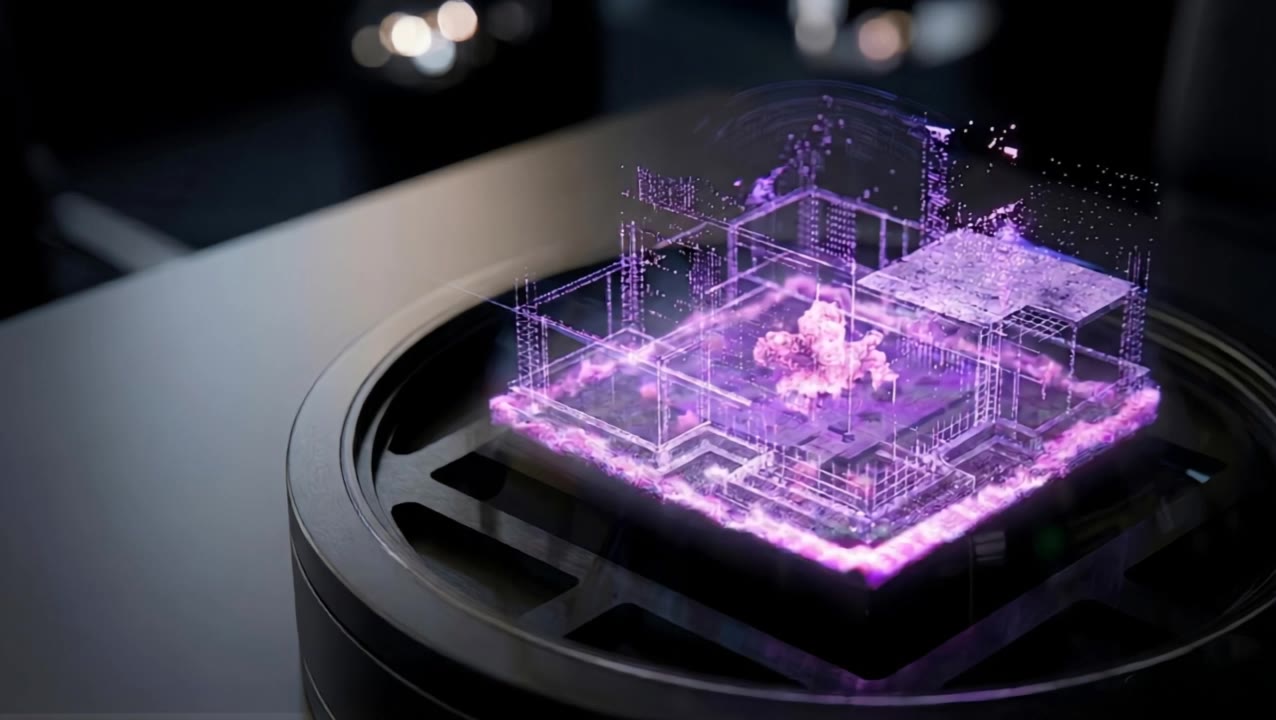

hologram video - cyberpunk interaction & 3D object rotation

Witness captivating holograms of futuristic cityscapes and advanced technology in action. Immerse in the innovative visuals of rotating hologram bikes and drones. Start exploring hologram video ideas and generate your own content with AI.

hologram video - cyberpunk interaction & 3D object rotation

Recommended

Kling AI work 311072606662122 - hologram video AI video
sVBcolDh avatar
sVBcolDh
T 34 - hologram video AI video
OWVYLkYg avatar
OWVYLkYg
Kling AI work 317423547615110 - hologram video AI video
cSgiptCg avatar
cSgiptCg
Kling AI work 310952354506111 - hologram video AI video
IuZKvBbH avatar
IuZKvBbH
Kling AI work 311067707665541 - hologram video AI video
sVBcolDh avatar
sVBcolDh
The Formation of the Earth - hologram video AI video
LMEnRiyk avatar
LMEnRiyk
OH MY CREATION. - hologram video AI video
UNCLE LECO avatar
UNCLE LECO
Kling AI work 313243688668842 - hologram video AI video
QLC Worldworks avatar
QLC Worldworks
Kling AI work 299241034318311 - hologram video AI video
KLING8556 avatar
KLING8556
デジタル購入 - hologram video AI video
rvndRvAN avatar
rvndRvAN
Kling AI work 310612187666960 - hologram video AI video
IpoFASkF avatar
IpoFASkF
Kling AI work 313600553662006 - hologram video AI image
hMwXKyIP avatar
hMwXKyIP
Prague - hologram video AI video
OWVYLkYg avatar
OWVYLkYg
Kling AI work 317056051326774 - hologram video AI video
PxlHyJtX avatar
PxlHyJtX
Kling AI work 317763225616815 - hologram video AI video
SignalStudio avatar
SignalStudio
Hologram House. - hologram video AI video
Khostant avatar
Khostant
Kling AI work 314440390520480 - hologram video AI video
pDGknwce avatar
pDGknwce
Kling AI work 319069269618165 - hologram video AI video
kqiILRBg avatar
kqiILRBg
Kling AI work 318358094617503 - hologram video AI video
Constellation Toucan avatar
Constellation Toucan

How to Animate an Image with AI

Upload Your Image

Upload Your Image

Upload a portrait, product photo, illustration, or other image. For additional control, Kling 4.0's Omni Reference supports up to 15 combined reference assets, subject to individual input limits.

Describe the Motion

Describe the Motion

Specify how your subject moves and what the camera does. You can also add start and end frames or use up to 10 flexible keyframes to guide important changes with supported Kling 4.0 settings.

Generate and Download

Generate and Download

Choose your video settings and generate a clip up to 30 seconds long with Kling 4.0. Preview the result, make adjustments if needed, and download your video.

Edit the Parts That Matter

Change Subjects, Backgrounds, and Style

Change Subjects, Backgrounds, and Style

A different character, a new product, or a completely different location can change the purpose of a video. Keep the footage you already have and update the elements that need another take. No green screen needed. Kling 4.0 supports adding, removing, and replacing subjects and scene elements using prompts and visual references. Change a product, replace a character, or move the action into a new setting. Reference images help guide the appearance of new elements while keeping the rest of the scene closer to the original.

Recreate Videos with Your Own References

Recreate Videos with Your Own References

Found a camera move, transition, or video concept that would work with your own character or product? You can use the original clip as a creative reference rather than recreating the entire shoot. Kling 4.0 draws on reference footage for pacing, shot composition, and movement while introducing your own subjects and visual style. Omni Reference supports up to 15 combined assets, subject to individual input limits. Combine character images, product photos, and video references to explore new versions while helping recognizable details stay consistent.

Extend Your Video Up to 2 Minutes

Extend Your Video Up to 2 Minutes

Continue an existing video forward or backward, adding footage before the opening or after the ending. Extend actions, camera movements, and storylines while keeping the new footage connected to the original scene. Kling 4.0's Video Extension supports multiple extension passes, reaching a total video length of up to 2 minutes. Build longer sequences with continuity in characters, settings, and movement, without recreating the entire video.

Apps

Video Generation
Video Generation

Video Generation

Image Generation
Image Generation

Image Generation

Motion Control
Motion Control

Motion Control

Avatar
Avatar

Avatar

AI Portraits
AI Portraits

AI Portraits

Lip Sync
Lip Sync

Lip Sync

60M+
60M+
Users
600M+
600M+
AI Videos Generated
4.7 ★
4.7 ★
App Store
Industry-Leading
Industry-Leading
Cinematic 4K

Reviews

Huang Lu (Elson)

Huang Lu (Elson)

★★★★★

I’ve been using Kling AI since its initial release, and it’s remained one of the leading AI media generators ever since. With Kling AI, I’ve created hundreds of videos, collectively amassing millions of views.

Samuele Poggi (@visualsk2)

Samuele Poggi (@visualsk2)

★★★★★

I use Kling AI daily to push the limits of AI filmmaking. It allows me to create highly cinematic content, blending AI and VFX to develop innovative projects. It has significantly impacted my creative process, enabling me to achieve complex animations that would otherwise require high production budgets.

KakuDrop

KakuDrop

★★★★★

I have successfully collaborated with world-renowned artists and well-known companies that are recognized globally

FAQ

Q1What is Kling Video 3.0?
Q2Can I use this for global AI video marketing?
Q3How long can videos be in Video 3.0?

Experience Video 3.0 on Kling

Create cinematic, multi-shot videos with native audio and precise control—all in one generation.

Native audio | Multi-shot control | Up to 15s continuous output