
Home KlingAI: Explore AI-Generated Home Art

Discover AI-generated home art with KlingAI. Enjoy fast, customizable, and easy-to-use inspiration for your home-themed projects.


Home KlingAI: Explore AI-Generated Home Art

Recommended

kling ai  - home kling ai AI video
qOSCzkWK avatar
qOSCzkWK
Kling Ai Video Generation #1 - home kling ai AI video
DMan Masemola avatar
DMan Masemola
Best video with kling ai - home kling ai AI video
azPvtaFF avatar
azPvtaFF
Kling AI work 309810873617607 - home kling ai AI image
BunnyLOVE Studios avatar
BunnyLOVE Studios
Kling IMAGE 3.0 Model User Guide - home kling ai AI image
YxIAgcaB avatar
YxIAgcaB
kling ai - home kling ai AI video
nYDQIKuy avatar
nYDQIKuy
kling - home kling ai AI video
00:15
OKCrtAKg avatar
OKCrtAKg
Kling AI Prompt Design - home kling ai AI video
ppmcYvai avatar
ppmcYvai
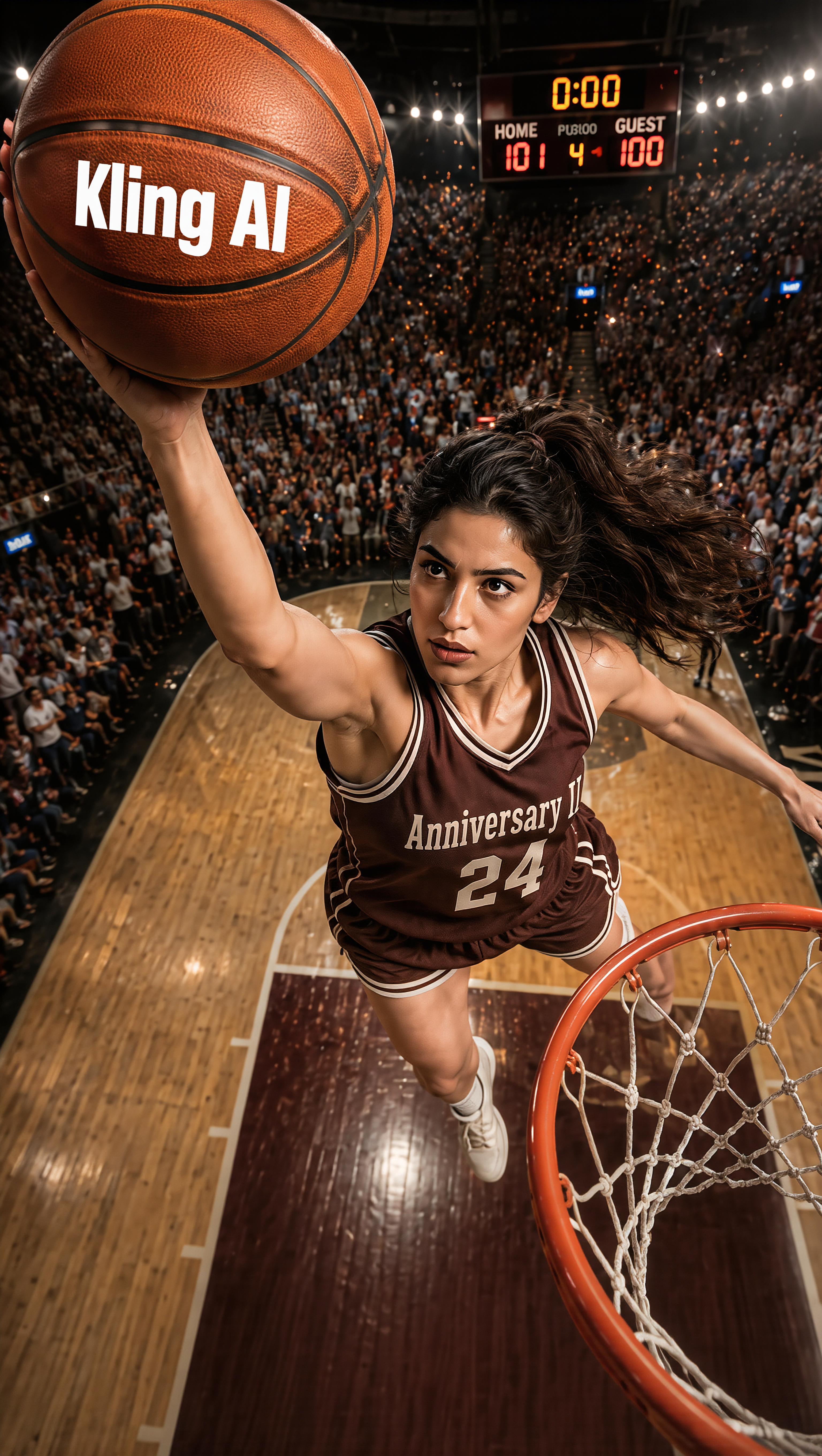
灌籃 Slam Dunk - home kling ai AI image
KLING6928 avatar
KLING6928
Kling AI work 310790191528816 - home kling ai AI video
G-Yang avatar
G-Yang
Kling AI work 313580857612113 - home kling ai AI video
Almazik373 avatar
Almazik373
merry christmas kling ai family - home kling ai AI video
hivetechmedia avatar
hivetechmedia
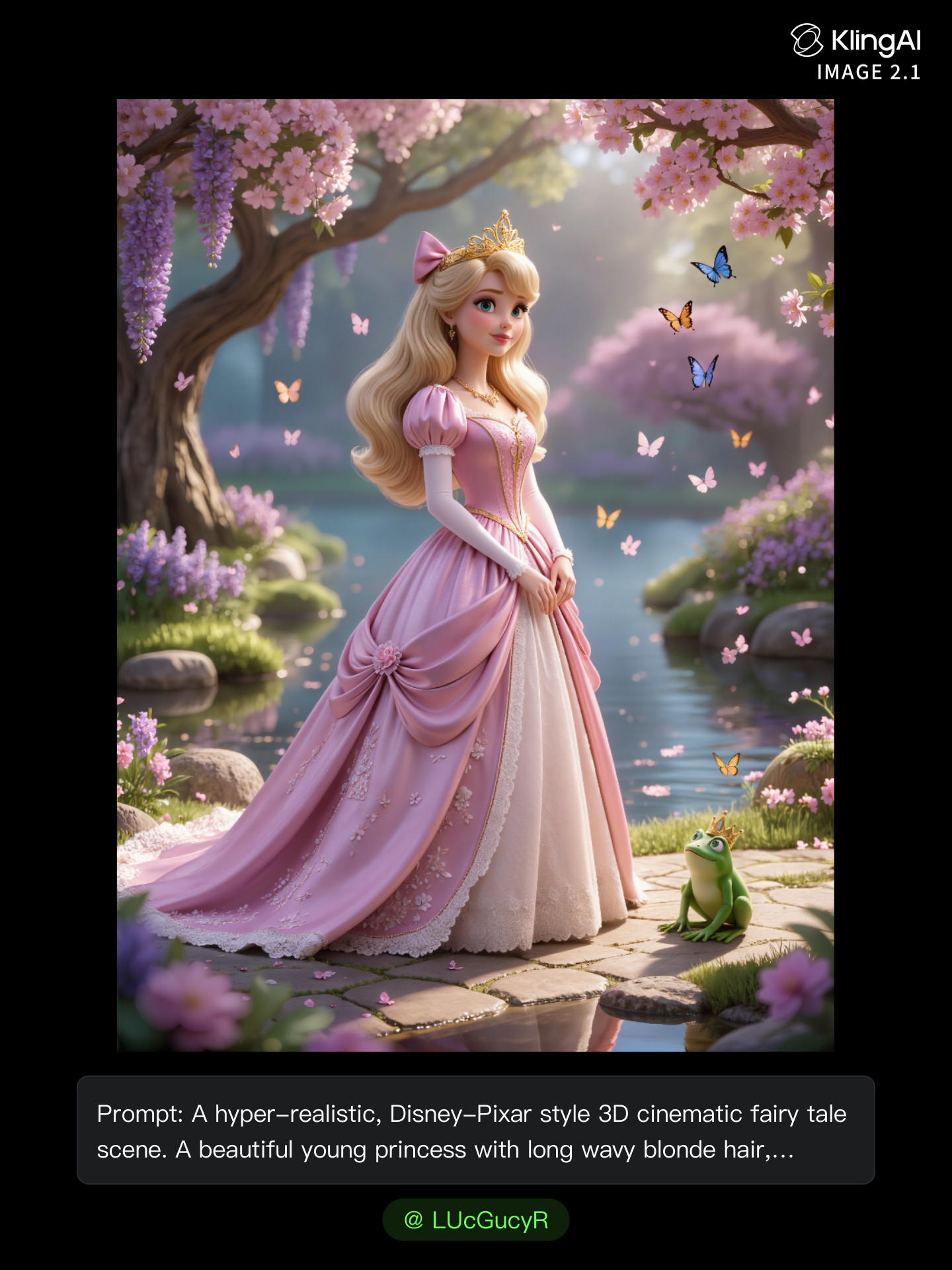
kling ai use - home kling ai AI image
LUcGucyR avatar
LUcGucyR
Kling Ai is the best - home kling ai AI video
00:33
oRsWyRYw avatar
oRsWyRYw
Kling AI work 311506071611971 - home kling ai AI image
tEOvgyua avatar
tEOvgyua
Kling Ai Video Generation #1 - home kling ai AI video
DMan Masemola avatar
DMan Masemola
kling saves humanity - home kling ai AI video
medtkr avatar
medtkr
Kling AI Prompt:
Realistic hair  - home kling ai AI image
pssEICto avatar
pssEICto
kling  - home kling ai AI image
QiplNeHH avatar
QiplNeHH

A Complete AI Video Editing Workflow

Upload Your Footage

Upload Your Footage

Start with a video you've filmed or generated. Add reference images, characters, or other supported assets if you want to guide how the edited scene should look.

Describe What You Want to Change

Describe What You Want to Change

Tell Kling what to replace, remove, or adjust. You can change the subject, background, action, camera angle, or visual style. Include details you want to keep from the original footage.

Preview and Download Your Video

Preview and Download Your Video

Generate your edited video and review the changes. Refine your prompt or references if needed, then download the version you're happy with.

Edit Any Part with Kling AI

Add, Remove, or Replace Image Content

Add, Remove, or Replace Image Content

Tell Kling what you want to change in text prompts. Replace a person, remove an object, or fine-tune details such as color, material, pose, and expression. Even detailed edits take fewer and easier steps because you can change the photo with AI instead of with traditional photo editing tools. IMAGE 3.0 follows your instruction while keeping the photo’s original style, lighting, and texture in place, so the edited area still belongs in the same shot.

Change the Color, Lighting, or Style

Change the Color, Lighting, or Style

Give an existing photo a different mood effortlessly. Lift a dim scene, soften harsh light, warm or cool the colors, or bring color to a black-and-white photo or line drawing. A short prompt replaces the usual round of manual adjustments. Looking for a bigger shift? Add a style reference or spell out the visual direction. IMAGE 3.0 carries the palette, texture, and atmosphere across the whole image, so the new look feels cohesive rather than pasted on. Use it for studio-style professional headshots, distinctive portrait treatments, cinematic scene design, or a visual style that feels entirely your own.

Rework the Shot or Camera Angle

Rework the Shot or Camera Angle

Tell Kling how you want the shot to look in a text prompt. Turn a front-facing photo into a side view, move the camera higher or lower, or change a wide shot into a close-up. You can explore a new composition around the same subject without setting up another shoot. IMAGE 3.0 rebuilds the scene from the angle you request, adjusting the perspective, camera height, shot size, focal length, and depth of field along with it. The result is a newly generated view based on the source photo, rather than hidden details recovered from outside the original frame.

Apps

Image to Video
Image to Video

Image to Video

Text to Video
Text to Video

Text to Video

Omni
Omni

Omni

Digital Human
Digital Human

Digital Human

Restyle
Restyle

Restyle

Text to Image
Text to Image

Text to Image

60M+
60M+
Users
600M+
600M+
AI Videos Generated
4.7 ★
4.7 ★
App Store
Industry-Leading
Industry-Leading
Cinematic 4K

Reviews

Huang Lu (Elson)

Huang Lu (Elson)

★★★★★

I’ve been using Kling AI since its initial release, and it’s remained one of the leading AI media generators ever since. With Kling AI, I’ve created hundreds of videos, collectively amassing millions of views.

KakuDrop

KakuDrop

★★★★★

I have successfully collaborated with world-renowned artists and well-known companies that are recognized globally

Halim Alrasihi

Halim Alrasihi

★★★★★

I use AI daily and Kling AI is a crucial part of my workflow, whether for client work or personal projects. What I love most about using Kling AI is that it provides all the tools I need in one place, from keyframes to character references, elements and special effects.

FAQ

Q1Does Video 3.0 support multiple characters speaking?
Q2How long can videos be in Video 3.0?
Q3Can I use this for global AI video marketing?

Experience Video 3.0 on Kling

Create cinematic, multi-shot videos with native audio and precise control—all in one generation.

Native audio | Multi-shot control | Up to 15s continuous output