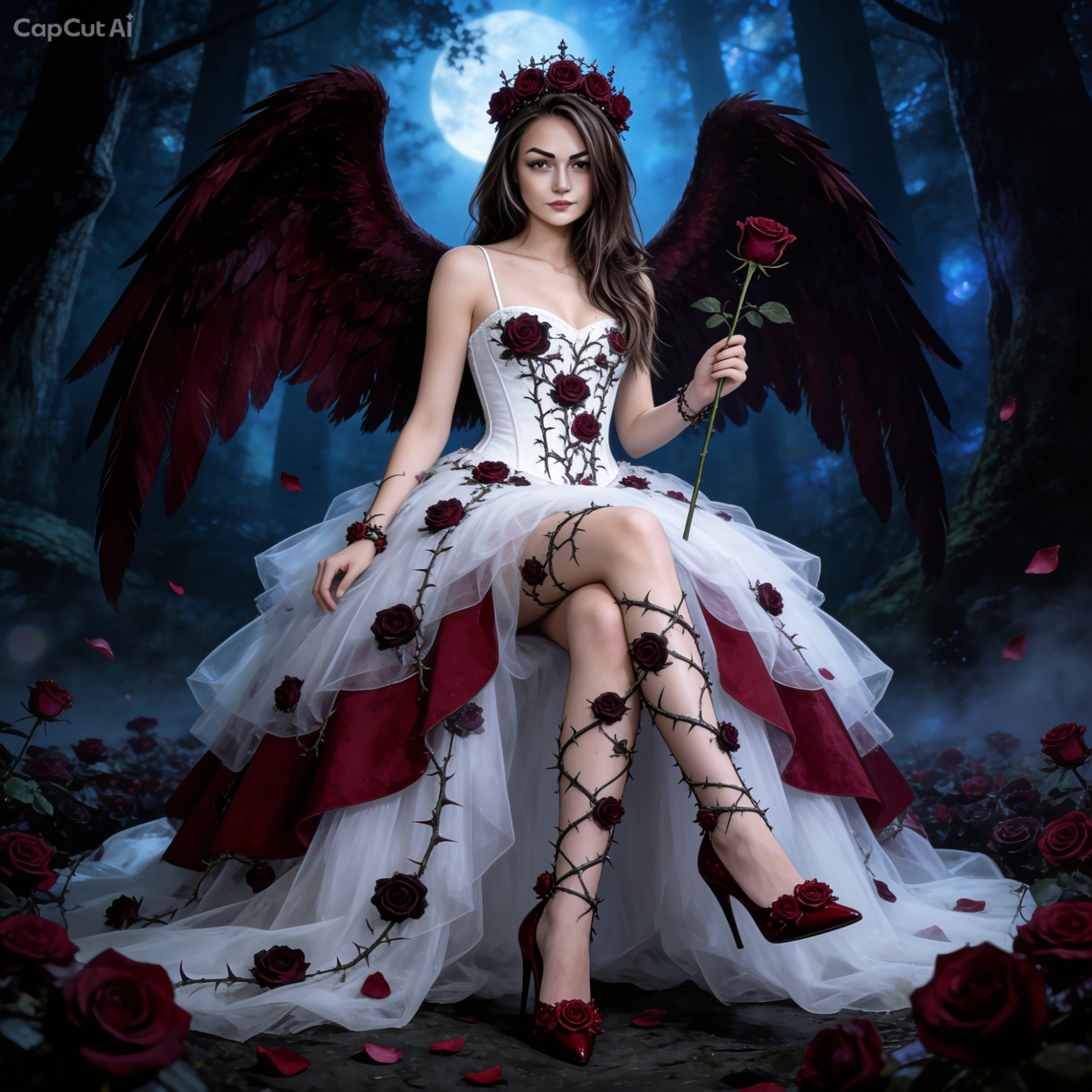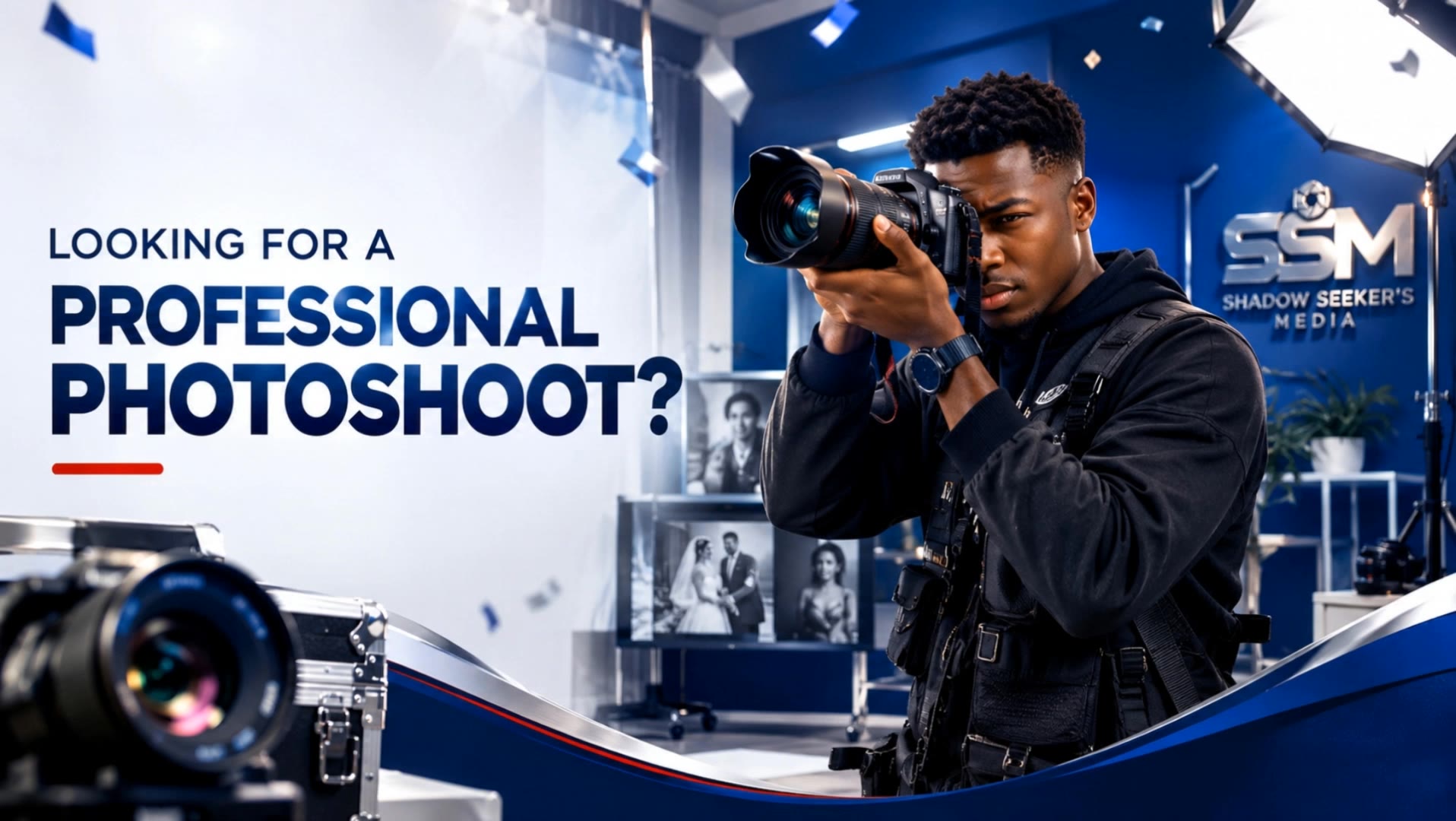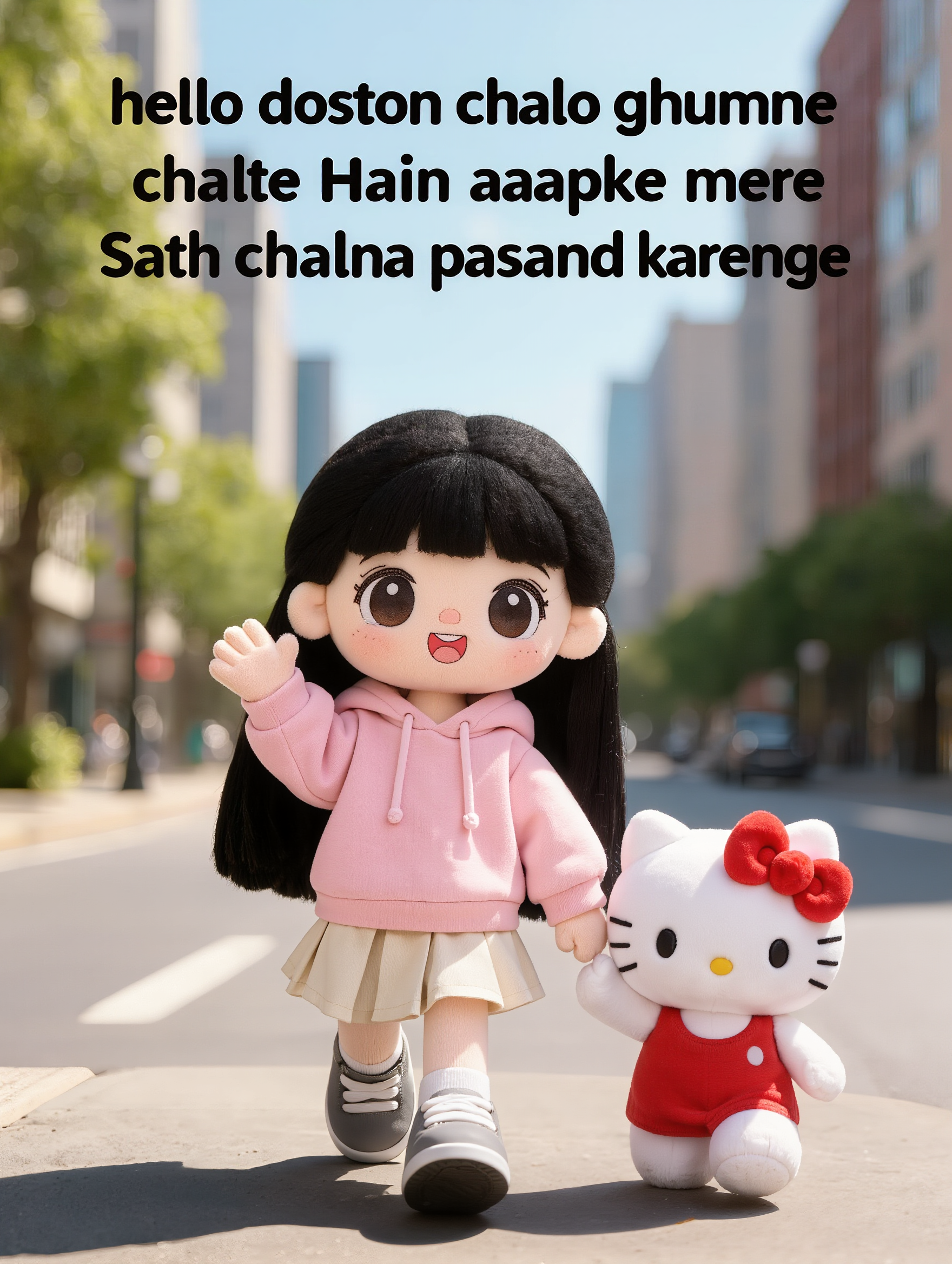

how to add text to a video - fashion & real estate

Learn seamless text integration in dynamic fashion videos and calm underwater scenes. Enhance your visual storytelling with AI-driven text overlays and animations. Start exploring how to add text to a video ideas and generate your own content with AI.

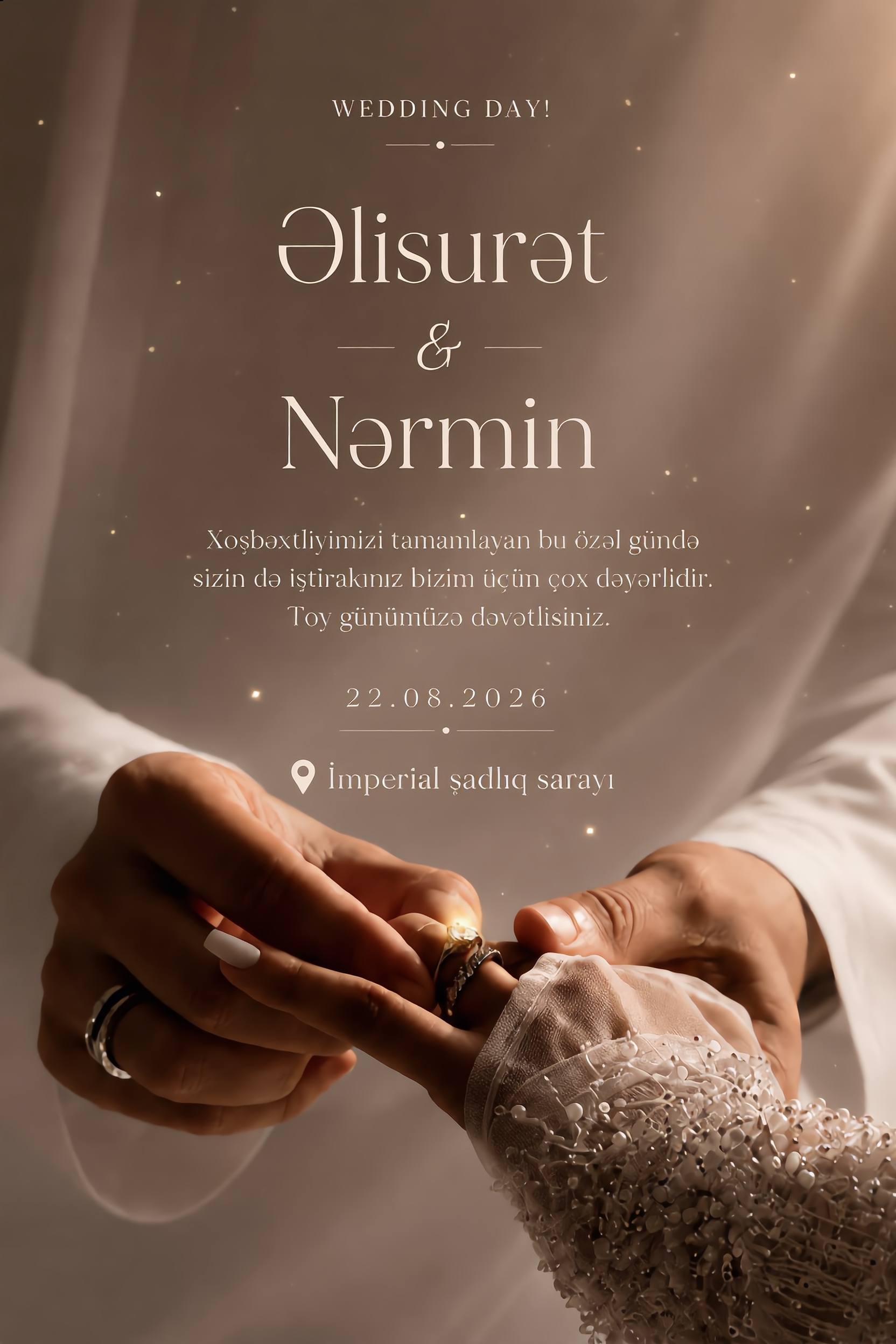
how to add text to a video - fashion & real estate

Recommended

text video - how to add text to a video AI image
AebcwmeO avatar
AebcwmeO
video  - how to add text to a video AI image
cVSozVmB avatar
cVSozVmB
Kling AI work 320017461520437 - how to add text to a video AI video
SaCIuiYl avatar
SaCIuiYl
AI video  - how to add text to a video AI video
vRpPSFoT avatar
vRpPSFoT
hacer video - how to add text to a video AI image
wdgONJrh avatar
wdgONJrh
make it a video  - how to add text to a video AI image
tvXbWebU avatar
tvXbWebU
Video Prompt  Use the uploaded r - how to add text to a video AI image
eIbkpToN avatar
eIbkpToN
Kling AI work 310566058610539 - how to add text to a video AI video
uVYsEalc avatar
uVYsEalc
Kling AI work 309506188526031 - how to add text to a video AI video
lVEvuIdX avatar
lVEvuIdX
Kling AI work 316288380613638 - how to add text to a video AI video
DorNTTbJ avatar
DorNTTbJ
video  - how to add text to a video AI image
apYxYZZQ avatar
apYxYZZQ
Kling AI work 313766137615984 - how to add text to a video AI video
crtfcxzs avatar
crtfcxzs
Music video  - how to add text to a video AI video
Narottama avatar
Narottama
general a video about the genesi - how to add text to a video AI image
bBdlAAMC avatar
bBdlAAMC
Image to video - how to add text to a video AI video
jc avatar
jc
Kling AI work 309636555504889 - how to add text to a video AI video
LIIBqdXo avatar
LIIBqdXo
Advert video  - how to add text to a video AI video
JvobGxzh avatar
JvobGxzh
Kid video  - how to add text to a video AI video
TTiylJUp avatar
TTiylJUp

A Complete AI Video Editing Workflow

Upload Your Footage

Upload Your Footage

Start with a video you've filmed or generated. Add reference images, characters, or other supported assets if you want to guide how the edited scene should look.

Describe What You Want to Change

Describe What You Want to Change

Tell Kling what to replace, remove, or adjust. You can change the subject, background, action, camera angle, or visual style. Include details you want to keep from the original footage.

Preview and Download Your Video

Preview and Download Your Video

Generate your edited video and review the changes. Refine your prompt or references if needed, then download the version you're happy with.

Edit the Parts That Matter

Change Subjects, Backgrounds, and Style

Change Subjects, Backgrounds, and Style

A different character, a new product, or a completely different location can change the purpose of a video. Keep the footage you already have and update the elements that need another take. No green screen needed. Kling 4.0 supports adding, removing, and replacing subjects and scene elements using prompts and visual references. Change a product, replace a character, or move the action into a new setting. Reference images help guide the appearance of new elements while keeping the rest of the scene closer to the original.

Recreate Videos with Your Own References

Recreate Videos with Your Own References

Found a camera move, transition, or video concept that would work with your own character or product? You can use the original clip as a creative reference rather than recreating the entire shoot. Kling 4.0 draws on reference footage for pacing, shot composition, and movement while introducing your own subjects and visual style. Omni Reference supports up to 15 combined assets, subject to individual input limits. Combine character images, product photos, and video references to explore new versions while helping recognizable details stay consistent.

Extend Your Video Up to 2 Minutes

Extend Your Video Up to 2 Minutes

Continue an existing video forward or backward, adding footage before the opening or after the ending. Extend actions, camera movements, and storylines while keeping the new footage connected to the original scene. Kling 4.0's Video Extension supports multiple extension passes, reaching a total video length of up to 2 minutes. Build longer sequences with continuity in characters, settings, and movement, without recreating the entire video.

Apps

Video Generation
Video Generation

Video Generation

Image Generation
Image Generation

Image Generation

Motion Control
Motion Control

Motion Control

Avatar
Avatar

Avatar

AI Portraits
AI Portraits

AI Portraits

Lip Sync
Lip Sync

Lip Sync

60M+
60M+
Users
600M+
600M+
AI Videos Generated
4.7 ★
4.7 ★
App Store
Industry-Leading
Industry-Leading
Cinematic 4K

Reviews

Huang Lu (Elson)

Huang Lu (Elson)

★★★★★

I’ve been using Kling AI since its initial release, and it’s remained one of the leading AI media generators ever since. With Kling AI, I’ve created hundreds of videos, collectively amassing millions of views.

Déborah

Déborah

★★★★★

I use Kling AI every day. It's amazing to see the almost daily progress it makes. I used AI for fun at first, and I now find that Kling AI's animations allow me to gain professional visibility, with three times more views on my animated posts than on my static posts.

PJ Ace

PJ Ace

★★★★★

Kling AI has made it easy for us to generate world class visuals for Fortune 500 companies, TV shows and music for big artists. We love the easy of use of the platform and the quality of the generations. My first time using Kling AI, I got 22 million views on just one video. It's that good.

FAQ

Q1Does Kling AI support 2K or 4K image generation?
Q2How do I create an AI image with Kling AI?
Q3Can I create images from reference photos?

Your Next Visual Starts Here

Start with a sentence, a sketch, or a reference photo. Shape the composition, dial in the details, and keep iterating in Kling AI.

Free tier available | Text-to-image | Image-to-image | Fast generation