
Creative Studio
API
Resources
Features
About Us
Download

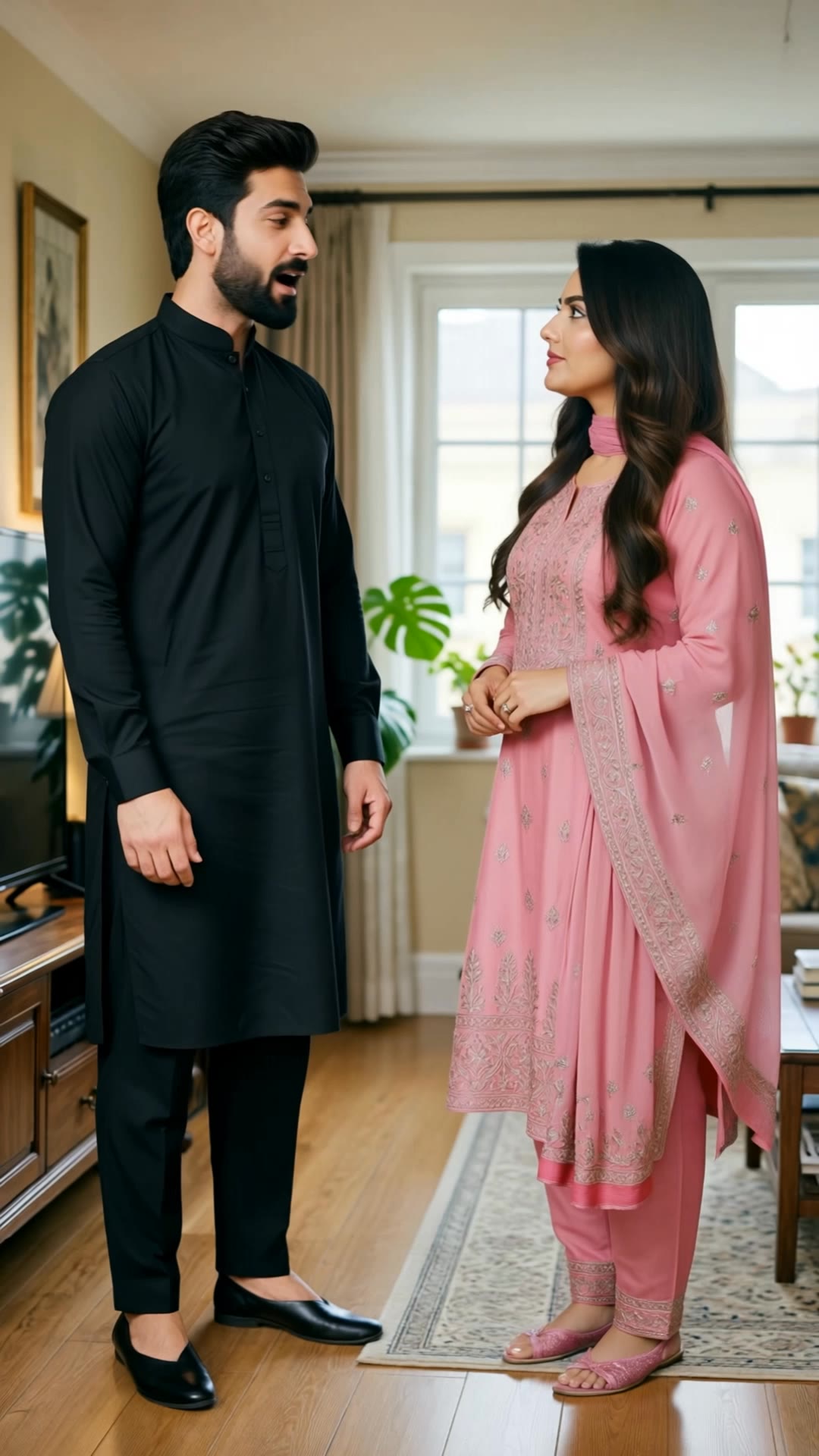
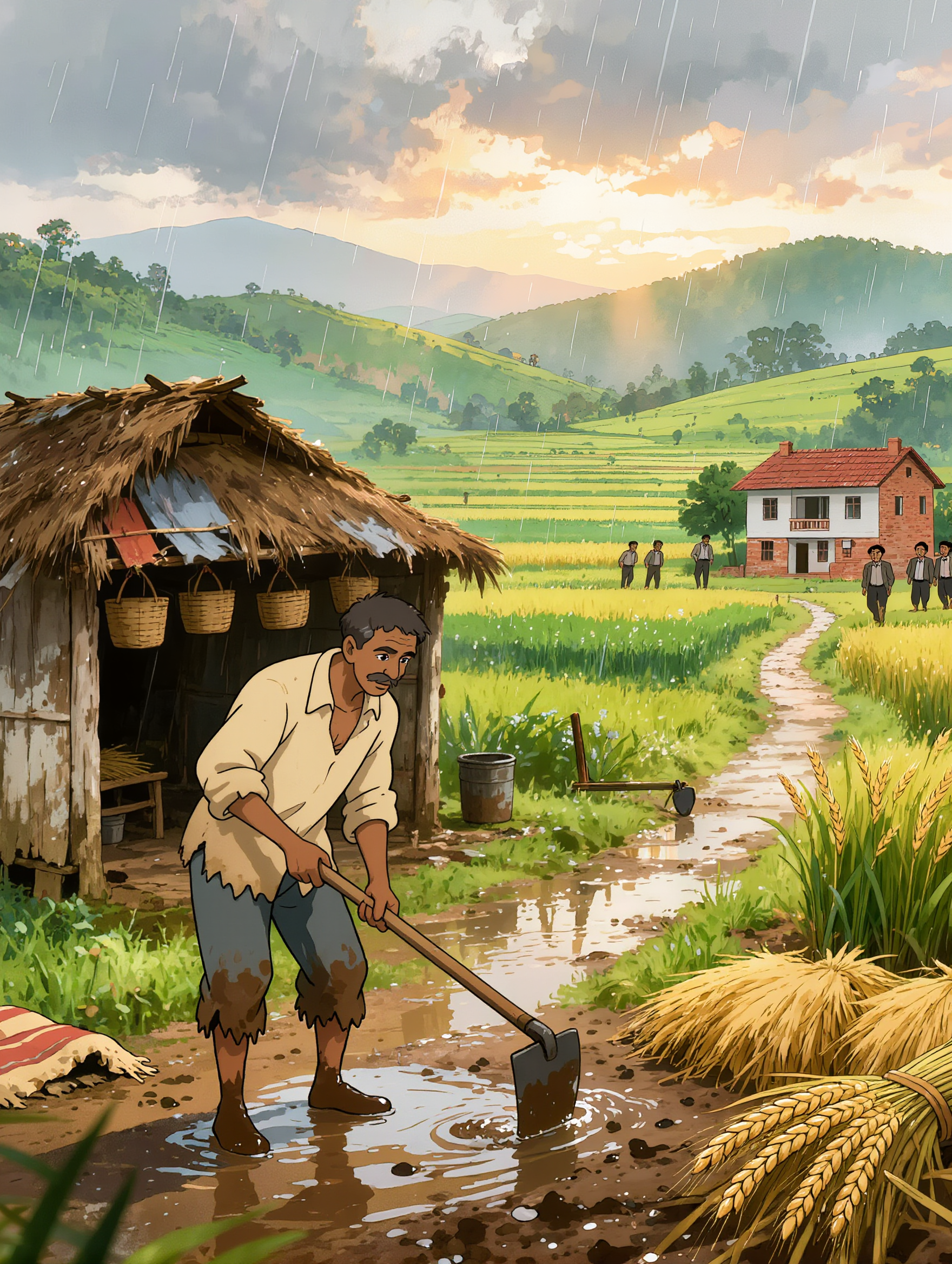
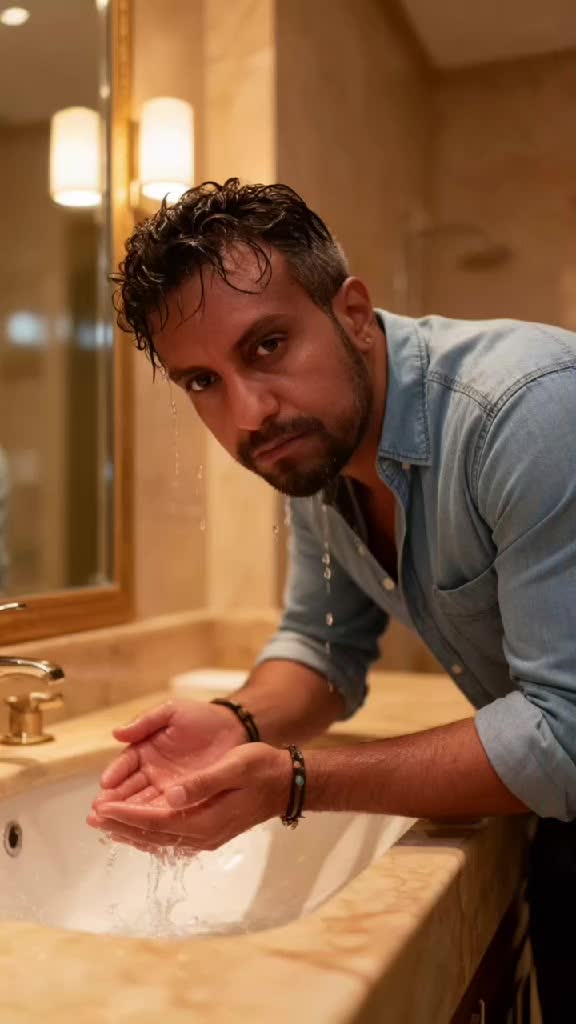
how to create a film - rain at night & garden path

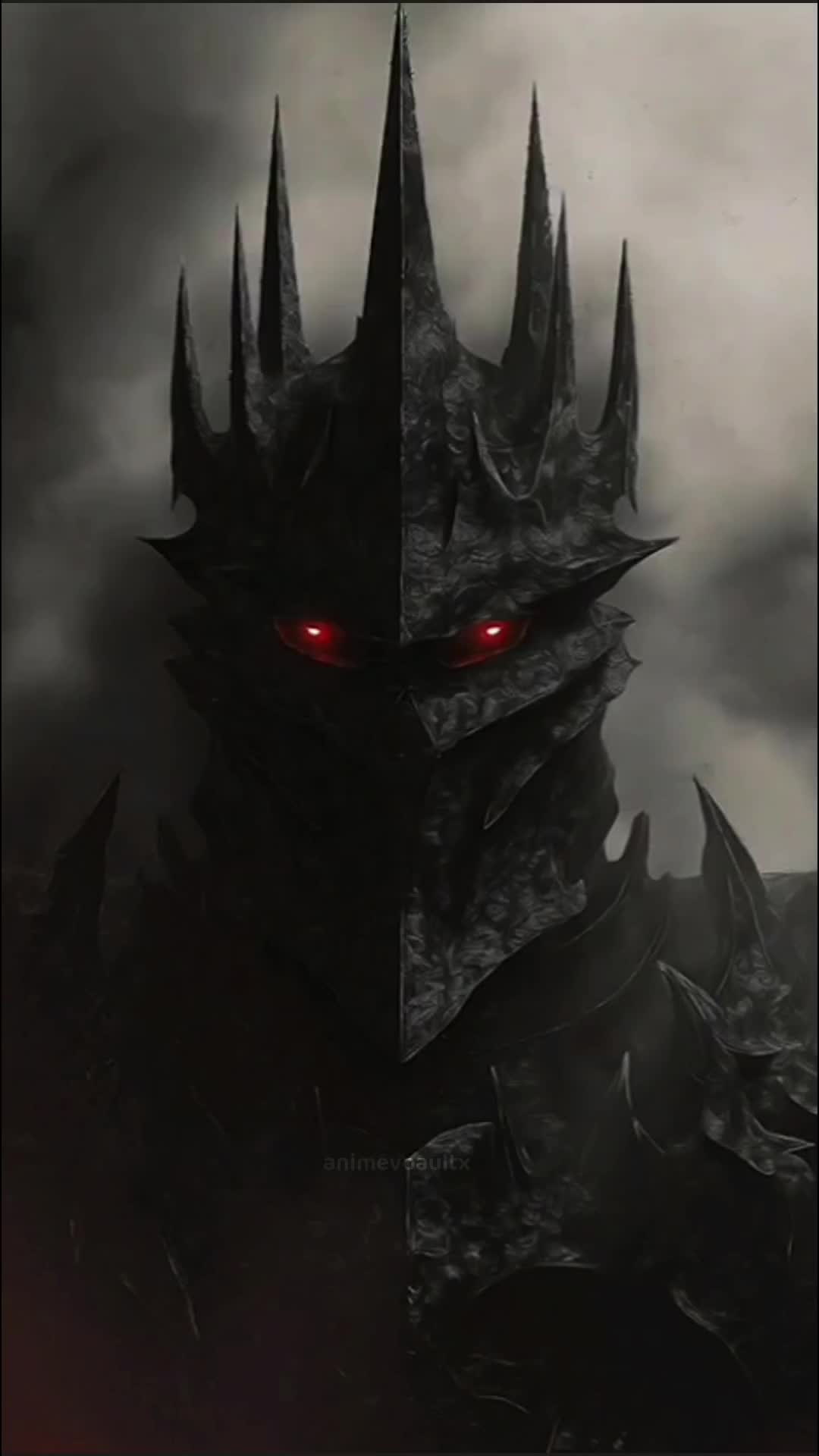
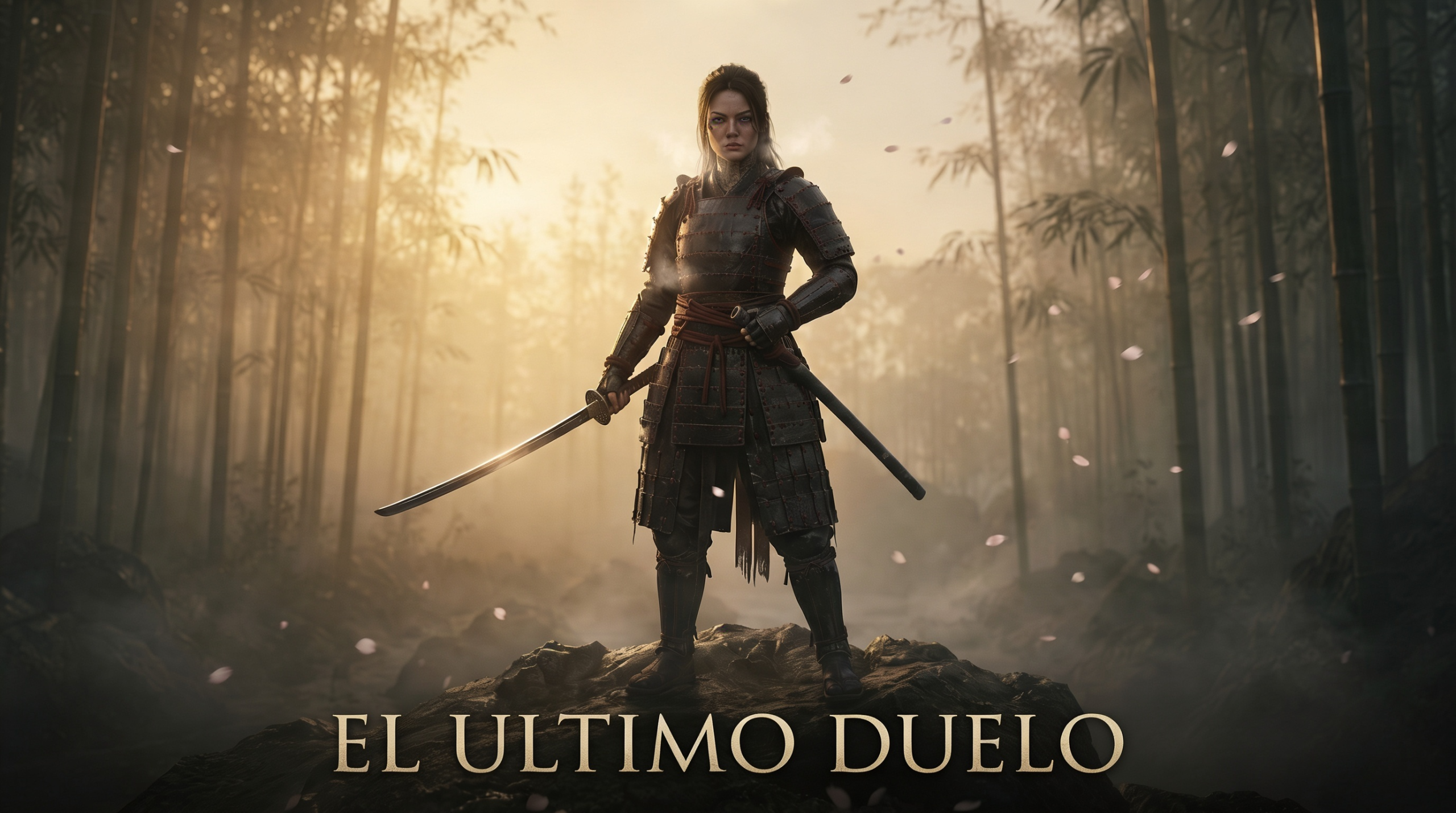
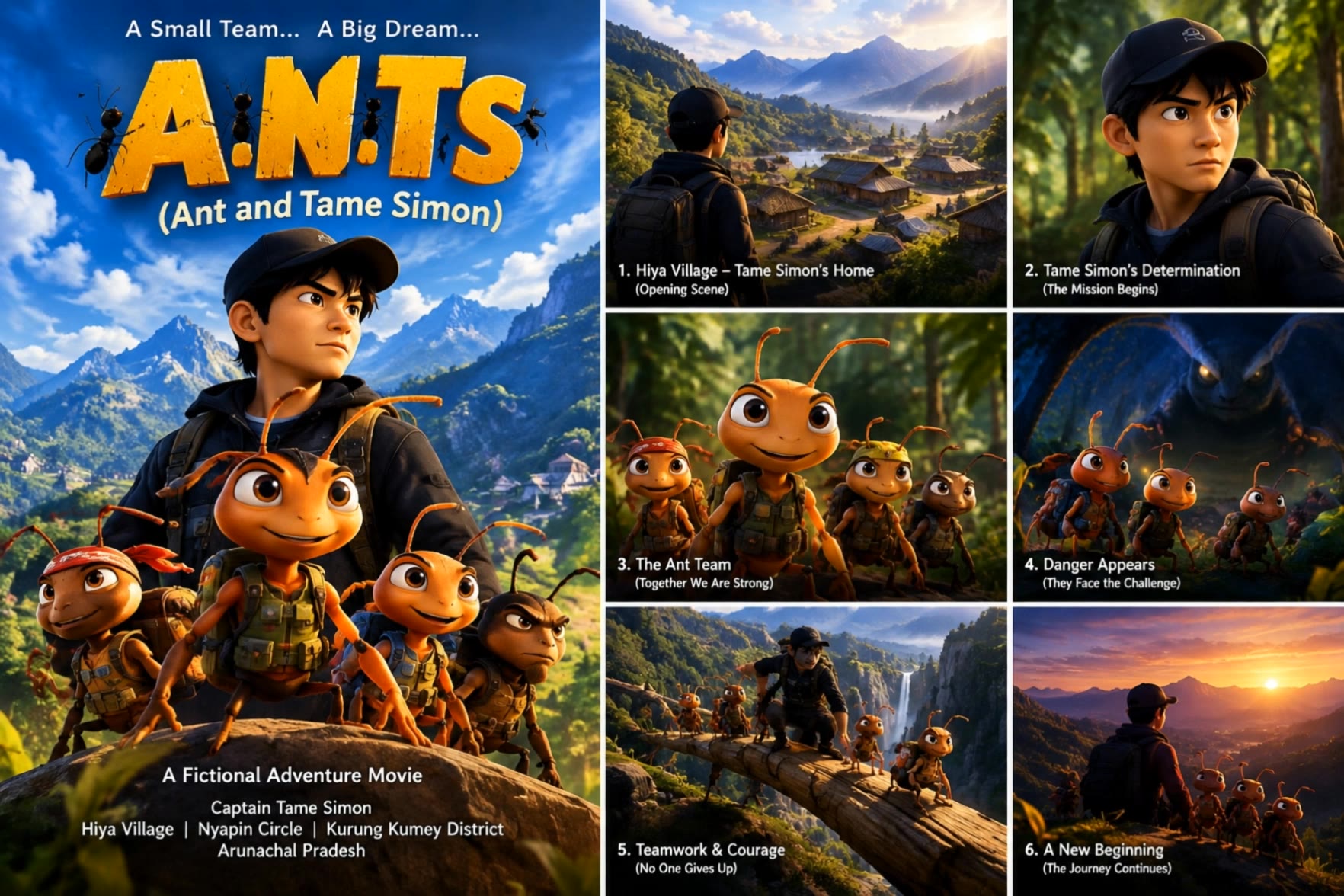
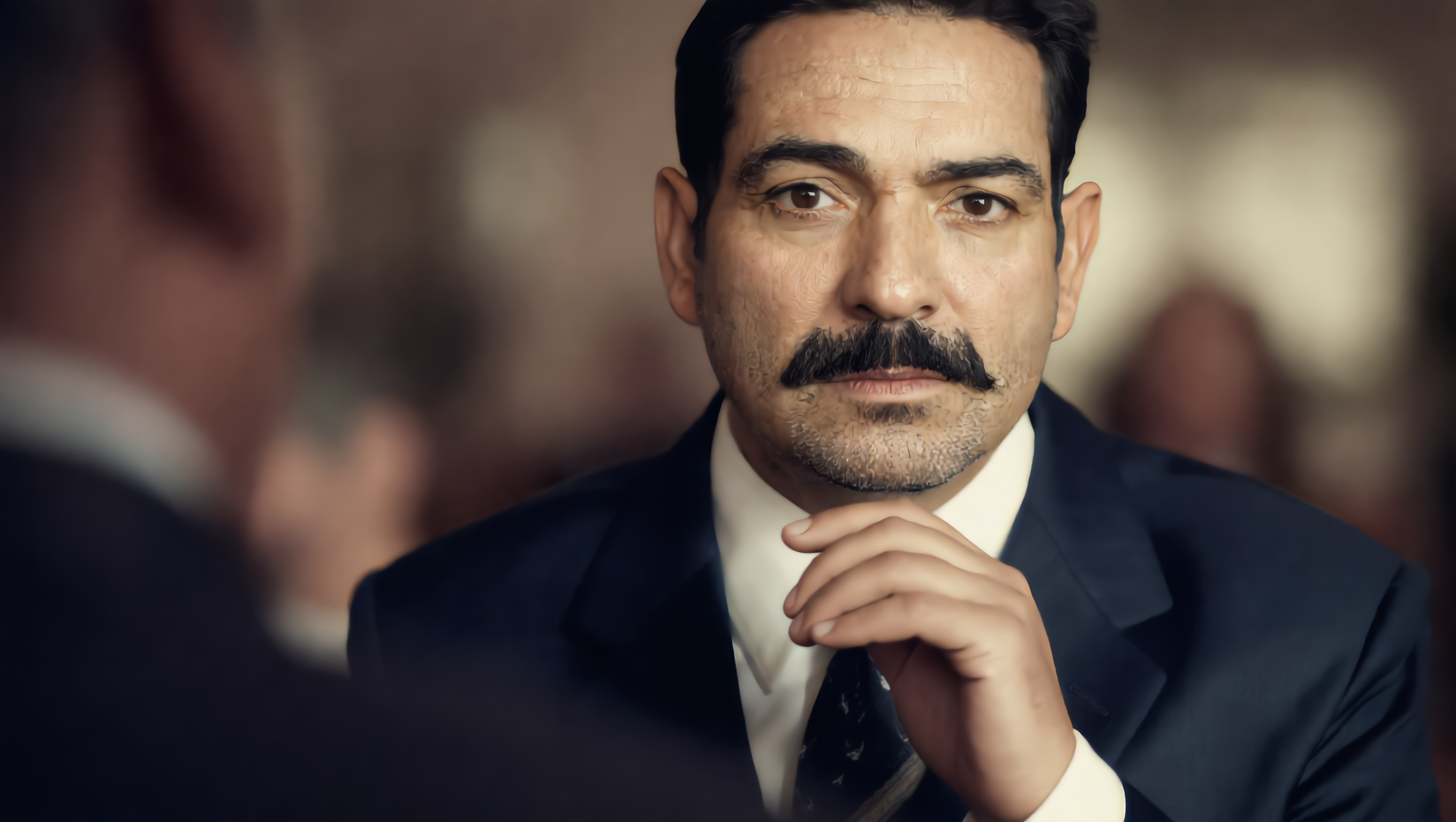
Uncover the art of filmmaking with cinematic close-ups and graceful model scenes, enhanced by modern animation techniques and dynamic storytelling. Start exploring how to create a film ideas and generate your own content with AI.


how to create a film - rain at night & garden path

Recommended

Kling AI work 309091846612986 - how to create a film AI video
FrpjceEW avatar
FrpjceEW
how to create ai videos  - how to create a film AI video
00:36
AKMeKbzw avatar
AKMeKbzw
Kling AI work 319094686612368 - how to create a film AI video
oVpTxJfr avatar
oVpTxJfr
how to create video to kaling ai - how to create a film AI video
00:07
miCdtEjZ avatar
miCdtEjZ
Kling AI work 319460964521561 - how to create a film AI video
CrizAi avatar
CrizAi
Kling AI work 307796242665334 - how to create a film AI video
agdStwdW avatar
agdStwdW
Create a realistic cinematic 198 - how to create a film AI image
xyYFoAmA avatar
xyYFoAmA
half but next part will create
 - how to create a film AI video
YXXLrktS avatar
YXXLrktS
Kling AI work 897570848000184348 - how to create a film AI video
00:08
bjYMsldN avatar
bjYMsldN
create a video - how to create a film AI image
XJQEyohD avatar
XJQEyohD
Create a 1-minute ultra-realisti - how to create a film AI image
Ai  page avatar
Ai page
AI film - how to create a film AI video
hungdinh avatar
hungdinh
Kling AI work 313435440505180 - how to create a film AI video
Medard avatar
Medard
Make it video Create a 10-second - how to create a film AI image
nyvoUaFC avatar
nyvoUaFC
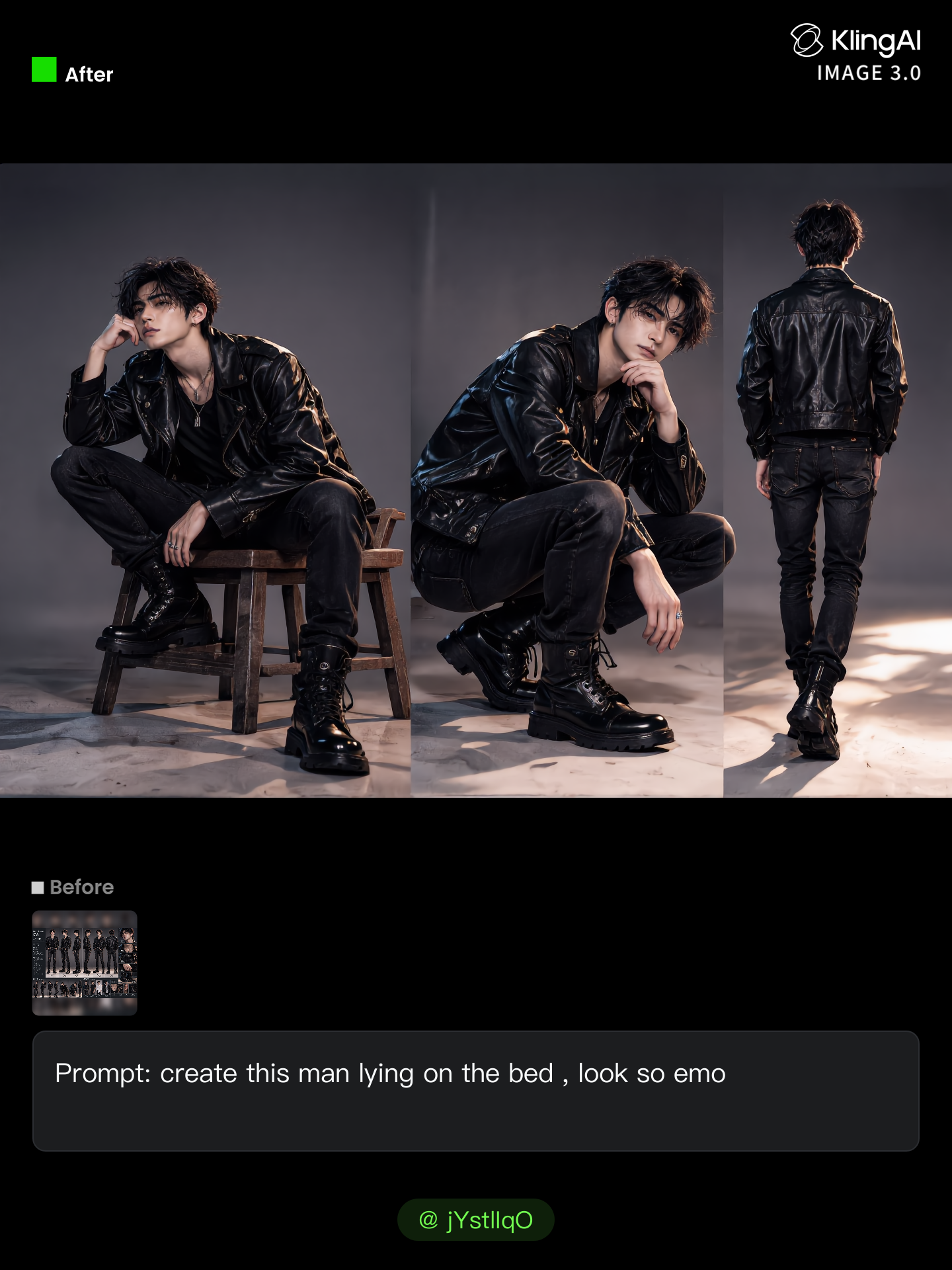
create MV - how to create a film AI image
jYstlIqO avatar
jYstlIqO
create the same thing has this
 - how to create a film AI image
MnyBPOmT avatar
MnyBPOmT
PROMPT
Create a cinematic histor - how to create a film AI image
tIRHjpaV avatar
tIRHjpaV
create the video  - how to create a film AI image
YTCRfJrv avatar
YTCRfJrv
create video  - how to create a film AI image
HQjLENHI avatar
HQjLENHI

How to Edit a Photo with Kling AI

Upload Your Photo

Upload Your Photo

Start with a clear photo. Add a reference image when you have a particular replacement, background, or style in mind.

Tell Kling What to Change

Tell Kling What to Change

Enter a clear text prompt, explaining what should change and what should stay the same. Kling applies the edit to the photo with AI directly, without layers or complex manual steps.

Review and Fine-Tune

Review and Fine-Tune

Check the result and the areas that matter most. When one detail needs more work, update the prompt for that area instead of starting over. Download the finished image and share it.

Why Kling Sets the Standard for Video Creation

Flawless Character Consistency

Flawless Character Consistency

Unlike standard tools that distort faces when moving, Kling Video 3.0 lets you strictly lock a character’s appearance. Upload a single photo, or use a short video/multiple angles as a reference to completely eliminate the “AI morphing” effect.

Native Audio & Perfect Lip-Sync

Native Audio & Perfect Lip-Sync

Your image doesn’t just move; it speaks. Generate perfectly matched voices and realistic lip movements in multiple languages or regional accents. Even in multi-character scenes, you can precisely assign who speaks—no third-party tools required.

15s Duration & Motion Control

15s Duration & Motion Control

Go beyond simple loops with up to 15 seconds of smooth narrative. Use advanced Motion Control to direct camera pans, tilts, and zooms, or define exact transitions with start and end frame references.

Apps

Image to Video
Image to Video

Image to Video

Text to Video
Text to Video

Text to Video

Omni
Omni

Omni

Digital Human
Digital Human

Digital Human

Restyle
Restyle

Restyle

Text to Image
Text to Image

Text to Image

60M+
60M+
Users
600M+
600M+
AI Videos Generated
4.7 ★
4.7 ★
App Store
Industry-Leading
Industry-Leading
Cinematic 4K

Reviews

Jyo John Mulloor

Jyo John Mulloor

★★★★★

Kling AI has been instrumental in transforming my creative workflow, unlocking new dimensions of artistic expression that were once unimaginable. I use Kling AI extensively to develop high-concept visuals, animate surreal dreamscapes, and create AI-assisted films that blur the line between reality and fantasy. Kling AI’s deep learning capabilities have not only enhanced my creative efficiency but also inspired me to explore storytelling in ways I never thought possible.

Huang Lu (Elson)

Huang Lu (Elson)

★★★★★

I’ve been using Kling AI since its initial release, and it’s remained one of the leading AI media generators ever since. With Kling AI, I’ve created hundreds of videos, collectively amassing millions of views.

KakuDrop

KakuDrop

★★★★★

I have successfully collaborated with world-renowned artists and well-known companies that are recognized globally

FAQ

Q1Does Kling AI support 2K or 4K image generation?
Q2Can I turn an image created with Kling AI into a video?
Q3Is Kling AI image generator free to use?

Your Next Visual Starts Here

Start with a sentence, a sketch, or a reference photo. Shape the composition, dial in the details, and keep iterating in Kling AI.

Free tier available | Text-to-image | Image-to-image | Fast generation