how to kirkify images - Holographic images & stoic images

Master the art of transforming images with holographic effects and seamless morphing techniques. Dive into unique visual themes like stoic historical figures and dynamic product presentations. Start exploring how to kirkify images ideas and generate your own content with AI.

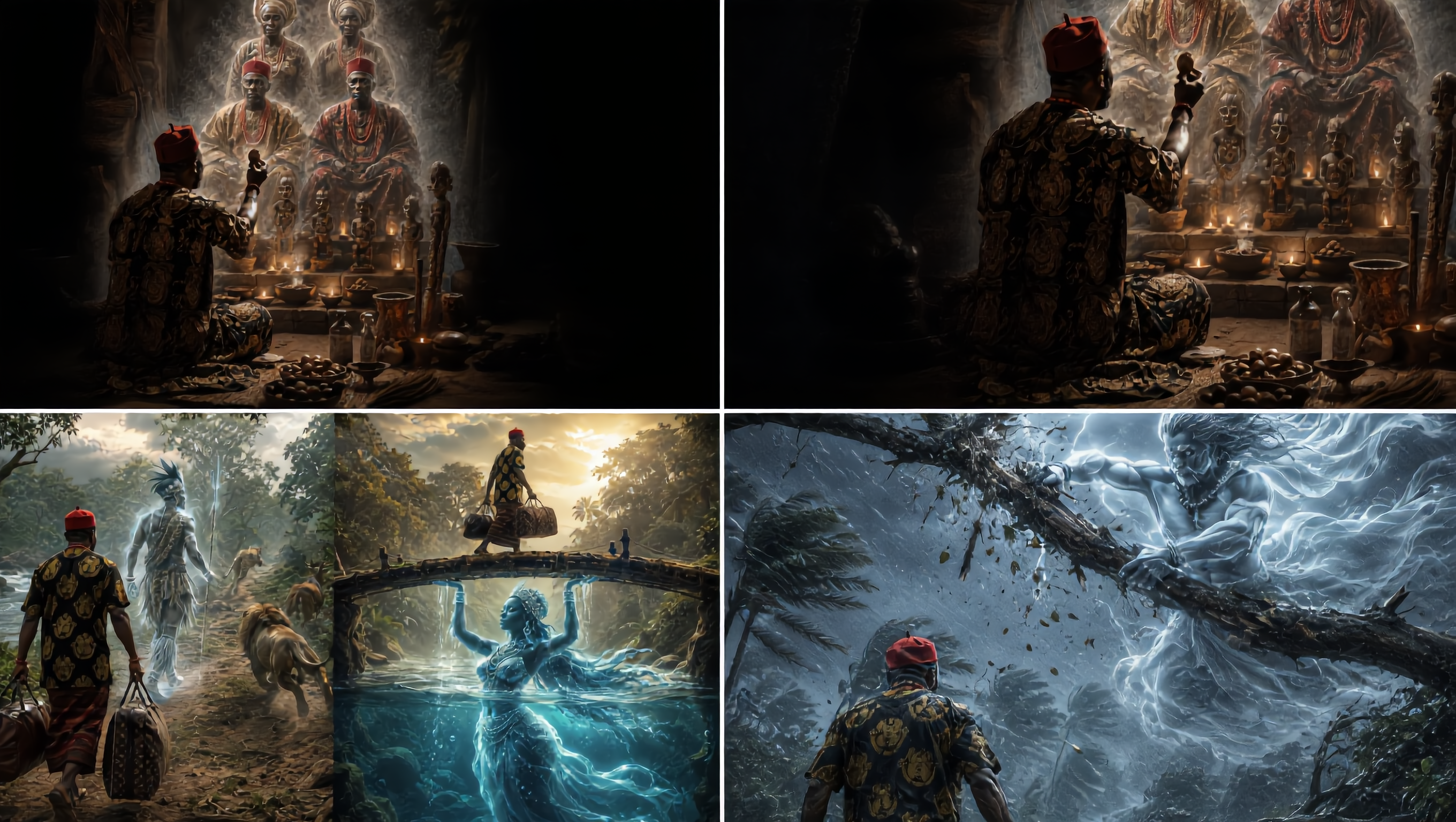
how to kirkify images - Holographic images & stoic images

Recommended

Kling AI work 311798182508810 - how to kirkify images AI video
uMVlfCJT avatar
uMVlfCJT
Kling AI work 316634003611325 - how to kirkify images AI image
sqmTsUCX avatar
sqmTsUCX
Kling AI work 311092459524148 - how to kirkify images AI video
TalD avatar
TalD
Kling AI work 311800963660172 - how to kirkify images AI video
uMVlfCJT avatar
uMVlfCJT
Kling AI work 311798613523997 - how to kirkify images AI video
uMVlfCJT avatar
uMVlfCJT
Kling AI work 309884819610785 - how to kirkify images AI image
Twi Light avatar
Twi Light
Kling AI work 316713826504874 - how to kirkify images AI image
KKACFqsu avatar
KKACFqsu
Kling AI work 311804179528000 - how to kirkify images AI video
uMVlfCJT avatar
uMVlfCJT
Kling AI work 312440414612659 - how to kirkify images AI video
uMVlfCJT avatar
uMVlfCJT
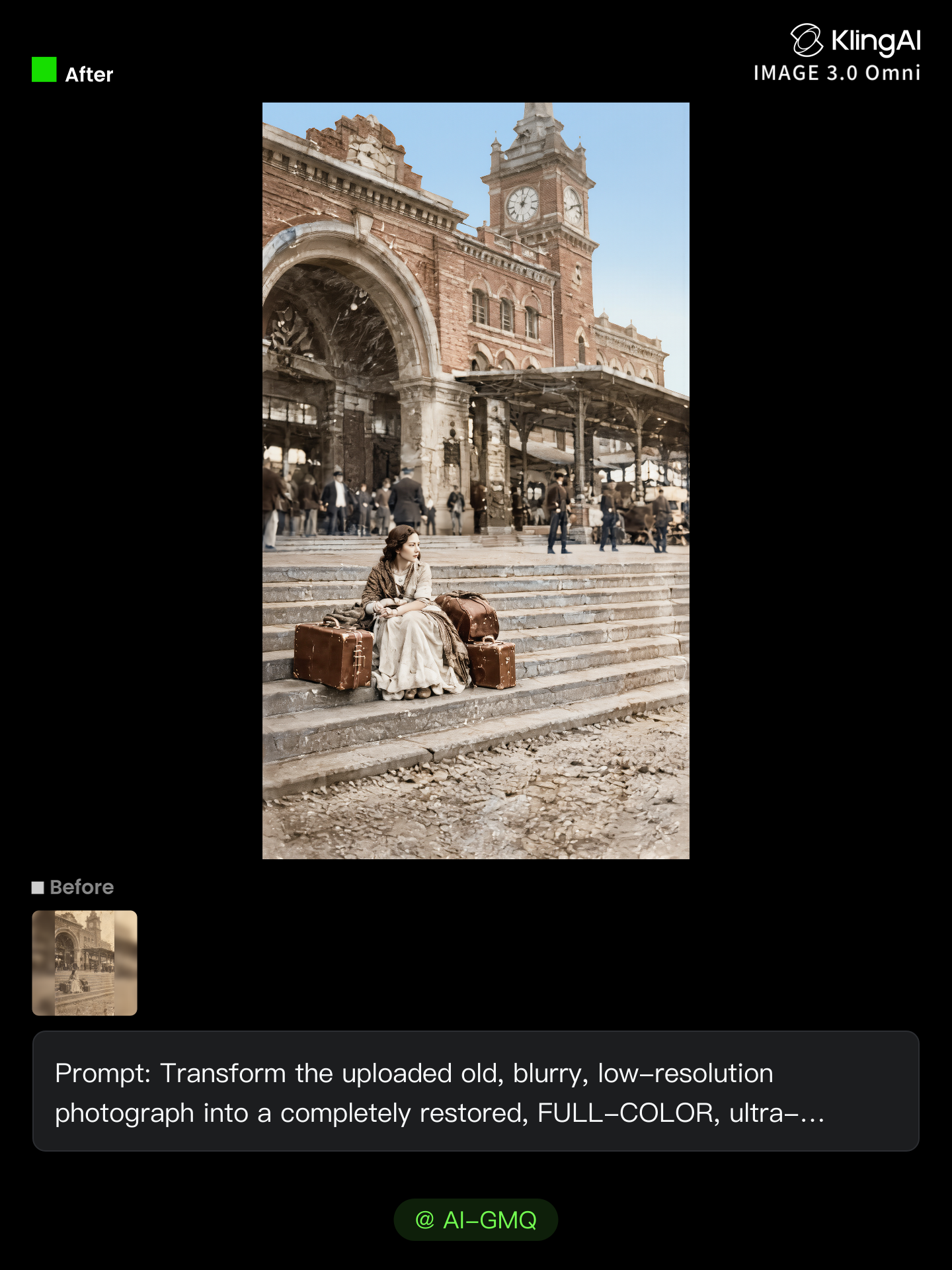
Restore Your blurry old images - how to kirkify images AI image
AI-GMQ avatar
AI-GMQ
Kling AI work 311776935665668 - how to kirkify images AI video
uMVlfCJT avatar
uMVlfCJT
Kling AI work 311785501618731 - how to kirkify images AI video
uMVlfCJT avatar
uMVlfCJT
https://kling.ai/app/omni/310220 - how to kirkify images AI video
Nhaa KIngWuKong27 avatar
Nhaa KIngWuKong27
Kling AI work 312231638662016 - how to kirkify images AI video
LJmNdMJN avatar
LJmNdMJN
Kling AI work 314234520610255 - how to kirkify images AI video
uMVlfCJT avatar
uMVlfCJT
Kling AI work 309198236614049 - how to kirkify images AI video
VMfJivch avatar
VMfJivch
Kling AI work 315255540523947 - how to kirkify images AI video
UUQXquFq avatar
UUQXquFq
Kling AI work 314136667508774 - how to kirkify images AI video
uMVlfCJT avatar
uMVlfCJT
Kling AI work 311783771611303 - how to kirkify images AI video
uMVlfCJT avatar
uMVlfCJT

How to Edit a Photo with Kling AI

Upload Your Photo

Upload Your Photo

Start with a clear photo. Add a reference image when you have a particular replacement, background, or style in mind.

Tell Kling What to Change

Tell Kling What to Change

Enter a clear text prompt, explaining what should change and what should stay the same. Kling applies the edit to the photo with AI directly, without layers or complex manual steps.

Review and Fine-Tune

Review and Fine-Tune

Check the result and the areas that matter most. When one detail needs more work, update the prompt for that area instead of starting over. Download the finished image and share it.

Why Kling Stands Out for Image-to-Video Creation

Realistic Motion, Up to 30s Cinematic Camera Work

Realistic Motion, Up to 30s Cinematic Camera Work

Kling 4.0 delivers more stable, physically convincing action in demanding scenes, from fast-paced fights to sports and large-scale movement. Stronger camera direction supports dynamic tracking, complex camera moves, and more coherent shot composition. With up to 30 seconds of native video generation, create longer takes and connected sequences with greater control over action, pacing, and camera movement.

More References, More Creative Control

More References, More Creative Control

Kling 4.0's Omni Reference supports up to 15 combined reference assets, including images, videos, and subjects. Combine character, scene, motion, and style references to guide different elements within the same generation. Up to 10 flexible keyframes give you additional control over composition, character actions, and scene progression. Experiment with different reference combinations and key moments without rebuilding your entire creative setup.

Recreate, Edit, and Explore New Possibilities

Recreate, Edit, and Explore New Possibilities

Kling 4.0 goes beyond generating new footage. It lets you reference existing videos to explore different characters, products, camera movements, and visual styles while retaining the original shot structure or motion as a guide. It also supports precise video editing, letting you target changes to subjects, backgrounds, actions, and camera angles. Rework existing scenes, try alternate versions, and develop new footage without starting from scratch.

Apps

Image to Video
Image to Video

Image to Video

Text to Video
Text to Video

Text to Video

Omni
Omni

Omni

Digital Human
Digital Human

Digital Human

Restyle
Restyle

Restyle

Text to Image
Text to Image

Text to Image

60M+
60M+
Users
600M+
600M+
AI Videos Generated
4.7 ★
4.7 ★
App Store
Industry-Leading
Industry-Leading
Cinematic 4K

Reviews

Halim Alrasihi

Halim Alrasihi

★★★★★

I use AI daily and Kling AI is a crucial part of my workflow, whether for client work or personal projects. What I love most about using Kling AI is that it provides all the tools I need in one place, from keyframes to character references, elements and special effects.

KakuDrop

KakuDrop

★★★★★

I have successfully collaborated with world-renowned artists and well-known companies that are recognized globally

James Phillips

James Phillips

★★★★★

Kling AI has transformed my workflow by collapsing timelines and democratizing production. It’s shifted my mindset from resource-dependent filmmaking to a boundless creative sandbox, where experimentation yields unexpected beauty.

FAQ

Q1Can I create images from reference photos?
Q2What is an AI image generator?
Q3Can I turn an image created with Kling AI into a video?

Your Next Visual Starts Here

Start with a sentence, a sketch, or a reference photo. Shape the composition, dial in the details, and keep iterating in Kling AI.

Free tier available | Text-to-image | Image-to-image | Fast generation