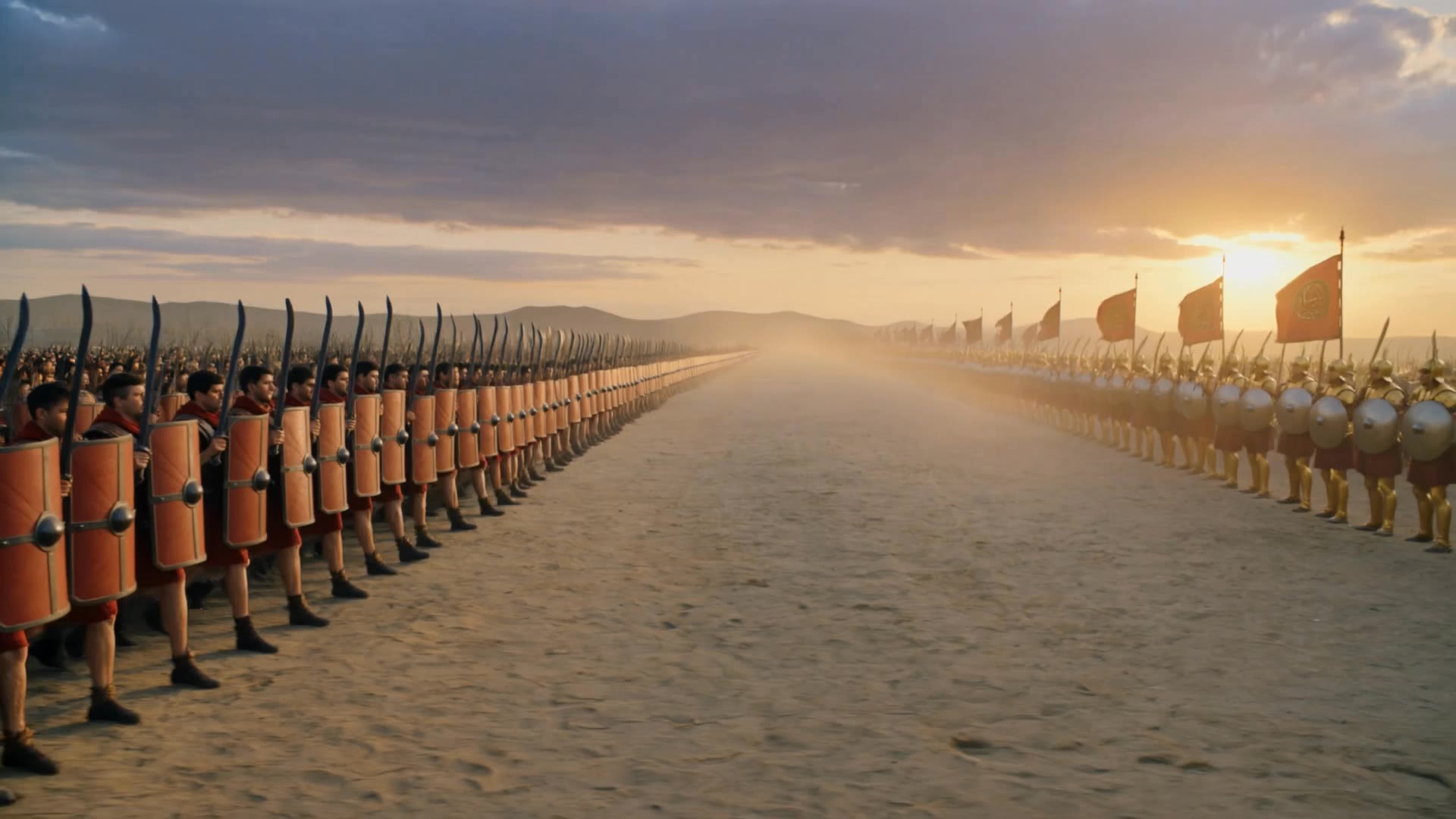

how to make ai history - World History Posters & Russian History

Uncover the charm of cute pet dances and delve into rich historical narratives spanning Russia, St. Petersburg, and significant world events. Start exploring how to make ai history ideas and generate your own content with AI.

how to make ai history - World History Posters & Russian History

Recommended

Kling AI work 319474335663753 - how to make ai history AI video
pZhnkrYv avatar
pZhnkrYv
history  - how to make ai history AI video
00:14
hQWwMSnr avatar
hQWwMSnr
History - how to make ai history AI video
01:03
RashadHuseyn avatar
RashadHuseyn
the true history  - how to make ai history AI video
01:50
udcrMeOj avatar
udcrMeOj
Kling AI work 314049678666883 - how to make ai history AI video
qfhQQsYn avatar
qfhQQsYn
Kling AI work 322928858658674 - how to make ai history AI video
IEpntLIq avatar
IEpntLIq
Kling AI work 896026408672571477 - how to make ai history AI video
00:05
VCpaekqr avatar
VCpaekqr
My first Video - how to make ai history AI video
PwmKZzry avatar
PwmKZzry
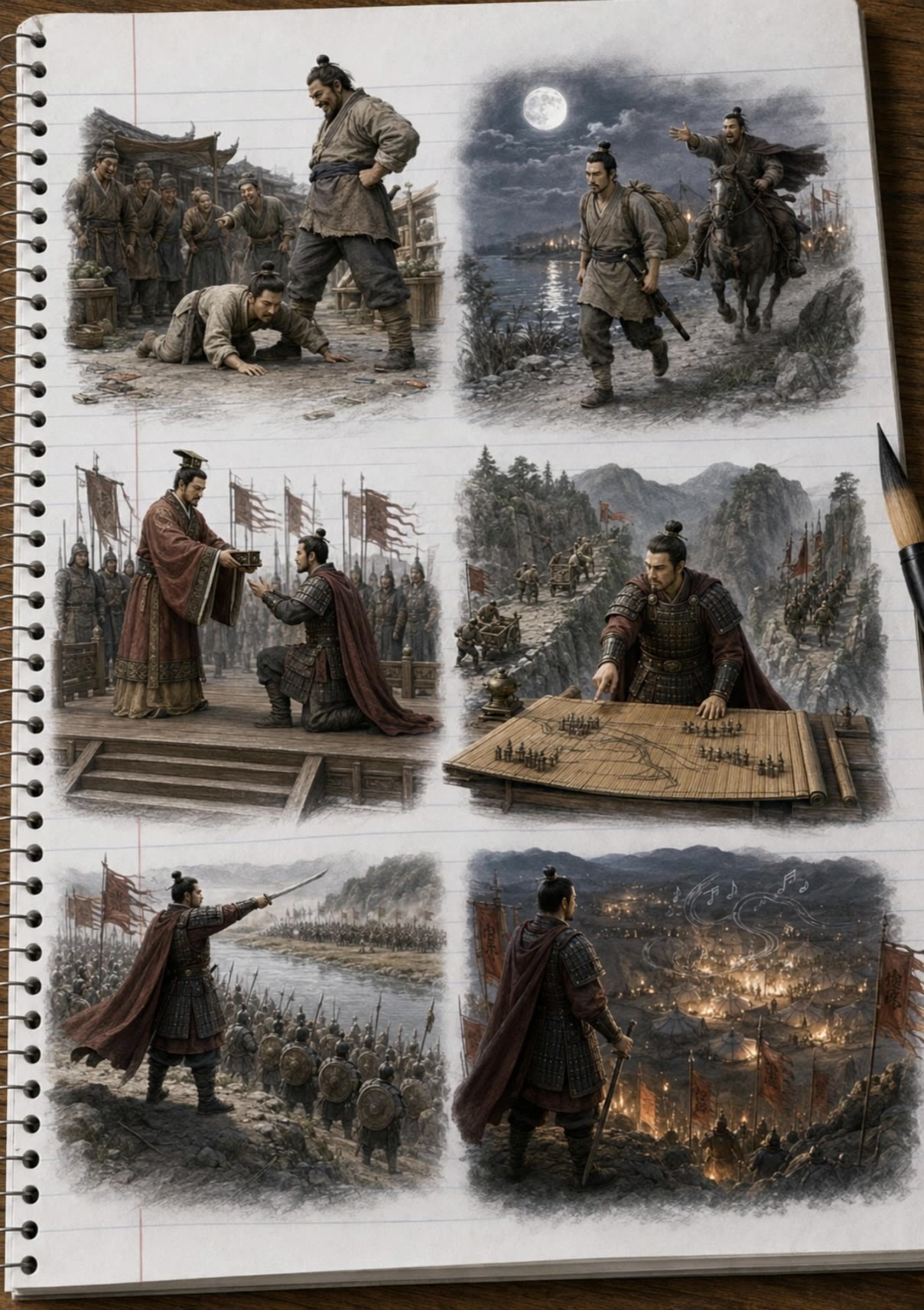
Han Xin — Six History Scenes - how to make ai history AI video
AiBite Studio avatar
AiBite Studio
Elite Creator
Vendo los derechos de la history - how to make ai history AI image
Juniorstart avatar
Juniorstart
Kling AI work 910071010538426381 - how to make ai history AI video
00:12
KLING JARVIS 2025 avatar
KLING JARVIS 2025
Kling AI work 311375227611730 - how to make ai history AI video
hBxSmtep avatar
hBxSmtep
History ✅ - how to make ai history AI video
daily creator avatar
daily creator
Kling AI work 316457276614823 - how to make ai history AI video
CuuQYdcL avatar
CuuQYdcL
Alternative unreal history - how to make ai history AI video
00:25
Bitudar avatar
Bitudar
Kling AI work 300778540655031 - how to make ai history AI image
EdostPgy avatar
EdostPgy
Kling AI work 317106794326299 - how to make ai history AI video
yotEAQgH avatar
yotEAQgH
Through the history - how to make ai history AI video
00:50
ERA-History avatar
ERA-History
Kling AI work 319885853666340 - how to make ai history AI image
bnwQwLRN avatar
bnwQwLRN

How to Make Cinematic AI Videos with Kling AI

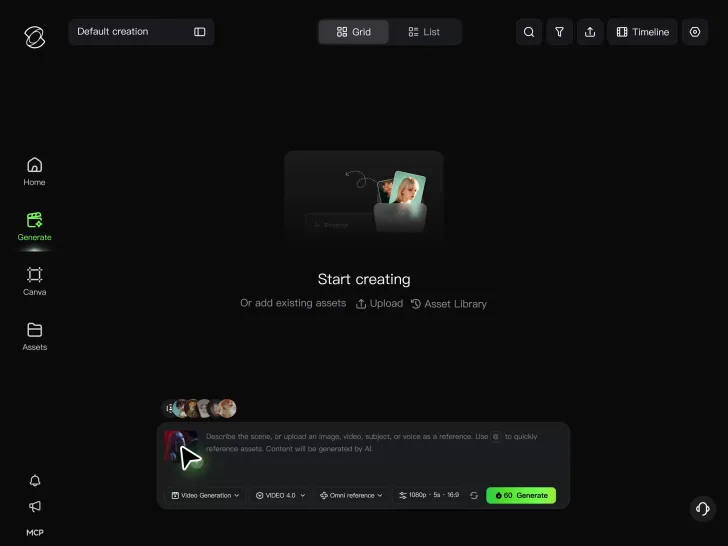
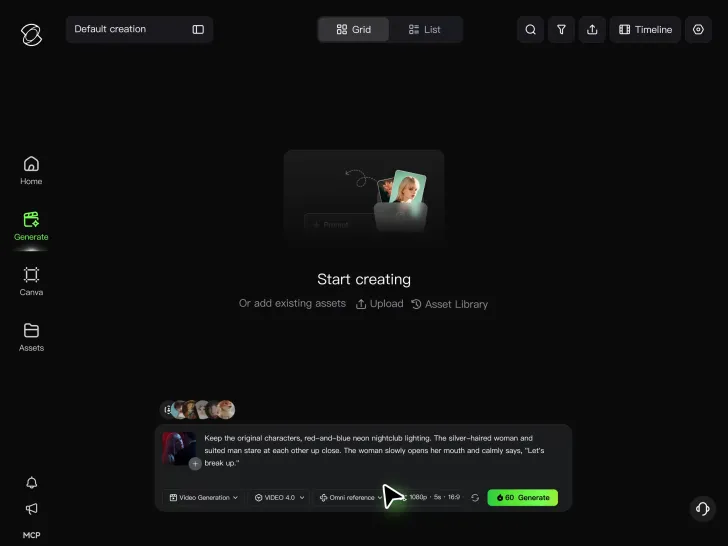
Upload or Describe Your Vision

Upload or Describe Your Vision

With Kling 4.0's Omni Reference, you can write a prompt and add up to 15 combined reference assets to guide your video creation, including images, videos and subject references.

Describe the Action and Sound

Describe the Action and Sound

Set the scene, camera movement, and any dialogue or sound you want. Kling 4.0 supports dialogue in 9 languages.

Generate and Download

Generate and Download

Choose your aspect ratio and video duration, up to 30 seconds per generation with the Kling 4.0. Click Generate, preview your video, and download the result.

How Kling AI Sets the Standard for AI Video Creation

Realistic Motion from a Still Image

Realistic Motion from a Still Image

Animate portraits, artwork, and action images with natural character movement and physical interactions. Kling 4.0's dynamic motions improves stability during large movements, fast action, and complex scenes. From subtle facial expressions to sports and fight choreography, create motion that develops naturally from your image while keeping the subject and surrounding scene visually coherent.

Direct the Camera and Every Key Moment

Direct the Camera and Every Key Moment

A single image can lead to a tracking shot, camera orbit, close-up, or wider scene. Kling 4.0 offers stronger camera control, with native video generation up to 30 seconds for longer movements and connected action. Start and end frames help guide a transition, while up to 10 flexible keyframes let you define additional compositions, character poses, and scene changes as the video develops.

Combine References, Keep the Look

Combine References, Keep the Look

Keep recognizable characters, products, and visual styles as your images begin to move. Kling 4.0's Omni Reference supports up to 15 combined assets, including images, videos, and subjects, to guide appearance, actions, camera work, and settings. Use multiple views of a character or product alongside style and motion references. Stronger visual consistency helps preserve familiar details across new shots, with realistic textures.

Apps

Image to Video
Image to Video

Image to Video

Text to Video
Text to Video

Text to Video

Omni
Omni

Omni

Digital Human
Digital Human

Digital Human

Restyle
Restyle

Restyle

Text to Image
Text to Image

Text to Image

60M+
60M+
Users
600M+
600M+
AI Videos Generated
4.7 ★
4.7 ★
App Store
Industry-Leading
Industry-Leading
Cinematic 4K

Reviews

Huang Lu (Elson)

Huang Lu (Elson)

★★★★★

I’ve been using Kling AI since its initial release, and it’s remained one of the leading AI media generators ever since. With Kling AI, I’ve created hundreds of videos, collectively amassing millions of views.

Vincent Smadja

Vincent Smadja

★★★★★

Kling AI seamlessly integrates into my creative workflow, playing a key role in transforming my images. After generating and upscaling an image, Kling becomes a crucial element, bringing my creations to life with movement and depth.

Halim Alrasihi

Halim Alrasihi

★★★★★

I use AI daily and Kling AI is a crucial part of my workflow, whether for client work or personal projects. What I love most about using Kling AI is that it provides all the tools I need in one place, from keyframes to character references, elements and special effects.

FAQ

Q1Can I remove or replace part of a photo?
Q2Can I add color to a black-and-white photo?
Q3Is Kling AI a free AI photo editor online?

Take Your Photo in a New Direction

Start with the image you have and rework it for the look, message, or moment you have in mind.

Object removal | Background changes | Portrait retouching | Photo restyling