
Creative Studio
API
Resources
Features
About Us
Download

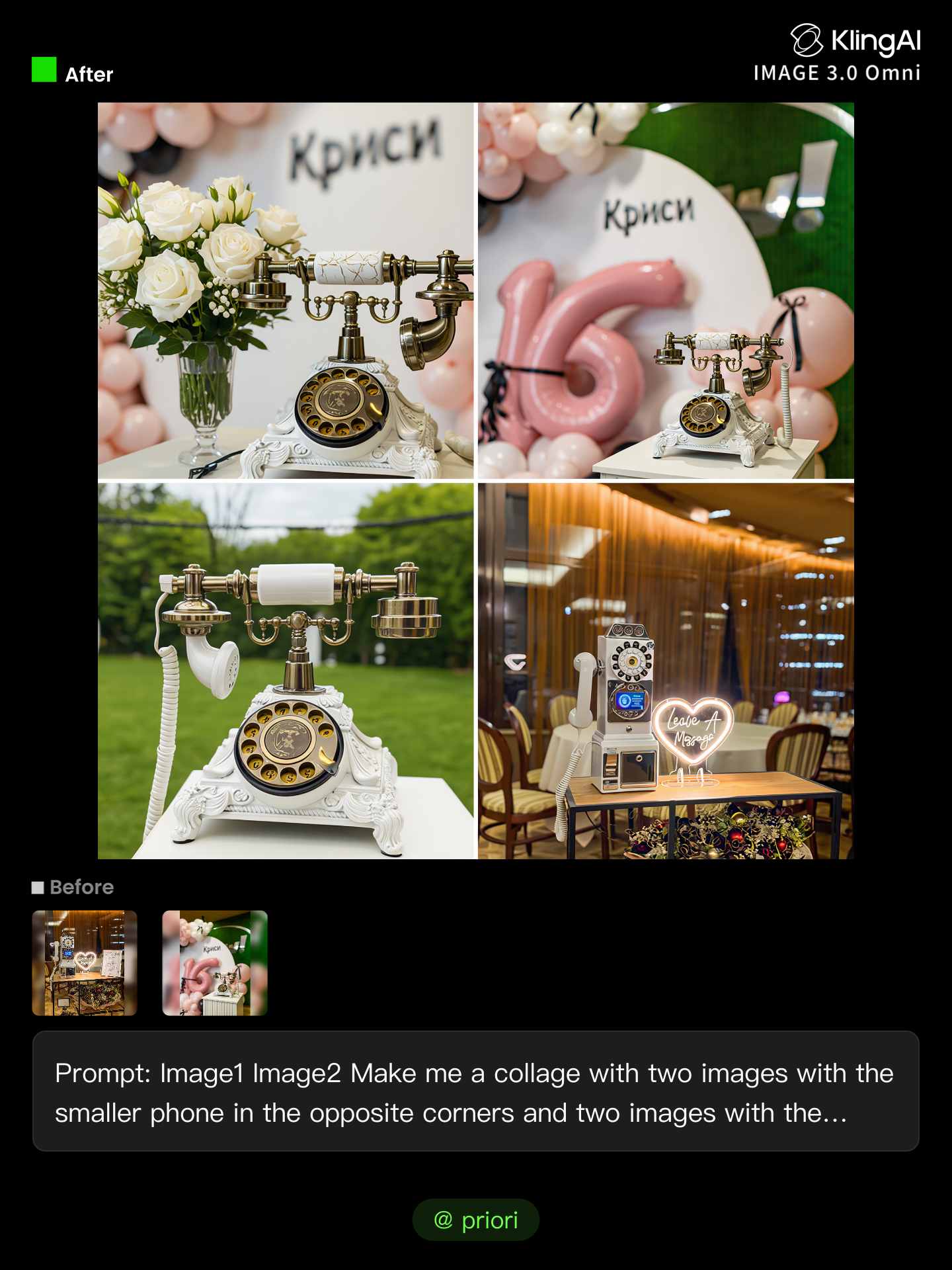
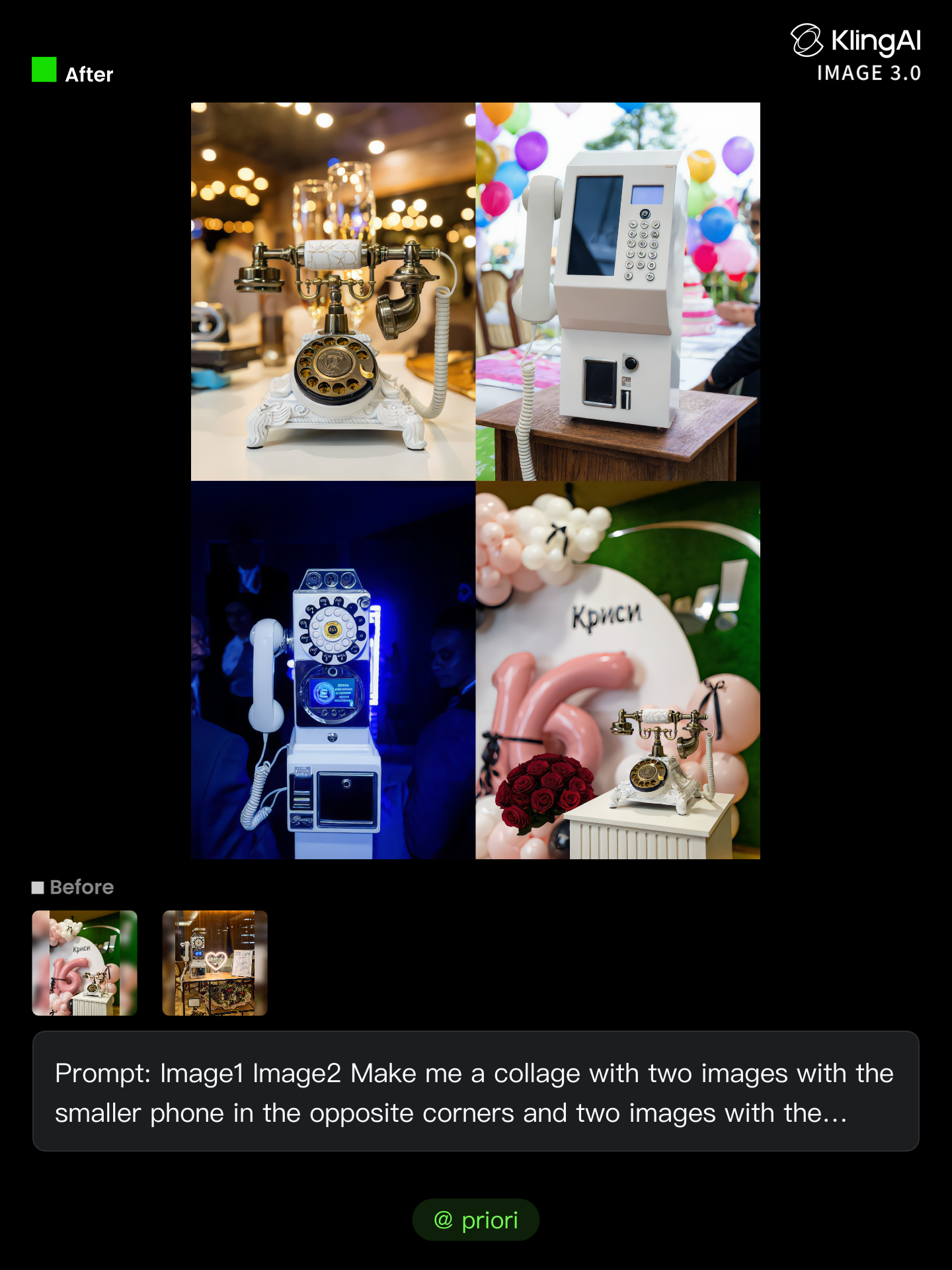
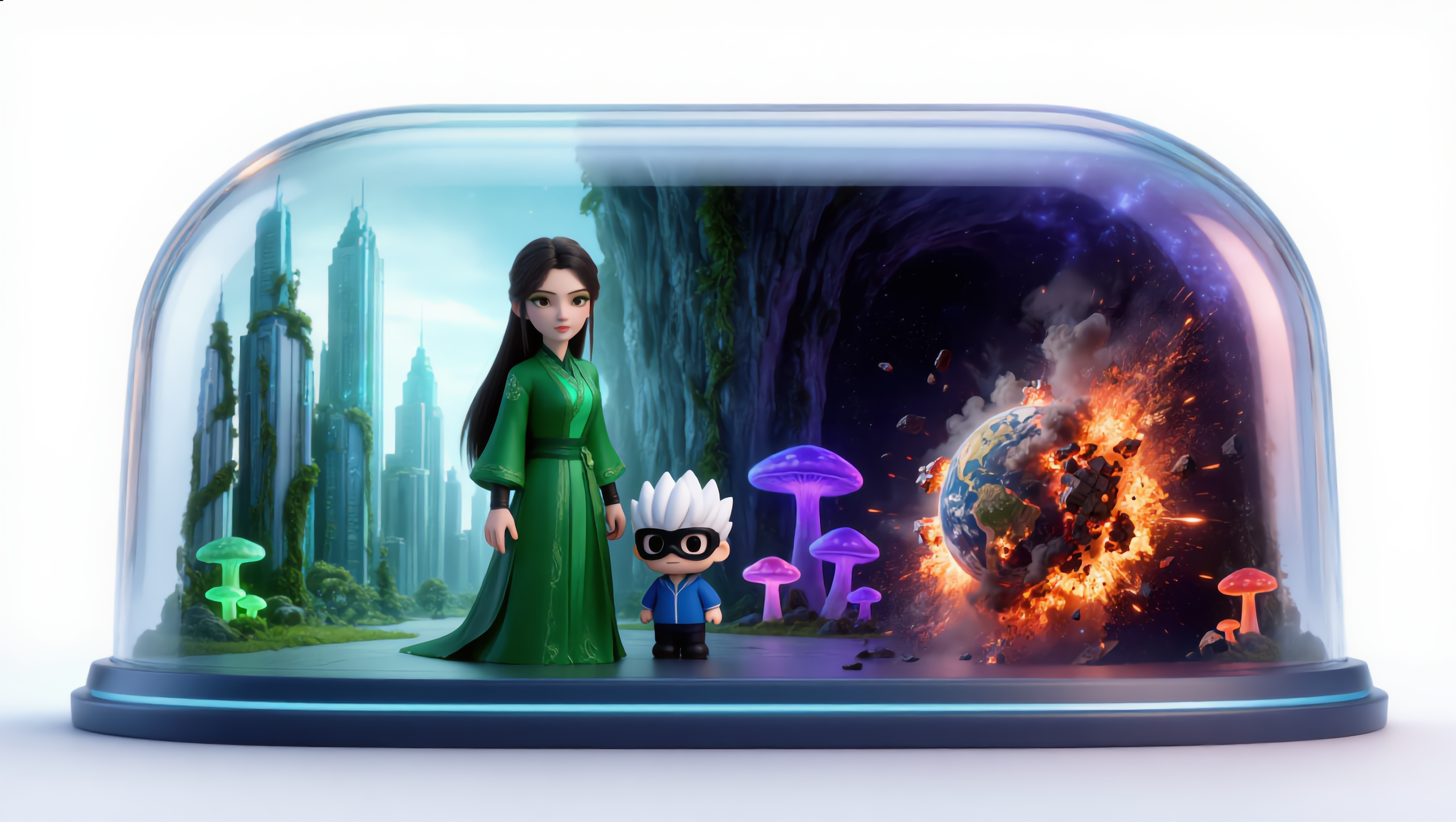
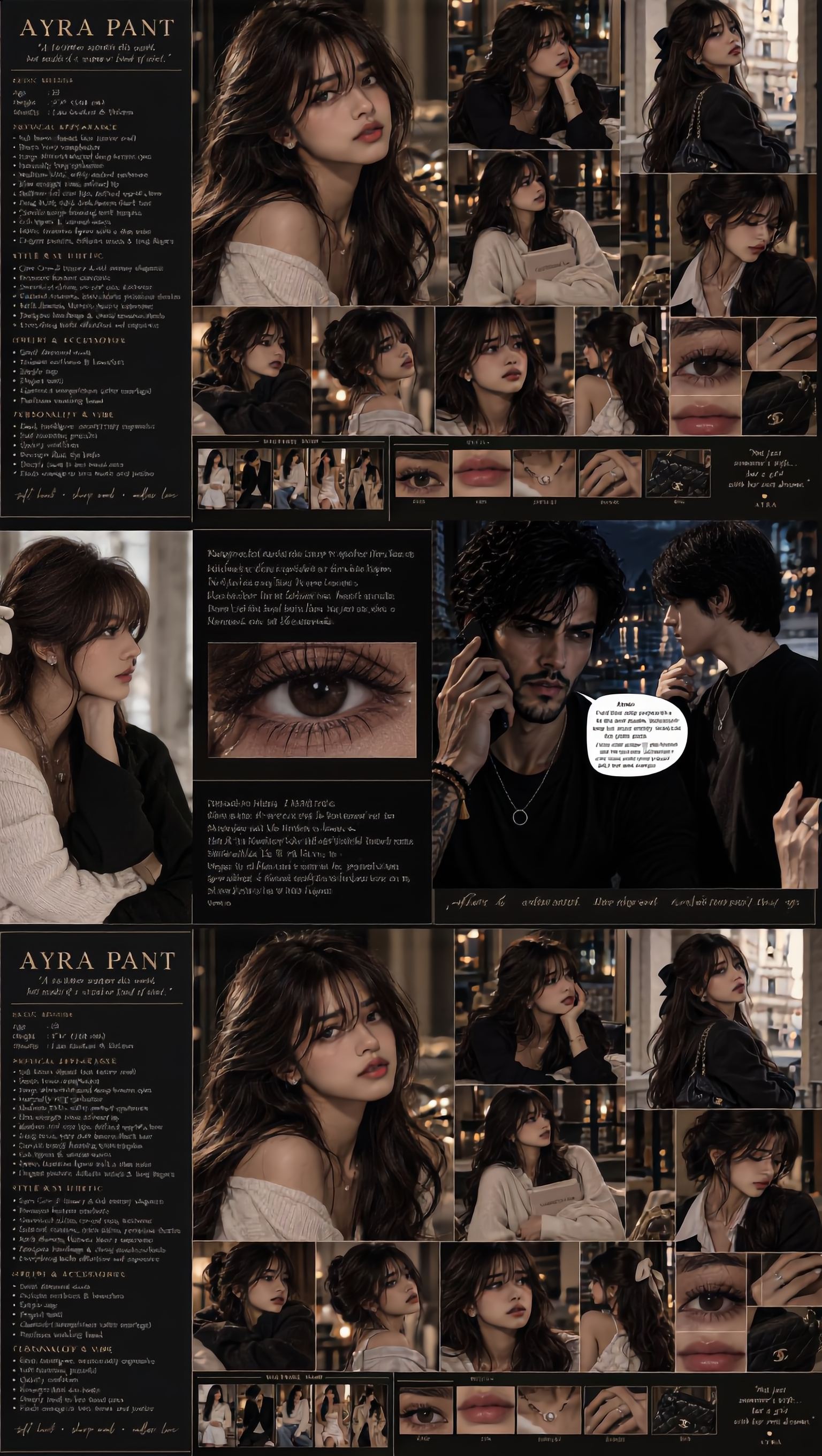
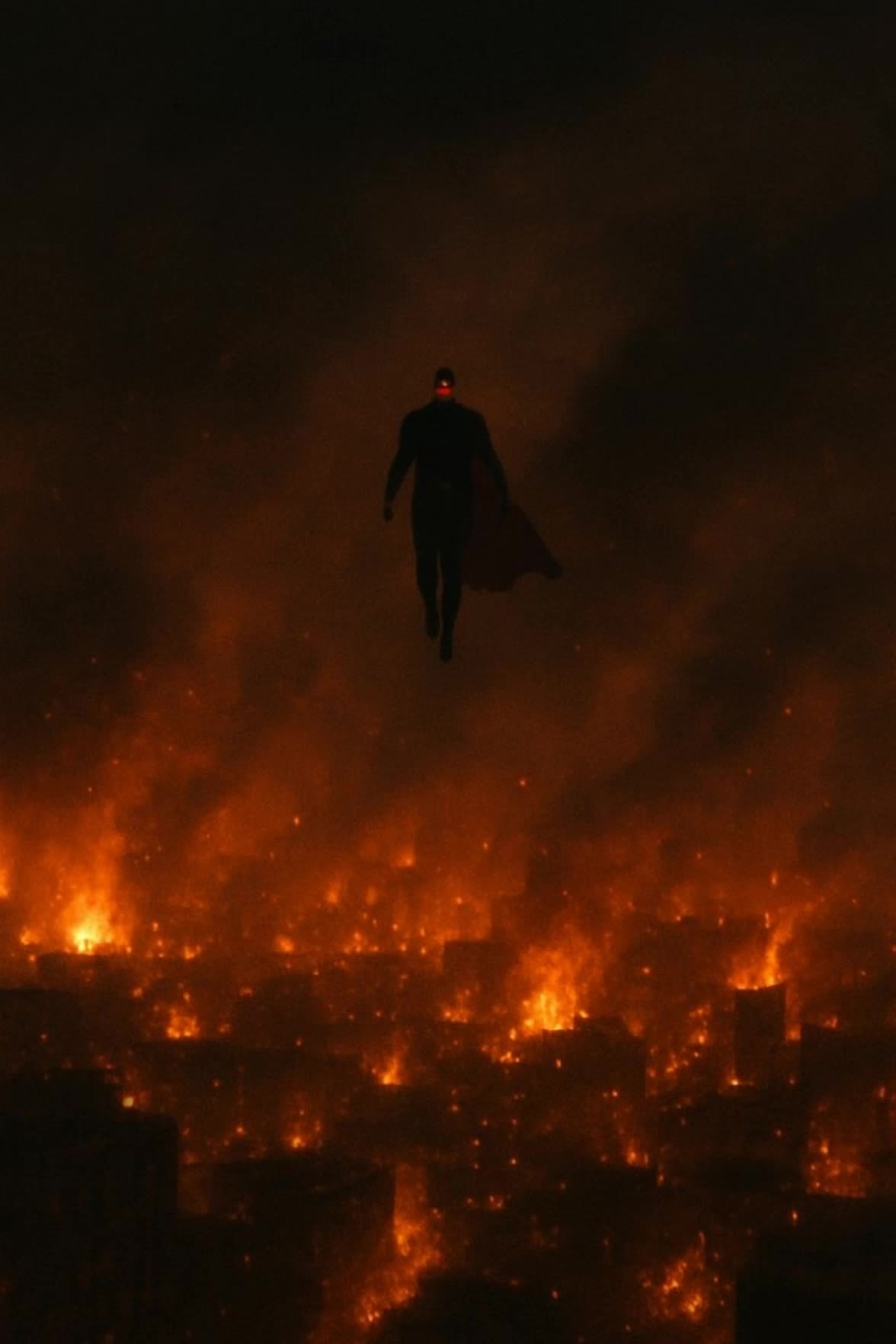
how to put two images together - cat images & timelapse

Learn unique techniques for merging holographic images and creating ultra-realistic timelapses. Combine diverse visuals like contemporary buildings and stoic portraits with precision. Start exploring how to put two images together ideas and generate your own content with AI.

how to put two images together - cat images & timelapse

Recommended

Kling AI work 309557005611526 - how to put two images together AI image
lHFuUyyF avatar
lHFuUyyF
Kling AI work 310843056526500 - how to put two images together AI video
xAQebvLZ avatar
xAQebvLZ
Restore Your blurry old images - how to put two images together AI image
AI-GMQ avatar
AI-GMQ
Kling AI work 312440414612659 - how to put two images together AI video
uMVlfCJT avatar
uMVlfCJT
Kling AI work 311796627668118 - how to put two images together AI video
uMVlfCJT avatar
uMVlfCJT
Kling AI work 311820052500941 - how to put two images together AI video
uMVlfCJT avatar
uMVlfCJT
Kling AI work 310411586662275 - how to put two images together AI video
XSVFGxoo avatar
XSVFGxoo
Kling AI work 311148081667920 - how to put two images together AI video
uMVlfCJT avatar
uMVlfCJT
Kling AI work 309157586663621 - how to put two images together AI image
ALJR00 avatar
ALJR00
Kling AI work 310845737506858 - how to put two images together AI video
xAQebvLZ avatar
xAQebvLZ
Kling AI work 312966237614634 - how to put two images together AI video
uMVlfCJT avatar
uMVlfCJT
Kling AI work 308883444618617 - how to put two images together AI video
uMVlfCJT avatar
uMVlfCJT
Kling AI work 311798613523997 - how to put two images together AI video
uMVlfCJT avatar
uMVlfCJT
Kling AI work 312436737520566 - how to put two images together AI video
uMVlfCJT avatar
uMVlfCJT
Use two reference images as two - how to put two images together AI video
zxWWsooe avatar
zxWWsooe
Monster Dunk - how to put two images together AI video
LKsQItwS avatar
LKsQItwS
Kling AI work 311810632617732 - how to put two images together AI video
uMVlfCJT avatar
uMVlfCJT
Kling AI work 311806754613301 - how to put two images together AI video
uMVlfCJT avatar
uMVlfCJT
Kling AI work 311372799521861 - how to put two images together AI video
uMVlfCJT avatar
uMVlfCJT

How to Edit a Photo with Kling AI

Upload Your Photo

Upload Your Photo

Start with a clear photo. Add a reference image when you have a particular replacement, background, or style in mind.

Tell Kling What to Change

Tell Kling What to Change

Enter a clear text prompt, explaining what should change and what should stay the same. Kling applies the edit to the photo with AI directly, without layers or complex manual steps.

Review and Fine-Tune

Review and Fine-Tune

Check the result and the areas that matter most. When one detail needs more work, update the prompt for that area instead of starting over. Download the finished image and share it.

Why Kling Sets the Standard for Video Creation

Flawless Character Consistency

Flawless Character Consistency

Unlike standard tools that distort faces when moving, Kling Video 3.0 lets you strictly lock a character’s appearance. Upload a single photo, or use a short video/multiple angles as a reference to completely eliminate the “AI morphing” effect.

Native Audio & Perfect Lip-Sync

Native Audio & Perfect Lip-Sync

Your image doesn’t just move; it speaks. Generate perfectly matched voices and realistic lip movements in multiple languages or regional accents. Even in multi-character scenes, you can precisely assign who speaks—no third-party tools required.

15s Duration & Motion Control

15s Duration & Motion Control

Go beyond simple loops with up to 15 seconds of smooth narrative. Use advanced Motion Control to direct camera pans, tilts, and zooms, or define exact transitions with start and end frame references.

Apps

Image to Video
Image to Video

Image to Video

Text to Video
Text to Video

Text to Video

Omni
Omni

Omni

Digital Human
Digital Human

Digital Human

Restyle
Restyle

Restyle

Text to Image
Text to Image

Text to Image

60M+
60M+
Users
600M+
600M+
AI Videos Generated
4.7 ★
4.7 ★
App Store
Industry-Leading
Industry-Leading
Cinematic 4K

Reviews

Samuele Poggi (@visualsk2)

Samuele Poggi (@visualsk2)

★★★★★

I use Kling AI daily to push the limits of AI filmmaking. It allows me to create highly cinematic content, blending AI and VFX to develop innovative projects. It has significantly impacted my creative process, enabling me to achieve complex animations that would otherwise require high production budgets.

Déborah

Déborah

★★★★★

I use Kling AI every day. It's amazing to see the almost daily progress it makes. I used AI for fun at first, and I now find that Kling AI's animations allow me to gain professional visibility, with three times more views on my animated posts than on my static posts.

Halim Alrasihi

Halim Alrasihi

★★★★★

I use AI daily and Kling AI is a crucial part of my workflow, whether for client work or personal projects. What I love most about using Kling AI is that it provides all the tools I need in one place, from keyframes to character references, elements and special effects.

FAQ

Q1What is an AI image generator?
Q2Can I turn an image created with Kling AI into a video?
Q3Can Kling AI keep characters consistent across multiple images?

Your Next Visual Starts Here

Start with a sentence, a sketch, or a reference photo. Shape the composition, dial in the details, and keep iterating in Kling AI.

Free tier available | Text-to-image | Image-to-image | Fast generation