Creative Studio
API
Resources
Features
About Us
Download

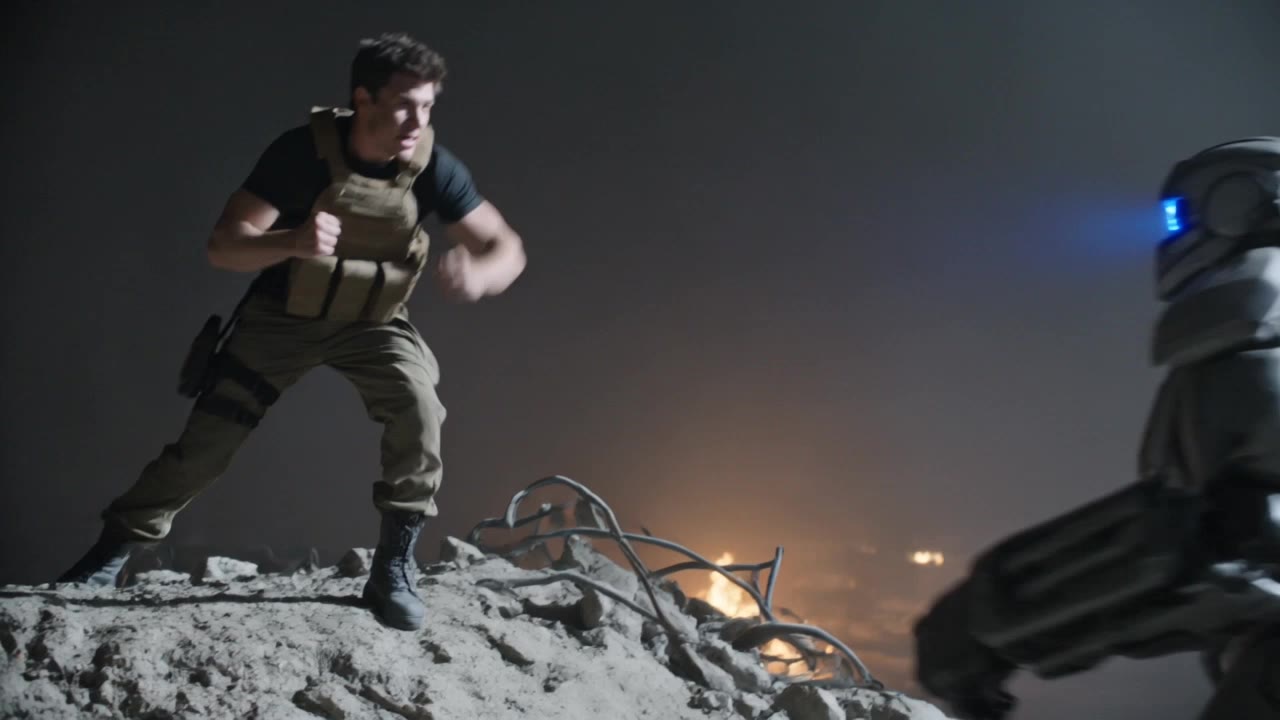
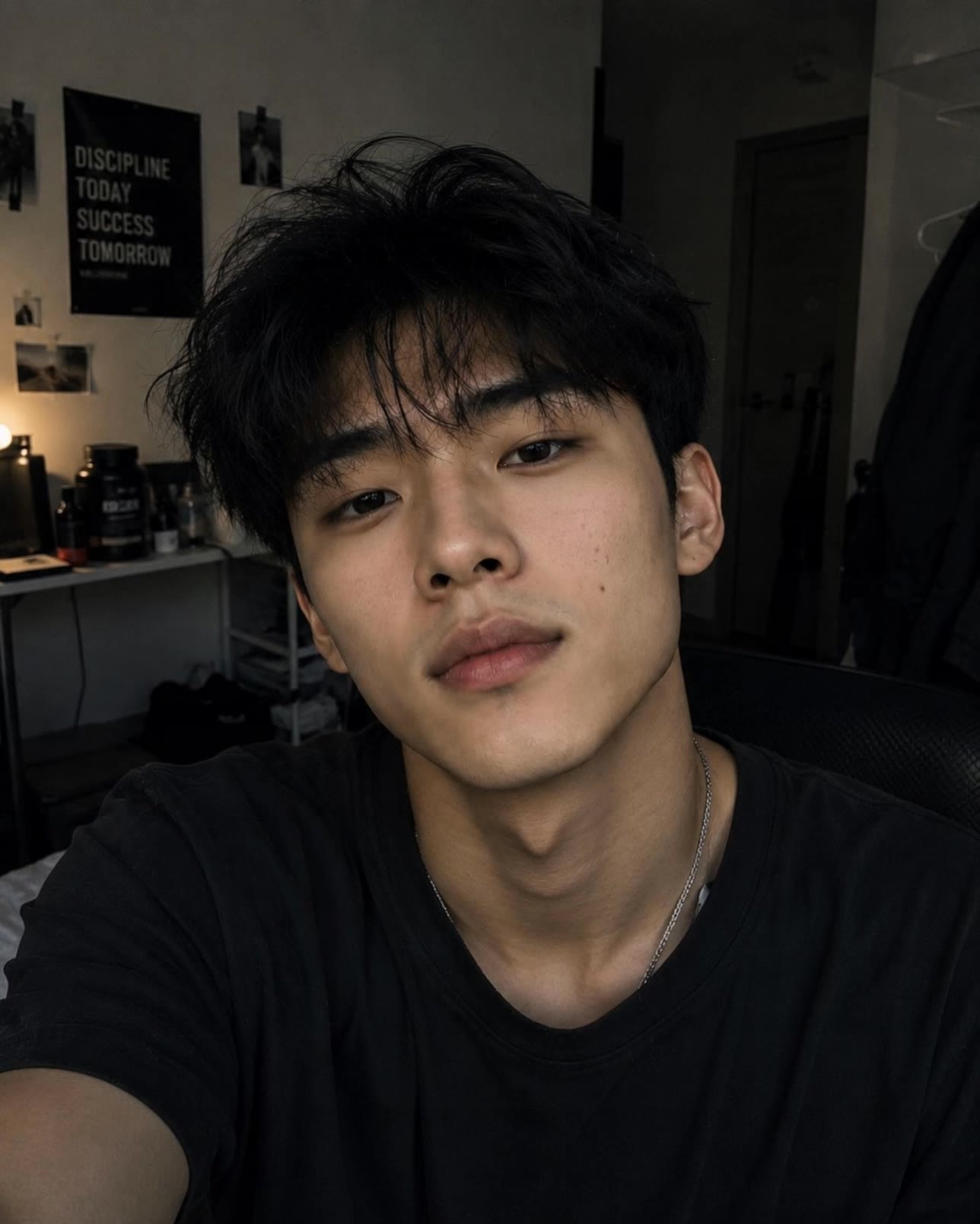
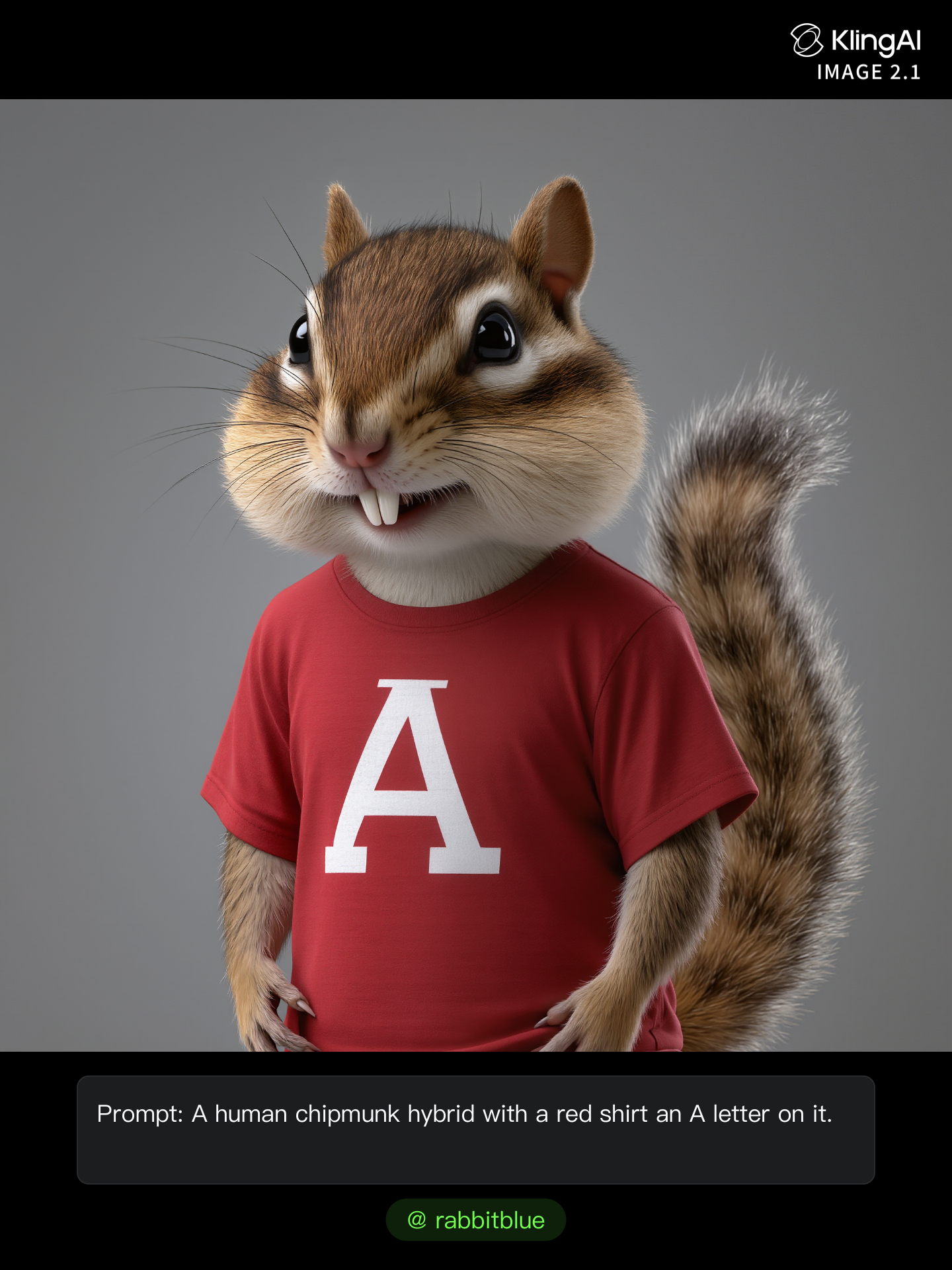
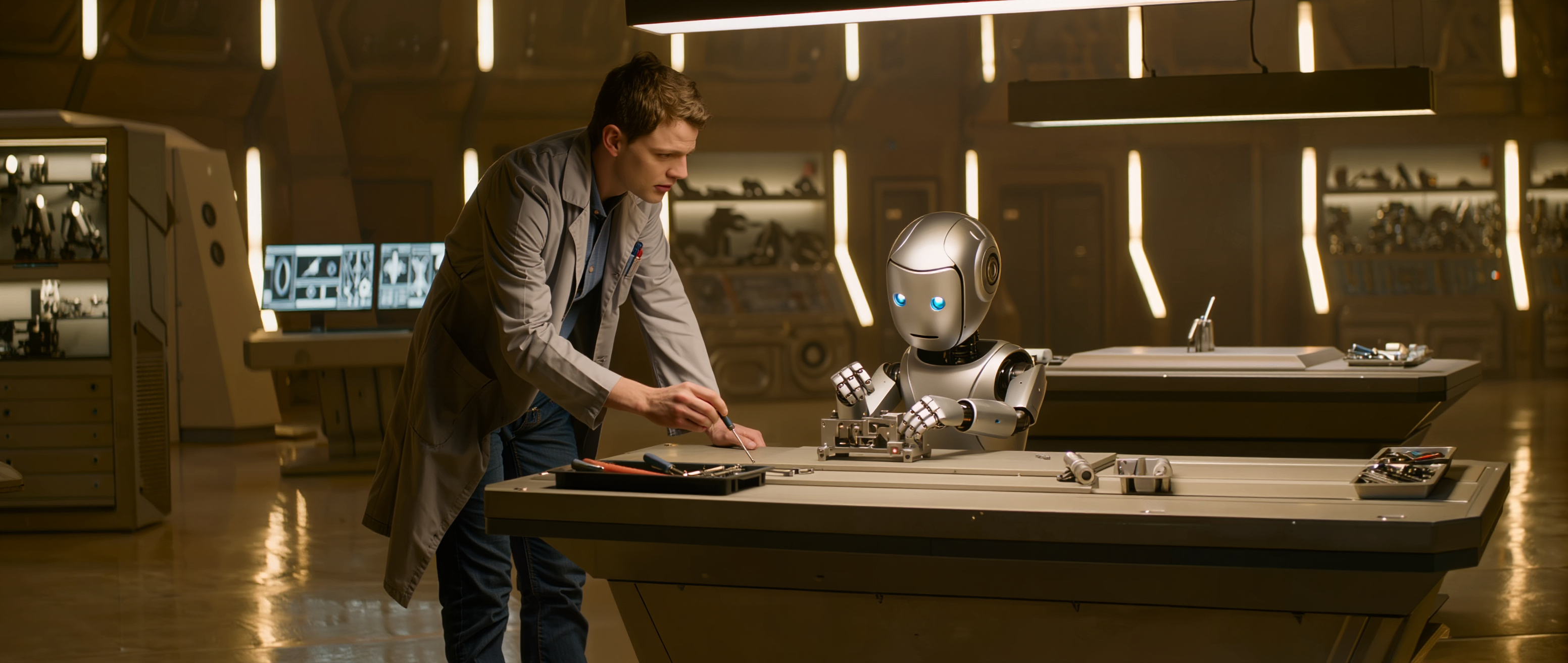
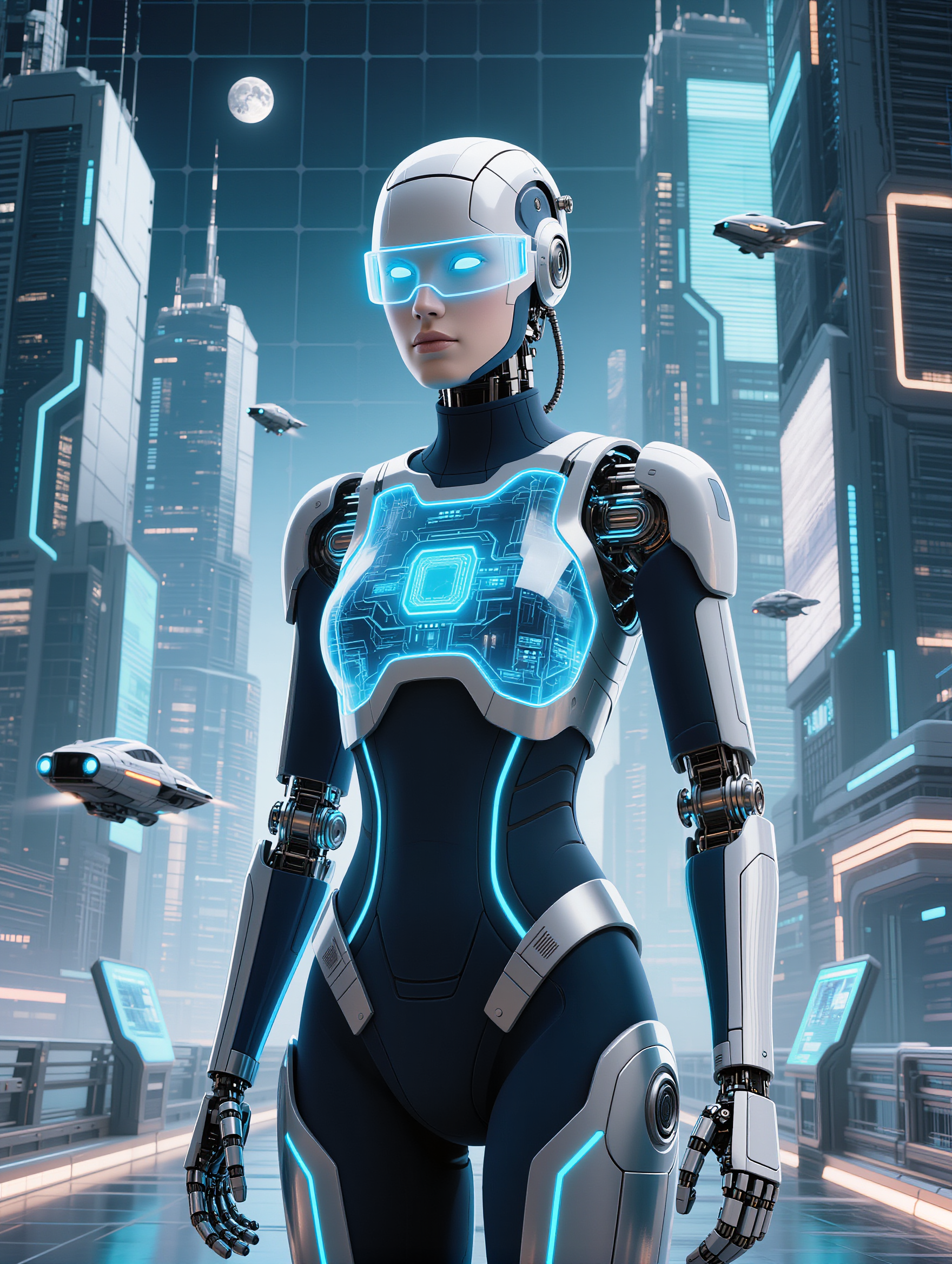
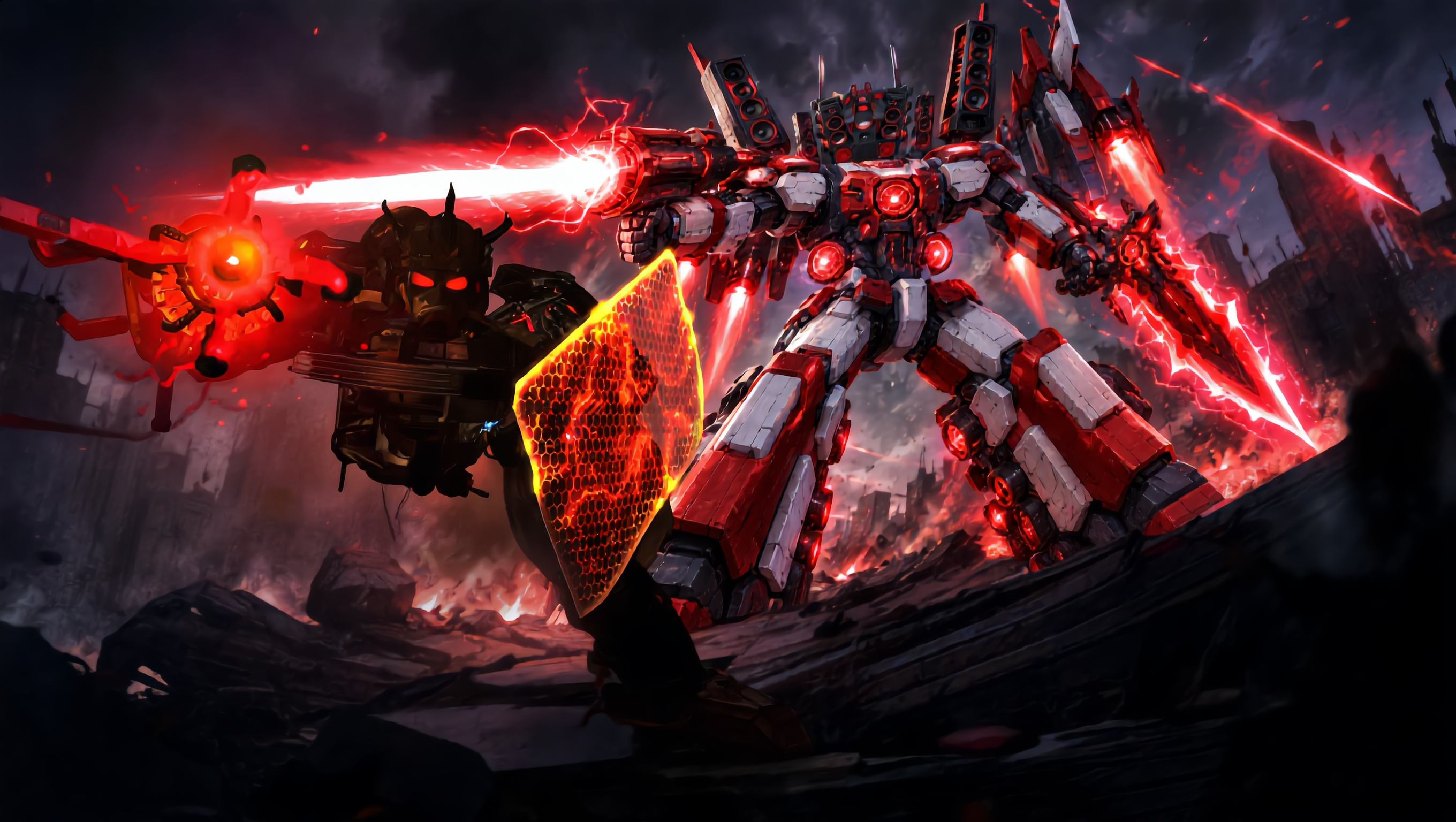
human v4 - anatomical details & human-robot interaction

Unveil the intricate details of hyperrealistic human visuals and the fusion of human and robot themes. Start exploring human v4 ideas and generate your own content with AI.

human v4 - anatomical details & human-robot interaction

Recommended

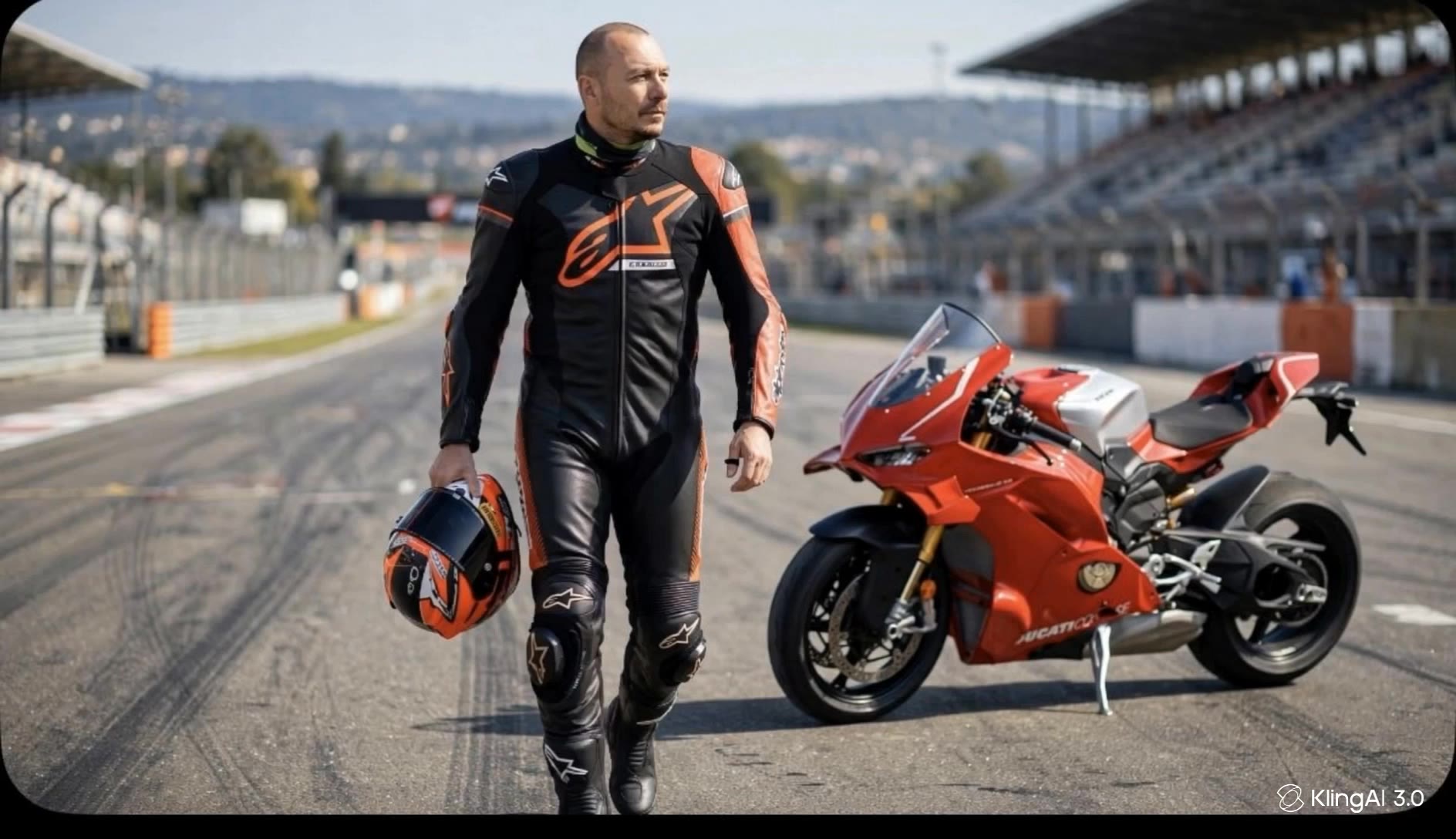
Ducati repair - human v4 AI video
Nandi avatar
Nandi
Kling AI work 320945547502759 - human v4 AI video
SHOWMALL avatar
SHOWMALL
skeletal render of a human - human v4 AI video
Ghiuri avatar
Ghiuri
Kling AI work 315604940527261 - human v4 AI video
ebeXCMQZ avatar
ebeXCMQZ
Ducati Panigale - human v4 AI video
cKTXScjT avatar
cKTXScjT
Tommy and his Panigale V4 R - human v4 AI video
MAIxeCIr avatar
MAIxeCIr
Kling AI work 302513373611246 - human v4 AI video
Jay mthrfckn Nate avatar
Jay mthrfckn Nate
Kling AI work 315760466663849 - human v4 AI video
RrgfEAep avatar
RrgfEAep
Kling AI work 299525244528936 - human v4 AI video
calidef avatar
calidef
Half human, half cow - human v4 AI video
il.file.di.arianna avatar
il.file.di.arianna
Elite Creator
Kling AI work 302513012614680 - human v4 AI video
Jay mthrfckn Nate avatar
Jay mthrfckn Nate
Kling AI work 317127377507653 - human v4 AI video
GNugqqYP avatar
GNugqqYP
Kling AI work 299526003505216 - human v4 AI video
calidef avatar
calidef
Kling AI work 302515808536914 - human v4 AI video
Jhon Athan Eyy avatar
Jhon Athan Eyy
Kling AI work 315604921616484 - human v4 AI video
ebeXCMQZ avatar
ebeXCMQZ
Kling AI work 299526204508568 - human v4 AI video
calidef avatar
calidef
Kling AI work 317405164665211 - human v4 AI video
vVXYemkH avatar
vVXYemkH
Kling AI work 299120475611666 - human v4 AI image
lula the pretty girl avatar
lula the pretty girl
virtual human 01 - human v4 AI video
EeHyGQUW avatar
EeHyGQUW

How to Create Images with Kling AI

Write Down You Ideas

Write Down You Ideas

Open the AI Image Generator and choose the model that fits your project. Describe the subject and scene, then add details such as lighting, color, and visual style to shape the result.

Add References Or Not

Add References Or Not

Upload reference images for a character, product, composition, or style. References are optional, but they give Kling AI a clearer visual foundation when specific features, colors, or design details need to carry into the final image.

Generate Your Image

Generate Your Image

Choose your preferred format and output settings, then hit Generate. Once the result is ready, download it directly or open it in the image-to-video workflow to bring it to life with motion.

Why Kling Sets the Standard for Video Creation

Flawless Character Consistency for High-Quality Videos

Flawless Character Consistency for High-Quality Videos

Unlike standard tools that distort faces when moving, Kling Video 3.0 lets you strictly lock a character’s appearance. Upload a single photo, or use a short video/multiple angles as a reference to completely eliminate the “AI morphing” effect.

All-in-One Native Audio & Lip-Sync

All-in-One Native Audio & Lip-Sync

Your video isn’t just silent footage; it speaks. Generate perfectly matched voices and realistic lip movements in multiple languages or regional accents. Even in multi-character scenes, you can precisely assign who speaks—no third-party tools required.

Up to 15s Multi-Shot Cinematic Output

Up to 15s Multi-Shot Cinematic Output

Go beyond a basic 3-second clip. Kling 3.0 extends generation to 15 seconds of smooth, uninterrupted narrative. You can even use native storyboard controls to direct multi-shot sequences in a single click—outputting in crystal-clear 4K for professional use.

Apps

Image to Video
Image to Video

Image to Video

Text to Video
Text to Video

Text to Video

Omni
Omni

Omni

Digital Human
Digital Human

Digital Human

Restyle
Restyle

Restyle

Text to Image
Text to Image

Text to Image

60M+
60M+
Users
600M+
600M+
AI Videos Generated
4.7 ★
4.7 ★
App Store
Industry-Leading
Industry-Leading
Cinematic 4K

Reviews

Vincent Smadja

Vincent Smadja

★★★★★

Kling AI seamlessly integrates into my creative workflow, playing a key role in transforming my images. After generating and upscaling an image, Kling becomes a crucial element, bringing my creations to life with movement and depth.

James Phillips

James Phillips

★★★★★

Kling AI has transformed my workflow by collapsing timelines and democratizing production. It’s shifted my mindset from resource-dependent filmmaking to a boundless creative sandbox, where experimentation yields unexpected beauty.

Déborah

Déborah

★★★★★

I use Kling AI every day. It's amazing to see the almost daily progress it makes. I used AI for fun at first, and I now find that Kling AI's animations allow me to gain professional visibility, with three times more views on my animated posts than on my static posts.

FAQ

Q1Can I generate 4K videos from an image?
Q2Can I use these generated videos for my e-commerce store or social media ads?
Q3Is this image to video AI free to use?

Start Creating AI Videos with Kling

Turn your image into a talking, high-quality video in seconds. No watermarks, no complicated setup.

Free tier available (Memberships are watermark-free) | 1080p export (Memberships unlock 4K) | Instant results