Creative Studio
API
Resources
Features
About Us
Download

i image generator - romantic aesthetics & dreamlike surreal visuals

Transform scenes into romantic aesthetics with photorealistic quality or dive into dreamlike, surreal visuals featuring godlike K-pop idols in superhero suits. Start exploring i image generator ideas and generate your own content with AI.

i image generator - romantic aesthetics & dreamlike surreal visuals

Recommended

Kling AI work 309073593616374 - i image generator AI image
yLIXScPO avatar
yLIXScPO
Kling AI work 296356195526786 - i image generator AI image
ℹ️MissKAKADU🌼 avatar
ℹ️MissKAKADU🌼
Prompt generator gambar AI mahak - i image generator AI image
ℹ️MissKAKADU🌼 avatar
ℹ️MissKAKADU🌼
Kling IMAGE 3.0 Model User Guide - i image generator AI image
YxIAgcaB avatar
YxIAgcaB
Kling AI work 318748569617222 - i image generator AI image
yNfQTDmO avatar
yNfQTDmO
Kling AI work 314126806618227 - i image generator AI video
OjcWLzoR avatar
OjcWLzoR
Kling AI work 307665785506849 - i image generator AI image
FasBrYnv avatar
FasBrYnv
ivvy image - i image generator AI image
NQHmTVSz avatar
NQHmTVSz
Kling AI work 315733447660596 - i image generator AI image
ayyNalpT avatar
ayyNalpT
happiness - i image generator AI video
myUkiiNY avatar
myUkiiNY
 image 1 - i image generator AI image
CXThSvTE avatar
CXThSvTE
Kling IMAGE 3.0 Model User Guide - i image generator AI image
YxIAgcaB avatar
YxIAgcaB
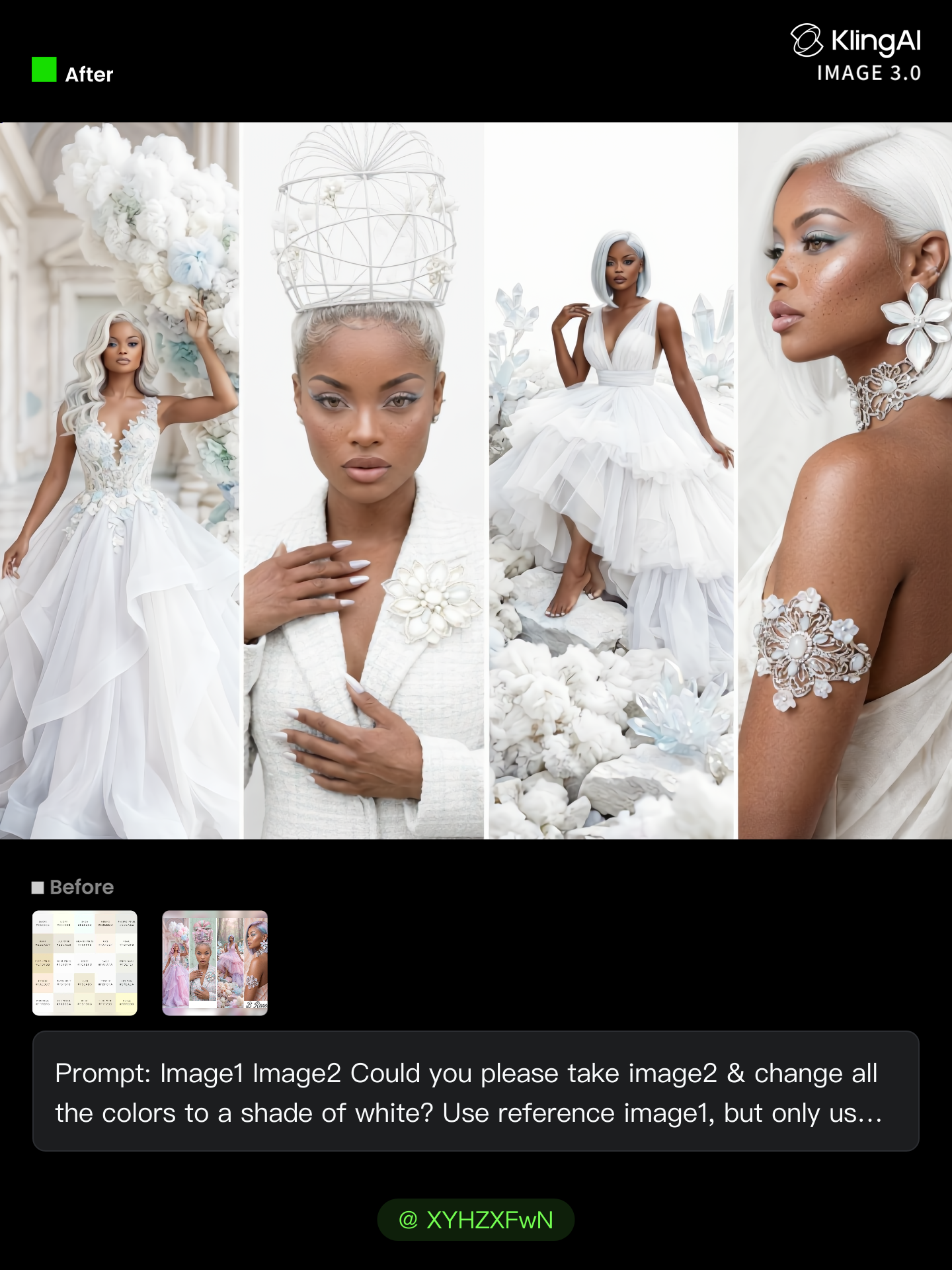
All White Challenge. - i image generator AI image
Breneen avatar
Breneen
Kling AI work 319703728616484 - i image generator AI image
sNSTtAid avatar
sNSTtAid
Kling AI work 321199270662253 - i image generator AI video
COloaPHo avatar
COloaPHo
Upload any image - i image generator AI video
@Tiny Ai Dancers avatar
@Tiny Ai Dancers
यसरी बनाउने हो 👇
1. पहिले anime - i image generator AI image
Jiban lama avatar
Jiban lama
Pretty Manola🥰 - i image generator AI image
silenceboy🥺 avatar
silenceboy🥺
happiness - i image generator AI video
myUkiiNY avatar
myUkiiNY

How to Create AI Backgrounds in High-Quality

Start with Your Photo

Start with Your Photo

Upload the person, product, or image you want to work with. If you already have a location, mood, composition, or visual style in mind, add reference images to give Kling AI a clearer direction.

Describe the New Scene

Describe the New Scene

Describe what you want behind the subject and what should stay familiar. You might ask for a clean studio, a sunlit kitchen, a city rooftop, or something more imaginative. If you are using references, explain which parts of them you want to follow.

Generate a High-Quality Background

Generate a High-Quality Background

Choose your preferred aspect ratio and output resolution, then generate the image. Kling IMAGE 3.0 supports output up to 2K. For higher-resolution native 4K output, use Kling IMAGE 3.0 Omni.

From Clean Cutouts to Completely New Backgrounds

Clean Cutouts, Ready to Use

Clean Cutouts, Ready to Use

Clear away a distracting background without tracing around the subject by hand. Create transparent product shots, portraits, logos, and graphics for listings, profile images, presentations, and design work. When you need a higher-resolution de-priming effect, IMAGE 3.0 Omni also supports 2K and 4K output.

Go Straight to the Background You Want

Go Straight to the Background You Want

Already know what belongs behind the subject? Skip the extra editing and go straight to the final look. Describe a new setting or add a reference image to guide it, whether you're refreshing a product shot, portrait, social graphic, or campaign visual.

Refresh Video Footage Without Reshooting

Refresh Video Footage Without Reshooting

Keep the clip you already have and change the setting around it. With VIDEO 3.0 Omni, use a prompt or reference image to update backgrounds for ads, product videos, presenter clips, and social content—without another shoot or a green screen.

Apps

Image to Video
Image to Video

Image to Video

Text to Video
Text to Video

Text to Video

Omni
Omni

Omni

Digital Human
Digital Human

Digital Human

Restyle
Restyle

Restyle

Text to Image
Text to Image

Text to Image

60M+
60M+
Users
600M+
600M+
AI Videos Generated
4.7 ★
4.7 ★
App Store
Industry-Leading
Industry-Leading
Cinematic 4K

Reviews

Ozan Sihay

Ozan Sihay

★★★★★

Kling AI allows me to rapidly prototype ideas, refine storytelling elements, and produce visually compelling content efficiently. It has not only accelerated my creative processes, but also deepened my understanding of how AI can enrich visual storytelling.

Vincent Smadja

Vincent Smadja

★★★★★

Kling AI seamlessly integrates into my creative workflow, playing a key role in transforming my images. After generating and upscaling an image, Kling becomes a crucial element, bringing my creations to life with movement and depth.

Samuele Poggi (@visualsk2)

Samuele Poggi (@visualsk2)

★★★★★

I use Kling AI daily to push the limits of AI filmmaking. It allows me to create highly cinematic content, blending AI and VFX to develop innovative projects. It has significantly impacted my creative process, enabling me to achieve complex animations that would otherwise require high production budgets.

FAQ

Q1Can AI extend an image without stretching the original content?
Q2Do I need a prompt to extend an image with AI?
Q3Can I extend an image to a different aspect ratio?

Make Your Profile Picture Stand Out

Start with the photo you already have and turn it into something you feel better putting your name next to. Keep it professional, make it more personal, or give it a completely different mood—the final look is yours to shape.