Creative Studio
API
Resources
Features
About Us
Download

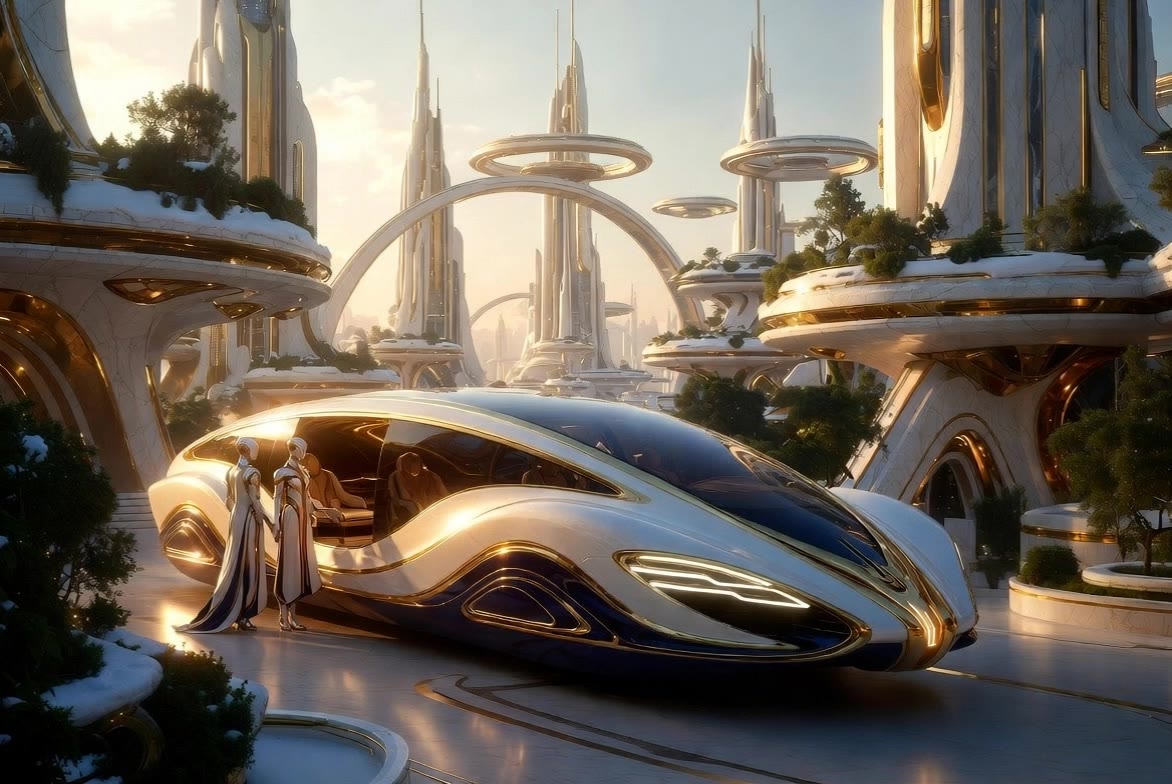
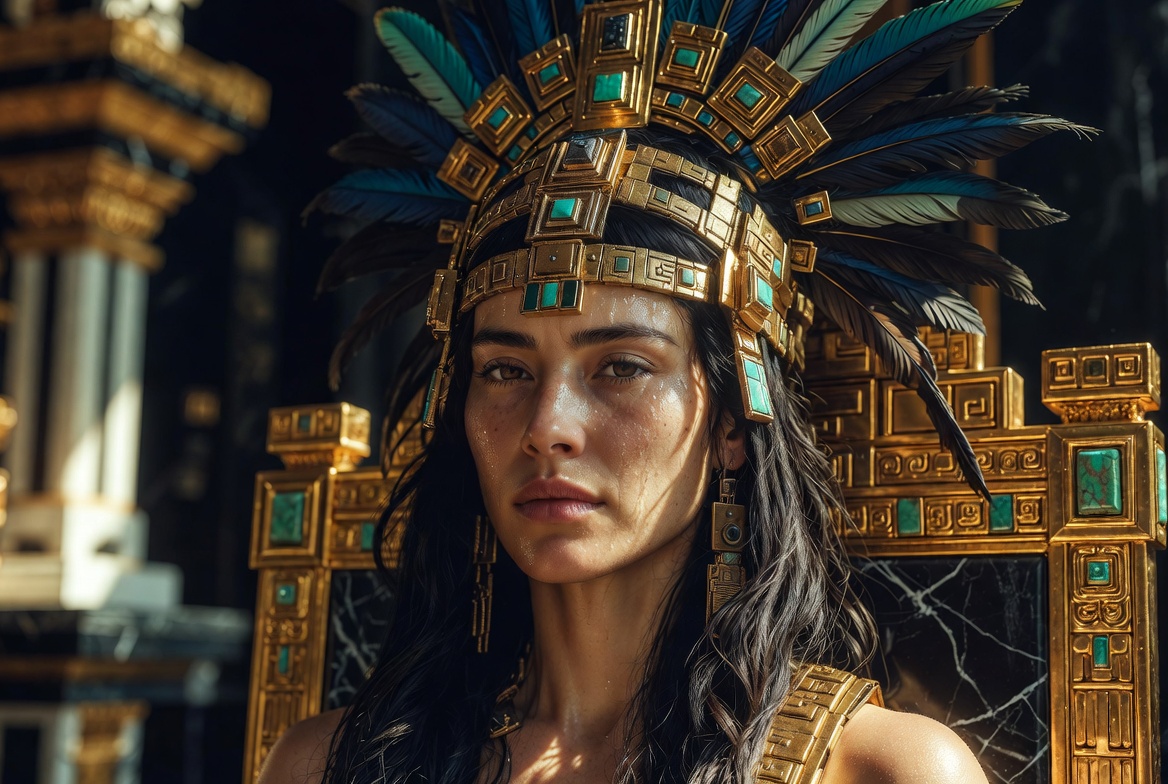
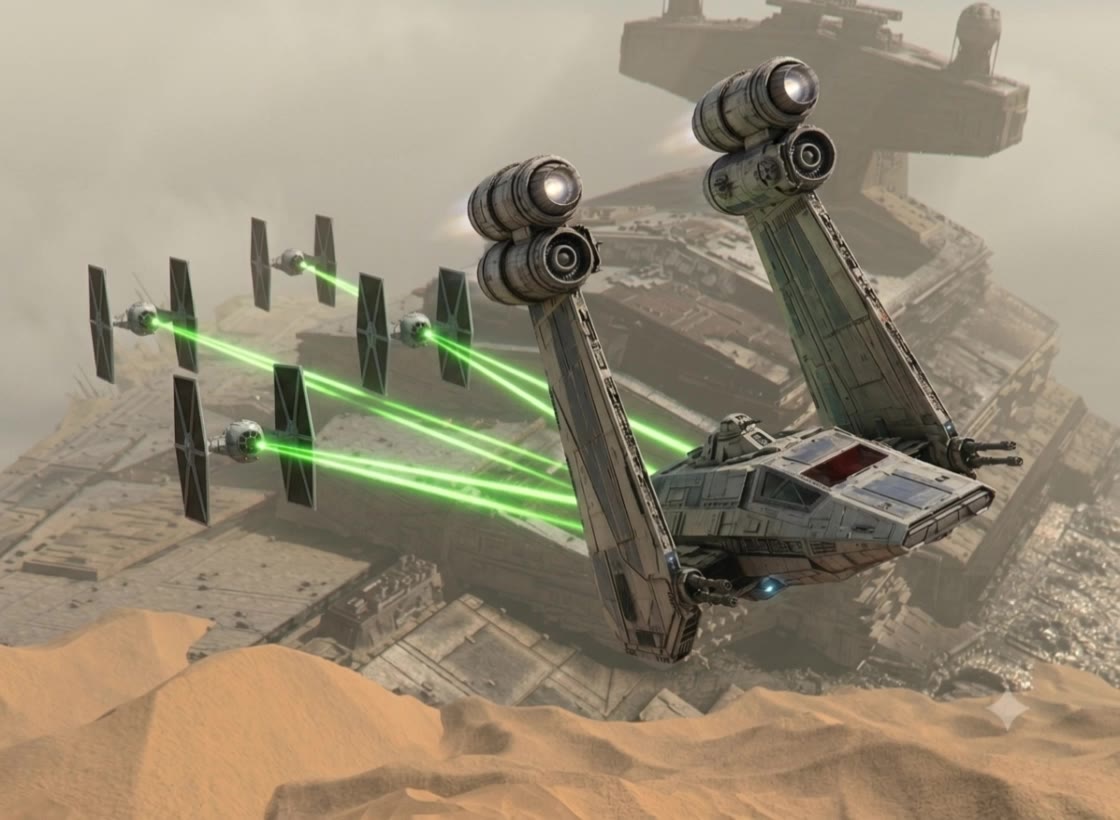
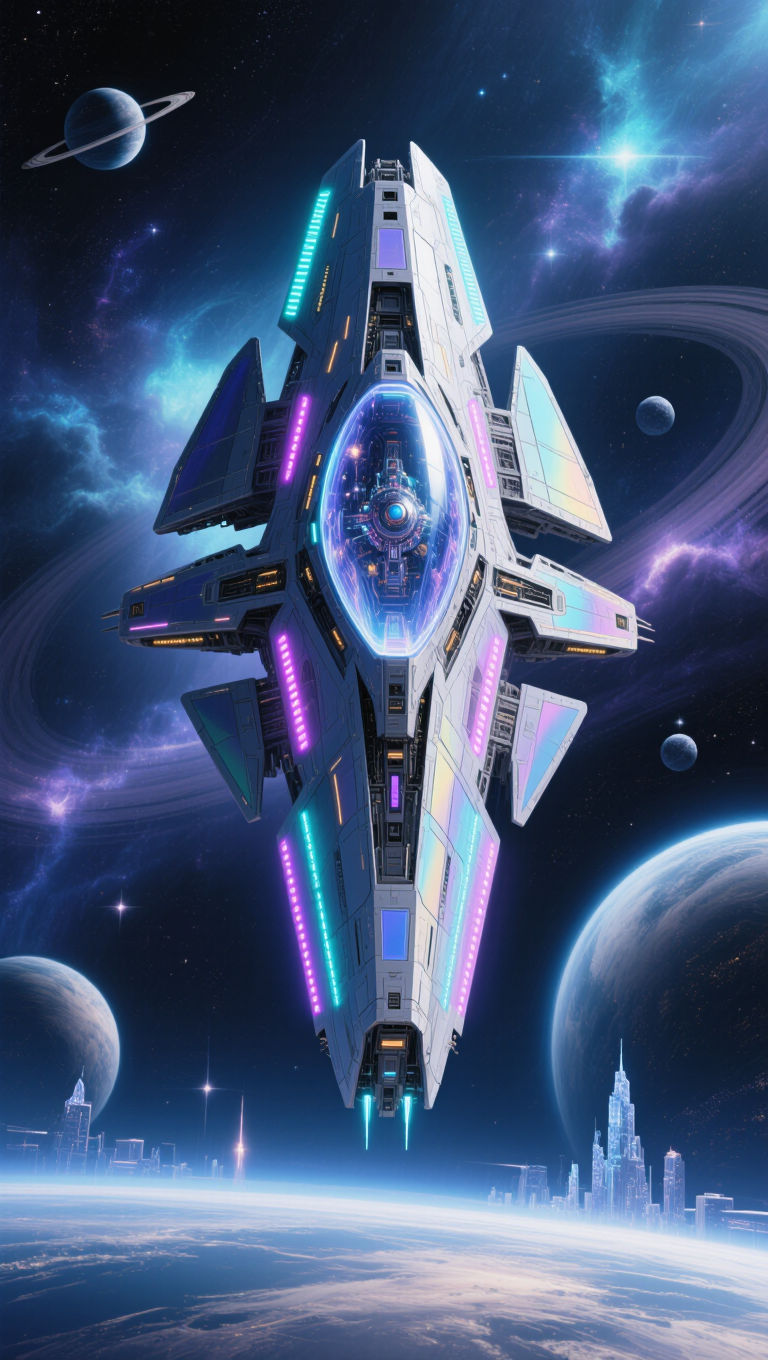
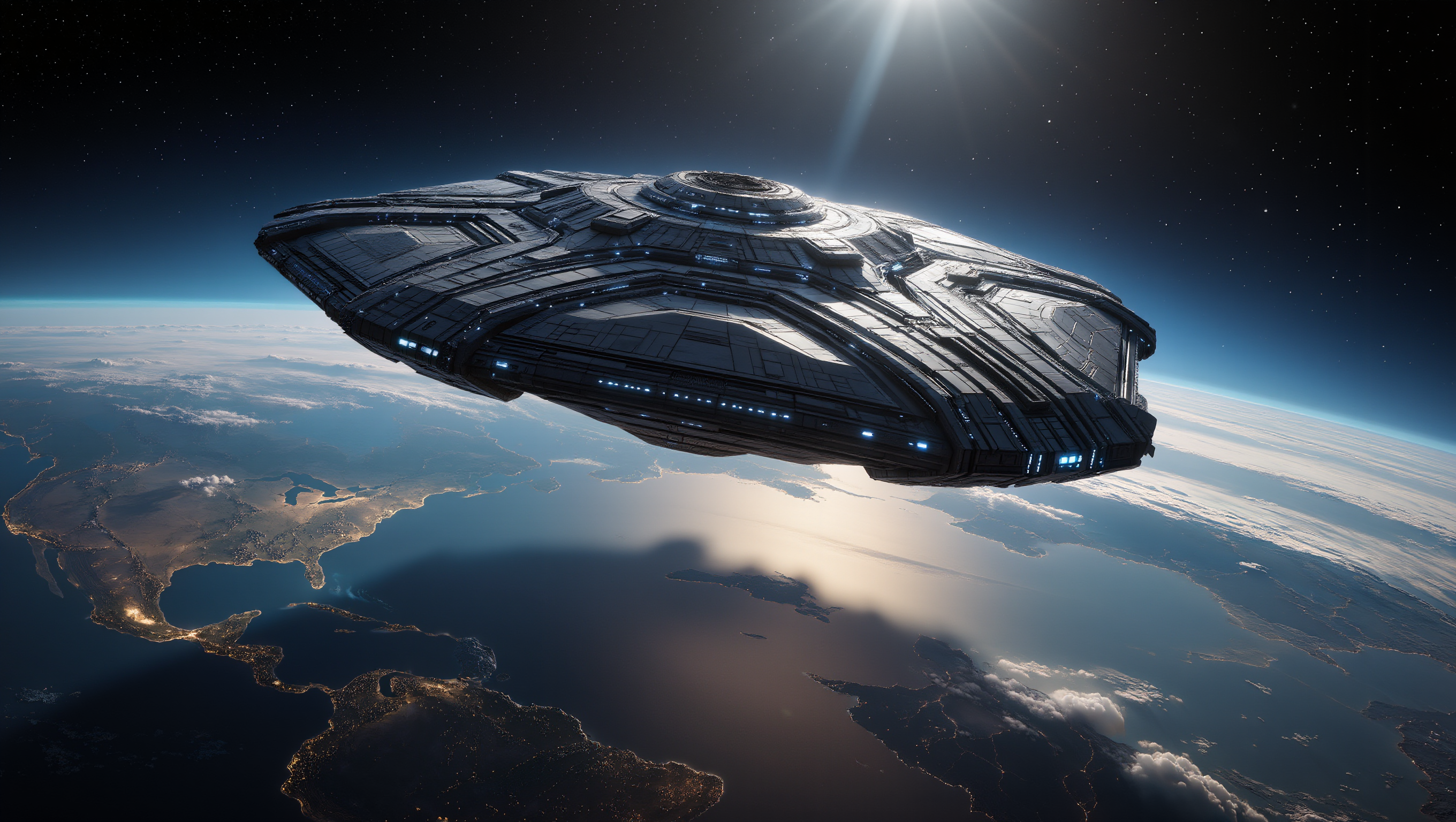
image craft - Dyson Sphere & macro close-up

Dive into the intricate designs of colossal Dyson Sphere crafts and extreme macro details of extraterrestrial megastructures. Start exploring image craft ideas and generate your own content with AI.

image craft - Dyson Sphere & macro close-up

Recommended

Kling AI work 299343086611764 - image craft AI image
The Dark & The Dead avatar
The Dark & The Dead
Kling AI work 309808238528794 - image craft AI image
gkZsviFc avatar
gkZsviFc
Warm Fermentation  - image craft AI image
MSVV avatar
MSVV
Kling AI work 313328831660893 - image craft AI image
MR Babu avatar
MR Babu
Kling AI work 296175029507679 - image craft AI image
The Dark & The Dead avatar
The Dark & The Dead
Kling AI work 316117913667885 - image craft AI image
jay5719 avatar
jay5719
Kling AI work 316702466524805 - image craft AI image
cloudcatcher avatar
cloudcatcher
(Rythm of Light and Shadow - image craft AI image
Kalye avatar
Kalye
Kling AI work 315834570528072 - image craft AI video
XfRswiVL avatar
XfRswiVL
Upload any image  - image craft AI video
@Tiny Ai Dancers avatar
@Tiny Ai Dancers
Kling AI work 316643099502285 - image craft AI video
Madyan san avatar
Madyan san
#Loranca_AI #Artwork - image craft AI image
Loranca_AI avatar
Loranca_AI
Kling IMAGE 3.0 Model User Guide - image craft AI image
YxIAgcaB avatar
YxIAgcaB
I want you to create an image of - image craft AI video
WliPwYCF avatar
WliPwYCF
Kling AI work 299878993520514 - image craft AI image
The Dark & The Dead avatar
The Dark & The Dead
Kling AI work 308795824662768 - image craft AI image
Azzra avatar
Azzra
 image 1 - image craft AI image
CXThSvTE avatar
CXThSvTE
Kling AI work 311438793500080 - image craft AI image
DkZGDrud avatar
DkZGDrud

How to Create Images with Kling AI

Write Down You Ideas

Write Down You Ideas

Open the AI Image Generator and choose the model that fits your project. Describe the subject and scene, then add details such as lighting, color, and visual style to shape the result.

Add References Or Not

Add References Or Not

Upload reference images for a character, product, composition, or style. References are optional, but they give Kling AI a clearer visual foundation when specific features, colors, or design details need to carry into the final image.

Generate Your Image

Generate Your Image

Choose your preferred format and output settings, then hit Generate. Once the result is ready, download it directly or open it in the image-to-video workflow to bring it to life with motion.

Why Kling Sets the Standard for Video Creation

Flawless Character Consistency for High-Quality Videos

Flawless Character Consistency for High-Quality Videos

Unlike standard tools that distort faces when moving, Kling Video 3.0 lets you strictly lock a character’s appearance. Upload a single photo, or use a short video/multiple angles as a reference to completely eliminate the “AI morphing” effect.

All-in-One Native Audio & Lip-Sync

All-in-One Native Audio & Lip-Sync

Your video isn’t just silent footage; it speaks. Generate perfectly matched voices and realistic lip movements in multiple languages or regional accents. Even in multi-character scenes, you can precisely assign who speaks—no third-party tools required.

Up to 15s Multi-Shot Cinematic Output

Up to 15s Multi-Shot Cinematic Output

Go beyond a basic 3-second clip. Kling 3.0 extends generation to 15 seconds of smooth, uninterrupted narrative. You can even use native storyboard controls to direct multi-shot sequences in a single click—outputting in crystal-clear 4K for professional use.

Apps

Image to Video
Image to Video

Image to Video

Text to Video
Text to Video

Text to Video

Omni
Omni

Omni

Digital Human
Digital Human

Digital Human

Restyle
Restyle

Restyle

Text to Image
Text to Image

Text to Image

60M+
60M+
Users
600M+
600M+
AI Videos Generated
4.7 ★
4.7 ★
App Store
Industry-Leading
Industry-Leading
Cinematic 4K

Reviews

Ozan Sihay

Ozan Sihay

★★★★★

Kling AI allows me to rapidly prototype ideas, refine storytelling elements, and produce visually compelling content efficiently. It has not only accelerated my creative processes, but also deepened my understanding of how AI can enrich visual storytelling.

Maria Rubtsova

Maria Rubtsova

★★★★★

I’m Maria Rubtsova, an AIGC digital artist passionate about creating stunning visuals in the worlds of fashion, aesthetics, and fantasy. I use KlingAi to bring imagination to life through video. My work is all about exploring beauty, emotion, and the limitless possibilities of digital art.

Samuele Poggi (@visualsk2)

Samuele Poggi (@visualsk2)

★★★★★

I use Kling AI daily to push the limits of AI filmmaking. It allows me to create highly cinematic content, blending AI and VFX to develop innovative projects. It has significantly impacted my creative process, enabling me to achieve complex animations that would otherwise require high production budgets.

FAQ

Q1Can I use these generated videos for my e-commerce store or social media ads?
Q2How do I keep the face from changing or morphing in my video?
Q3Is this image to video AI free to use?

Start Creating AI Videos with Kling

Turn your image into a talking, high-quality video in seconds. No watermarks, no complicated setup.

Free tier available (Memberships are watermark-free) | 1080p export (Memberships unlock 4K) | Instant results