image prompting - photorealistic scenes & surreal visuals

Unleash creativity with surreal and hyper-realistic visual themes, transforming static images into dynamic motion videos for captivating advertisements. Start exploring image prompting ideas and generate your own content with AI.

image prompting - photorealistic scenes & surreal visuals

Recommended

prompting makes it what it is   - image prompting AI video
00:16
ImmersiveGraphix avatar
ImmersiveGraphix
Kling AI work 318009575663644 - image prompting AI video
DLnoIEIr avatar
DLnoIEIr
AI image generation, explained w - image prompting AI video
01:33
KLINGer avatar
KLINGer
image to movement - image prompting AI video
UBUzcdkd avatar
UBUzcdkd
image to motion. - image prompting AI video
00:06
gohaRDXc avatar
gohaRDXc
Issue with image generation - image prompting AI image
tPSsPxrm avatar
tPSsPxrm
Kling AI work 313353789613369 - image prompting AI image
jkhyEcDY avatar
jkhyEcDY
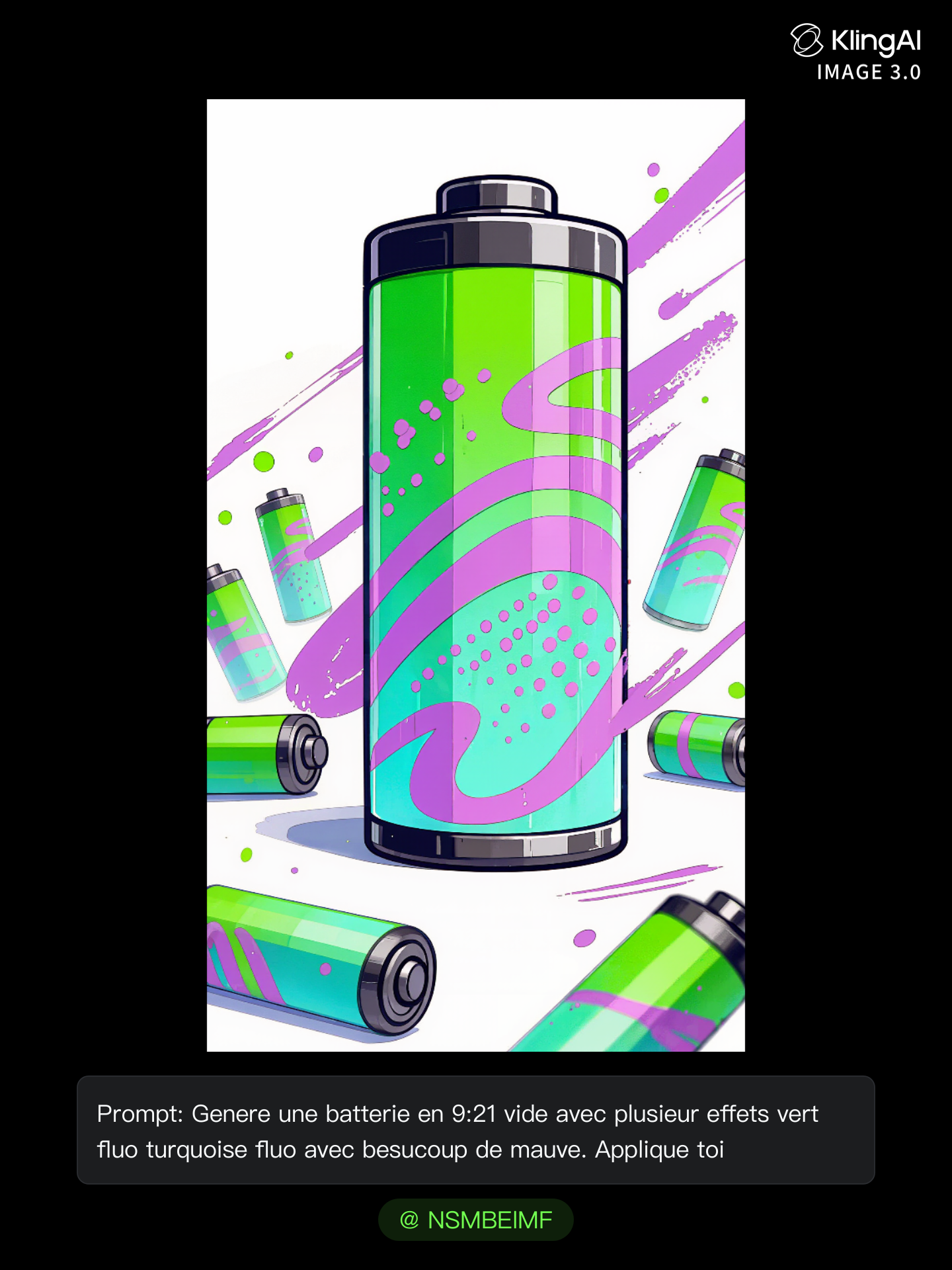
first promt for screen image ala - image prompting AI image
NSMBElMF avatar
NSMBElMF
image to video - image prompting AI video
dCCMpZWR avatar
dCCMpZWR
Image - image prompting AI video
00:27
lumivixz avatar
lumivixz
Futuristic image  - image prompting AI video
HbPYFRUE avatar
HbPYFRUE
Image to video - image prompting AI video
jc avatar
jc
scroll down from image - image prompting AI video
aTPexUhu avatar
aTPexUhu
Kling IMAGE 3.0 Model User Guide - image prompting AI image
YxIAgcaB avatar
YxIAgcaB
my image  - image prompting AI video
lWAFfrIx avatar
lWAFfrIx
Kling AI work 314693527668448 - image prompting AI video
sWhXakpg avatar
sWhXakpg
Kling IMAGE 3.0 Model User Guide - image prompting AI image
YxIAgcaB avatar
YxIAgcaB
I want you to create an image of - image prompting AI video
WliPwYCF avatar
WliPwYCF
turn that image into a video - image prompting AI image
MPQzvoOs avatar
MPQzvoOs

How to Make Cinematic AI Videos with Kling AI

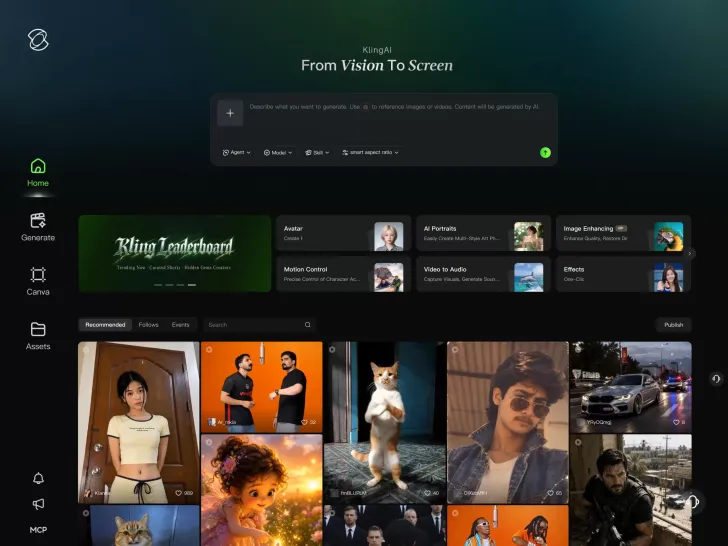
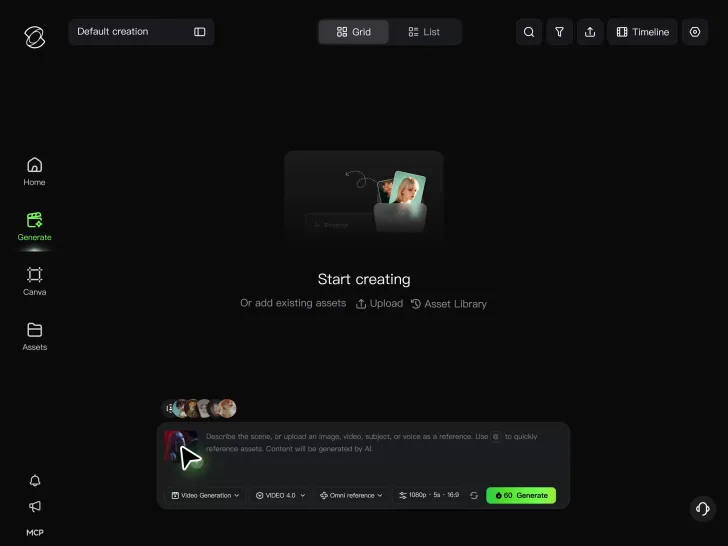
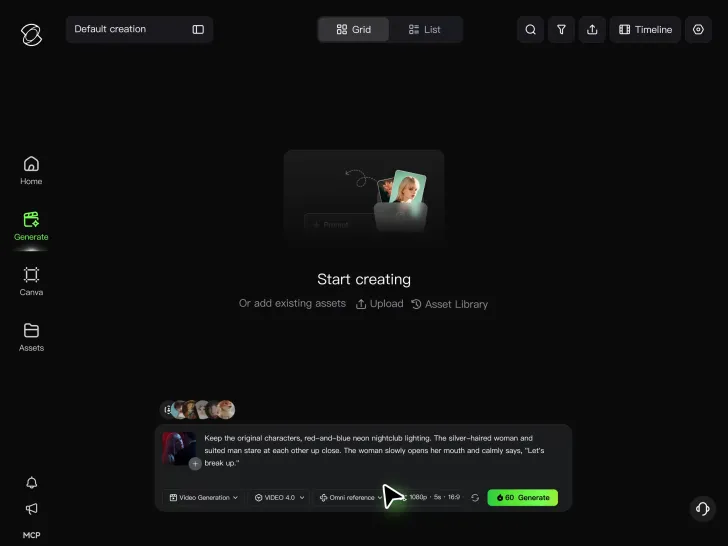
Upload or Describe Your Vision

Upload or Describe Your Vision

With Kling 4.0's Omni Reference, you can write a prompt and add up to 15 combined reference assets to guide your video creation, including images, videos and subject references.

Describe the Action and Sound

Describe the Action and Sound

Set the scene, camera movement, and any dialogue or sound you want. Kling 4.0 supports dialogue in 9 languages.

Generate and Download

Generate and Download

Choose your aspect ratio and video duration, up to 30 seconds per generation with the Kling 4.0. Click Generate, preview your video, and download the result.

How Kling AI Sets the Standard for AI Video Creation

Realistic Motion from a Still Image

Realistic Motion from a Still Image

Animate portraits, artwork, and action images with natural character movement and physical interactions. Kling 4.0's dynamic motions improves stability during large movements, fast action, and complex scenes. From subtle facial expressions to sports and fight choreography, create motion that develops naturally from your image while keeping the subject and surrounding scene visually coherent.

Direct the Camera and Every Key Moment

Direct the Camera and Every Key Moment

A single image can lead to a tracking shot, camera orbit, close-up, or wider scene. Kling 4.0 offers stronger camera control, with native video generation up to 30 seconds for longer movements and connected action. Start and end frames help guide a transition, while up to 10 flexible keyframes let you define additional compositions, character poses, and scene changes as the video develops.

Combine References, Keep the Look

Combine References, Keep the Look

Keep recognizable characters, products, and visual styles as your images begin to move. Kling 4.0's Omni Reference supports up to 15 combined assets, including images, videos, and subjects, to guide appearance, actions, camera work, and settings. Use multiple views of a character or product alongside style and motion references. Stronger visual consistency helps preserve familiar details across new shots, with realistic textures.

Apps

Video Generation
Video Generation

Video Generation

Image Generation
Image Generation

Image Generation

Motion Control
Motion Control

Motion Control

Avatar
Avatar

Avatar

AI Portraits
AI Portraits

AI Portraits

Lip Sync
Lip Sync

Lip Sync

60M+
60M+
Users
600M+
600M+
AI Videos Generated
4.7 ★
4.7 ★
App Store
Industry-Leading
Industry-Leading
Cinematic 4K

Reviews

James Phillips

James Phillips

★★★★★

Kling AI has transformed my workflow by collapsing timelines and democratizing production. It’s shifted my mindset from resource-dependent filmmaking to a boundless creative sandbox, where experimentation yields unexpected beauty.

Jyo John Mulloor

Jyo John Mulloor

★★★★★

Kling AI has been instrumental in transforming my creative workflow, unlocking new dimensions of artistic expression that were once unimaginable. I use Kling AI extensively to develop high-concept visuals, animate surreal dreamscapes, and create AI-assisted films that blur the line between reality and fantasy. Kling AI’s deep learning capabilities have not only enhanced my creative efficiency but also inspired me to explore storytelling in ways I never thought possible.

PJ Ace

PJ Ace

★★★★★

Kling AI has made it easy for us to generate world class visuals for Fortune 500 companies, TV shows and music for big artists. We love the easy of use of the platform and the quality of the generations. My first time using Kling AI, I got 22 million views on just one video. It's that good.

FAQ

Q1Can I edit a video with AI using text?
Q2Is Kling AI only for editing existing videos?
Q3How long can videos be when editing with Kling 4.0?

Change the Shot Without Reshooting It

Upload your footage, describe the result, and let Kling rebuild the scene around your direction.

Free tier available | Prompt-Based Editing | Subject Replacement | Creative Recreation