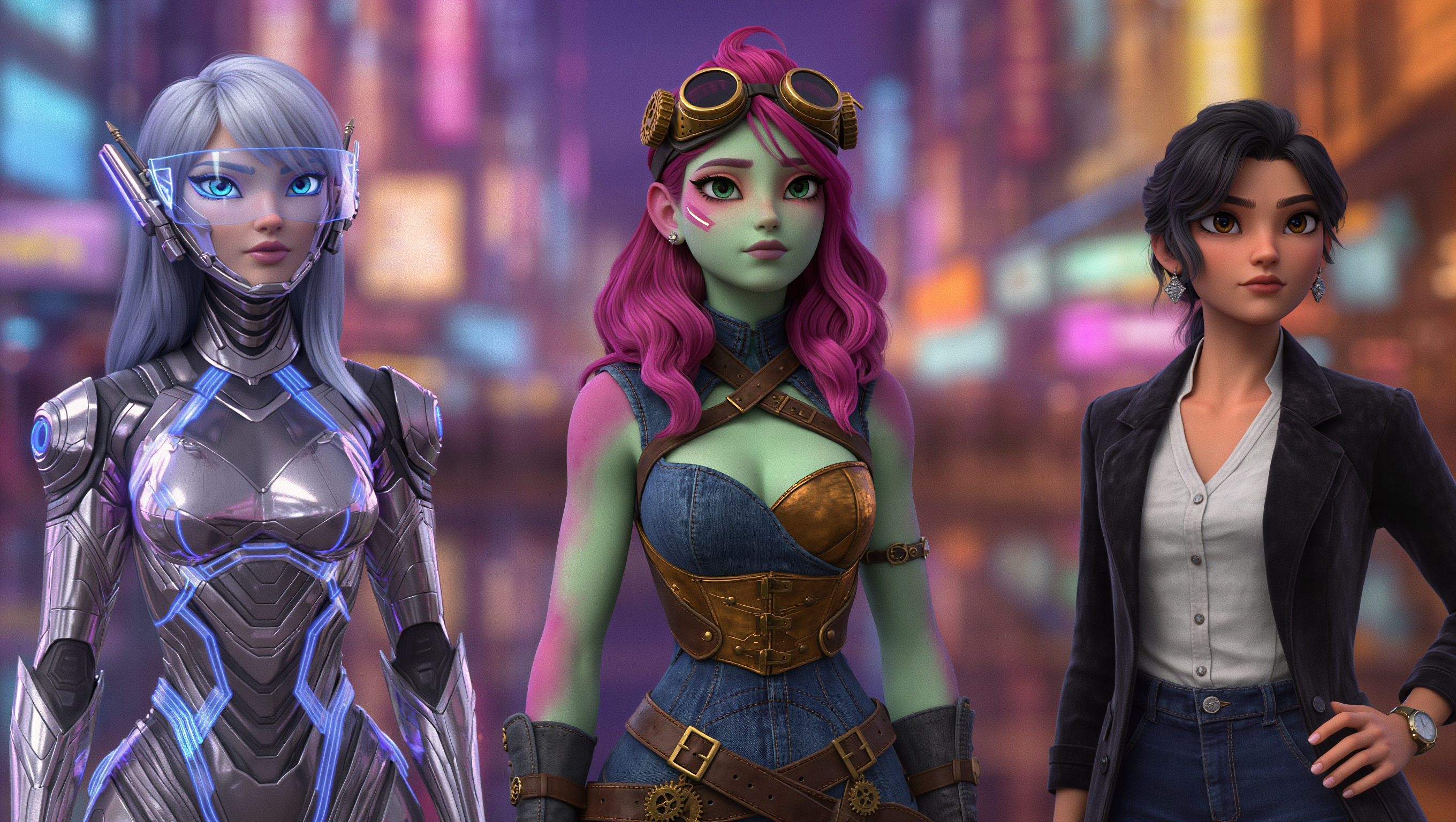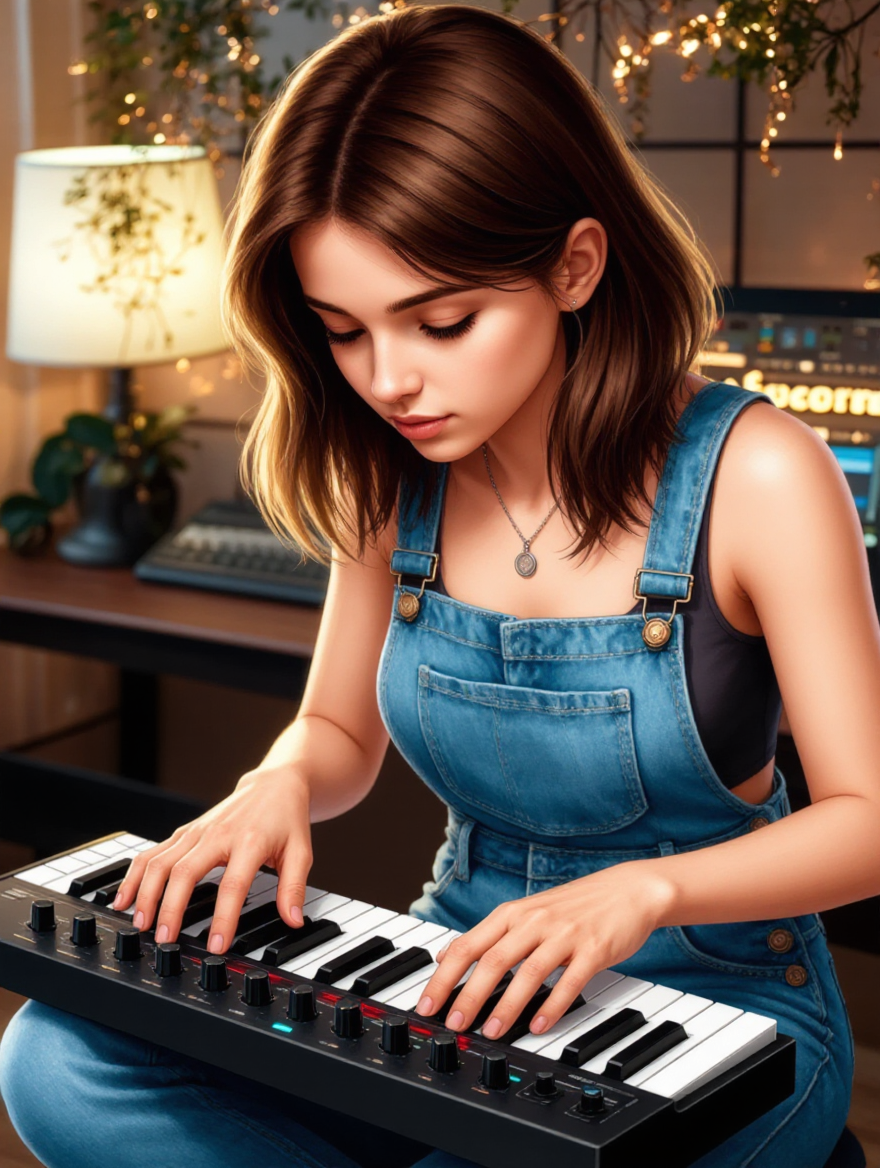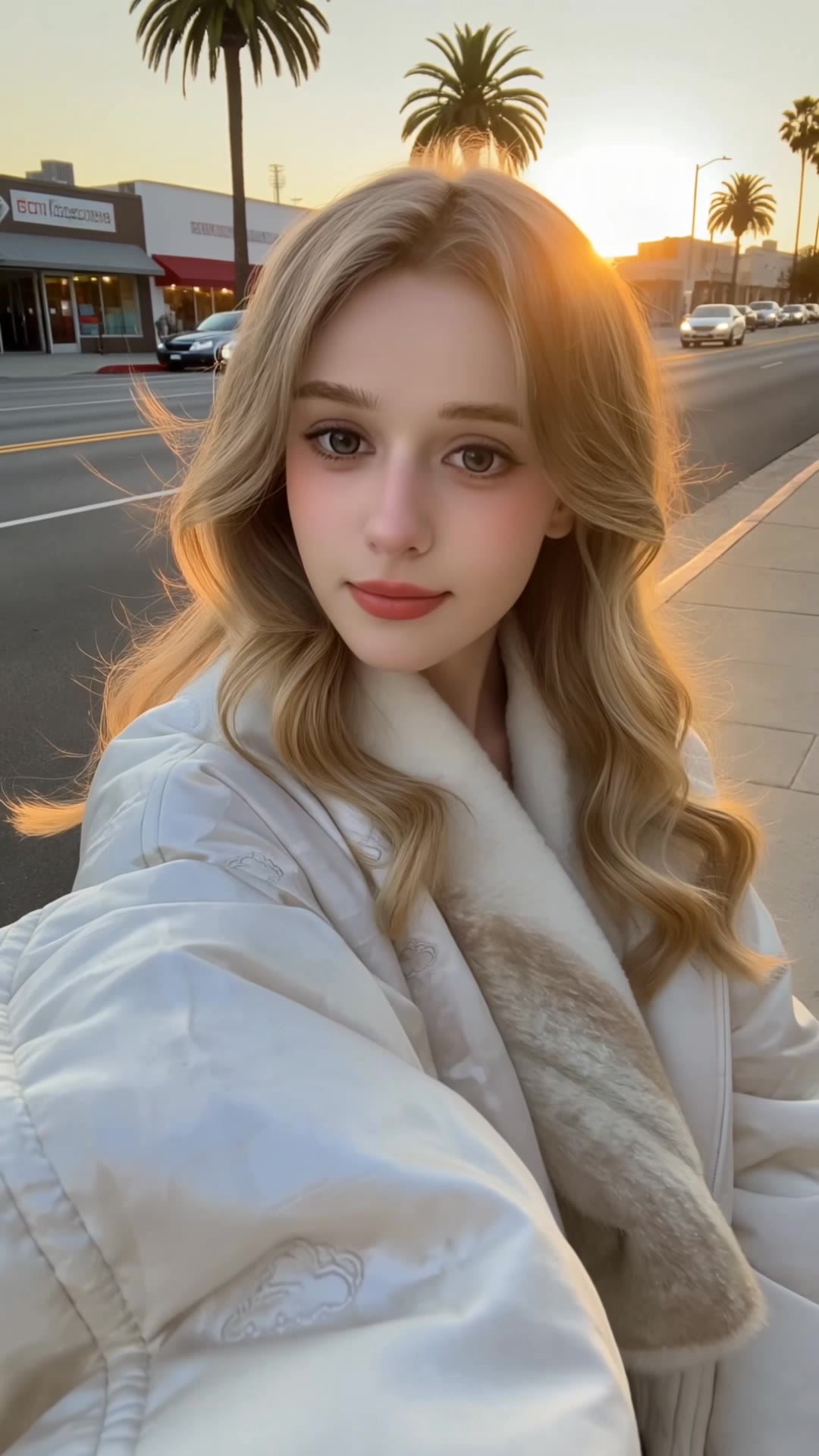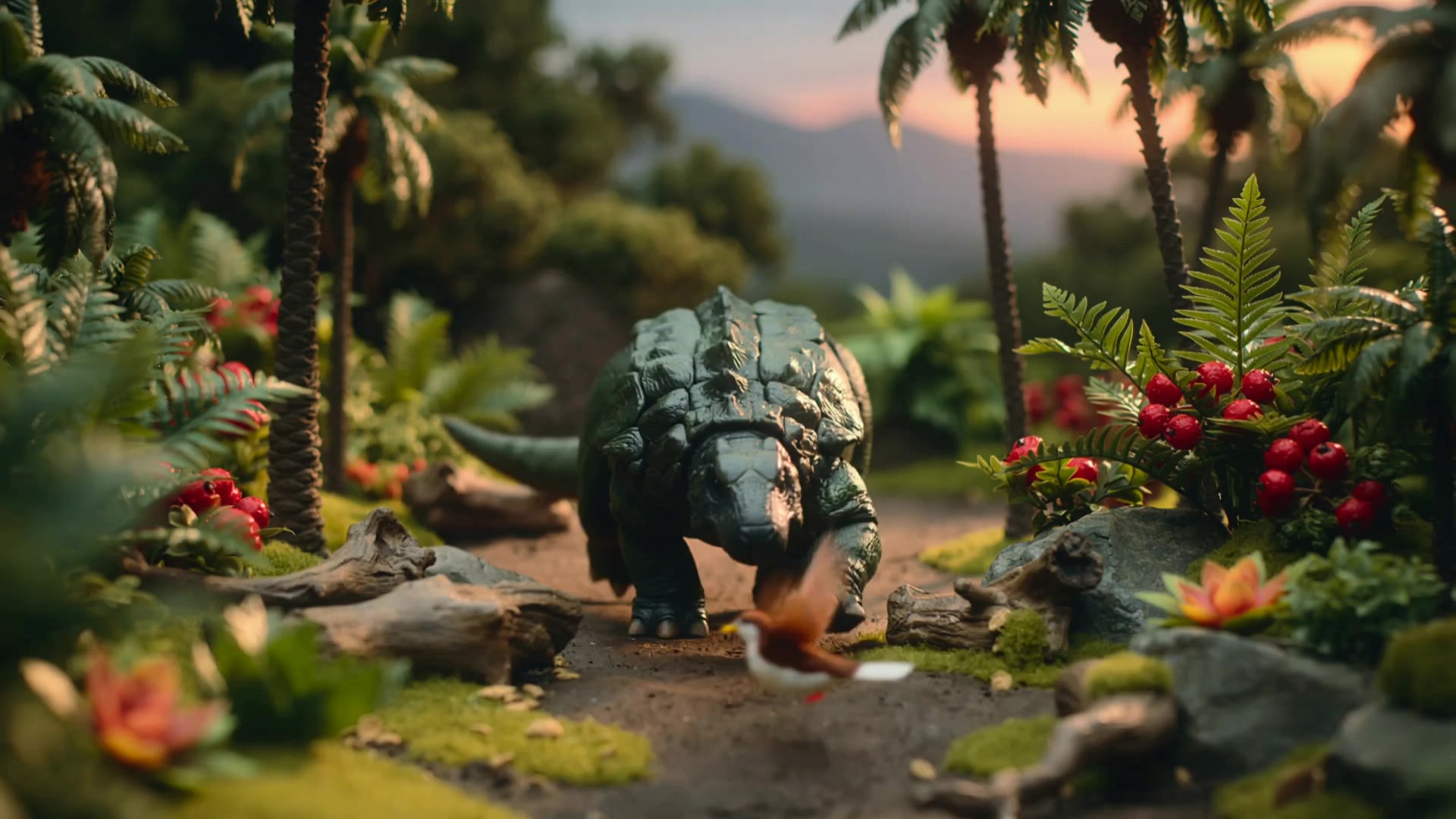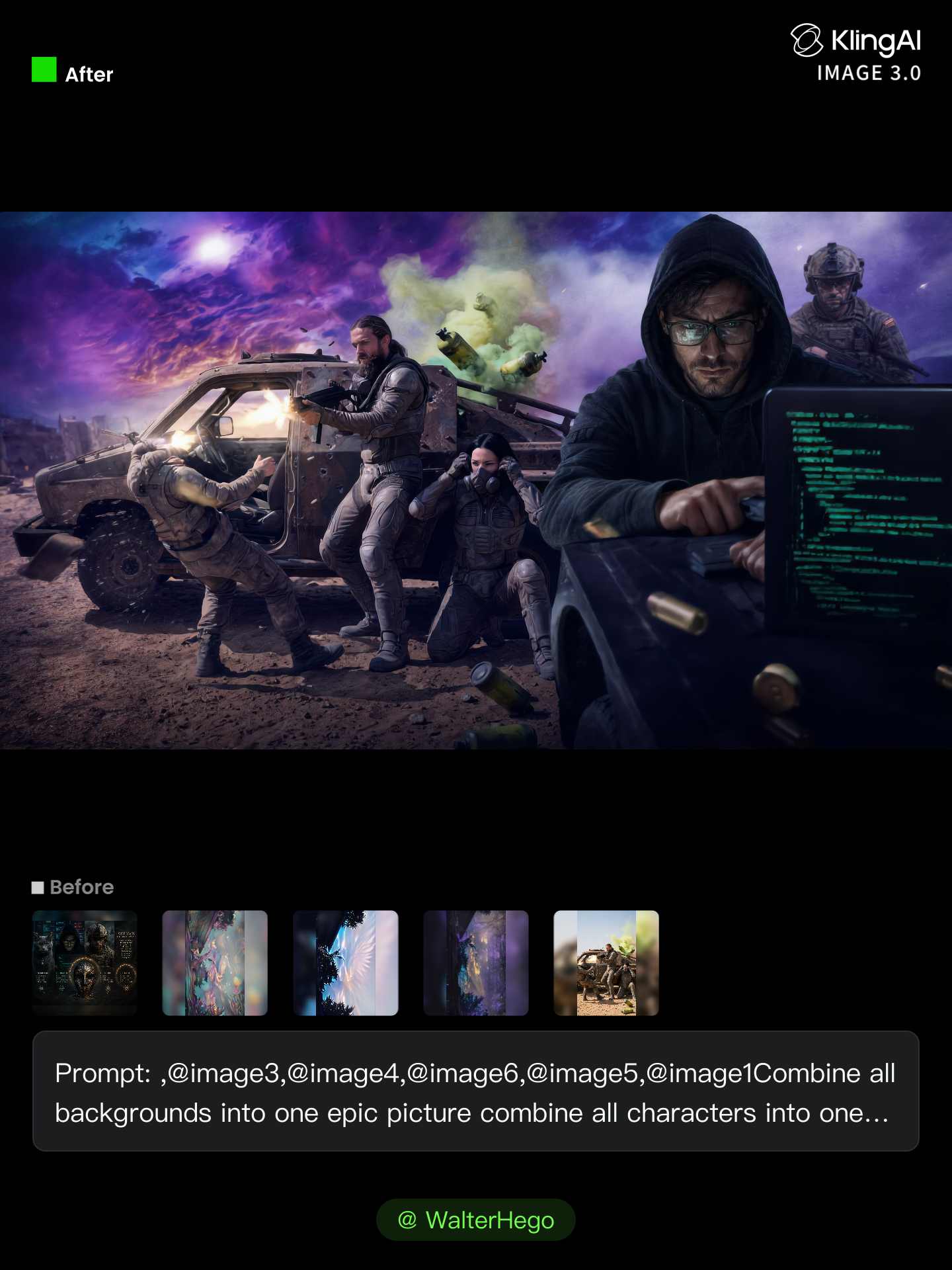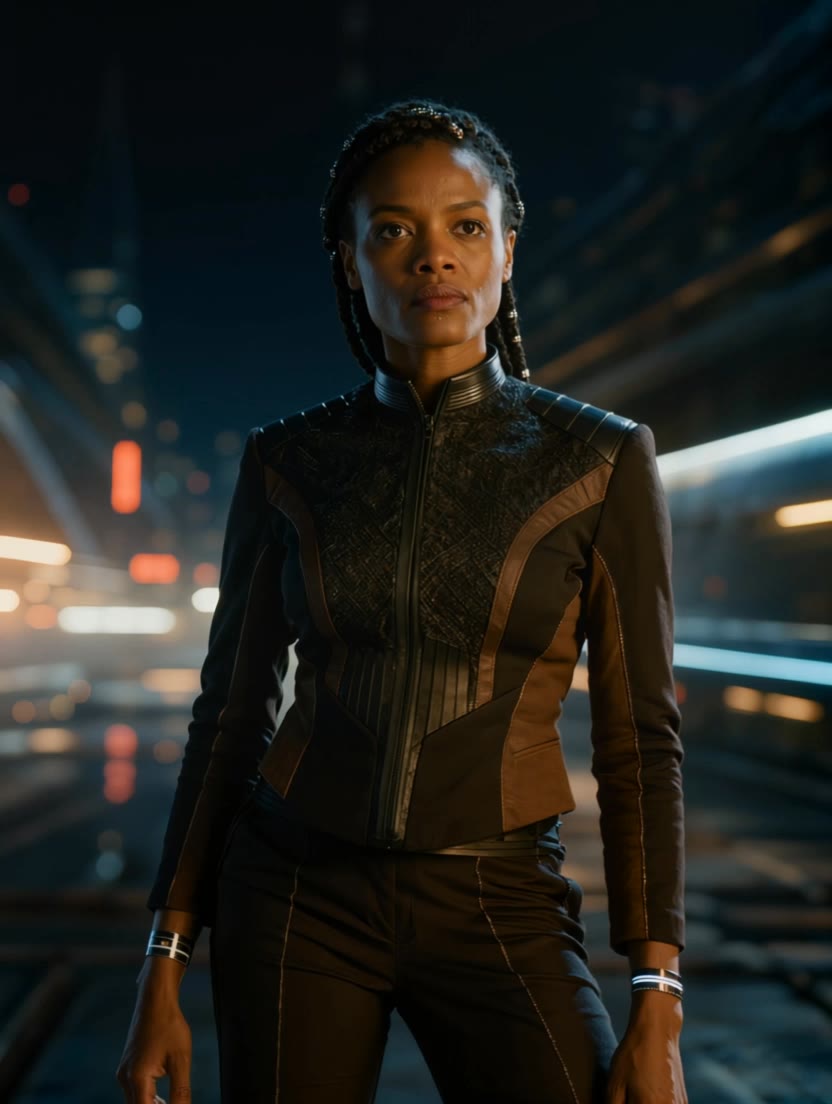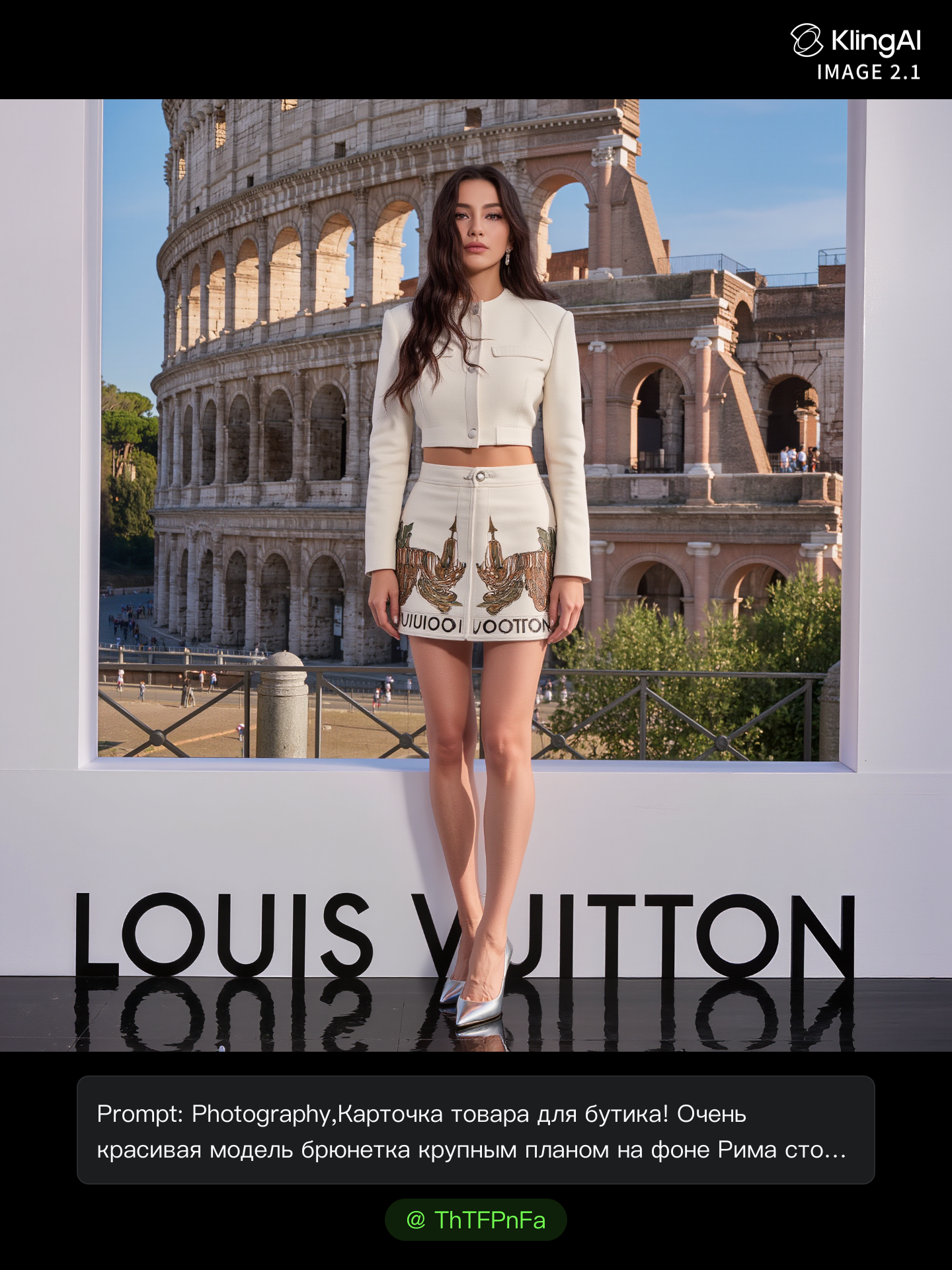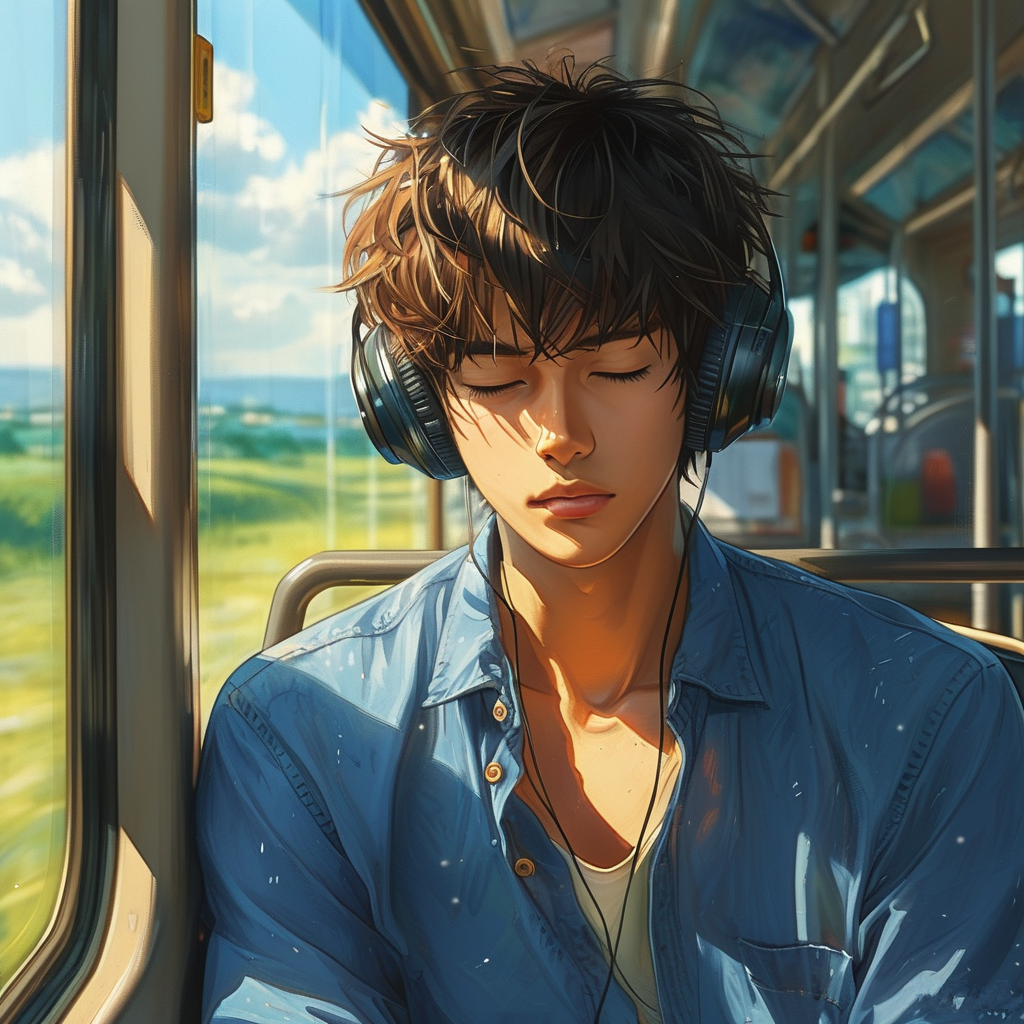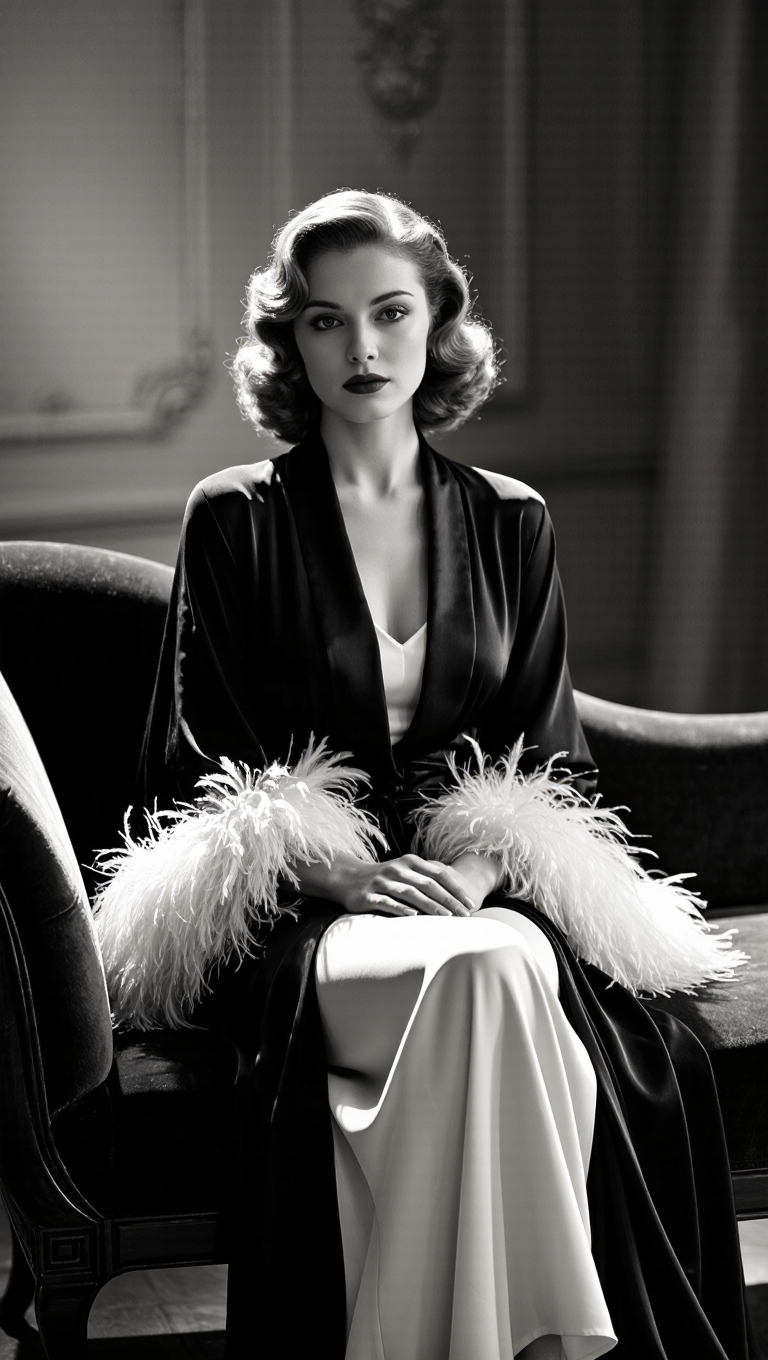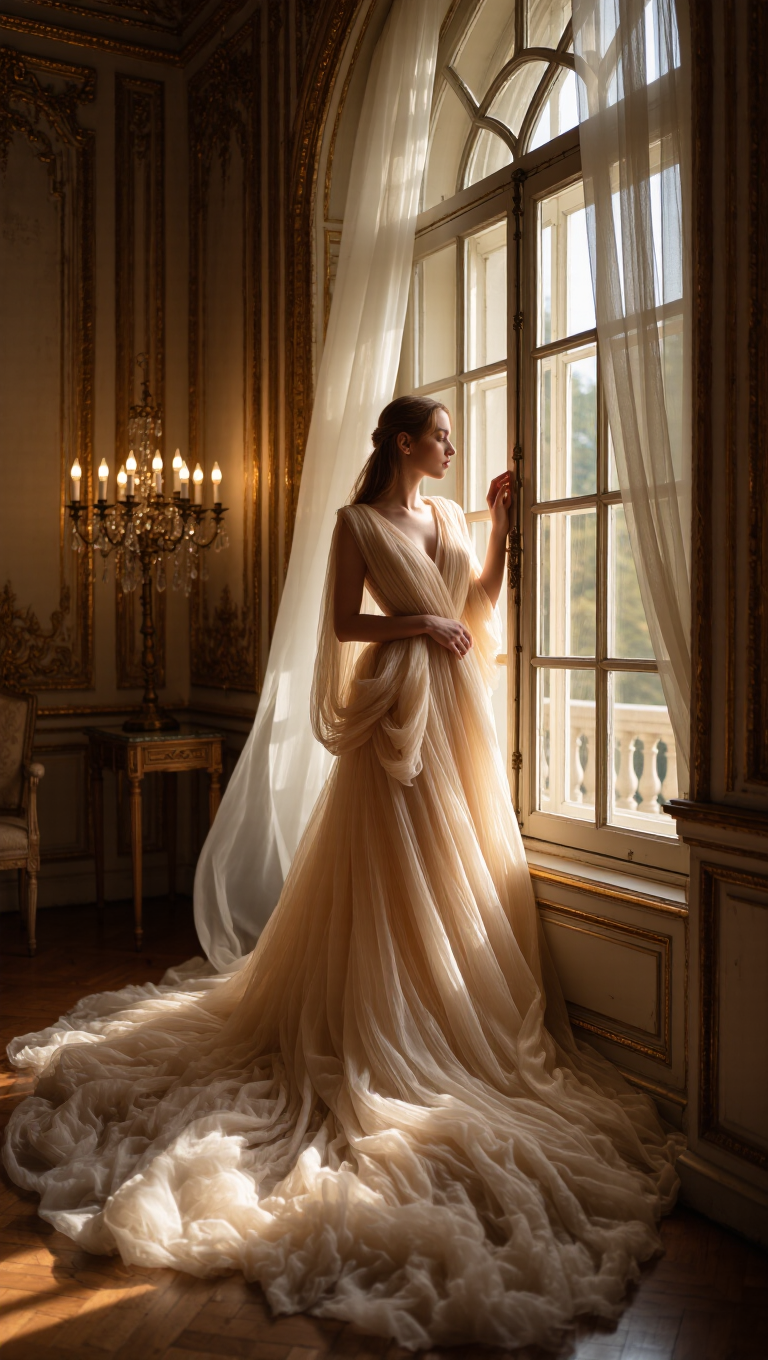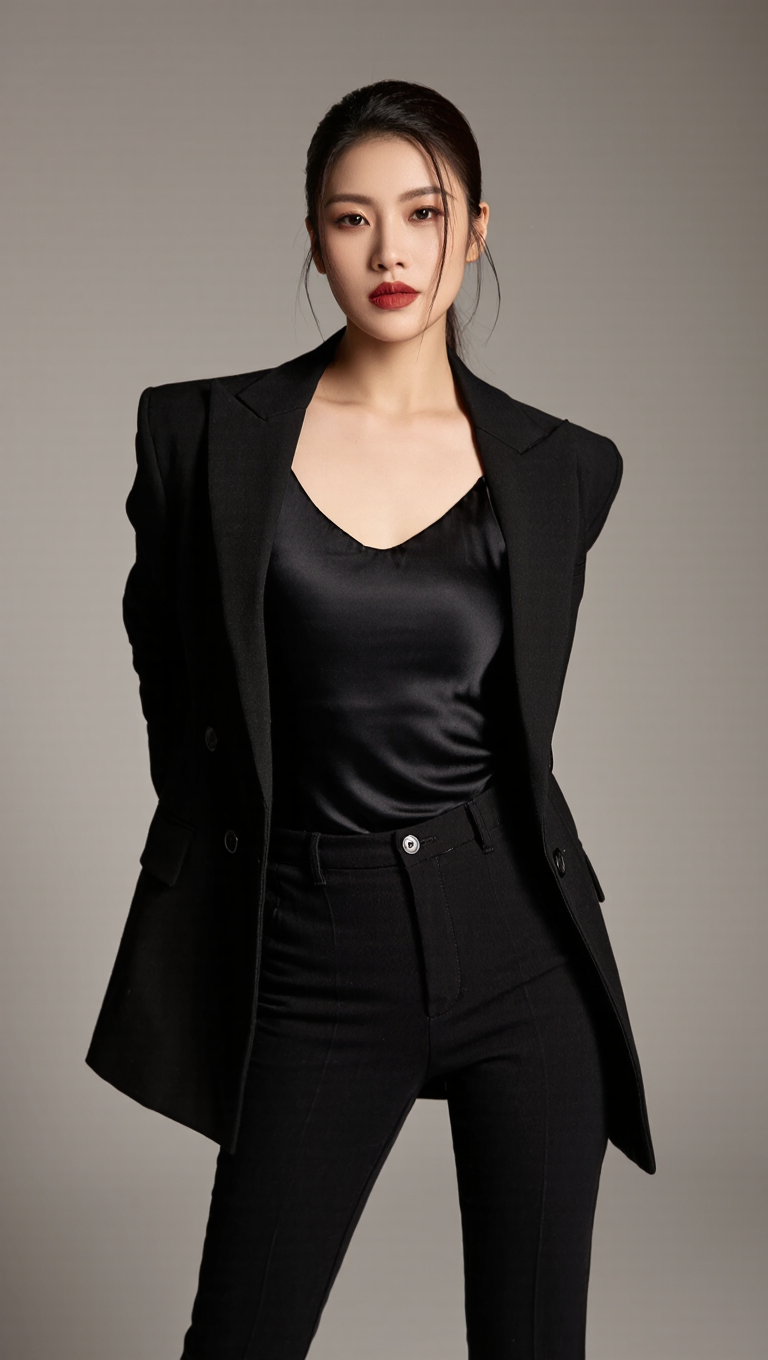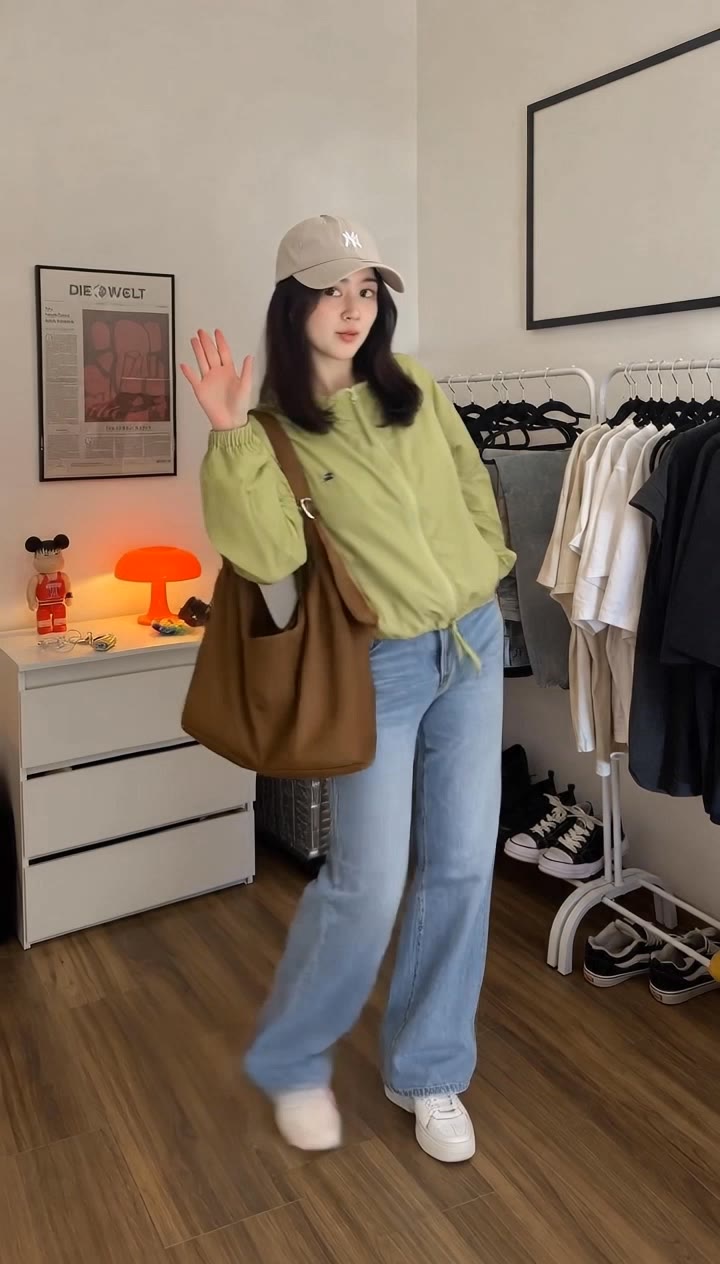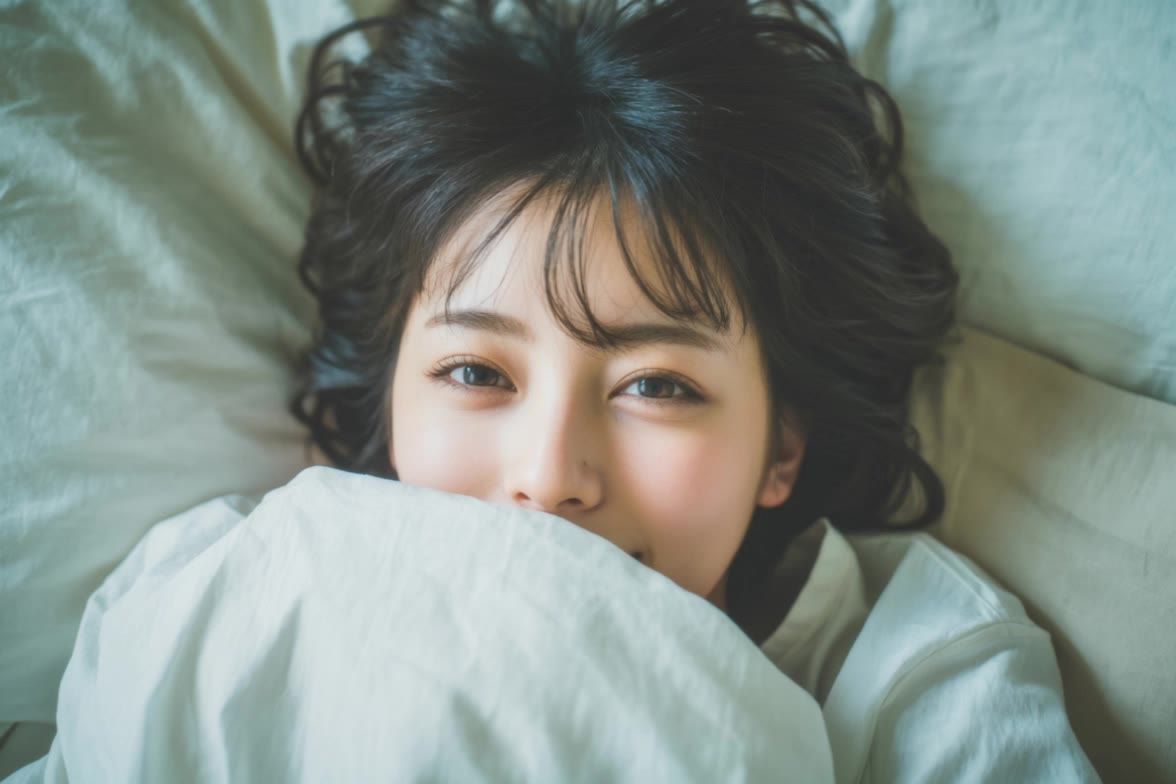
image style - Surreal image & Polygon style

Unveil the charm of perfume ads and the mystique of surreal visuals, alongside the vibrant energy of polygon and manga styles. Start exploring image style ideas and generate your own content with AI.


image style - Surreal image & Polygon style

Recommended

image video - image style AI video
sinon | AI_video avatar
sinon | AI_video
Kling IMAGE 3.0 Model User Guide - image style AI image
YxIAgcaB avatar
YxIAgcaB
Idols Cinema Style Anime 2 - image style AI image
Ady Media Design avatar
Ady Media Design
Elite Creator
turn that image into a video - image style AI image
MPQzvoOs avatar
MPQzvoOs
Wool Felt Style - image style AI image
7A7PI avatar
7A7PI
Elite Creator
Kling IMAGE 3.0 Model User Guide - image style AI image
YxIAgcaB avatar
YxIAgcaB
80s Retro Style - image style AI video
331.ヅ avatar
331.ヅ
Miniature style - image style AI video
KLING7932 avatar
KLING7932
combo test backchar w style  - image style AI image
WalterHego avatar
WalterHego
Glibly style  - image style AI image
FORHBeRt avatar
FORHBeRt
Futuristic image  - image style AI video
HbPYFRUE avatar
HbPYFRUE
Your Style! - image style AI image
ThTFPnFa avatar
ThTFPnFa
Anime style - image style AI video
Cloud1988 avatar
Cloud1988
Kling AI work 311944236615753 - image style AI image
Dawn Hartman avatar
Dawn Hartman
Kling AI work 311942912506770 - image style AI image
Dawn Hartman avatar
Dawn Hartman
Image - image style AI video
00:27
lumivixz avatar
lumivixz
Kling AI work 311942726506346 - image style AI image
Dawn Hartman avatar
Dawn Hartman
Fashion style - image style AI video
xnXxkRqY avatar
xnXxkRqY

How to Edit a Photo with Kling AI

Upload Your Photo

Upload Your Photo

Start with a clear photo. Add a reference image when you have a particular replacement, background, or style in mind.

Tell Kling What to Change

Tell Kling What to Change

Enter a clear text prompt, explaining what should change and what should stay the same. Kling applies the edit to the photo with AI directly, without layers or complex manual steps.

Review and Fine-Tune

Review and Fine-Tune

Check the result and the areas that matter most. When one detail needs more work, update the prompt for that area instead of starting over. Download the finished image and share it.

Why Kling Stands Out for Image-to-Video Creation

Realistic Motion, Up to 30s Cinematic Camera Work

Realistic Motion, Up to 30s Cinematic Camera Work

Kling 4.0 delivers more stable, physically convincing action in demanding scenes, from fast-paced fights to sports and large-scale movement. Stronger camera direction supports dynamic tracking, complex camera moves, and more coherent shot composition. With up to 30 seconds of native video generation, create longer takes and connected sequences with greater control over action, pacing, and camera movement.

More References, More Creative Control

More References, More Creative Control

Kling 4.0's Omni Reference supports up to 15 combined reference assets, including images, videos, and subjects. Combine character, scene, motion, and style references to guide different elements within the same generation. Up to 10 flexible keyframes give you additional control over composition, character actions, and scene progression. Experiment with different reference combinations and key moments without rebuilding your entire creative setup.

Recreate, Edit, and Explore New Possibilities

Recreate, Edit, and Explore New Possibilities

Kling 4.0 goes beyond generating new footage. It lets you reference existing videos to explore different characters, products, camera movements, and visual styles while retaining the original shot structure or motion as a guide. It also supports precise video editing, letting you target changes to subjects, backgrounds, actions, and camera angles. Rework existing scenes, try alternate versions, and develop new footage without starting from scratch.

Apps

Video Generation
Video Generation

Video Generation

Image Generation
Image Generation

Image Generation

Motion Control
Motion Control

Motion Control

Avatar
Avatar

Avatar

AI Portraits
AI Portraits

AI Portraits

Lip Sync
Lip Sync

Lip Sync

60M+
60M+
Users
600M+
600M+
AI Videos Generated
4.7 ★
4.7 ★
App Store
Industry-Leading
Industry-Leading
Cinematic 4K

Reviews

PJ Ace

PJ Ace

★★★★★

Kling AI has made it easy for us to generate world class visuals for Fortune 500 companies, TV shows and music for big artists. We love the easy of use of the platform and the quality of the generations. My first time using Kling AI, I got 22 million views on just one video. It's that good.

KakuDrop

KakuDrop

★★★★★

I have successfully collaborated with world-renowned artists and well-known companies that are recognized globally

Vincent Smadja

Vincent Smadja

★★★★★

Kling AI seamlessly integrates into my creative workflow, playing a key role in transforming my images. After generating and upscaling an image, Kling becomes a crucial element, bringing my creations to life with movement and depth.

FAQ

Q1Can I use this for global AI video marketing?
Q2Does Video 3.0 support multiple characters speaking?
Q3How long can videos be in Video 3.0?

Experience Video 3.0 on Kling

Create cinematic, multi-shot videos with native audio and precise control—all in one generation.

Native audio | Multi-shot control | Up to 15s continuous output