
Creative Studio
API
Resources
About Us
Download

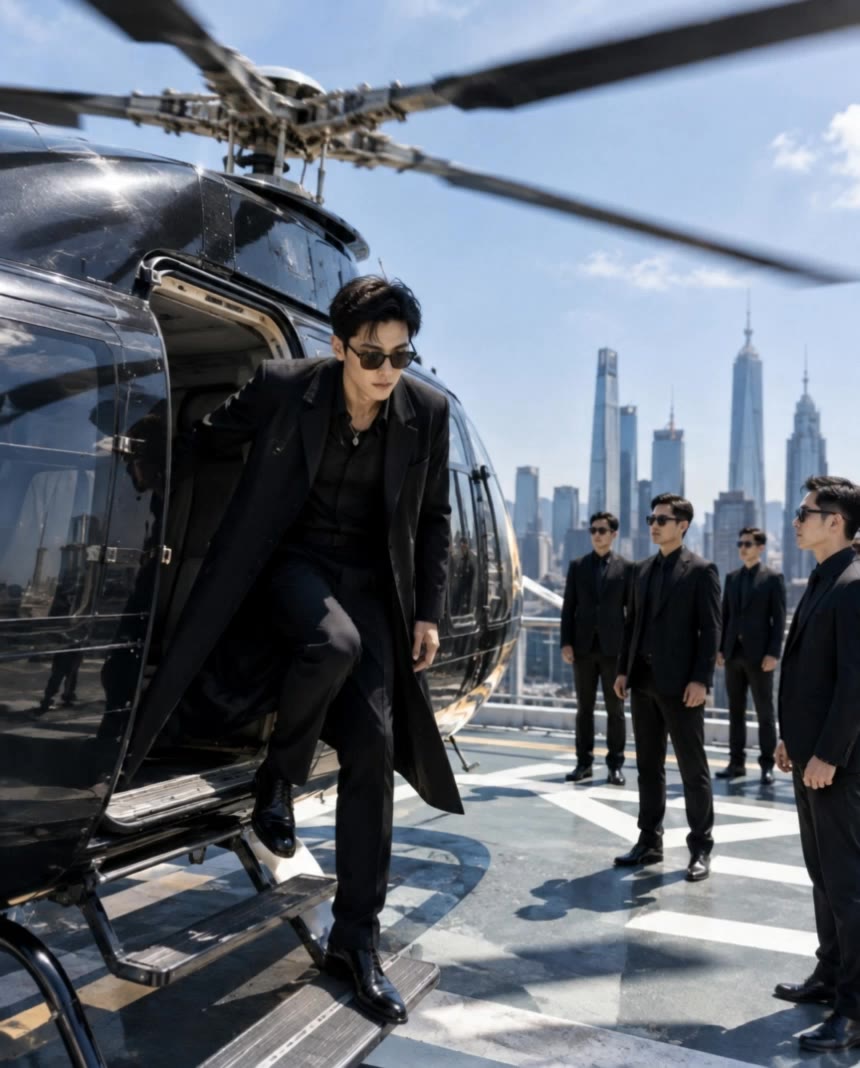
AI-generated image to video ideas – Explore visual concepts

Discover AI-generated image to video ideas. Quickly explore visual concepts and adapt them with AI assistance.

AI-generated image to video ideas – Explore visual concepts

Recommended

First Video! - image to video AI video
QKGeqpbT avatar
QKGeqpbT
Image to video - image to video AI video
tKCRyKxK avatar
tKCRyKxK
Slow motion effect - image to video AI video
YTUvSAOr avatar
YTUvSAOr
image to video test - image to video AI video
tfnwwfvx avatar
tfnwwfvx
Image to Video - image to video AI video
ToshDaveProductions avatar
ToshDaveProductions
image to video - image to video AI video
Chloe avatar
Chloe
New image here - image to video AI image
hQWtJMPM avatar
hQWtJMPM
image to video test - image to video AI video
tfnwwfvx avatar
tfnwwfvx
Text to image to video - image to video AI video
UVhOXMzl avatar
UVhOXMzl
O3 Workflow AI image to video - image to video AI video
Ethanar avatar
Ethanar
From Image to Video ! - image to video AI video
gFyWaJRf avatar
gFyWaJRf
Kling AI work 310274844527761 - image to video AI video
vvQMnkwZ avatar
vvQMnkwZ
Image To Video - image to video AI video
JmOAUMiZ avatar
JmOAUMiZ
image video - image to video AI video
sinon | AI_video avatar
sinon | AI_video
Kling AI work 308657253504364 - image to video AI image
lQoSUghm avatar
lQoSUghm
Flowers/Cinematic Video - image to video AI video
MxnCLEPX avatar
MxnCLEPX
"IMAGE to VIDEO" - image to video AI video
01:14
tinta.artificial avatar
tinta.artificial
Cute cartoon image to video - image to video AI video
ZPmTOZOc avatar
ZPmTOZOc
Kling AI work 316966716610494 - image to video AI image
NauNLySK avatar
NauNLySK

How to Create Images with Kling AI

Write Down You Ideas

Write Down You Ideas

Open the AI Image Generator and choose the model that fits your project. Describe the subject and scene, then add details such as lighting, color, and visual style to shape the result.

Add References Or Not

Add References Or Not

Upload reference images for a character, product, composition, or style. References are optional, but they give Kling AI a clearer visual foundation when specific features, colors, or design details need to carry into the final image.

Generate Your Image

Generate Your Image

Choose your preferred format and output settings, then hit Generate. Once the result is ready, download it directly or open it in the image-to-video workflow to bring it to life with motion.

Key Features of Kling AI Image Generator

Turn Ideas into Images

Turn Ideas into Images

Describe the scene, character, product, or style you have in mind, and watch your idea come to life. Whether you're generating from scratch or fine-tuning an existing result, Kling IMAGE 3.0 follows your instructions, including tweaking the composition, shifting the lighting, and adjusting visual details until it looks right.

Bring References Into New Creations

Bring References Into New Creations

Bring in references for a character, product, color palette, material, composition, or visual style. IMAGE 3.0 draws on the defining qualities of up to 10 images and brings them together in one cohesive result, keeping the details that make each reference recognizable.

Produce Professional Image Series in 4K

Produce Professional Image Series in 4K

Plan and create a complete visual series as one cohesive project, rather than generating each image separately. IMAGE 3.0 Omni supports intentional shot progression, varied framing, and a unified creative direction across the set, with native 4K output for cinematic storyboards, product campaigns, character development, comics, and branded content.

Apps

Image to Video
Image to Video

Image to Video

Text to Video
Text to Video

Text to Video

Omni
Omni

Omni

Digital Human
Digital Human

Digital Human

Restyle
Restyle

Restyle

Text to Image
Text to Image

Text to Image

60M+
60M+
Users
600M+
600M+
AI Videos Generated
4.7 ★
4.7 ★
App Store
Industry-Leading
Industry-Leading
Cinematic 4K

Reviews

KakuDrop

KakuDrop

★★★★★

I have successfully collaborated with world-renowned artists and well-known companies that are recognized globally

Vincent Smadja

Vincent Smadja

★★★★★

Kling AI seamlessly integrates into my creative workflow, playing a key role in transforming my images. After generating and upscaling an image, Kling becomes a crucial element, bringing my creations to life with movement and depth.

James Phillips

James Phillips

★★★★★

Kling AI has transformed my workflow by collapsing timelines and democratizing production. It’s shifted my mindset from resource-dependent filmmaking to a boundless creative sandbox, where experimentation yields unexpected beauty.

FAQ

Q1How long can the videos be, and what resolution Kling AI support?
Q2Why do AI-generated videos sometimes look inconsistent?
Q3Is Kling AI free to use online?

Ready to See What Your Image Can Become?

Create a finished visual designed to stand out, tell your story, and take your idea further with Kling AI.

Free tier available | Image stylization | 2K/4K output