Creative Studio
API
Resources
Features
About Us
Download

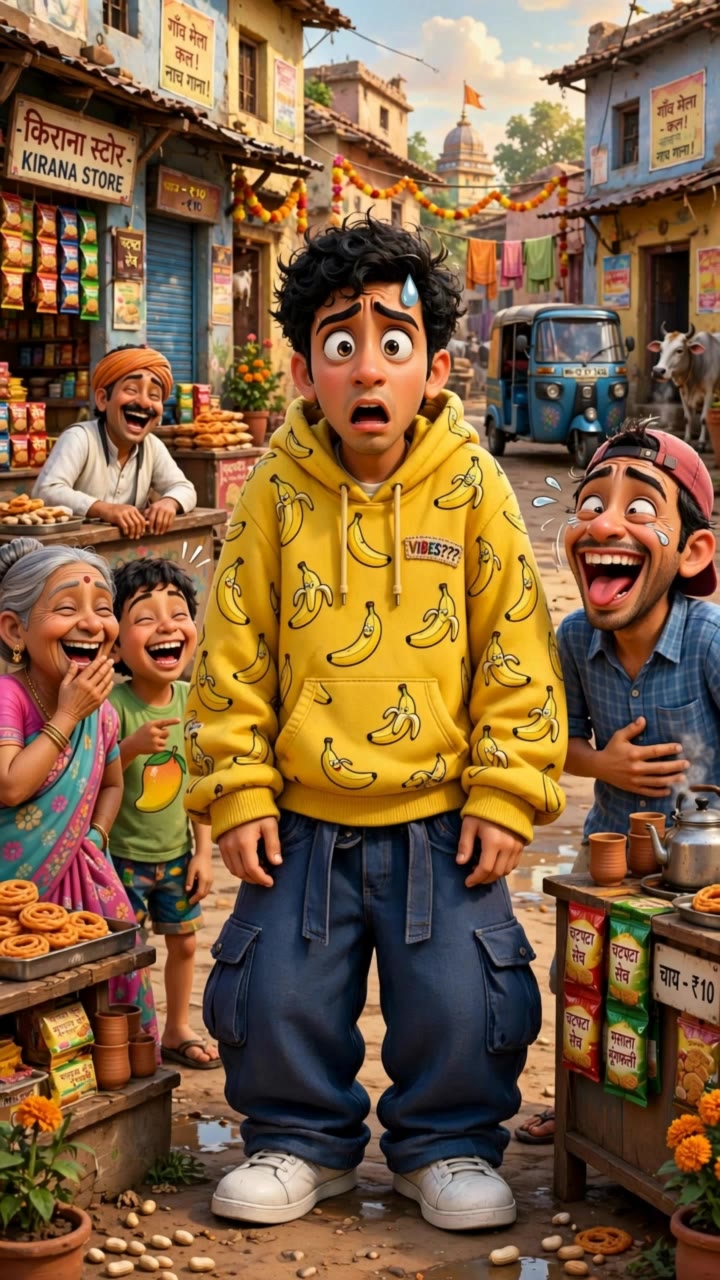
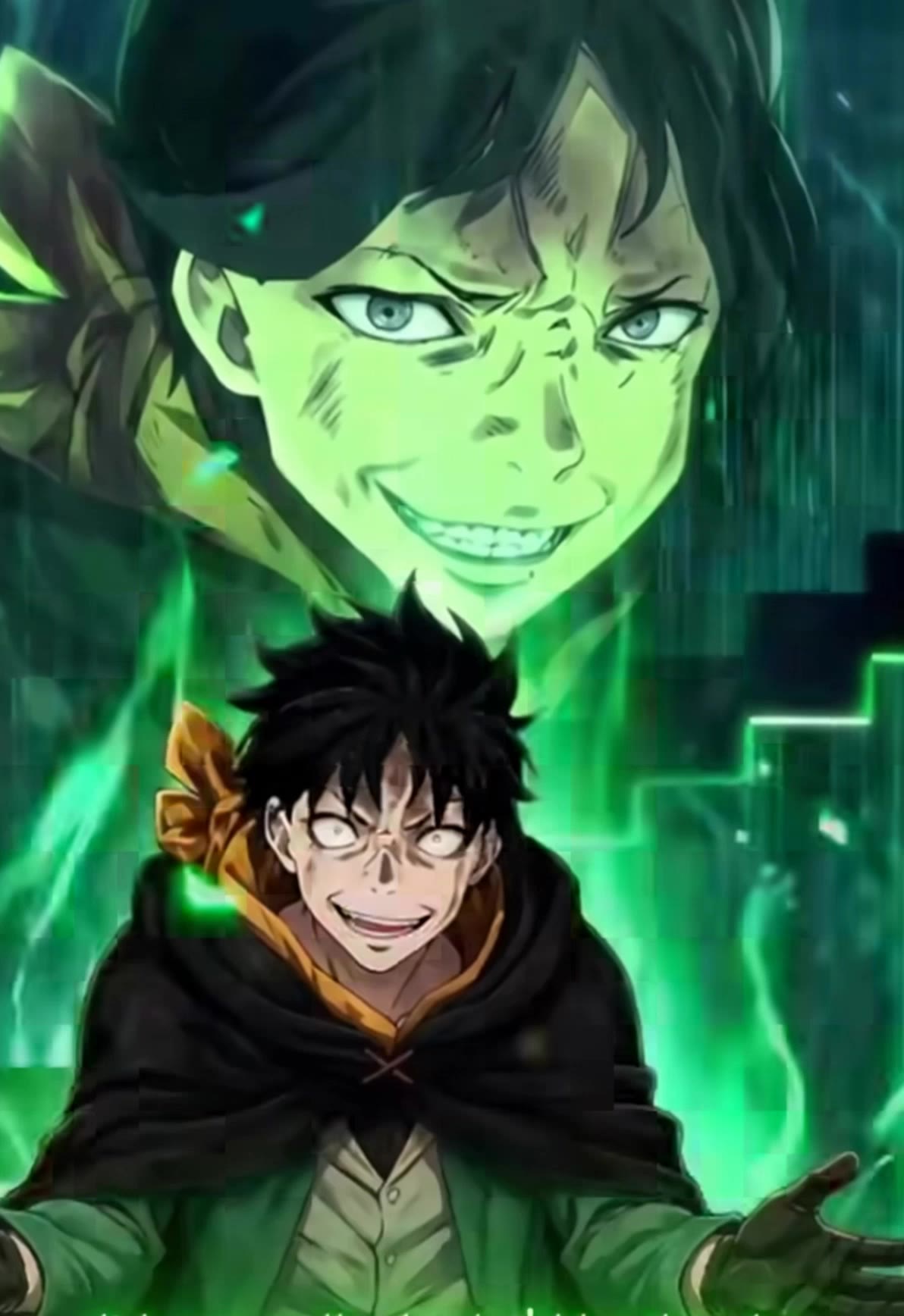
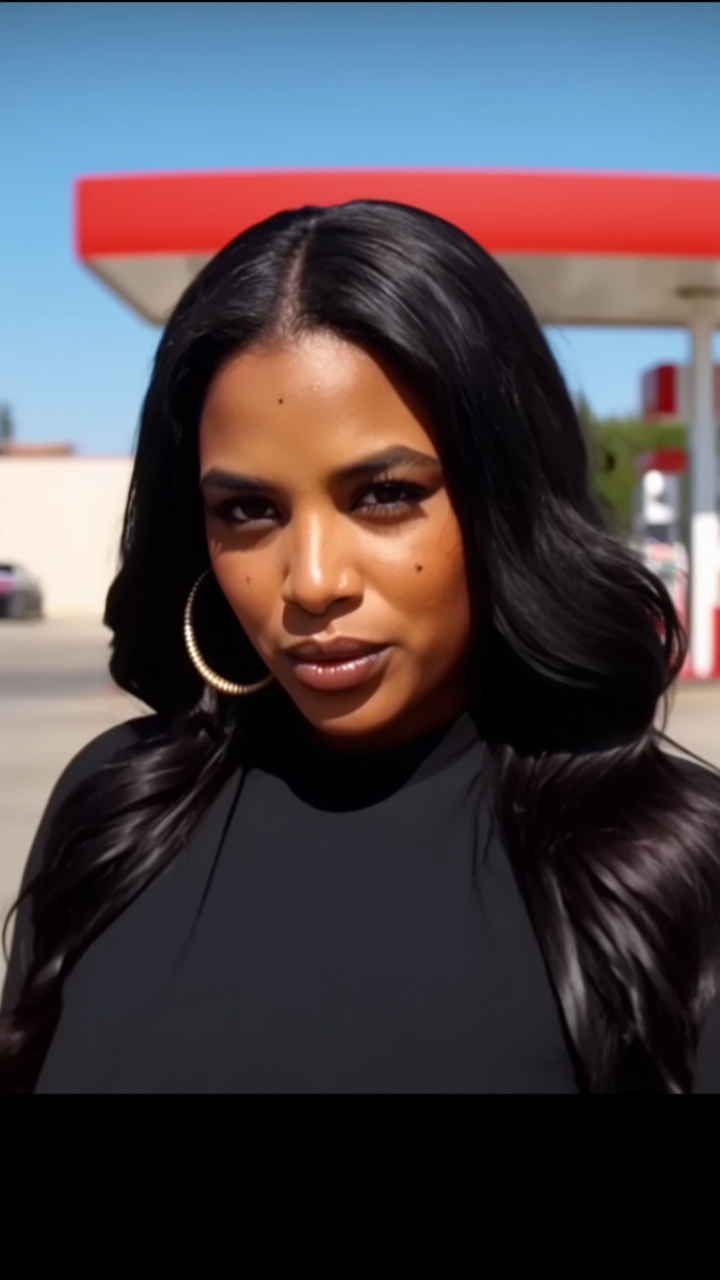
kahn meme generator - dramatic reactions & exaggerated expressions

Unleash creativity with dramatic reactions and relatable scenarios in the kahn meme generator, featuring exaggerated expressions and viral video-style content. Start exploring kahn meme generator ideas and generate your own content with AI.

kahn meme generator - dramatic reactions & exaggerated expressions

Recommended

Kling AI work 315796480614620 - kahn meme generator AI video
kiling ai is best ai avatar
kiling ai is best ai
Kling AI work 314890861667394 - kahn meme generator AI video
UwZRIChb avatar
UwZRIChb
Kling AI work 316940886322774 - kahn meme generator AI video
lXJeHJef avatar
lXJeHJef
Kling AI work 318748569617222 - kahn meme generator AI image
yNfQTDmO avatar
yNfQTDmO
Kling AI work 314193582615863 - kahn meme generator AI image
OGcFVkfX avatar
OGcFVkfX
Kling AI work 318282283615410 - kahn meme generator AI video
vSVQSRYs avatar
vSVQSRYs
Kling AI work 311666024527895 - kahn meme generator AI video
JmKufcho avatar
JmKufcho
meme - kahn meme generator AI video
00:04
tpIlaaKY avatar
tpIlaaKY
Kling AI work 309248190666984 - kahn meme generator AI image
cameralady_esther avatar
cameralady_esther
meme  - kahn meme generator AI video
00:12
crucerooo avatar
crucerooo
Kling AI work 314825837523634 - kahn meme generator AI image
bVOxhSDK avatar
bVOxhSDK
Make it realistic - kahn meme generator AI video
qmMagynC avatar
qmMagynC
Kling AI work 309073593616374 - kahn meme generator AI image
yLIXScPO avatar
yLIXScPO
Pretty Manola🥰 - kahn meme generator AI image
silenceboy🥺 avatar
silenceboy🥺
Kling AI work 317547839521570 - kahn meme generator AI video
BjLRTrLF avatar
BjLRTrLF
meme cat - kahn meme generator AI video
KLING3192 avatar
KLING3192
Kling AI work 315624400521093 - kahn meme generator AI video
jKYChcqt avatar
jKYChcqt
Kling AI work 307759352503476 - kahn meme generator AI image
fFemaWLg avatar
fFemaWLg
Kling AI work 310904427665082 - kahn meme generator AI video
nqeAsjud avatar
nqeAsjud

How to Use Kling AI Face Swap

Step 1: Upload Your Target and References

Step 1: Upload Your Target and References

Add the photo or video you want to edit, then add the face reference you want Kling AI to follow. For video, you can also use multiple views or a character element when you need stronger identity consistency across different angles.

Step 2: Describe the Face Swap You Want

Step 2: Describe the Face Swap You Want

Tell Kling AI which face to replace and what reference to use. For example: "Replace the face in [Image 1] with the face from [Image 2] while keeping all other content unchanged."

Step 3: Generate Your Face Swap

Step 3: Generate Your Face Swap

Choose your preferred output settings, such as the generation mode and aspect ratio, then click Generate. Kling AI will apply your instructions and chosen settings to create your face-swapped image or video.

Why Kling Sets the Standard for Video Creation

Flawless Character Consistency

Flawless Character Consistency

Unlike standard tools that distort faces when moving, Kling Video 3.0 lets you strictly lock a character’s appearance. Upload a single photo, or use a short video/multiple angles as a reference to completely eliminate the “AI morphing” effect.

Native Audio & Perfect Lip-Sync

Native Audio & Perfect Lip-Sync

Your image doesn’t just move; it speaks. Generate perfectly matched voices and realistic lip movements in multiple languages or regional accents. Even in multi-character scenes, you can precisely assign who speaks—no third-party tools required.

15s Duration & Motion Control

15s Duration & Motion Control

Go beyond simple loops with up to 15 seconds of smooth narrative. Use advanced Motion Control to direct camera pans, tilts, and zooms, or define exact transitions with start and end frame references.

Apps

Image to Video
Image to Video

Image to Video

Text to Video
Text to Video

Text to Video

Omni
Omni

Omni

Digital Human
Digital Human

Digital Human

Restyle
Restyle

Restyle

Text to Image
Text to Image

Text to Image

60M+
60M+
Users
600M+
600M+
AI Videos Generated
4.7 ★
4.7 ★
App Store
Industry-Leading
Industry-Leading
Cinematic 4K

Reviews

Huang Lu (Elson)

Huang Lu (Elson)

★★★★★

I’ve been using Kling AI since its initial release, and it’s remained one of the leading AI media generators ever since. With Kling AI, I’ve created hundreds of videos, collectively amassing millions of views.

Ozan Sihay

Ozan Sihay

★★★★★

Kling AI allows me to rapidly prototype ideas, refine storytelling elements, and produce visually compelling content efficiently. It has not only accelerated my creative processes, but also deepened my understanding of how AI can enrich visual storytelling.

Halim Alrasihi

Halim Alrasihi

★★★★★

I use AI daily and Kling AI is a crucial part of my workflow, whether for client work or personal projects. What I love most about using Kling AI is that it provides all the tools I need in one place, from keyframes to character references, elements and special effects.

FAQ

Q1What is an AI video enhancer?
Q2Can I enhance my video in 4K?
Q3Can I keep faces and products recognizable while changing a video?

Bring Your Old Photos Back to Life

Use the photo you already have as the starting point. Repair visible damage, improve faded areas, guide familiar faces with references, and create a higher-resolution version when you need it.