
zXcxxKHA
11
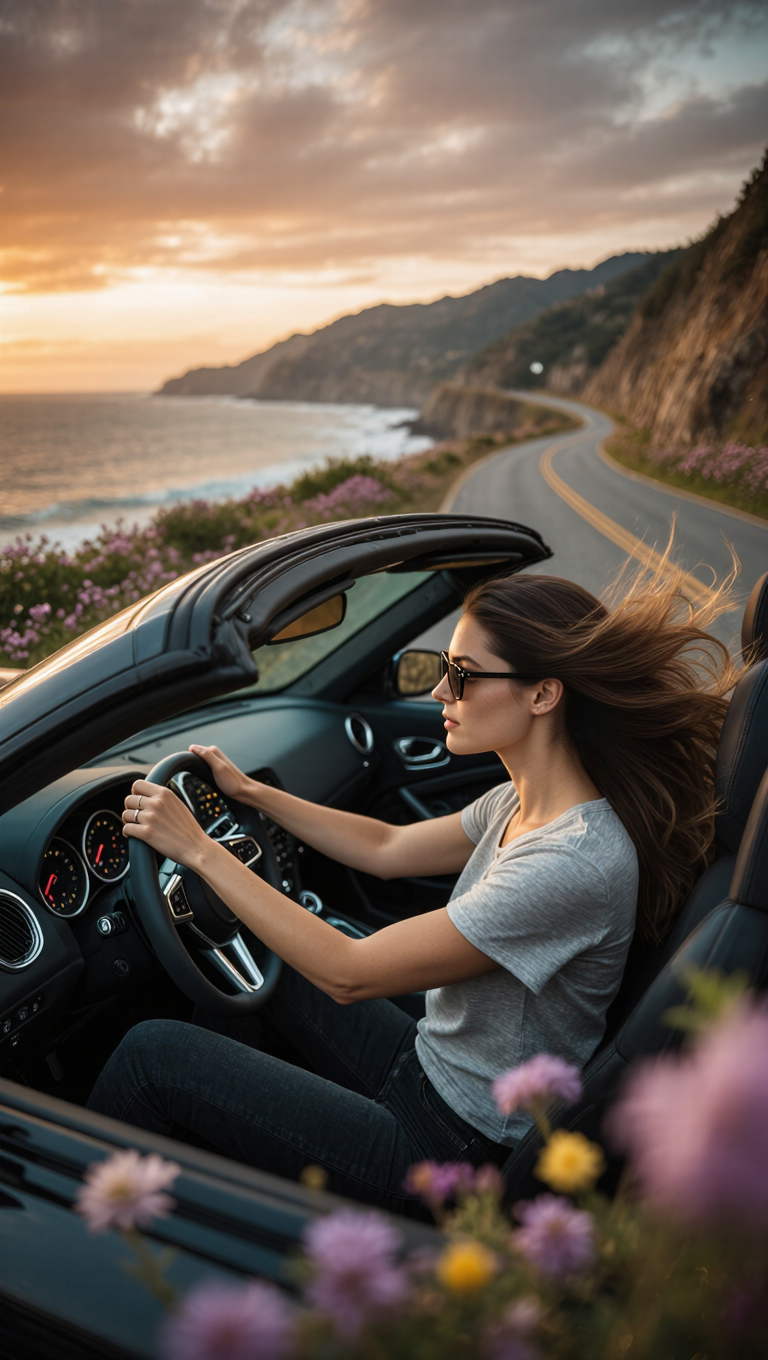
Generate AI-created videos with Kissing Kling AI. Quickly explore and adapt AI-made visuals for your projects.

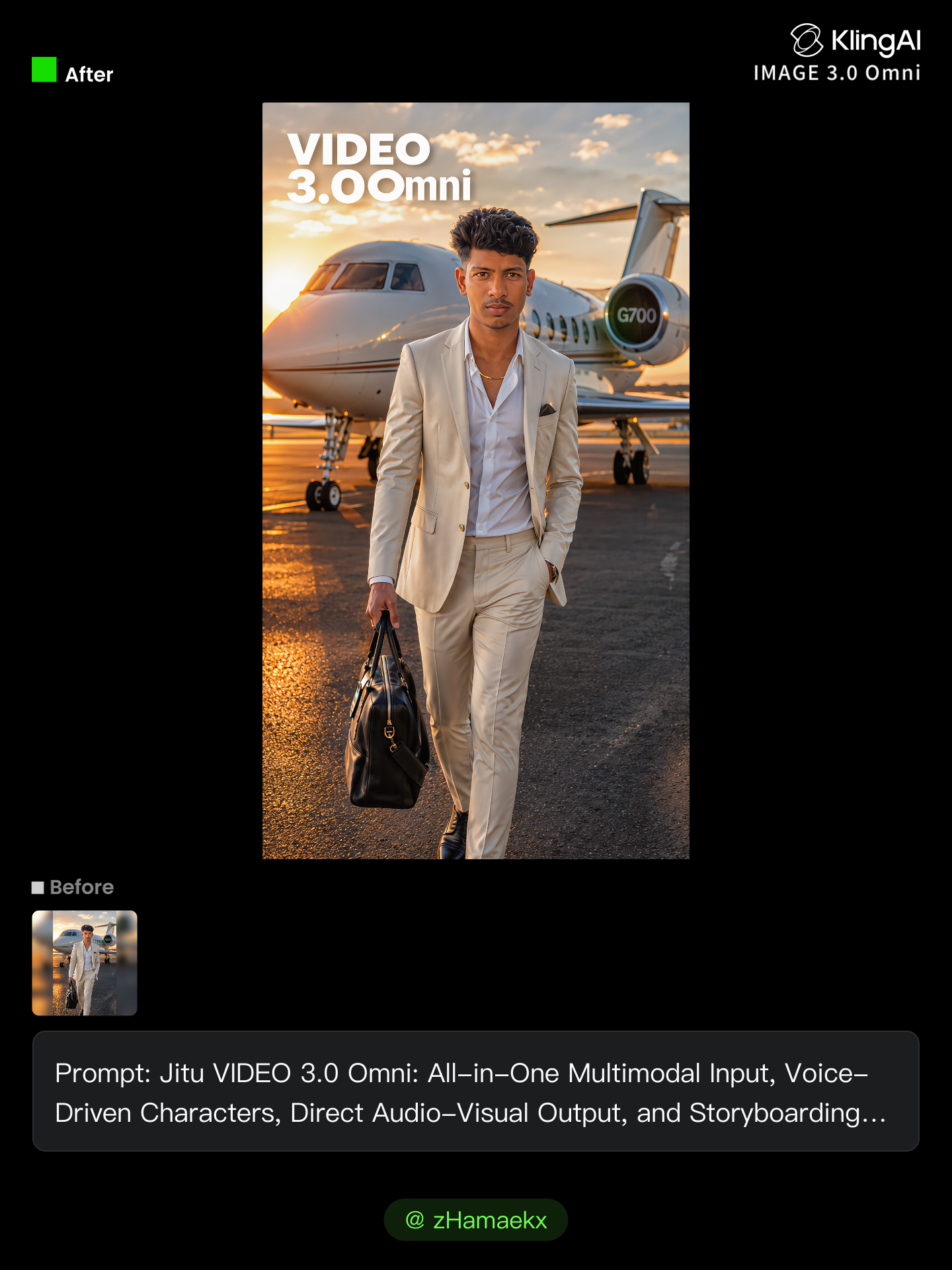
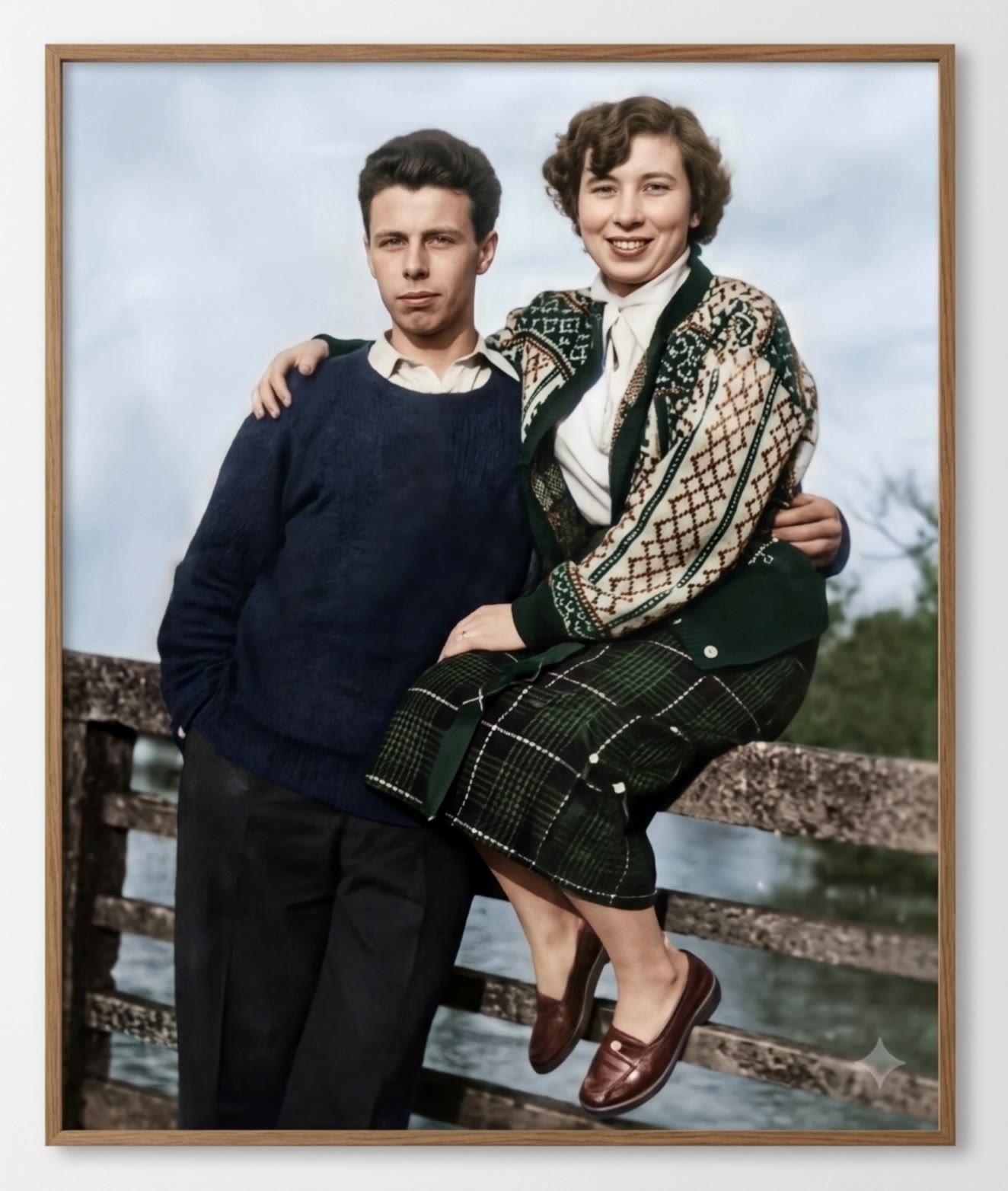
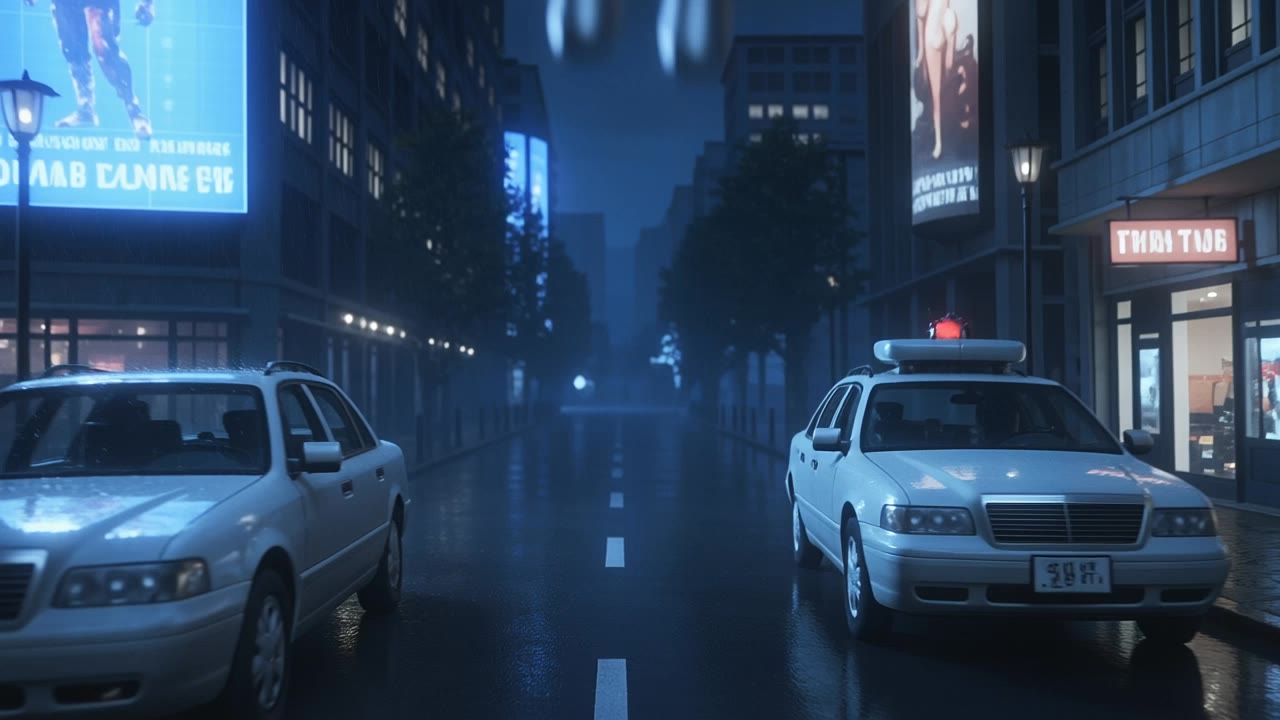

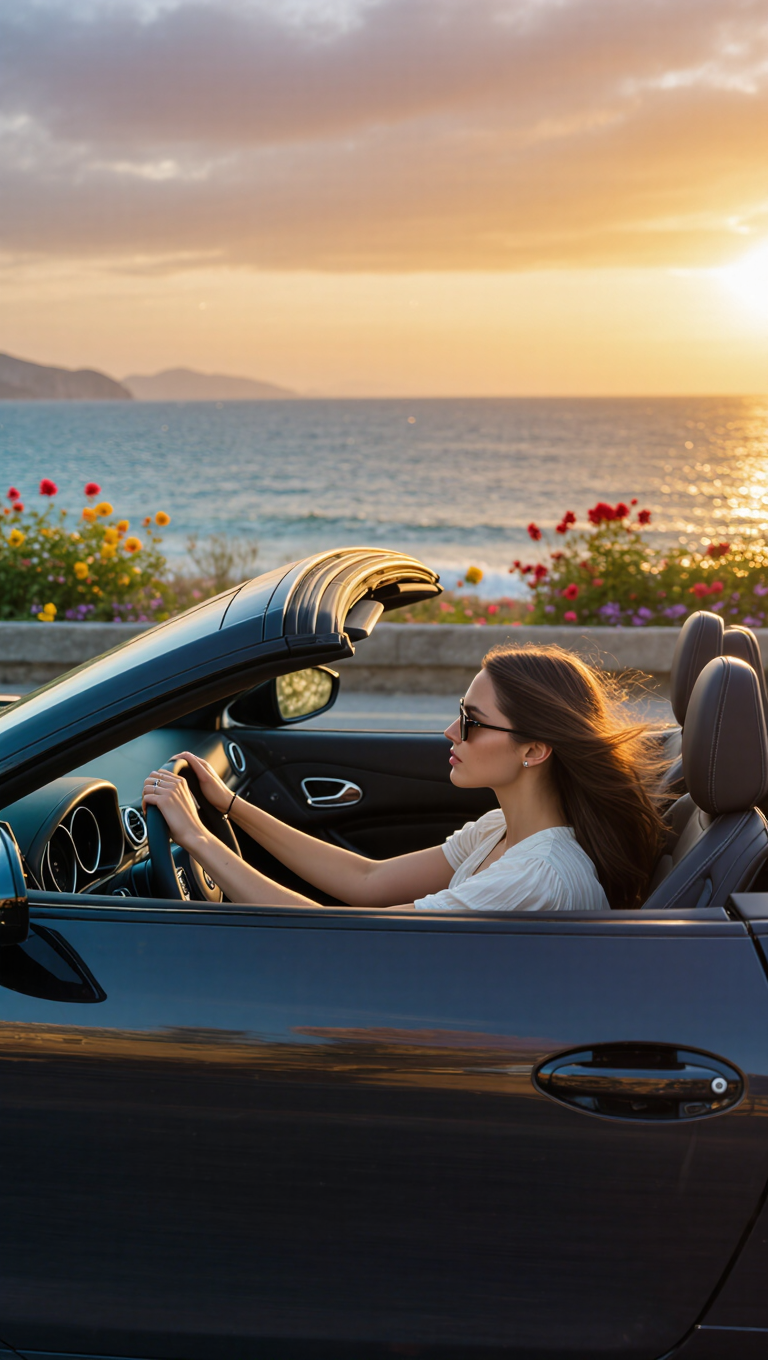
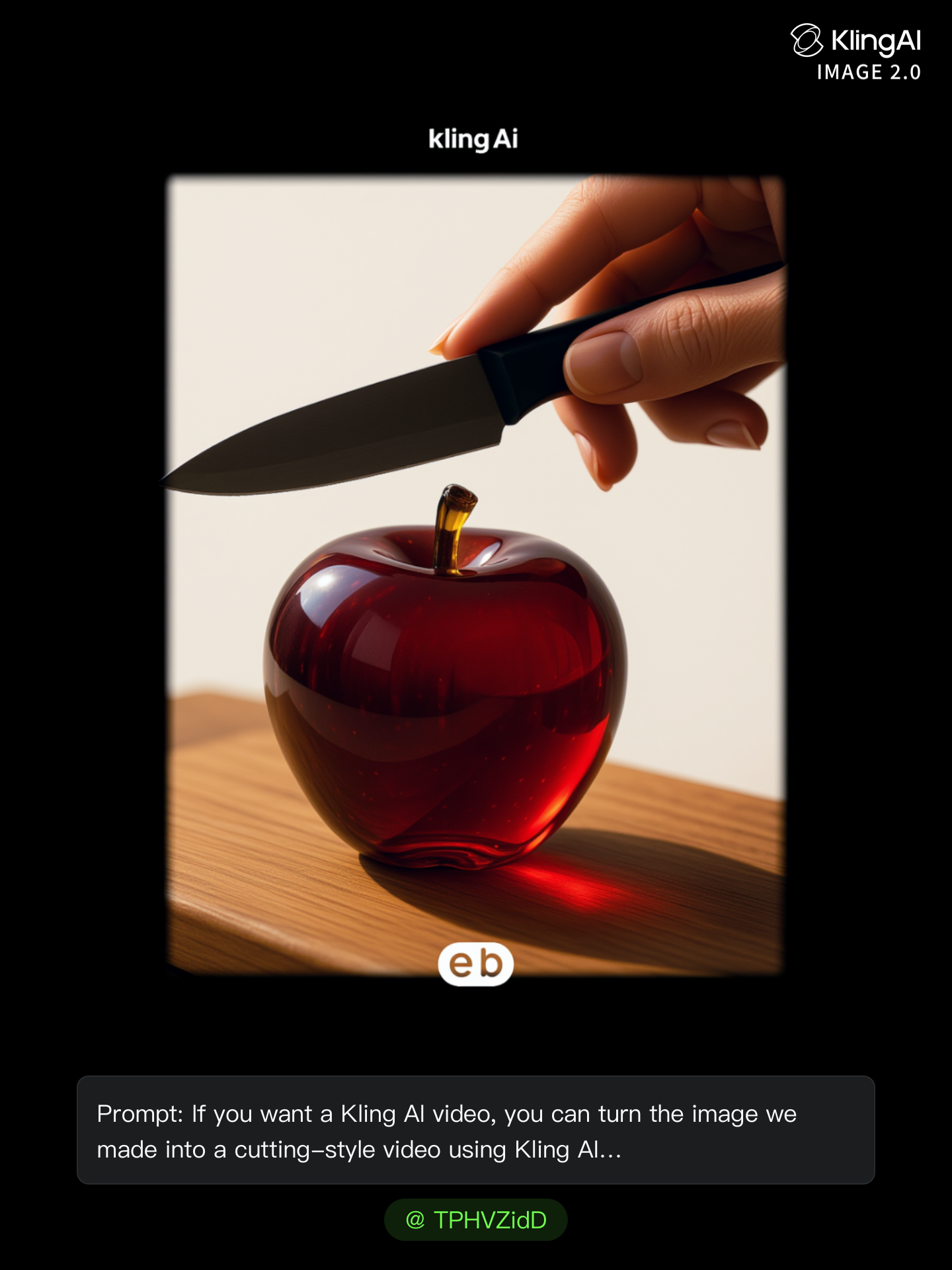
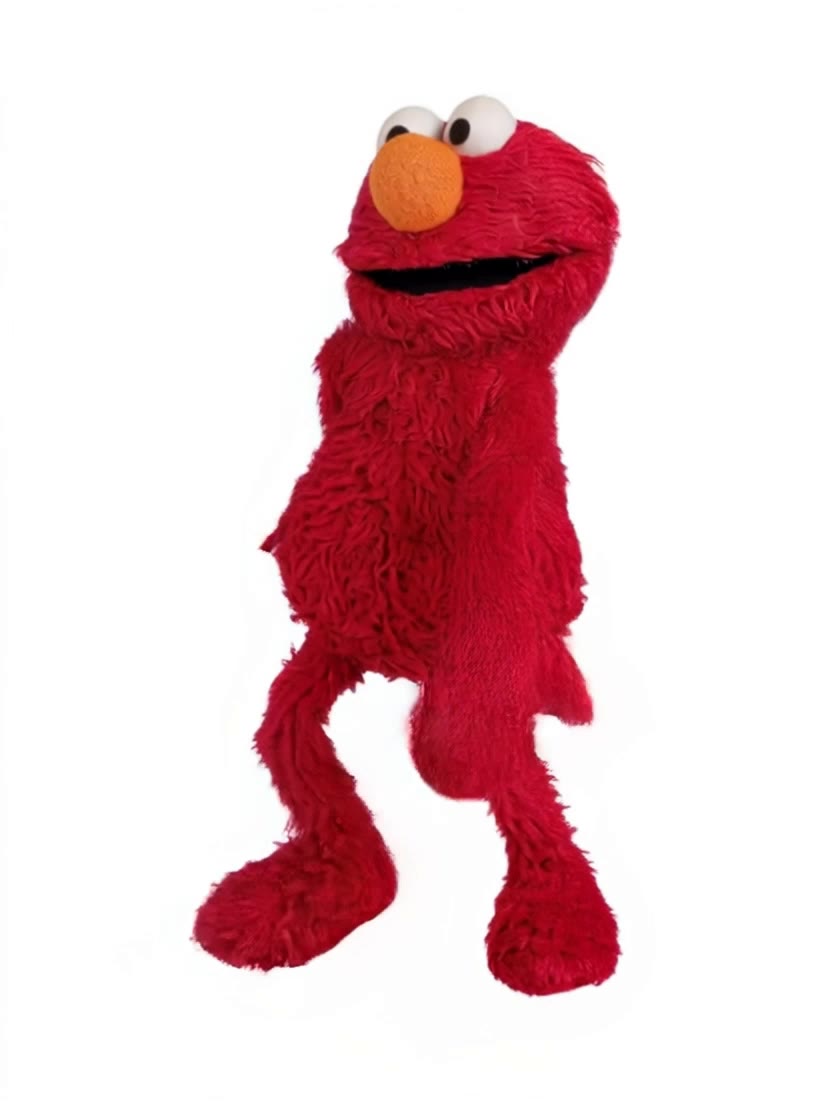
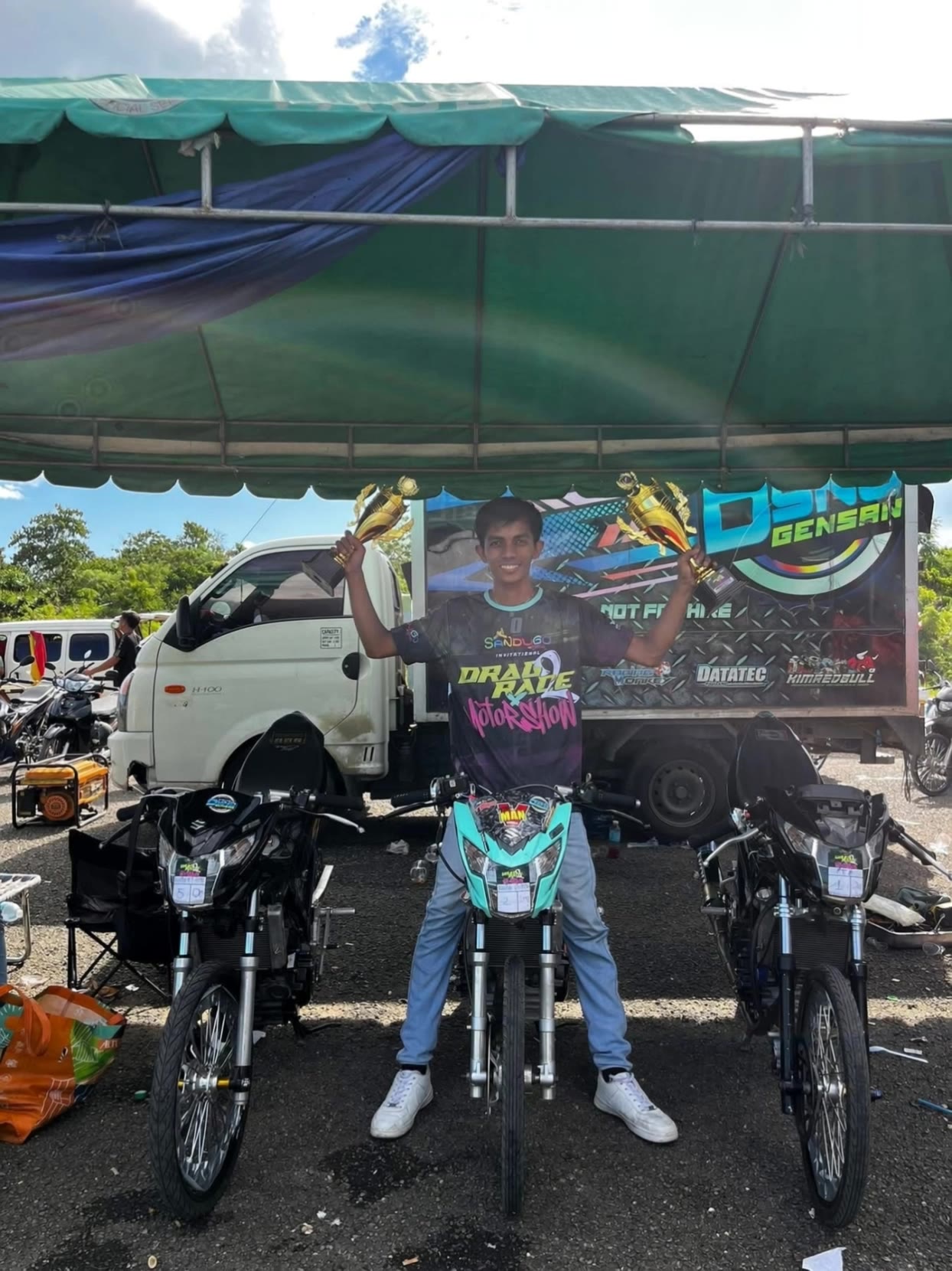
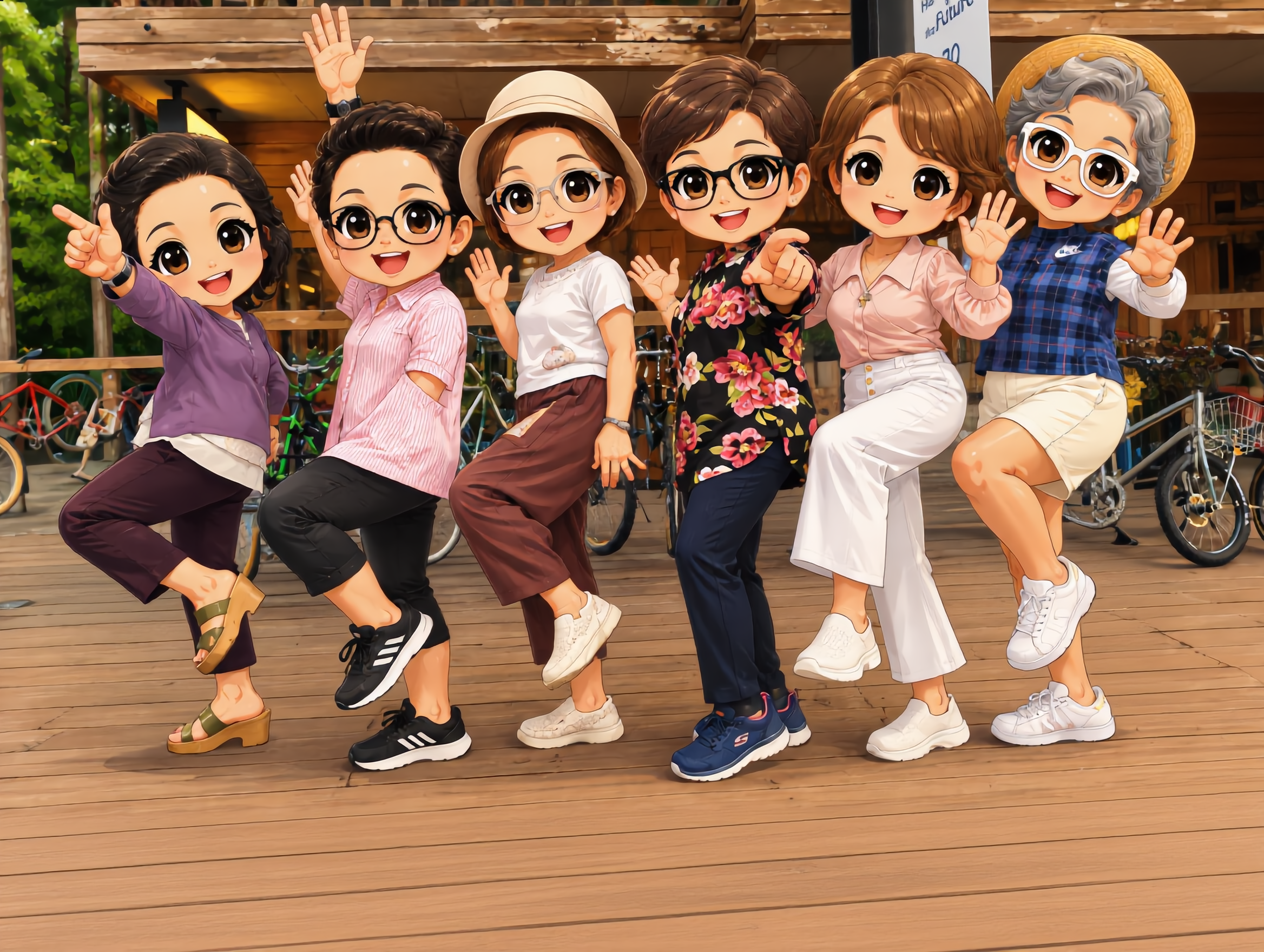
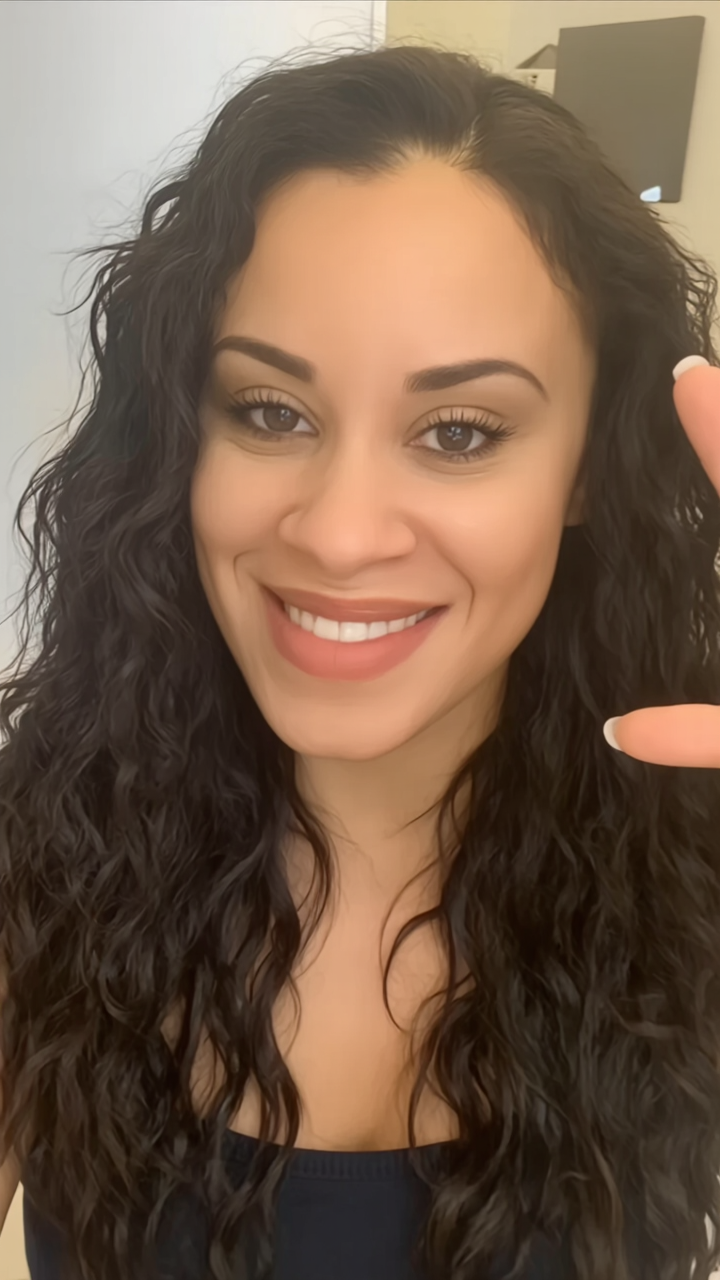
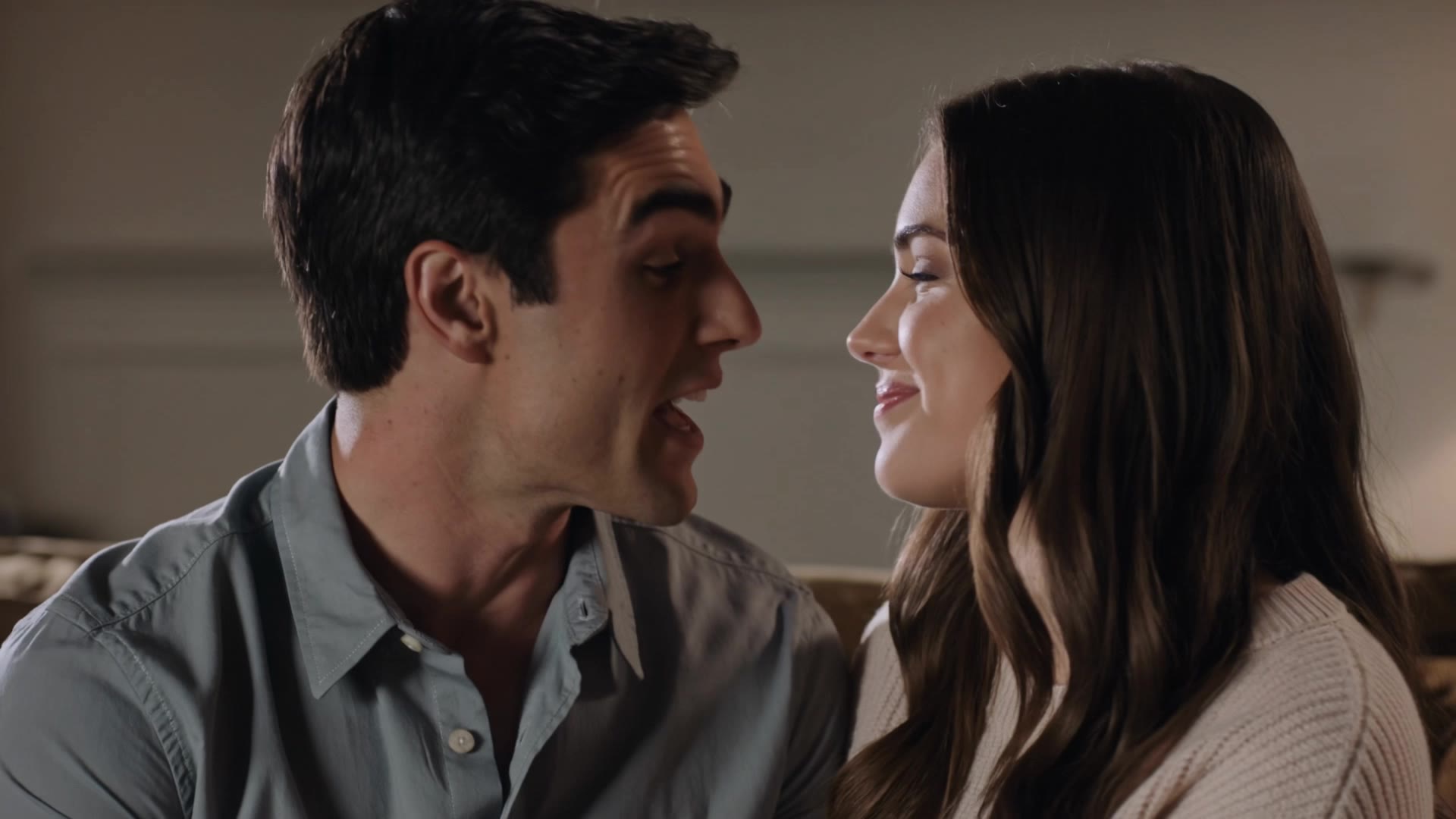


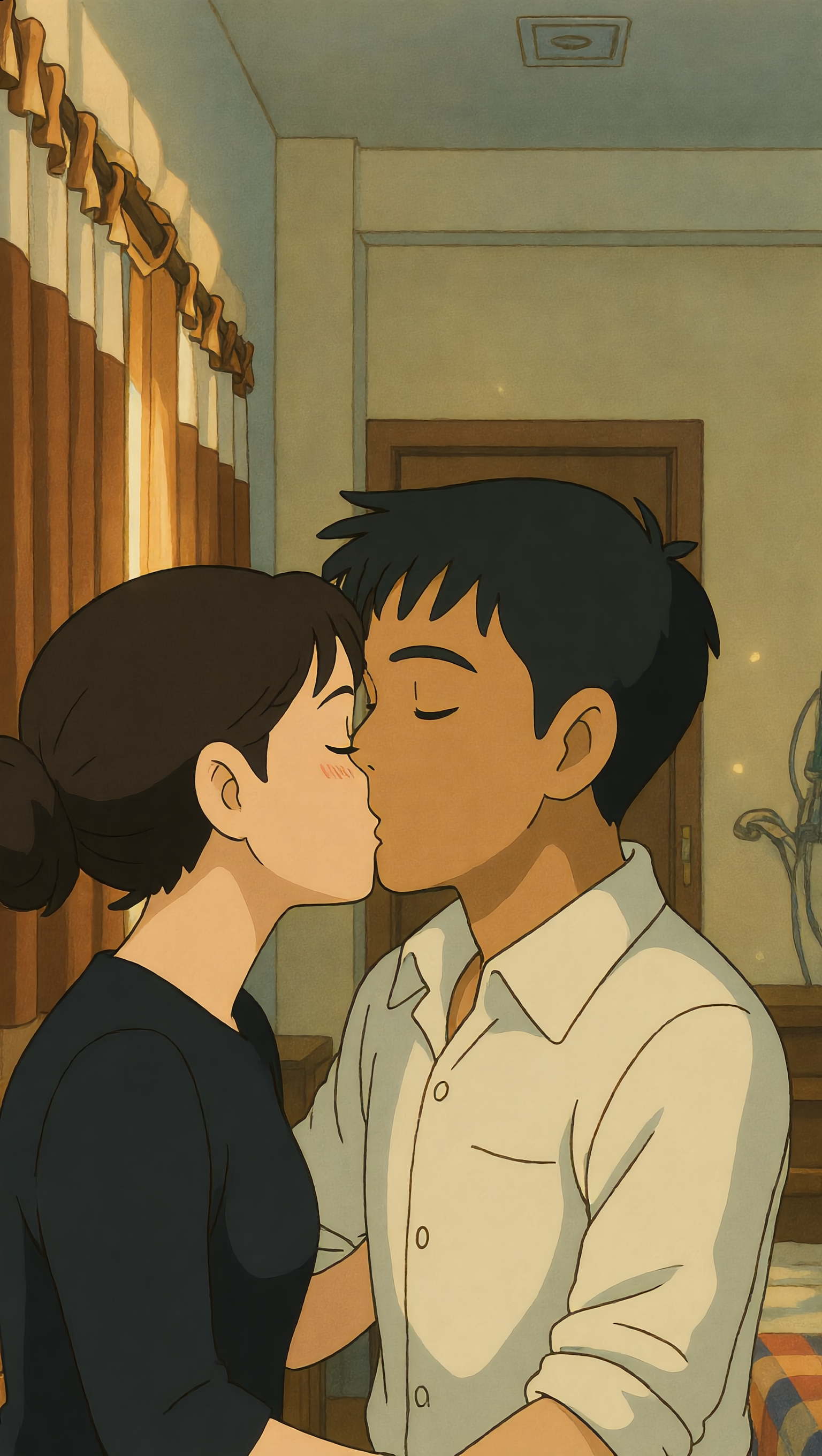
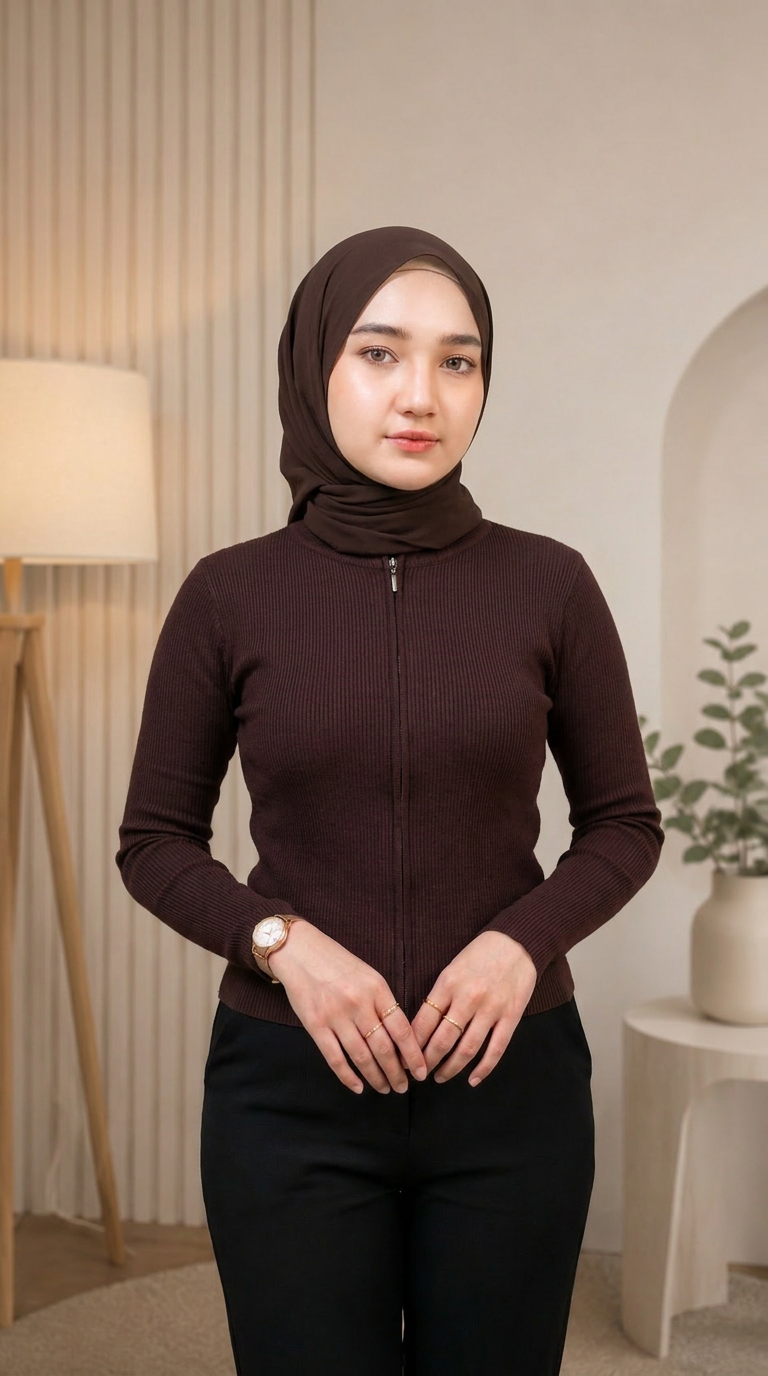
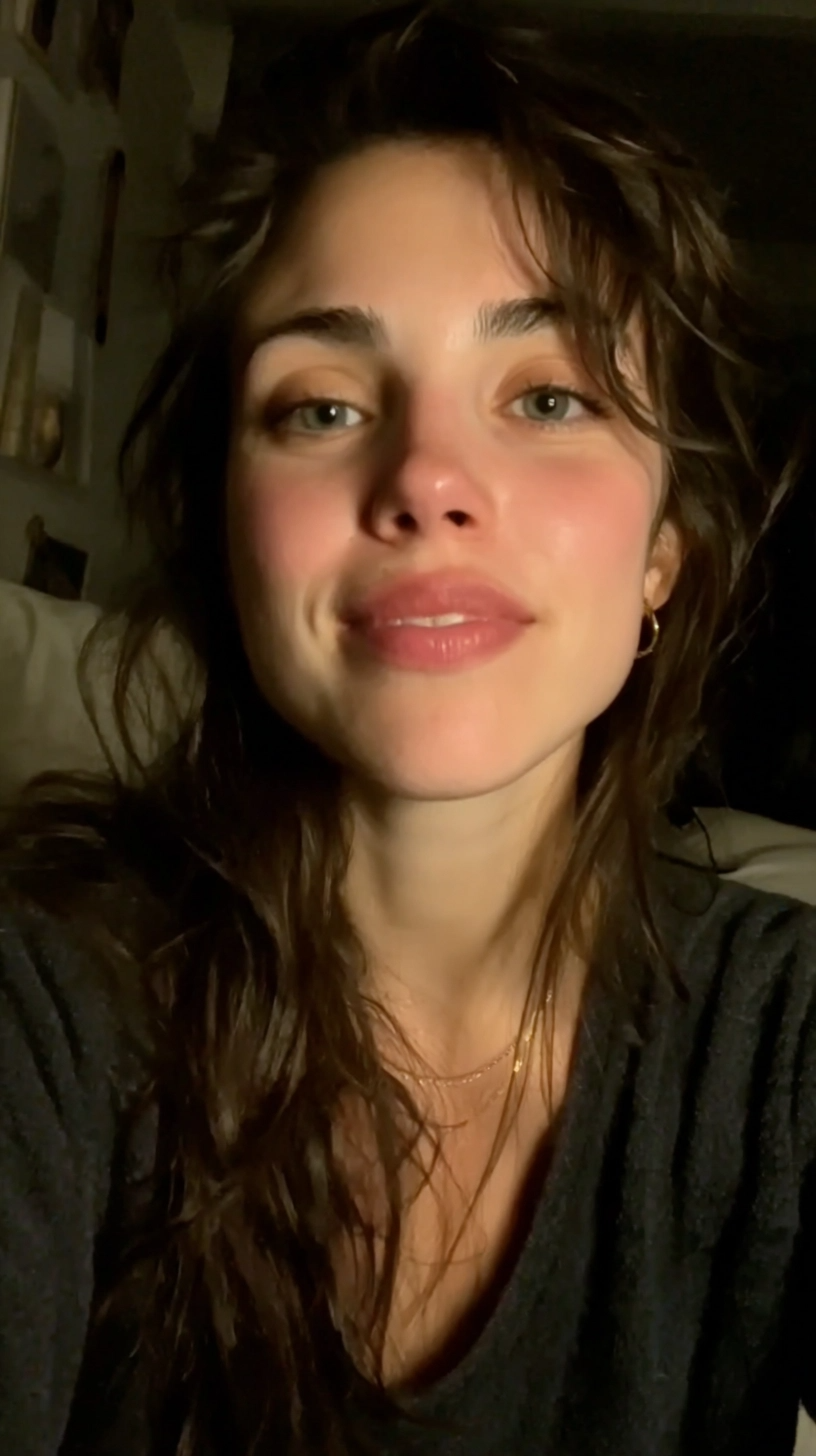
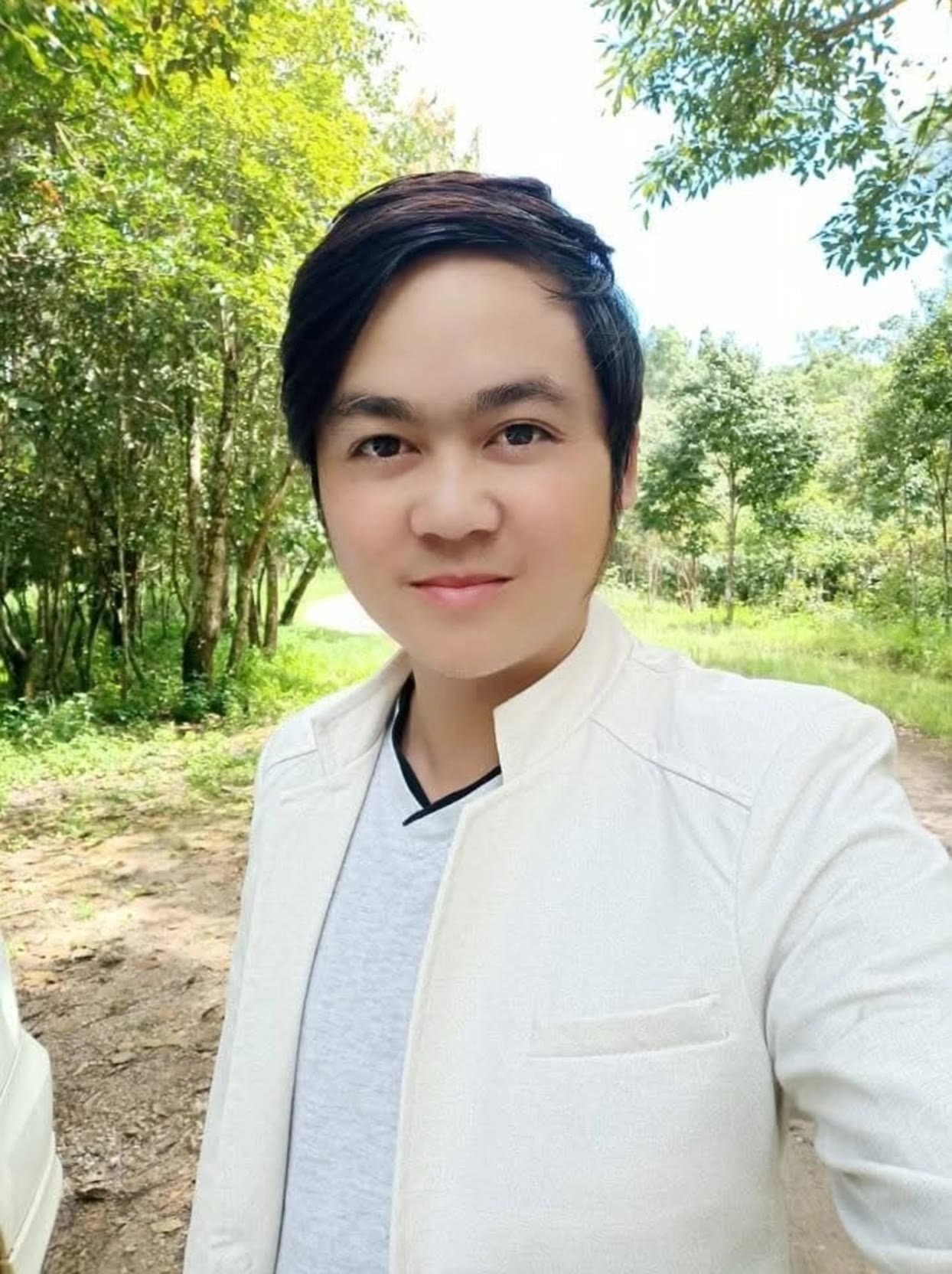

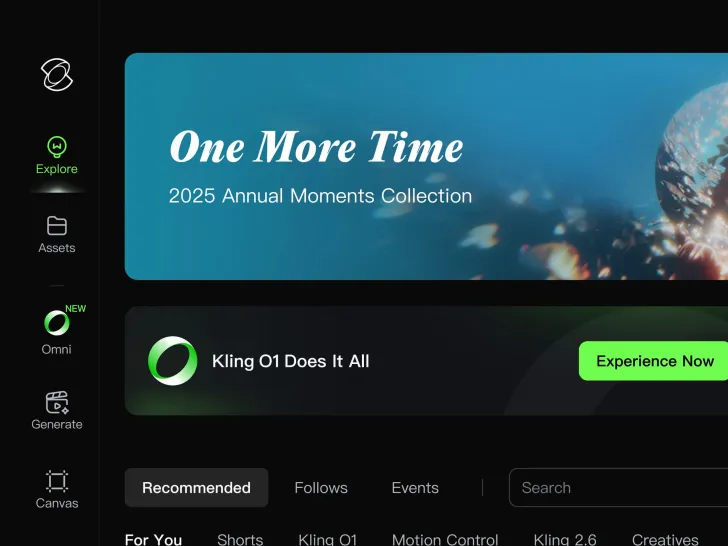
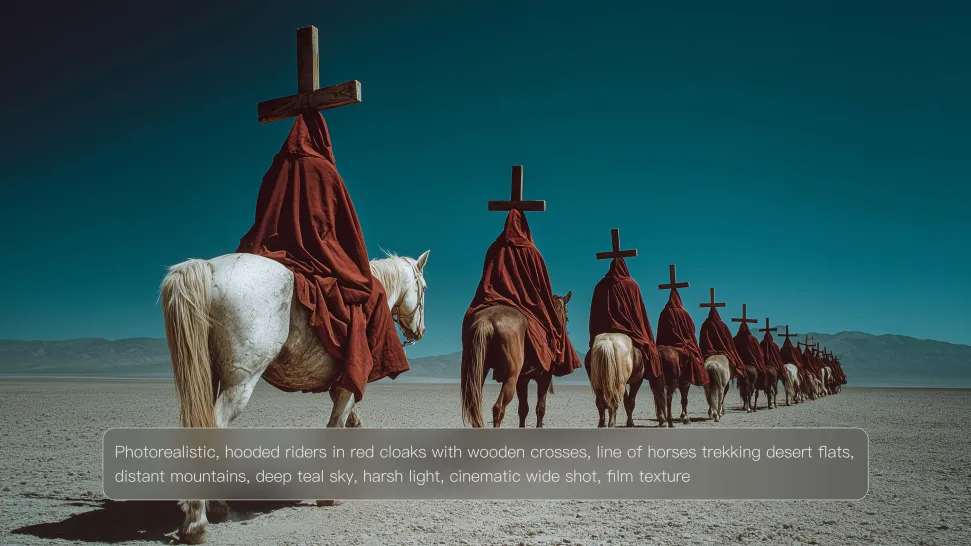
Describe the scene, character, product, or style you have in mind, and watch your idea come to life. Whether you're generating from scratch or fine-tuning an existing result, Kling IMAGE 3.0 follows your instructions, including tweaking the composition, shifting the lighting, and adjusting visual details until it looks right.
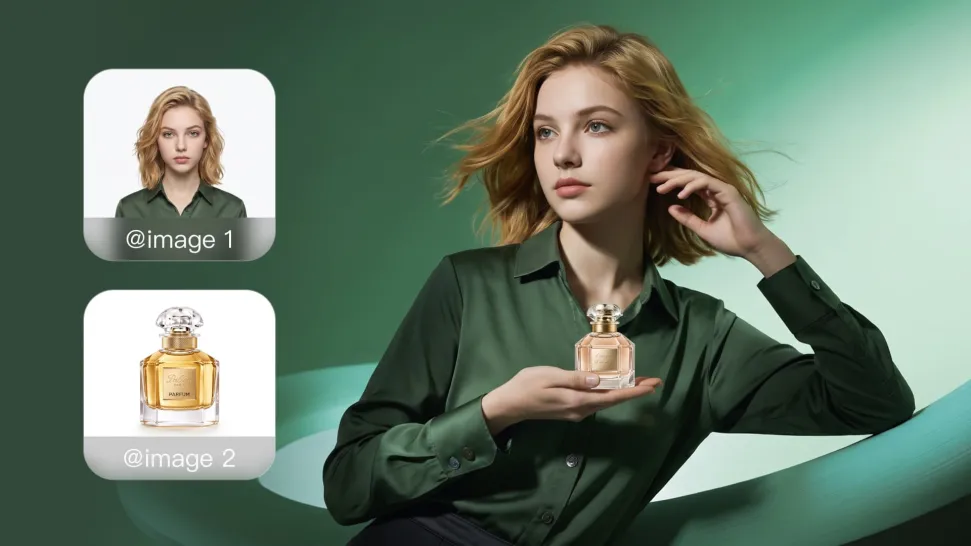
Bring in references for a character, product, color palette, material, composition, or visual style. IMAGE 3.0 draws on the defining qualities of up to 10 images and brings them together in one cohesive result, keeping the details that make each reference recognizable.
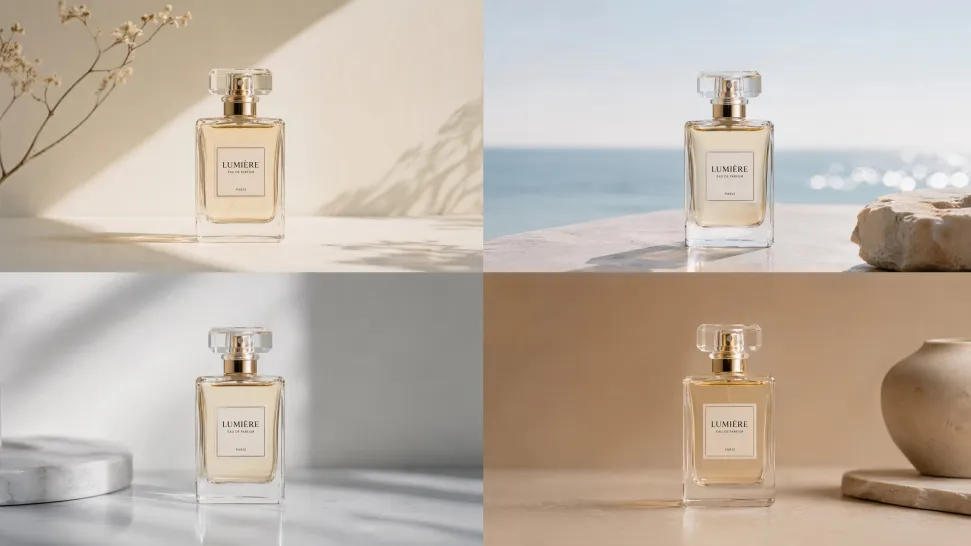
Plan and create a complete visual series as one cohesive project, rather than generating each image separately. IMAGE 3.0 Omni supports intentional shot progression, varied framing, and a unified creative direction across the set, with native 4K output for cinematic storyboards, product campaigns, character development, comics, and branded content.
















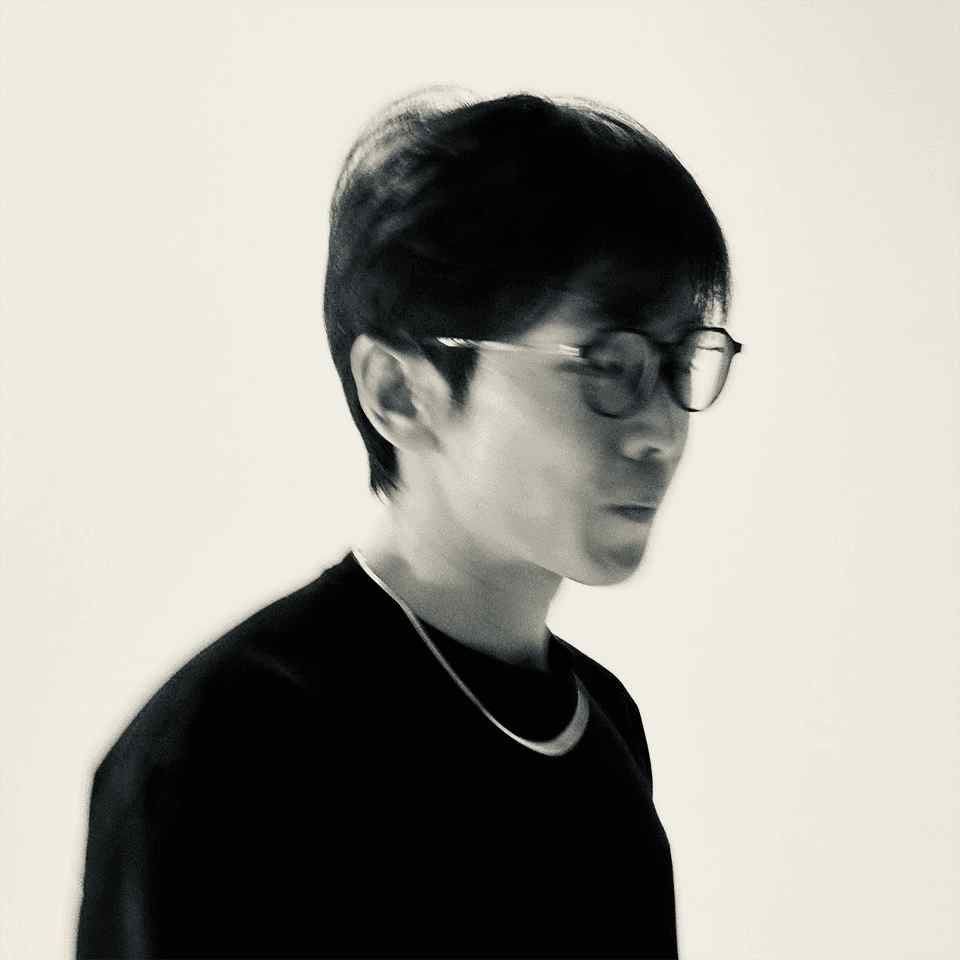
I’ve been using Kling AI since its initial release, and it’s remained one of the leading AI media generators ever since. With Kling AI, I’ve created hundreds of videos, collectively amassing millions of views.
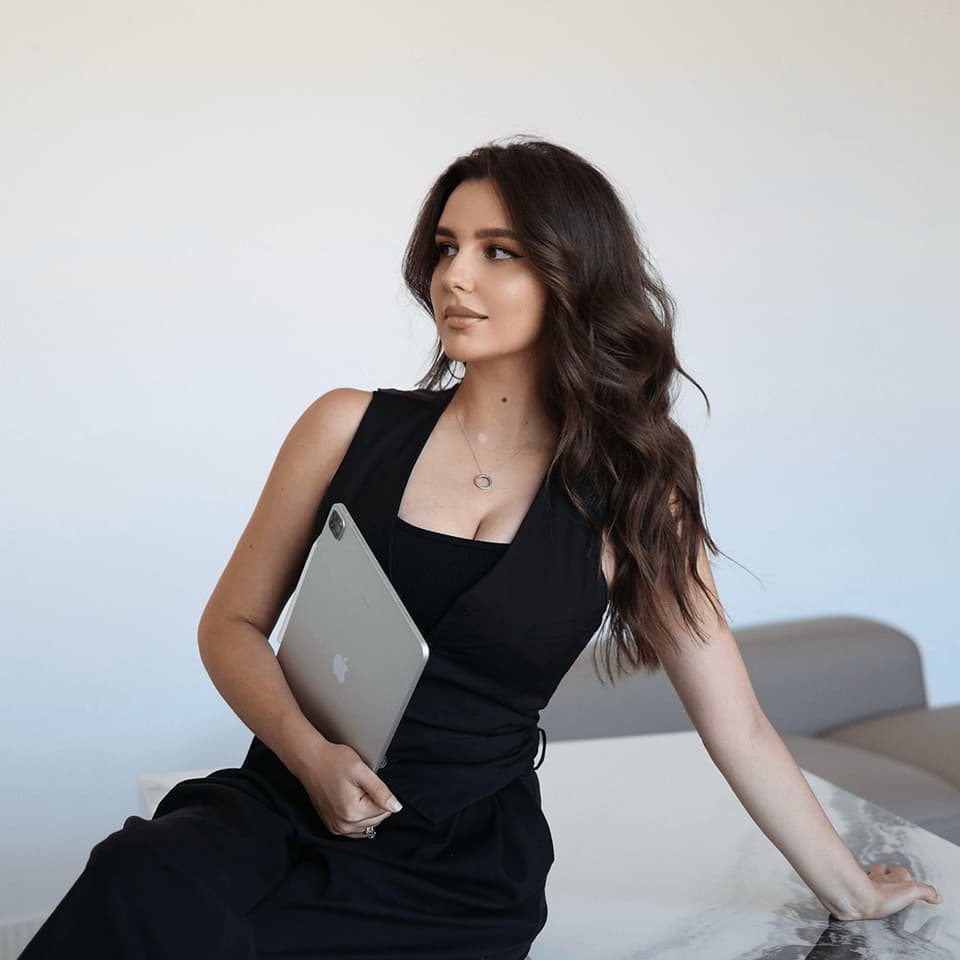
I’m Maria Rubtsova, an AIGC digital artist passionate about creating stunning visuals in the worlds of fashion, aesthetics, and fantasy. I use KlingAi to bring imagination to life through video. My work is all about exploring beauty, emotion, and the limitless possibilities of digital art.
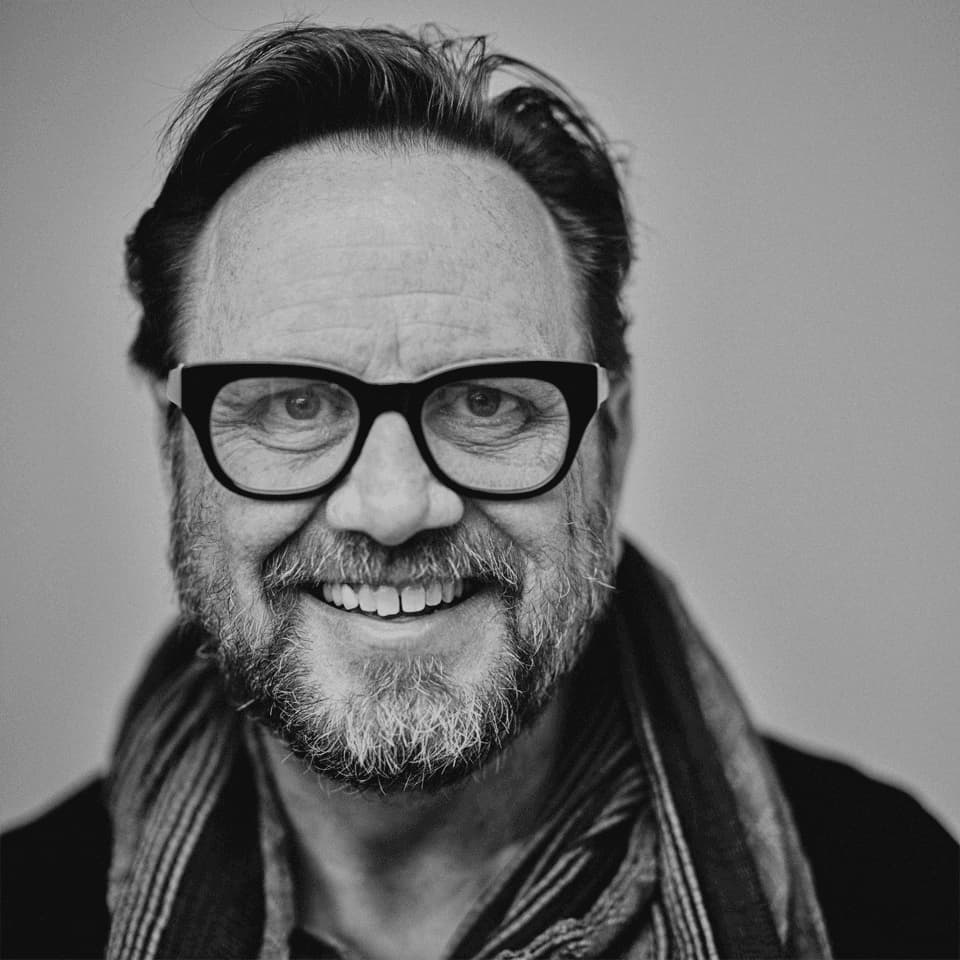
Kling AI has transformed my workflow by collapsing timelines and democratizing production. It’s shifted my mindset from resource-dependent filmmaking to a boundless creative sandbox, where experimentation yields unexpected beauty.
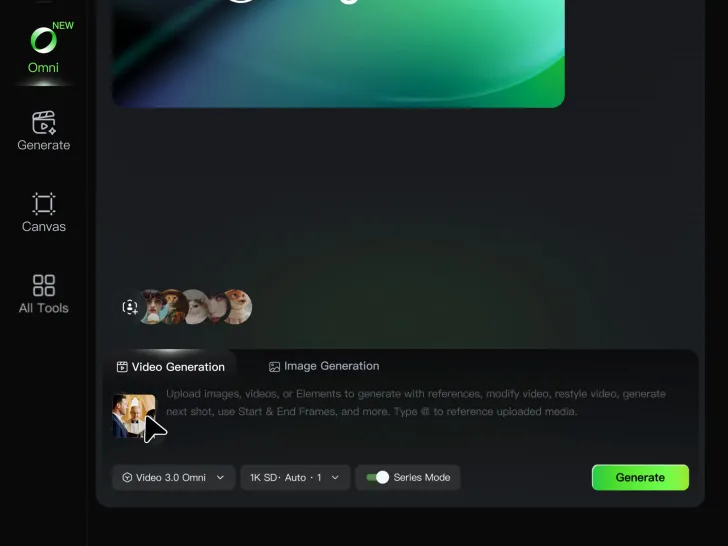
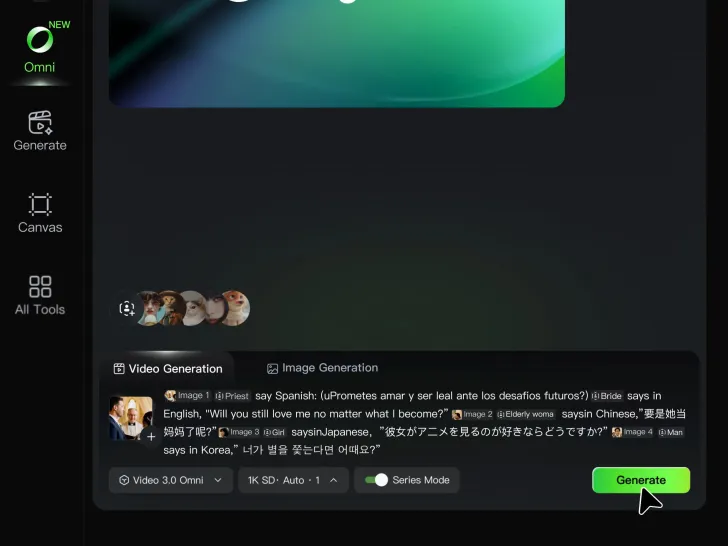
Turn your script into a video with native dialogue and sound for multi-character conversations, multilingual scenes, and more.
Native audio | Multi-Character Coreference | Multilingual Content Generation
