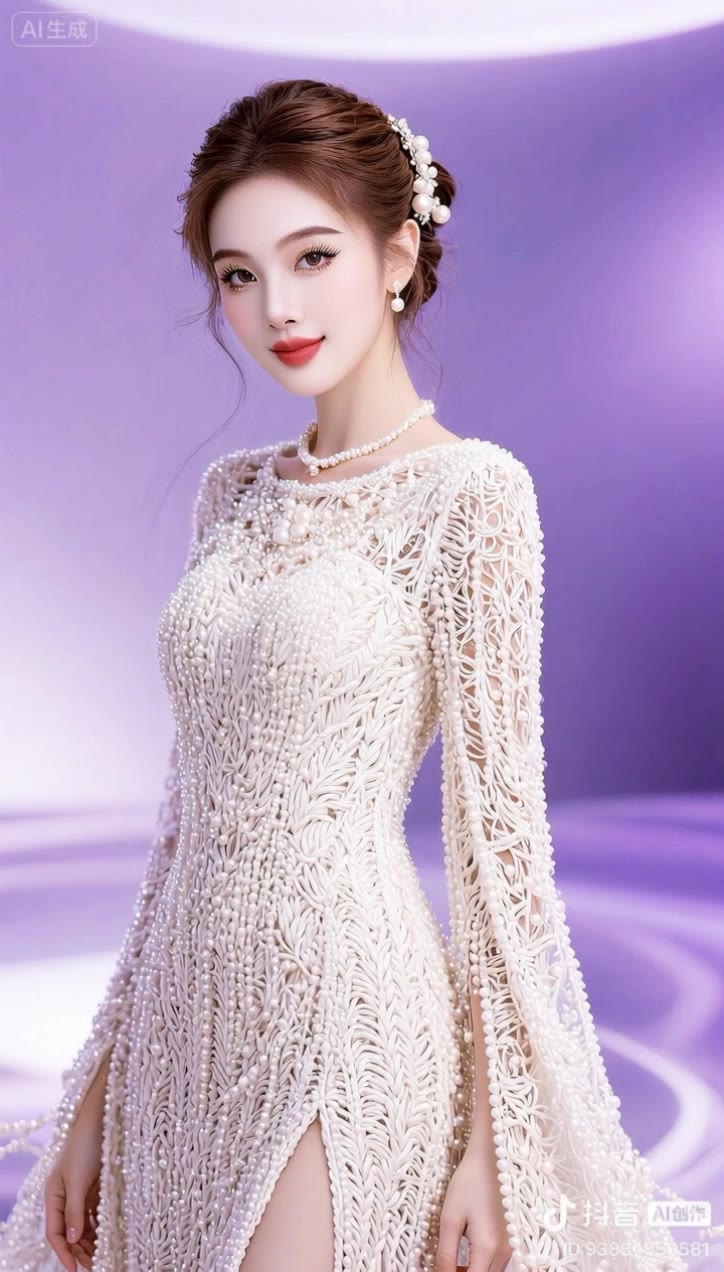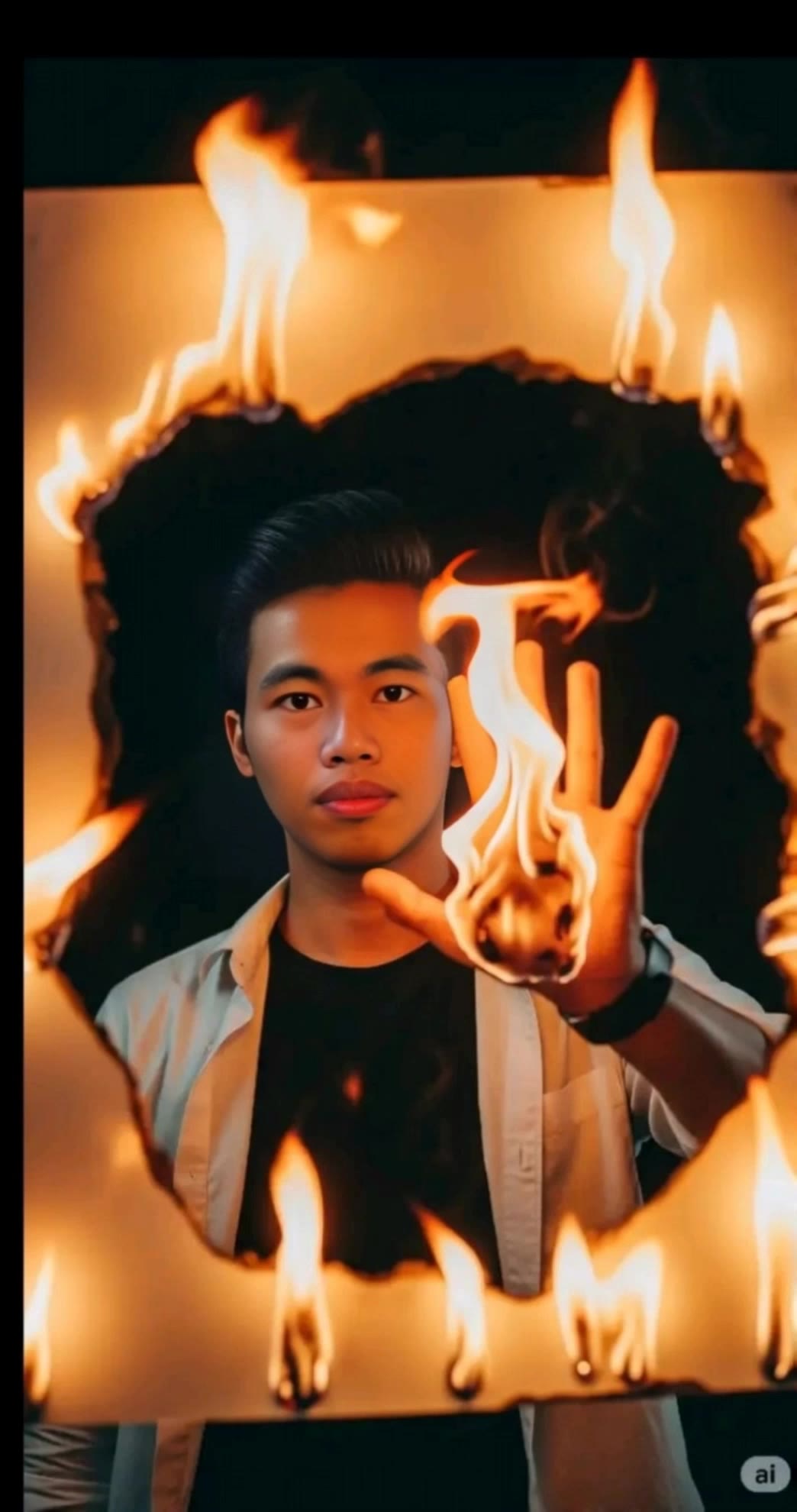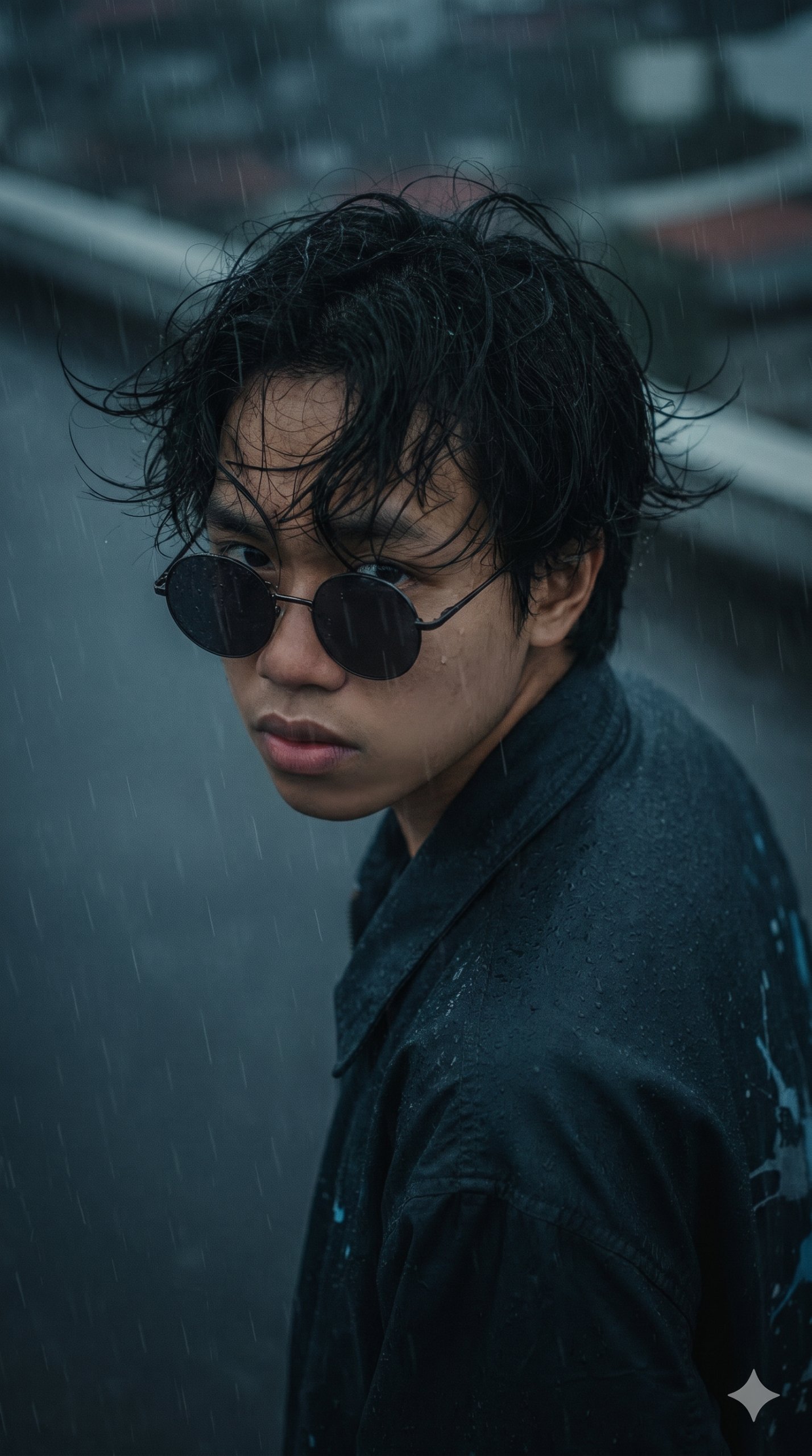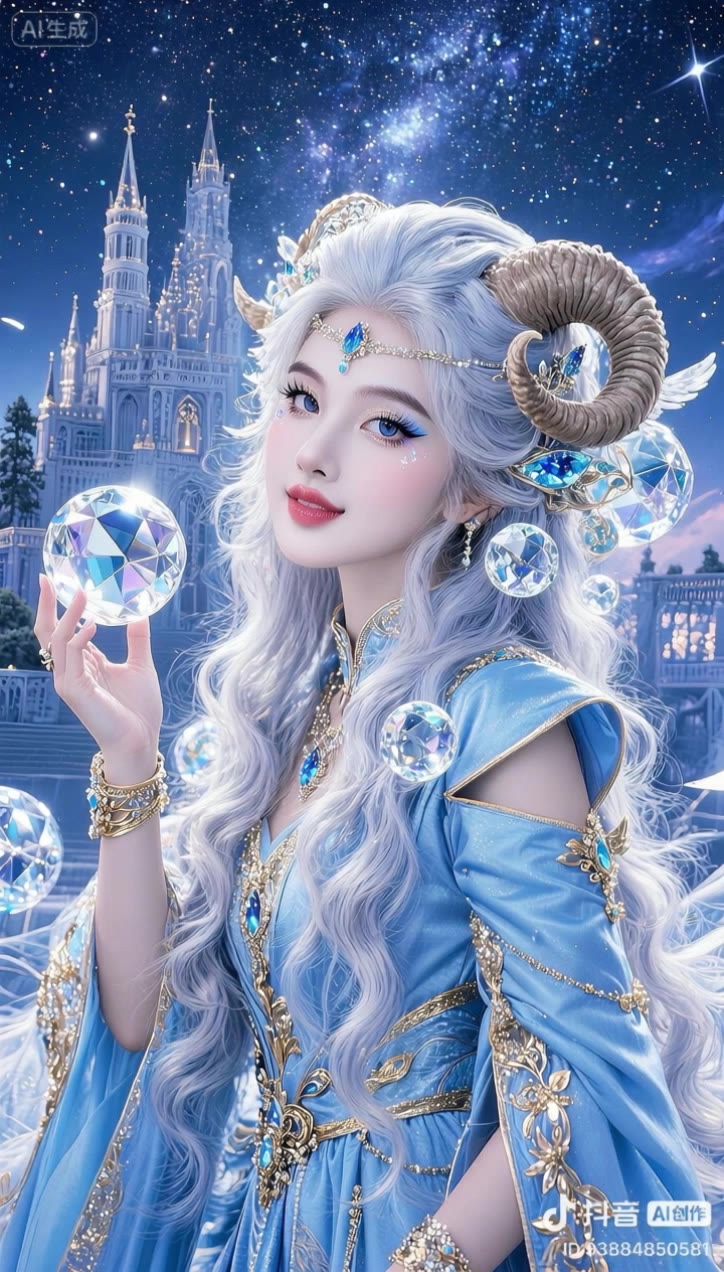
Kling 2.1 API – KlingAI Features and Updates

Explore the latest features and updates of Kling 2.1 API. AI-generated content helps you quickly adapt to new functionalities and enhance your projects.

Kling 2.1 API – KlingAI Features and Updates

Recommended

Kling AI work 316828800664898 - kling 2.1 api AI video
🎀librakoreaa♎️ avatar
🎀librakoreaa♎️
Kling AI work 316827466525297 - kling 2.1 api AI video
🎀librakoreaa♎️ avatar
🎀librakoreaa♎️
Kling AI work 316744722507523 - kling 2.1 api AI video
🎀librakoreaa♎️ avatar
🎀librakoreaa♎️
Kling AI work 313849970665966 - kling 2.1 api AI video
TIGghLsW avatar
TIGghLsW
Kling AI work 316745172321119 - kling 2.1 api AI video
🎀librakoreaa♎️ avatar
🎀librakoreaa♎️
Kling Ai is the best - kling 2.1 api AI video
00:33
oRsWyRYw avatar
oRsWyRYw
Kling AI work 299427214650345 - kling 2.1 api AI video
TcHuZiaI avatar
TcHuZiaI
Kling AI work 314548538663816 - kling 2.1 api AI video
JTcOhtkD avatar
JTcOhtkD
Kling AI work 316745851528037 - kling 2.1 api AI video
🎀librakoreaa♎️ avatar
🎀librakoreaa♎️
super hero kling ai - kling 2.1 api AI video
medtkr avatar
medtkr
Kling AI work 316819596613117 - kling 2.1 api AI video
🎀librakoreaa♎️ avatar
🎀librakoreaa♎️
kling saves humanity - kling 2.1 api AI video
medtkr avatar
medtkr
Kling IMAGE 3.0 Model User Guide - kling 2.1 api AI image
YxIAgcaB avatar
YxIAgcaB
Kling AI work 308828580615254 - kling 2.1 api AI video
XWGdihYy avatar
XWGdihYy
Kling AI work 316744469528821 - kling 2.1 api AI video
🎀librakoreaa♎️ avatar
🎀librakoreaa♎️
Kling AI work 319562229526036 - kling 2.1 api AI video
LRkOSnIf avatar
LRkOSnIf
Kling AI work 316822270505853 - kling 2.1 api AI video
🎀librakoreaa♎️ avatar
🎀librakoreaa♎️
Kling AI work 310835472500619 - kling 2.1 api AI video
zxwOJmvB avatar
zxwOJmvB
kling - kling 2.1 api AI video
00:15
OKCrtAKg avatar
OKCrtAKg

How to Animate an Image

Upload Your Image

Upload Your Image

Upload any image—drag and drop a portrait, product photo, or illustration. Kling supports various formats and brings images to life while maintaining consistent, high-quality results.

Describe the Motion

Describe the Motion

Type what you want to see, like “she turns, smiles, and starts talking to the camera.” For advanced control, you can also upload a start and end frame to define the exact transition.

Generate & Export

Generate & Export

Hit generate, wait a few seconds, and download your animated video. Free image to video generation is available in 1080p, while Pro users can unlock stunning native 4K resolution.

Edit the Parts That Matter

Change Subjects, Backgrounds, and Style

Change Subjects, Backgrounds, and Style

Keep what works and change what does not. Replace a character or product, update an outfit, remove a distraction, or move the action into a different setting. You can also change the weather, lighting, time of day, or overall look. With Kling VIDEO 3.0 Omni, you can start with a prompt and add a reference image when a face, product, or branded detail needs a closer match.

Reframe the Shot

Reframe the Shot

Keep the original action, then change how the moment is framed. Move in for a close-up, open to a wider view, shift the angle, or rebalance the composition around the subject. The source footage keeps the motion and scene context in place while your prompt sets the new framing.

Extend the Video

Extend the Video

Continue a clip beyond its current ending without building the next scene from scratch. Kling carries the subject, motion, and setting into the new footage; add a prompt when you want to steer what happens next. Use Video Extension when a clip ends too soon, an action needs more time, or the next beat is still missing.

Apps

Image to Video
Image to Video

Image to Video

Text to Video
Text to Video

Text to Video

Omni
Omni

Omni

Digital Human
Digital Human

Digital Human

Restyle
Restyle

Restyle

Text to Image
Text to Image

Text to Image

60M+
60M+
Users
600M+
600M+
AI Videos Generated
4.7 ★
4.7 ★
App Store
Industry-Leading
Industry-Leading
Cinematic 4K

Reviews

KakuDrop

KakuDrop

★★★★★

I have successfully collaborated with world-renowned artists and well-known companies that are recognized globally

James Phillips

James Phillips

★★★★★

Kling AI has transformed my workflow by collapsing timelines and democratizing production. It’s shifted my mindset from resource-dependent filmmaking to a boundless creative sandbox, where experimentation yields unexpected beauty.

Halim Alrasihi

Halim Alrasihi

★★★★★

I use AI daily and Kling AI is a crucial part of my workflow, whether for client work or personal projects. What I love most about using Kling AI is that it provides all the tools I need in one place, from keyframes to character references, elements and special effects.

FAQ

Q1What is an AI image generator?
Q2Does Kling AI support 2K or 4K image generation?
Q3Can I turn an image created with Kling AI into a video?

Your Next Visual Starts Here

Start with a sentence, a sketch, or a reference photo. Shape the composition, dial in the details, and keep iterating in Kling AI.

Free tier available | Text-to-image | Image-to-image | Fast generation